Wesserboy's Overlays Mod 1.14.4, 1.12.2 (Useful Overlays for Everyday)
Wesserboy's Overlays Mod 1.14.4, 1.12.2 is a client-side mod that adds some useful overlays to the game. Features: There are currently four overlays in…
⬇ DownloadWesserboy’s Overlays Mod 1.14.4, 1.12.2 is a client-side mod that adds some useful overlays to the game.
Features:
There are currently four overlays in the mod:
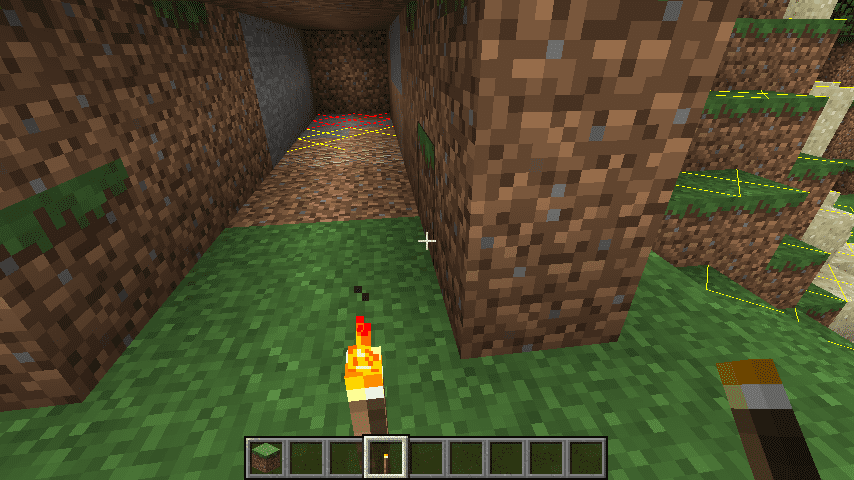
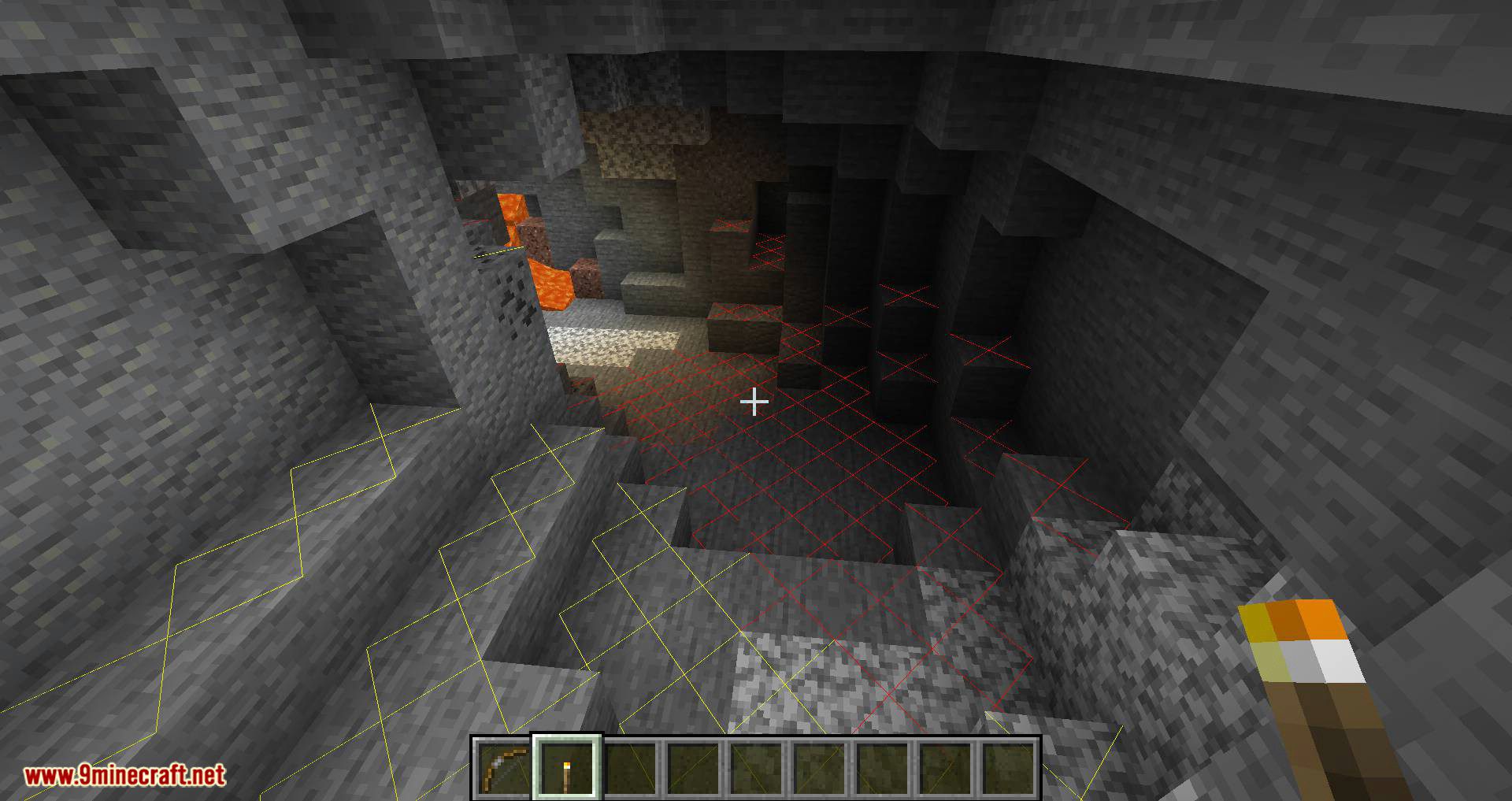
Light level overlay
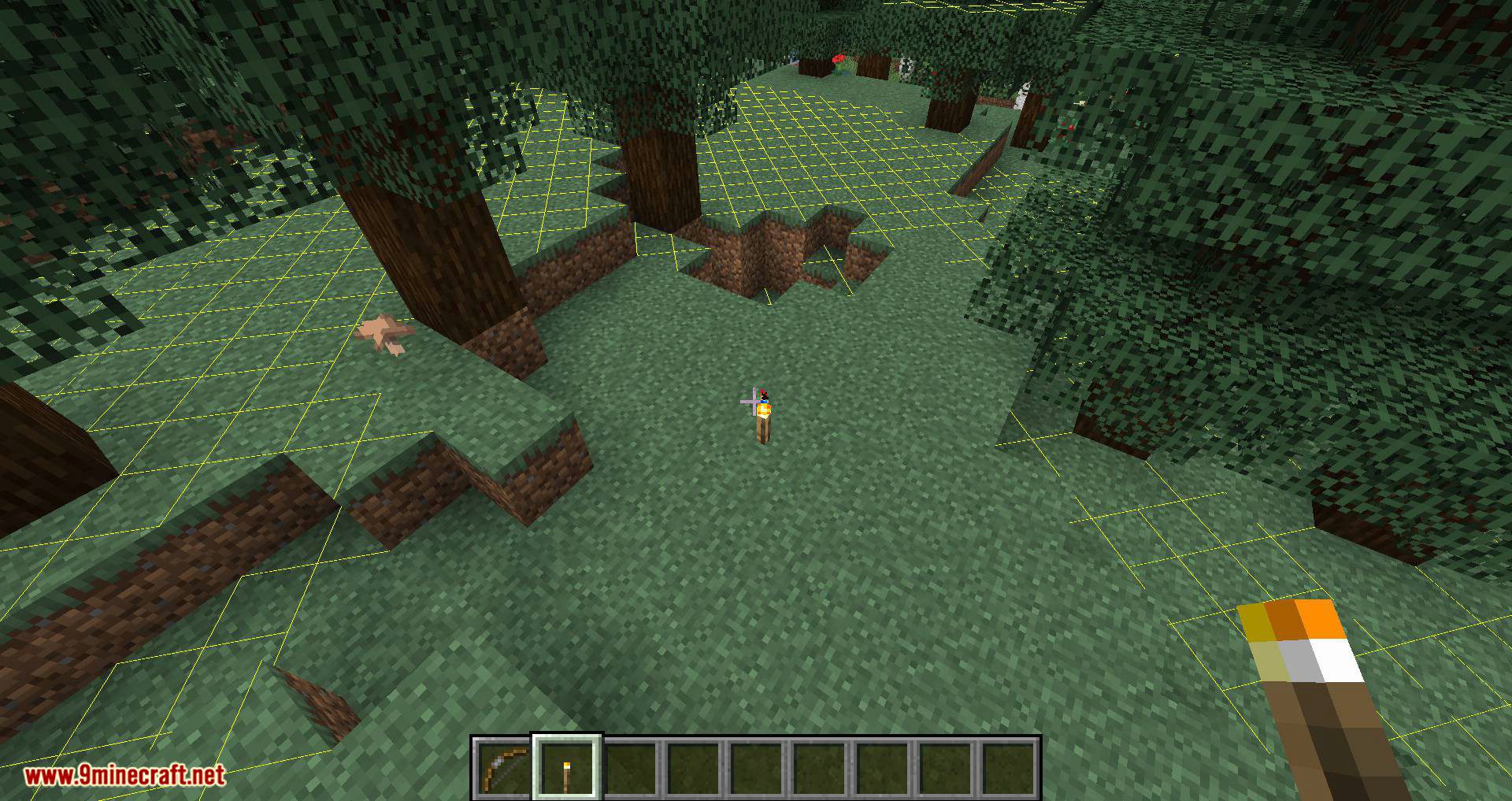
This overlay shows blocks where mobs can spawn. A red X indicates mobs can always spawn there, a yellow X indicates mobs can spawn during the night. This overlay can be toggled using a keybind (F7 by default)
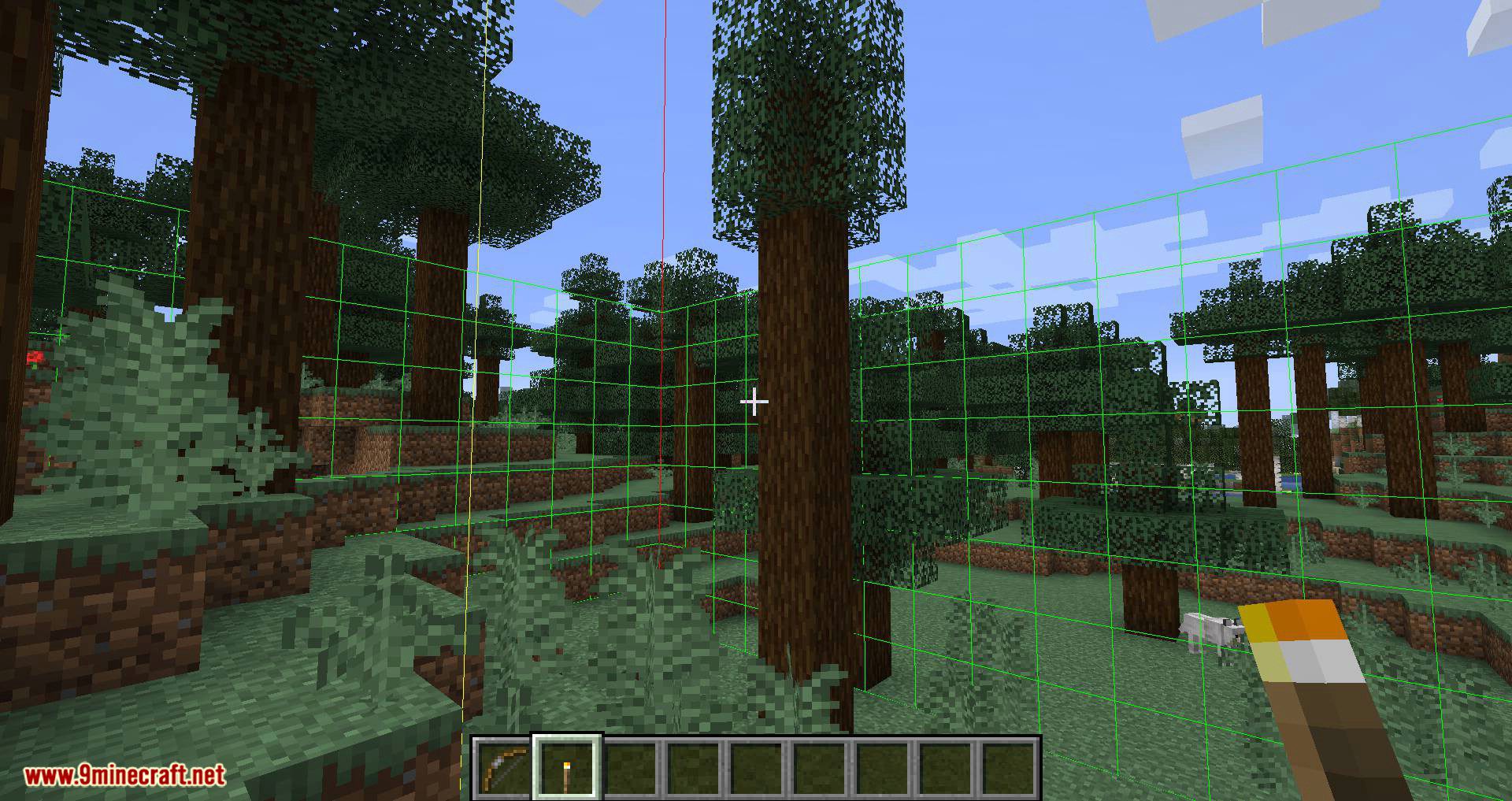
Chunk Boundary Overlay
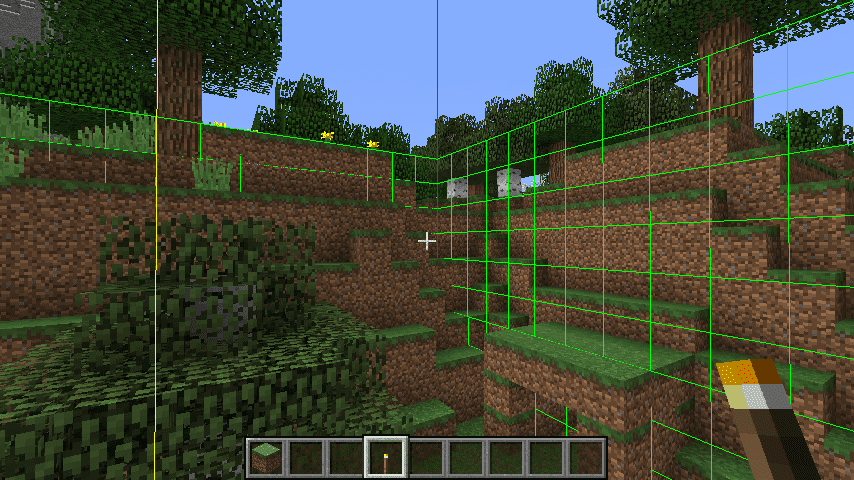
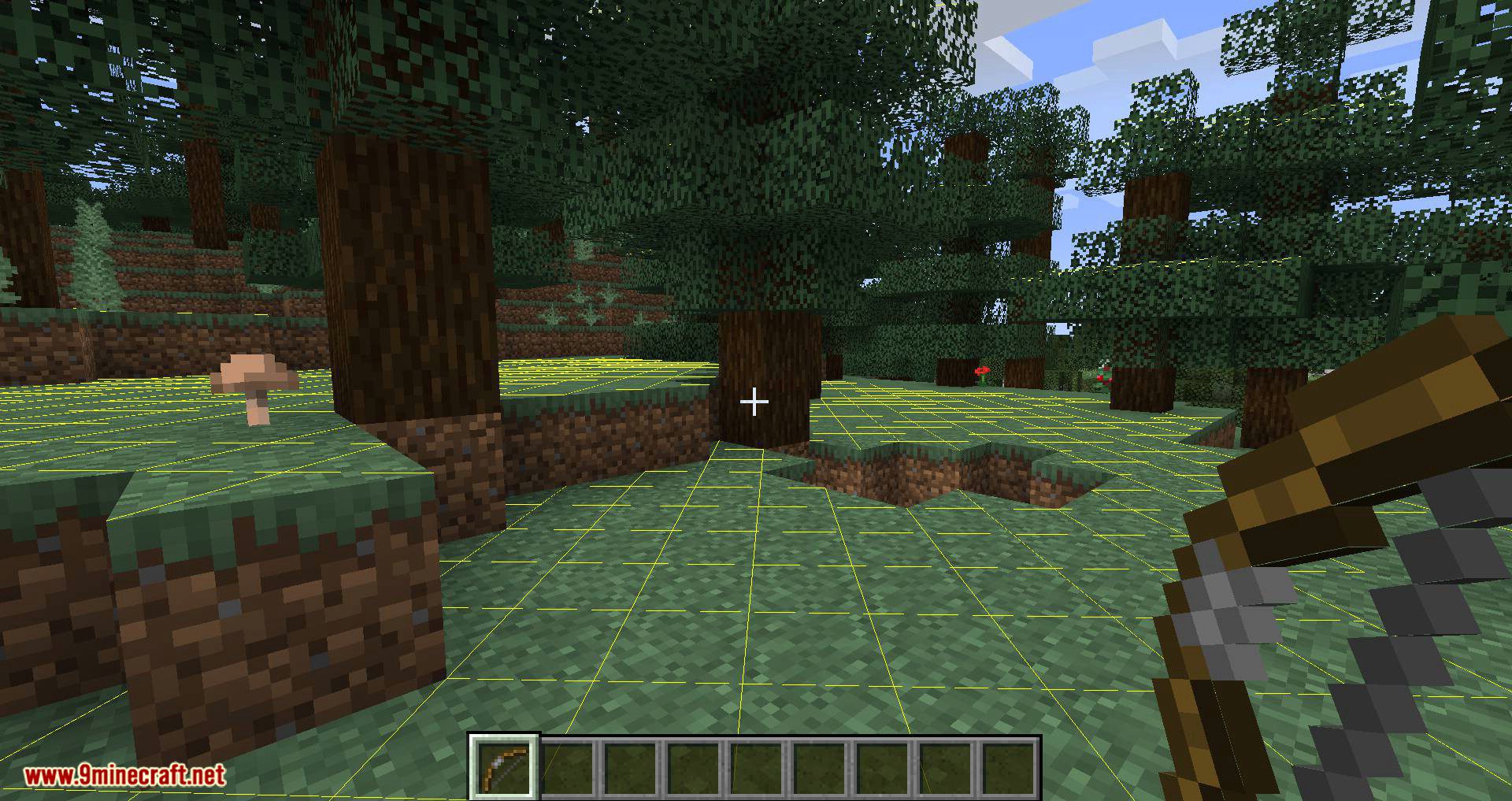
This overlay shows the chunk the player is currently in. The yellow line indicates the middle, the red lines the corners and the green mesh makes the boundaries easier to see. This overlay can be toggled between three modes using a keybind (F9 by default): off –> yellow+red lines only –> the entire overlay.
Slime Chunk Overlay
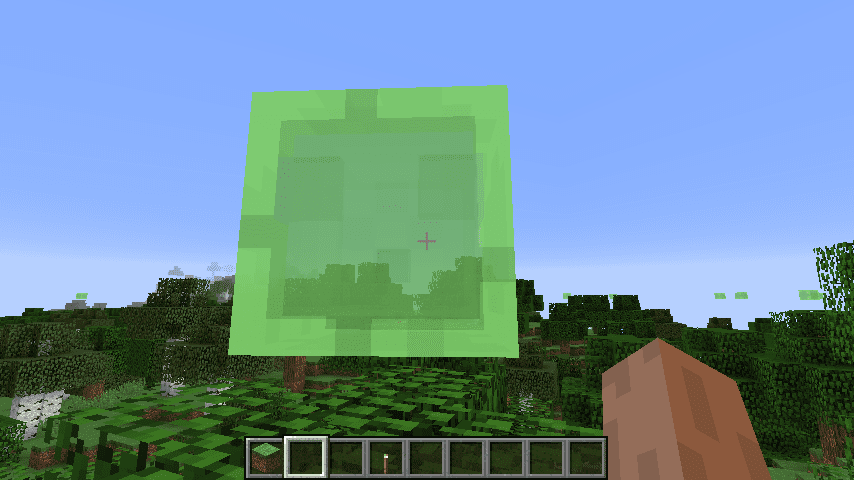
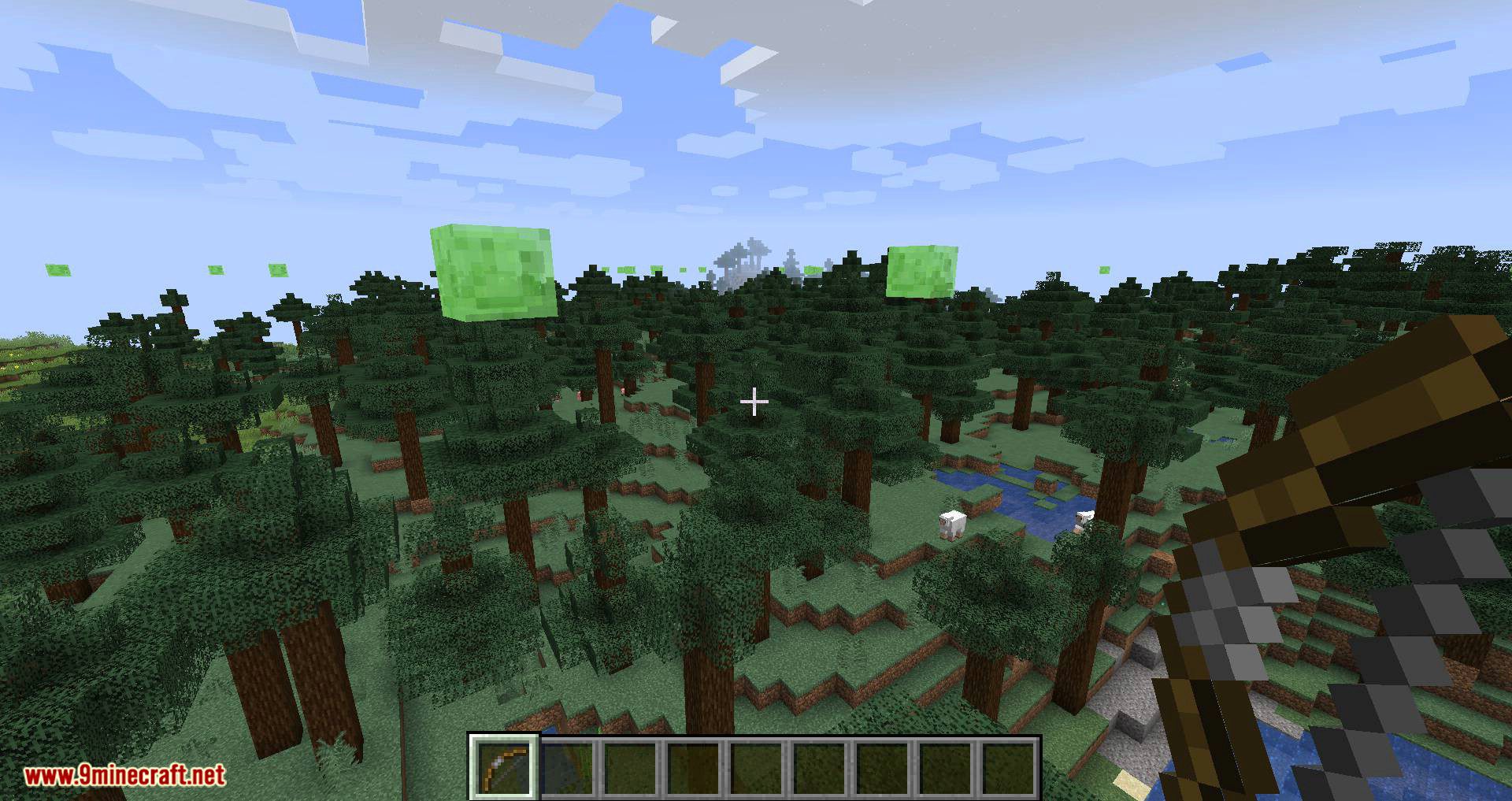
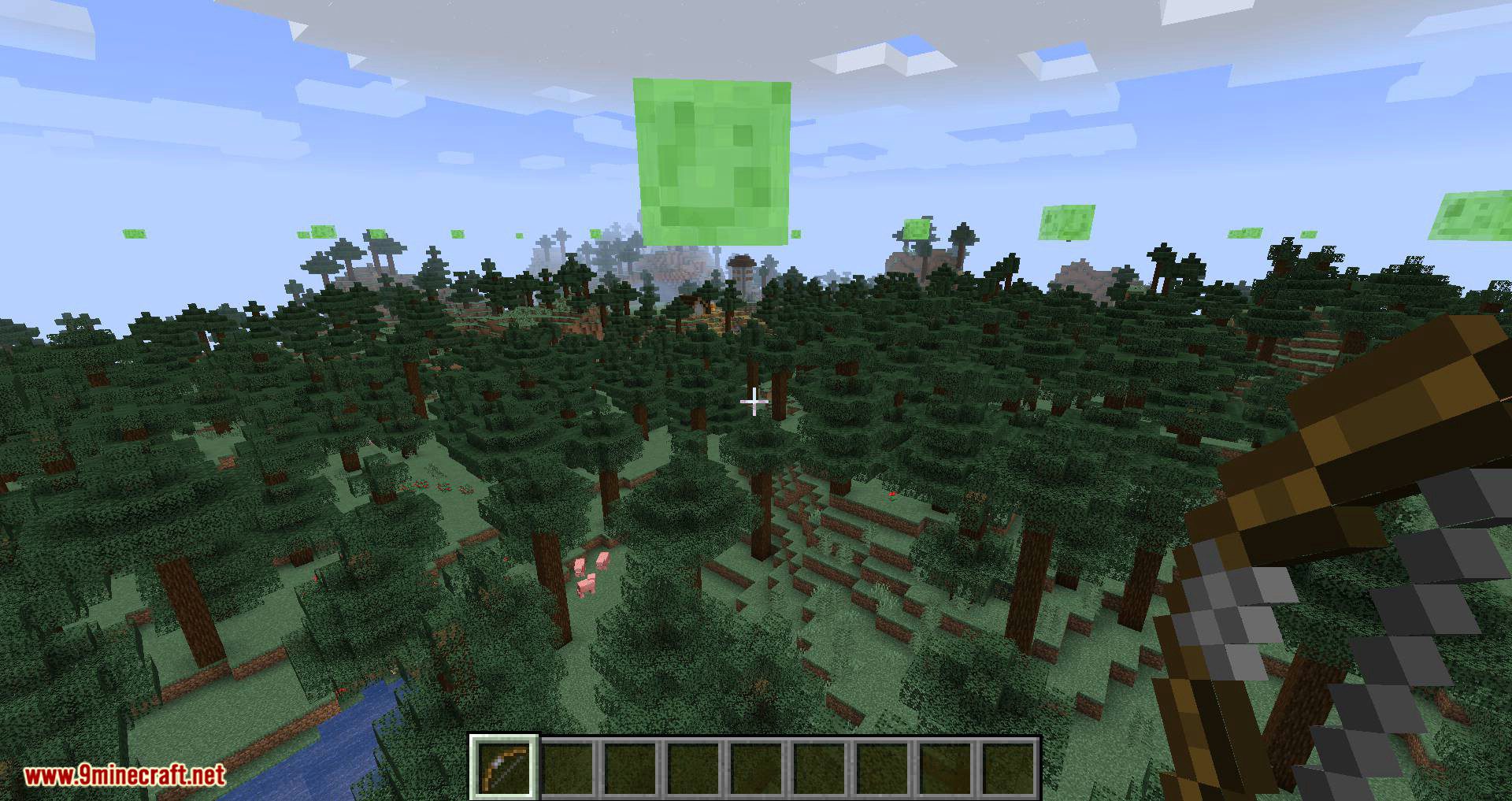
This overlay shows slime chunks. It shows a translucent slime in the middle of chunks that are slime chunks. It can be useful to combine this with the chunk boundary overlay. This overlay can be toggled using a keybind (F8 by default)
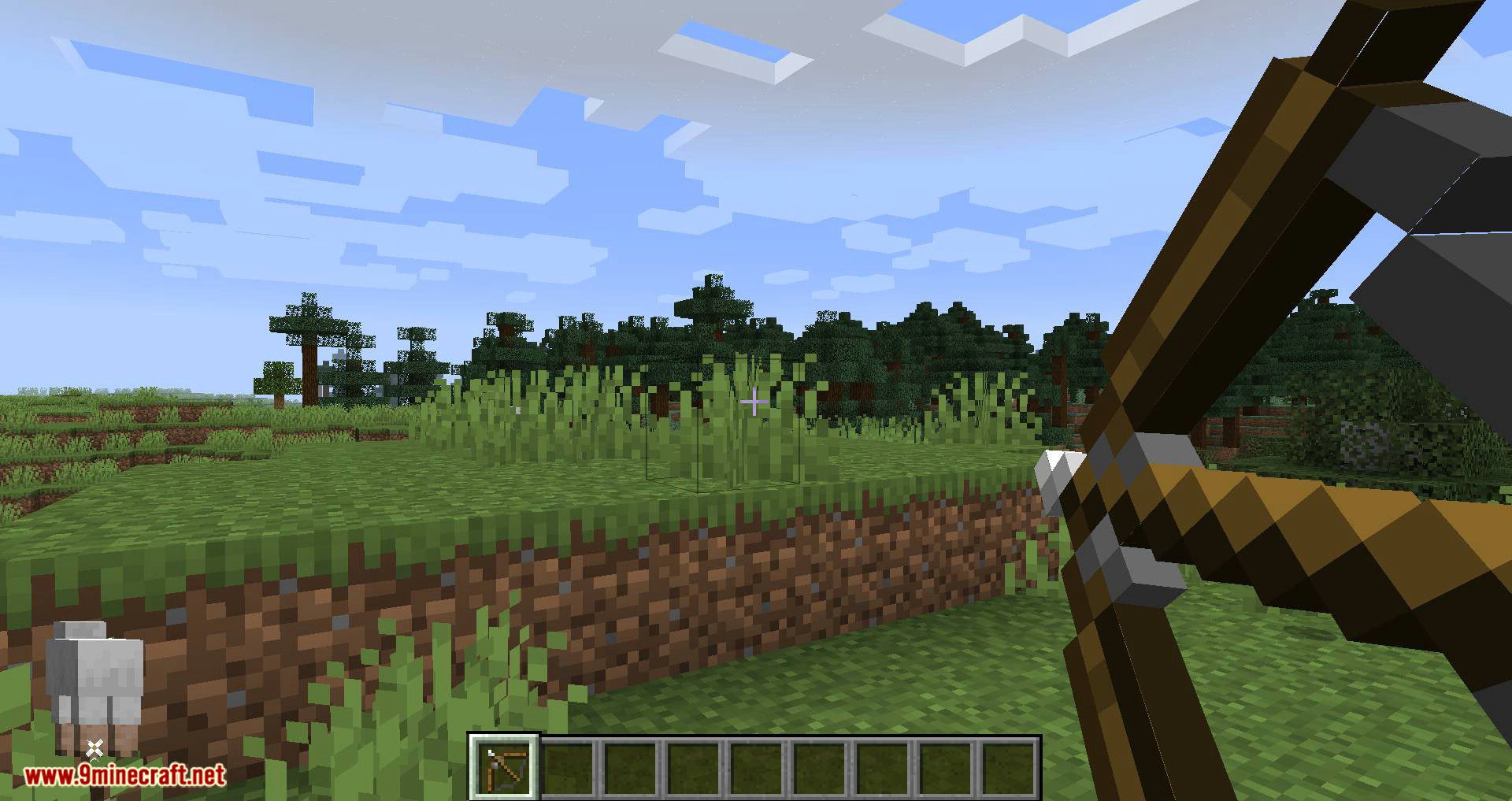
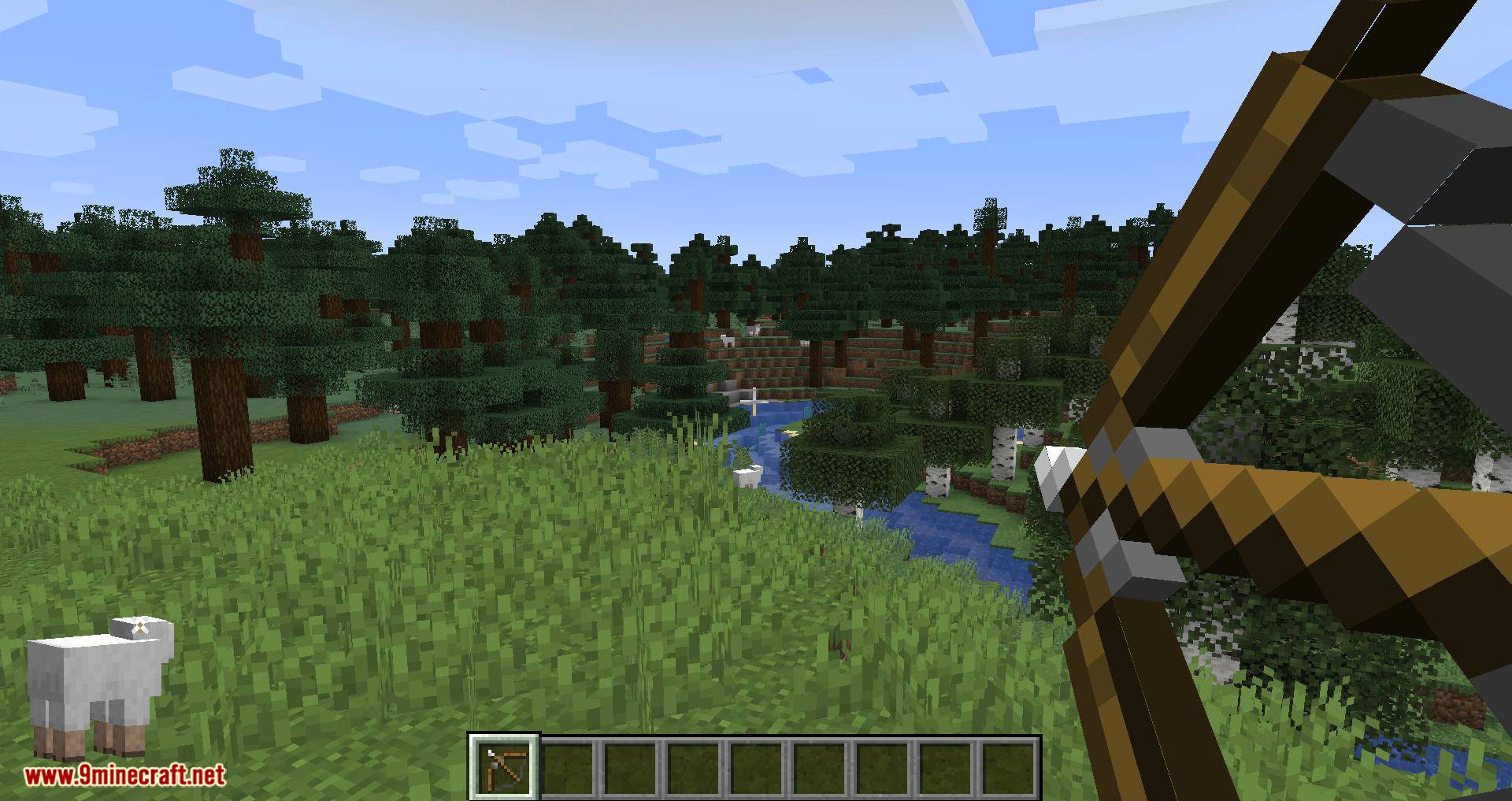
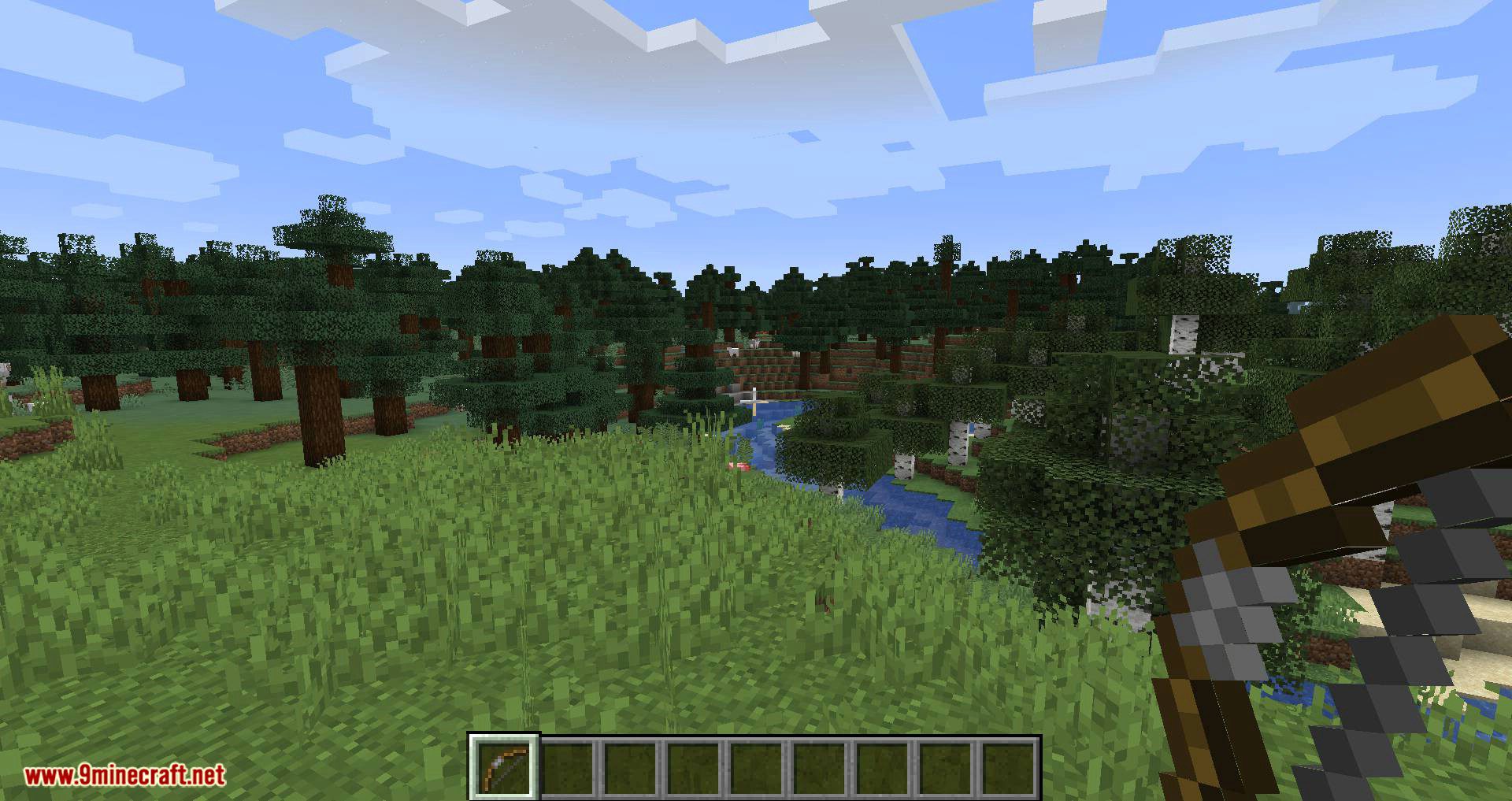
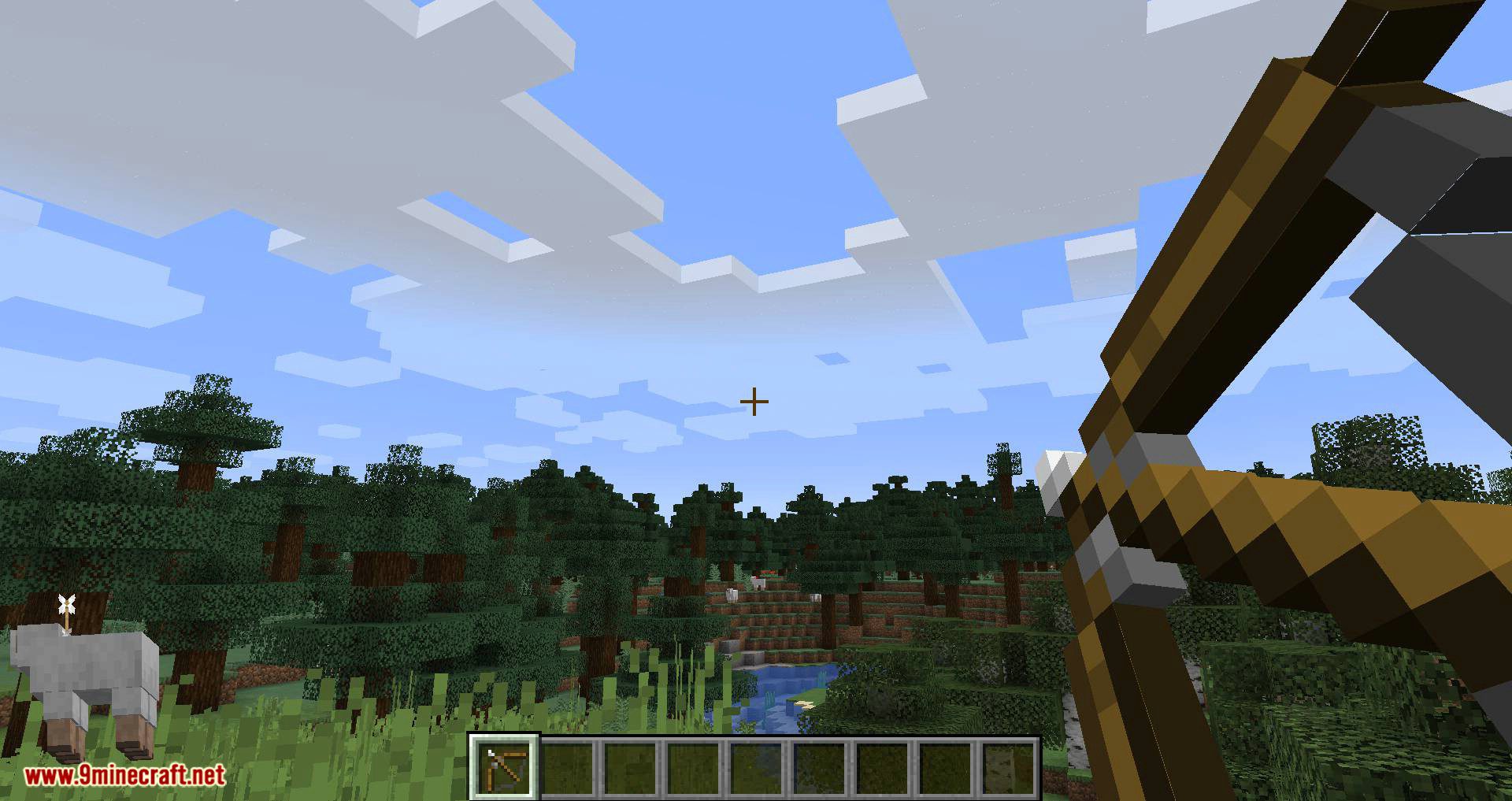
Bow Aim Overlay
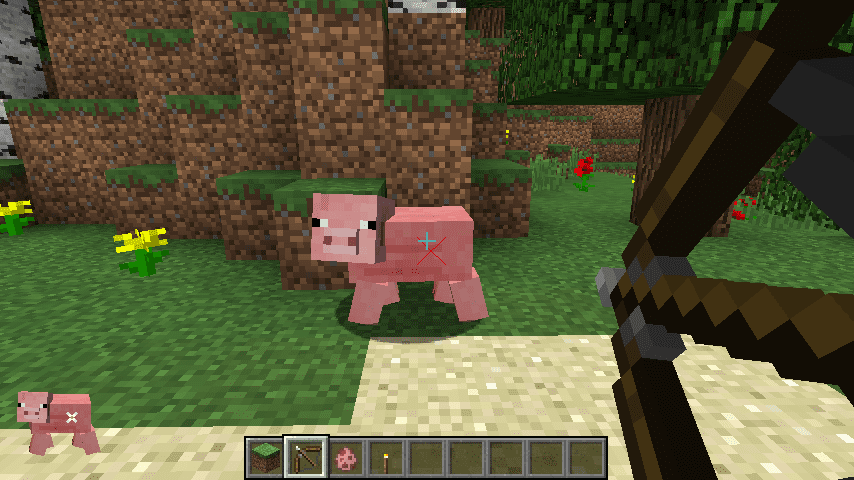
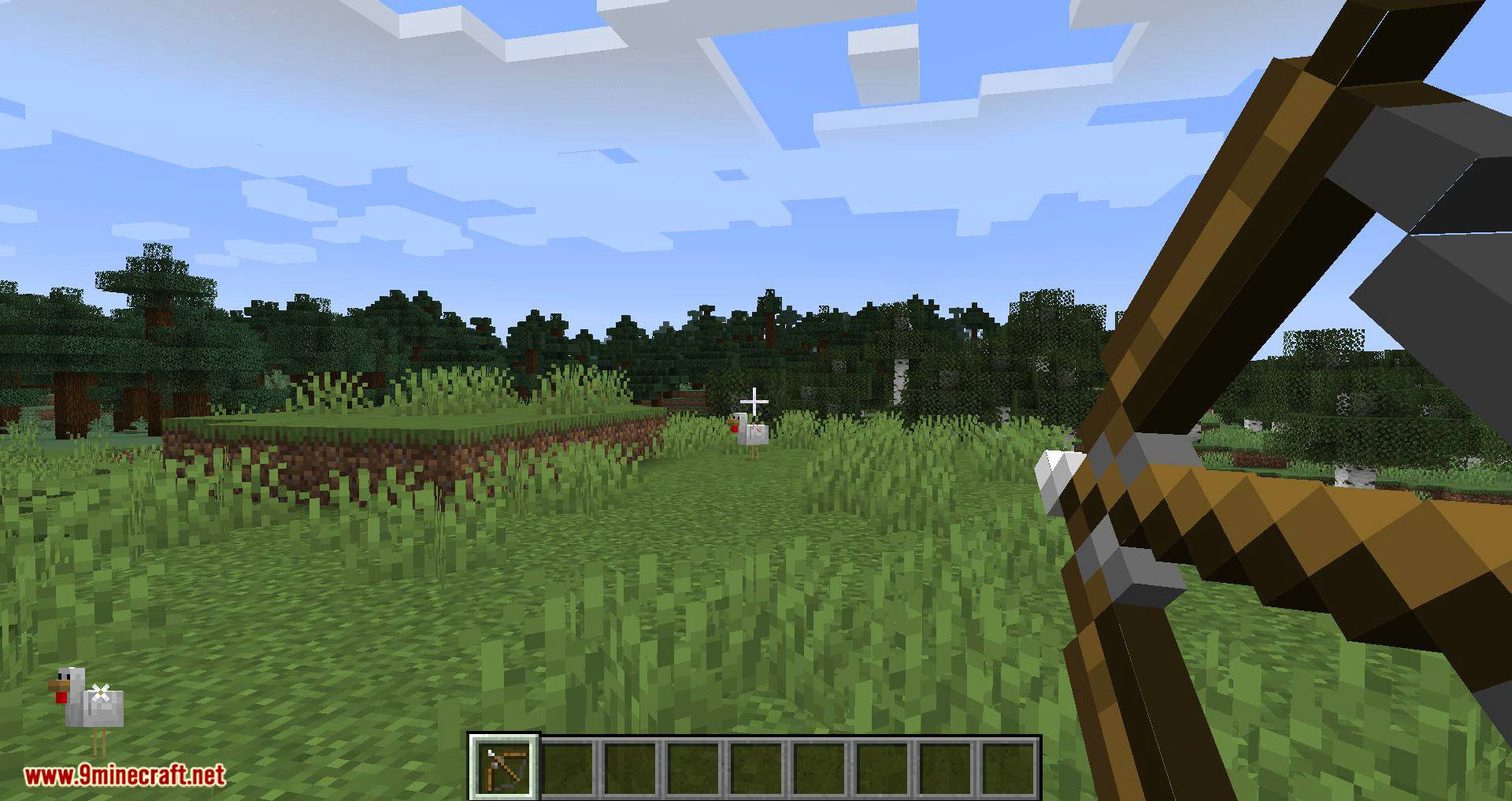
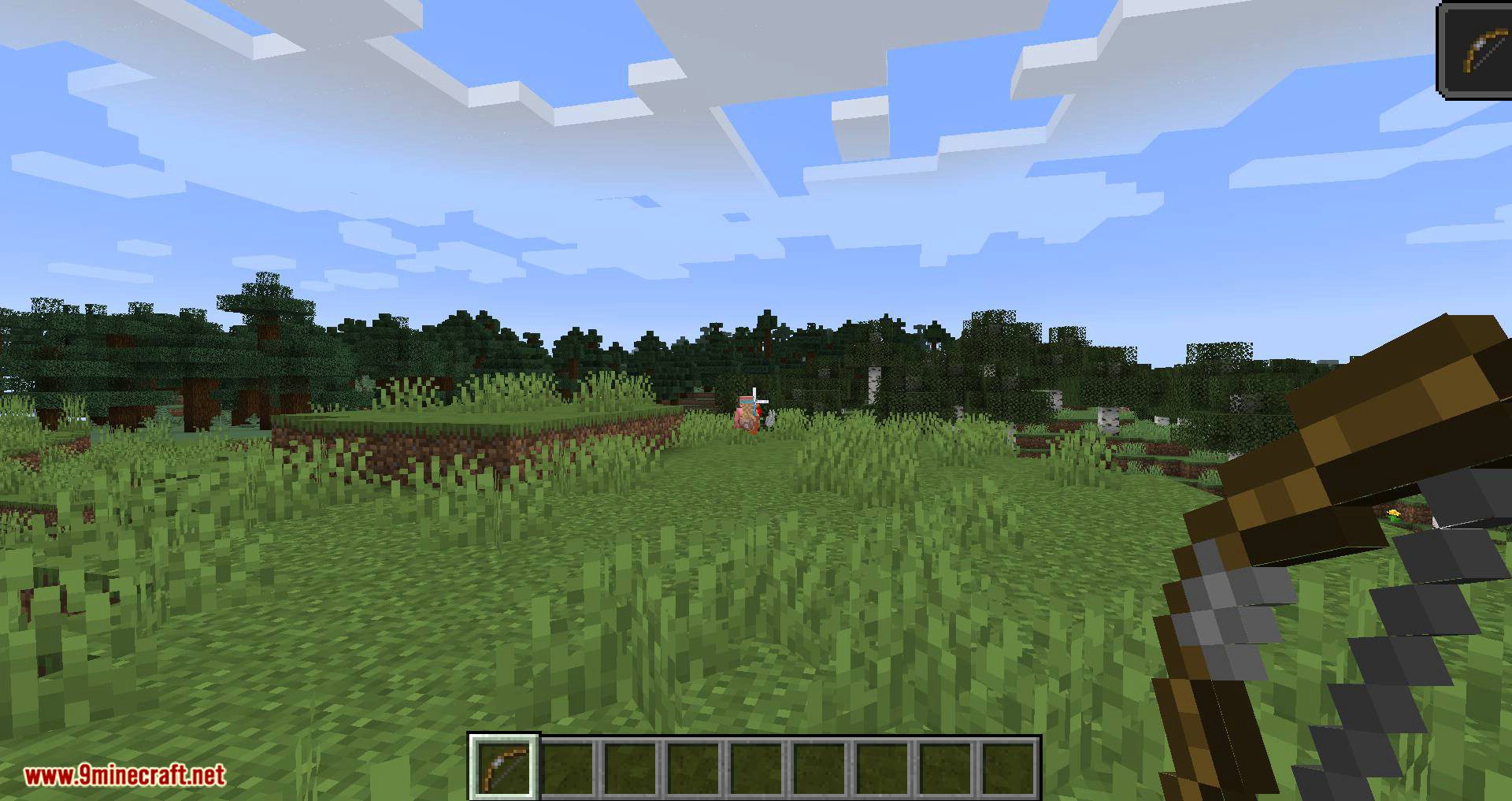
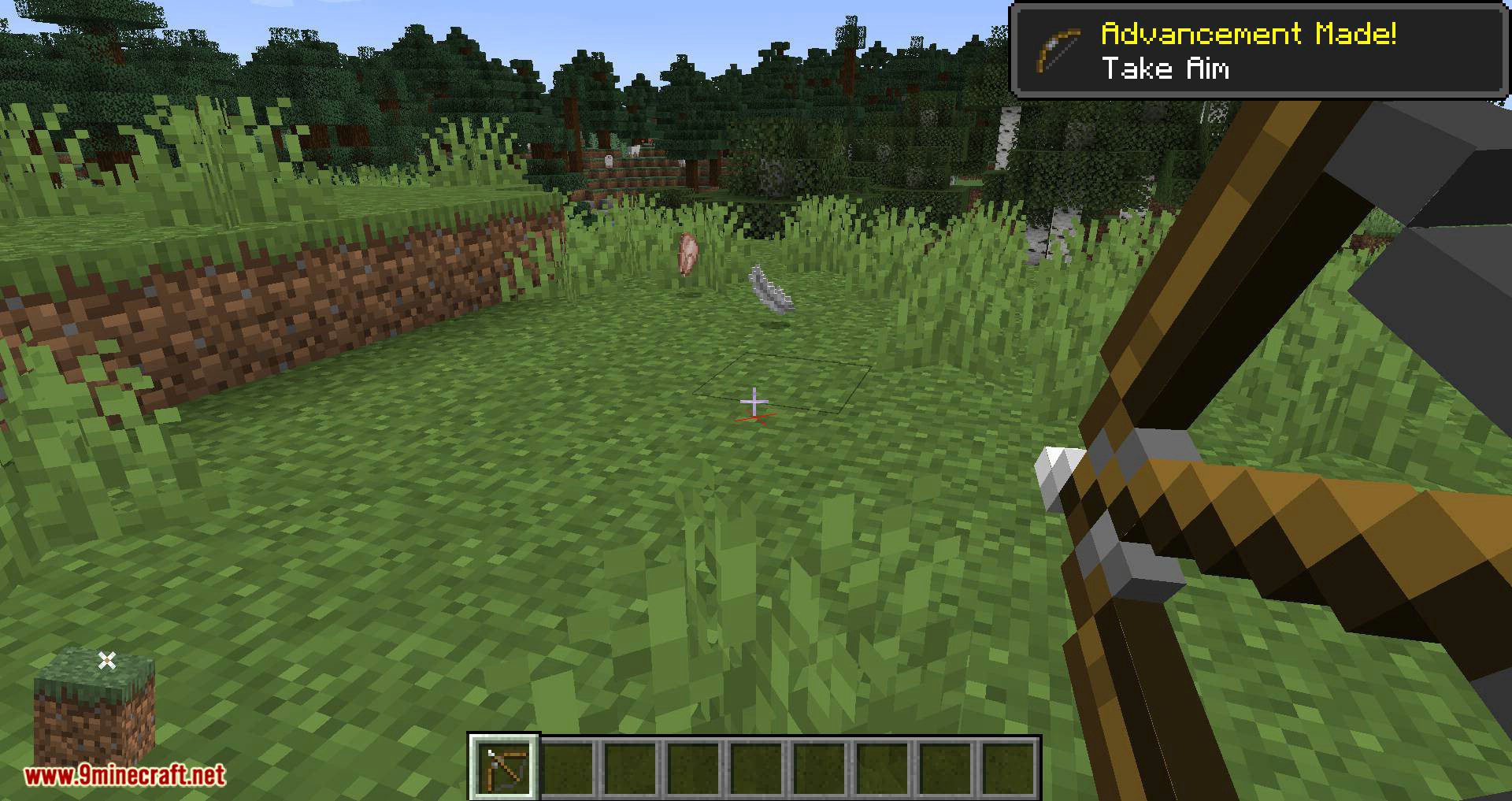
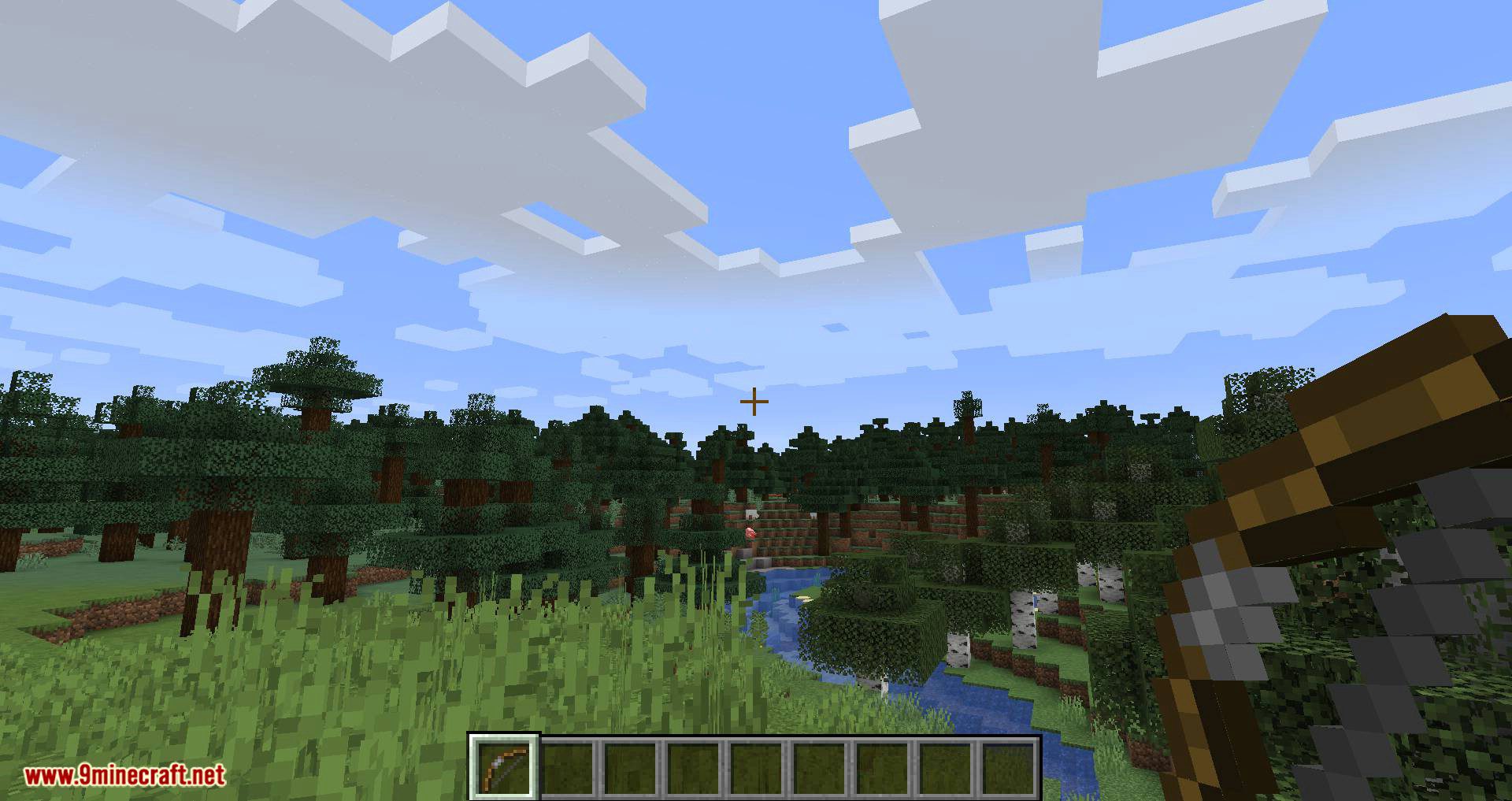
This overlay shows a prediction of where an arrow will land. It shows a red X on the ground/mob that you will hit and gives a preview of the target in the bottom left of the HUD. This overlay will automatically turn on when you draw your bow. It can be configured in the config file or using the mod options menu.
Screenshots:
Wesserboy’s Overlays Mod 1.14.4, 1.12.2 Download Links
For Minecraft 1.14.4
For Minecraft 1.12.2
- Edition: Minecraft Java
- File type: .jar
- How to install: Install the matching mod loader (Forge, Fabric or NeoForge) for your Minecraft version. → Download the .jar. → Put it in the .minecraft/mods folder and launch that loader profile.
- Where to get it: In MC Java Mods, or directly above on this page.
Install steps are the general flow for this file type — How to install Minecraft Java mods & modpacks walks through it step by step.
- Downloads as 209318.mcaddon
- Download size: 27 KB
- Download link checked 30 Jul 2026 — working
- Mirrored on our own servers — the download does not depend on the original host
These come from our own check of the pack file, not from the source page.