ModsJava
Realistic Terrain Generation Mod (1.12.2, 1.10.2) – Discover Lifelike Scenery
Minecraft Java mod. Downloads from the MC Java Mods app on Android.
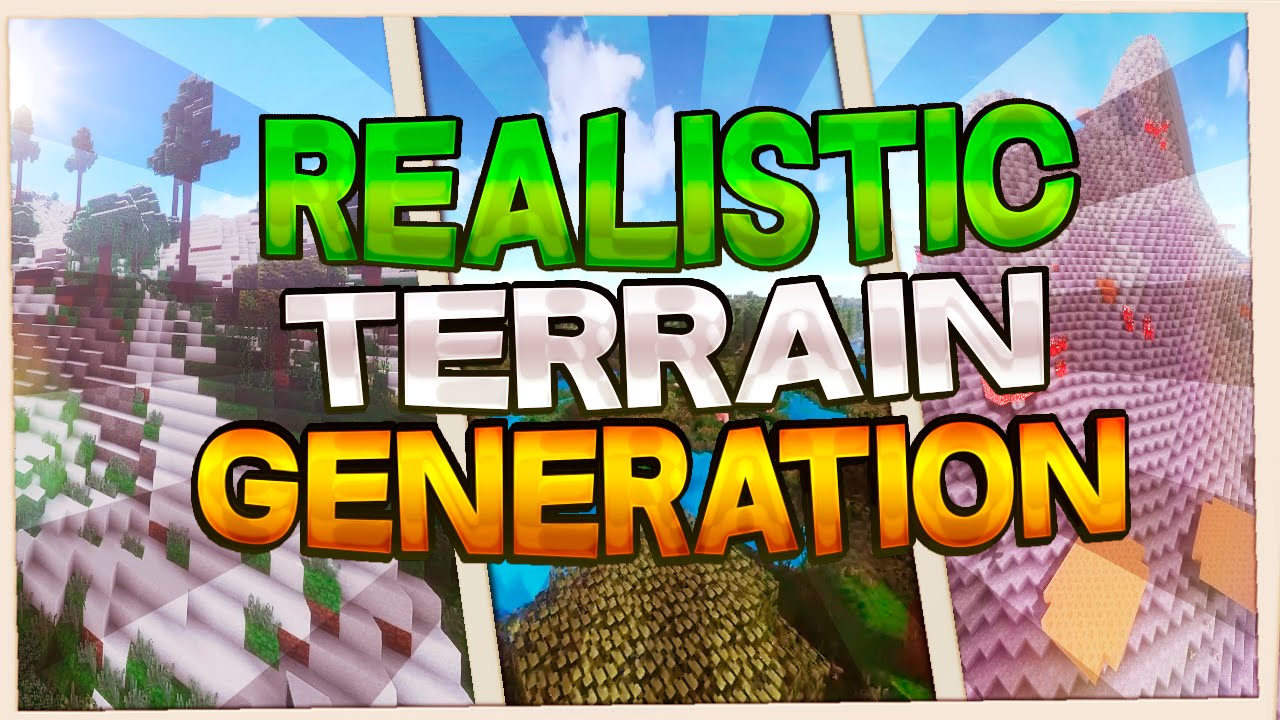
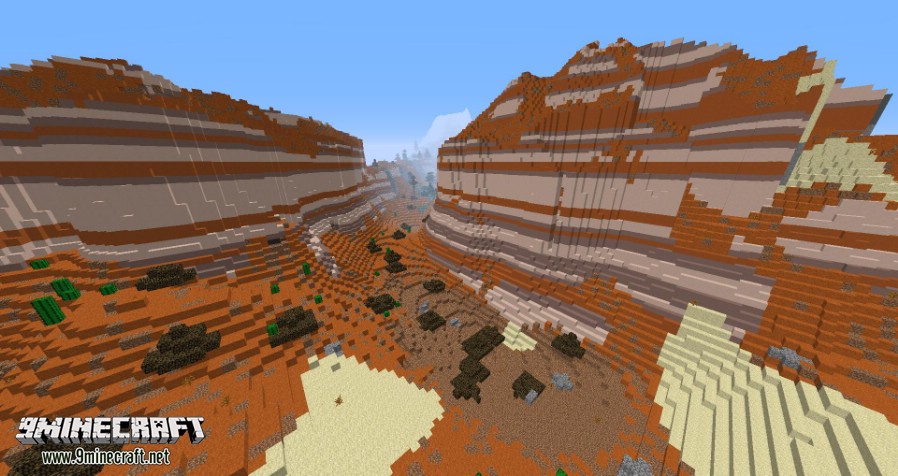
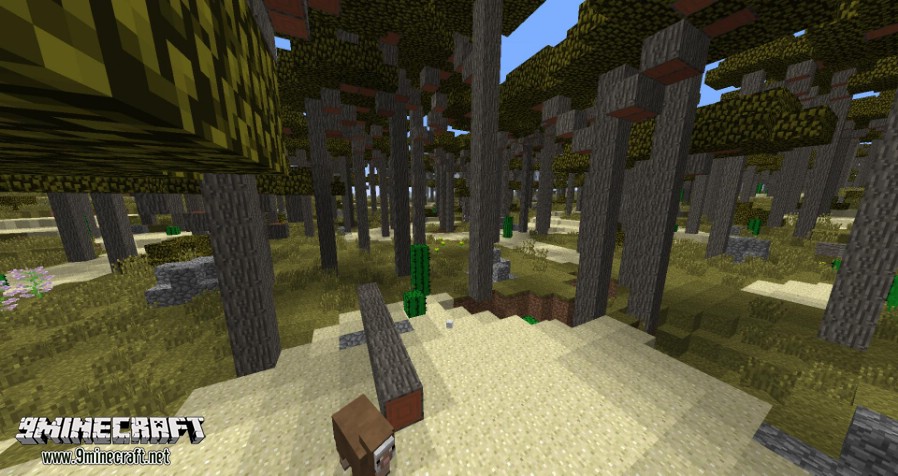
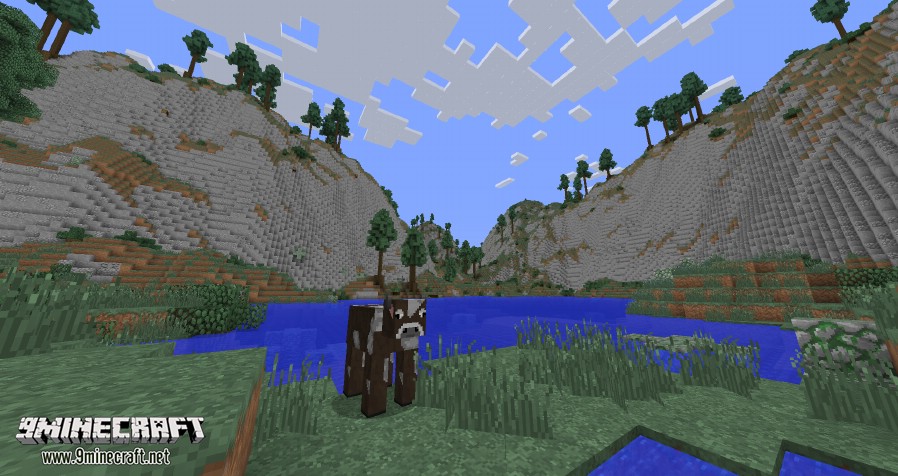
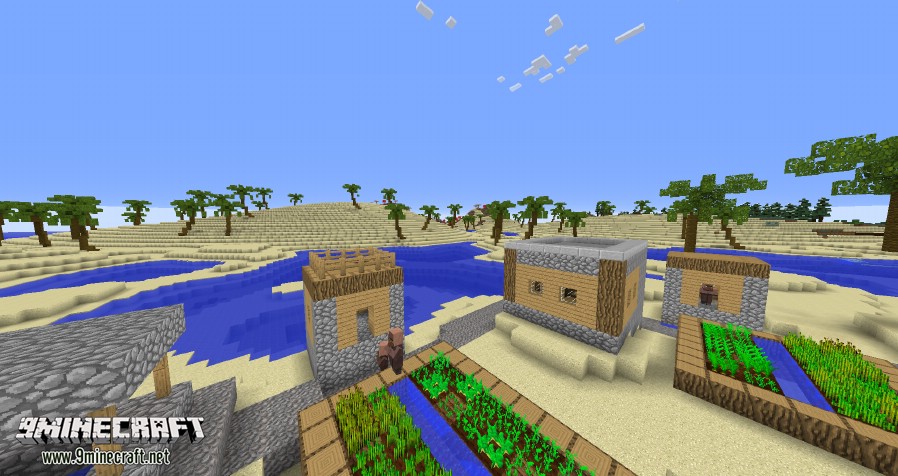
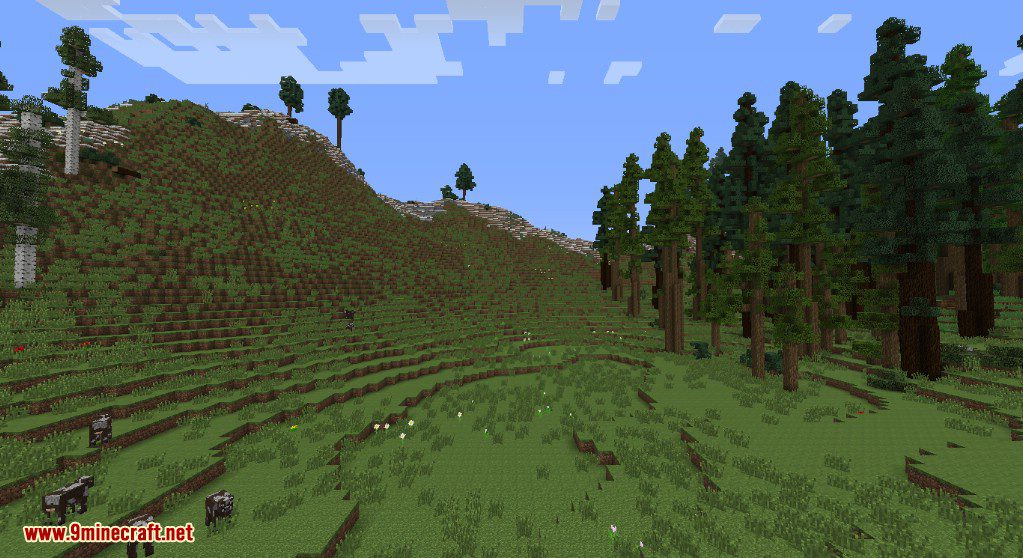
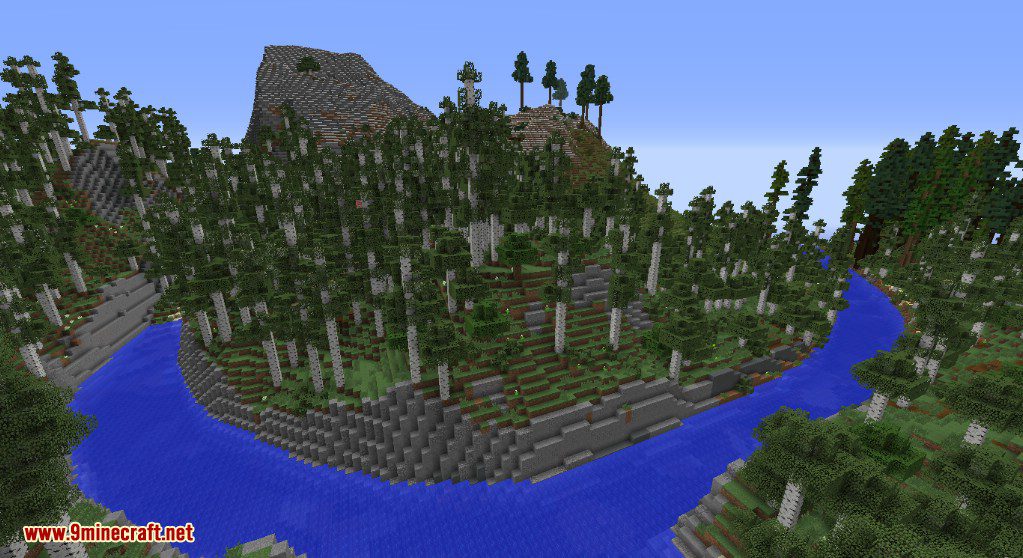
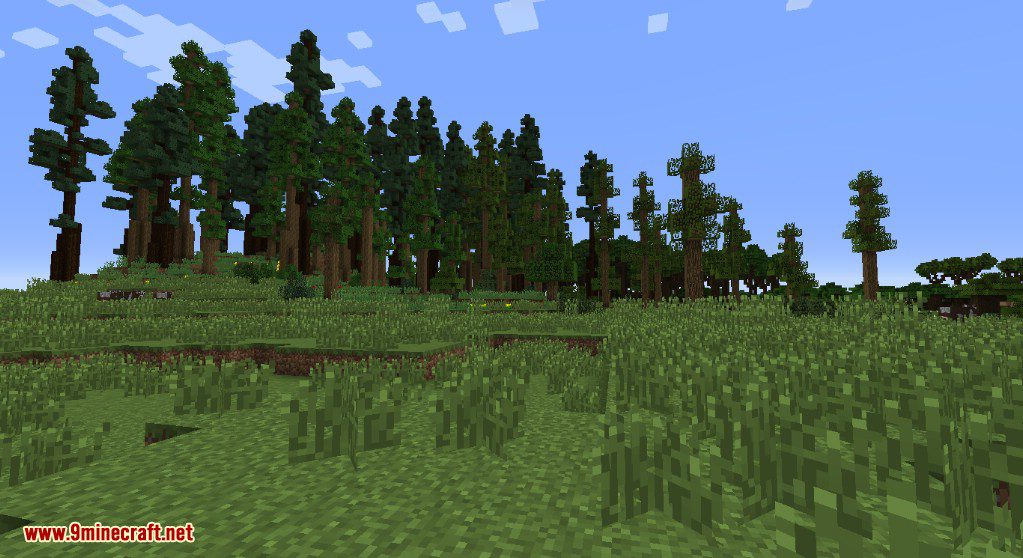
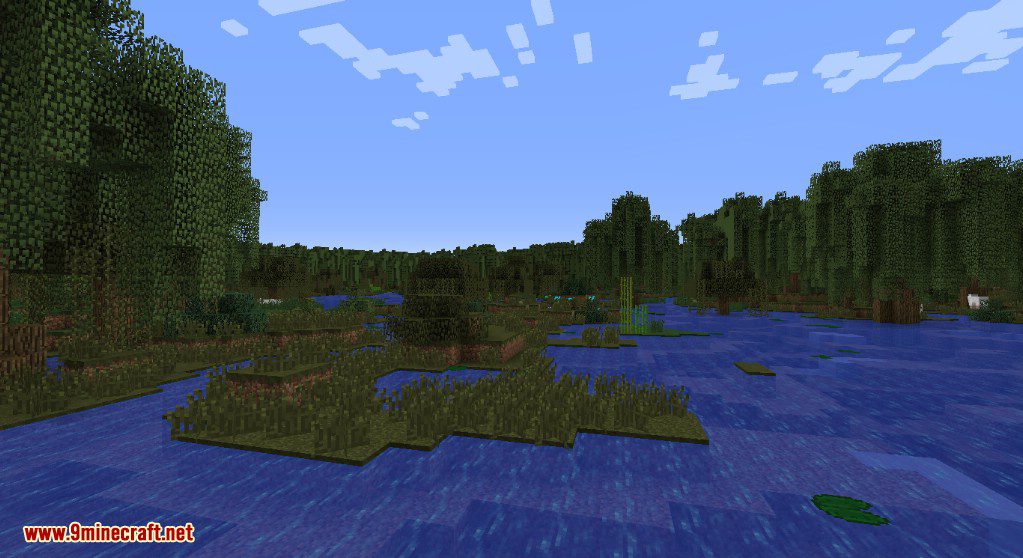
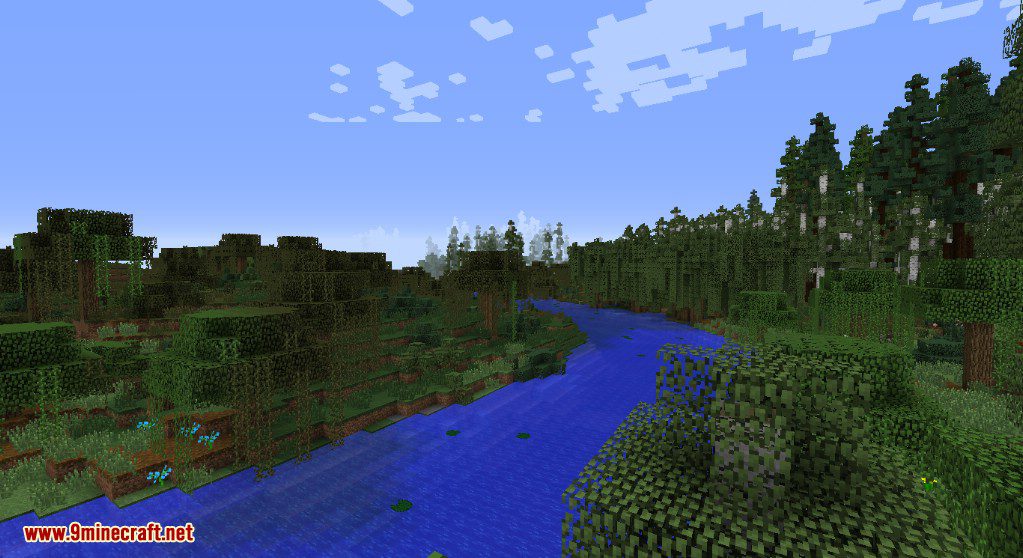
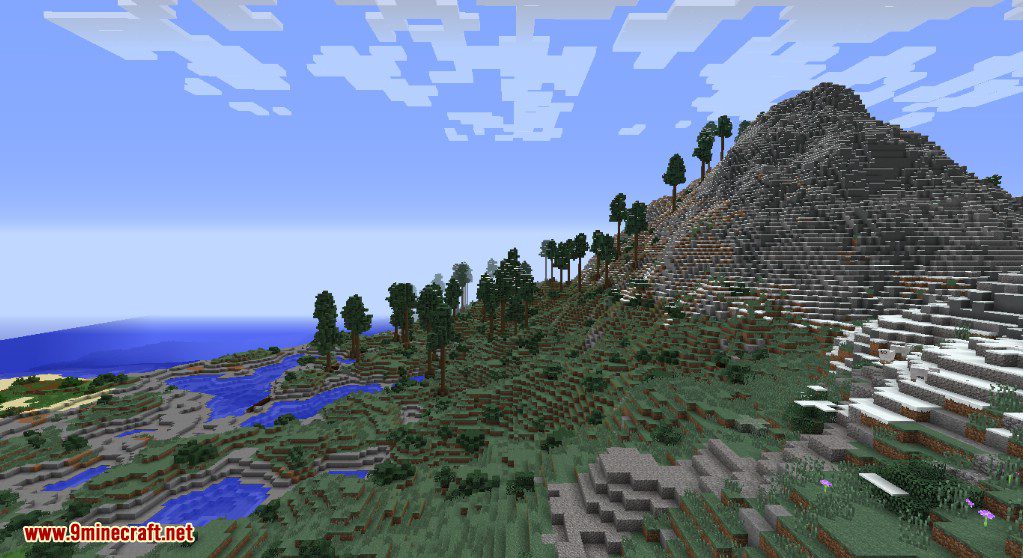
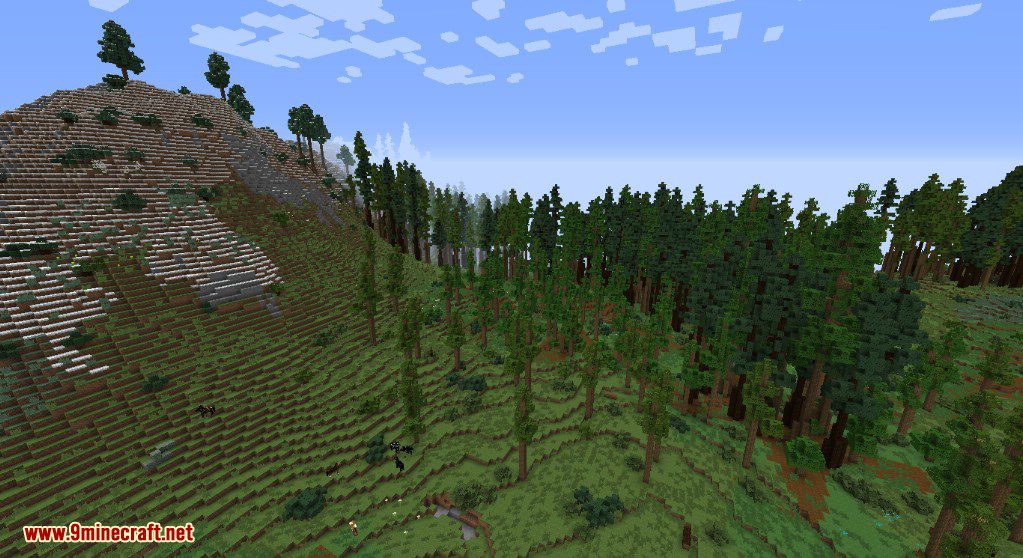
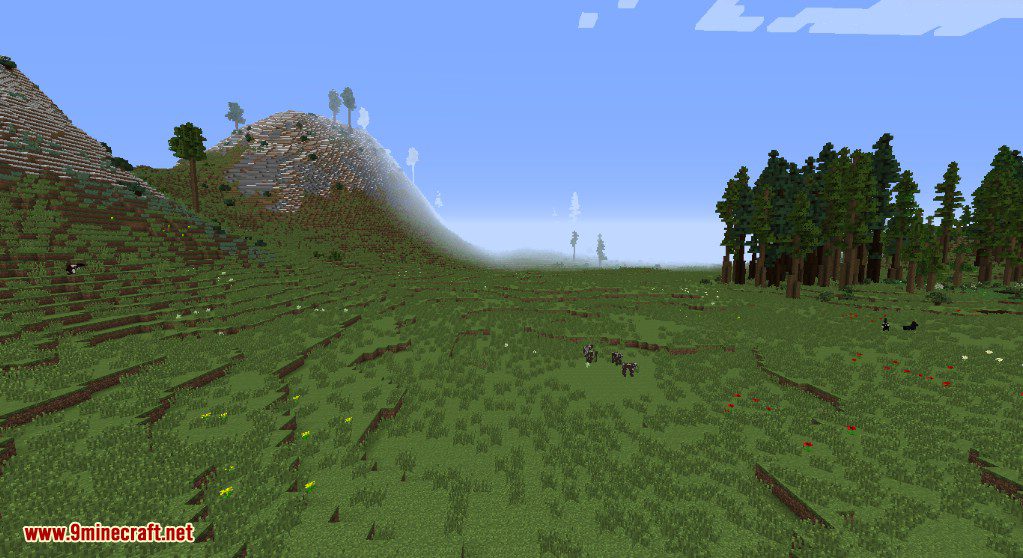
⬇ DownloadRealistic Terrain Generation Mod adds a new world type that generates more natural and lifelike landscapes. This mod does not add any new blocks, mobs, or biomes. It simply changes the shape of the terrain in existing Overworld biomes, including those from other mods, to make them look more realistic.
Features:
- Adds a new “Realistic” world type to the world creation menu.
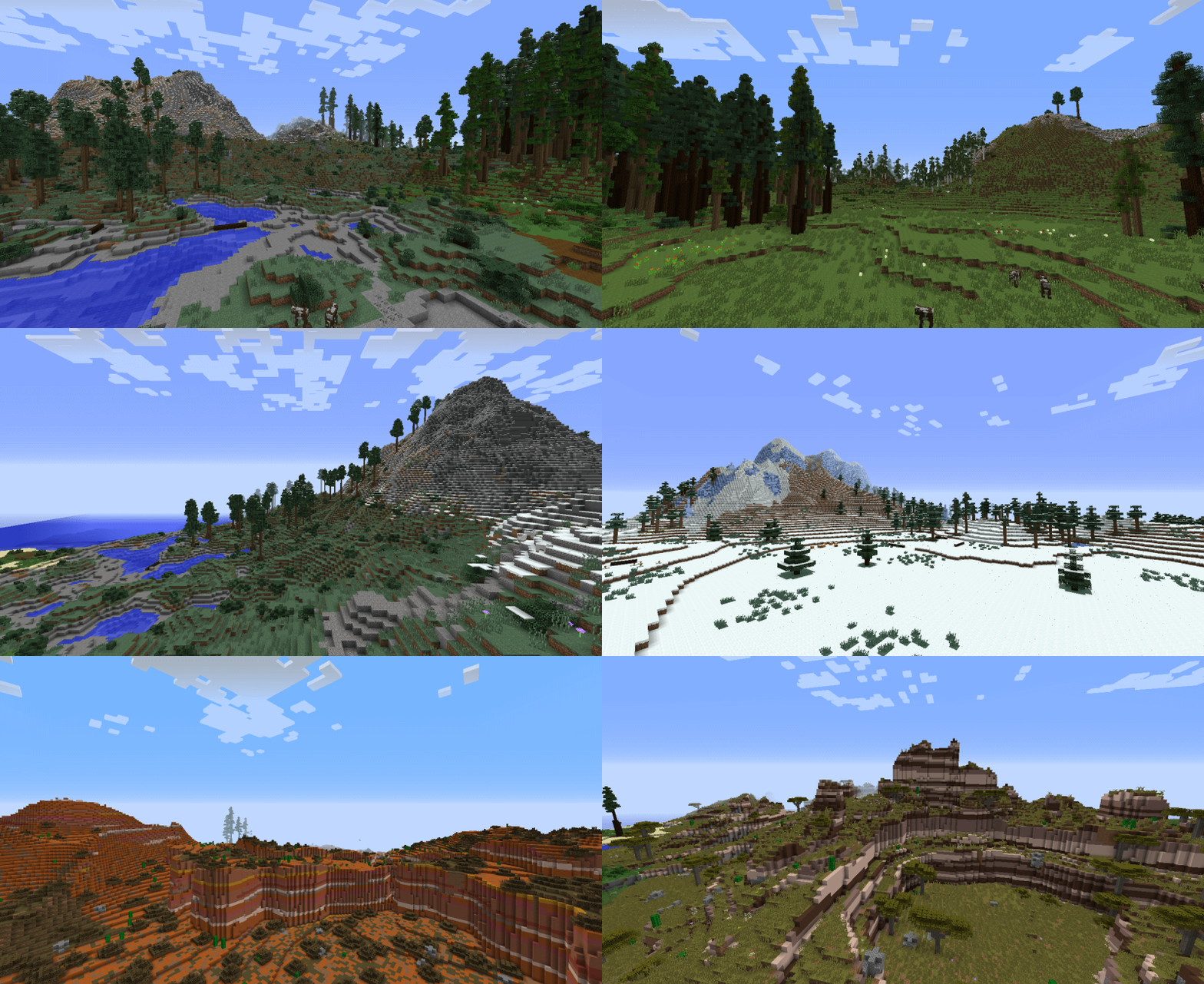
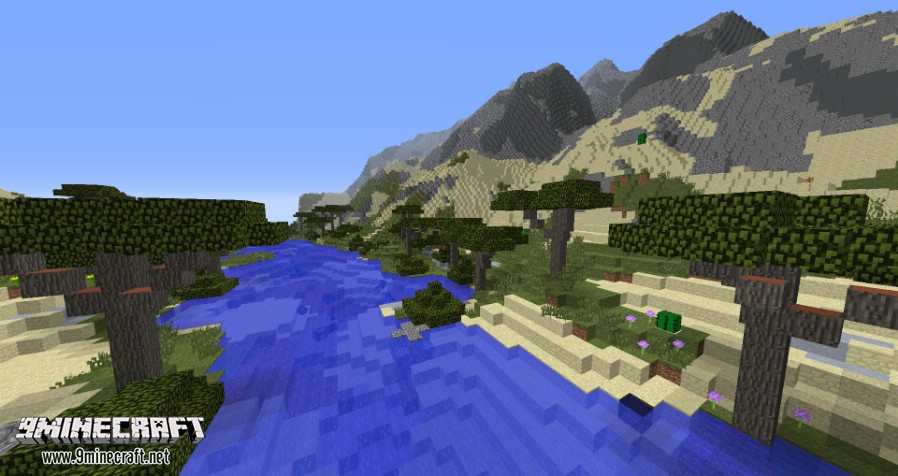
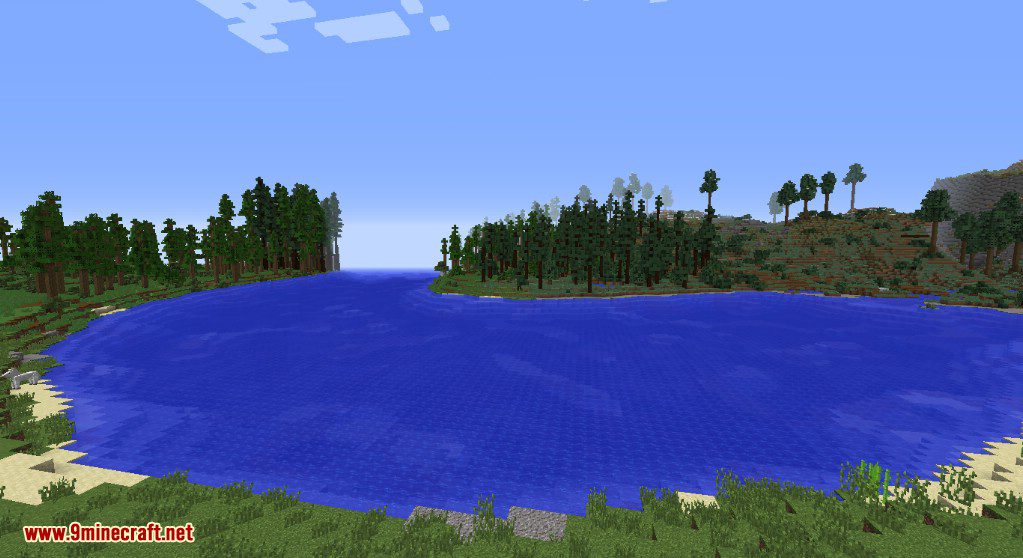
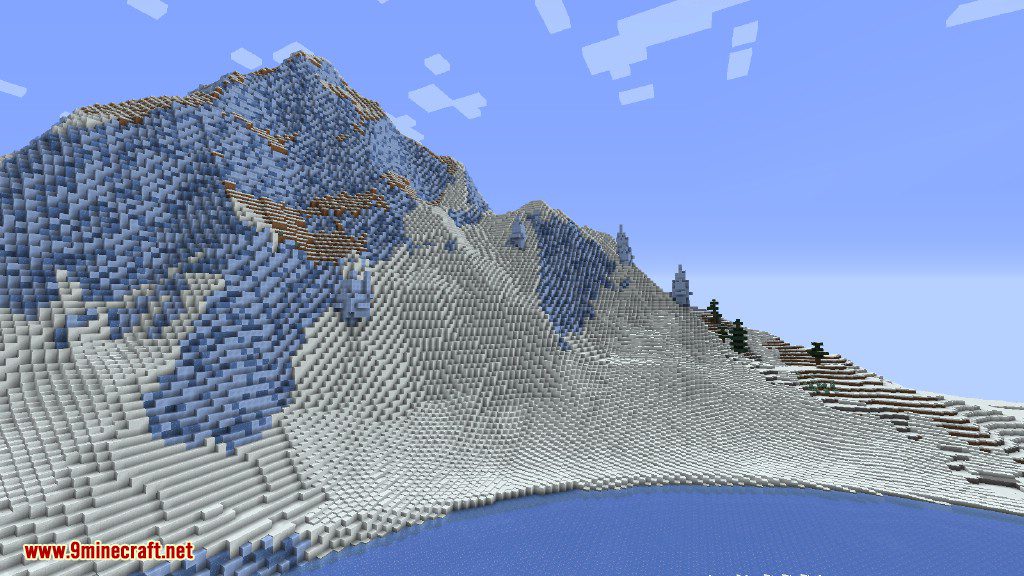
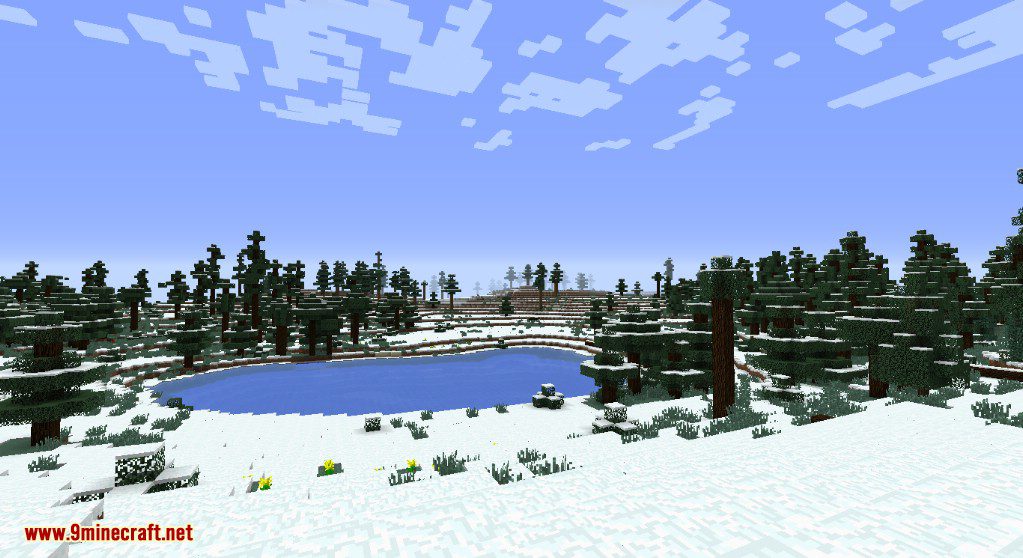
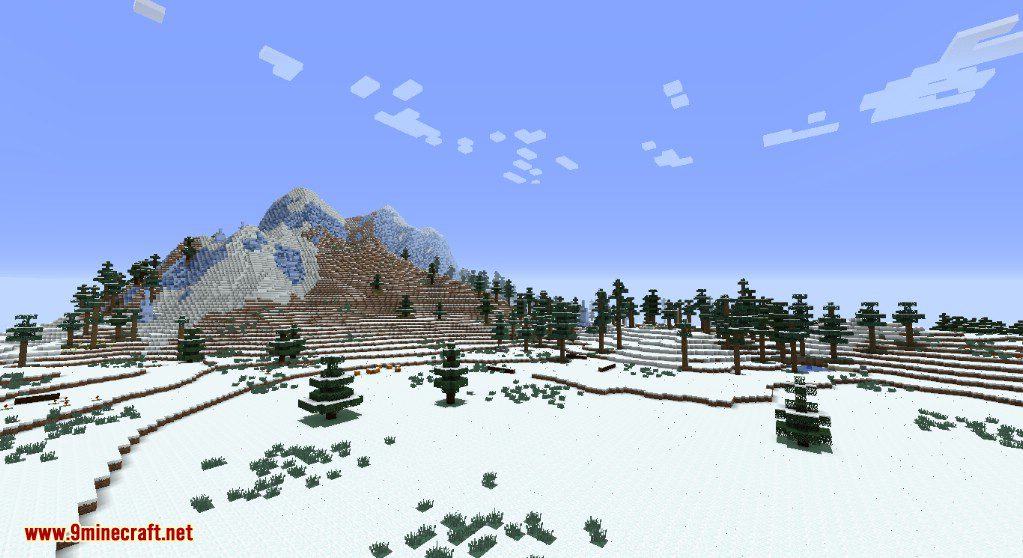
- Generates natural-looking terrain with features like winding rivers, tall mountains, and rolling hills.
- Overhauls the look of vanilla biomes without adding new blocks, creatures, or biomes.
- Works with biomes from the base game and those added by other mods.
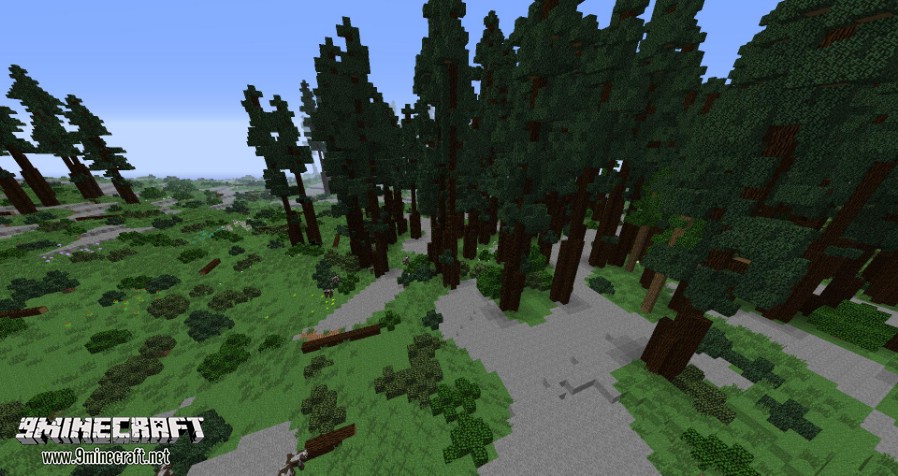
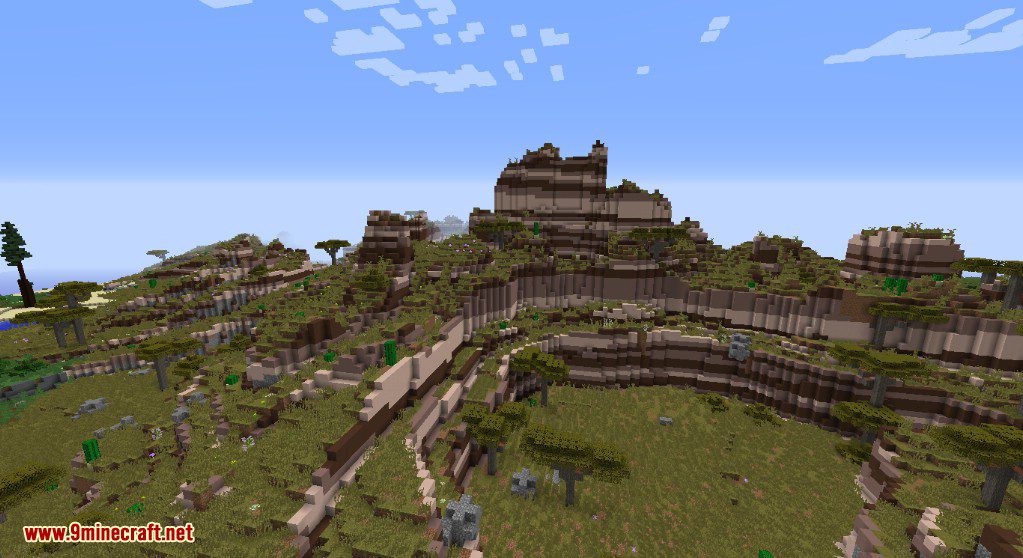
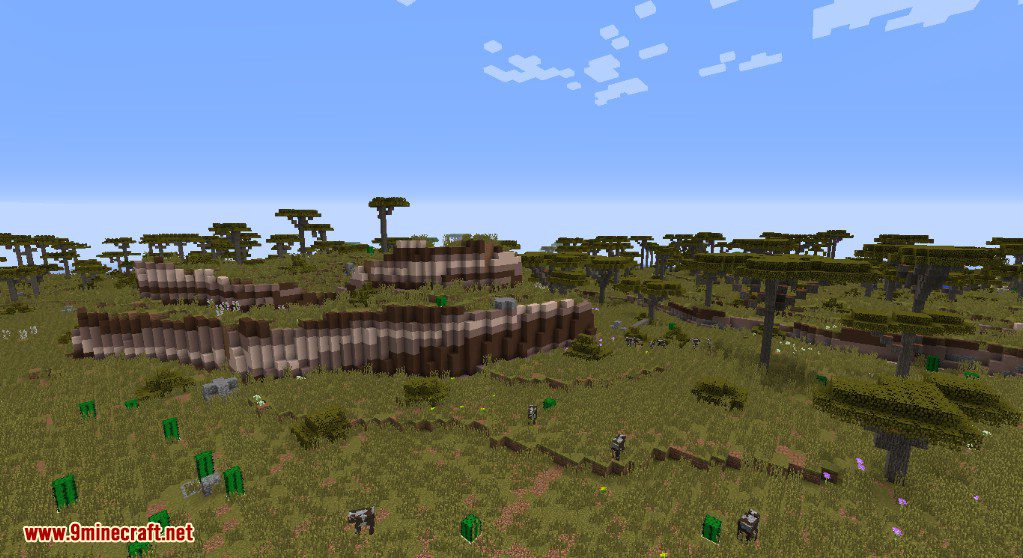
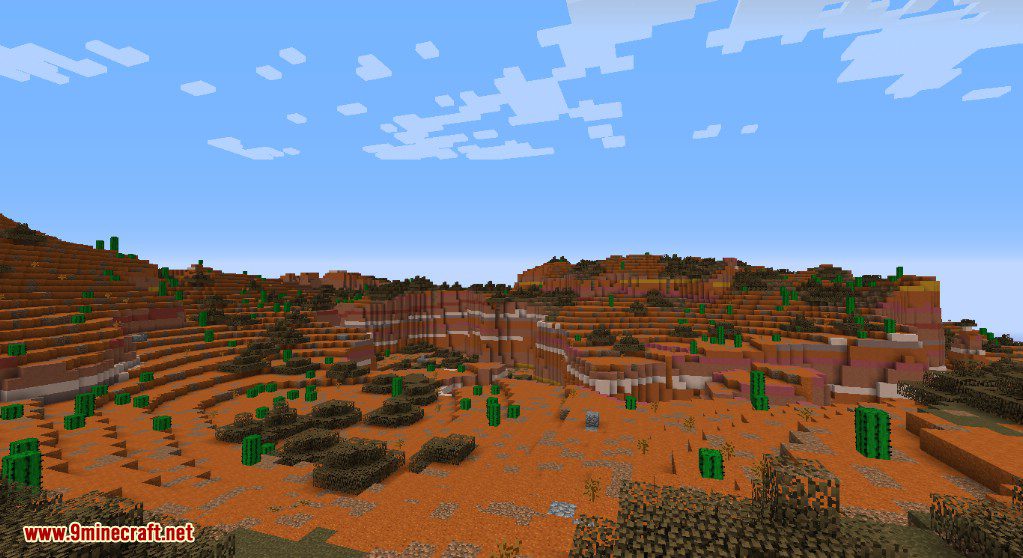
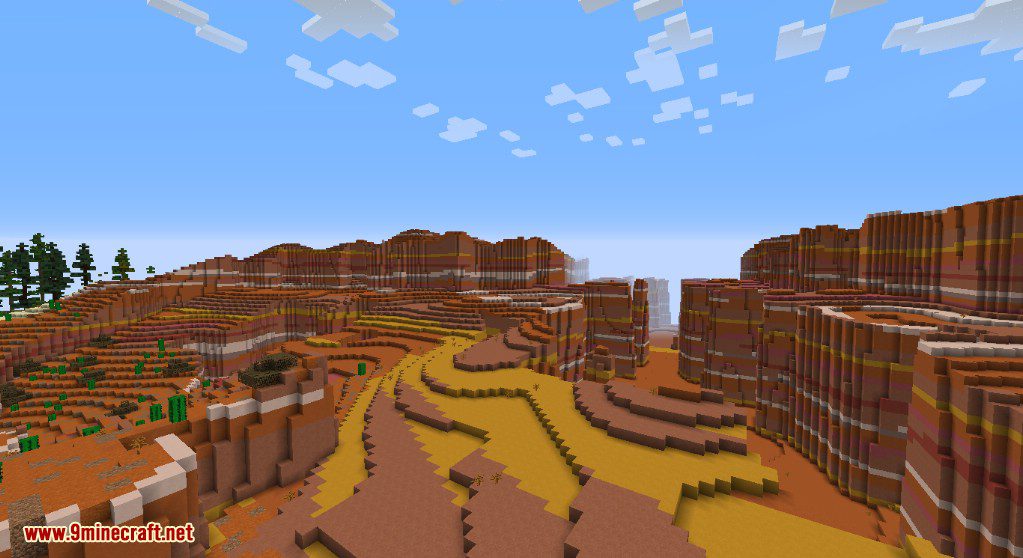
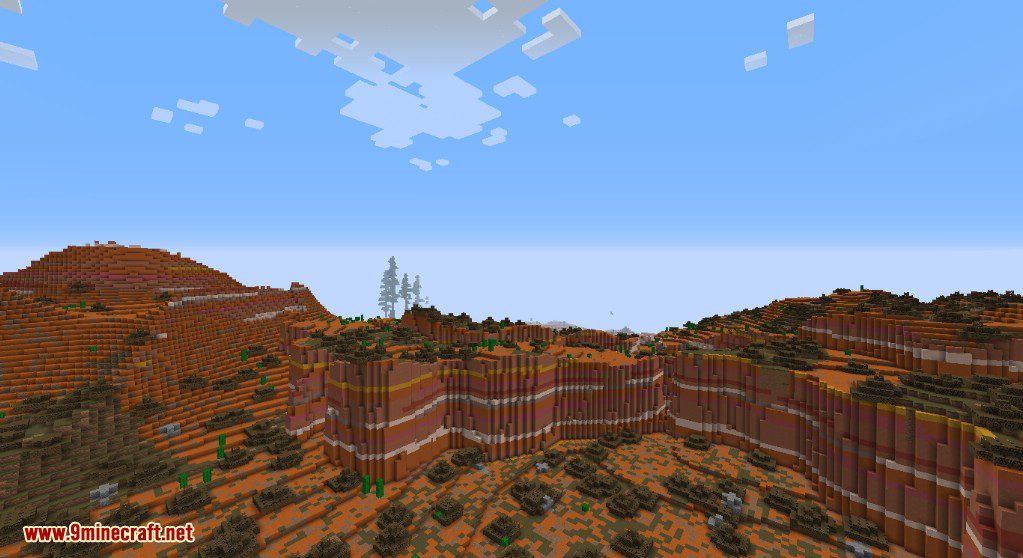
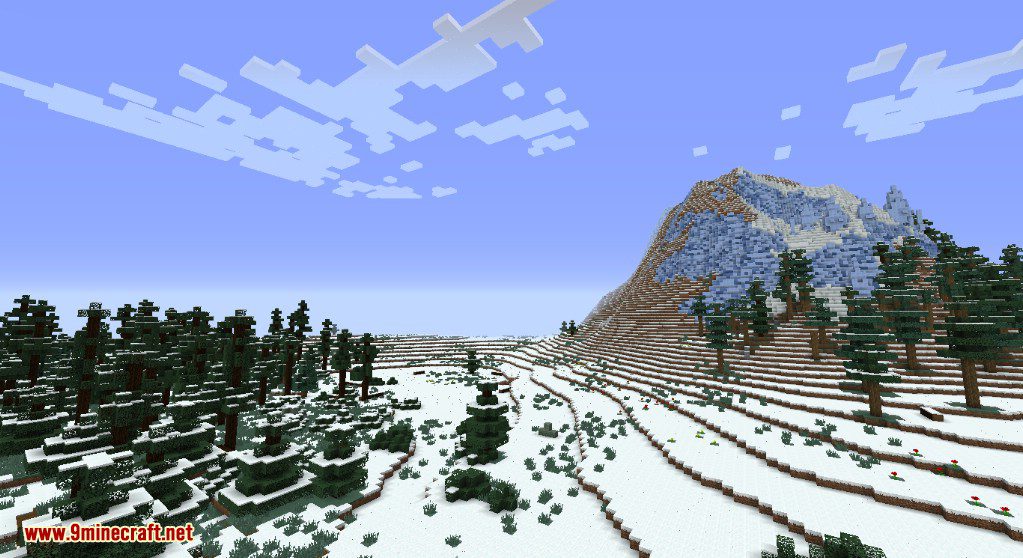
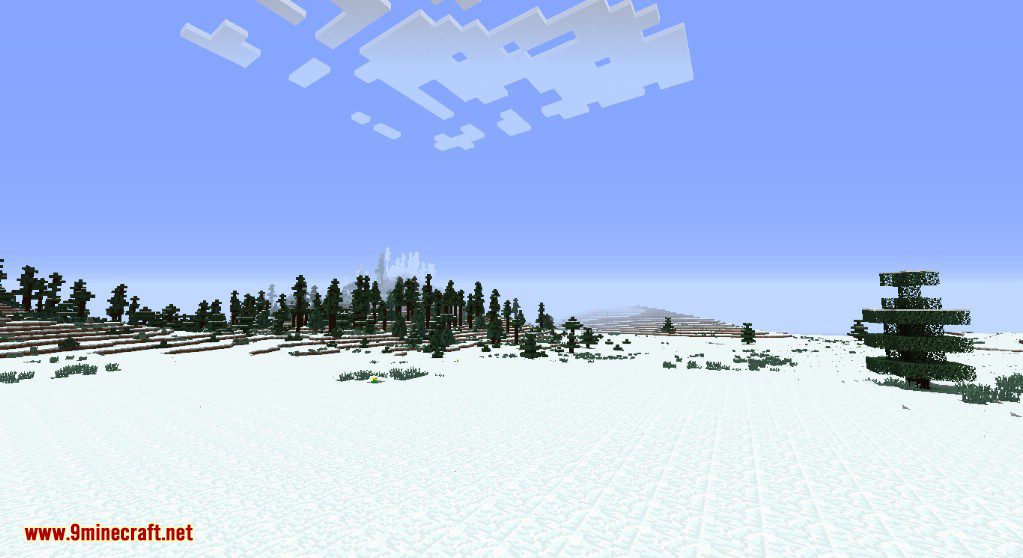
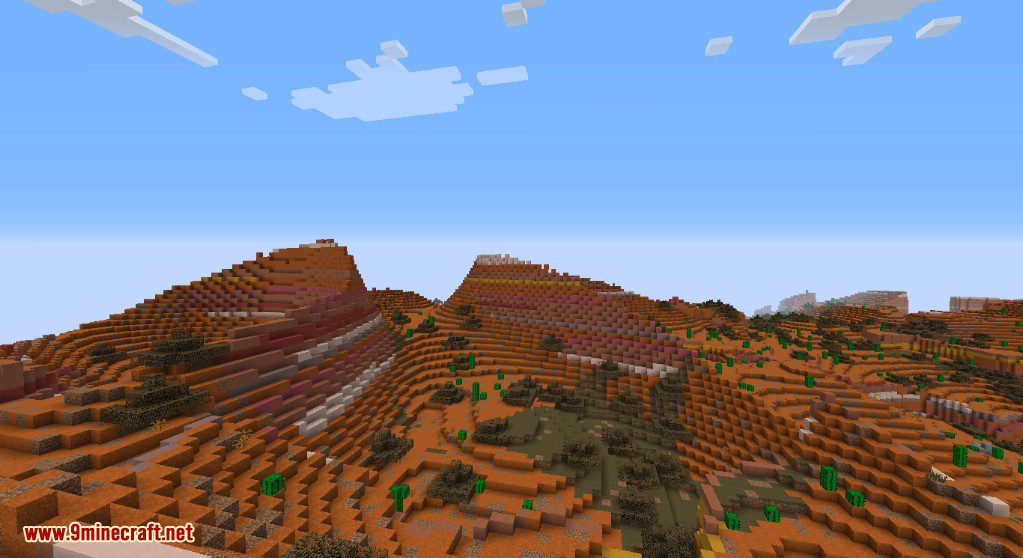
- Creates diverse landscapes, from dense forests and vast snowy plains to layered mesa cliffs and lush savannas.
How to Use:
- Start creating a new world in Minecraft.
- Go to the “More World Options…” menu.
- Click on the “World Type” button until it says “Realistic”.
- Create the world to start playing with the new terrain generation.
Screenshots:
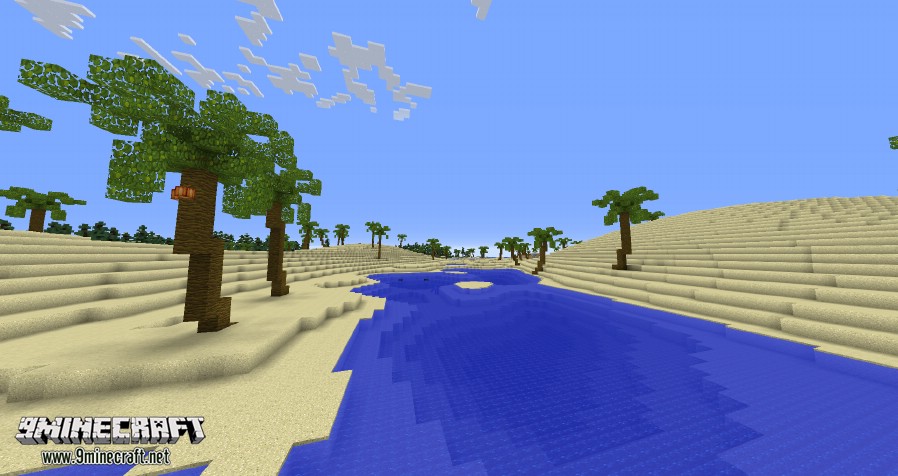
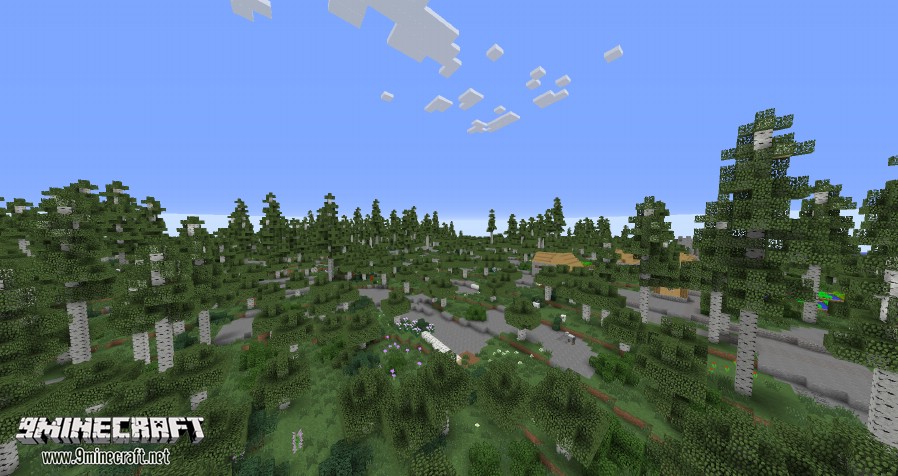
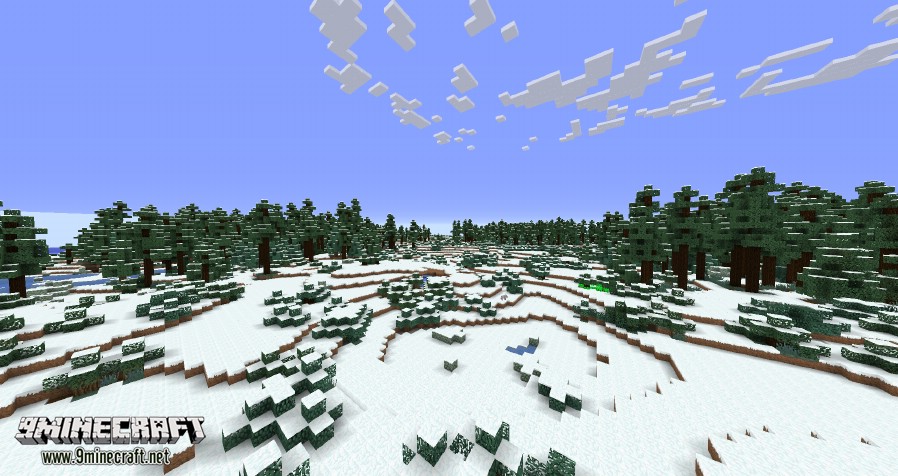
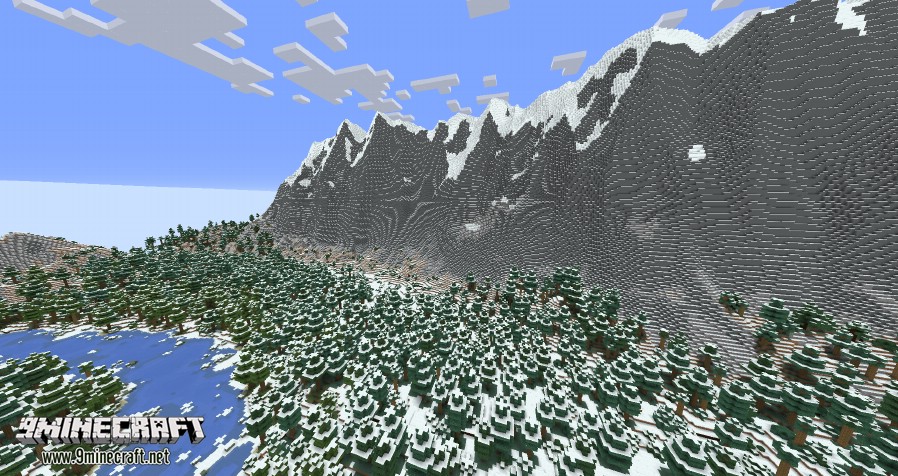
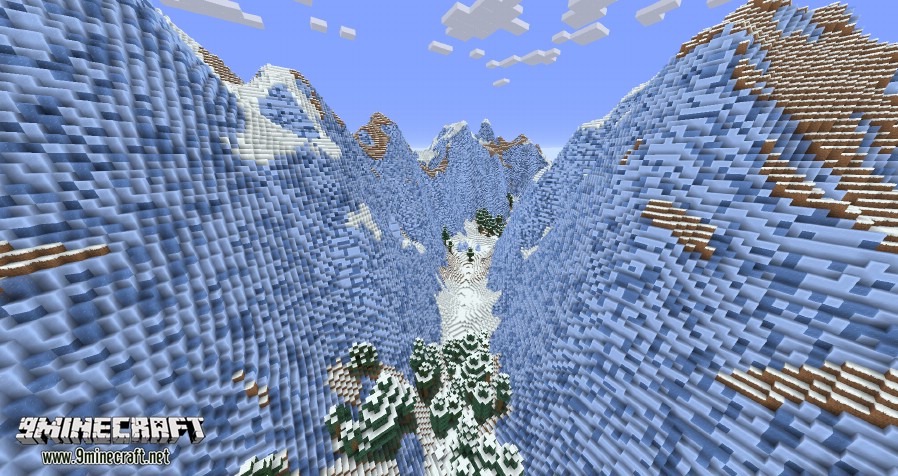
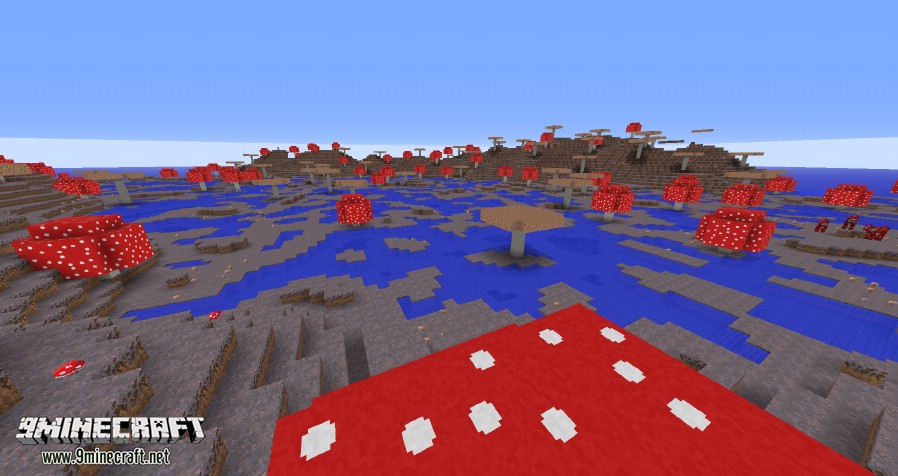
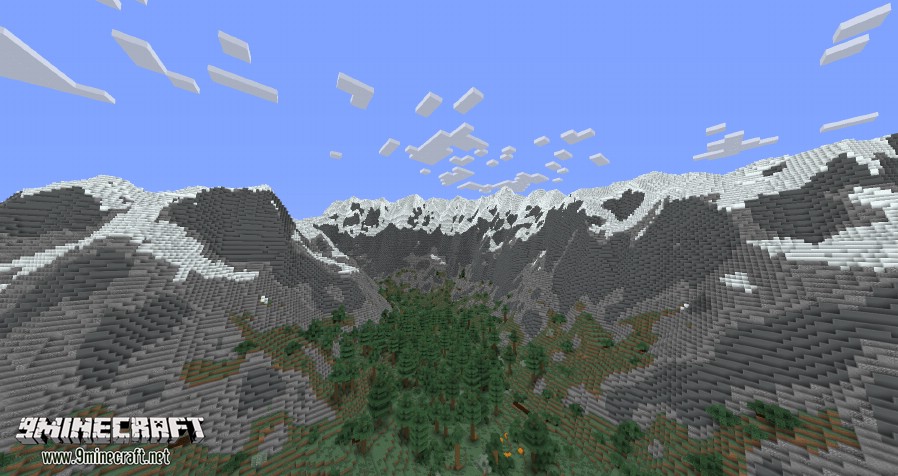
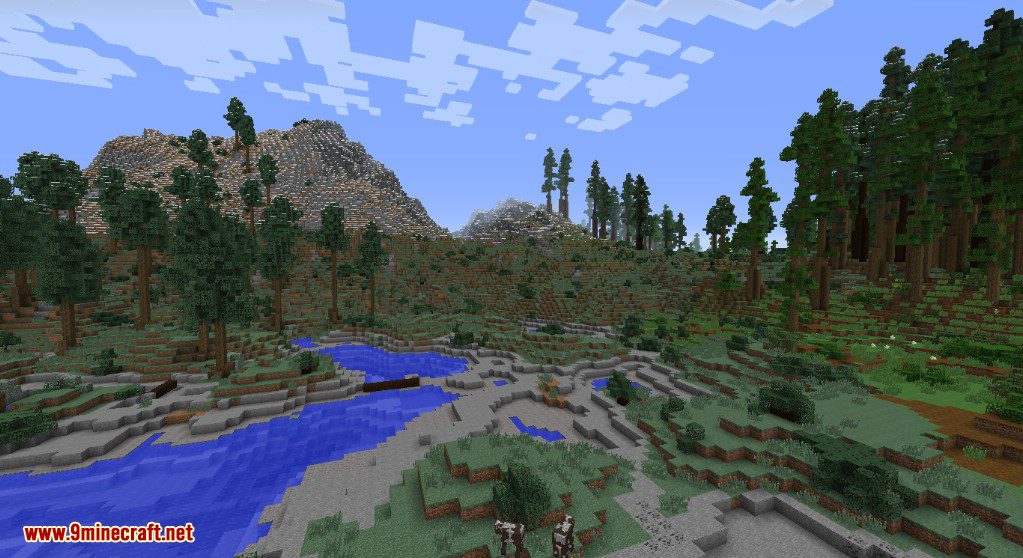
Realistic Terrain Generation Mod Download Links
For Minecraft 1.7.10
For Minecraft 1.8.9
For Minecraft 1.9.0
For Minecraft 1.9.4
For Minecraft 1.10.2
For Minecraft 1.12.2
Quick facts
- Edition: Minecraft Java
- File type: .jar
- How to install: Install the matching mod loader (Forge, Fabric or NeoForge) for your Minecraft version. → Download the .jar. → Put it in the .minecraft/mods folder and launch that loader profile.
- Where to get it: In MC Java Mods, or directly above on this page.
Install steps are the general flow for this file type — How to install Minecraft Java mods & modpacks walks through it step by step.
File checked by MCModsHub
- Downloads as 209323.mcaddon
- Download size: 2.3 MB
- Download link checked 24 Jul 2026 — working
- Mirrored on our own servers — the download does not depend on the original host
These come from our own check of the pack file, not from the source page.