Dimensional Control Mod 1.12.2, 1.11.2 (Customize Many Things in the Game)
Minecraft Java mod. Downloads from the MC Java Mods app on Android.
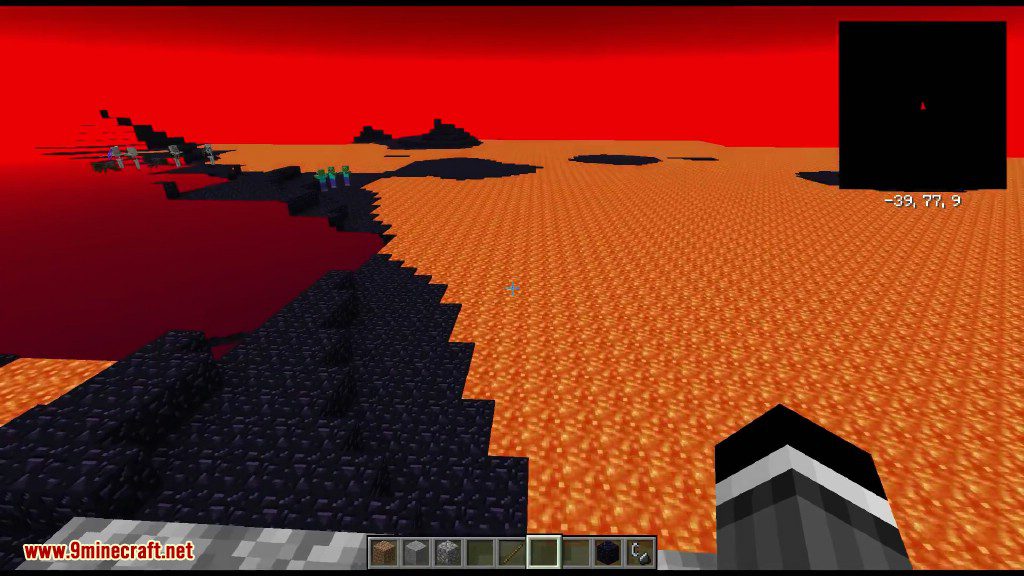
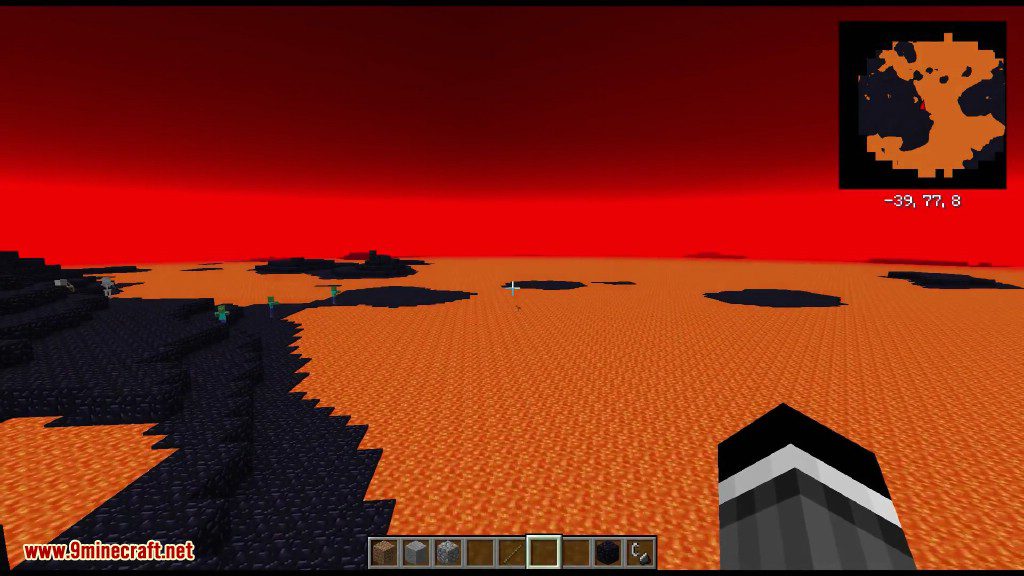
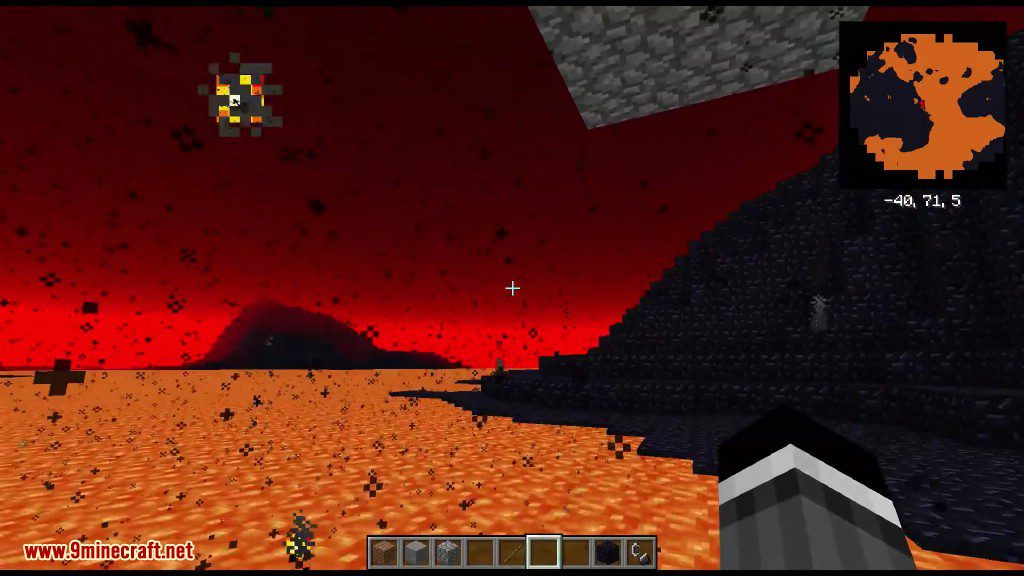
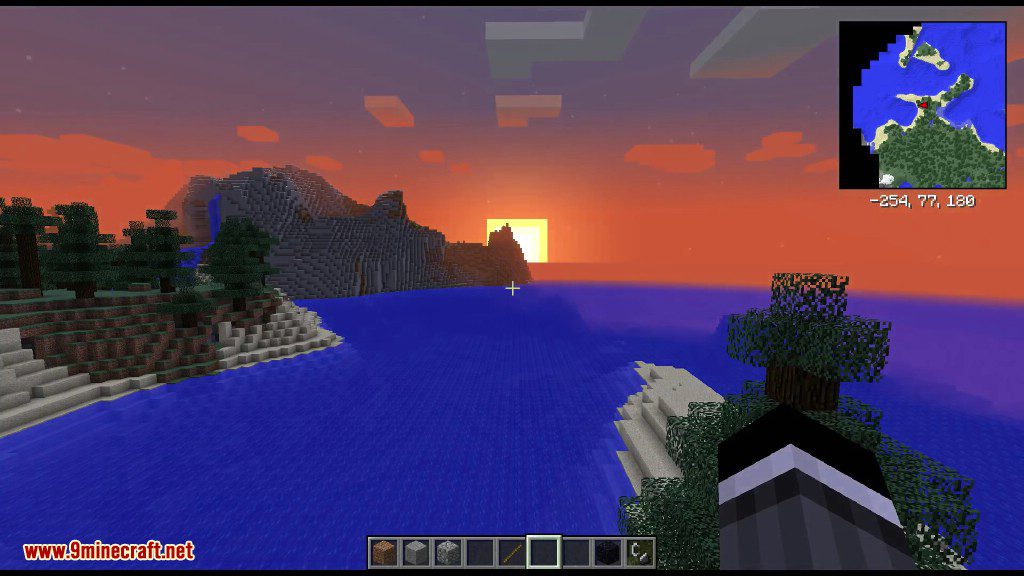
⬇ DownloadDimensional Control Mod 1.12.2, 1.11.2 gives modpack and map makers advanced control over every dimension in their world. Change the size of caves and ravines or remove them altogether. Remove biomes, change the sky color, make it always day, make the ocean out of lava or the ground out of obsidian and so much more.
Tired of your worlds all being the same? The same boring dimensions over and over again? Dimensional Control is a tool created by the team at Blood N Bones Gaming in an attempt to give modpack makers more control over the overworld as well as the ability to create their own customized dimensions.
Features:
- Replace blocks.
- Disable map gen like caves, ravines and structures.
- Configure biome map generation.
- Modify terrain generation.
- and so much more.
Screenshots:
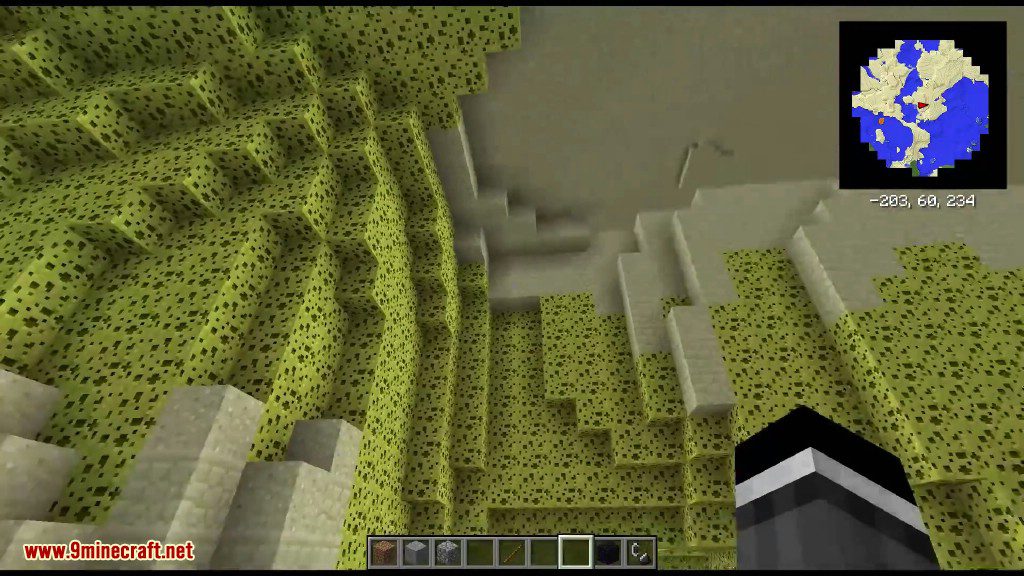
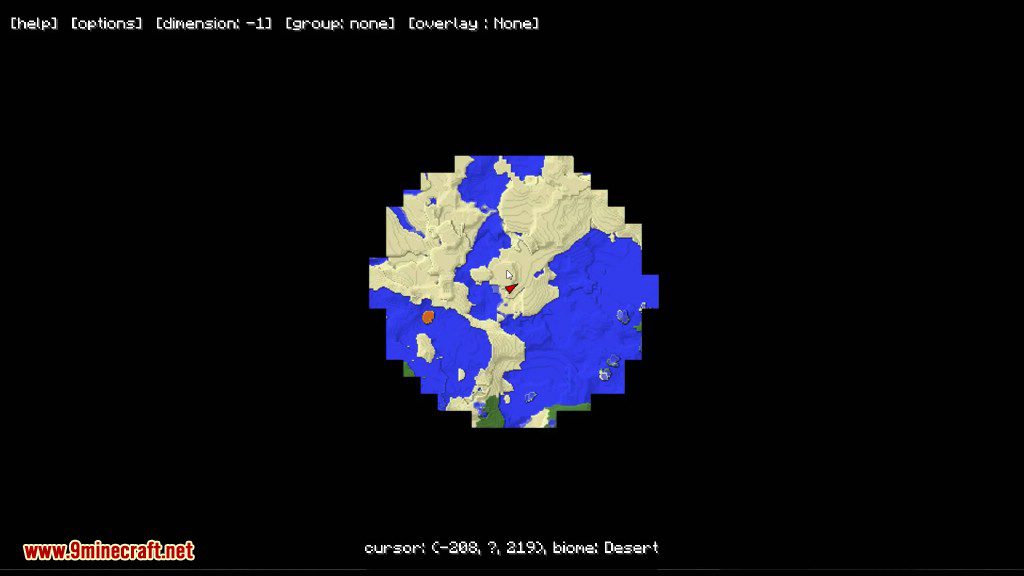
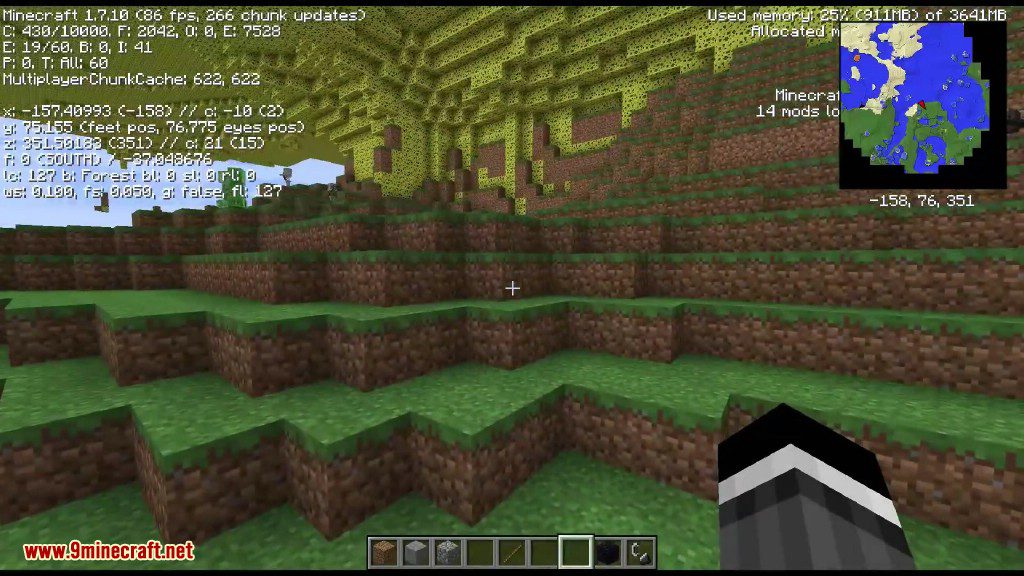
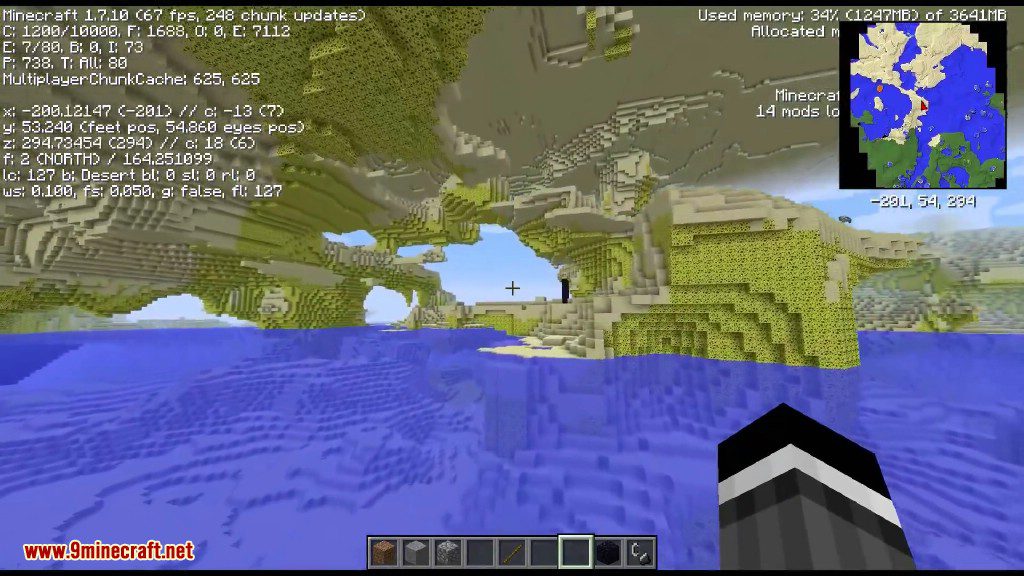
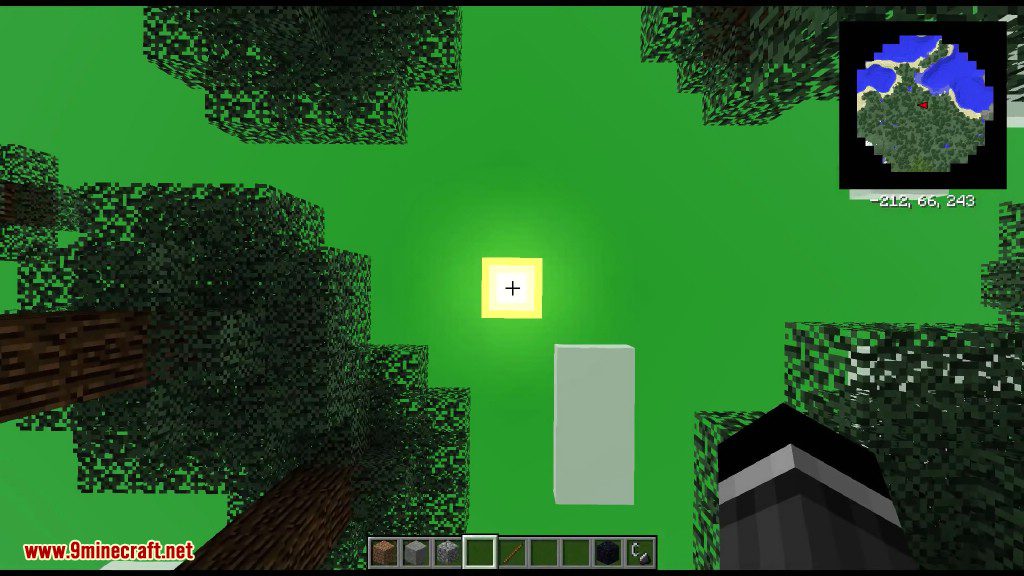
Overworld in the Sky
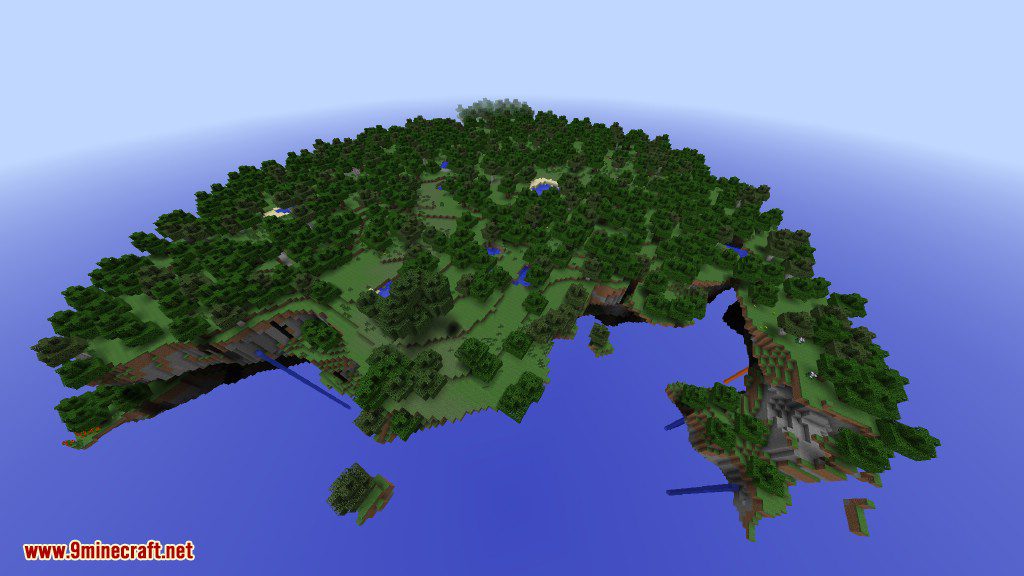
Singularity
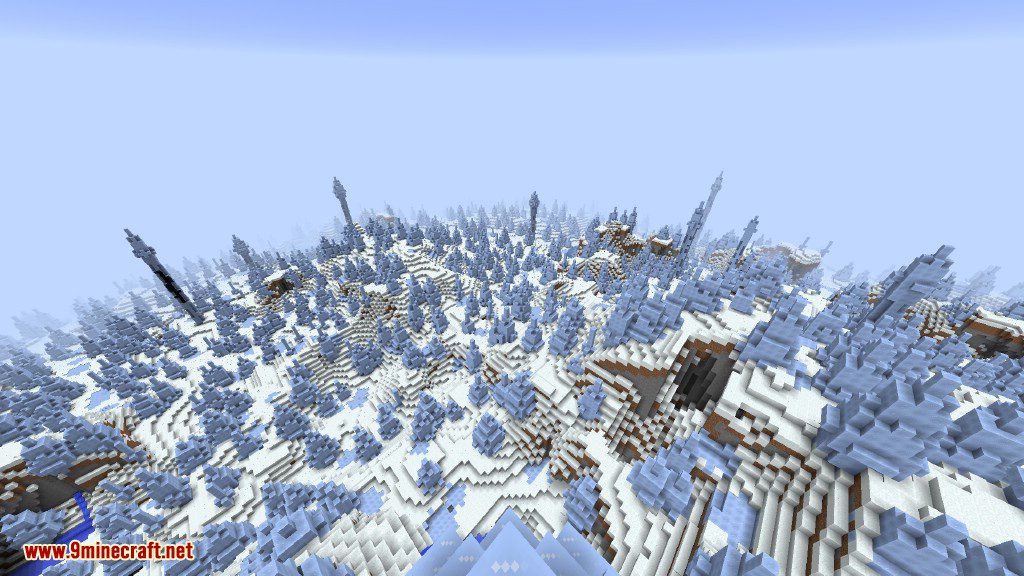
The water is rising
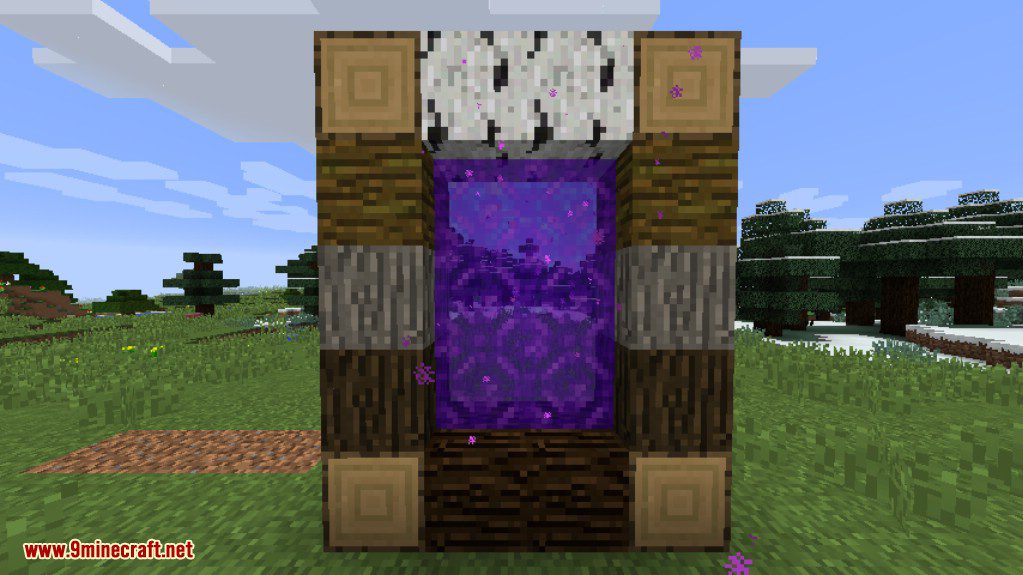
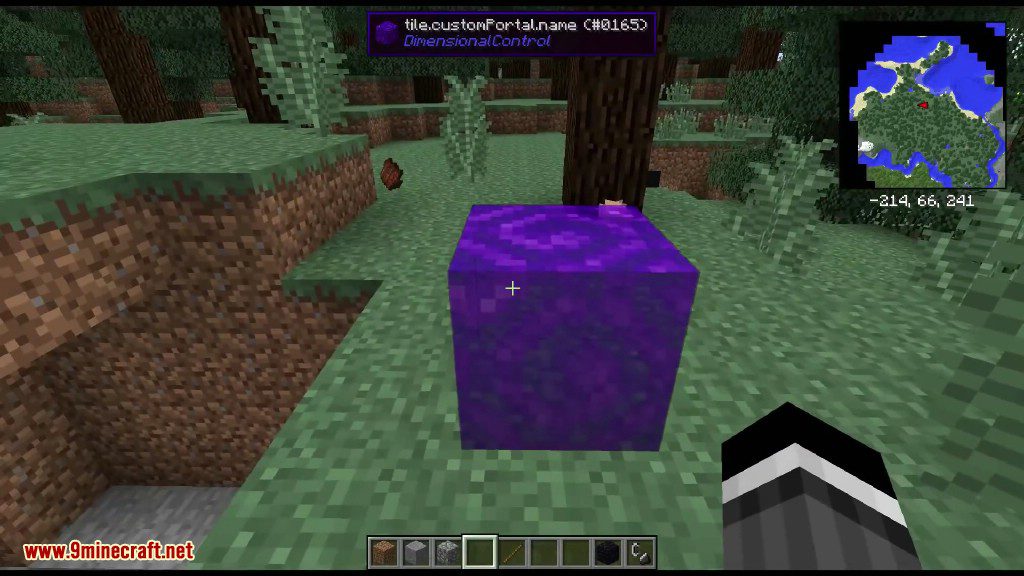
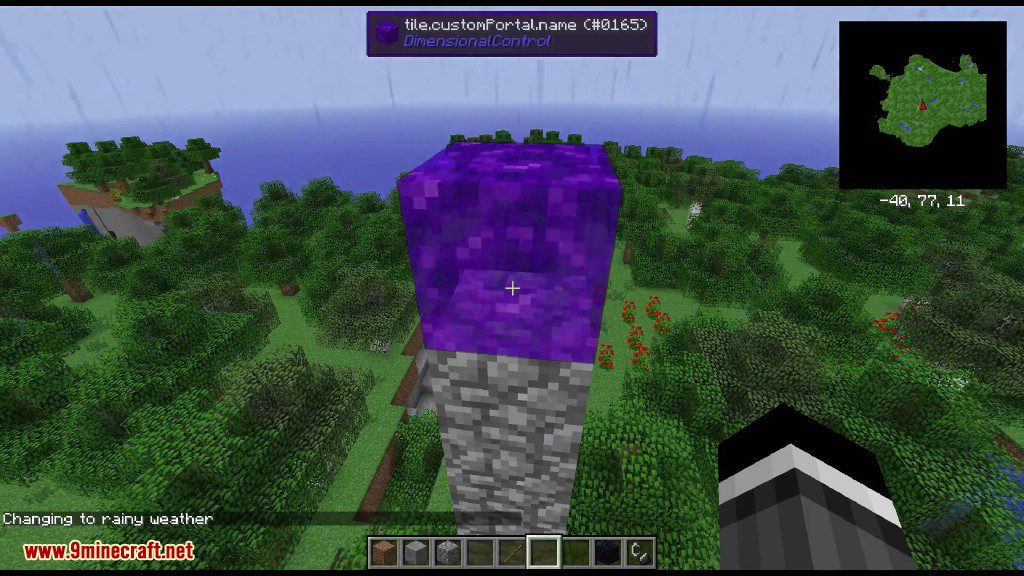
The ugliest portal ever made
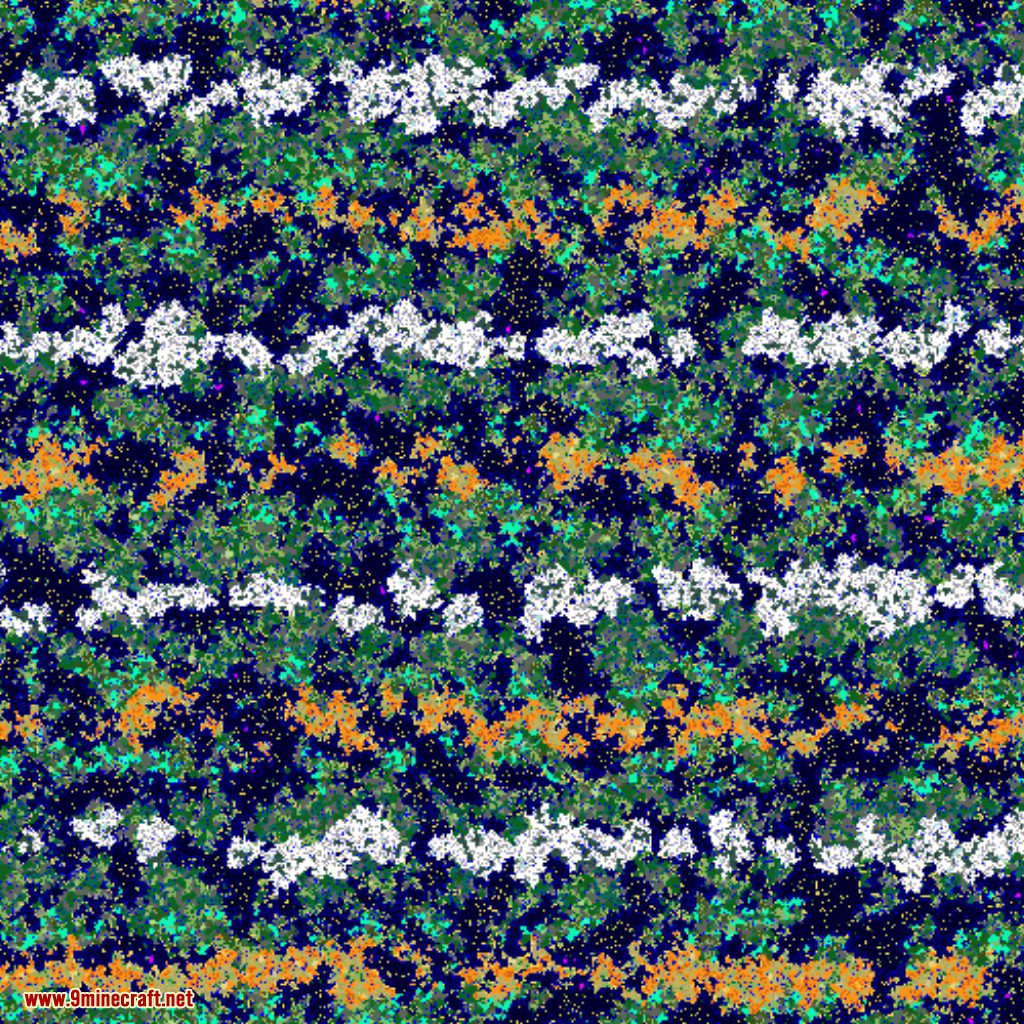
Build the biome mapping you want
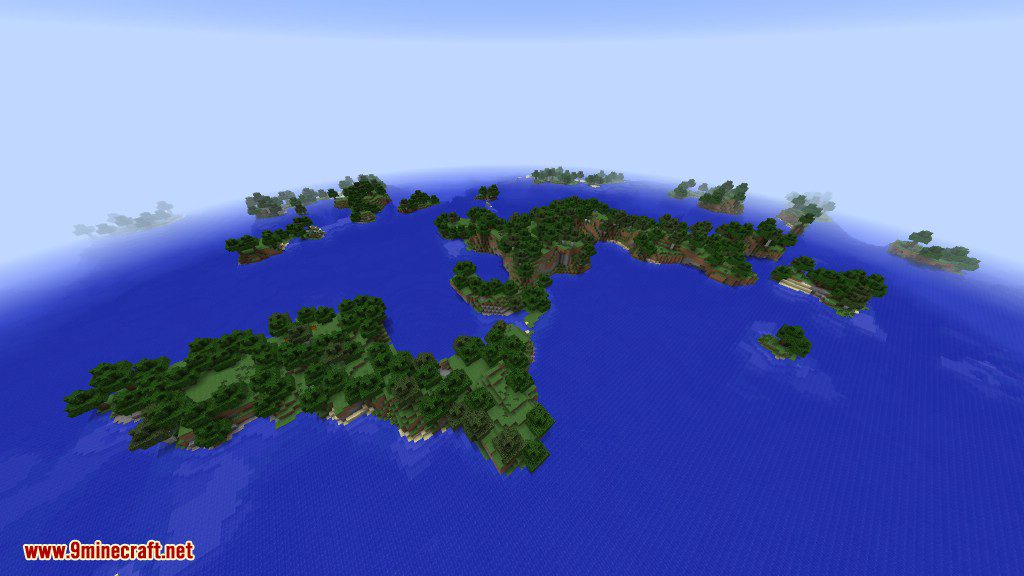
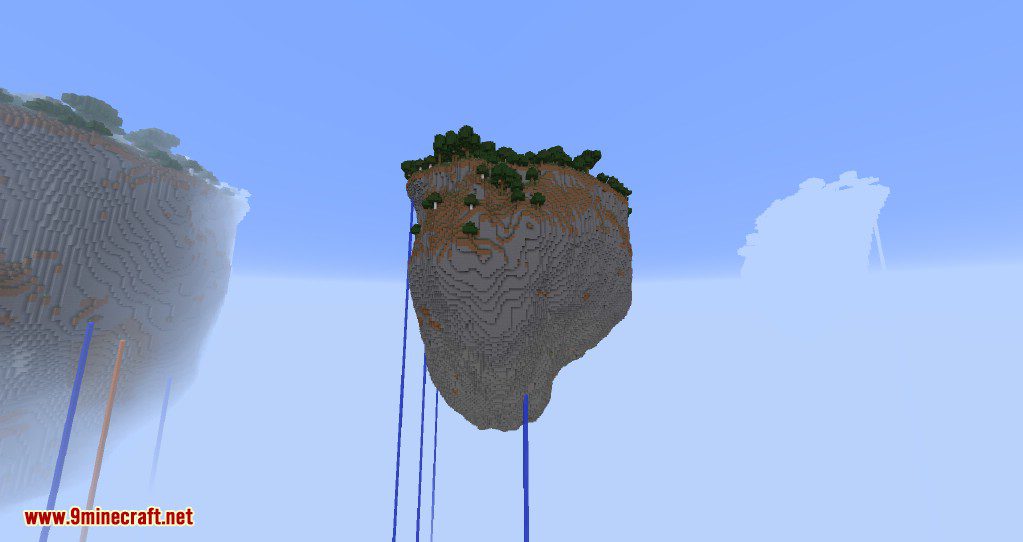
Large sky islands
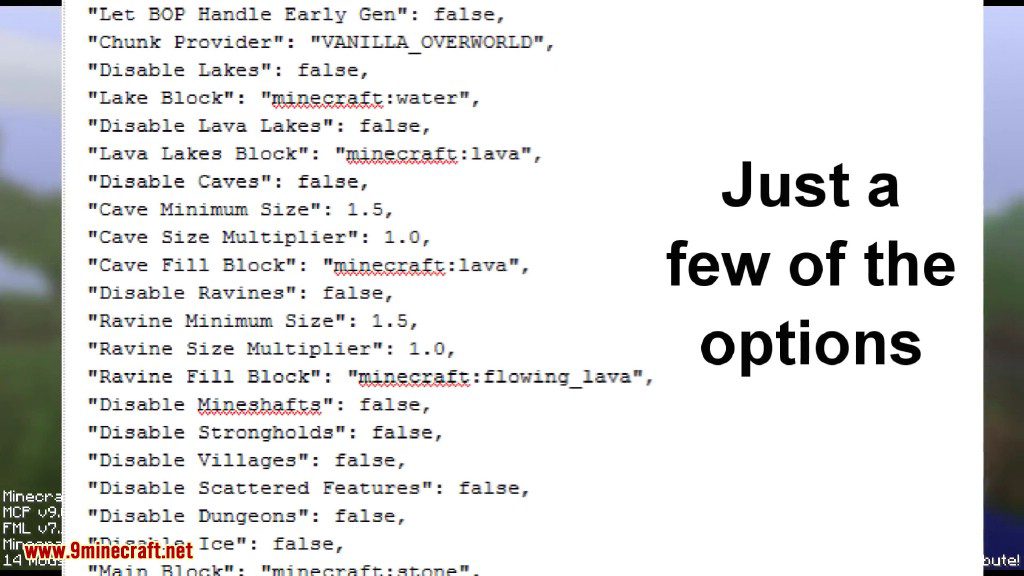
Configs:
You can load the mod with no config file and it will generate a template for you to see all of the different options available.
Full documentation is shipped with the mod. Simply load Minecraft and check
config/dimensionalcontrol/documentation
Dimensional Control Mod 1.12.2, 1.11.2 Download Links
For Minecraft 1.7.10
For Minecraft 1.10.2
For Minecraft 1.11.2
For Minecraft 1.12.2, 1.12.1, 1.12
- Edition: Minecraft Java
- File type: .jar
- How to install: Install the matching mod loader (Forge, Fabric or NeoForge) for your Minecraft version. → Download the .jar. → Put it in the .minecraft/mods folder and launch that loader profile.
- Where to get it: In MC Java Mods, or directly above on this page.
Install steps are the general flow for this file type — How to install Minecraft Java mods & modpacks walks through it step by step.
- Downloads as 209380.mcaddon
- Download size: 156 KB
- Download link checked 30 Jul 2026 — working
- Mirrored on our own servers — the download does not depend on the original host
These come from our own check of the pack file, not from the source page.