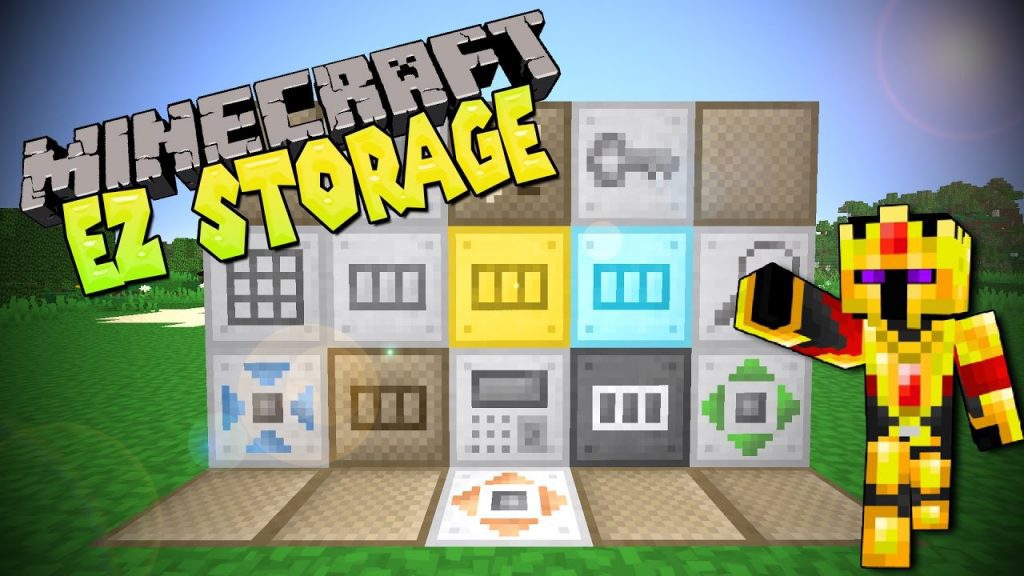
EZStorage Mod 1.12.2, 1.11.2 introduces an early-game storage system that scales and evolves as players progress. Want to put 100,000 Cobblestone in 1 slot? No problem. Blocks in the mod can add a search bar, a crafting grid, additional storage, and more. Also includes JEI integration for 1-click crafting from the system’s internal inventory.
Features:
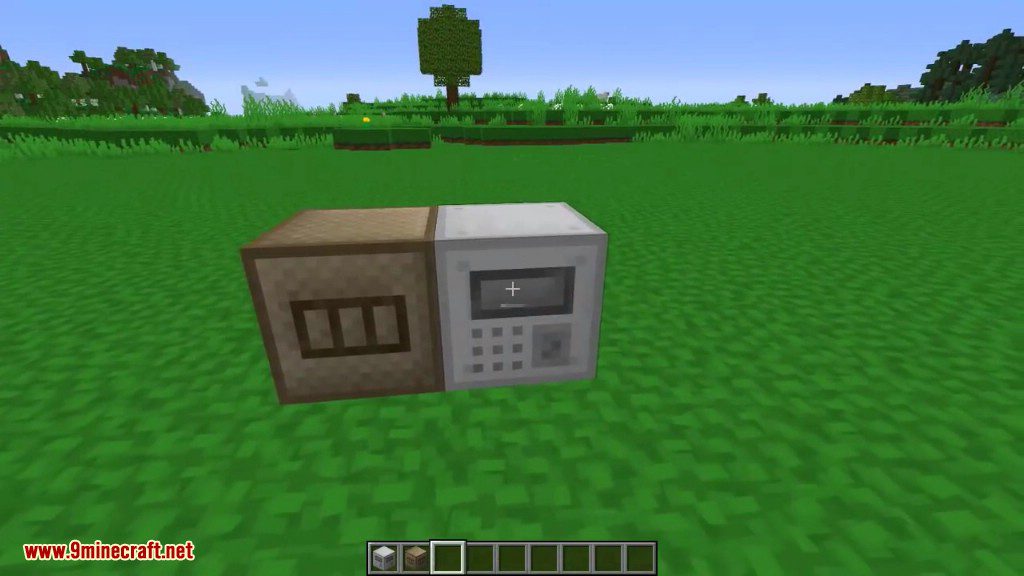
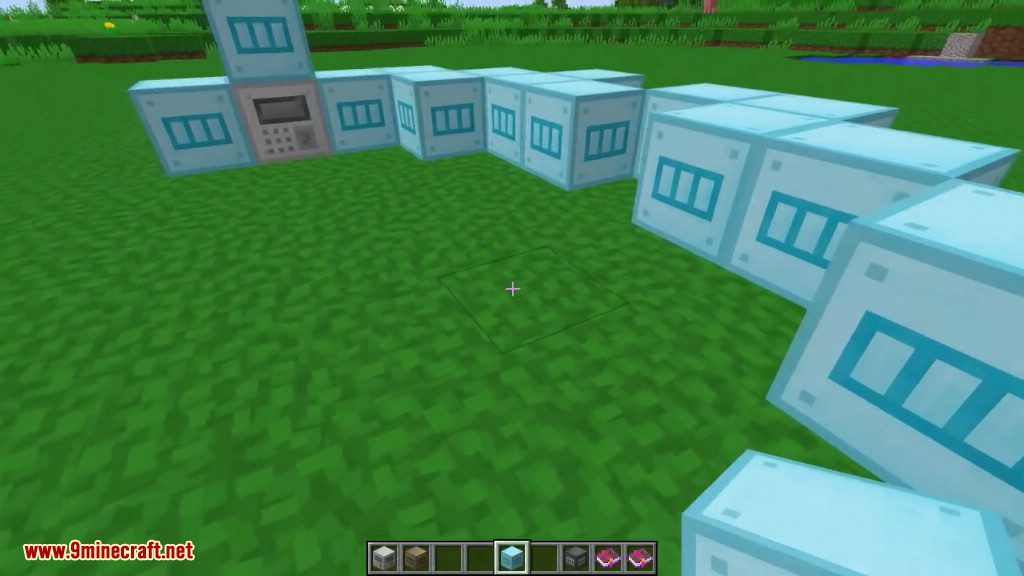
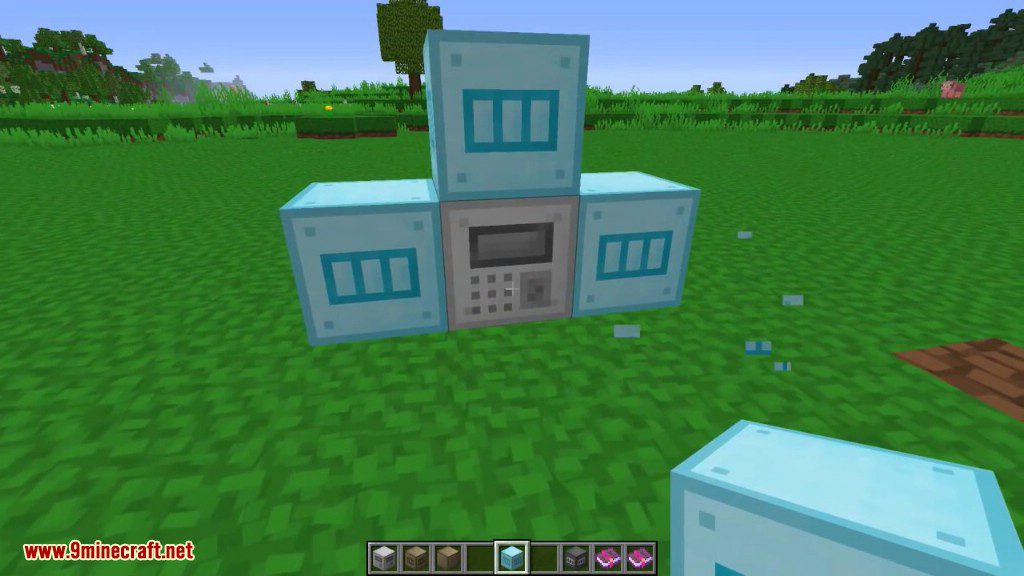
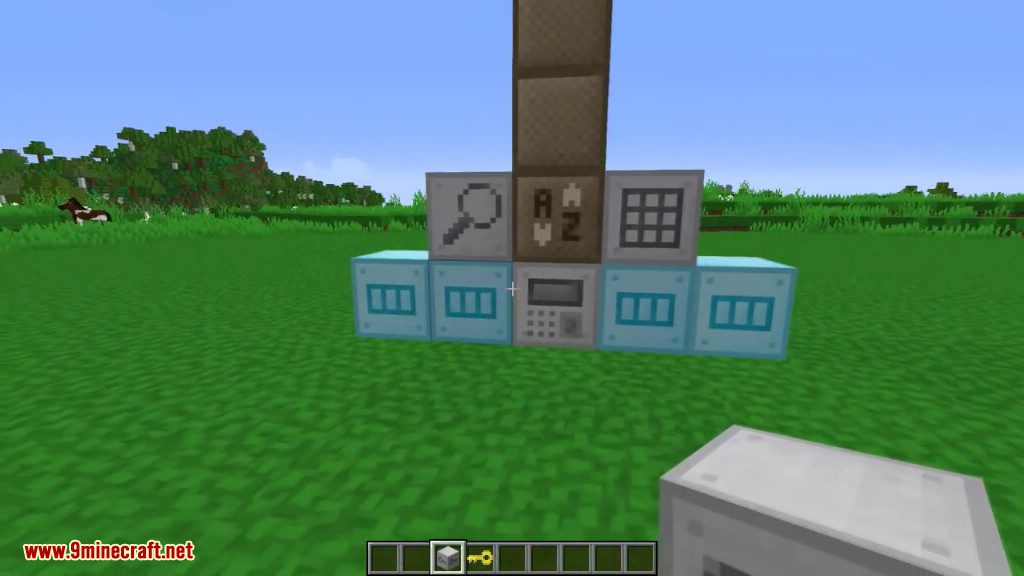
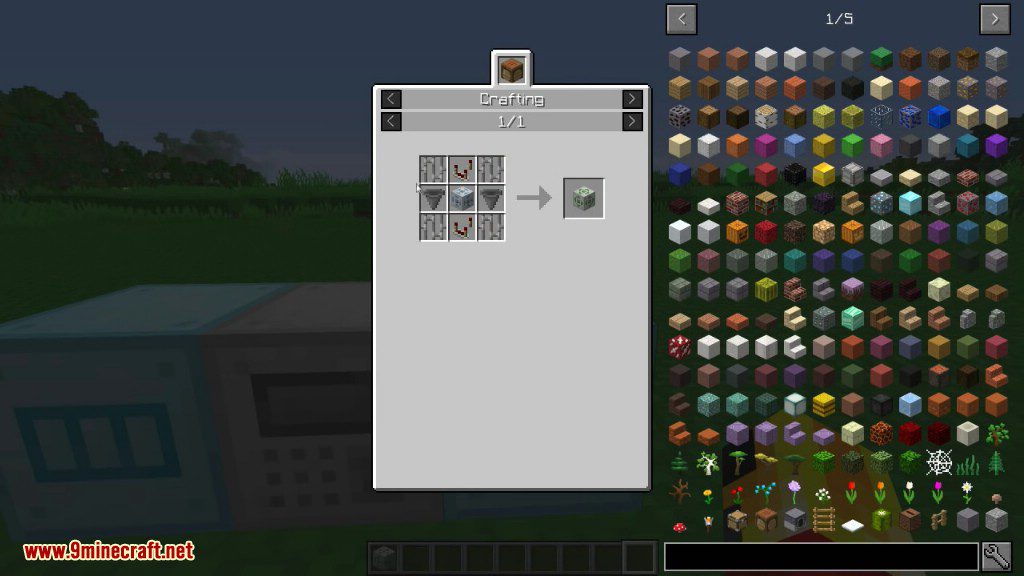
- Storage Core: This is the core of your storage system. Click on this block to open the GUI, and add adjacent blocks to expand. Each system can only have 1 Storage Core. This block can only be broken if it contains no items.
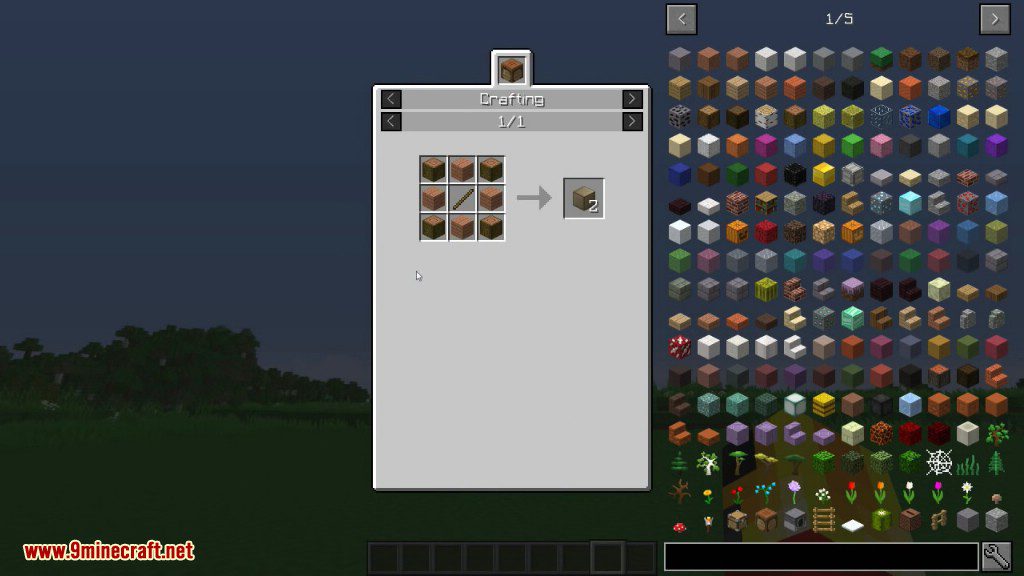
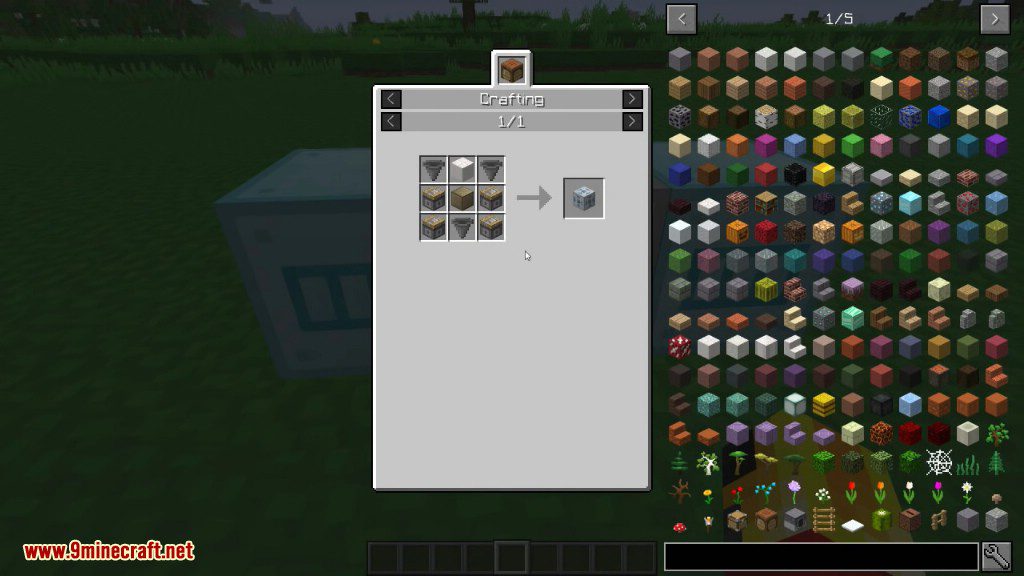
- Blank Box: a basic add-on that can be used to extend your system and craft the other boxes below.
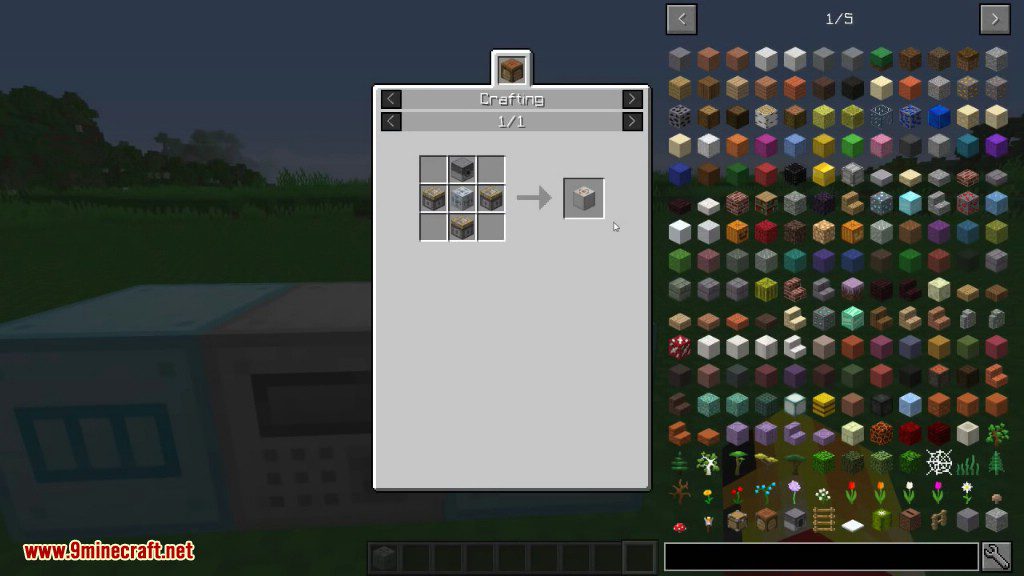
- Access Terminal: an add-on that allows you to access the system as if you were at the core.
- Storage Box: Tier 1 storage add-on. This increases the storage capacity of the Storage Core by a small amount.
- Condensed Storage Box: Tier 2 storage add-on.
- Super Storage Box: Tier 3 storage add-on.
- Ultra Storage Box: Tier 4 storage add-on.
- Hyper Storage Box: Tier 5 storage add-on.
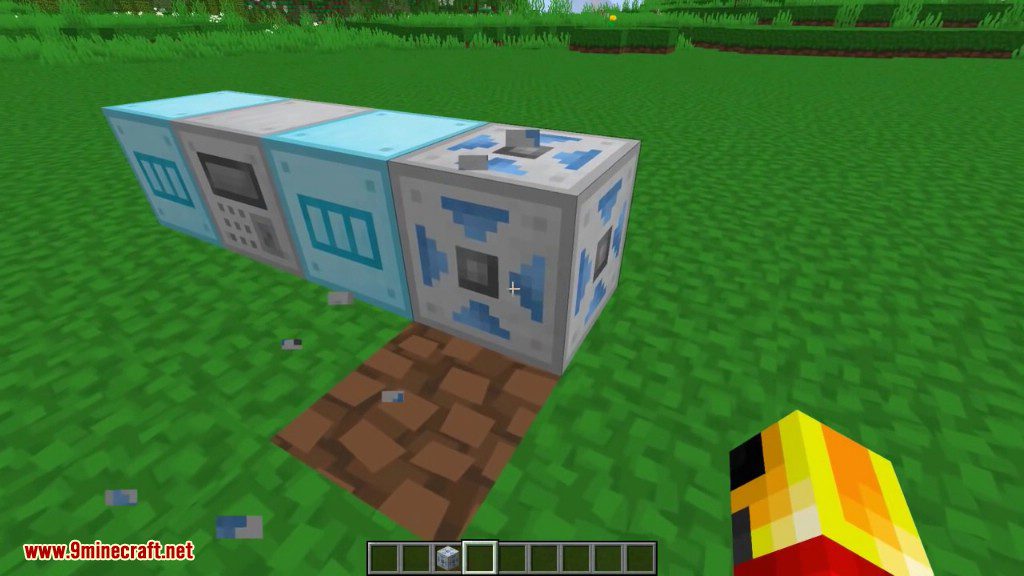
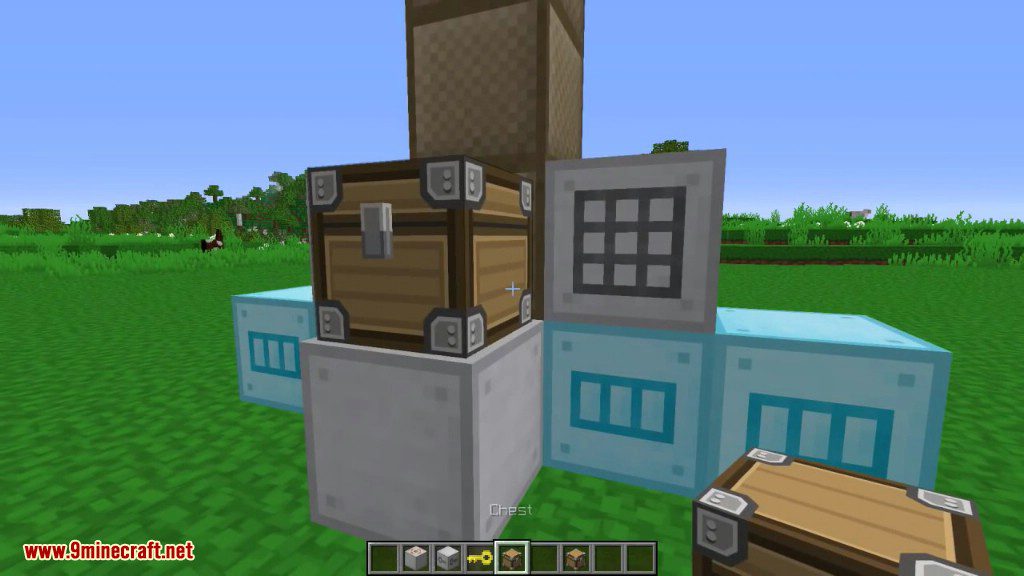
- Input Port: Items can be put into the storage system by piping them into any side of this block.
- Ejection Port: Violently extracts all items from the system into the block above it.
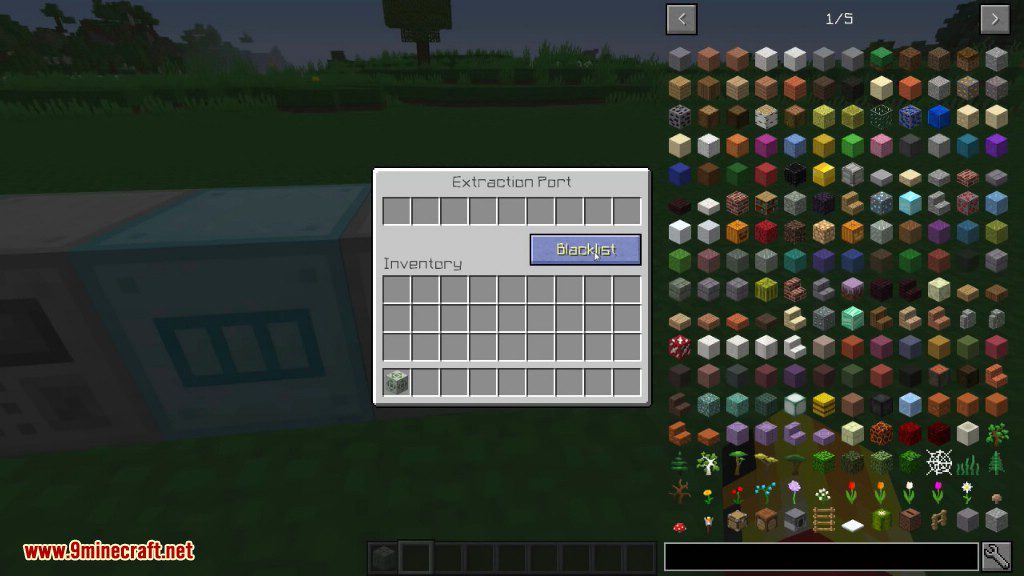
- Extraction Port: a block that can have items extracted from any side of it, and has filtering support.
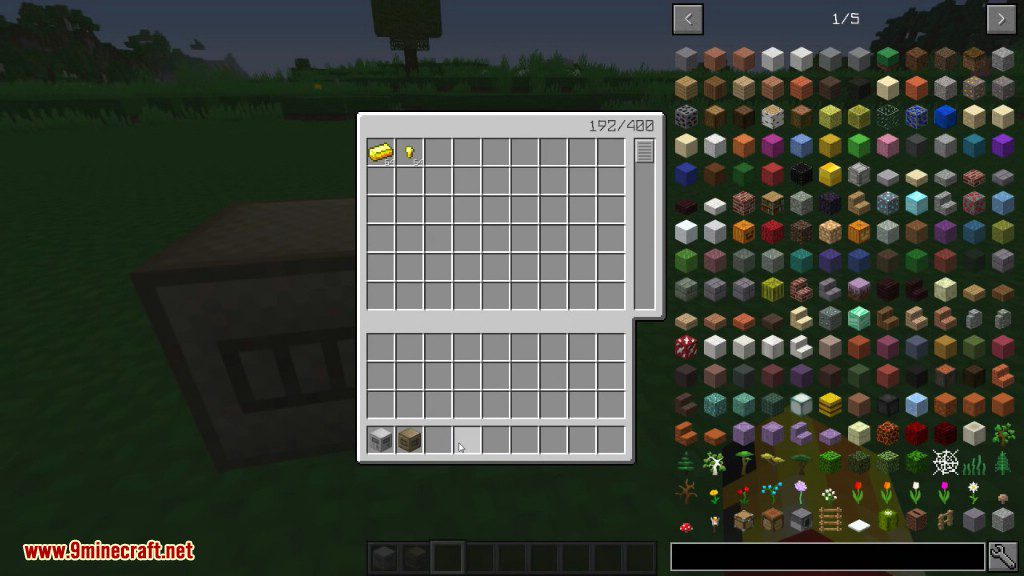
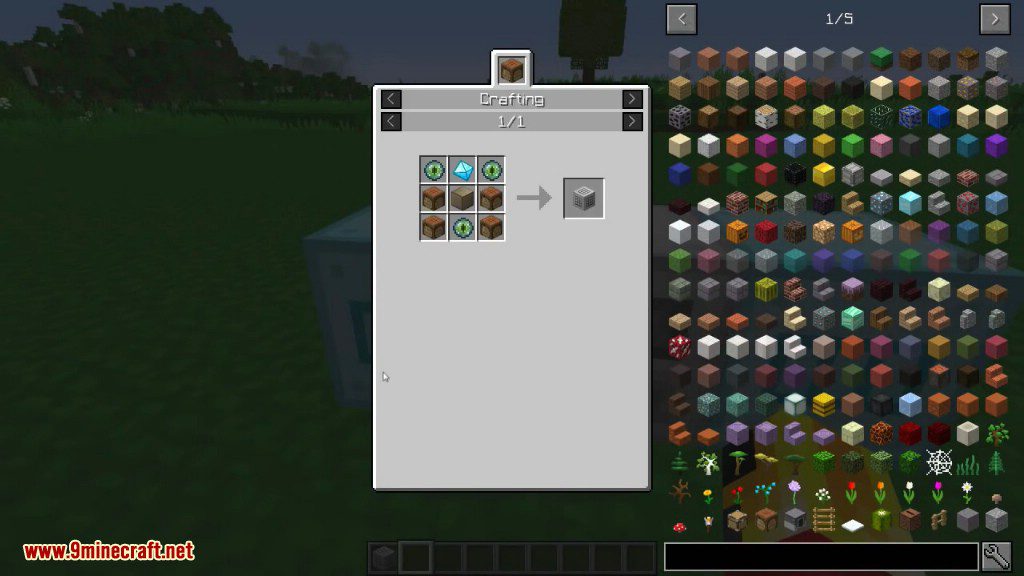
- Crafting Box: This adds a crafting grid to the GUI of your Storage Core (compatible with JEI + clicking for easy crafting from the internal inventory).
- Search Box: This adds a search bar to the GUI of your Storage Core. In addition to searching the item name / tooltip, now like JEI, ‘$’ in front of a search will search the ore dictionary names, ‘@’ will search mod ids and names, and ‘%’ will search creative tab names.
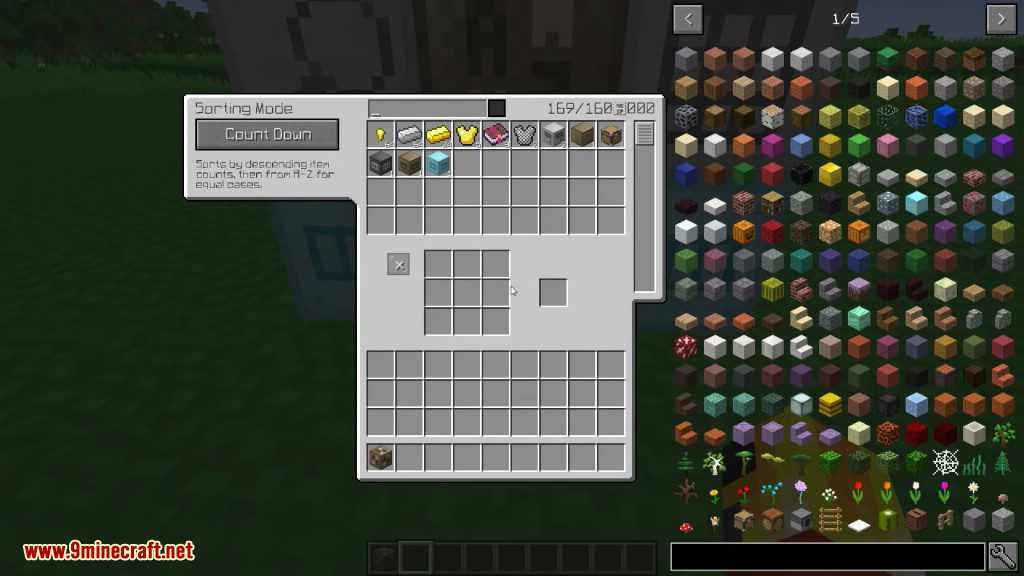
- Sorting Box: when this box is connected to your system, it gives you a few storage sorting modes to choose from, not just by count.
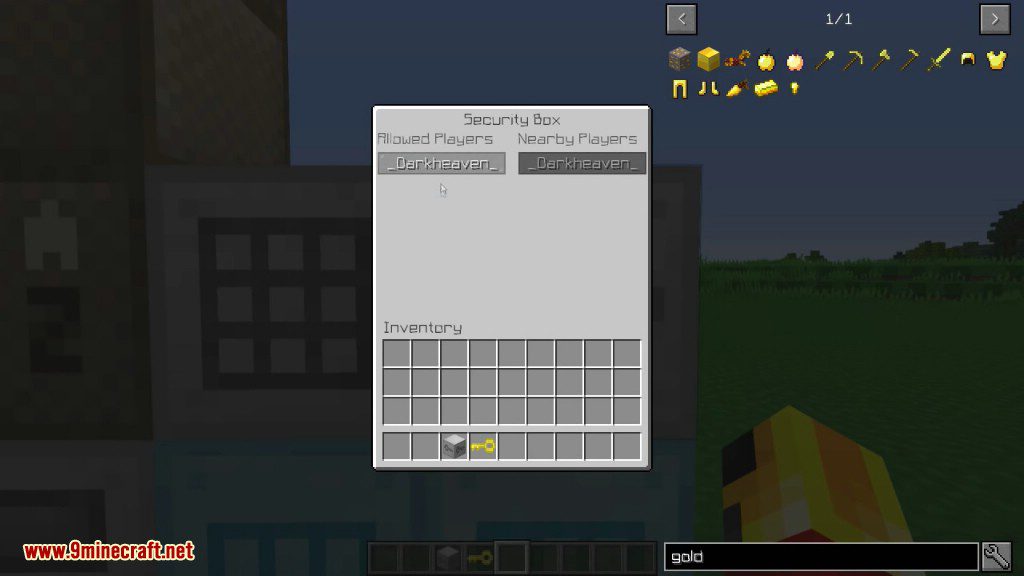
- Security Box: This adds whitelist support to your system, so other players can’t snoop around your stuff.
Screenshots:
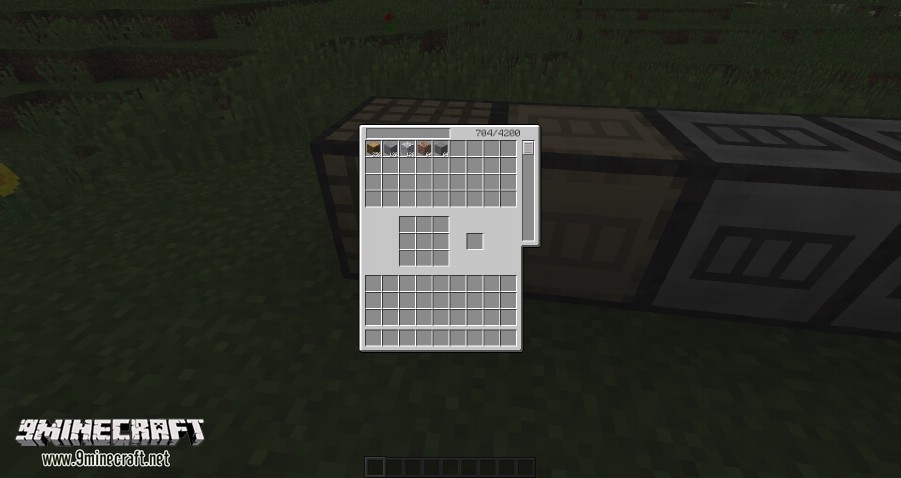
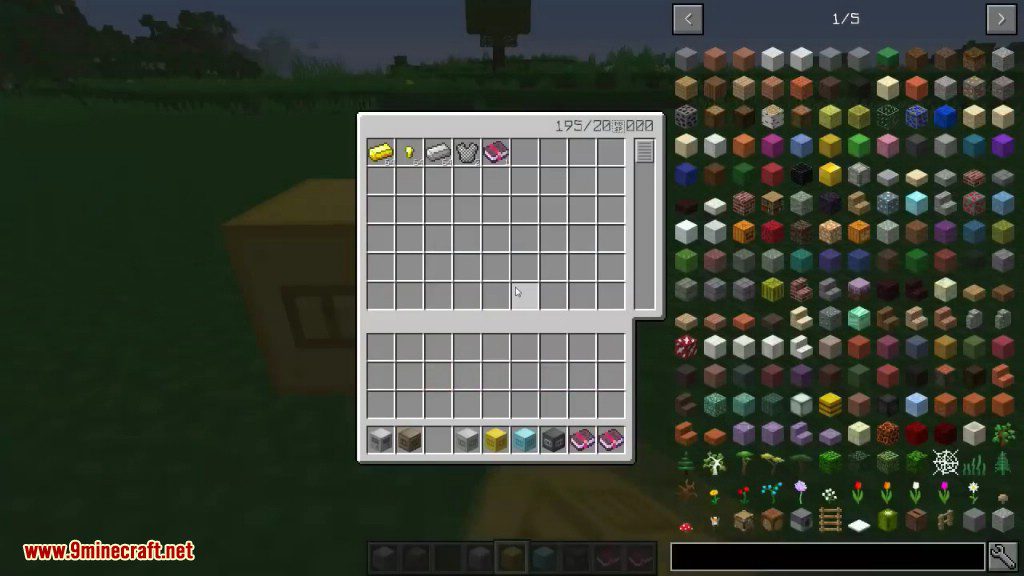
GUI
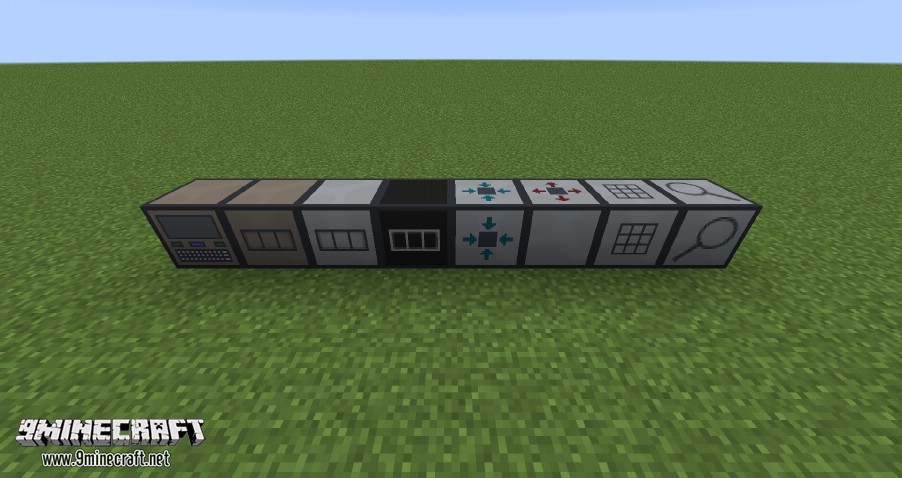
Blocks
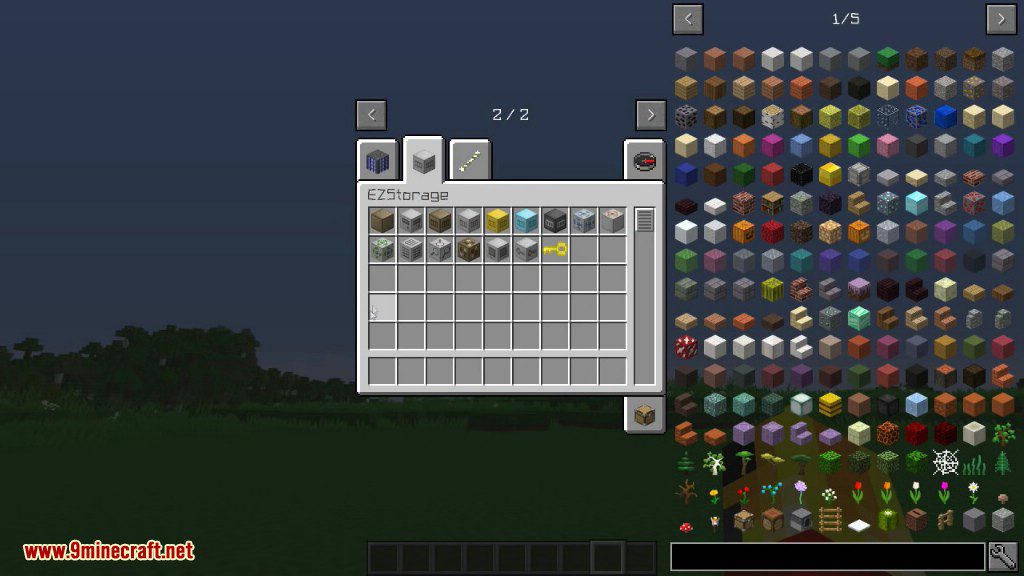

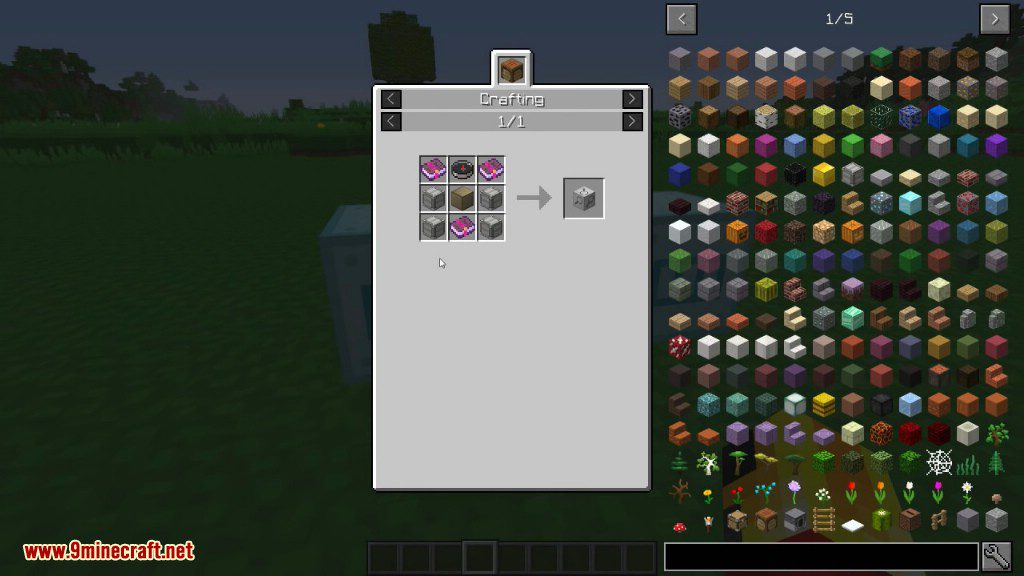
Crafting Recipes:
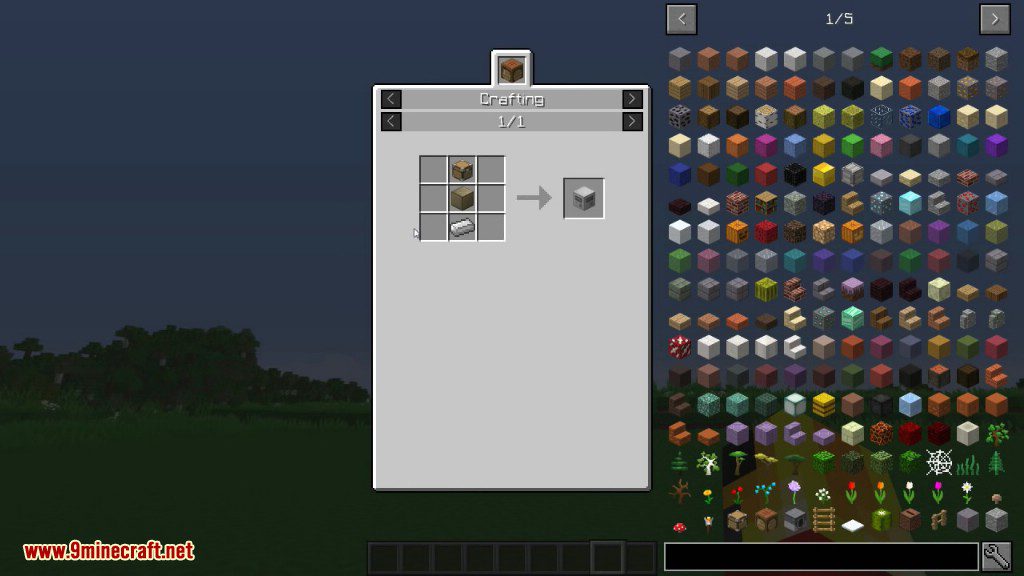
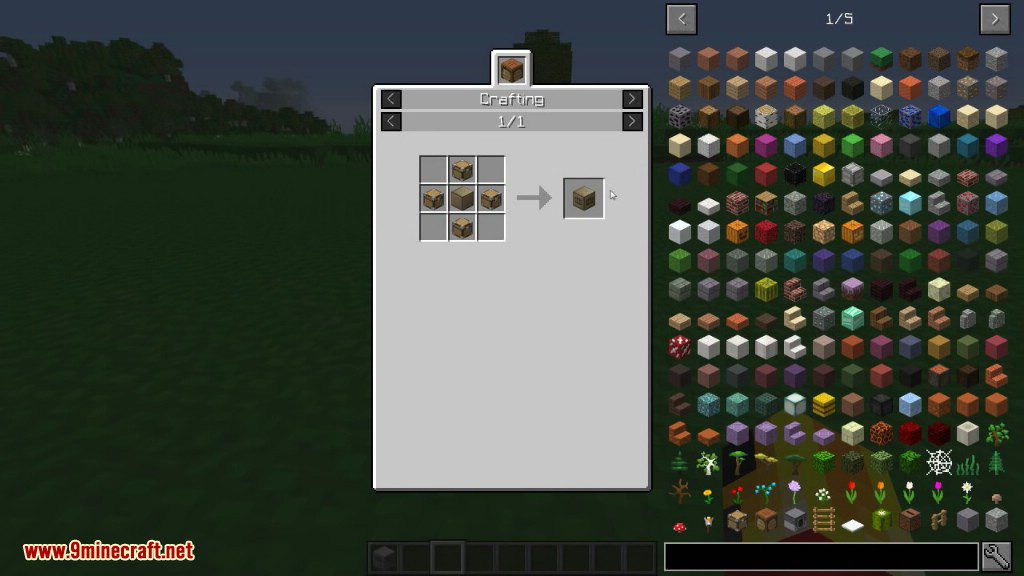
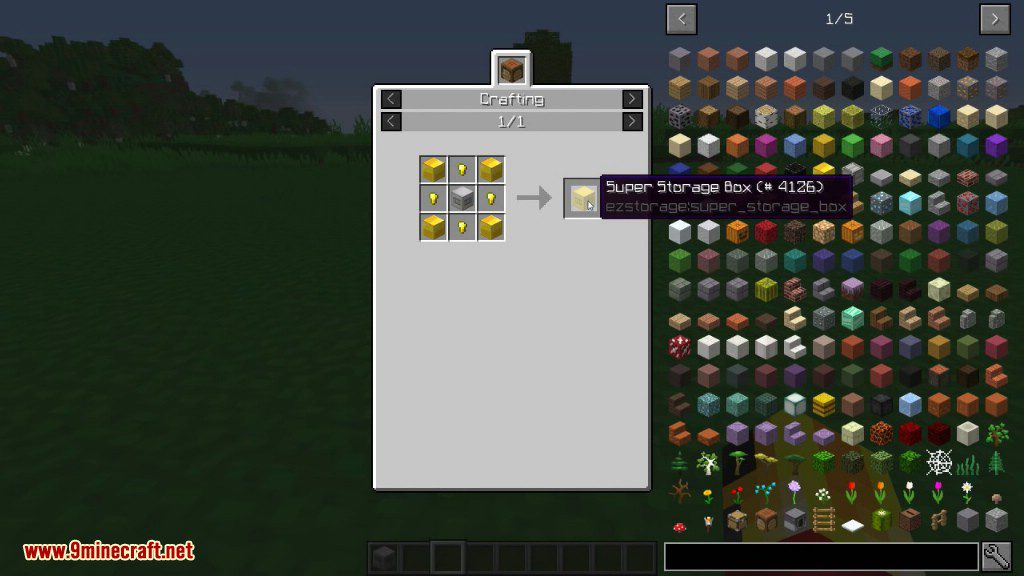
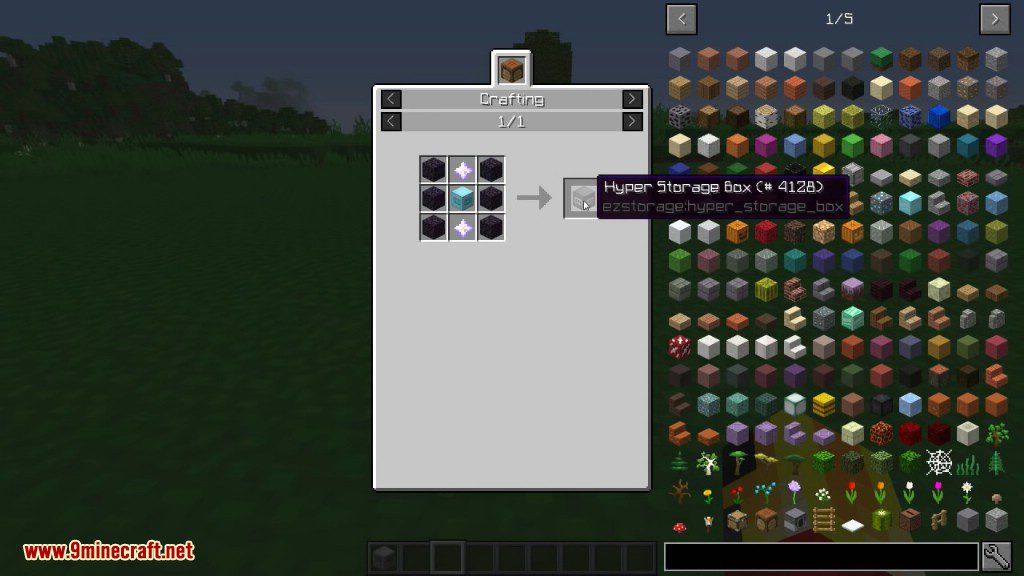

EZStorage Mod 1.12.2, 1.11.2 Download Links
For Minecraft 1.7.10
For Minecraft 1.8.9
For Minecraft 1.9.0
For Minecraft 1.10.2, 1.9.4
For Minecraft 1.11.2
For Minecraft 1.12.2, 1.12.1, 1.12
Quick facts
- Edition: Minecraft Java
- File type: .jar
- How to install: Install the matching mod loader (Forge, Fabric or NeoForge) for your Minecraft version. → Download the .jar. → Put it in the .minecraft/mods folder and launch that loader profile.
- Where to get it: In MC Java Mods, or directly above on this page.
Install steps are the general flow for this file type — How to install Minecraft Java mods & modpacks walks through it step by step.
Verified by MCModsHub
- Downloads as 209539.mcaddon
- Download size: 72 KB
- Download link checked 30 Jul 2026 — working
- Mirrored on our own servers — the download does not depend on the original host
These come from our own check of the pack file, not from the source page.