
ModsJava
Cell Terminal
Minecraft Java mod. Downloads from the MC Java Mods app on Android.
⬇ Download on CurseForge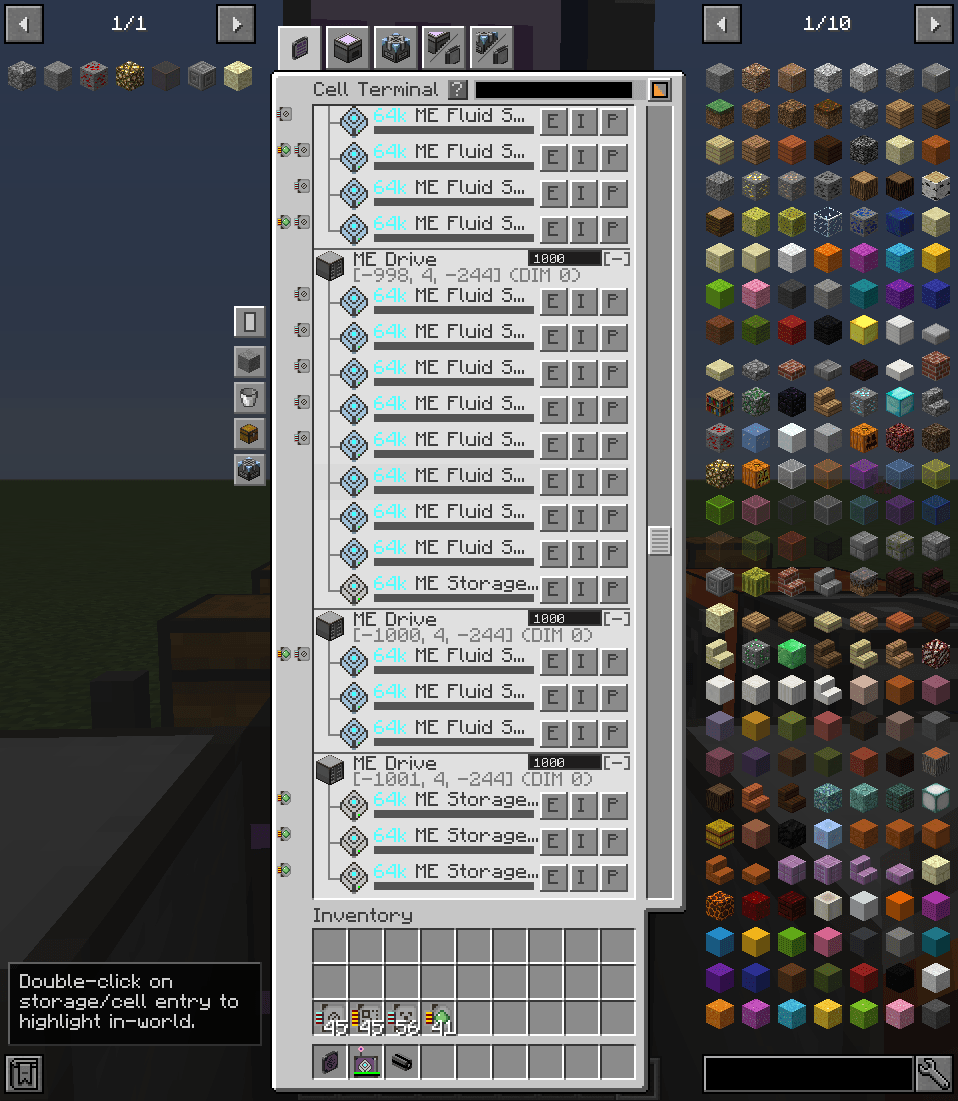
Cell Terminal
A terminal and wireless terminal for managing storage cells and storage buses across the ME network.
- Terminal & Wireless Access: Place the Cell Terminal part on ME cables, or use the Wireless Cell Terminal for remote access. As usual, you will need to use the Security Station to link the wireless terminal to your network.
- Multi-Cell Support: Works with all AE2 storage cell types (items, fluids, essentia).
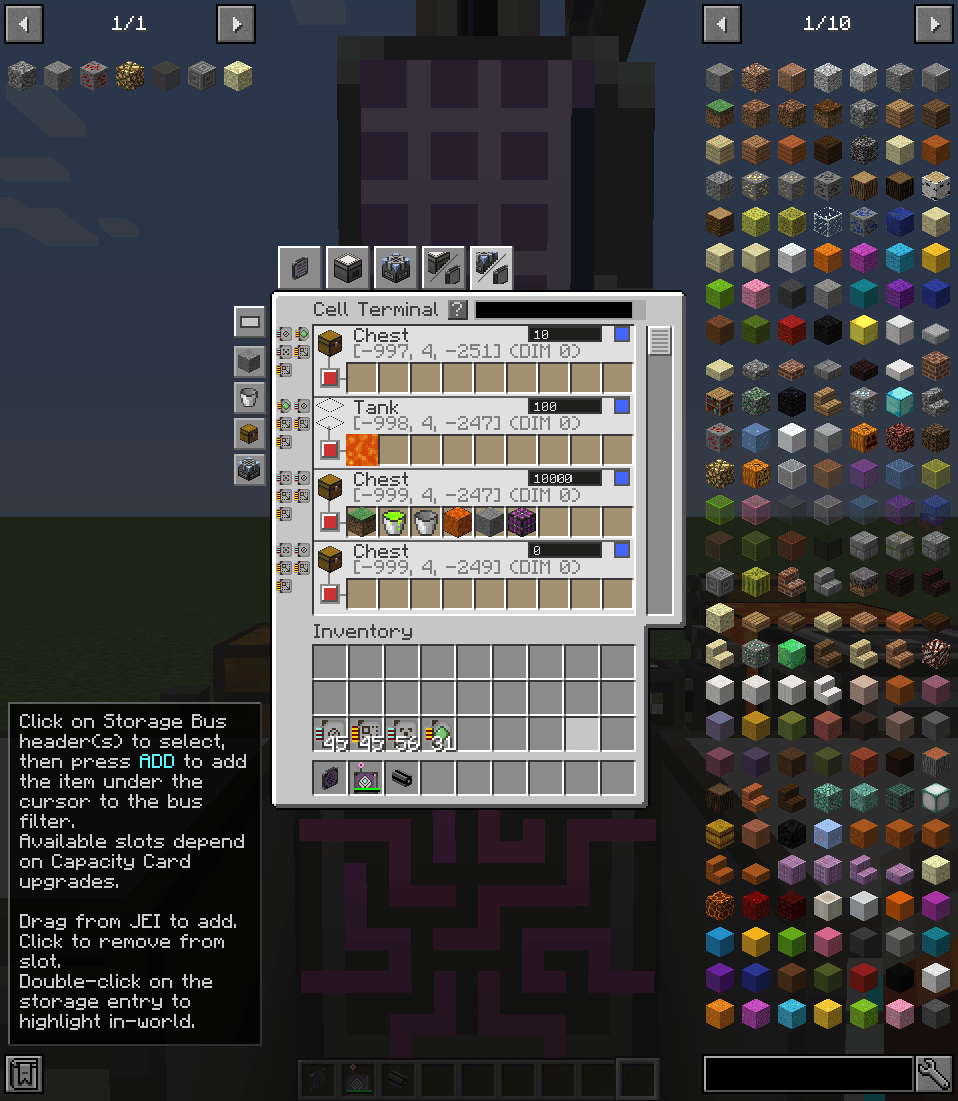
- Network Overview: Displays all ME Drives, ME Chests, and Storage Buses in your network, organized by location.
- Cell Management (Cell Terminal View):
- View cell capacity (used/total bytes and types)
- Eject cells directly to inventory
- Preview stored items with quantities
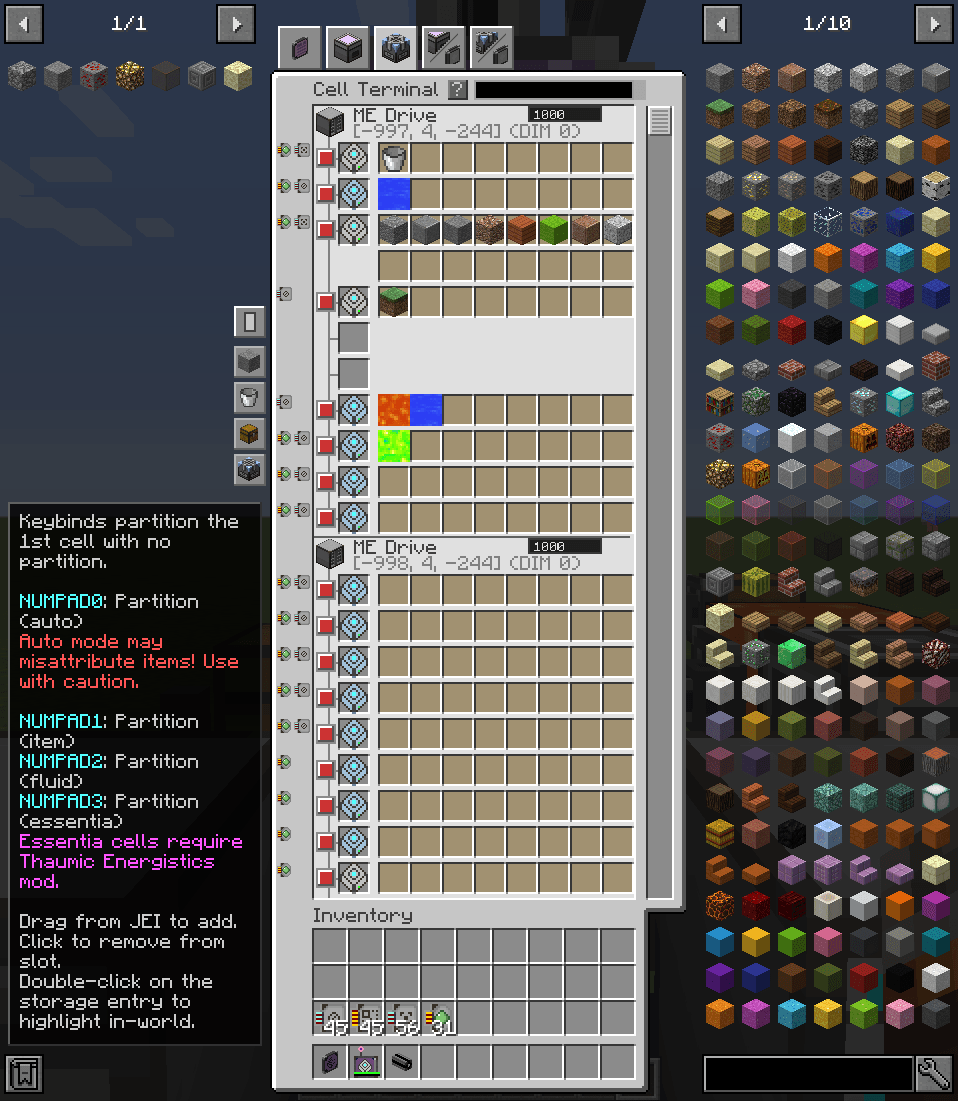
- Edit partitions with JEI drag-and-drop support
- Multiple Views:
- Cell Terminal: Compact list view of cells with expandable entries
- Cell Inventory: Grid view of cells showing stored items
- Cell Partition: Grid view for quick partition editing
- Storage Bus Inventory: View contents accessible through Storage Buses
- Storage Bus Partition: Edit Storage Bus filter configurations
- Search & Filter: Find items across all cells/Storage Buses with inventory/partition search modes
- In-World Highlighting: Double-click any storage entry to highlight its block in-world and show coordinates in chat
- Priority Management: Set ME Chest/Drive/Storage Bus priority directly from the GUI
- Quick Partition Keybinds: Configurable keybinds for quick partitioning with the hovered item
Quick facts
- Edition: Minecraft Java
- File type: .jar
- How to install: Install the matching mod loader (Forge, Fabric or NeoForge) for your Minecraft version. → Download the .jar. → Put it in the .minecraft/mods folder and launch that loader profile.
- Where to get it: Opens on CurseForge — not every file is mirrored on our own servers.
Install steps are the general flow for this file type — How to install Minecraft Java mods & modpacks walks through it step by step.
File checked by MCModsHub
- Ships as cell-terminal-1.3.0.jar — drop this file into the mods folder
- Download size: 504 KB
- Download link checked 8 Oct 2026 — working
These come from our own check of the pack file, not from the source page.