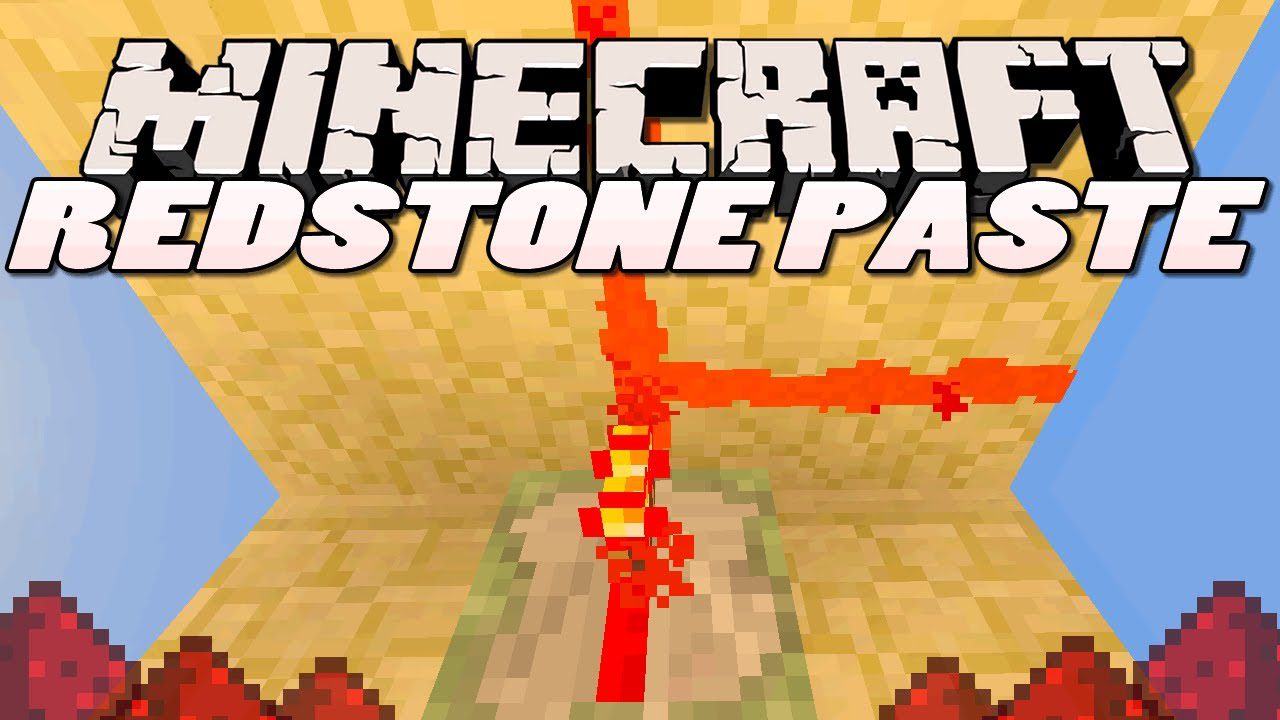
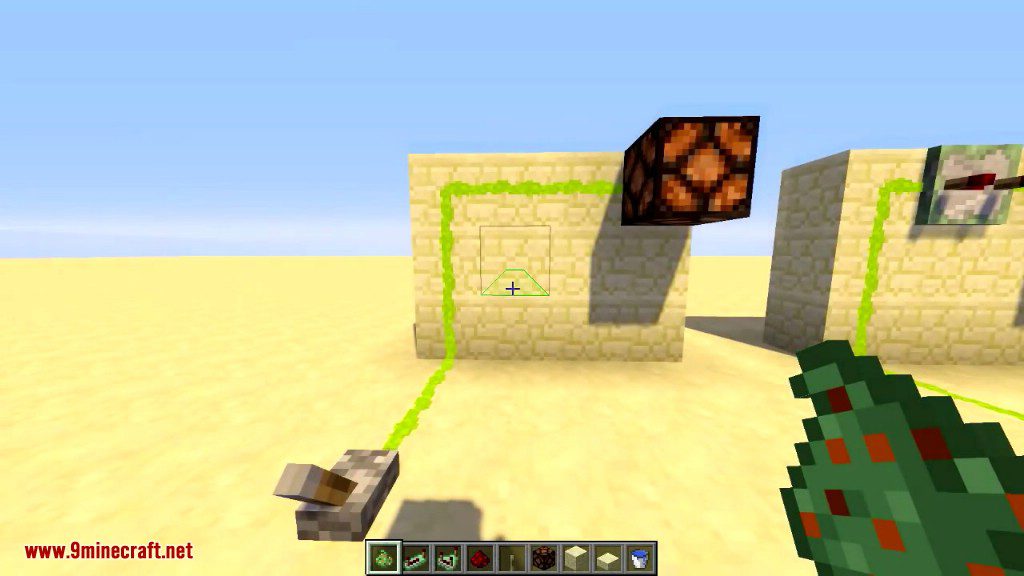
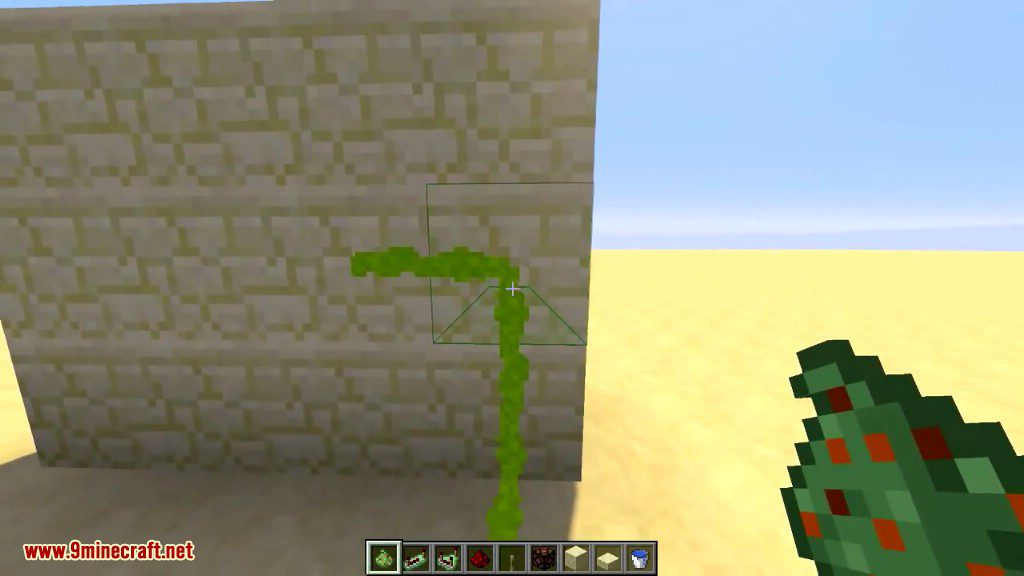
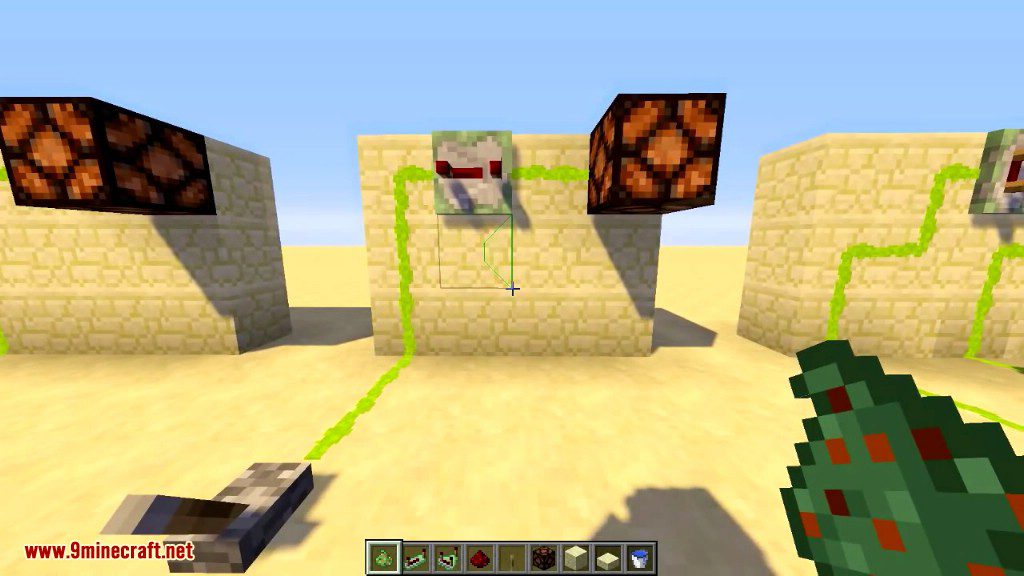
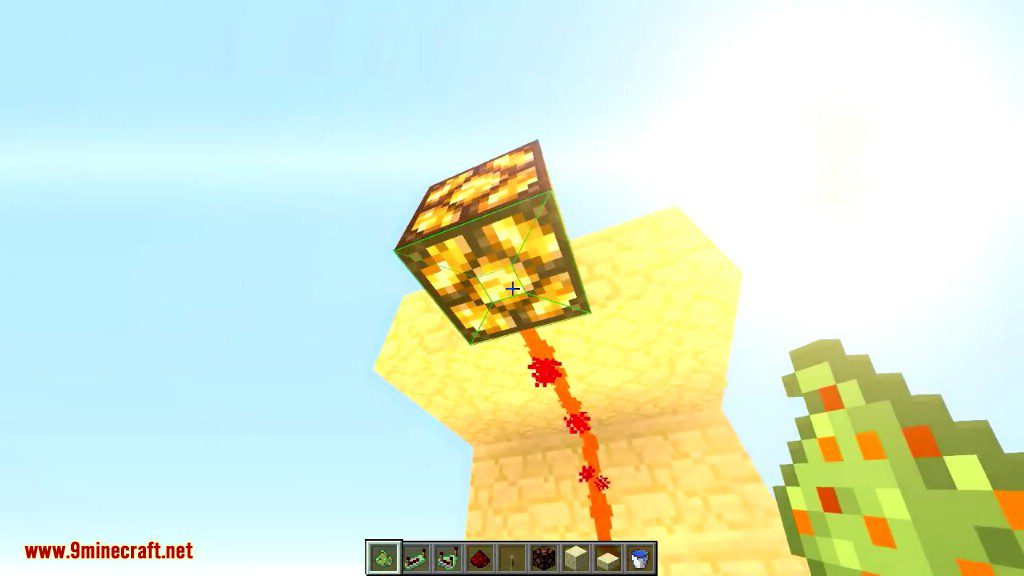
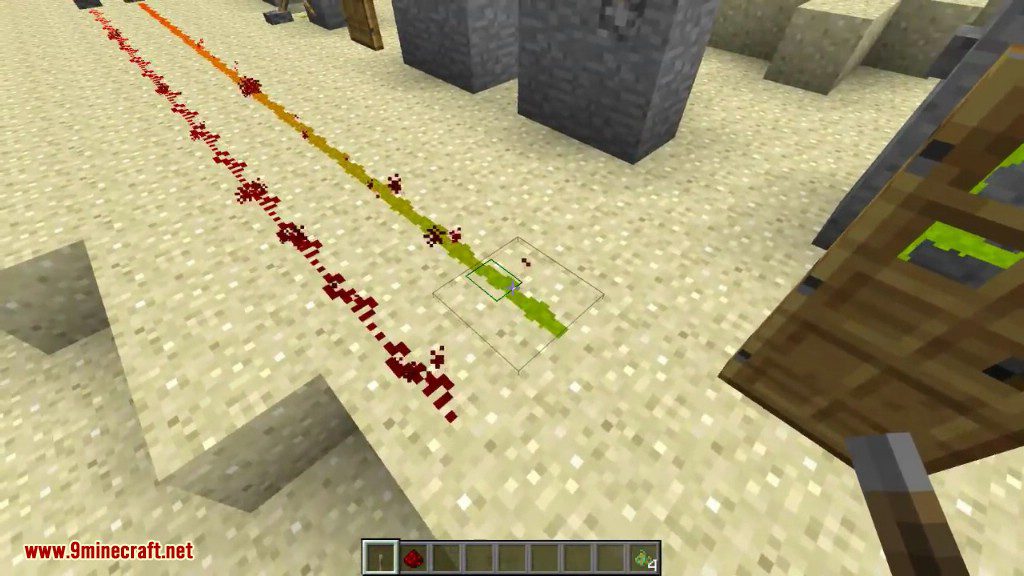
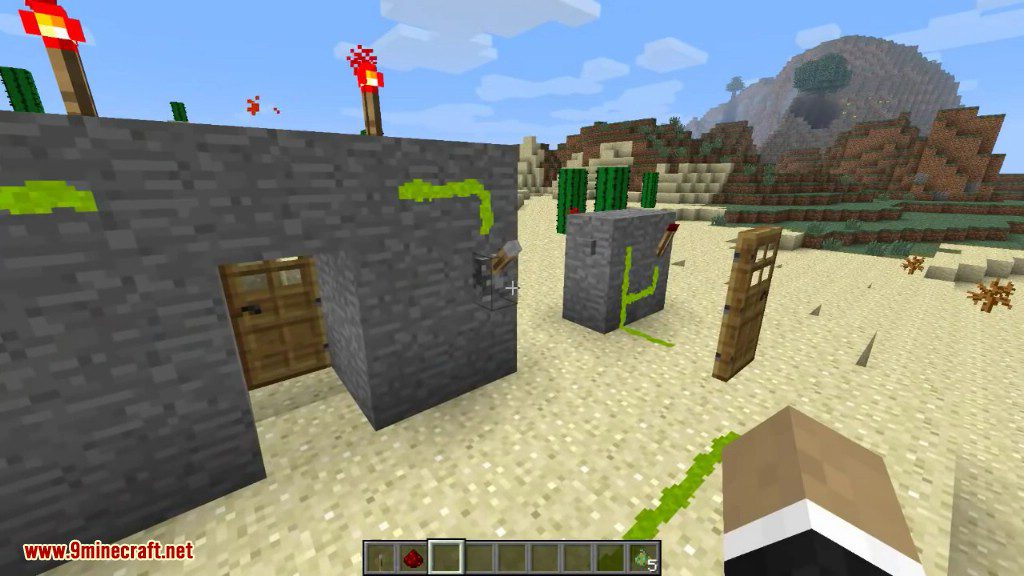
Redstone Paste Mod adds a new type of redstone wiring that can stick to almost any surface. This allows you to run redstone signals up walls and across ceilings, making your contraptions more compact. The mod also includes sticky repeaters and sticky comparators that work the same way, letting you build complex circuits anywhere.
Features:
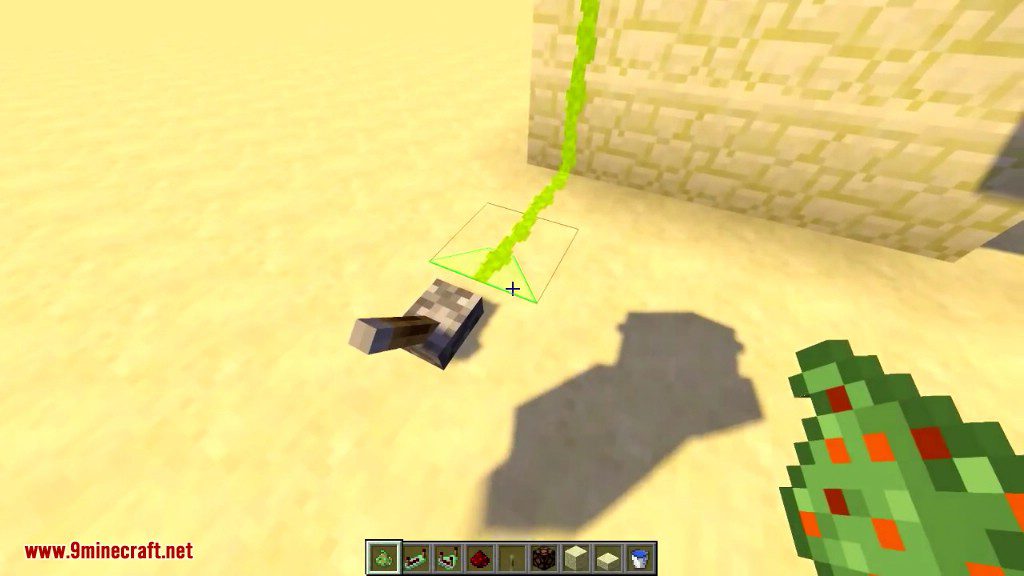
- Transmit redstone signals on walls and ceilings.
- Adds sticky repeaters and sticky comparators that can also be placed on any surface.
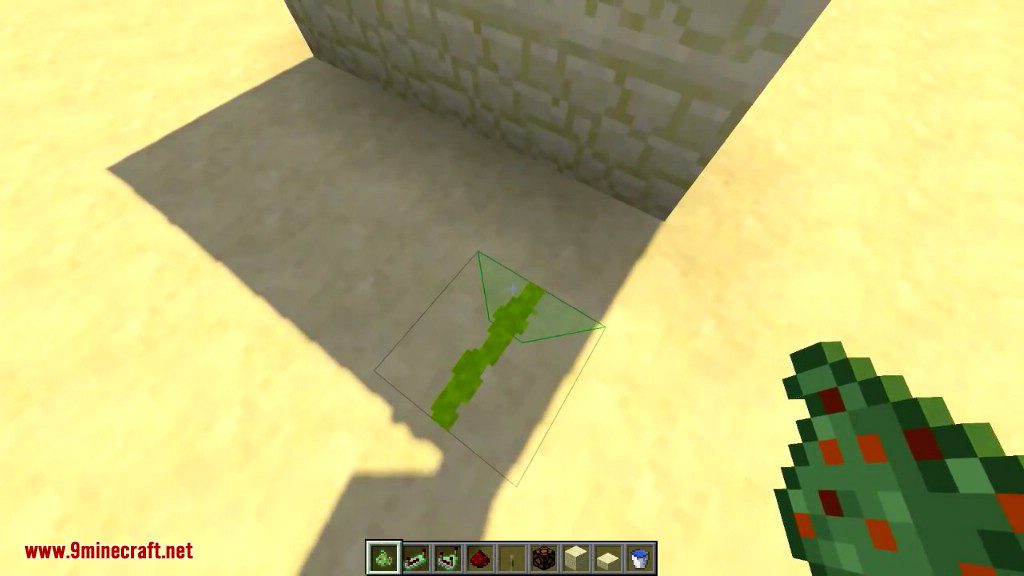
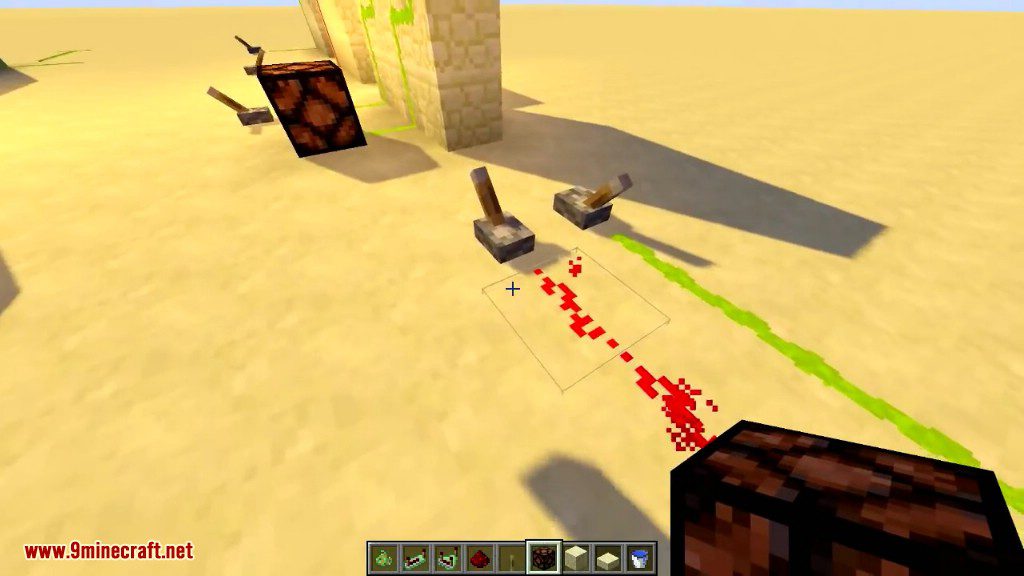
- Place paste on any of the four sides of a block face to create tight, controlled circuits.
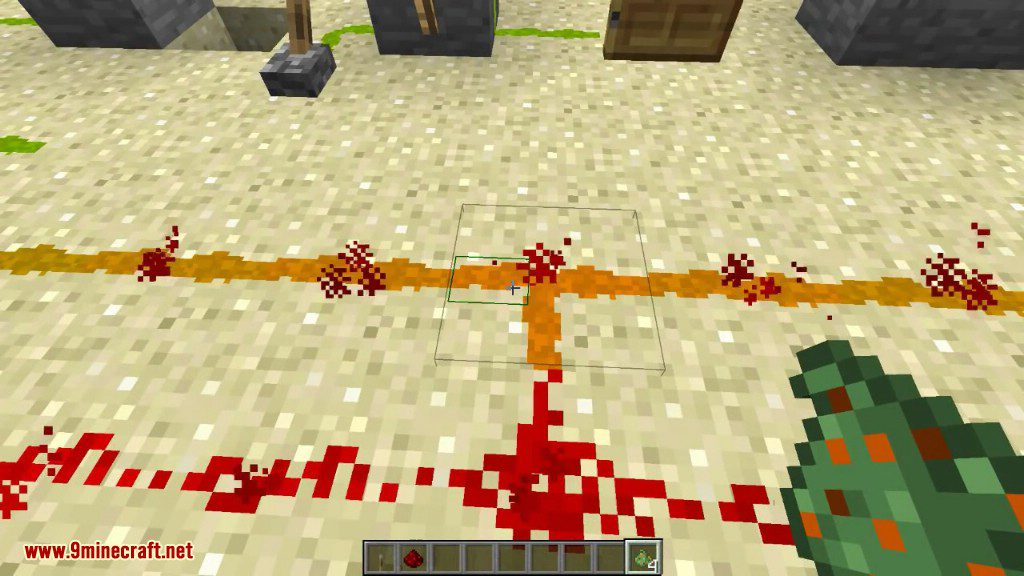
- Redstone paste can run alongside regular redstone dust without connecting unless you want them to.
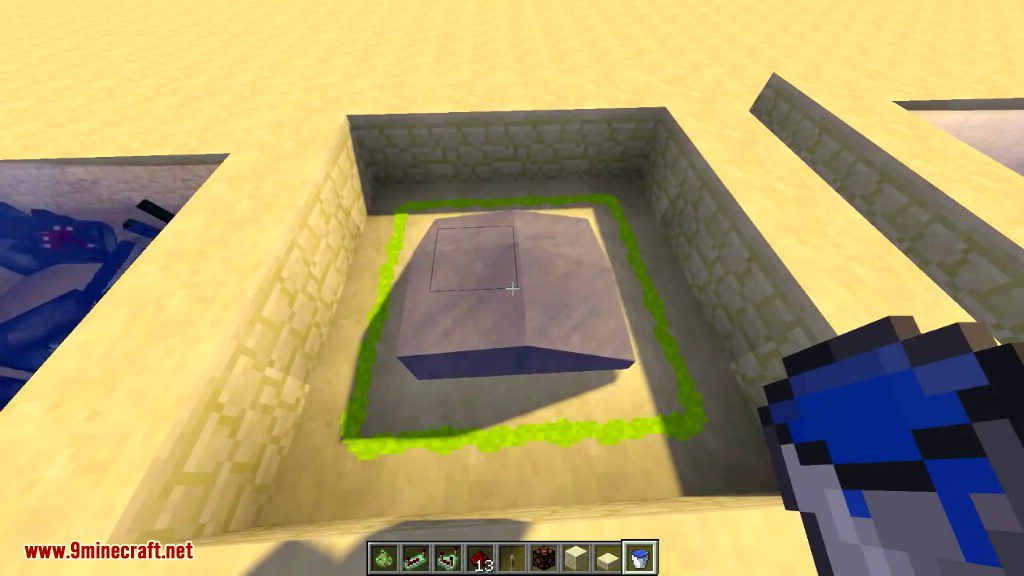
- Hide your wiring by covering the paste, repeaters, or comparators with a slab.
- This hiding feature works with slabs from many other mods.
- When covered with a stone slab, the slab will look like a full stone block to help it blend in.
How to Use:
- Place paste on one of the four directions of a block face to create a path.
- To remove a single piece of paste, click on it while it’s highlighted.
- To remove all paste from a block face at once, click the center area of the block.
- Hold the sneak key while placing paste to place it on the opposite side at the same time.
- You can cover paste and its components by right-clicking them with a slab in your hand.
- To uncover the wiring, just break the slab with your hand or any tool.
Crafting Recipes:
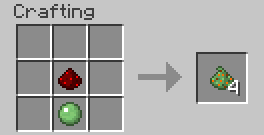
The crafting recipe is shapeless, consisting of simply a piece of redstone dust and a slimeball, yielding four pieces of paste. The config file allows you to specify how many pieces of paste the recipe gives, as well as providing an alternate recipe of a slimeball surrounded by redstone dust. You might wish to use these settings to better balance your game, depending on factors such as other mods you have installed, availability of slimeballs, or the intended focus of your game.
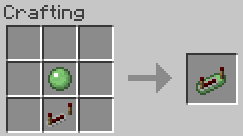
The recipe for sticky repeaters is equally simple.
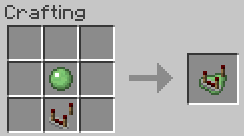
As are sticky comparators.
Screenshots:
Redstone Paste Mod Download Links
For Minecraft 1.5.2
For Minecraft 1.6.4/1.6.2
For Minecraft 1.7.2
For Minecraft 1.7.10
For Minecraft 1.8.0
For Minecraft 1.9.0
For Minecraft 1.9.4
For Minecraft 1.10.2
For Minecraft 1.11.2
For Minecraft 1.12.2, 1.12.1, 1.12
- Edition: Minecraft Java
- File type: .jar
- How to install: Install the matching mod loader (Forge, Fabric or NeoForge) for your Minecraft version. → Download the .jar. → Put it in the .minecraft/mods folder and launch that loader profile.
- Where to get it: In MC Java Mods, or directly above on this page.
Install steps are the general flow for this file type — How to install Minecraft Java mods & modpacks walks through it step by step.
- Downloads as 209664.mcaddon
- Download size: 74 KB
- Download link checked 30 Jul 2026 — working
- Mirrored on our own servers — the download does not depend on the original host
These come from our own check of the pack file, not from the source page.