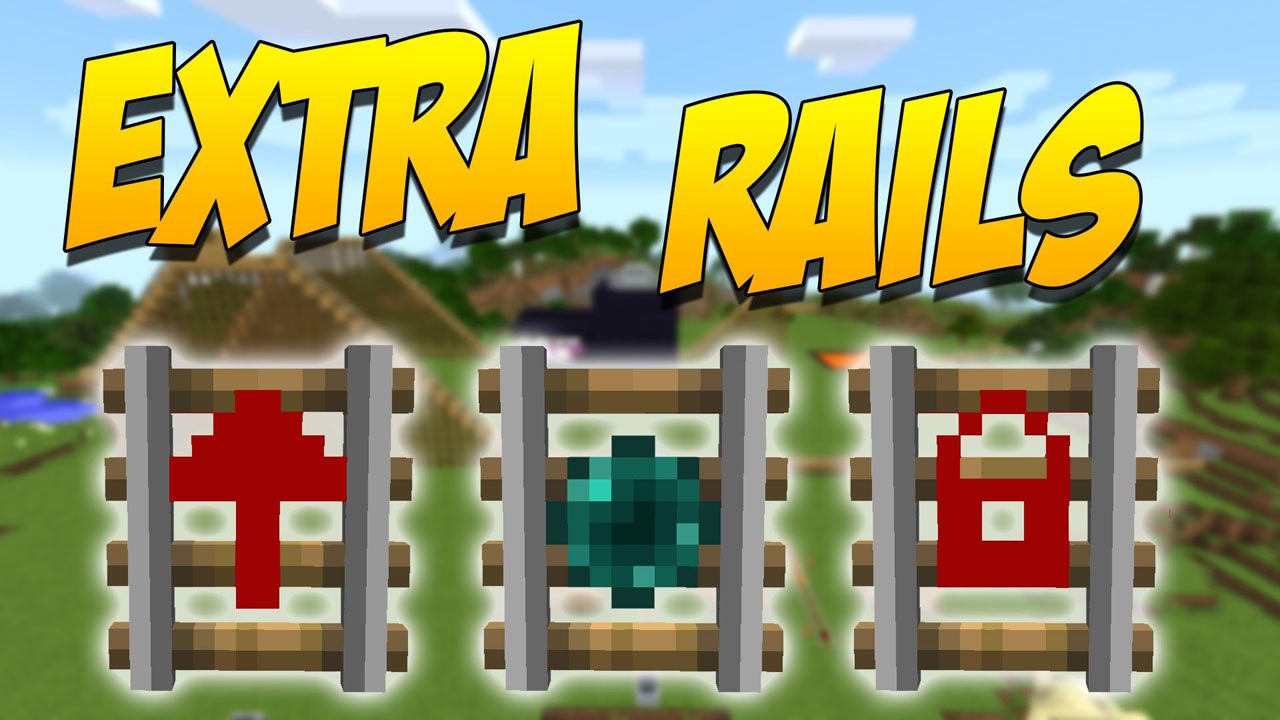
Extra Rails Mod (1.12.2, 1.11.2) – Automate Your Rail Network
Minecraft Java mod. Downloads from the MC Java Mods app on Android.
⬇ DownloadExtra Rails Mod adds several new types of rails to build your minecart tracks. These special rails give you more control over your carts. You can make them stop, change direction, or even teleport across the map.
Features:
- Locking Rail: This rail holds a minecart in place. When it gets a redstone signal, it pushes the cart in the direction it’s facing.
- Direction Rail: Works like a powered rail, but it will only push minecarts in one specific direction.
- Teleporting Rail: Instantly sends a minecart to another linked Teleporting Rail. You can link them by setting the same color frequency.
- Comparator Rail: If a minecart with an inventory (like a chest minecart) is on this rail, it will output a redstone signal based on how full the inventory is.
- Wooden Rail: This rail looks like a normal track but is made of wood. It slows down minecarts to half their normal speed.
How to Use:
To link two Teleporting Rails:
- Place a Teleporting Rail at your starting point and another at your destination.
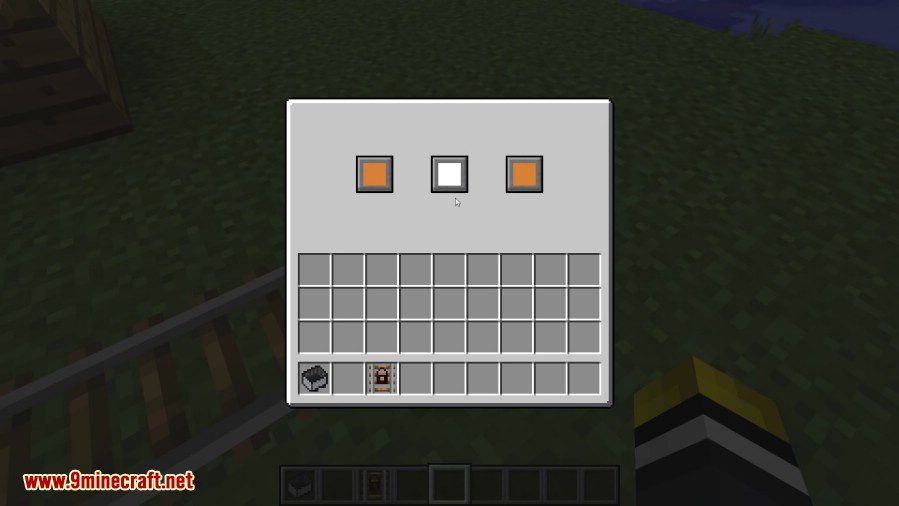
- Right-click on the first rail to open its menu.
- Use the color selectors to pick a unique frequency (a color combination).
- Go to the second rail and set it to the exact same color frequency.
Once linked, any minecart that goes over one rail will instantly appear on the other. Be careful, as linking more than two rails to the same frequency can make the destination random.
Configuration:
You can enable or disable certain rails in the config file:
enableTeleportingRail: Set to true to allow the Teleporting Rail to be crafted and used. It is on by default.enableWoodenRail: Set to true to allow the Wooden Rail to be crafted and used. It is also on by default.
Crafting Recipes:
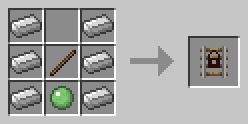
Locking Rail
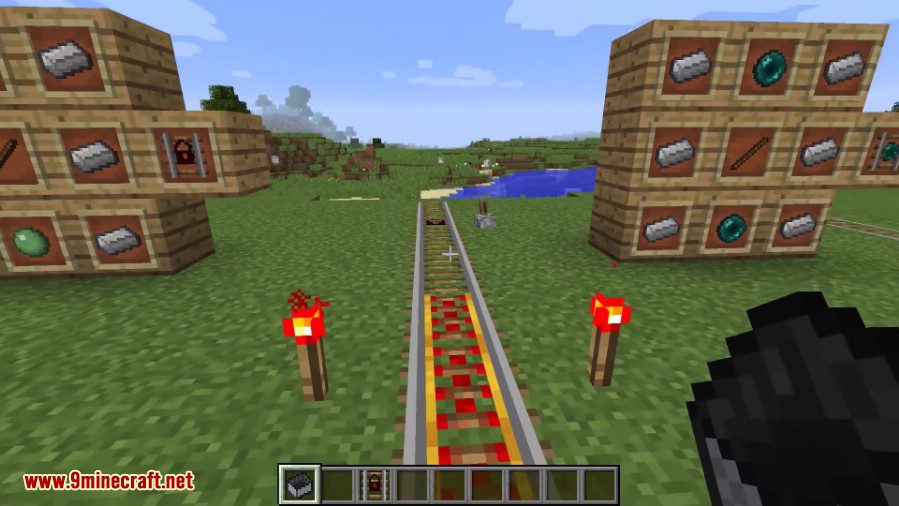
The Locking Rail holds the cart on it in place until it receives a redstone signal, at which point it propels the Minecart in the direction it is facing.
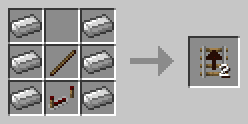
Direction Rail
The Direction Rail acts like the Golden Rail but it only propels carts in the direction it is facing.
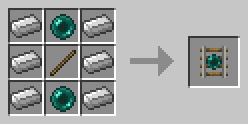
Teleporting Rail
The Teleporting Rail teleports Minecarts on it to the other Teleporting Rail it is connected to.
To link Teleporting Rails, open the GUI by right-clicking on them and use the 3 color selectors to pick a frequency for the rail. Do the same for the other Teleporting Rail and Minecarts will be able to teleport back and forth.
Note: If there are more than 2 Teleporting Rails on the same frequency, the destination may be random.
Comparator Rail
The Comparator Rail outputs the redstone level of the cart on it, if said cart is an inventory (specifically if it implements IInventory, has the IItemHandler capability or implements IItemHandler).
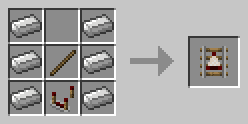
Wooden Rail
The Wooden Rails are functionally identical to the normal Rails, but they limit Minecart’s speed to 50% of the vanilla speed.
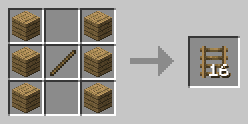
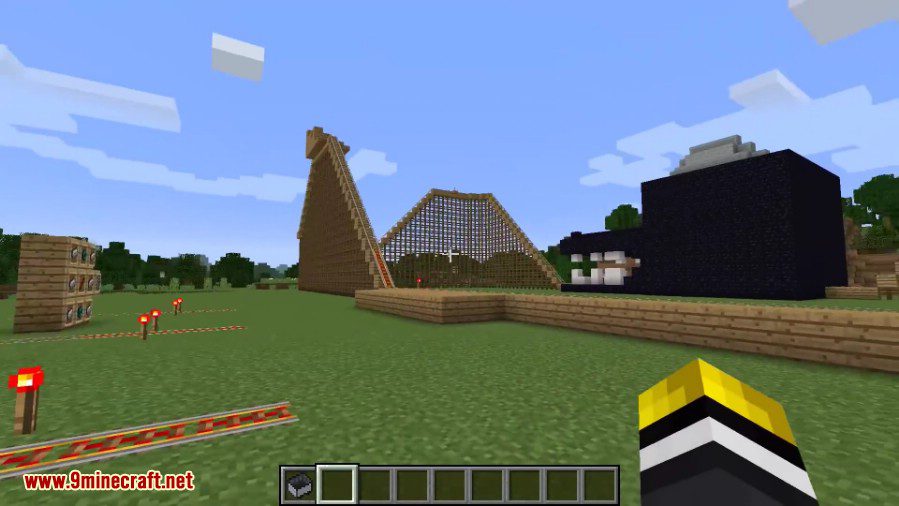
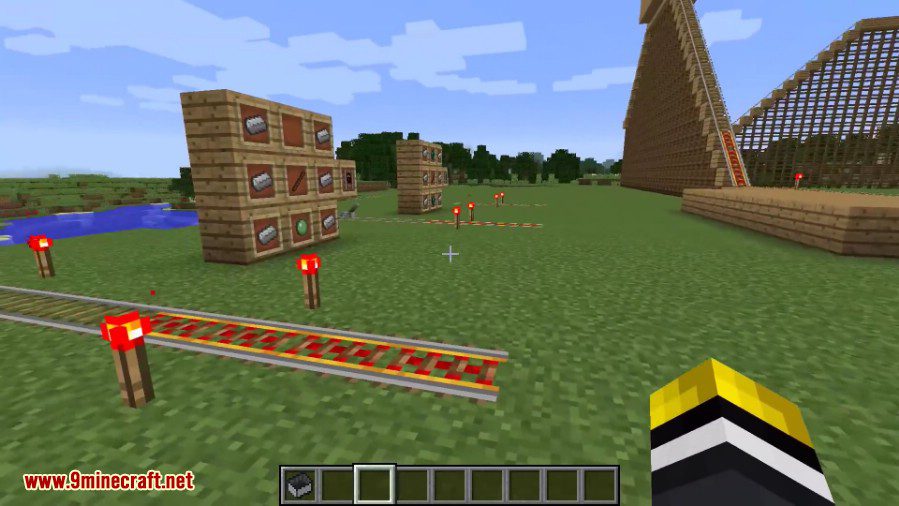
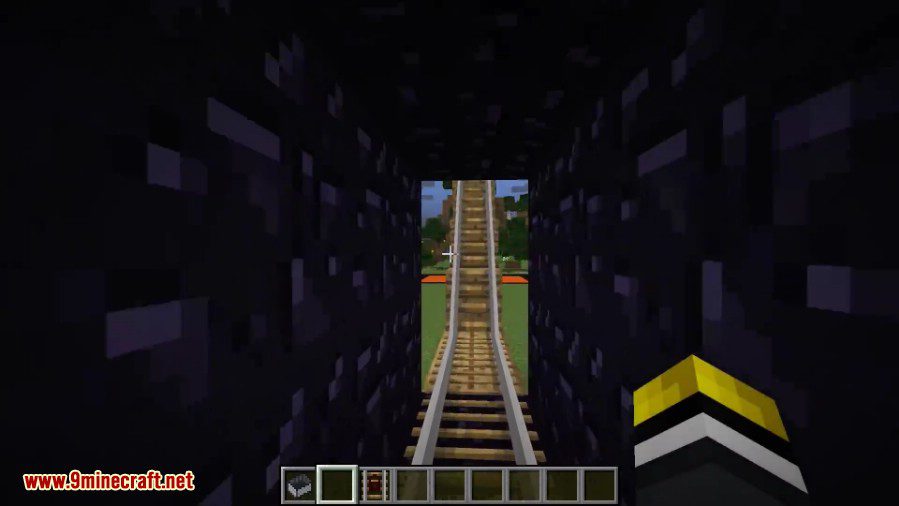
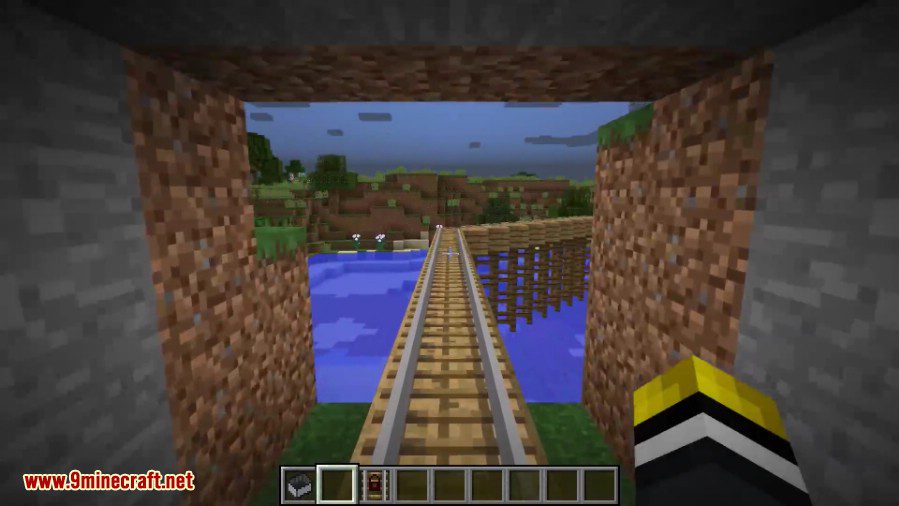
Screenshots:
Extra Rails Mod Download Links
For Minecraft 1.10.2
For Minecraft 1.11.2, 1.11
For Minecraft 1.12.2, 1.12.1, 1.12
- Edition: Minecraft Java
- File type: .jar
- How to install: Install the matching mod loader (Forge, Fabric or NeoForge) for your Minecraft version. → Download the .jar. → Put it in the .minecraft/mods folder and launch that loader profile.
- Where to get it: In MC Java Mods, or directly above on this page.
Install steps are the general flow for this file type — How to install Minecraft Java mods & modpacks walks through it step by step.
- Downloads as 209705.mcaddon
- Download size: 48 KB
- Download link checked 24 Jul 2026 — working
- Mirrored on our own servers — the download does not depend on the original host
These come from our own check of the pack file, not from the source page.