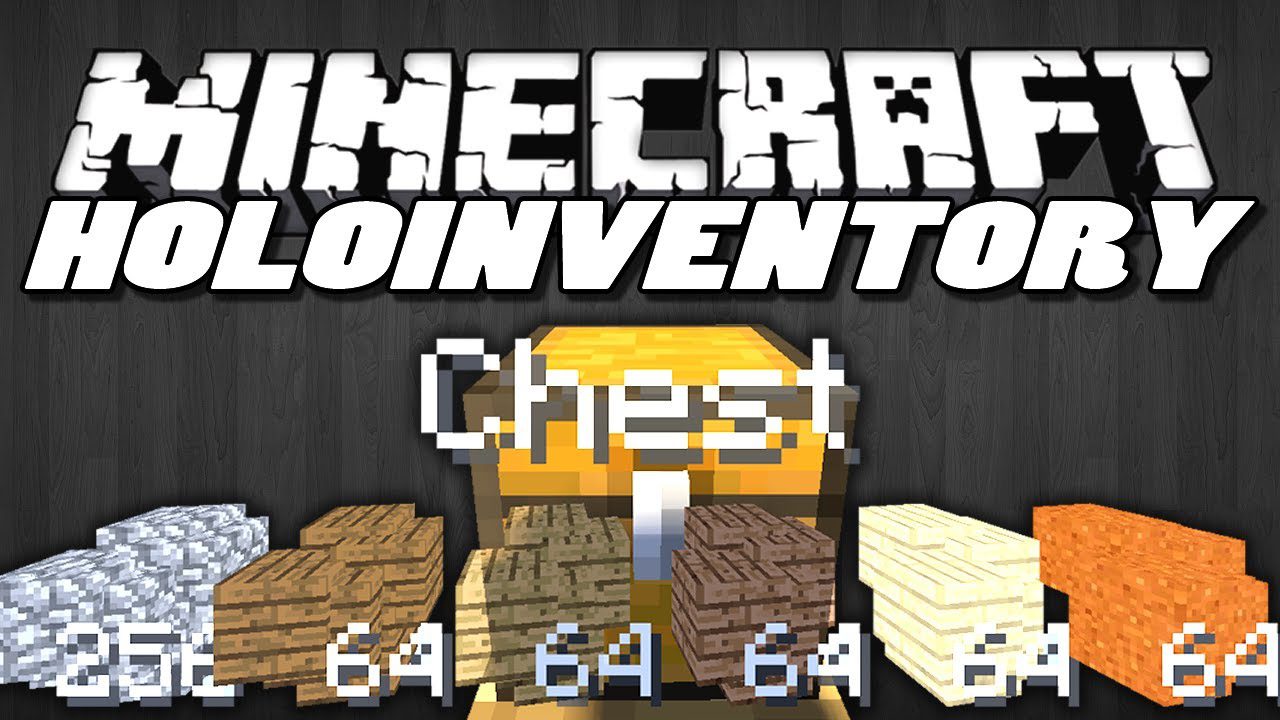
HoloInventory Mod adds a holographic display that shows you what’s inside a container. When you look at a block with an inventory, like a chest, its contents will appear floating above it. This hologram is just for viewing and you can’t interact with the items.
Features:
- See the contents of any inventory, like a chest or minecart, as a floating hologram.
- View villager trades without having to open their trading menu.
- The hologram is for display only; you cannot interact with the items shown.
- Simply look at a block with an inventory to make the hologram appear.
How to Use:
- Look at any block that has an inventory, like a chest or a villager.
- By default, press and hold the ‘H’ key to show the hologram of its contents.
- You can also activate it by sneaking or sprinting.
- The keybind can be changed in the controls menu or the mod’s configuration file.
Note: This mod needs to be installed on both the server and the client to work correctly.
Screenshots:
HoloInventory Mod Download Links
For Minecraft 1.6.4
For Minecraft 1.7.2
For Minecraft 1.7.10
For Minecraft 1.8.9
For Minecraft 1.10.2, 1.9.4
For Minecraft 1.11.2
For Minecraft 1.12.2
Quick facts
- Edition: Minecraft Java
- File type: .jar
- How to install: Install the matching mod loader (Forge, Fabric or NeoForge) for your Minecraft version. → Download the .jar. → Put it in the .minecraft/mods folder and launch that loader profile.
- Where to get it: In MC Java Mods, or directly above on this page.
Install steps are the general flow for this file type — How to install Minecraft Java mods & modpacks walks through it step by step.
Verified by MCModsHub
- Downloads as 209750.mcaddon
- Download size: 62 KB
- Download link checked 24 Jul 2026 — working
- Mirrored on our own servers — the download does not depend on the original host
These come from our own check of the pack file, not from the source page.