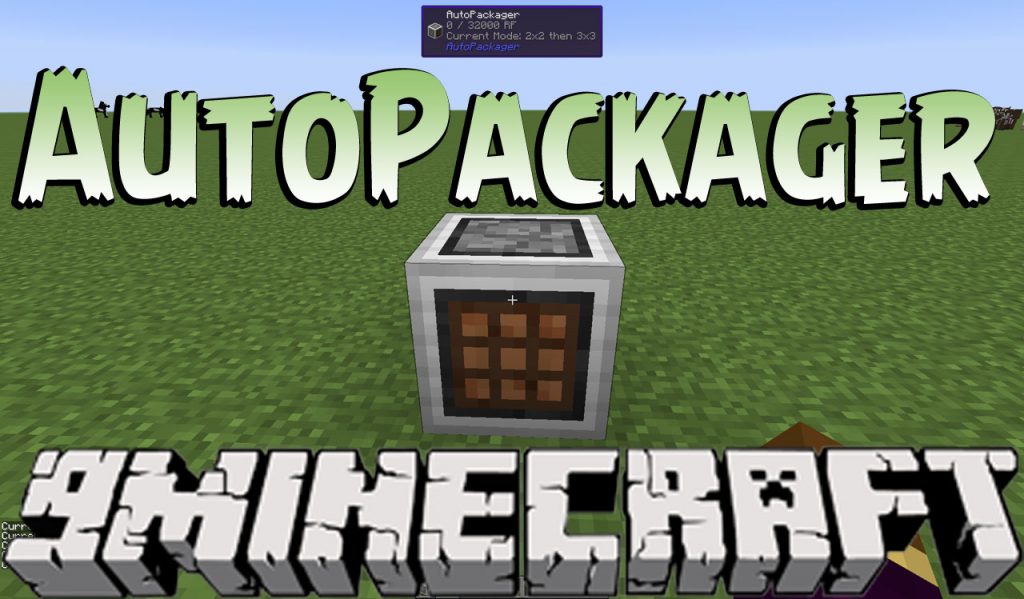
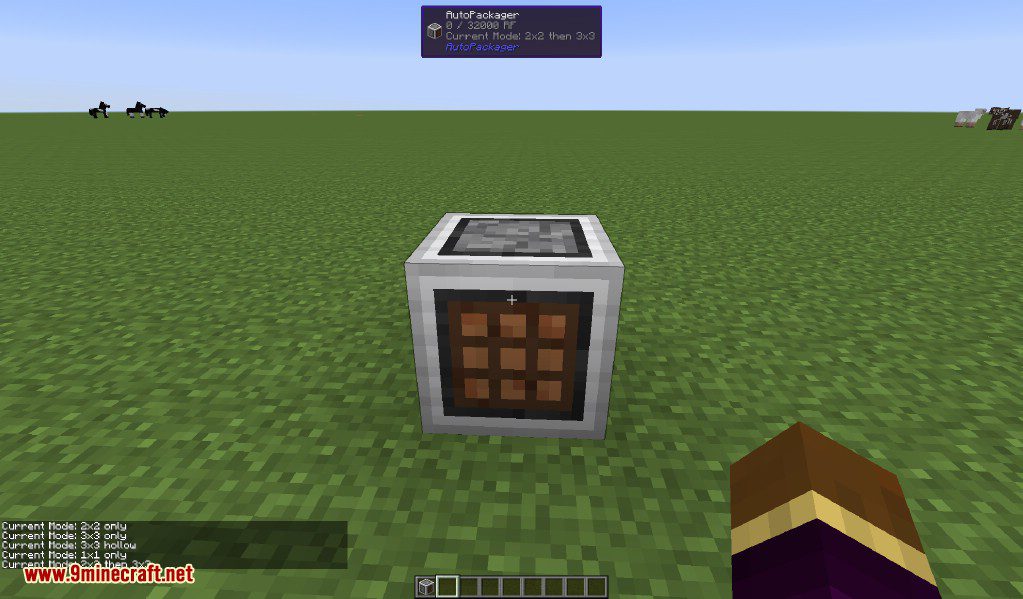
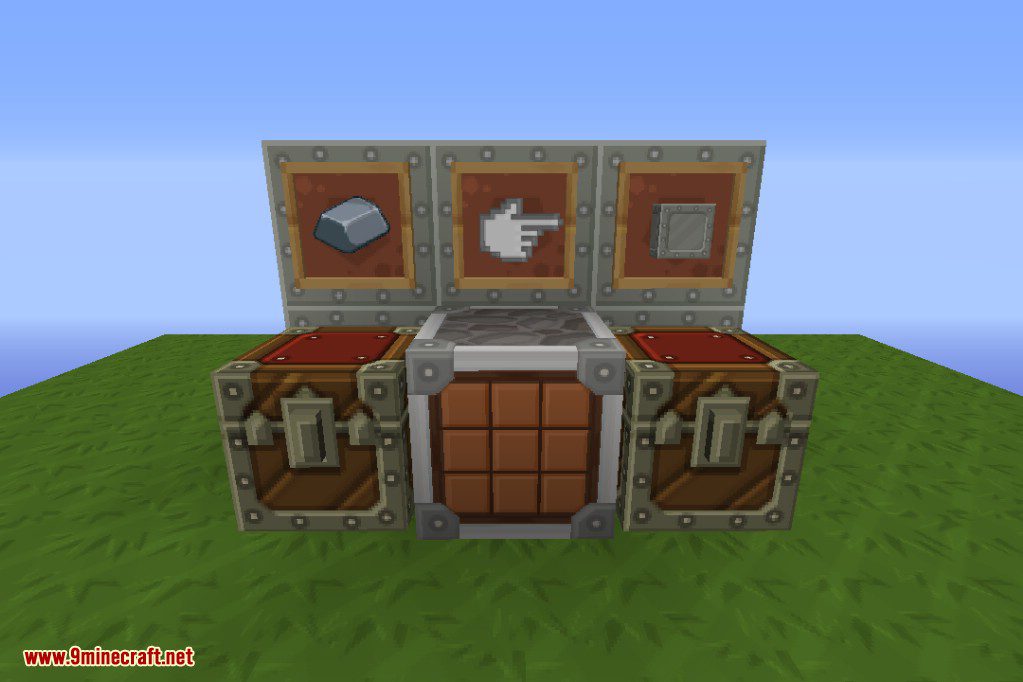
AutoPackager Mod adds a single block that automatically crafts items for you. This machine takes items from an inventory on its left, crafts them using a 2×2 or 3×3 recipe, and places the result into an inventory on its right. It uses Forge Energy to work. You can right-click the block to see its current mode or shift-right-click to change between different crafting patterns, like solid blocks or hollow shapes for chests and furnaces.
Features:
- Adds a special block to automate crafting recipes.
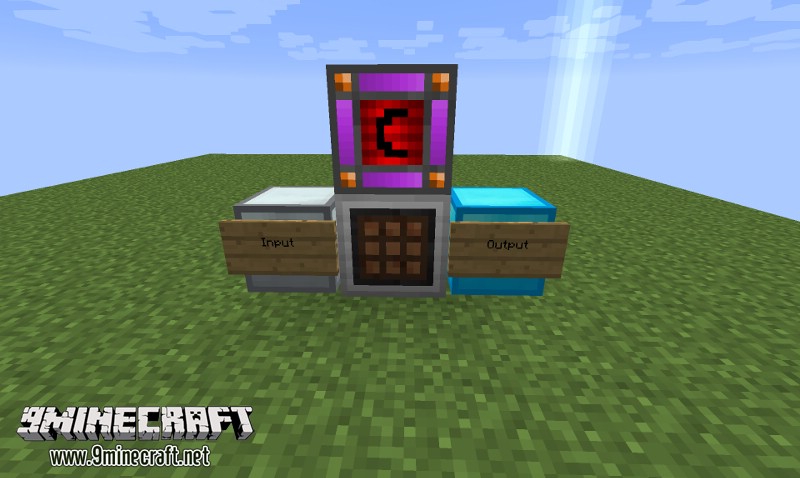
- Pulls items from an inventory on the left and outputs crafted items to the right.
- Uses Forge Energy to power its operations.
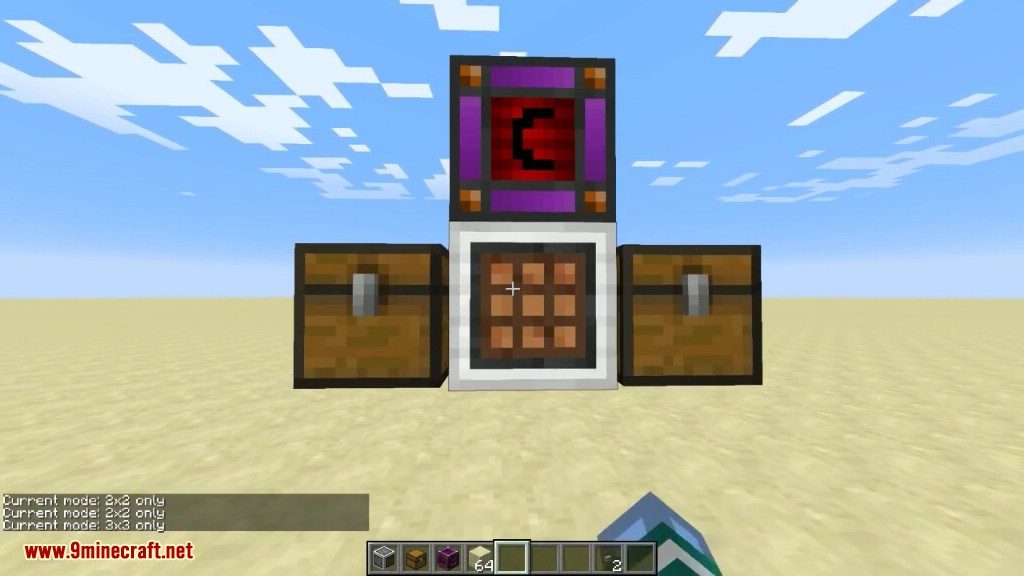
- Cycle through four different crafting modes: 2×2 then 3×3, 2×2 only, 3×3 only, and 3×3 hollow.
- The hollow mode can craft items like chests and furnaces.
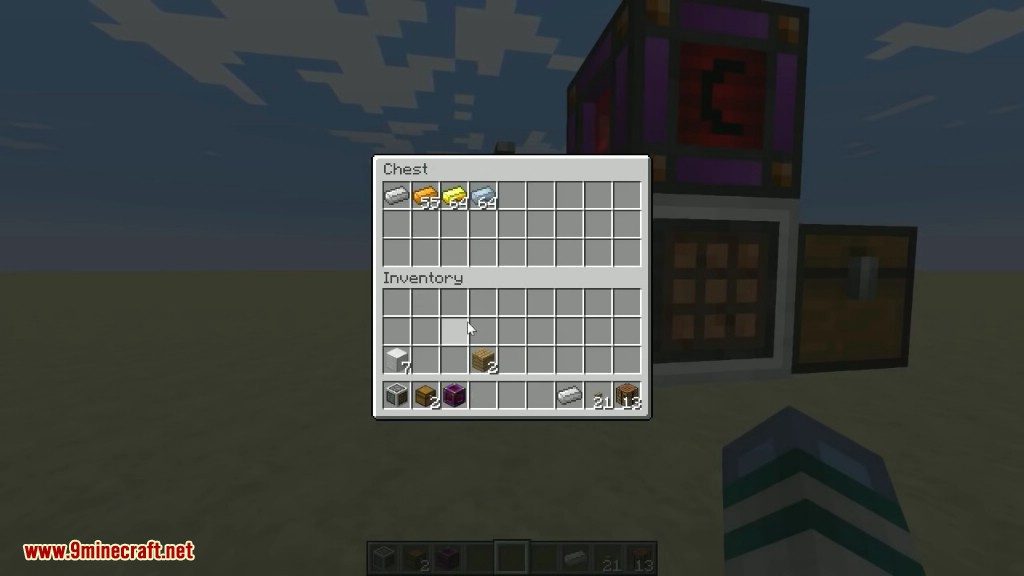
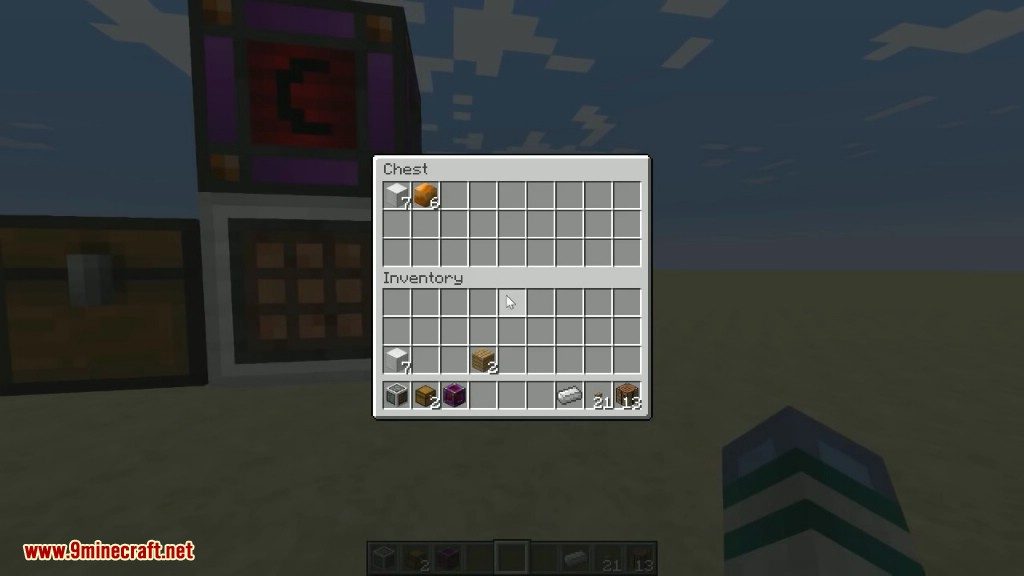
- If no items can be crafted, it will merge identical item stacks in the input inventory.
- Works with many types of inventories, including storage drawer controllers and Refined Storage Interfaces.
- Shares its power with connected input and output inventories.
How to Use:
- Place the AutoPackager block between two inventories, like chests.
- Put the items you want to craft into the inventory on the left side of the machine. The finished items will appear in the inventory on the right.
- Supply the block with Forge Energy.
- Right-click the block with an empty hand to see which crafting mode is active.
- Shift-right-click with an empty hand to switch between the different crafting modes.
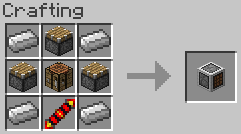
Crafting Recipes:
Screenshots:
In-world usage layout:
AutoPackager Mod Download Links
For Minecraft 1.7.10
For Minecraft 1.8.9
For Minecraft 1.9.0
For Minecraft 1.9.4
For Minecraft 1.10.2
For Minecraft 1.11.2
For Minecraft 1.12.2
- Edition: Minecraft Java
- File type: .jar
- How to install: Install the matching mod loader (Forge, Fabric or NeoForge) for your Minecraft version. → Download the .jar. → Put it in the .minecraft/mods folder and launch that loader profile.
- Where to get it: In MC Java Mods, or directly above on this page.
Install steps are the general flow for this file type — How to install Minecraft Java mods & modpacks walks through it step by step.
- Downloads as 209762.mcaddon
- Download size: 27 KB
- Download link checked 30 Jul 2026 — working
- Mirrored on our own servers — the download does not depend on the original host
These come from our own check of the pack file, not from the source page.