Default World Generator Mod (1.12.2, 1.11.2) – Always Start with the Right World
Minecraft Java mod. Downloads from the MC Java Mods app on Android.
⬇ DownloadDefault World Generator Mod lets modpack creators set a default world type for new games. This helps ensure players start with the correct world generation settings for a modpack. While a default is chosen, players can still select a different world type unless the option is locked.
Features:
- Set a default world generator for new single-player and server worlds.
- Create multiple world generation presets for players to choose from.
- Lock the world type and seed to prevent changes.
- Automatically run commands, like setting gamerules, when a new world starts.
- Add custom data packs to include things like unique loot tables or structures.
- Force the bonus chest to be on or off.
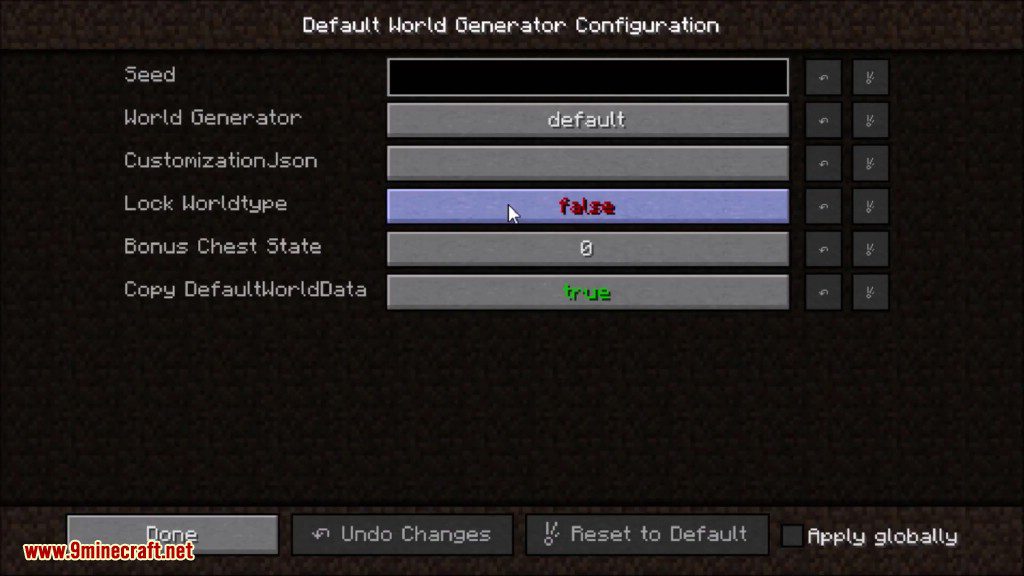
- Manage all settings through an in-game configuration menu.
How to Use:
To configure the mod, follow these steps from the main menu:
- Launch Minecraft and go to the title screen.
- Click on the Mods button.
- Select Default World Generator from the list.
- Click the Configure button to open the settings screen.
Inside this menu, you can create and manage different world presets. You can set options for each preset, such as:
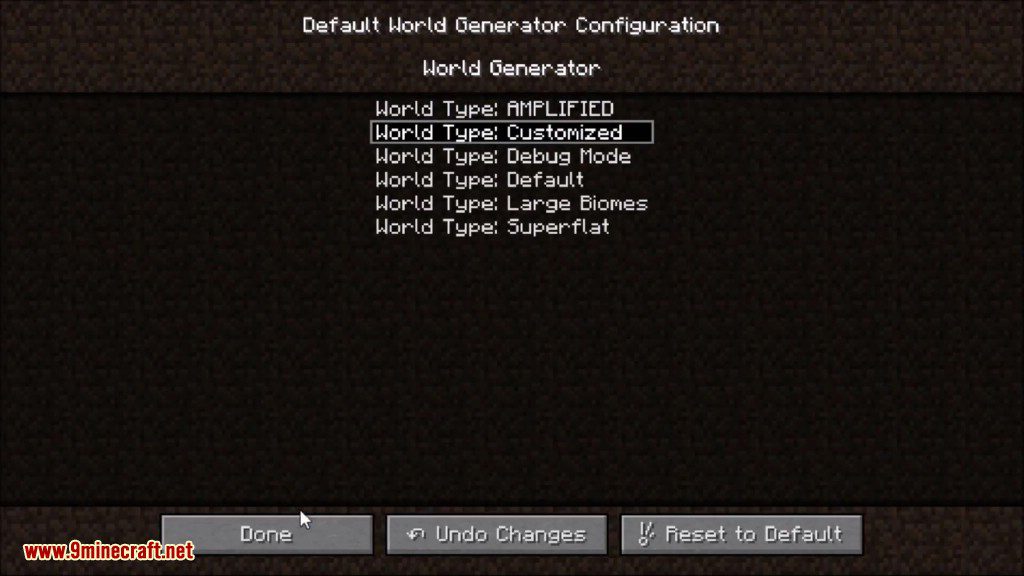
- Choosing a specific world generator.
- Setting a default seed.
- Locking the world type so it cannot be changed.
- Enabling or disabling the bonus chest.
- Adding custom data packs and initial commands.
Configuration:
Install the mod into your mods folder, make sure the mod that provides your world generator is also installed. Launch minecraft, once it is loaded close minecraft and edit the defaultworldgenerator.cfg file that is in your config folder. If you know the name of the generator, just replace default with the name.
Screenshots:
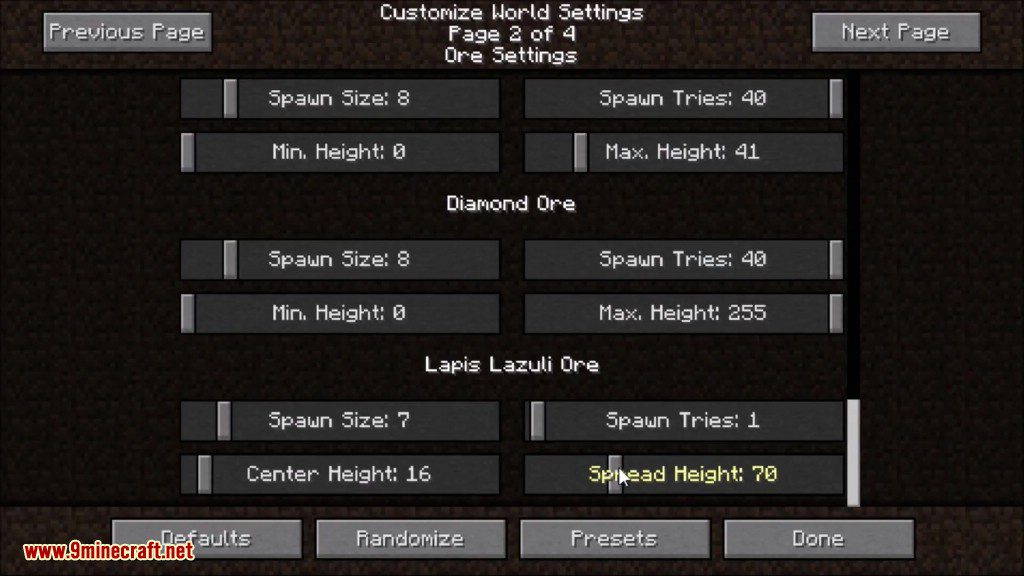
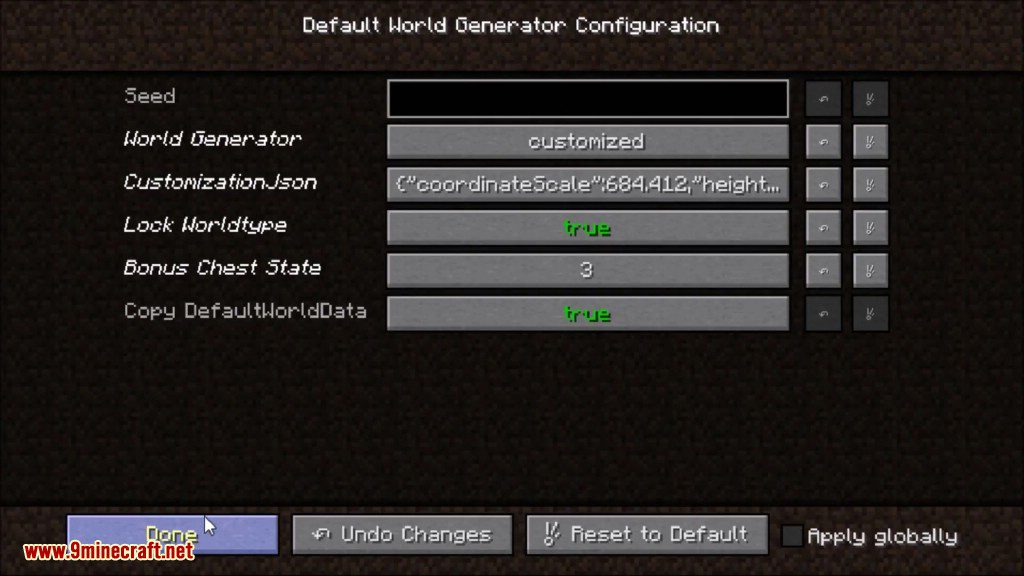
Default World Generator Mod Download Links
For Minecraft 1.7.10
For Minecraft 1.8.9
For Minecraft 1.10.2, 1.9.4
For Minecraft 1.11.2
For Minecraft 1.12.2, 1.12.1, 1.12
- Edition: Minecraft Java
- File type: .jar
- How to install: Install the matching mod loader (Forge, Fabric or NeoForge) for your Minecraft version. → Download the .jar. → Put it in the .minecraft/mods folder and launch that loader profile.
- Where to get it: In MC Java Mods, or directly above on this page.
Install steps are the general flow for this file type — How to install Minecraft Java mods & modpacks walks through it step by step.
- Downloads as 209772.mcaddon
- Download size: 310 KB
- Download link checked 24 Jul 2026 — working
- Mirrored on our own servers — the download does not depend on the original host
These come from our own check of the pack file, not from the source page.