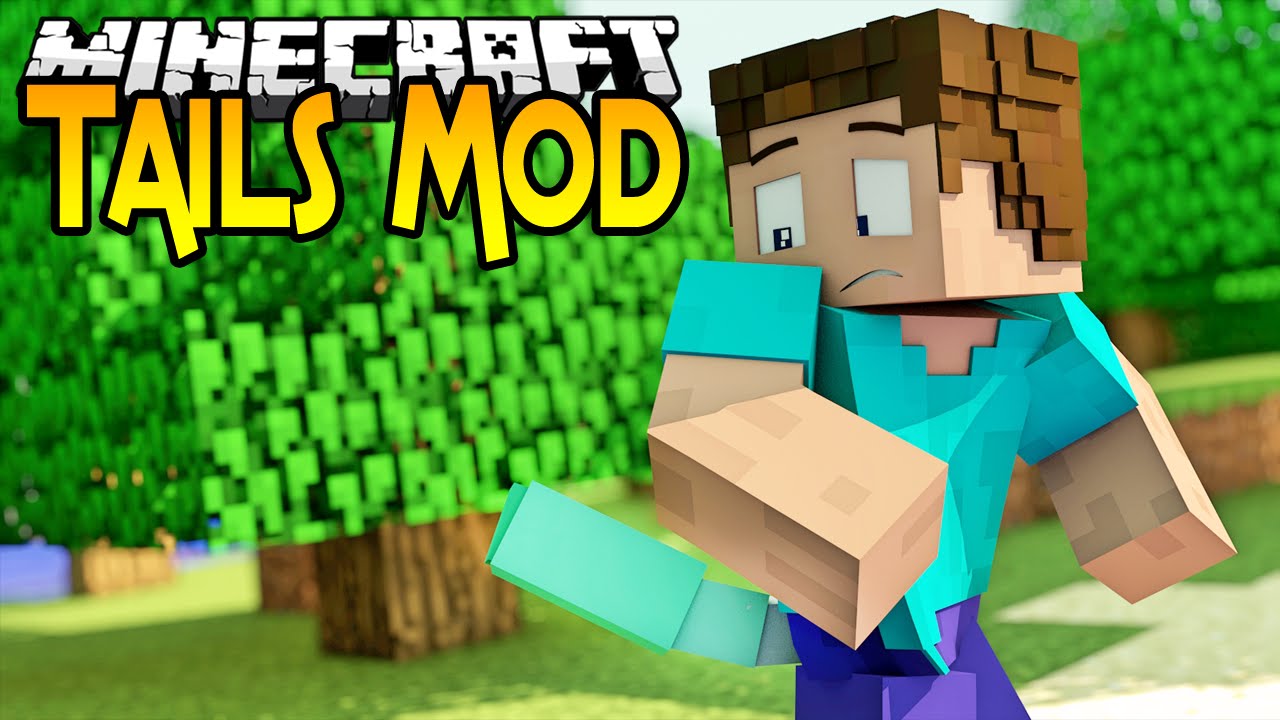
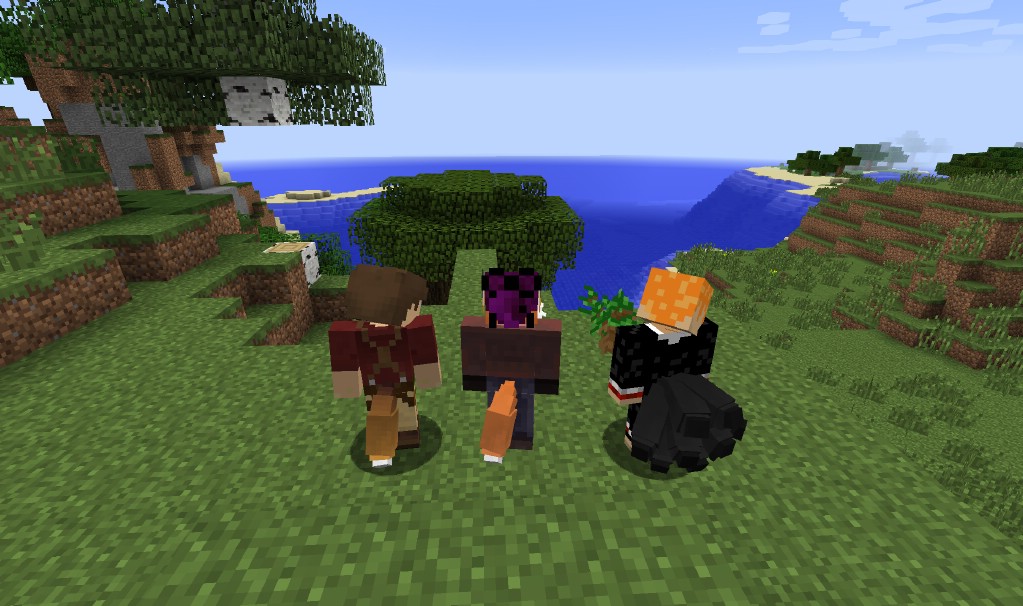
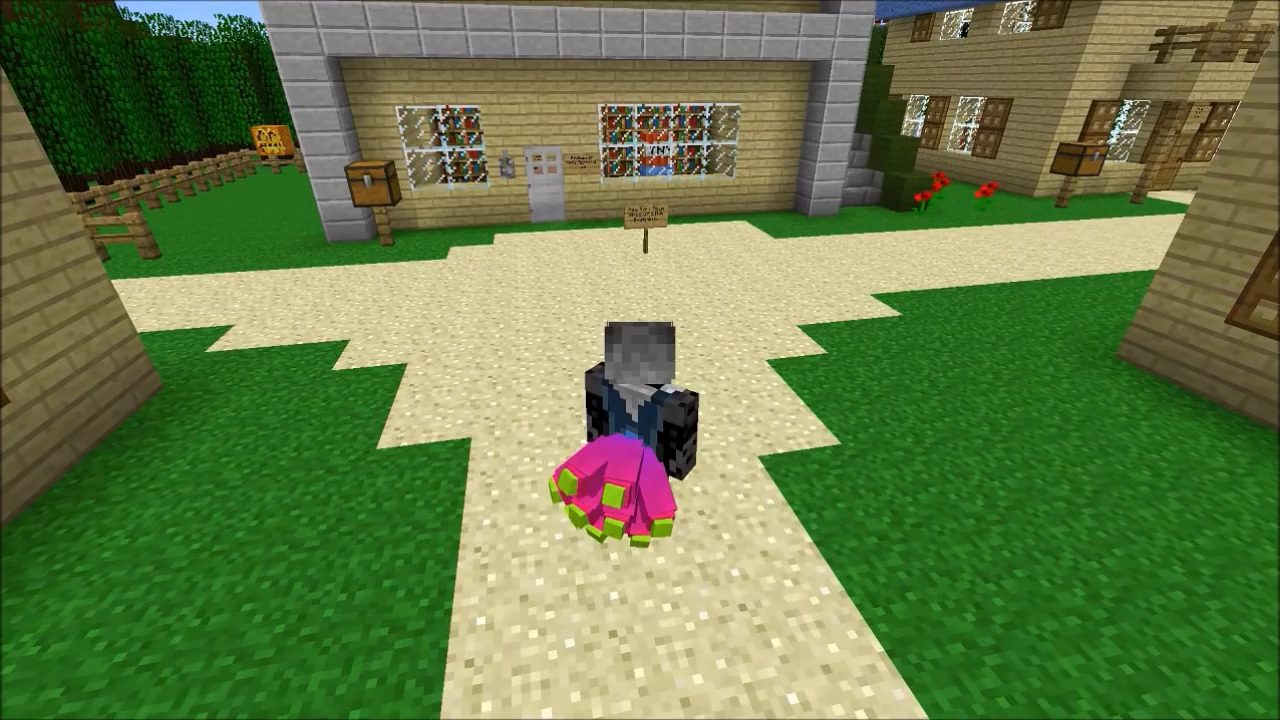
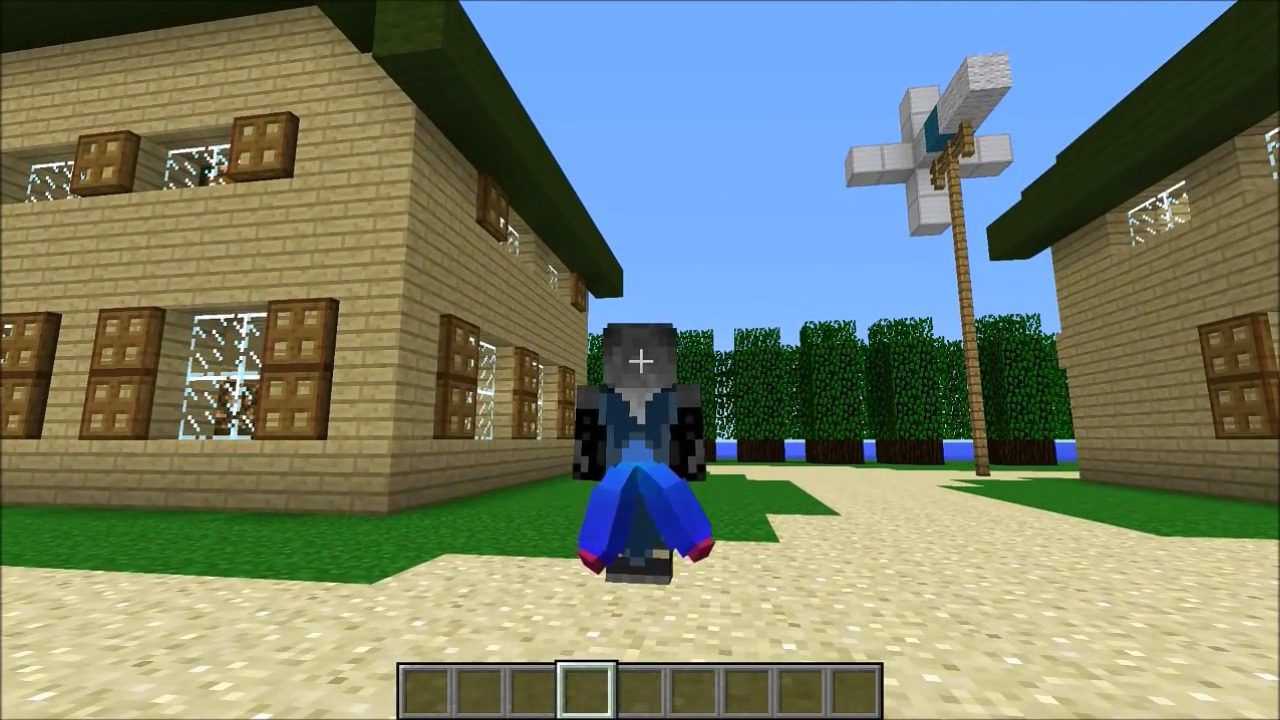
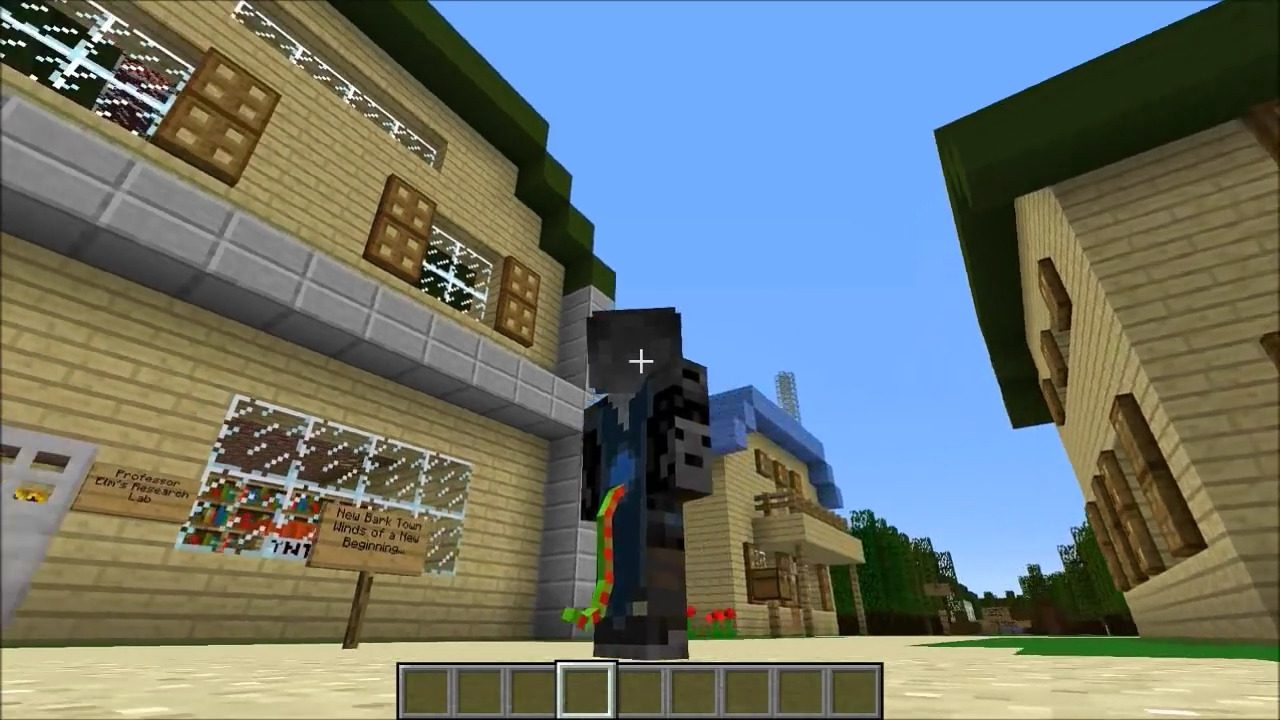
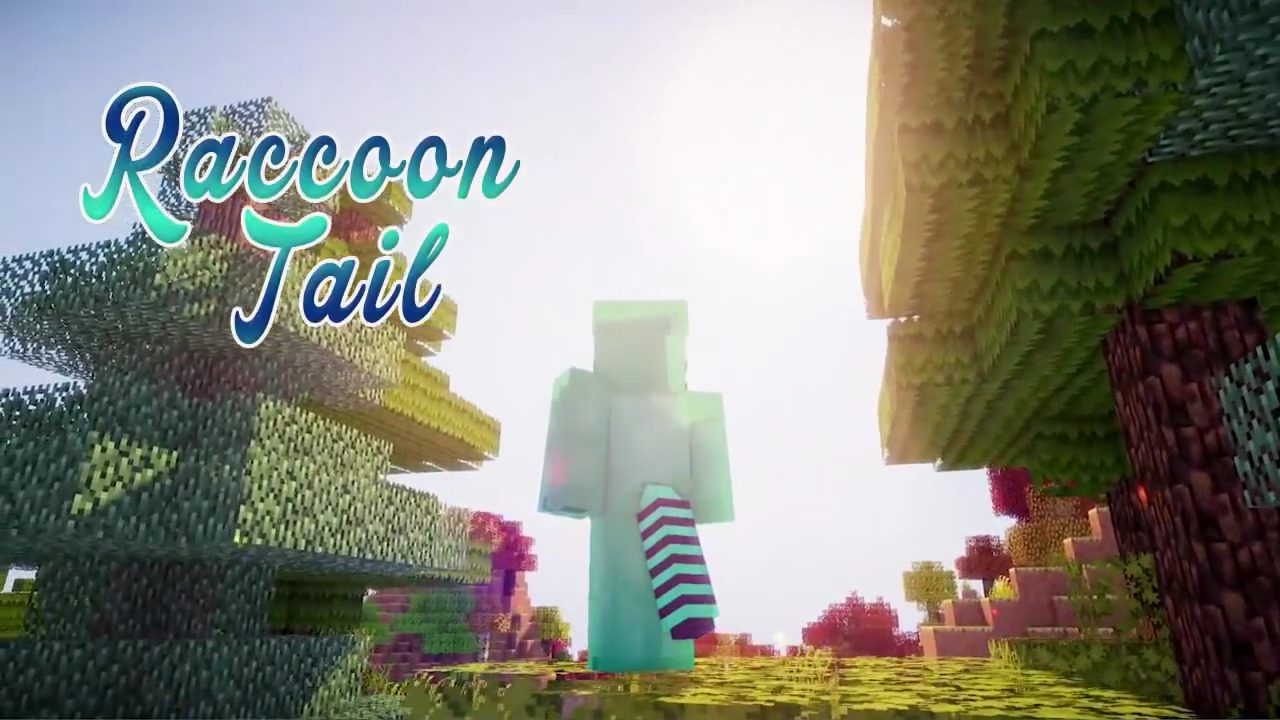
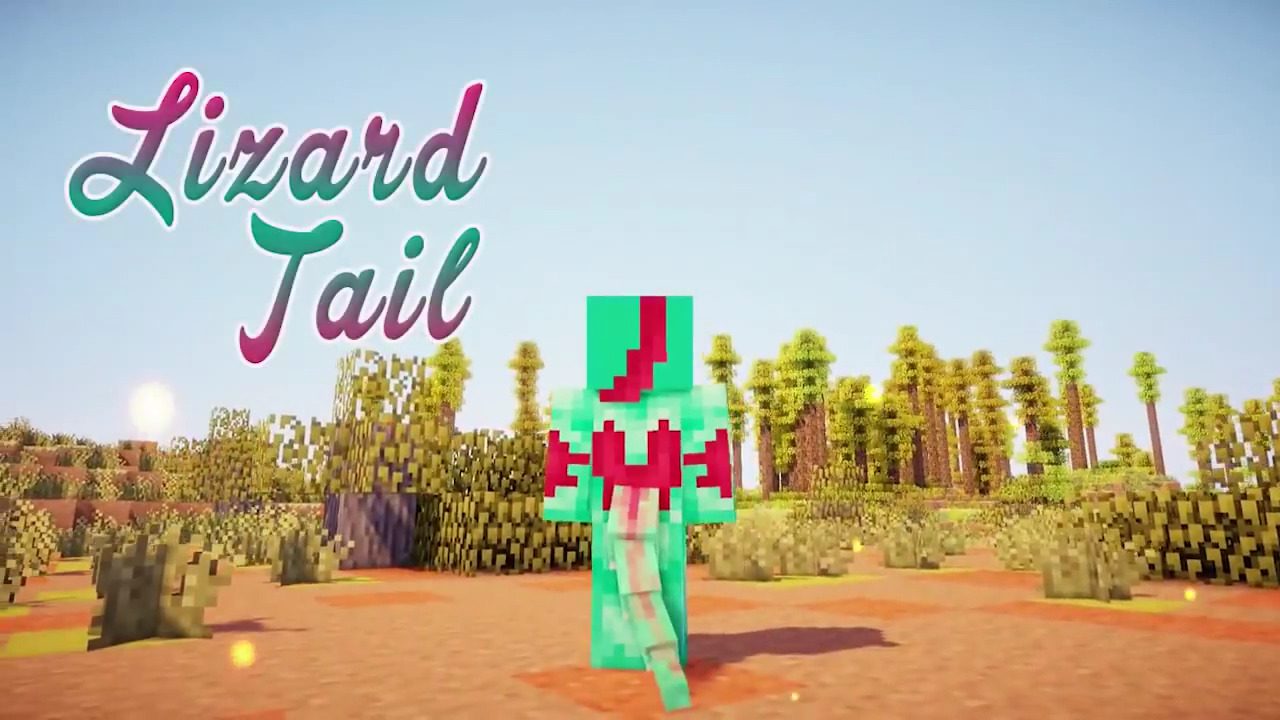
Tails Mod adds a variety of wearable tails, ears, and wings to your Minecraft character. You can customize these new parts with different colors to create a unique look. The mod provides many fun options to personalize your appearance in the game.
Features:
- Adds a collection of different tails, ears, and wings for your character model.
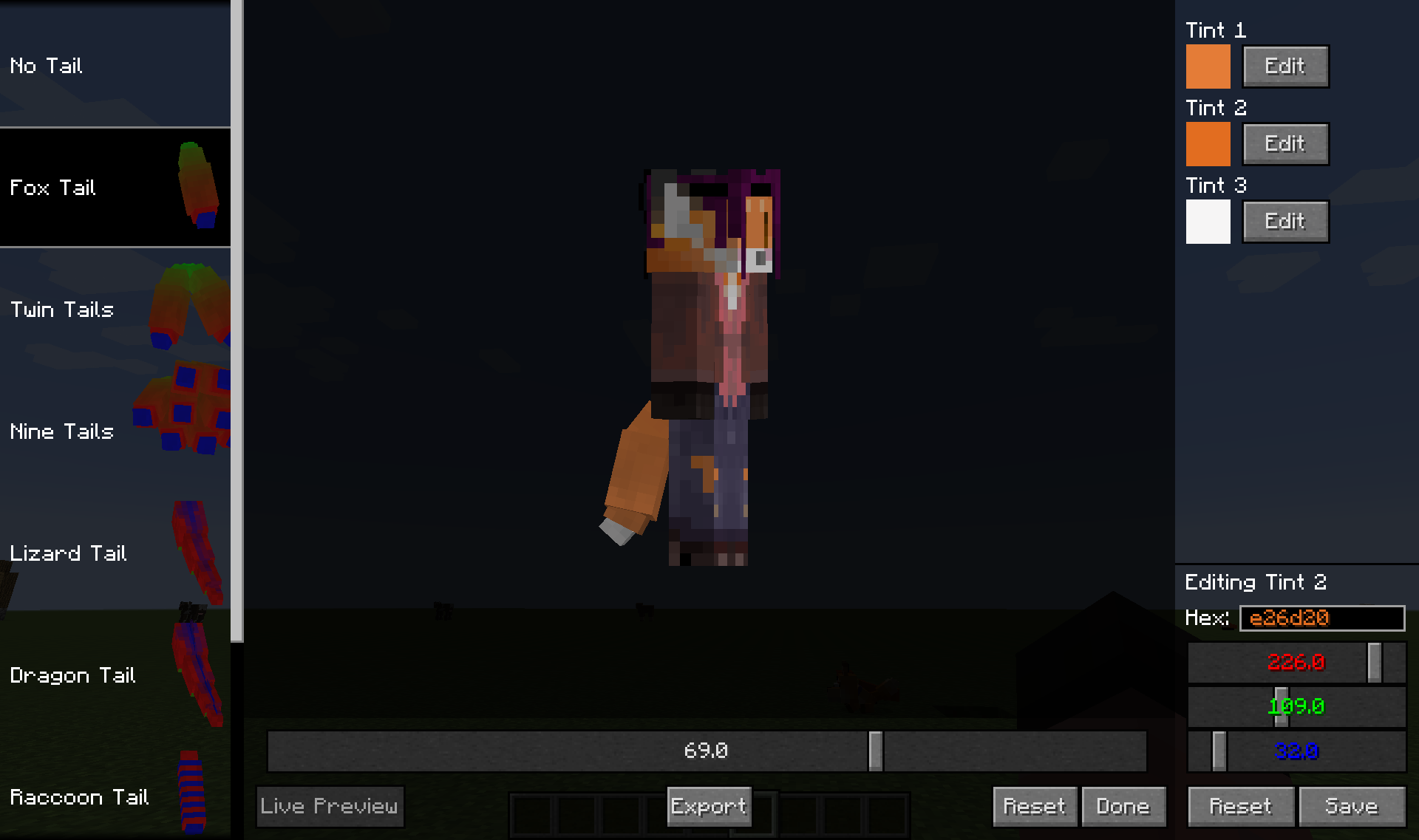
- Customize each part with up to three different color tints, chosen from the full RGB spectrum.
- Some parts include subtypes, which are small variations on the main design.
- Each part has its own custom animations to make it feel alive and natural.
- Other players with the mod can see your custom parts, even if the mod is not installed on the server.
- Access an in-game editor to change your look at any time.
How to Use:
- Press the ‘Esc’ key to open the in-game menu.
- Click the “Tails Editor” button, found in the lower middle of the screen, to open the customization menu.
Screenshots:




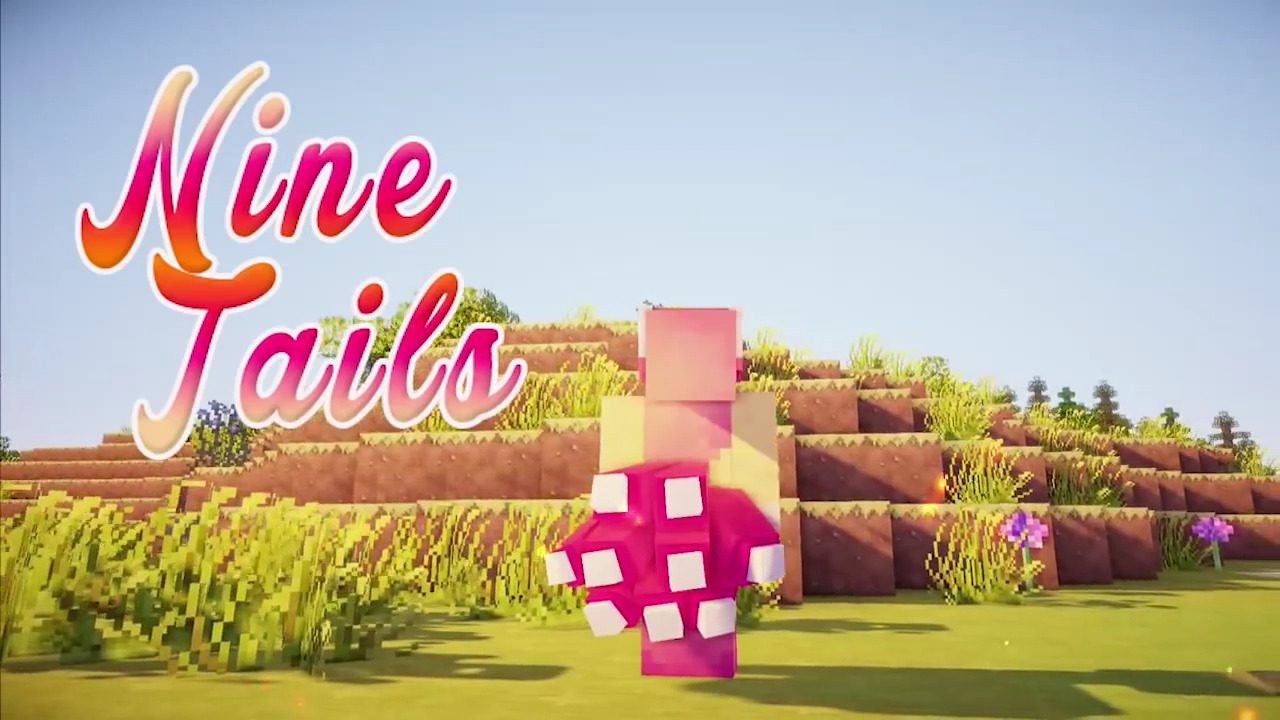
Tails Mod Download Links
For Minecraft 1.7.10
Tails Mod: Download from Server 1 – Download from Server 2
For Minecraft 1.8.9
Tails Mod: Download from Server 1 – Download from Server 2
For Minecraft 1.9.4
Tails Mod: Download from Server 1
For Minecraft 1.10.2
For Minecraft 1.11.2
For Minecraft 1.12.2, 1.12.1, 1.12
Quick facts
- Edition: Minecraft Java
- File type: .jar
- How to install: Install the matching mod loader (Forge, Fabric or NeoForge) for your Minecraft version. → Download the .jar. → Put it in the .minecraft/mods folder and launch that loader profile.
- Where to get it: In MC Java Mods, or directly above on this page.
Install steps are the general flow for this file type — How to install Minecraft Java mods & modpacks walks through it step by step.
Verified by MCModsHub
- Downloads as 209776.mcaddon
- Download size: 231 KB
- Download link checked 24 Jul 2026 — working
- Mirrored on our own servers — the download does not depend on the original host
These come from our own check of the pack file, not from the source page.