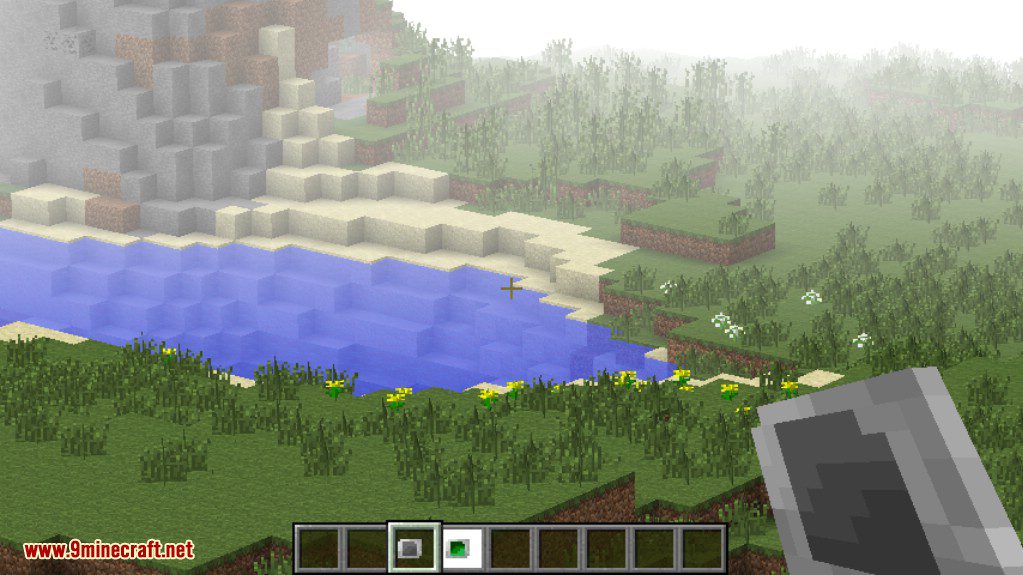
Stellar API Mod 1.12.2, 1.11.2 is general API for mods related with celestial objects. This will be basis API for Stellar Sky, Stellarium, and Photoptics.

Features:
Celestial API
Since this is API about celstial objects, there is celestial API which allows better compatibility.
Optical System
Currently there is optical system which is celestial objects.
- DEFAULT: There are default telescopes which provides magnification can be used using right-click.
- Photoptics is the mod enhancing this part of Stellar API.
Overlay System (HUD)
- Currently there is overlay system in Stellar API, which is easily configurable HUD elements.
- It can be manipulated by the HUD which can be displayed by pressing key ‘U’. You can also disable some HUDs here.
- DEFAULT: Day Descriptor Information on the TopRight side of the HUD. (Which is positionable)
Wake Condition Configurations
There is wake configurations which can used to configure wake condition and time.
Per-Dimension Resources
Currently there is per-dimension resource(textrue) commands to replace resources per-dimension. (/perdimres list/available/set/remove)
The resources will be applied directly after the command is run.
- /perdimres available: View the list of per-dimension resource IDs available to replace.
- /perdimres list: View currently replaced per-dimension resources.
- /perdimres set <PerDimResID> <resource location>: Replace per-dimension resources using
- The resource location is ‘(location in assets)’ in vanilla and ‘(modid):(location in per-mod resource location)’.
- /perdimres remove <PerDimResID>: Can remove per-dimension resource replacement using
Screenshots:
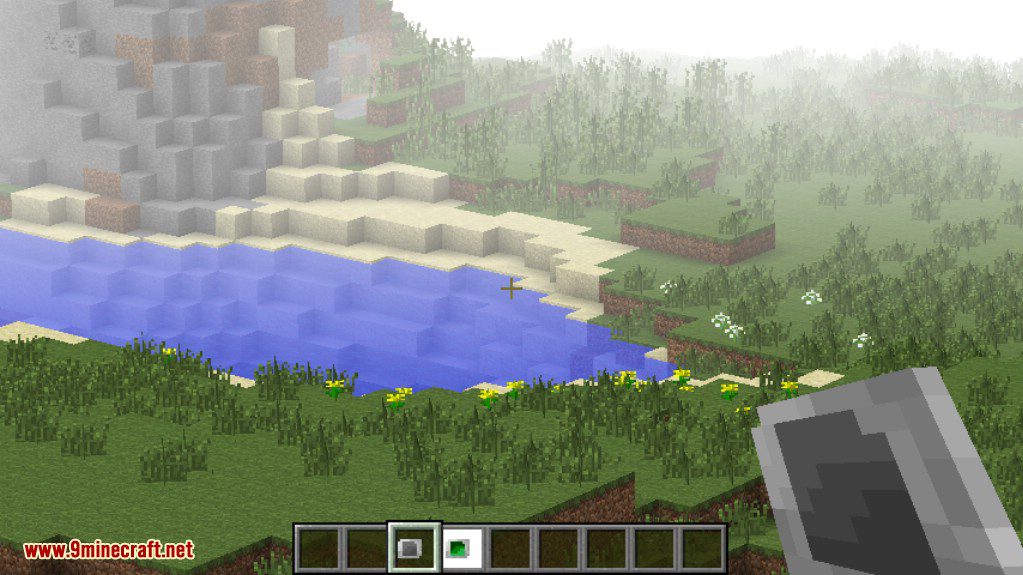
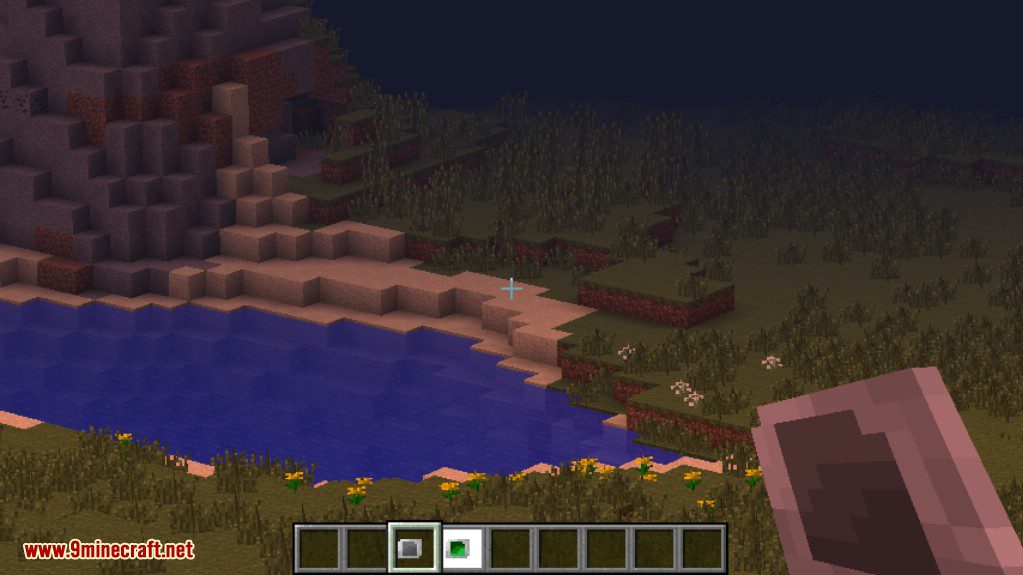
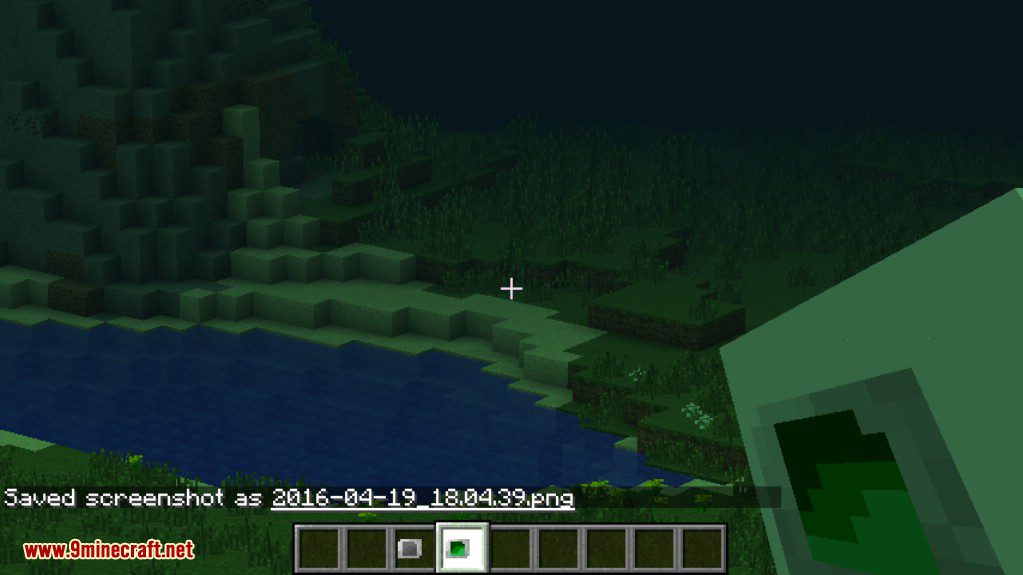
These are screenshots using the default telescopes.
Stellar API Mod 1.12.2, 1.11.2 Download Links
For Minecraft 1.7.10
For Minecraft 1.8.9
For Minecraft 1.9.0
For Minecraft 1.10.2, 1.9.4
For Minecraft 1.11.2, 1.11
For Minecraft 1.12.2, 1.12.1, 1.12
- Edition: Minecraft Java
- File type: .jar
- How to install: Install the matching mod loader (Forge, Fabric or NeoForge) for your Minecraft version. → Download the .jar. → Put it in the .minecraft/mods folder and launch that loader profile.
- Where to get it: In MC Java Mods, or directly above on this page.
Install steps are the general flow for this file type — How to install Minecraft Java mods & modpacks walks through it step by step.
- Downloads as 209799.mcaddon
- Download size: 324 KB
- Download link checked 30 Jul 2026 — working
- Mirrored on our own servers — the download does not depend on the original host
These come from our own check of the pack file, not from the source page.