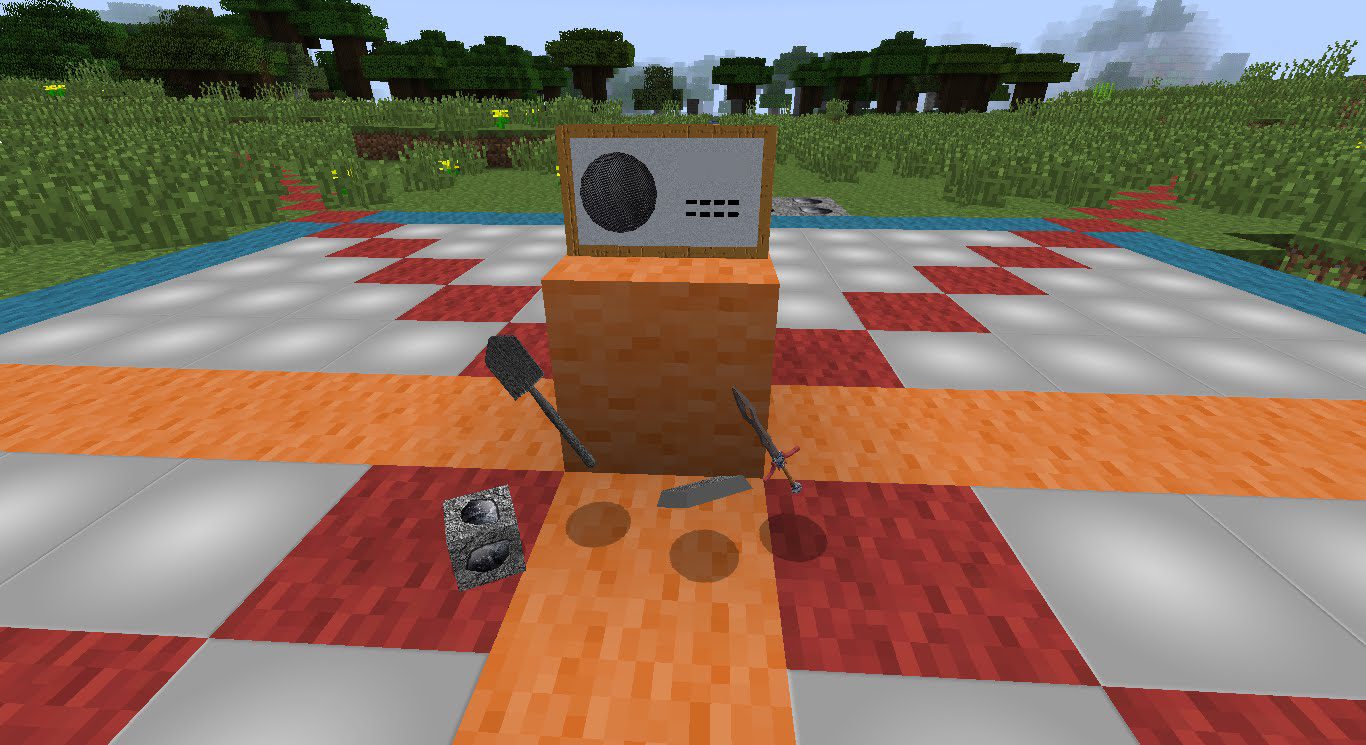
r2s Radio Mod 1.12.2, 1.11.2 adds a music player to your Minecraft game. Not simply a player with pre-recorded sounds, but a fully controllable player that will play any MP3 sound from anywhere out of your computer. Just link your music folder to the r2s radio mod and start surviving on the beats of your favorite songs. And you can listen/share URL radio streams as well.
Screenshots:
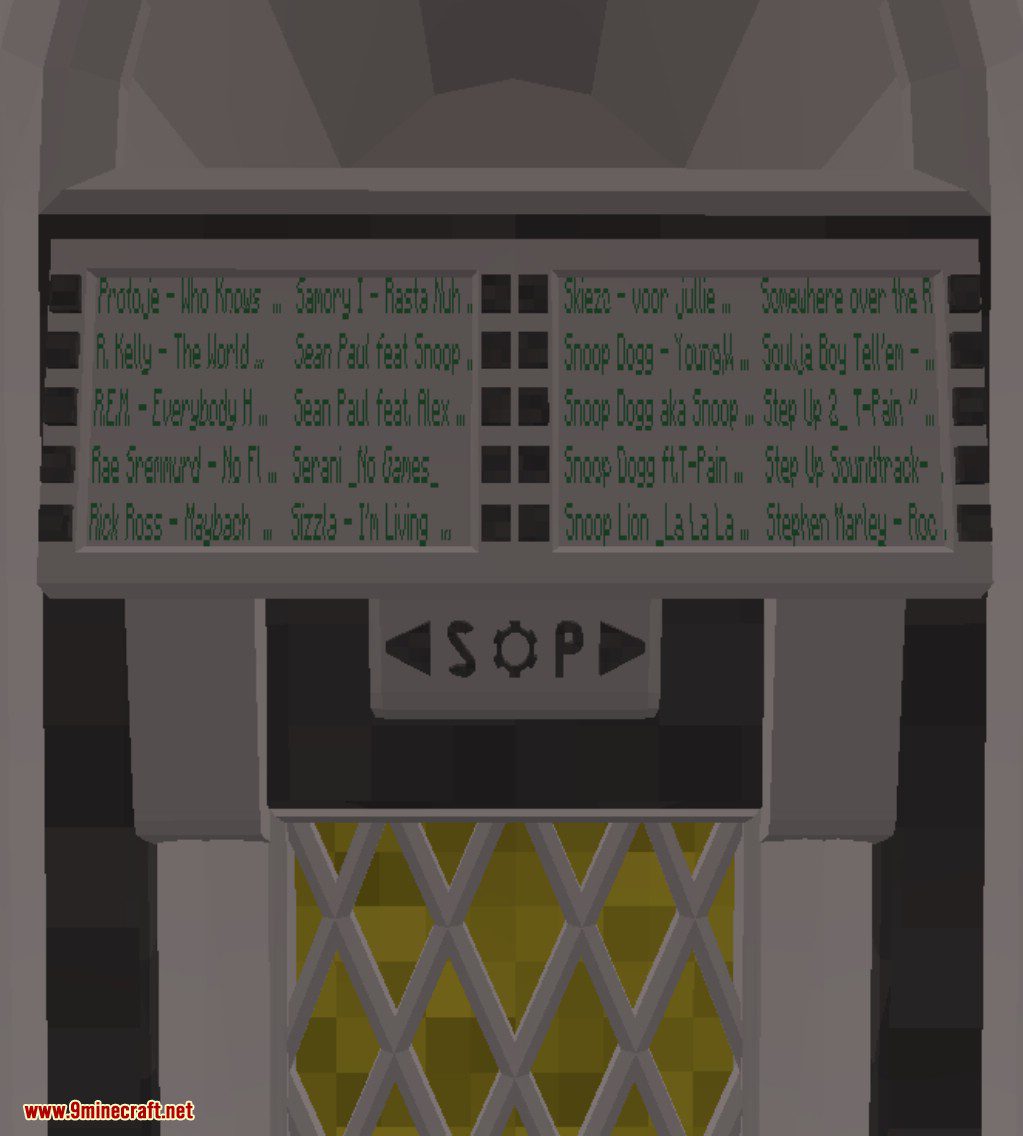
Radio Gui
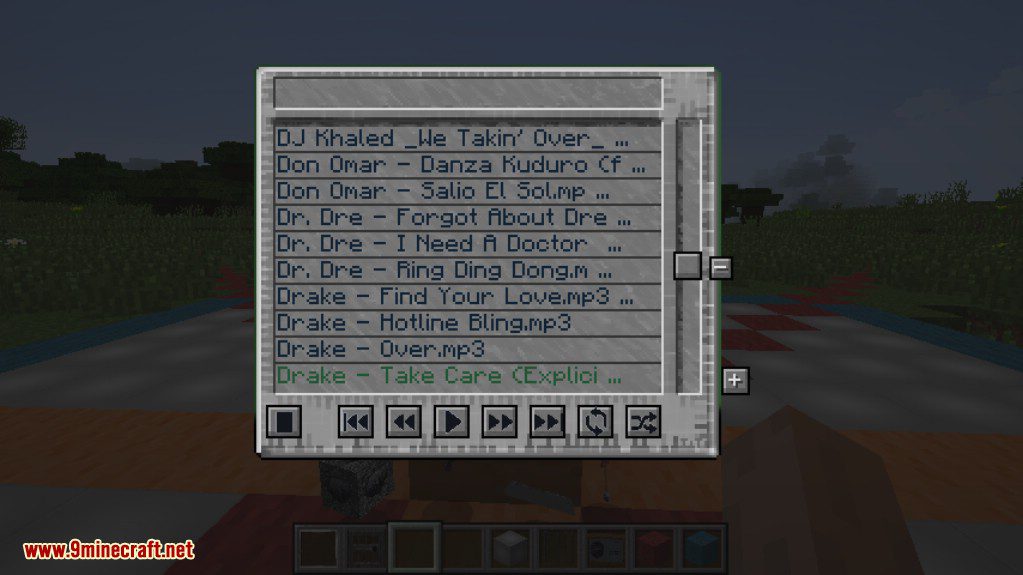
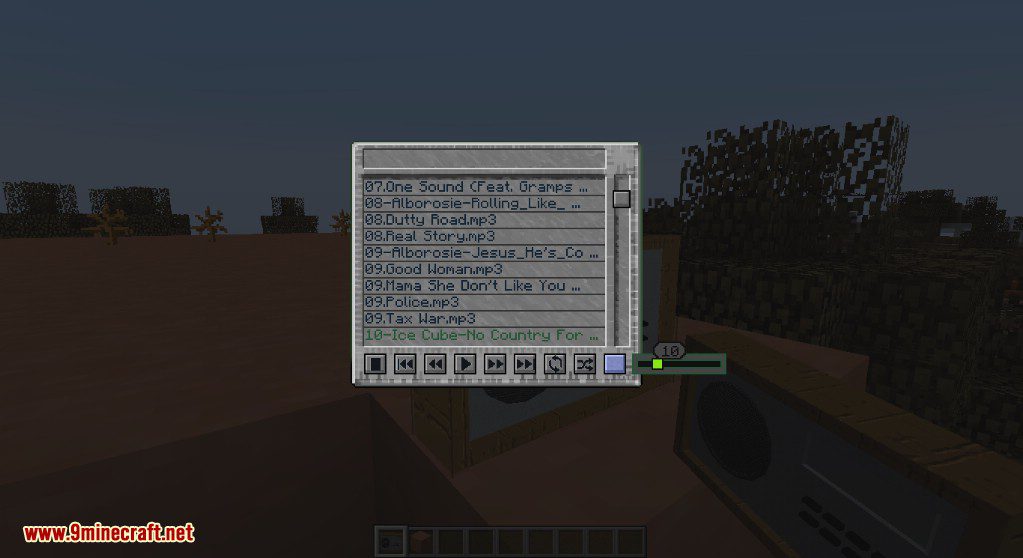
The music-list options menu
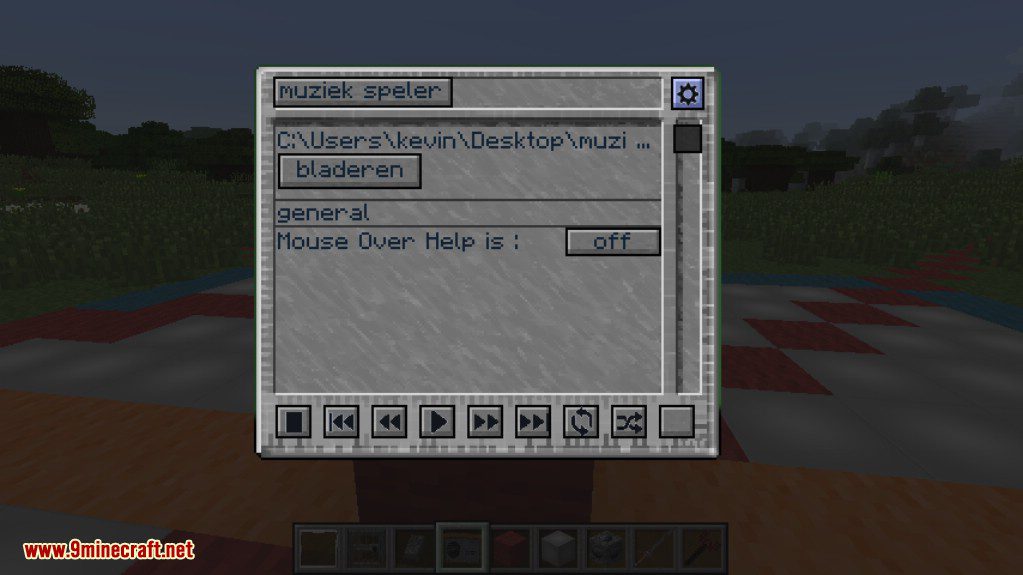
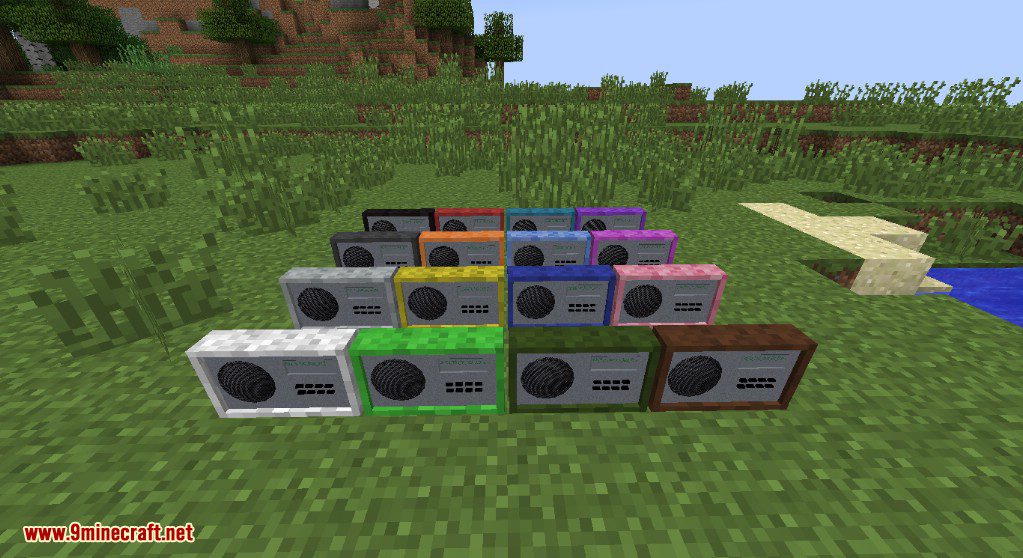
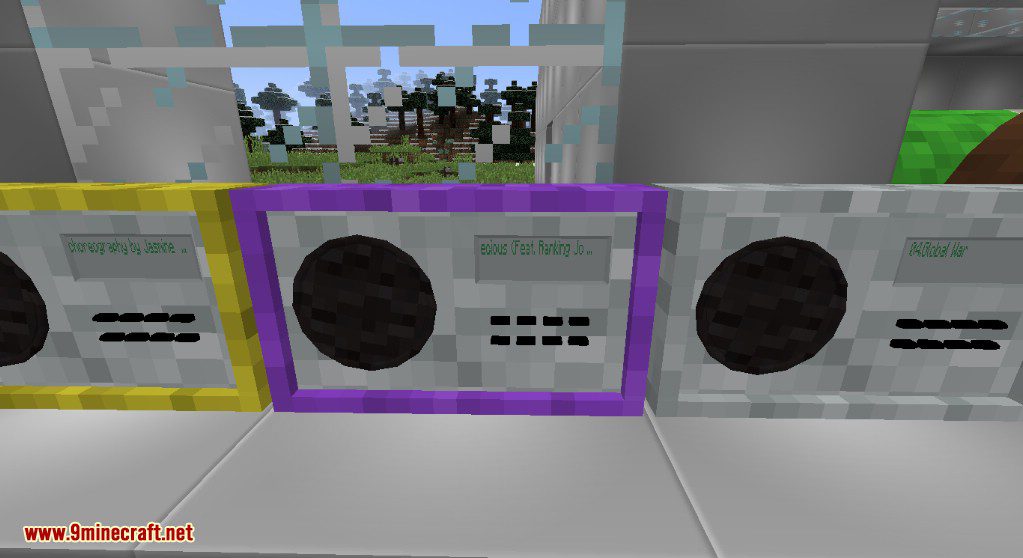
To many colors
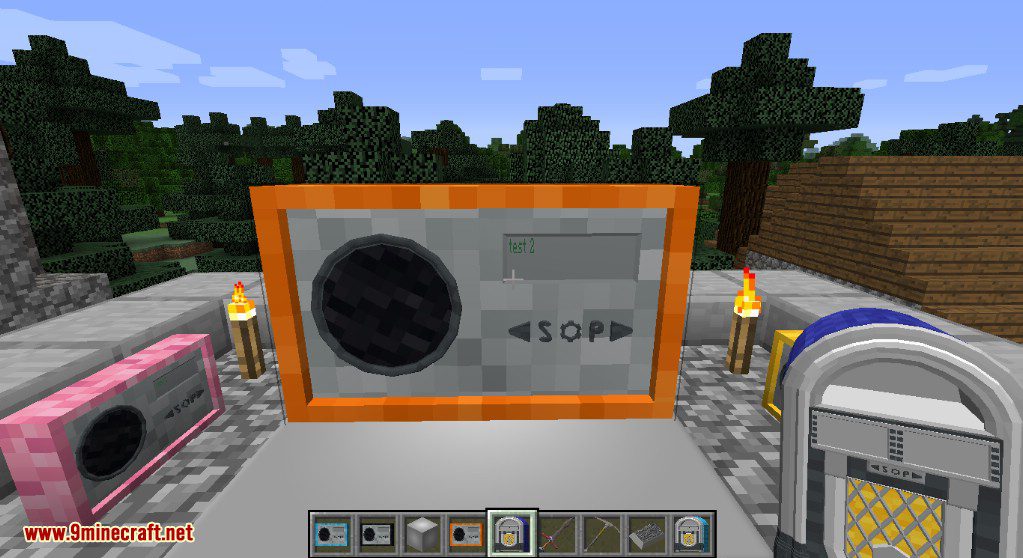
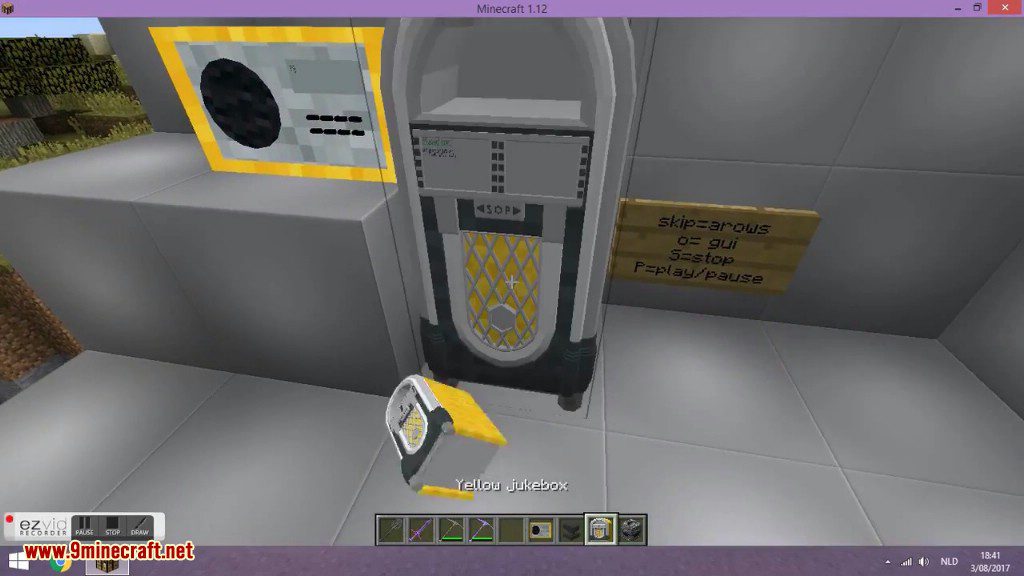
jukeBox
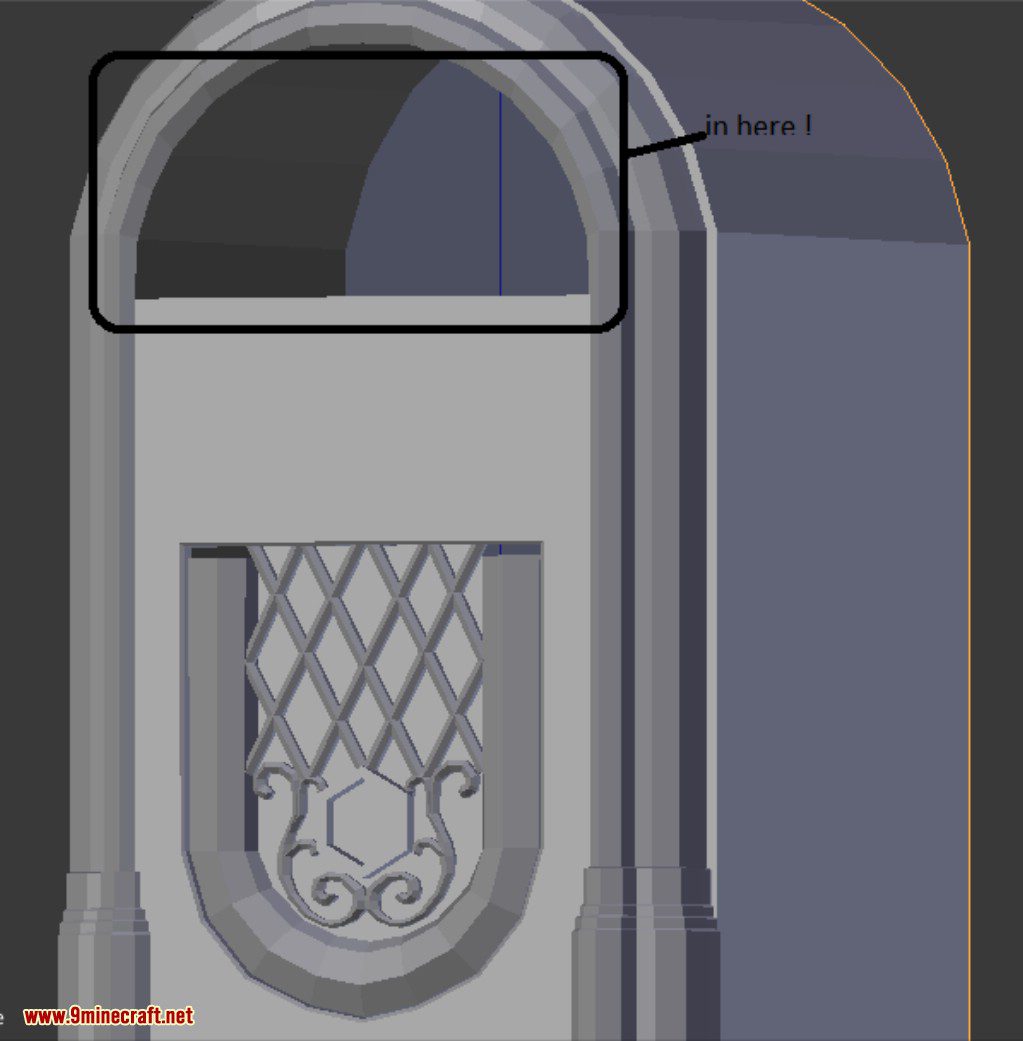
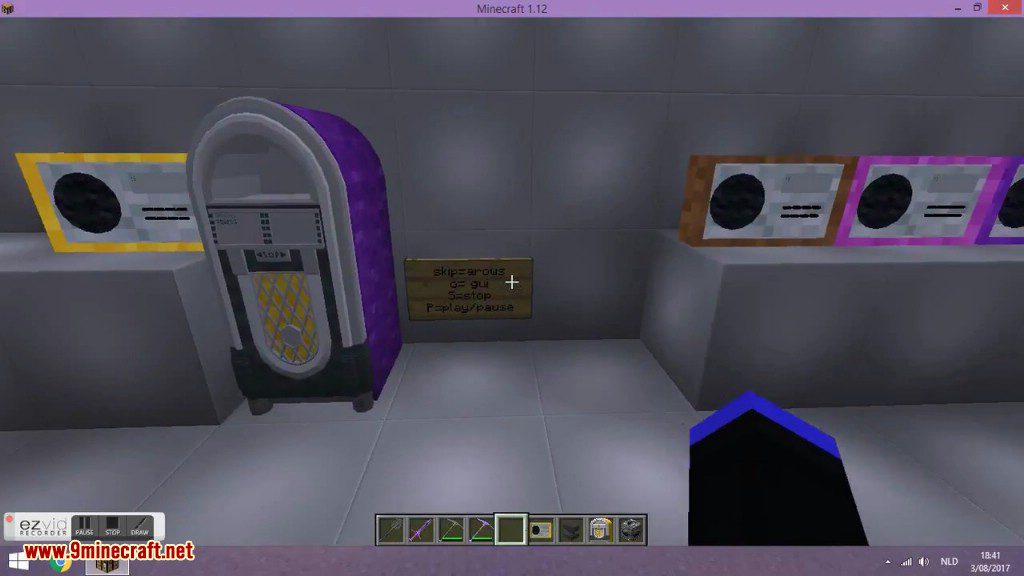
Whoop whoop almost
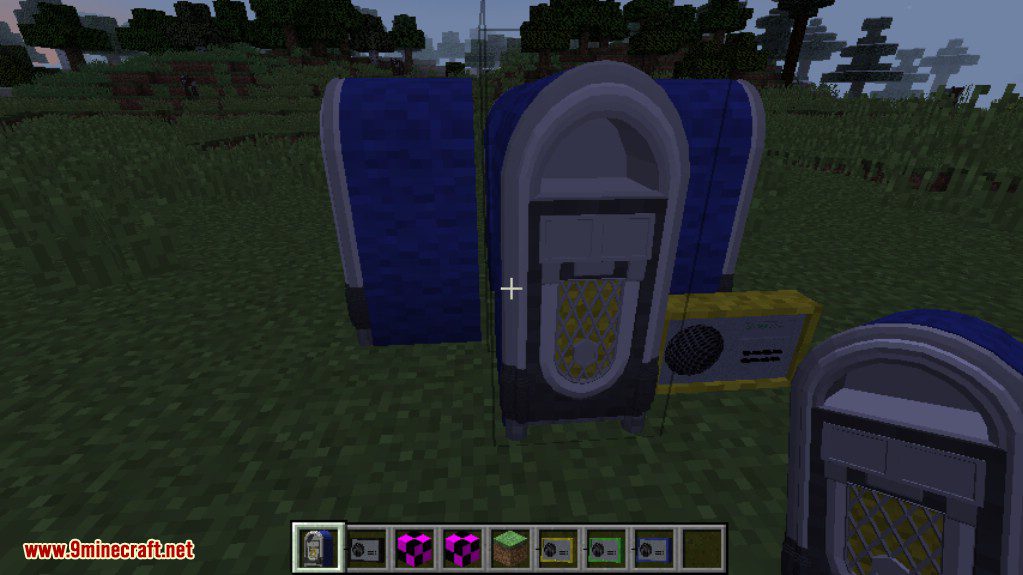
It’s there
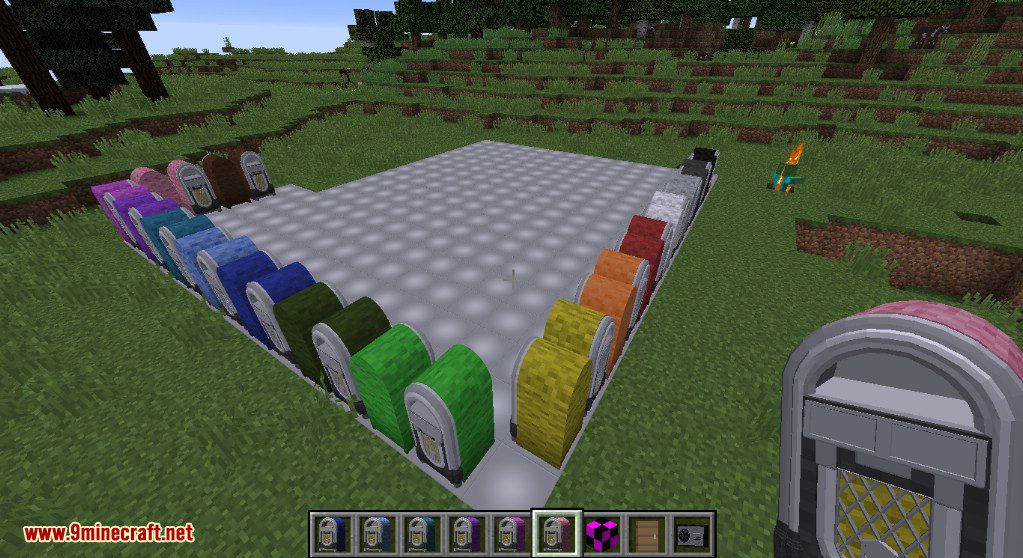
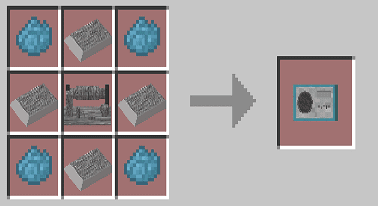
Crafting Recipes:
Radio
4 titanium ingot + 1 radio receiver + 4 dyes (off any kind)= 1 radio
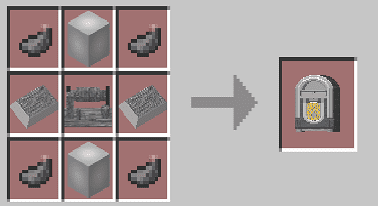
Jukebox
2 titanium ingot + 2 titanium blocks + 1 radio receiver + 4 dyes (off any kind) = 1 jukebox
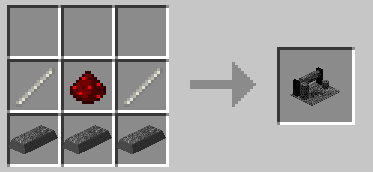
Radio Receiver
3 titanium ingot + 2 iron sticks+ 1 redstone (dust) = 1 radio receiver
r2s Radio Mod 1.12.2, 1.11.2 Download Links
For Minecraft 1.7.10
For Minecraft 1.8.9
For Minecraft 1.10.2
For Minecraft 1.11.2, 1.11
For Minecraft 1.12.2
- Edition: Minecraft Java
- File type: .jar
- How to install: Install the matching mod loader (Forge, Fabric or NeoForge) for your Minecraft version. → Download the .jar. → Put it in the .minecraft/mods folder and launch that loader profile.
- Where to get it: In MC Java Mods, or directly above on this page.
Install steps are the general flow for this file type — How to install Minecraft Java mods & modpacks walks through it step by step.
- Downloads as 209801.mcaddon
- Download size: 2.0 MB
- Download link checked 17 Jul 2026 — working
- Mirrored on our own servers — the download does not depend on the original host
These come from our own check of the pack file, not from the source page.