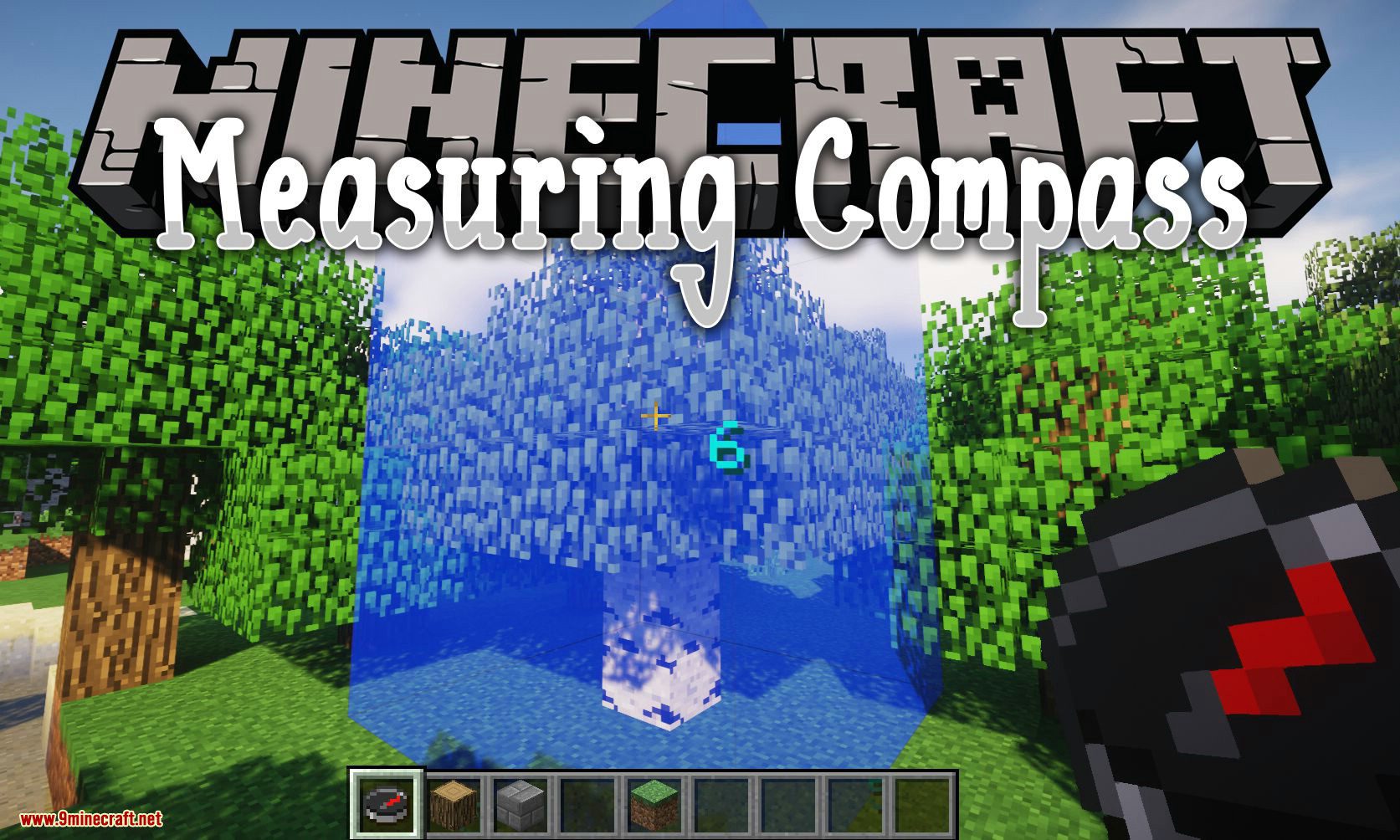
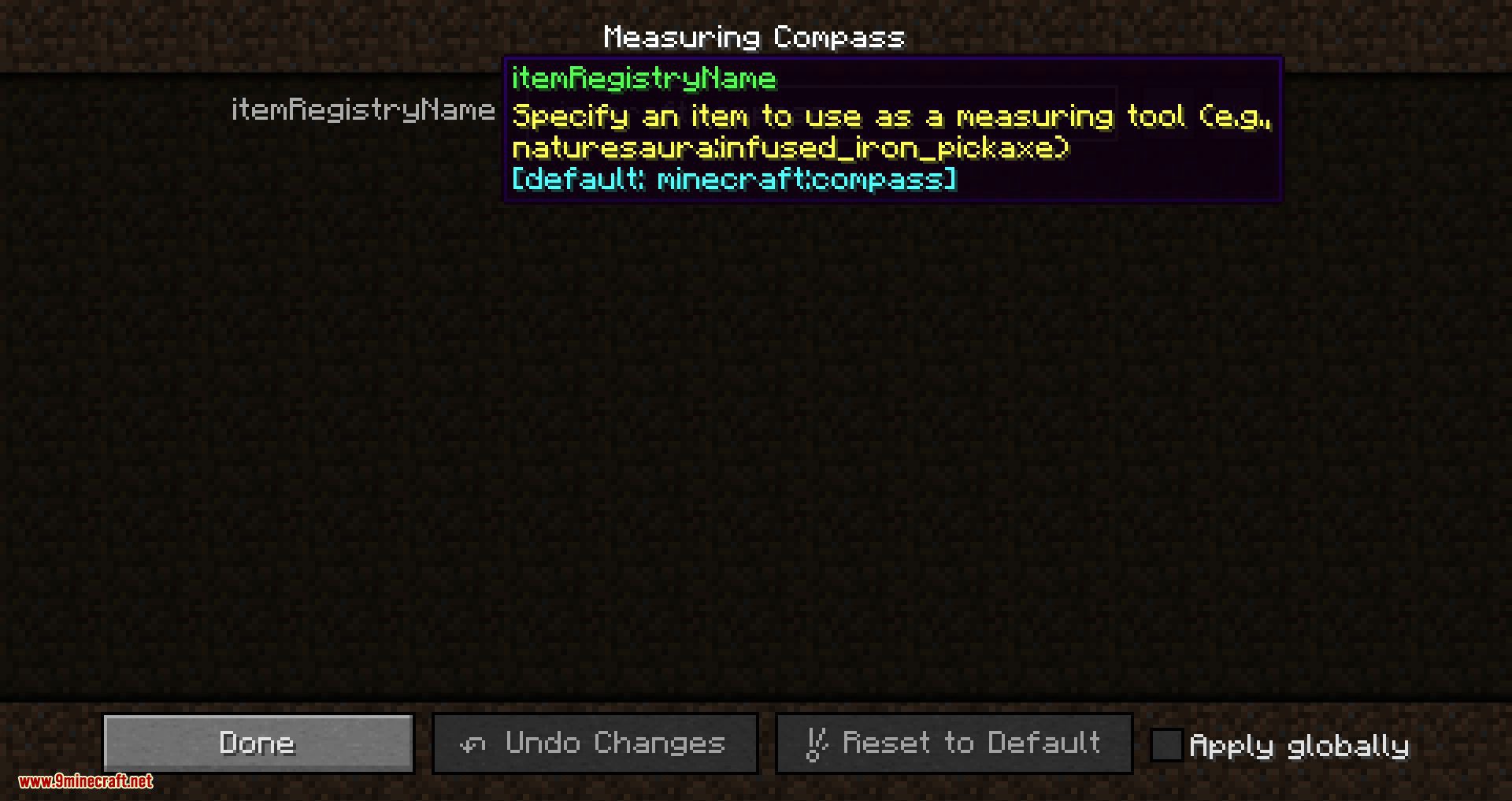
Measuring Compass Mod 1.12.2 is a client-side mod that adds functionality to an existing item (compass by default), which allows you to make measurements and visualize them. The item can be changed in the config file.
How to use:
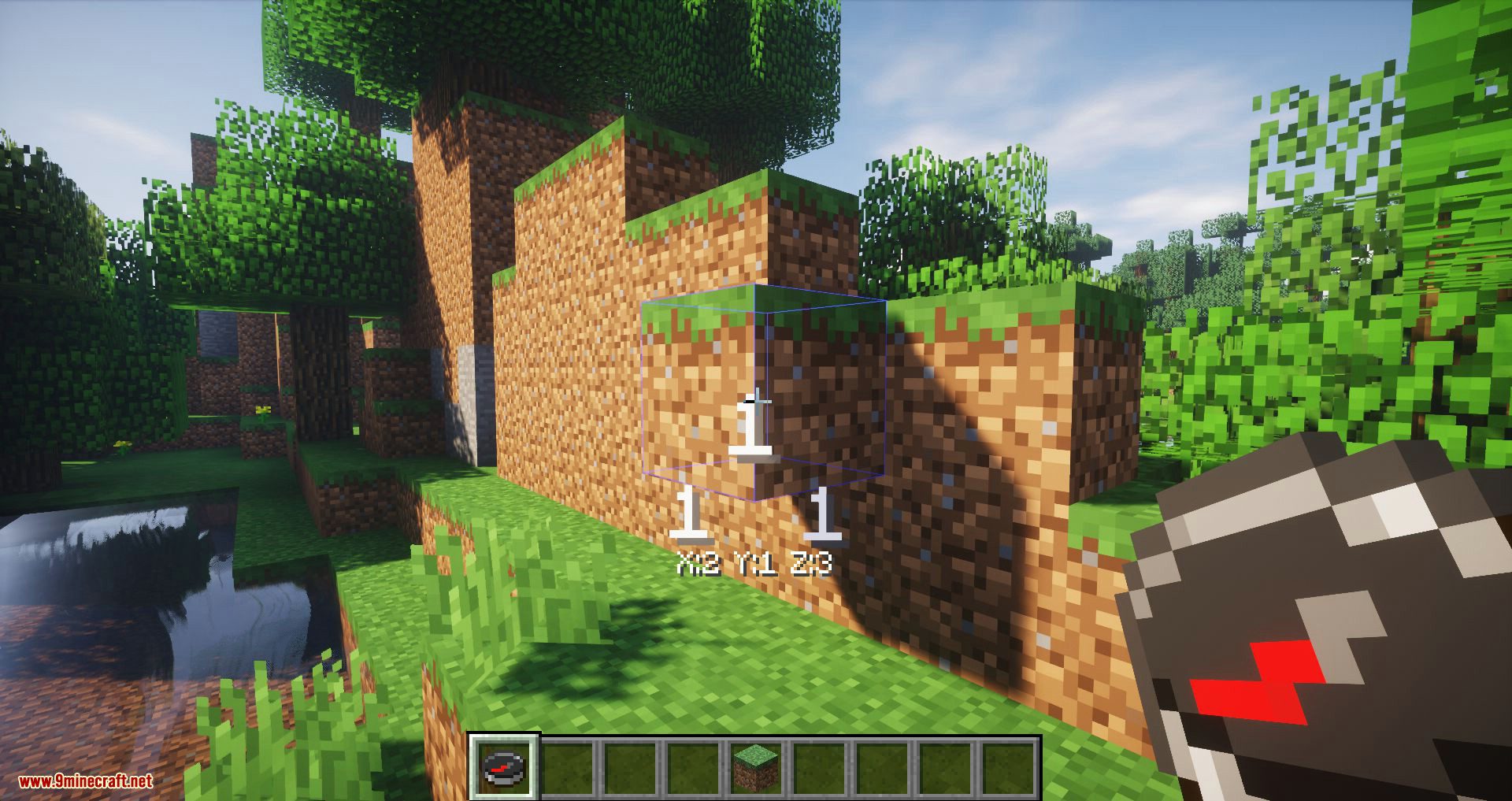
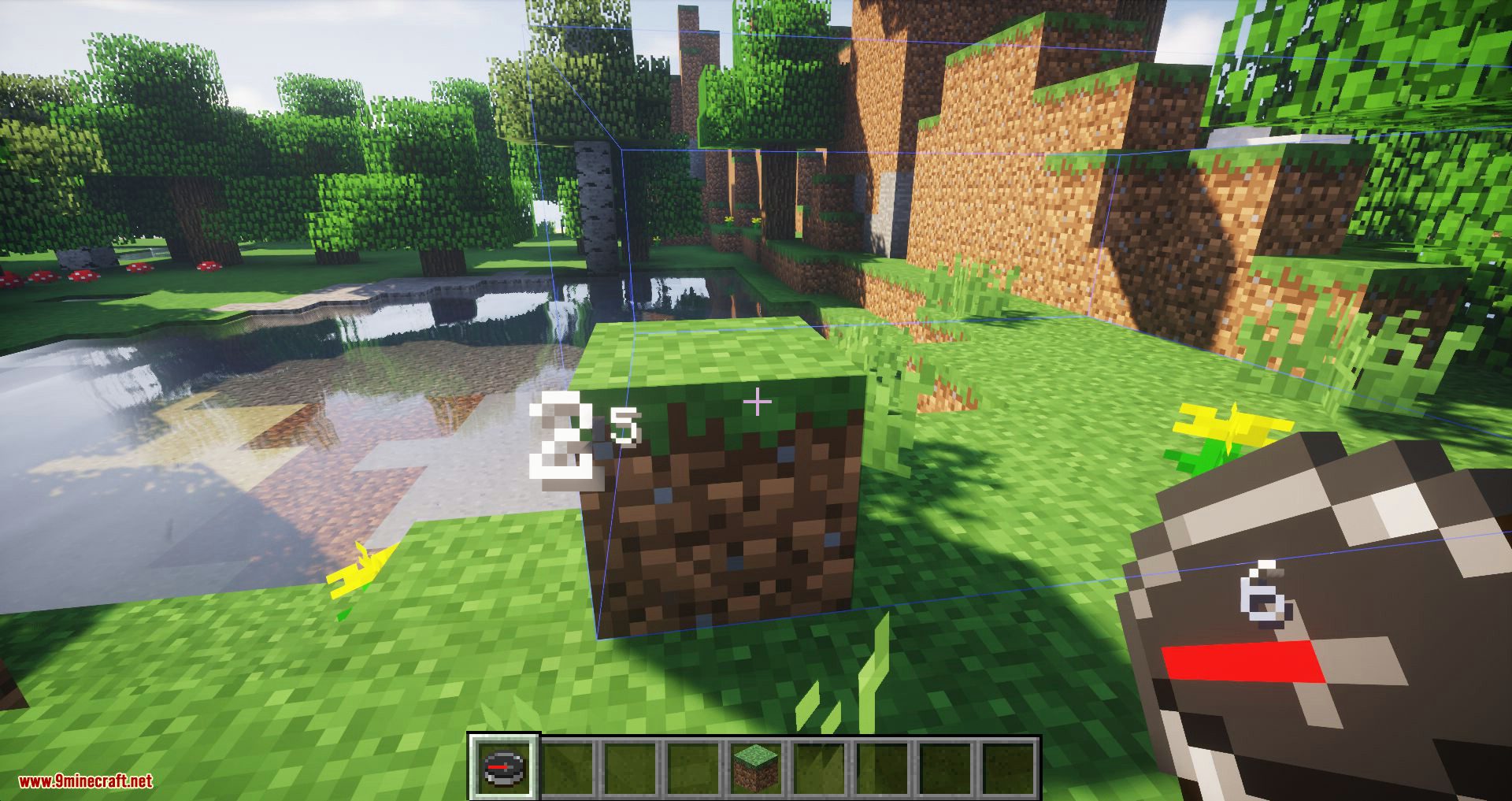
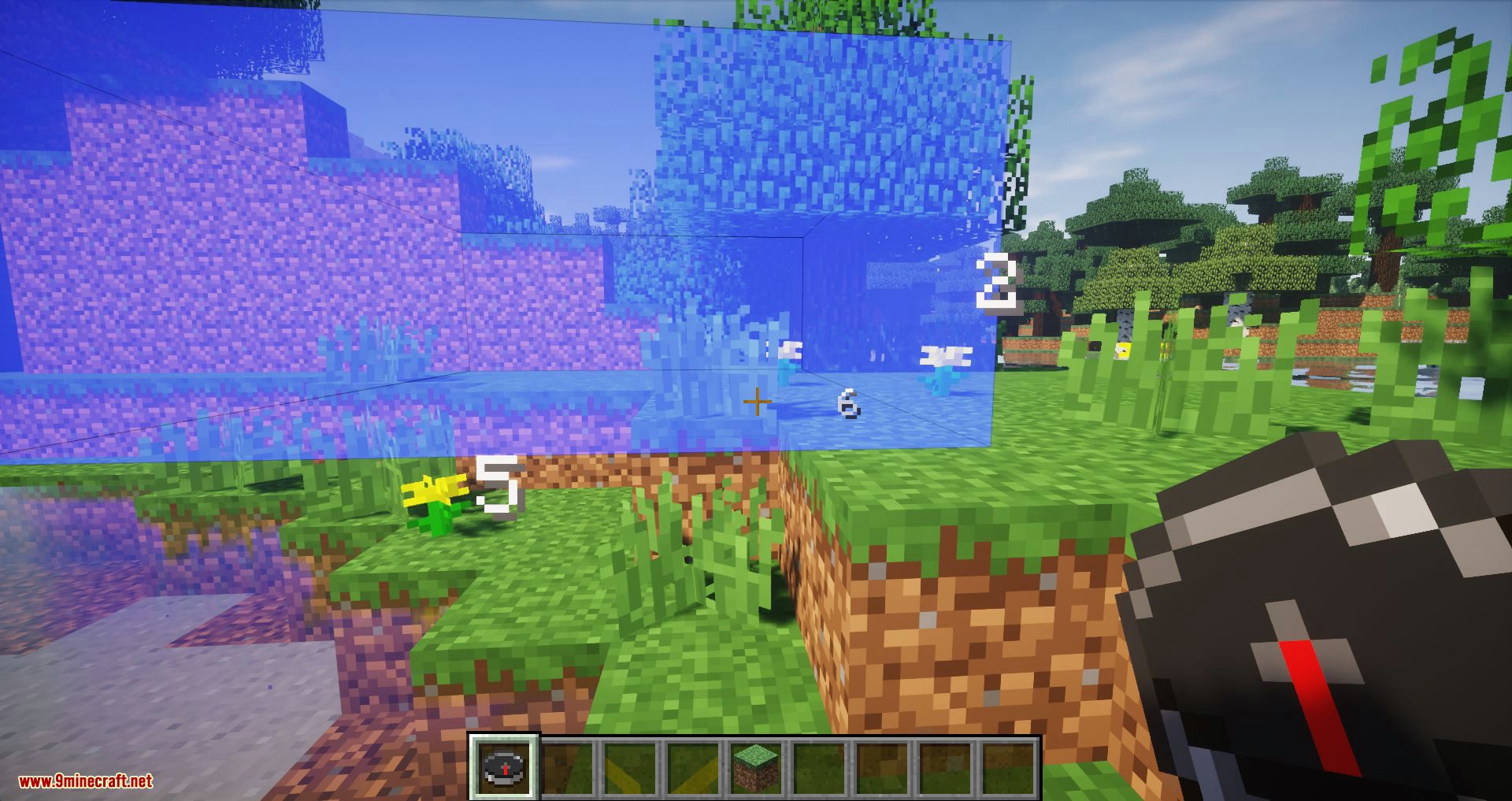
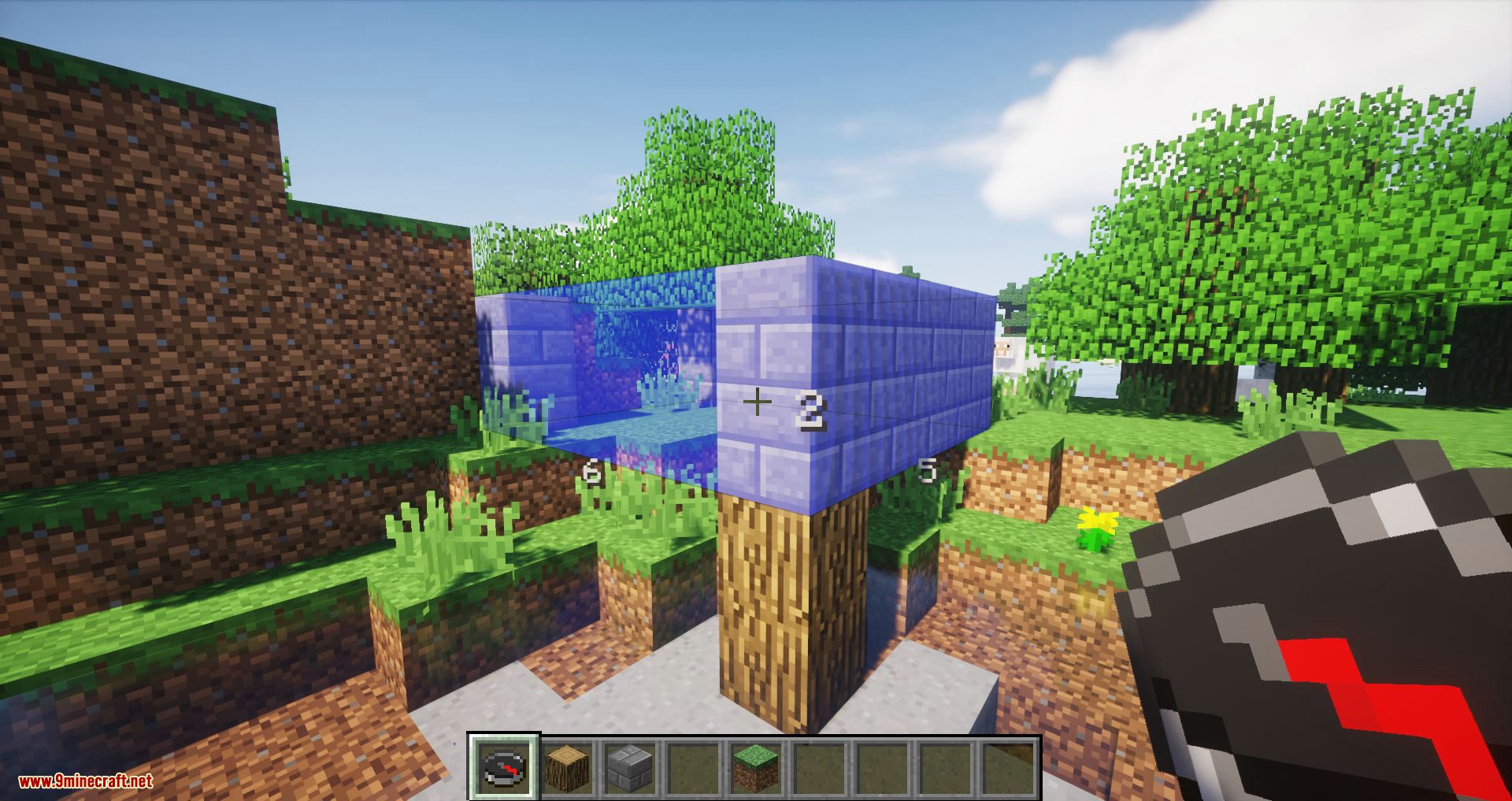
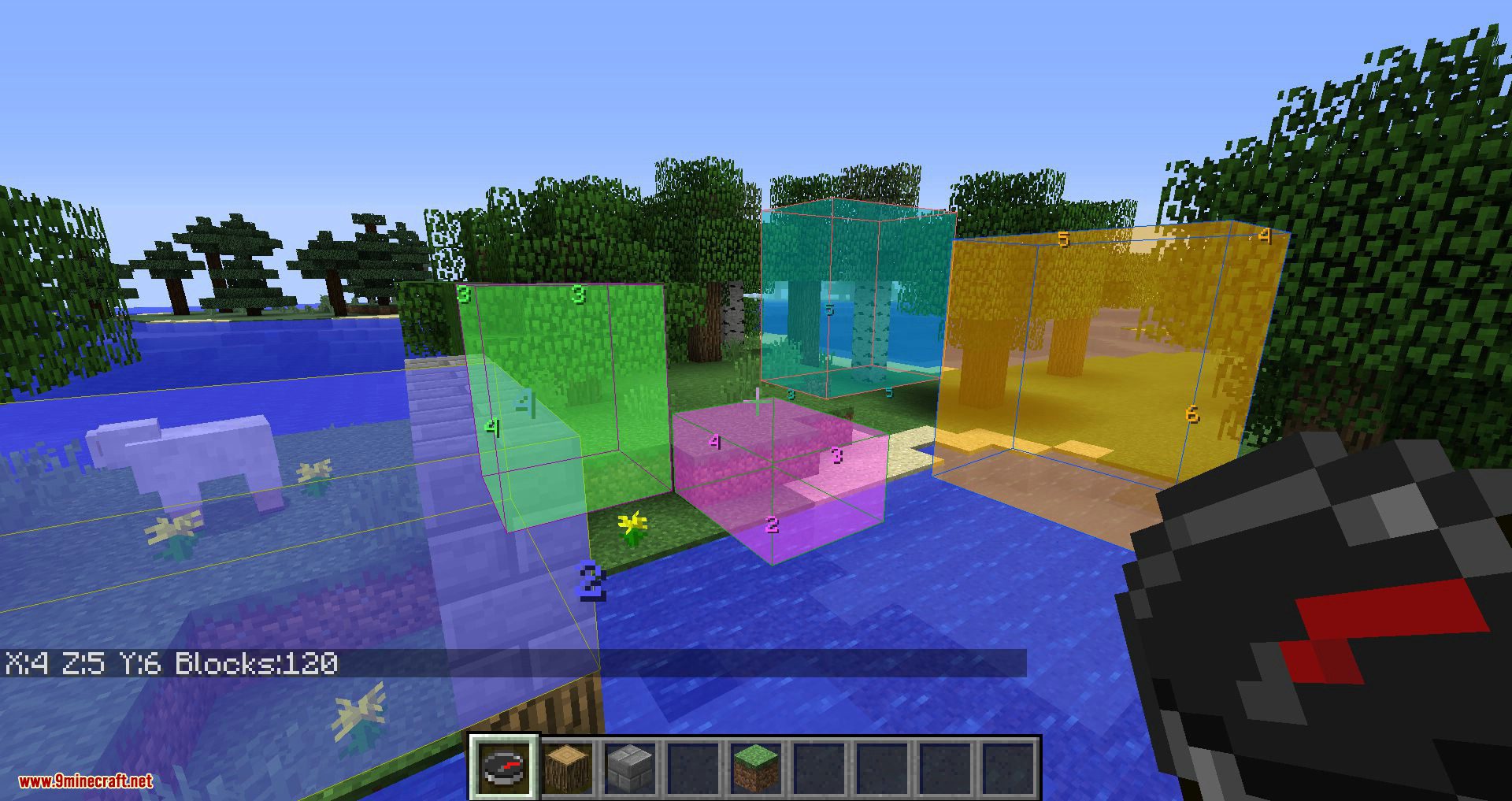
With the compass in your main hand, right-clicking a block will set that block as the first corner. Go ahead and right-click on another block to set the opposite corner, and you should see a box along with the lengths of each of its dimensions.
(Sneak) + Right-click: deletes the most recent box.
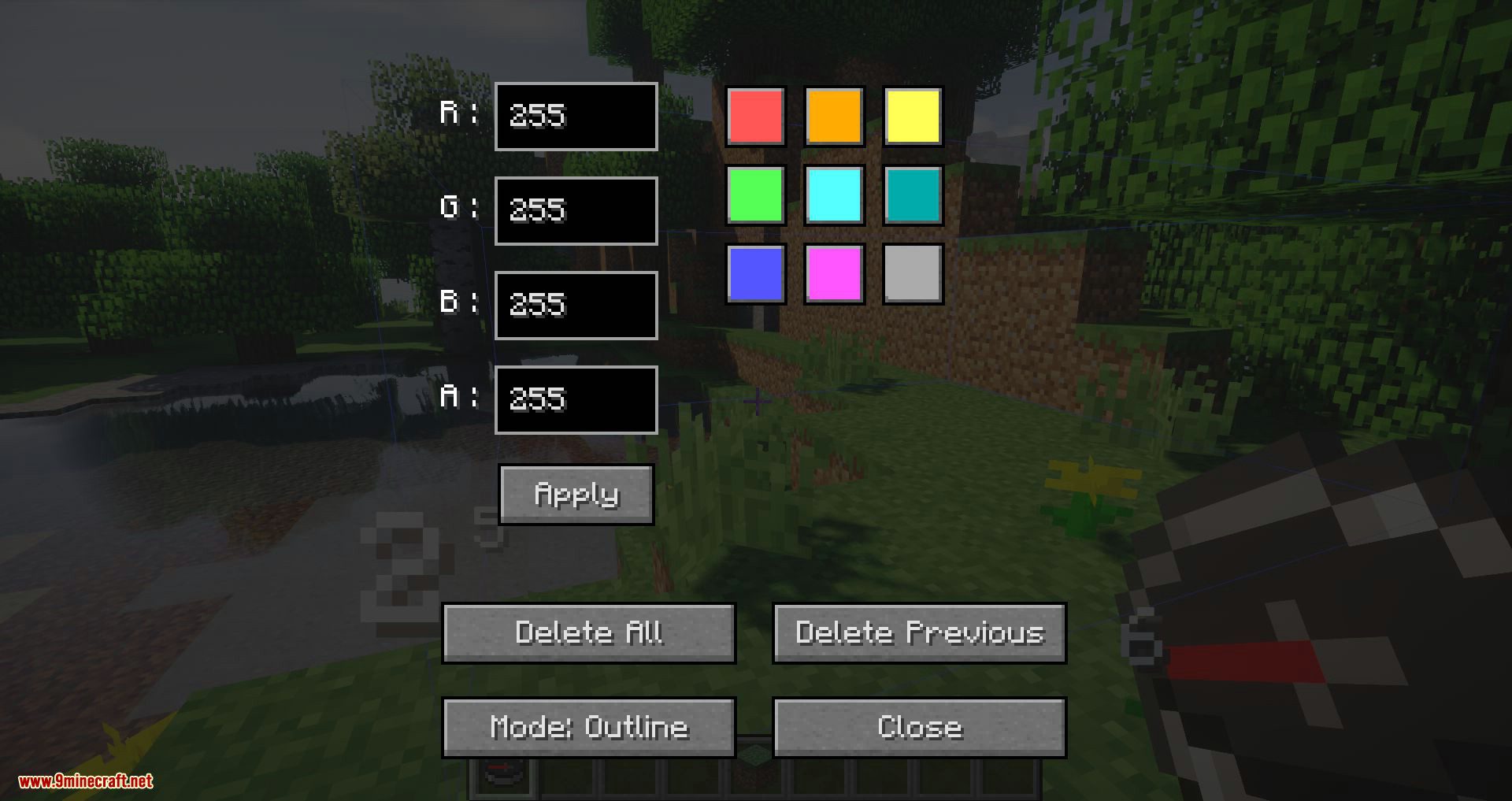
To bring up the GUI, right-click in the air with the compass in your main hand.
You can set values (0-255) for red, green, blue, and alpha (opacity). There are a few presets for convenience.
You can toggle between two rendering modes: outline and filled.
Screenshots:
Measuring Compass Mod 1.12.2 Download Links
For Minecraft 1.12.2
- Edition: Minecraft Java
- File type: .jar
- How to install: Install the matching mod loader (Forge, Fabric or NeoForge) for your Minecraft version. → Download the .jar. → Put it in the .minecraft/mods folder and launch that loader profile.
- Where to get it: In MC Java Mods, or directly above on this page.
Install steps are the general flow for this file type — How to install Minecraft Java mods & modpacks walks through it step by step.
- Downloads as 209870.mcaddon
- Download size: 27 KB
- Download link checked 24 Jul 2026 — working
- Mirrored on our own servers — the download does not depend on the original host
These come from our own check of the pack file, not from the source page.