
ModsJava
Immersive Craft Mod (1.12.2, 1.11.2) – Handle Items in the World
Minecraft Java mod. Downloads from the MC Java Mods app on Android.
⬇ DownloadImmersive Craft Mod adds a more realistic way to handle, craft, and store your items in Minecraft. This mod lets you see your items inside containers and interact with them directly in the world, making everything feel more connected.
Features:
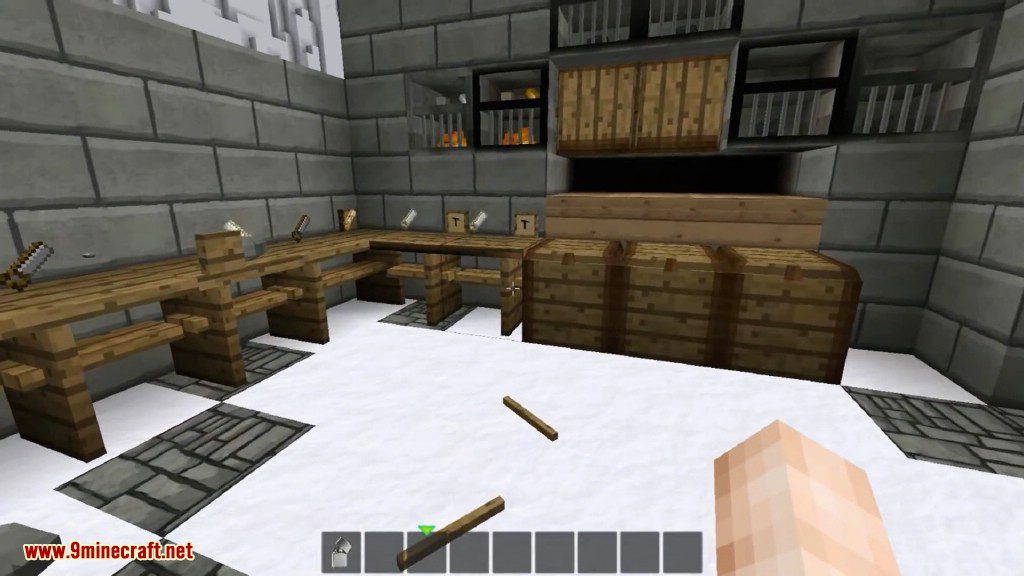
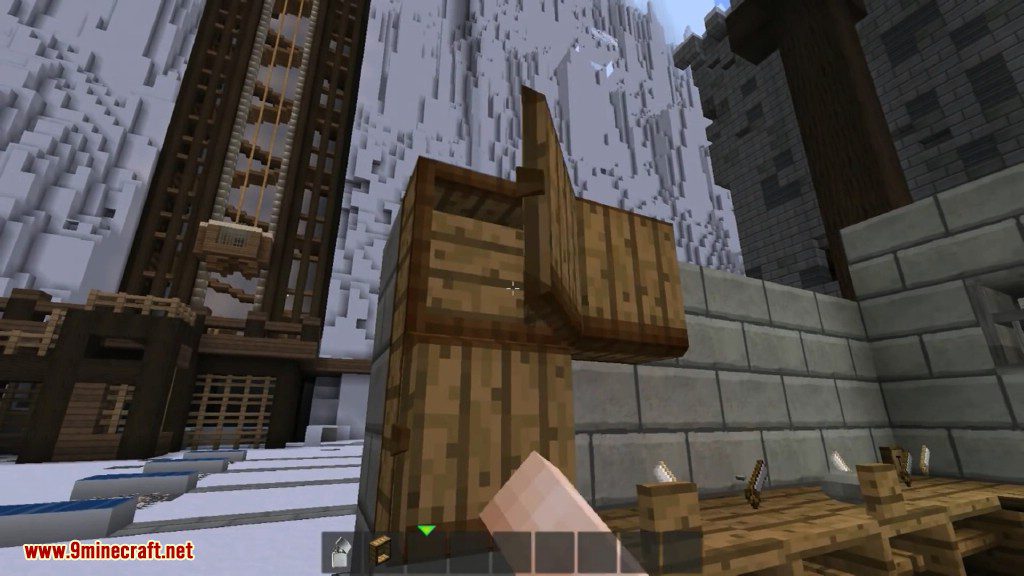
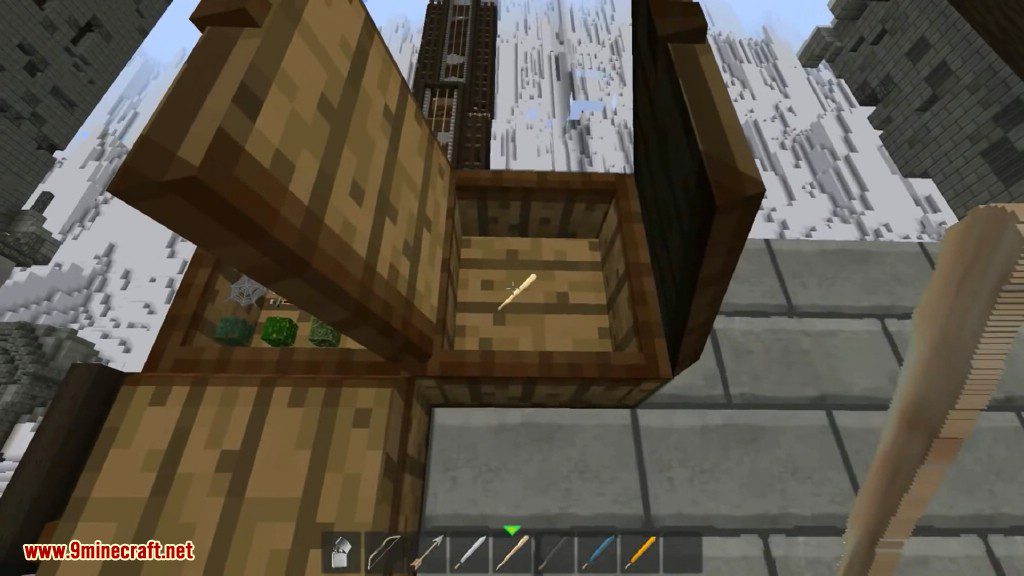
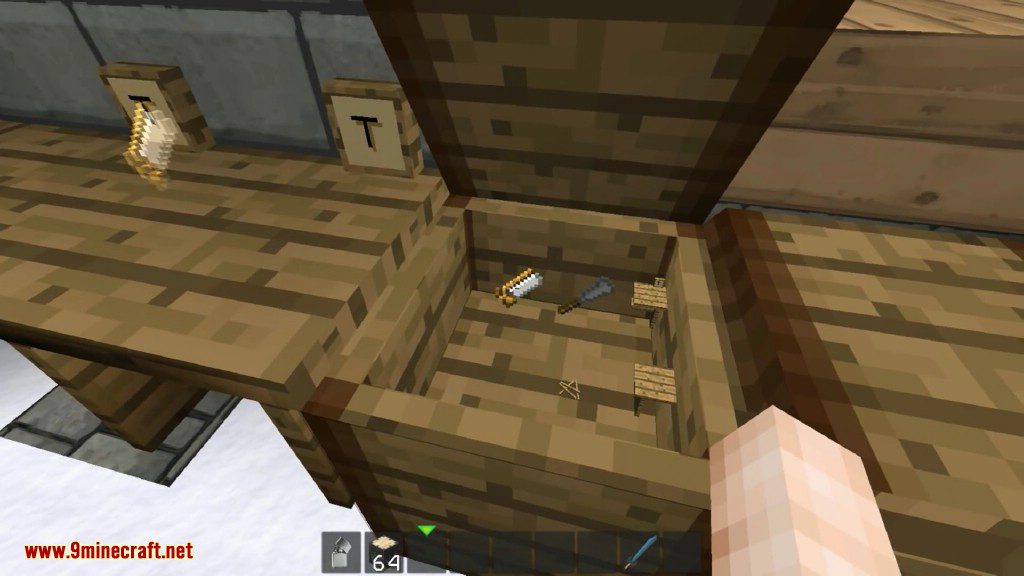
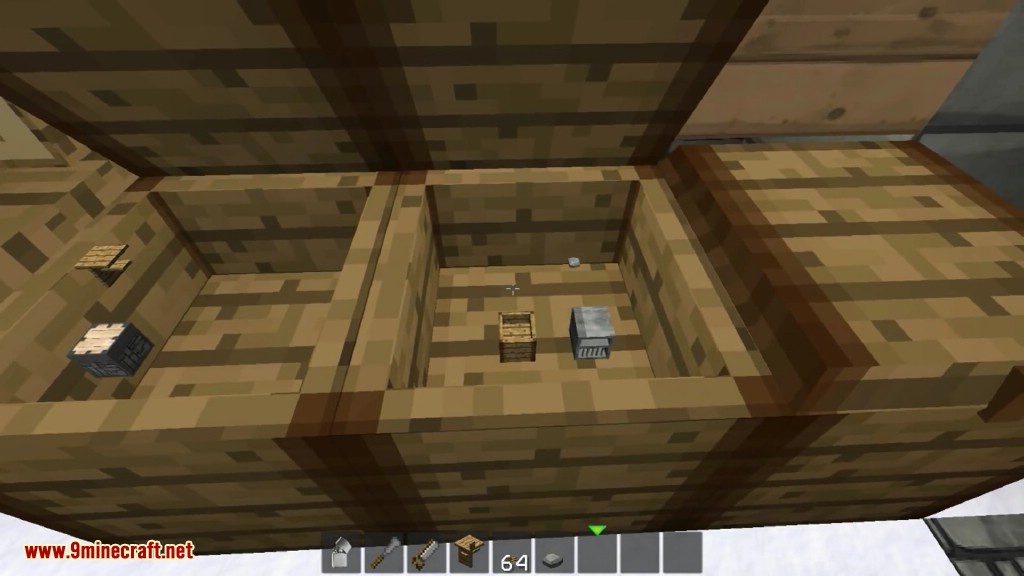
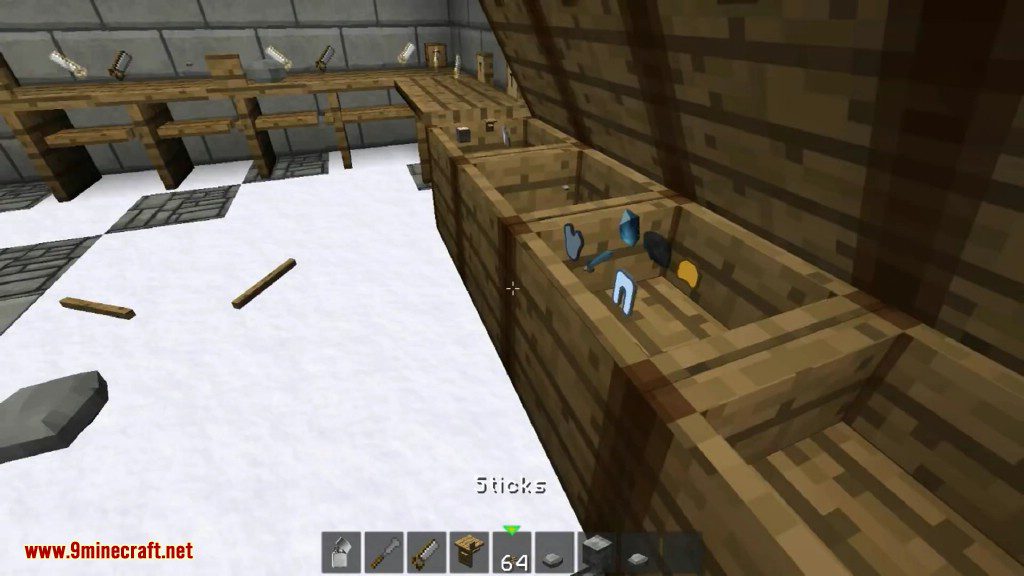
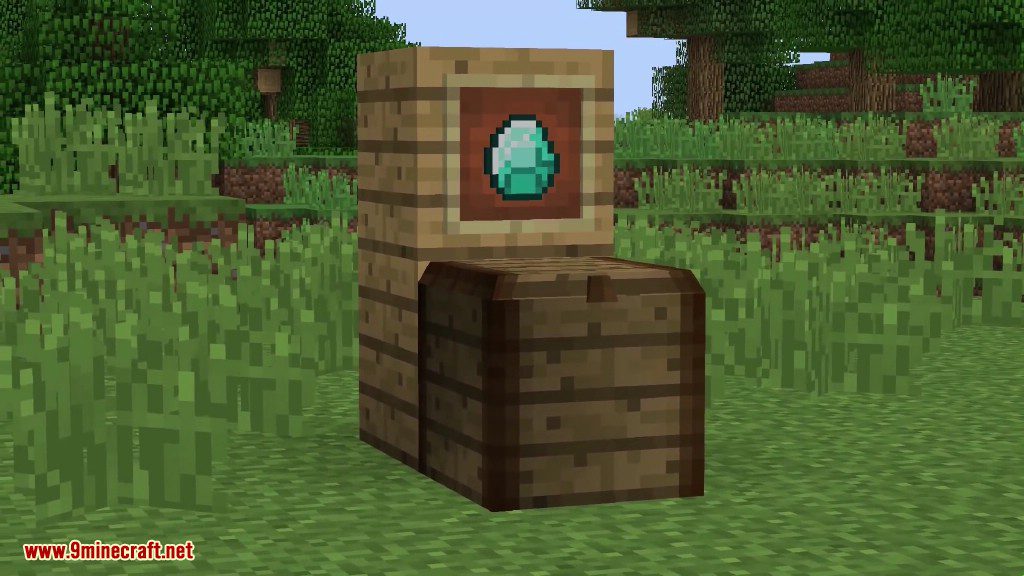
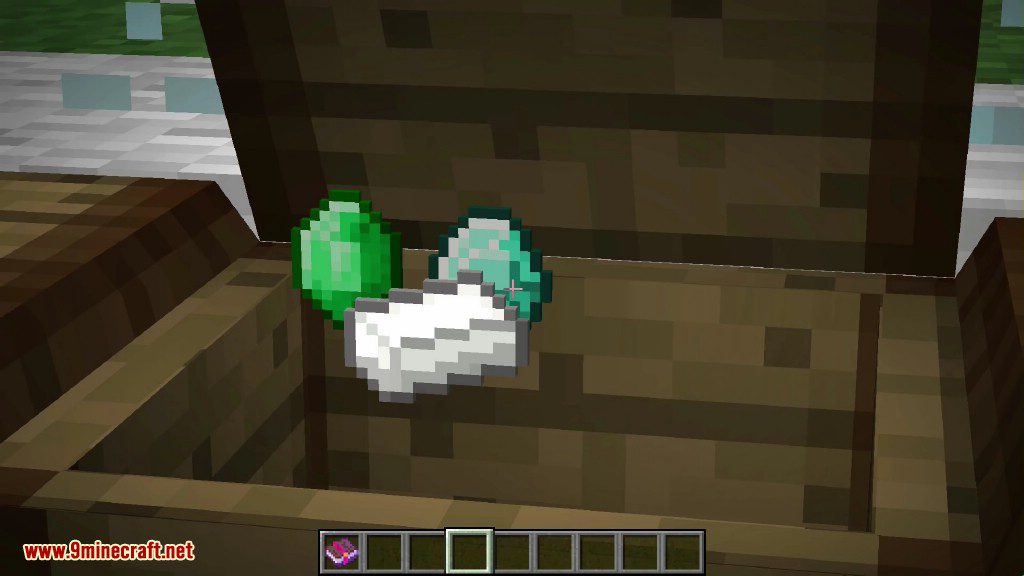
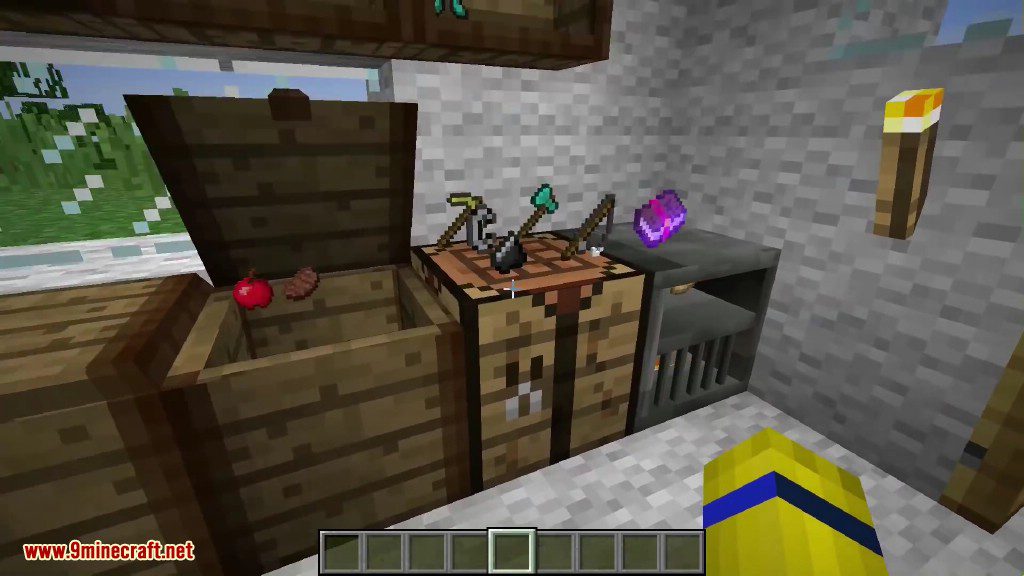
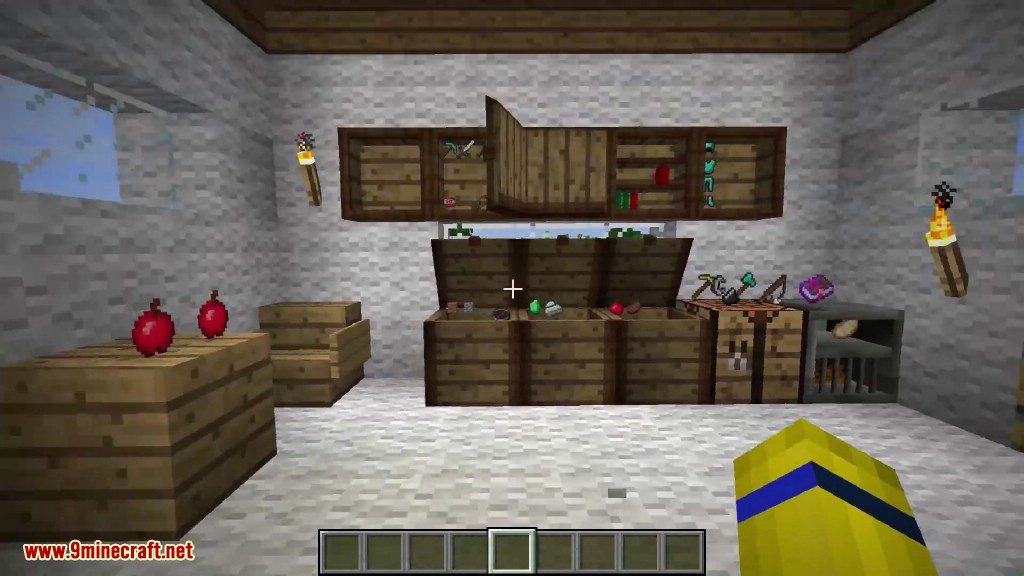
- Adds a chest where you can see and interact with the items stored inside.
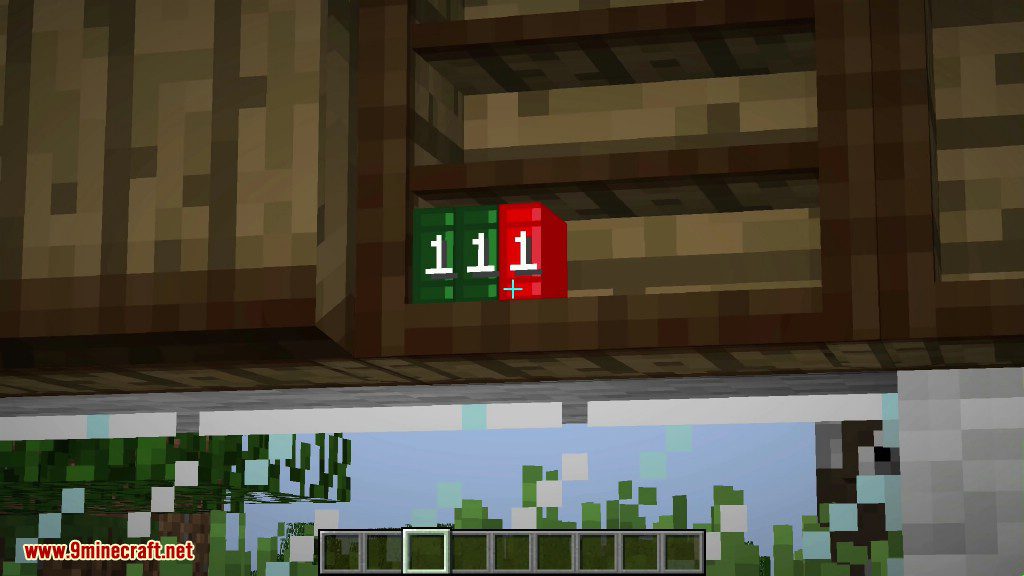
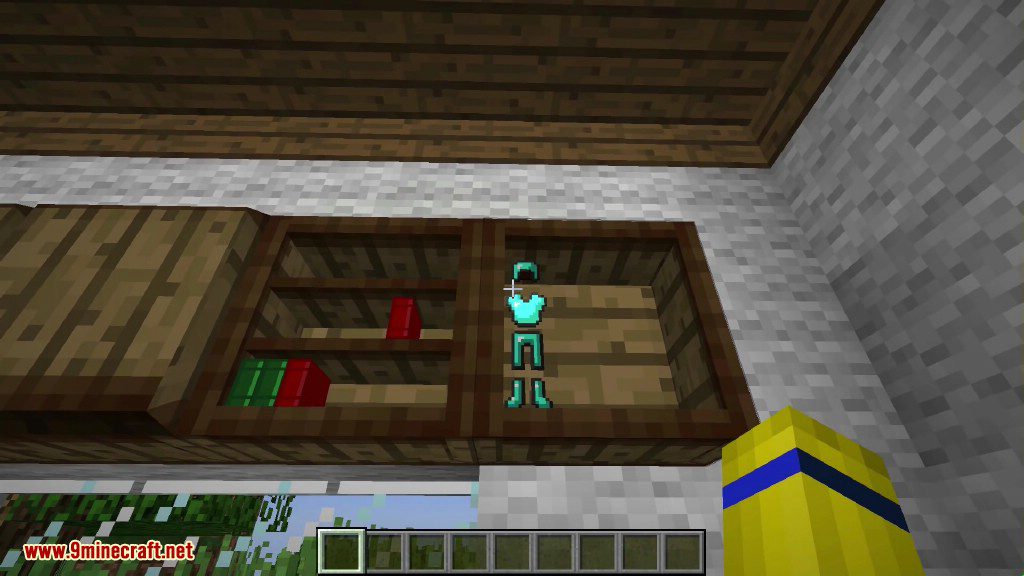
- Includes a wall-mounted cupboard that also visually displays its contents.
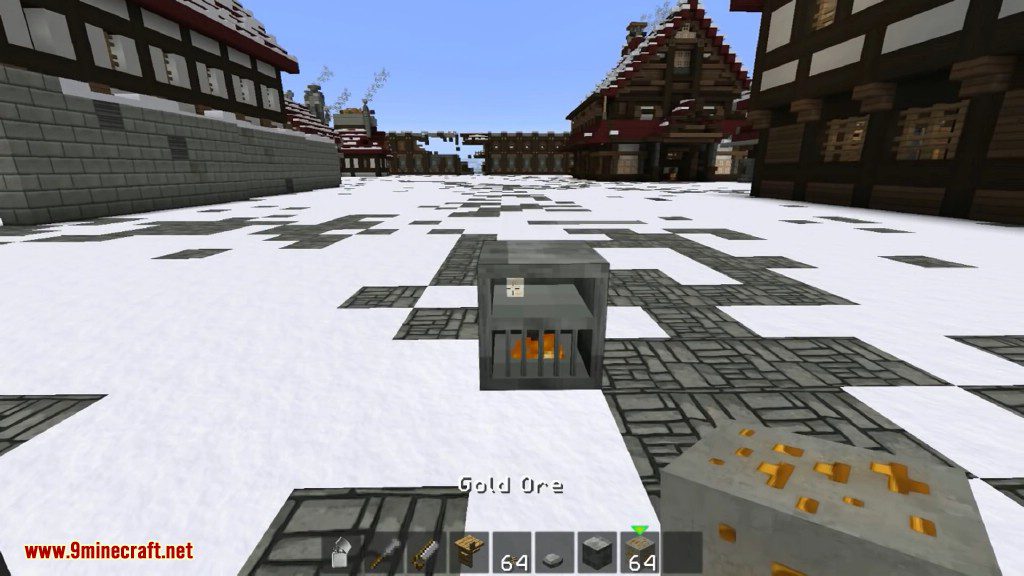
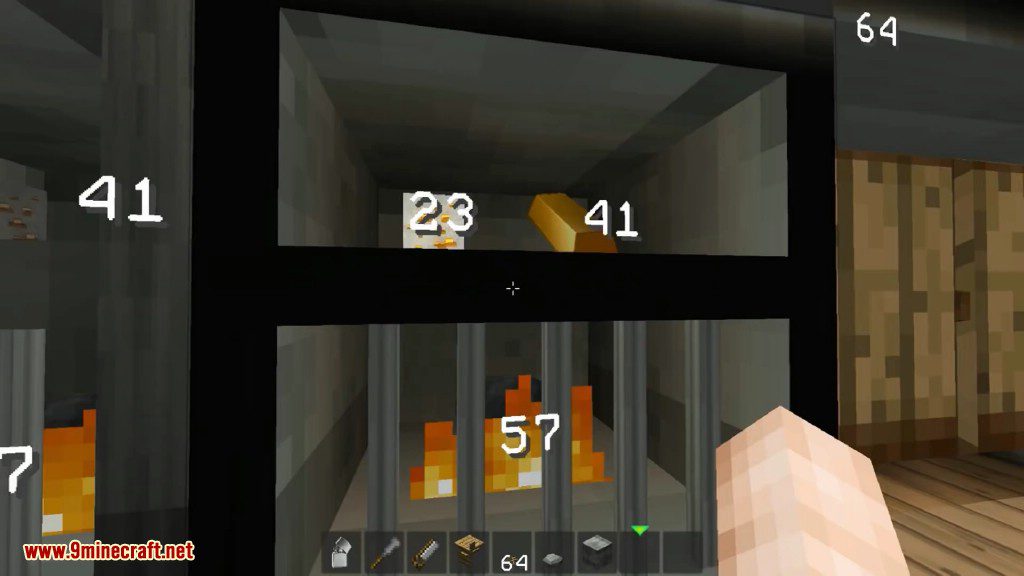
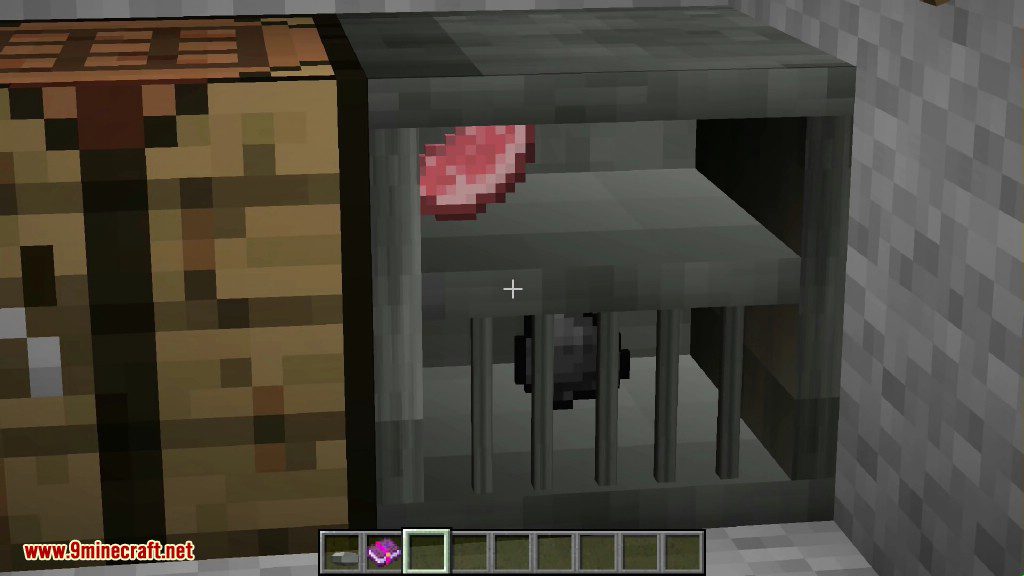
- Use a special furnace that requires you to light the fuel with flint and steel.
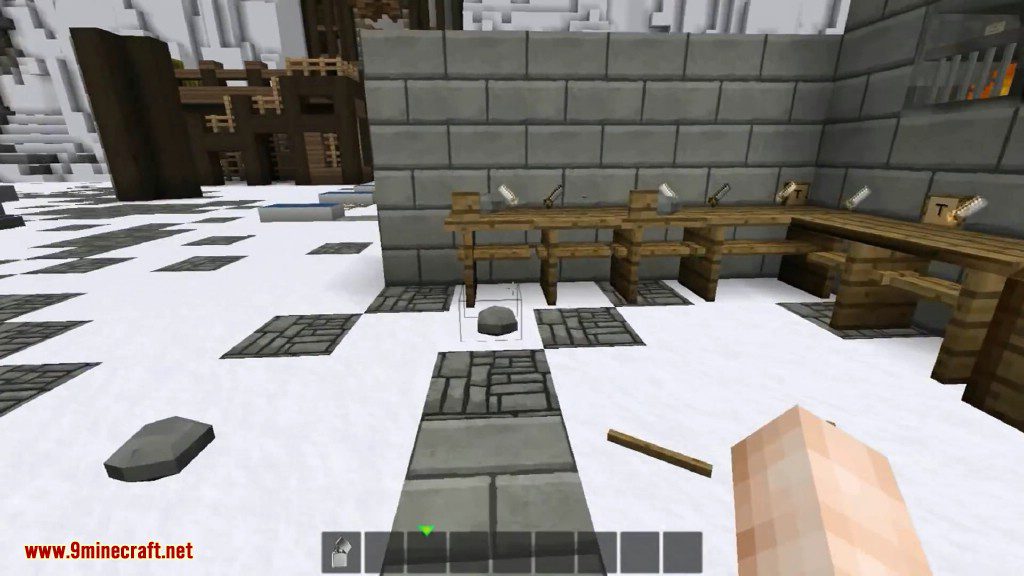
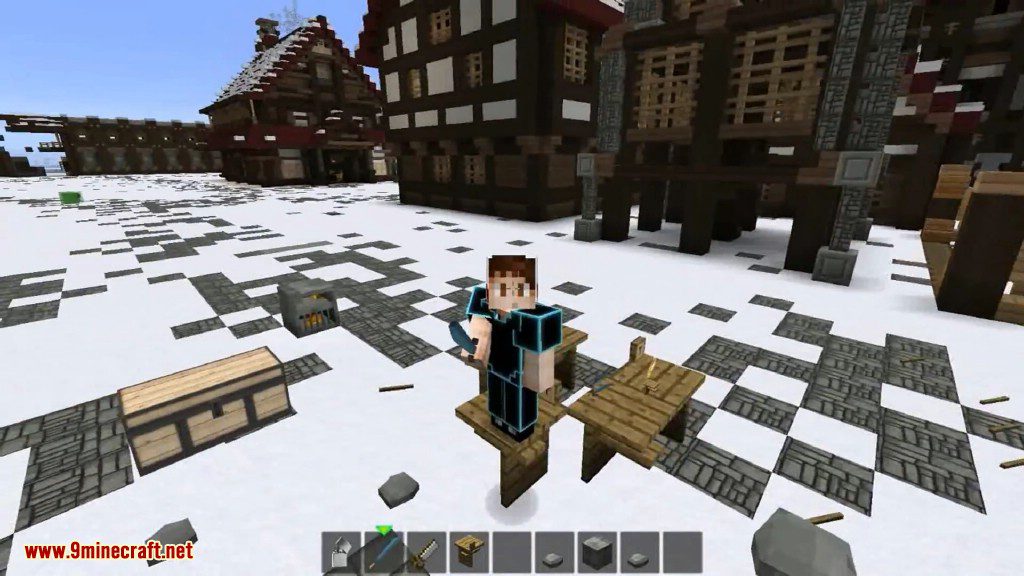
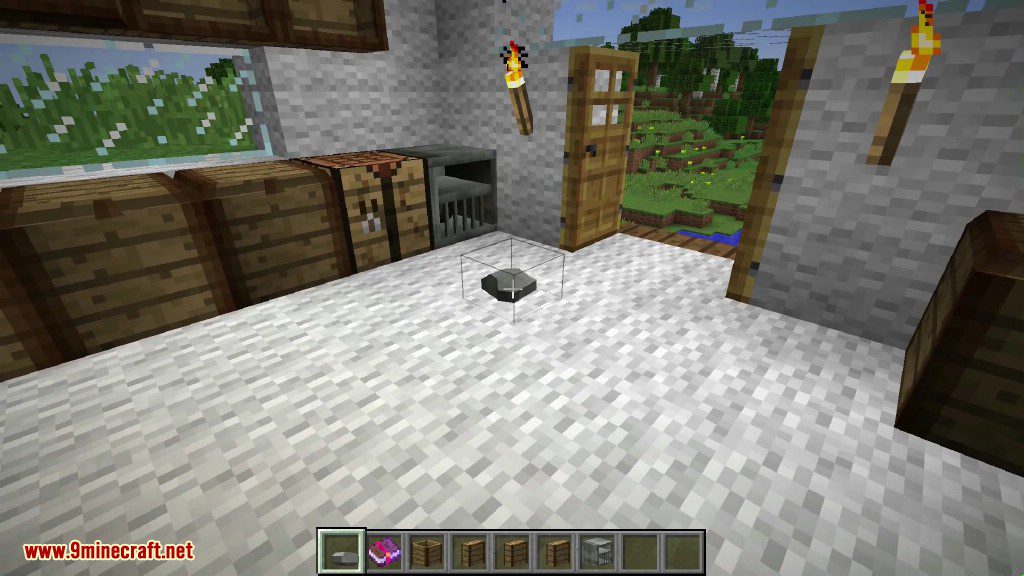
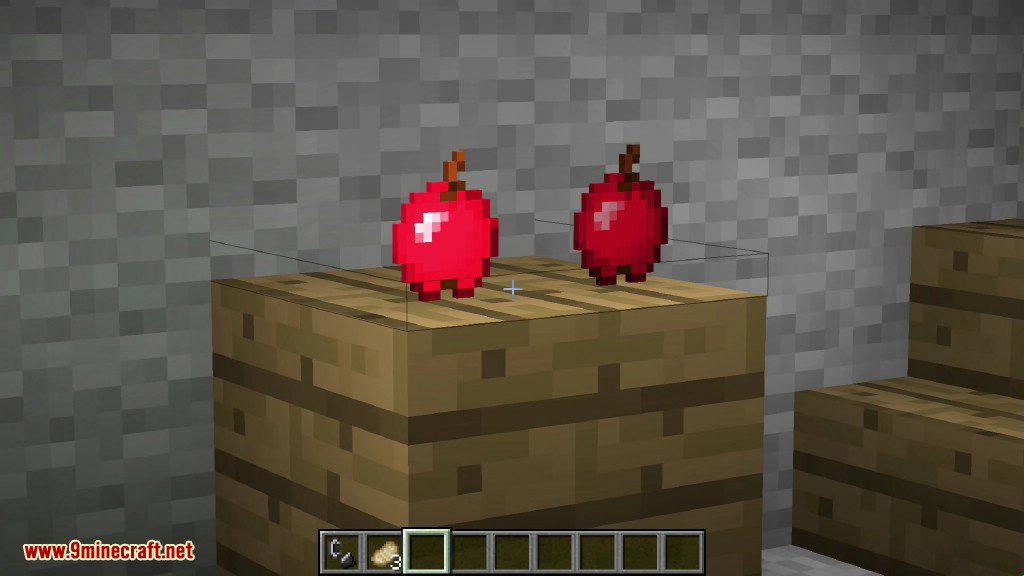
- Place tools like swords and axes directly onto any block by right-clicking or pressing ‘p’.
- Find sticks and rocks that now generate naturally in the world.
- Craft items with a new, more immersive workbench.
- Use a new chisel and saw, which are tools for the workbench.
- Place sticks on the ground in stacks of up to 64 and light them on fire.
How to Use:
- To make a workbench, place two logs in the world and right-click them with a stone axe.
- To light the furnace, use flint and steel on the coal inside.
- To place a tool on a block, right-click the surface or press the ‘p’ key.
- To burn a pile of sticks, use flint and steel on it.
Crafting Recipes:
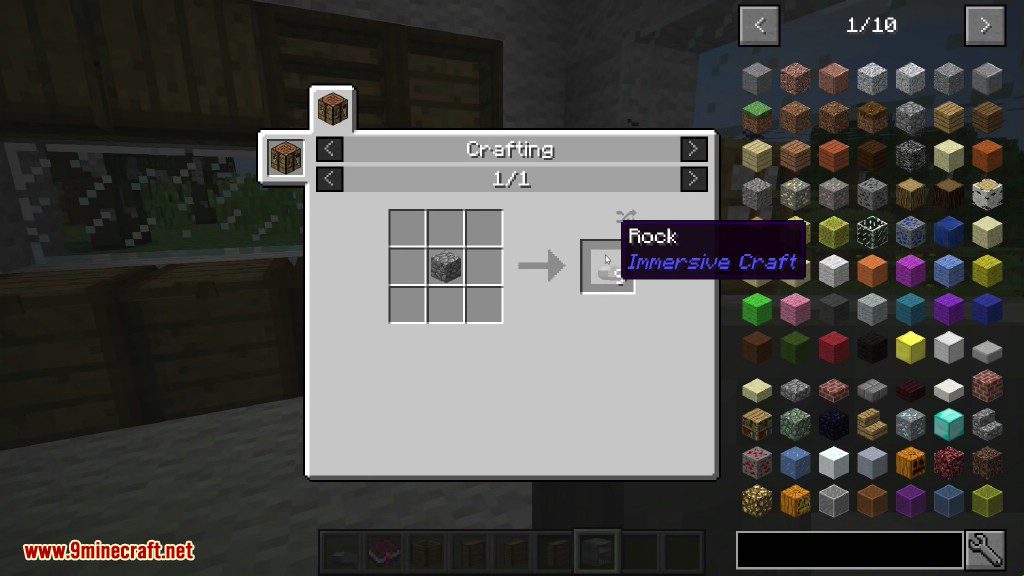
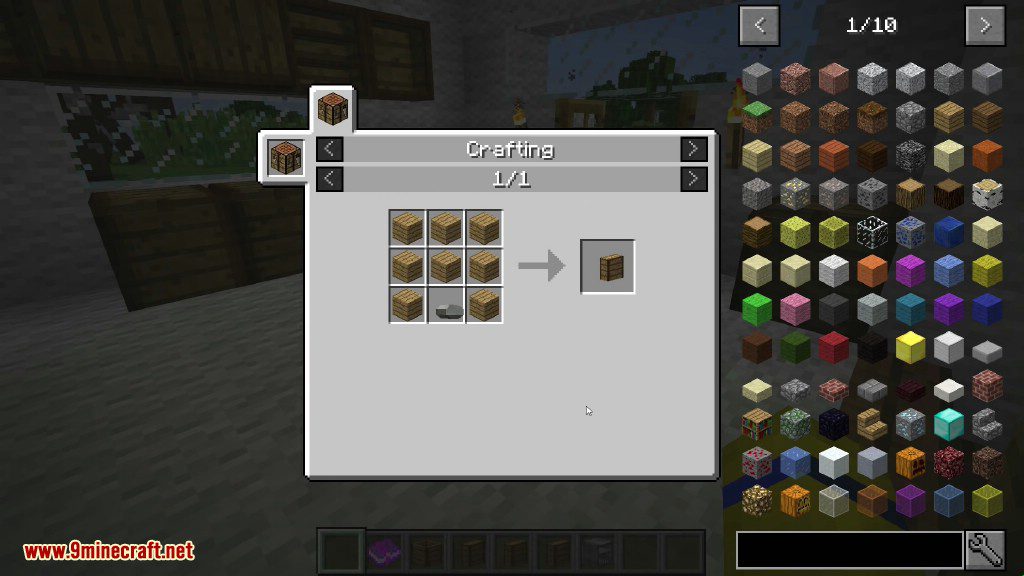
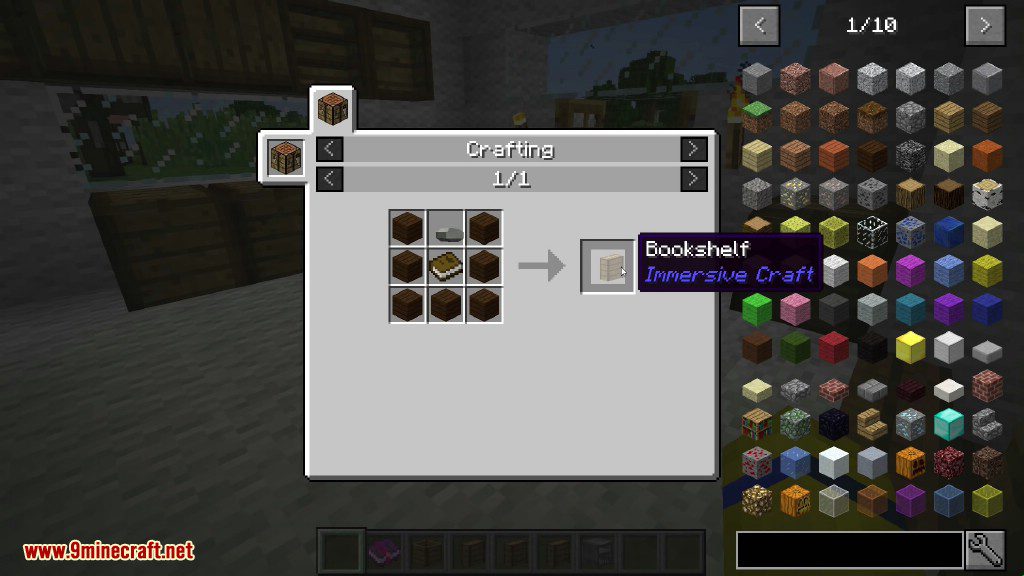
Screenshots:
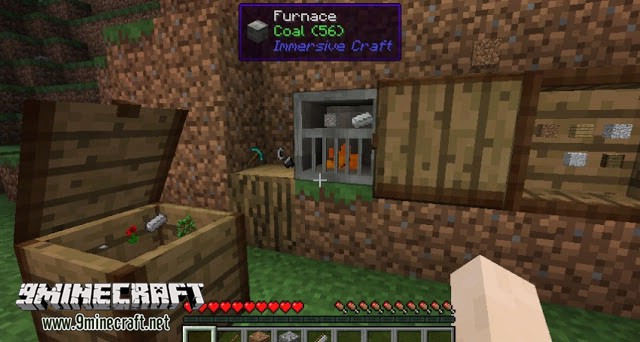
Immersive Craft Mod Download Links
For Minecraft 1.8.9
For Minecraft 1.9.4
For Minecraft 1.11.2, 1.10.2
For Minecraft 1.12.2
Quick facts
- Edition: Minecraft Java
- File type: .jar
- How to install: Install the matching mod loader (Forge, Fabric or NeoForge) for your Minecraft version. → Download the .jar. → Put it in the .minecraft/mods folder and launch that loader profile.
- Where to get it: In MC Java Mods, or directly above on this page.
Install steps are the general flow for this file type — How to install Minecraft Java mods & modpacks walks through it step by step.
File checked by MCModsHub
- Downloads as 209973.mcaddon
- Download size: 243 KB
- Download link checked 24 Jul 2026 — working
- Mirrored on our own servers — the download does not depend on the original host
These come from our own check of the pack file, not from the source page.