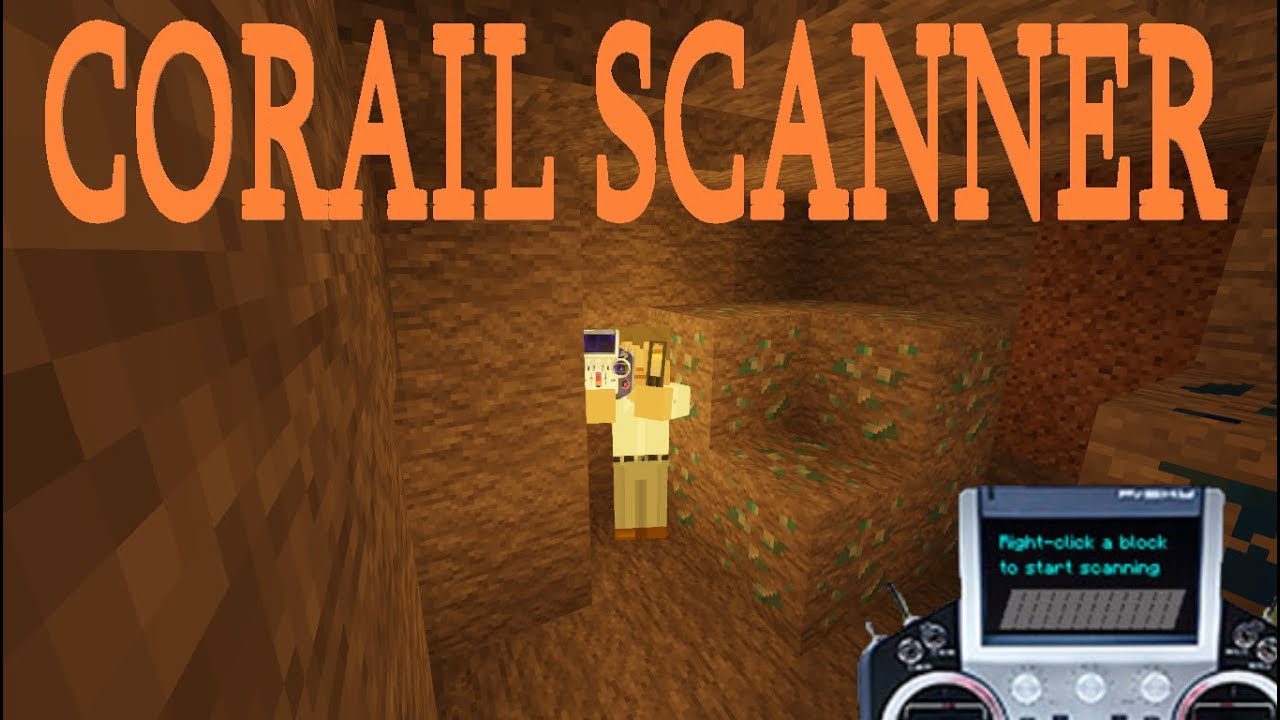
Corail Scanner Mod 1.12.2, 1.11.2 adds a scanner able to find any kind of blocks, with a playfulness to find them. The scan is done in a conic shape (config max : 50 squares range). You can customize the scanner with server config options and a blacklist file (in the config folder) and some client options in game.
Features:
Scanner:
- No more damaged, it’s replaced with an energy value (corresponding to the max duration of use) and doesn’t loose energy in creative.
- Only scan while holding right click.
- Select a block for scan is done while sneaking.
- Scan is done with oredictionary (target similar “modded” blocks).
- Improve the scanned area based on the player looking direction, conic shape.
- Improve performance for scan.
Config:
- Remove options about tick/damage, and radius of scan.
- Option for max energy of battery.
- Client option to highlight founded blocks (disabled by default).
- Client option to disable the sound of scanner.
- Sync config (server -> client).
Sound:
- The config in-game lets you choose between some vanilla sounds (instrumental).
- The pitch of the chosen sound varies, depending on the number of blocks found.
Screenshots:
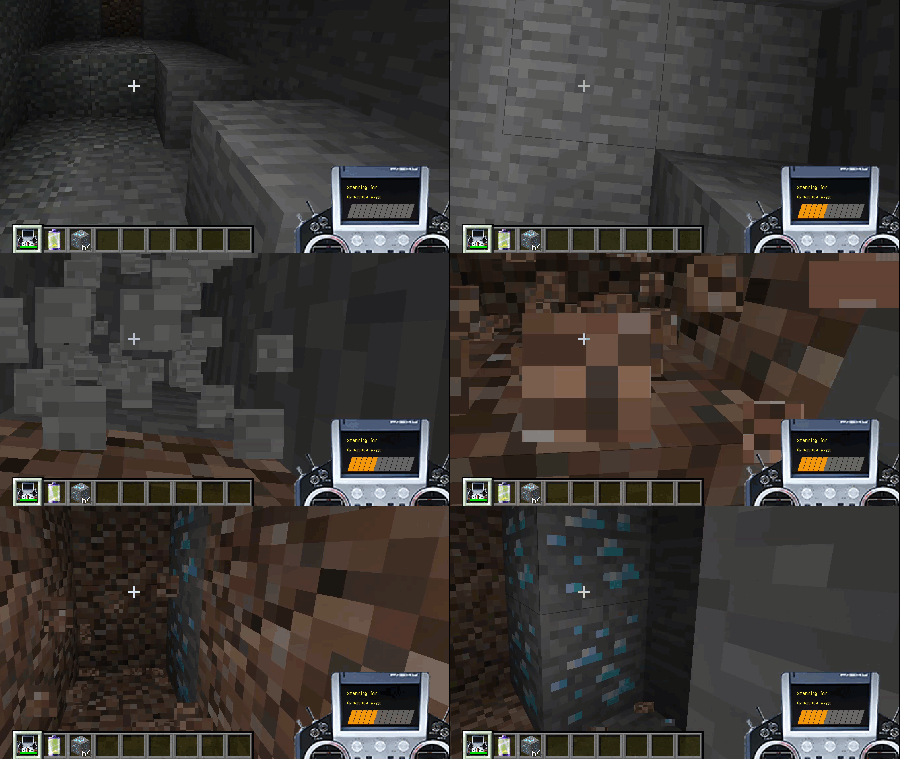
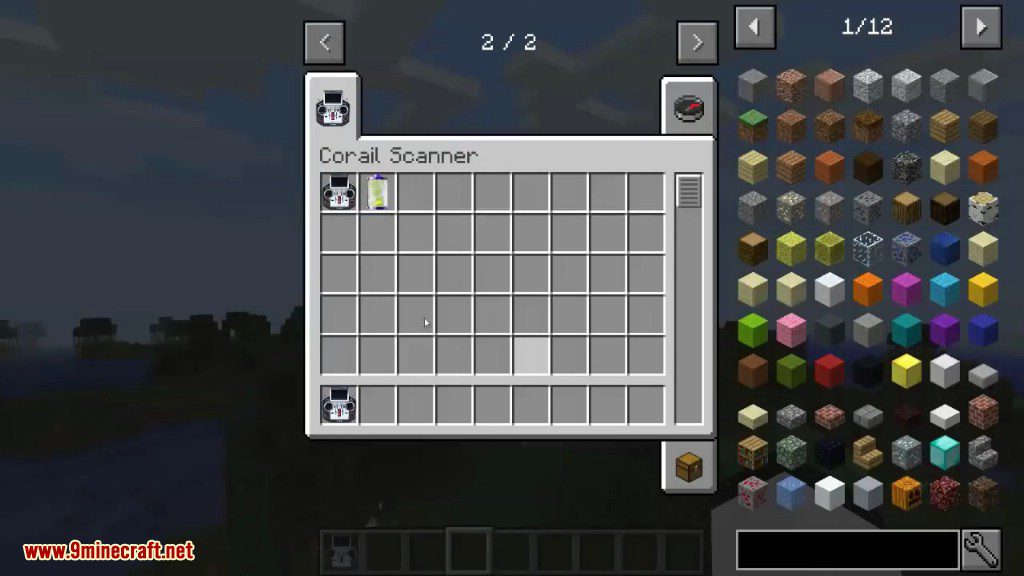
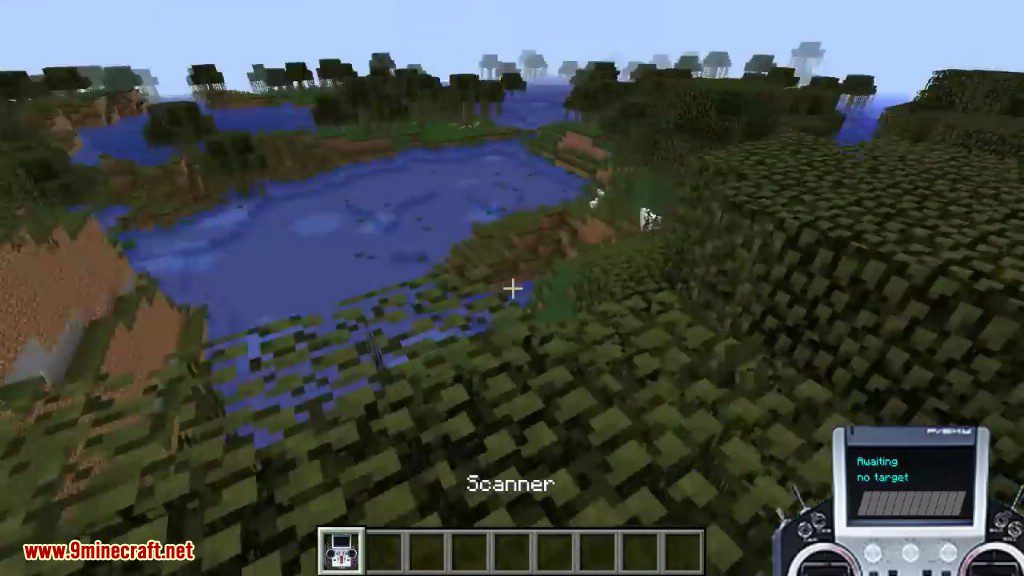
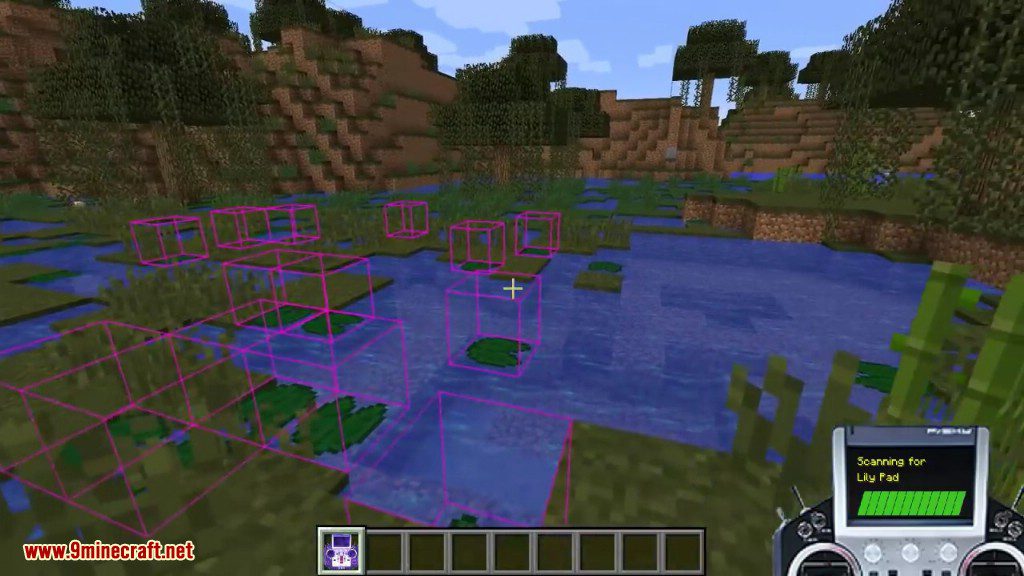
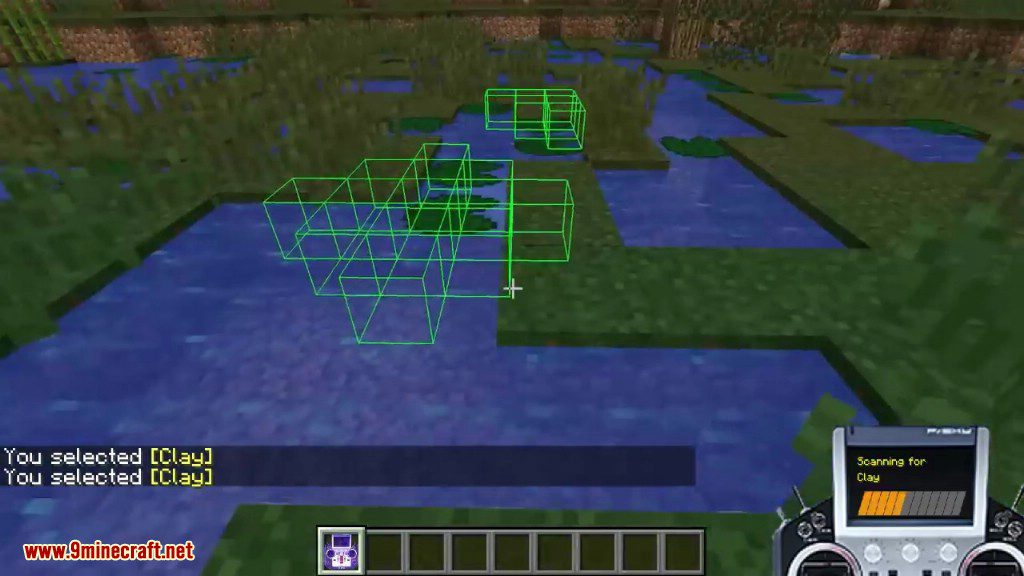
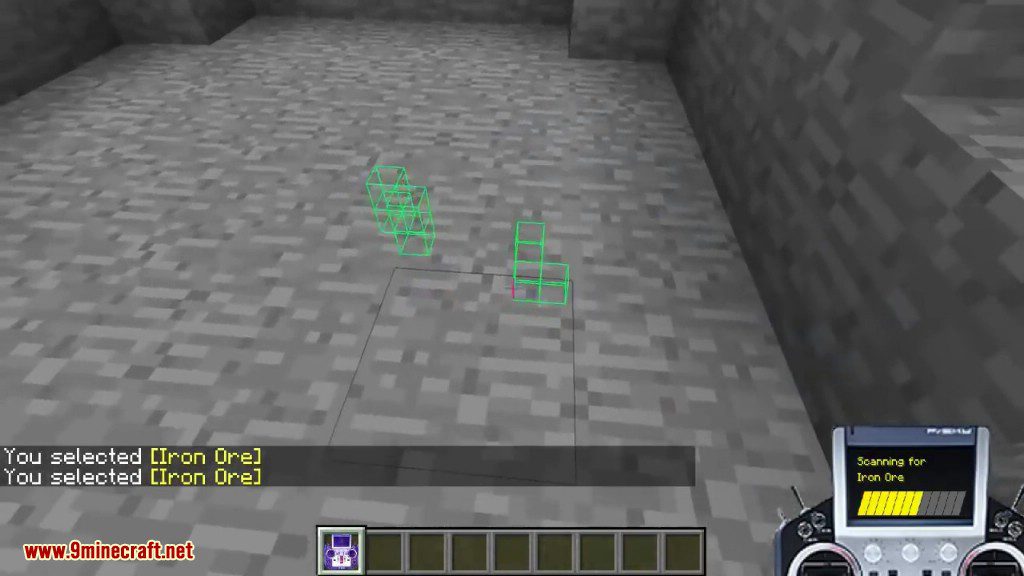
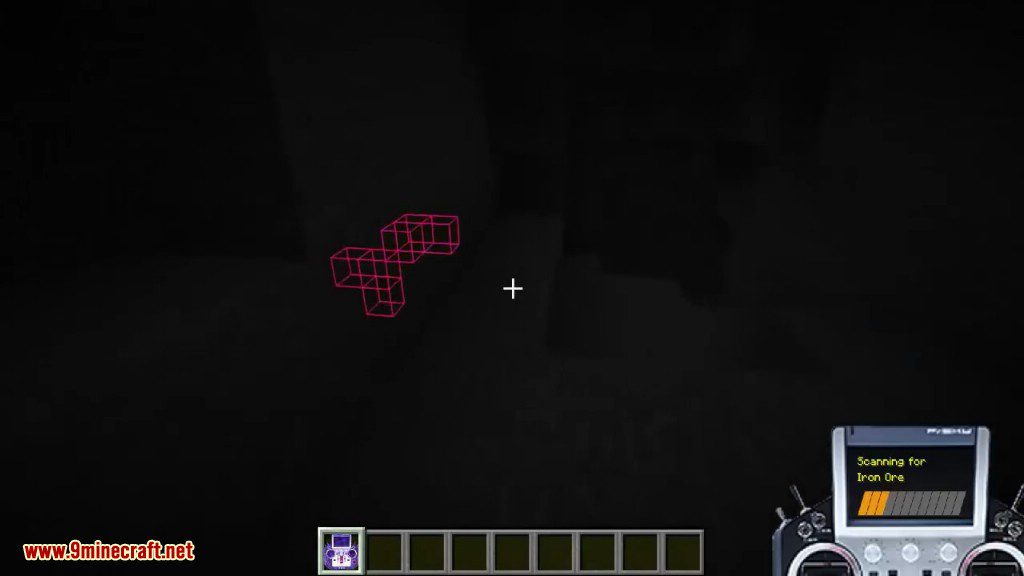
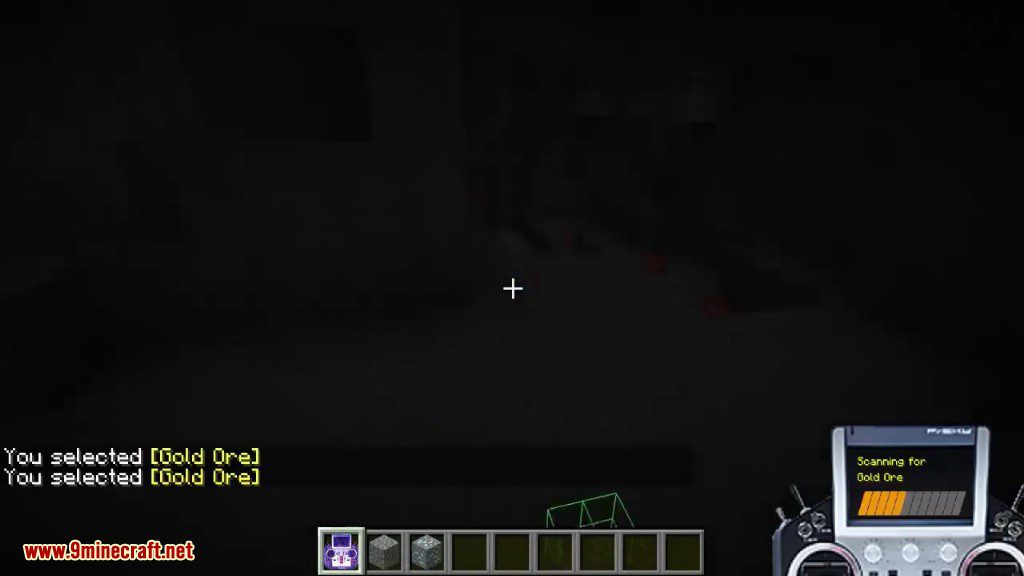
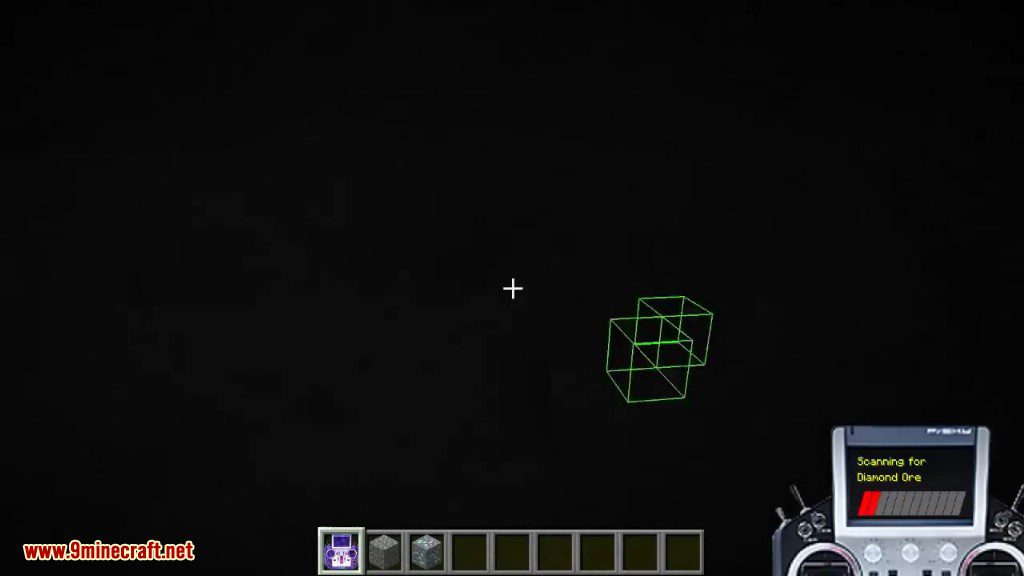
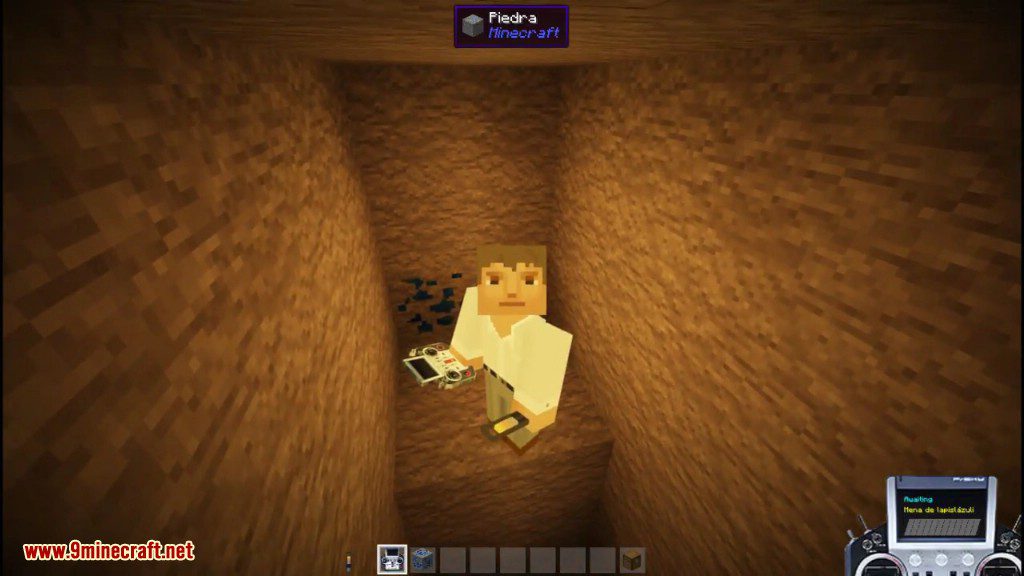
How to use:
Craft a battery
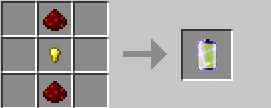
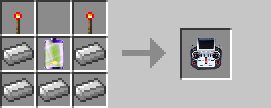
Craft a scanner
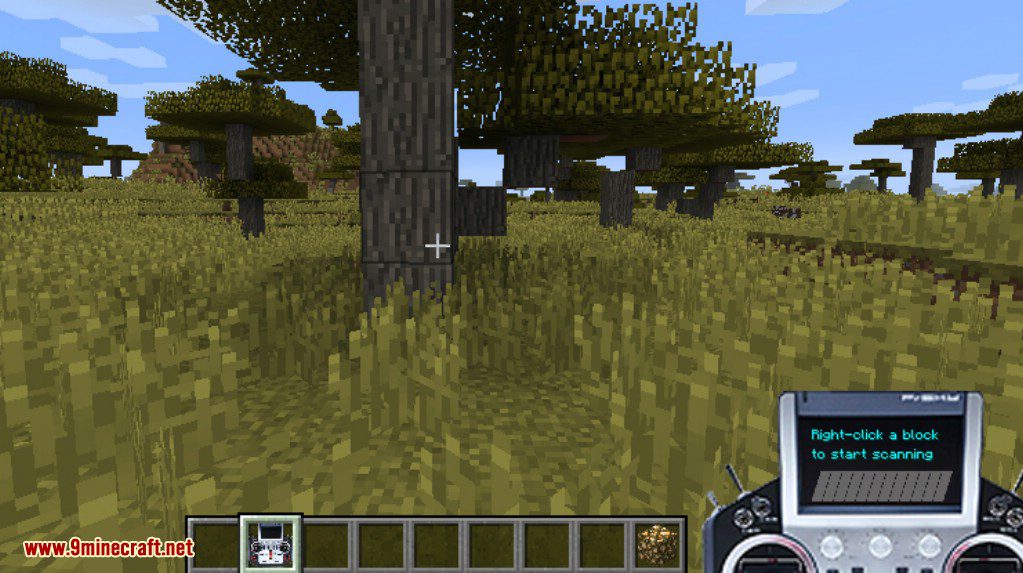
- The scanner only work in right hand
- You can change the target to search, by right-clicking a block while “sneaking”
- You need to hold right-click to scan the area in front of you (the angle of scan is 40 degrees)
Scanner Status: Waiting
Scanner Status: Scanning
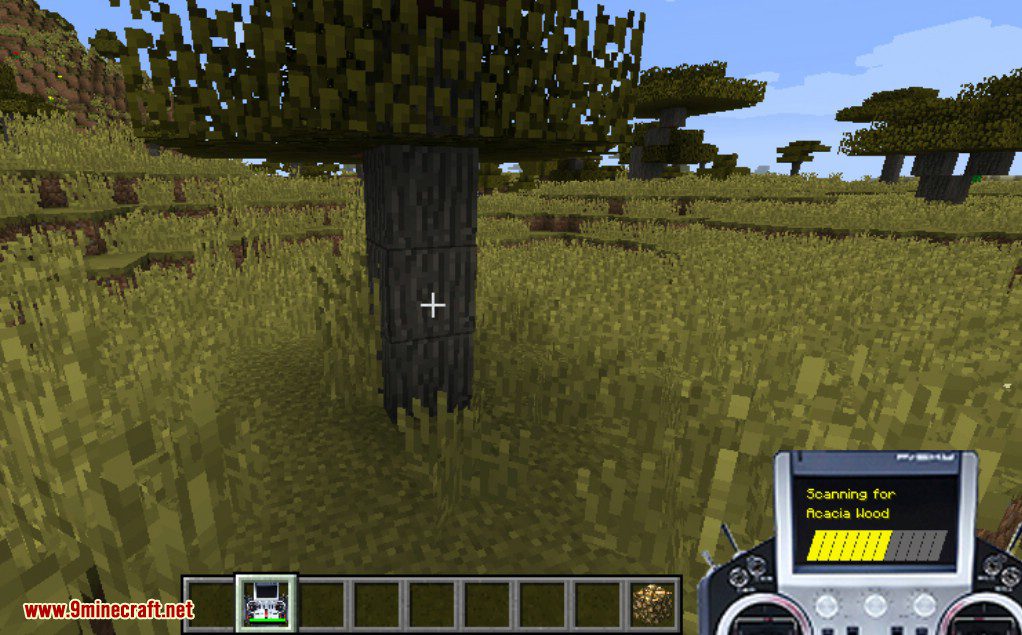
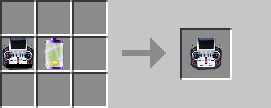
- Slowly the scanner is discharged but can recharge it with a battery in the crafting table
Recharge Scanner
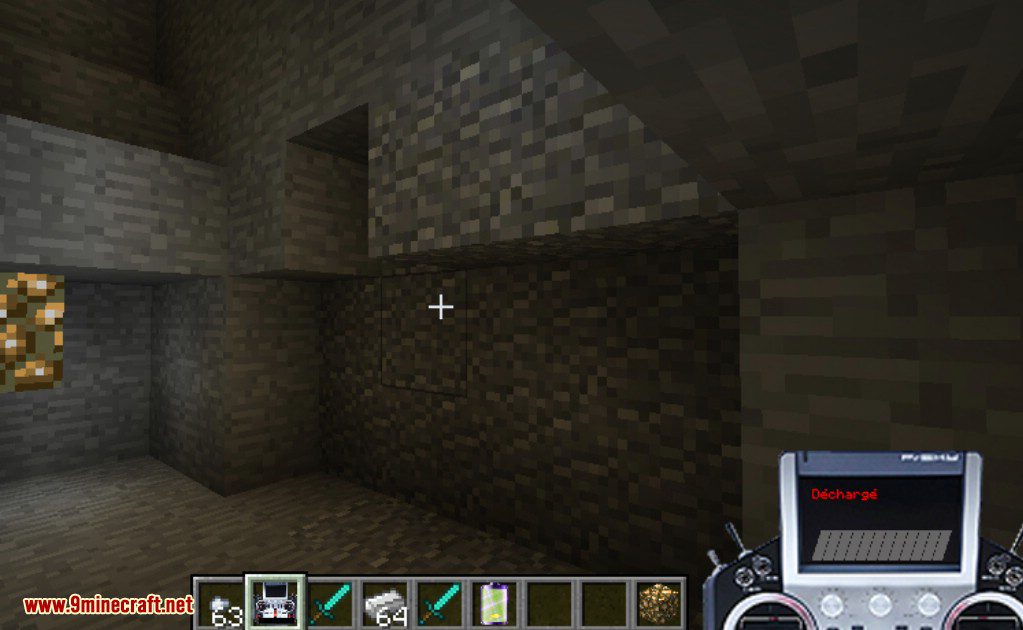
Scanner Status: Discharged
Requires:
Minecraft Forge
Corail Scanner Mod 1.12.2, 1.11.2 Download Links
For Minecraft 1.10.2
For Minecraft 1.11.2
For Minecraft 1.12.2, 1.12.1, 1.12
Quick facts
- Edition: Minecraft Java
- File type: .jar
- How to install: Install the matching mod loader (Forge, Fabric or NeoForge) for your Minecraft version. → Download the .jar. → Put it in the .minecraft/mods folder and launch that loader profile.
- Where to get it: In MC Java Mods, or directly above on this page.
Install steps are the general flow for this file type — How to install Minecraft Java mods & modpacks walks through it step by step.
Verified by MCModsHub
- Downloads as 210040.mcaddon
- Download size: 177 KB
- Download link checked 22 Jul 2026 — working
- Mirrored on our own servers — the download does not depend on the original host
These come from our own check of the pack file, not from the source page.