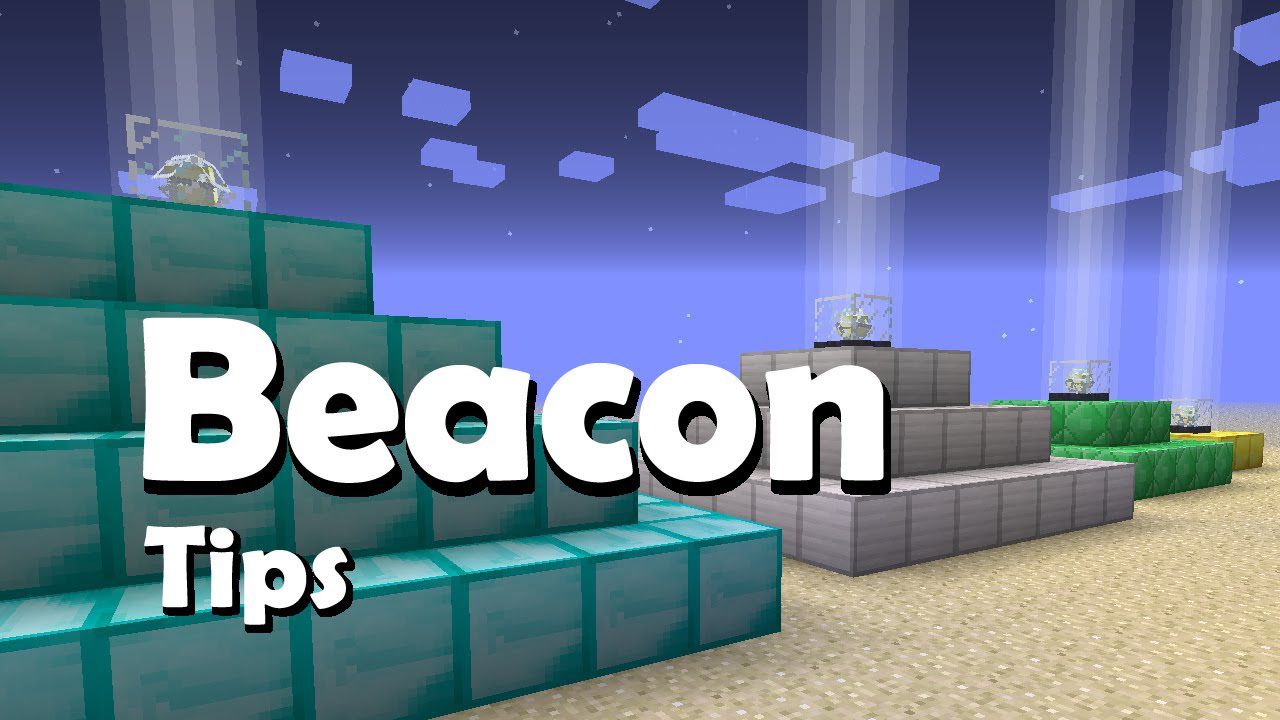
Pocket Blocks Mod 1.12.2 adds one item, called the Personal Beacon. Arrange a pyramid of Beacon-capable blocks under it to activate it.
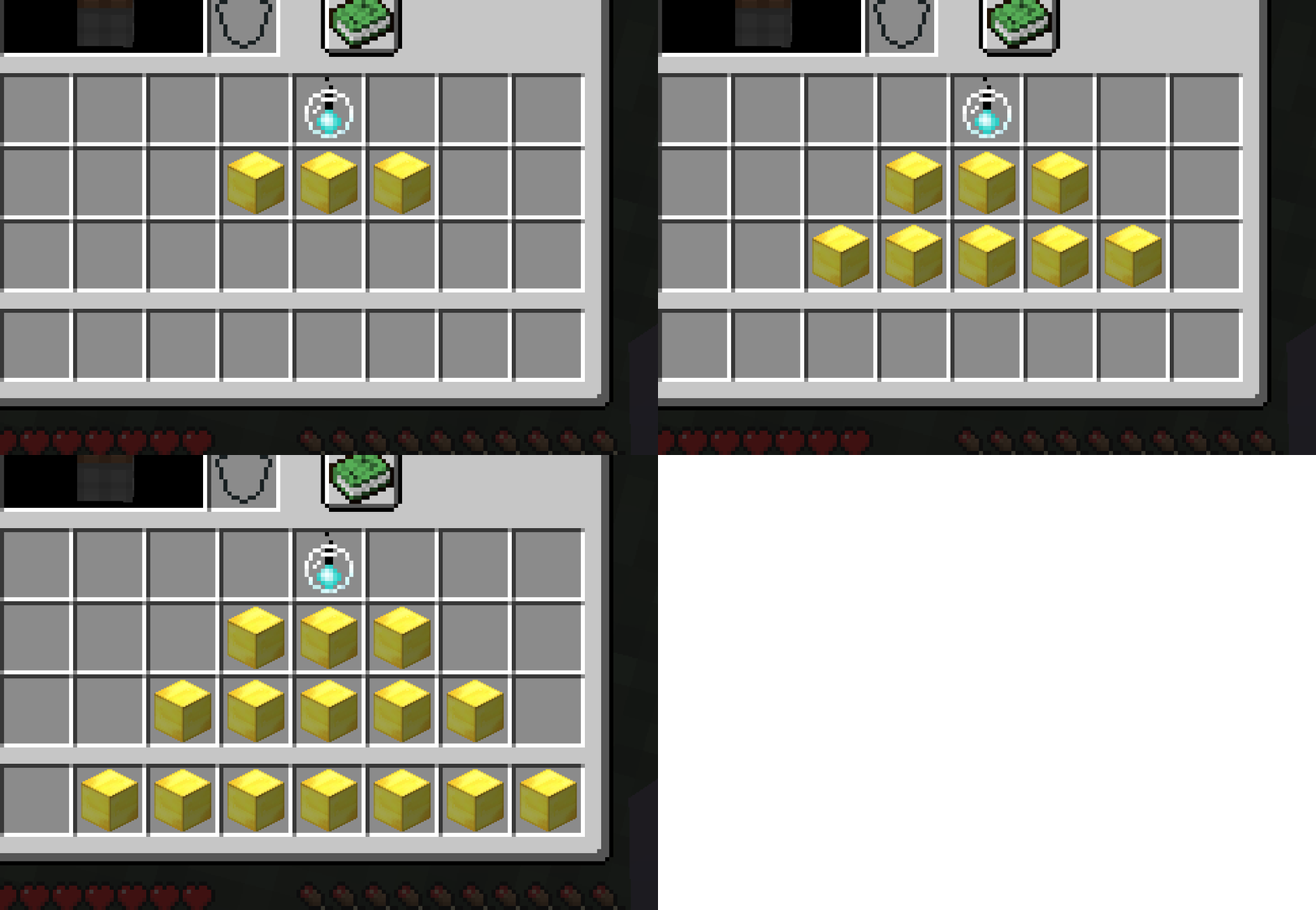
The idea is you have a personal beacon, an item that stays in your inventory. Below this item in your player inventory, you must have blocks below it in a pyramid shape to activate the beacon.
How to use:
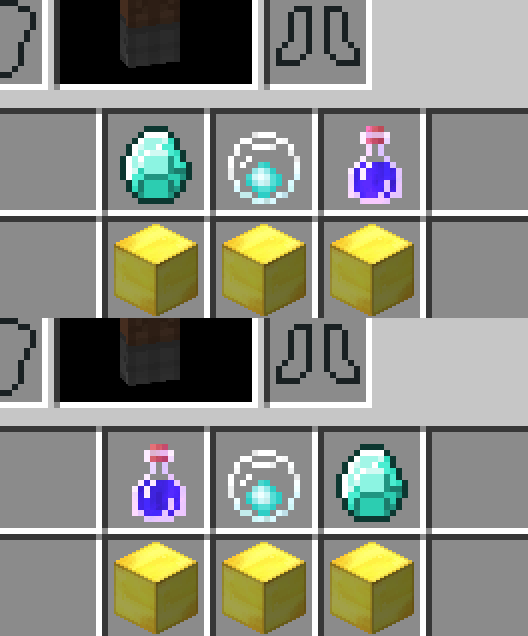
Place a Beacon-Payment item and potion to either sides of the Personal Beacon to give it an effect to emit. Specification of which side doesn’t matter.
Of course, like a regular Beacon, it can have varying levels and it’ll impact the radius of its emission. You can have the beacon in the top row, 3 blocks in second row, 5 in third row, and you may sacrifice 7 slots in your hotbar.
Requires:
Minecraft Forge
Pocket Blocks Mod 1.12.2 Download Links
For Minecraft 1.12.2
- Edition: Minecraft Java
- File type: .jar
- How to install: Install the matching mod loader (Forge, Fabric or NeoForge) for your Minecraft version. → Download the .jar. → Put it in the .minecraft/mods folder and launch that loader profile.
- Where to get it: In MC Java Mods, or directly above on this page.
Install steps are the general flow for this file type — How to install Minecraft Java mods & modpacks walks through it step by step.
- Downloads as 210041.mcaddon
- Download size: 17 KB
- Download link checked 24 Jul 2026 — working
- Mirrored on our own servers — the download does not depend on the original host
These come from our own check of the pack file, not from the source page.