
ModsJava
ShootIt Mod 1.12.2, 1.10.2 (Make Your Own In-Game Photos)
Minecraft Java mod. Downloads from the MC Java Mods app on Android.
⬇ DownloadShootIt Mod 1.12.2, 1.10.2 allows you to make your own in-game photos. It works in singleplayer and multiplayer.
Screenshots:
Camera
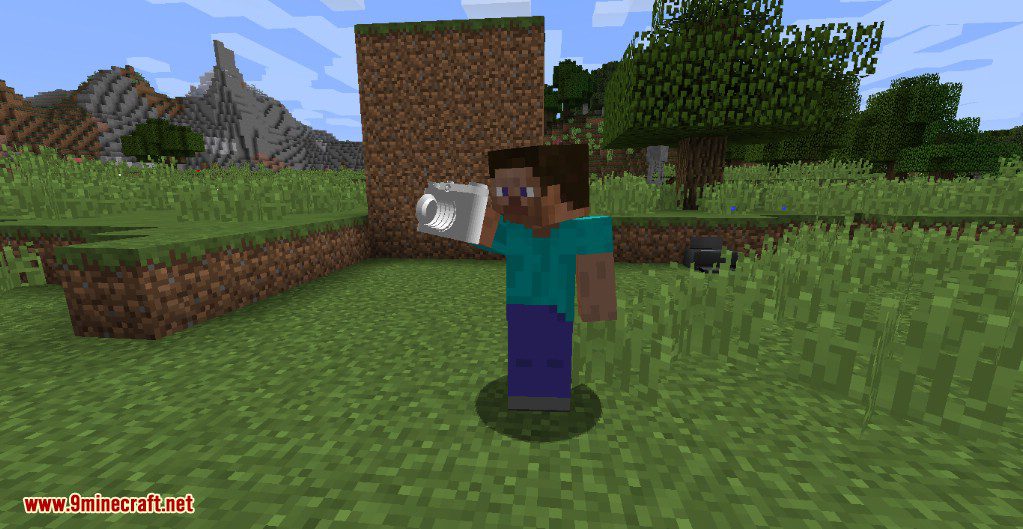
Camera – First view
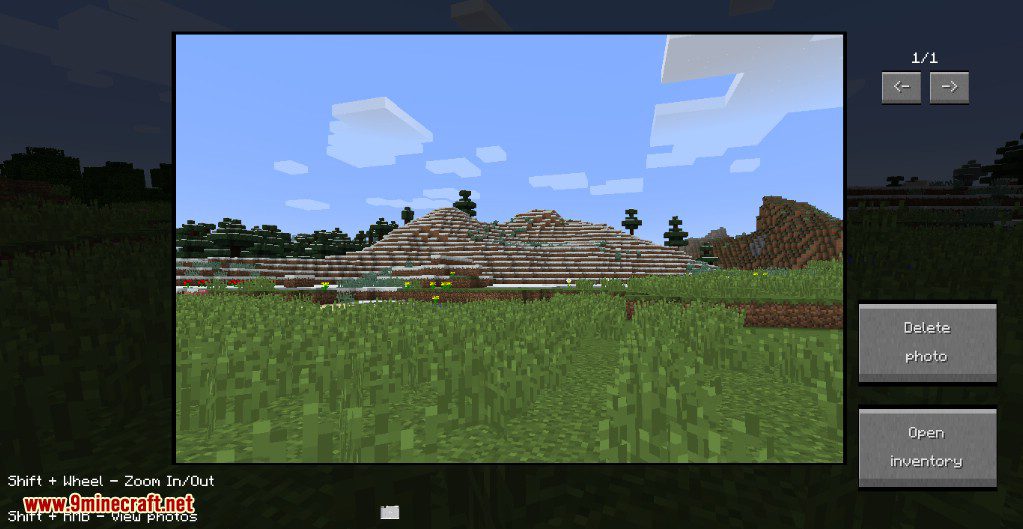
Printer
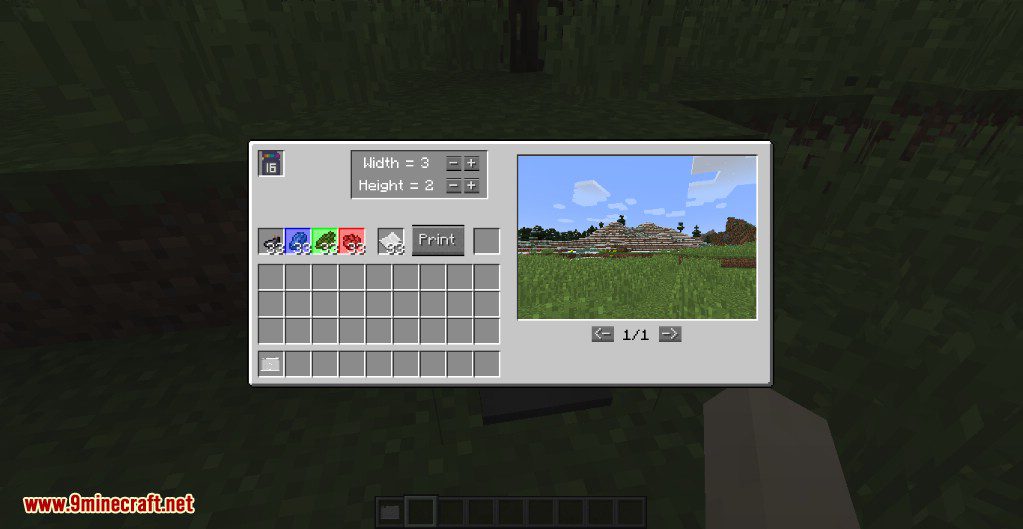
Photo
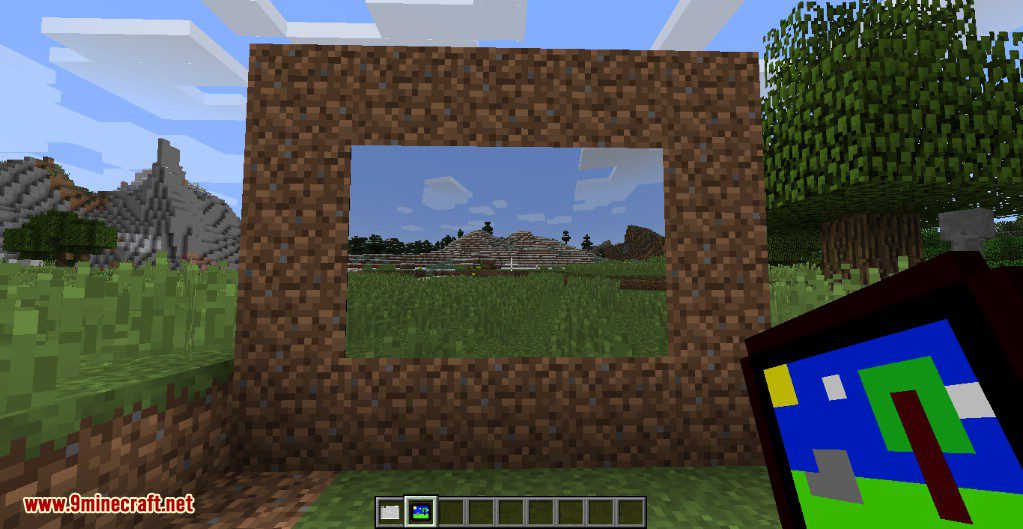
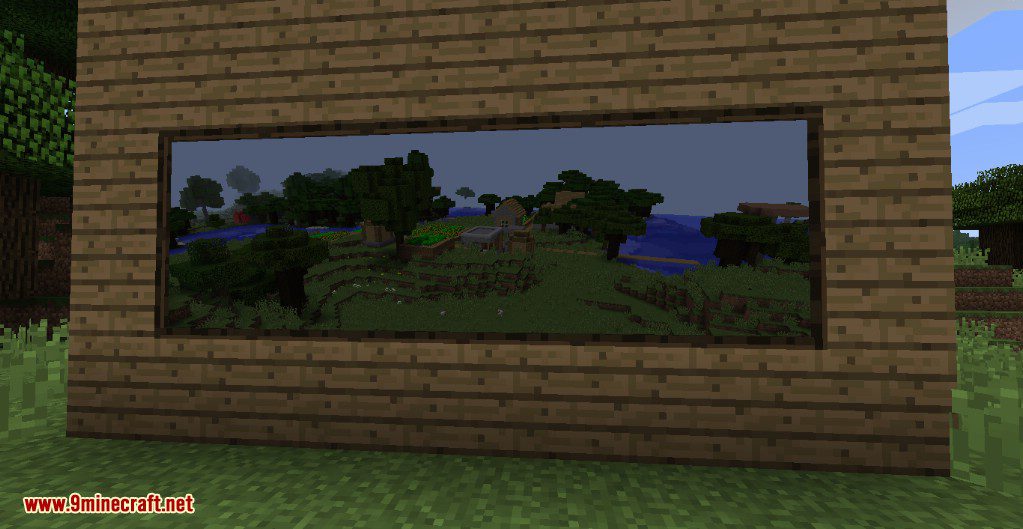
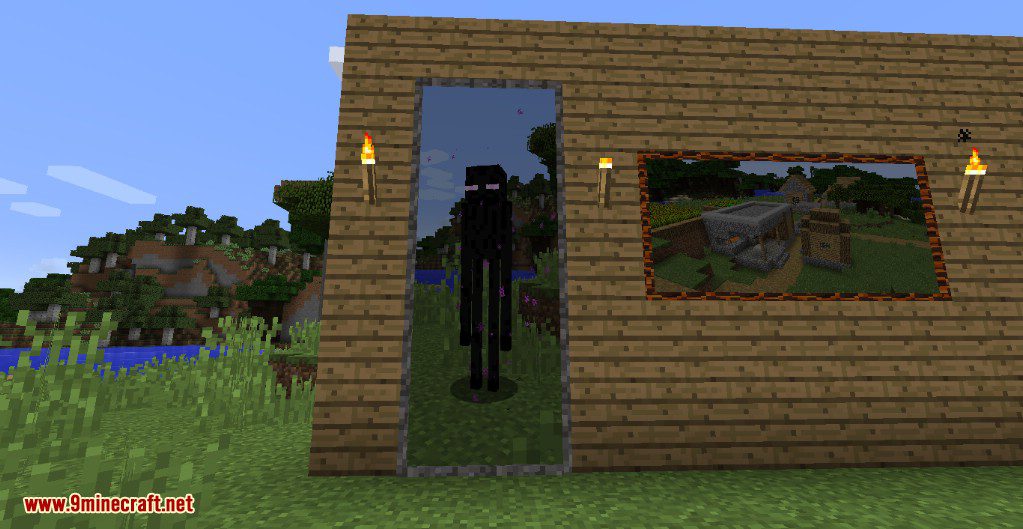
Frames
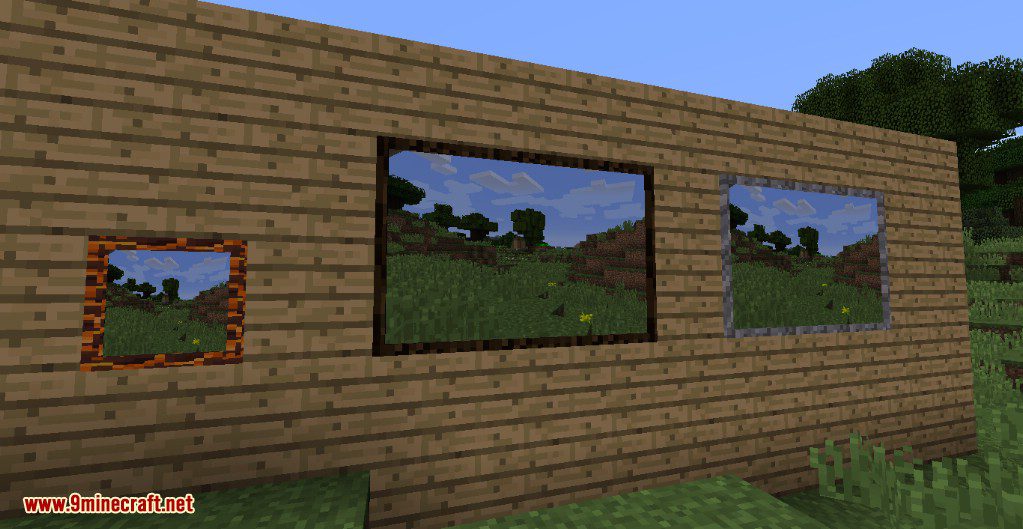
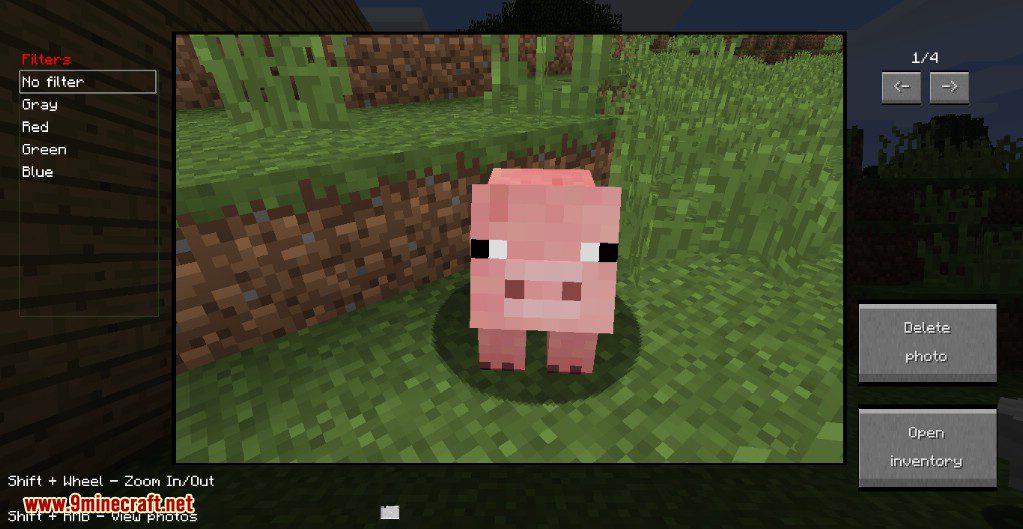
Filter
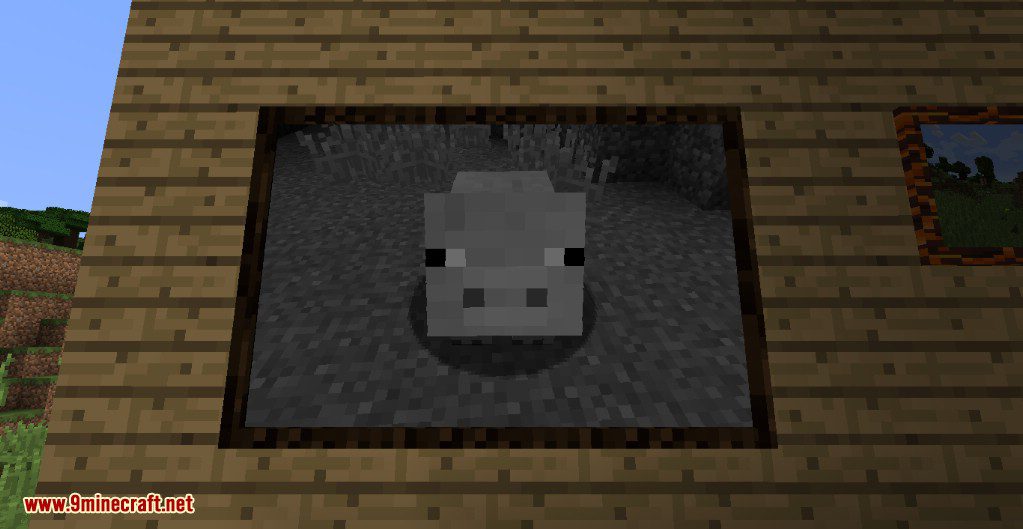
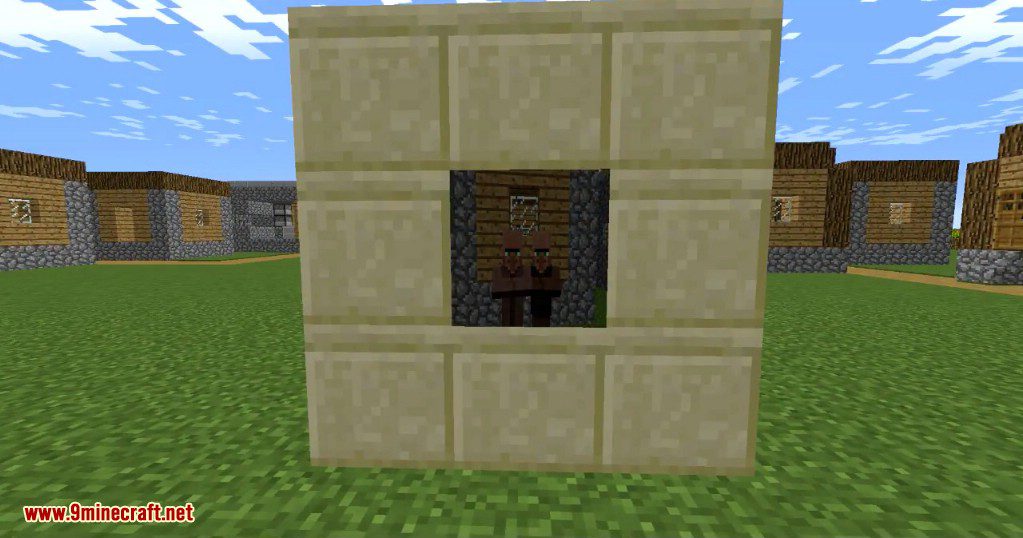
Non-stretched image
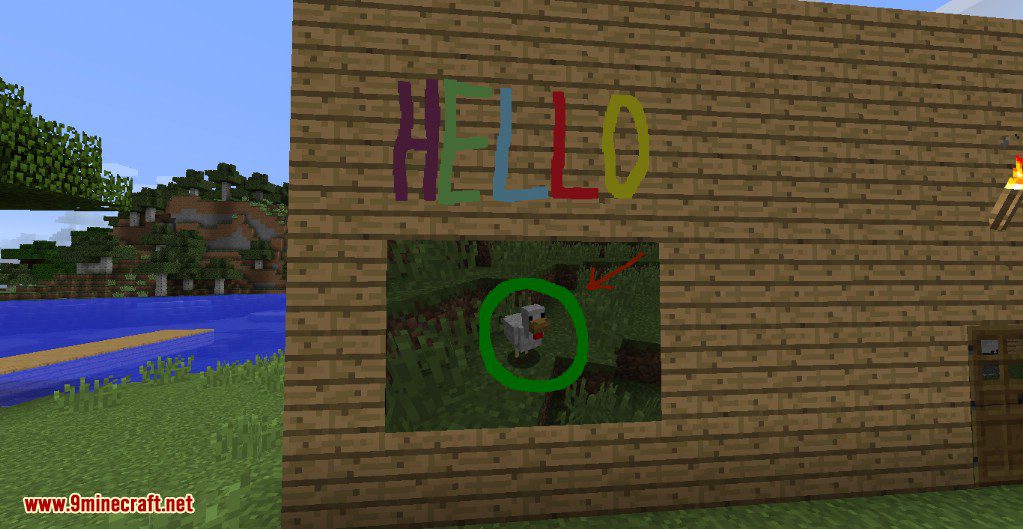
Painter
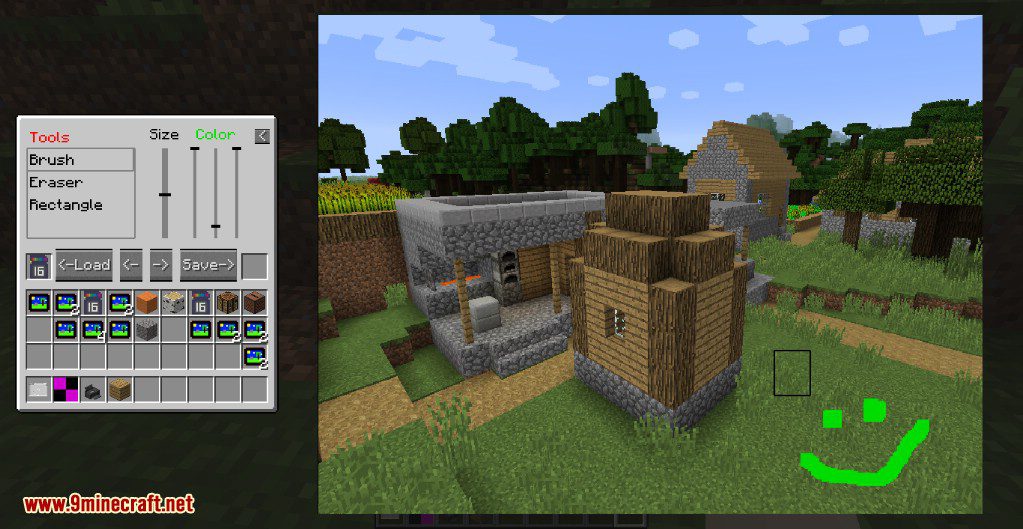
Painted images
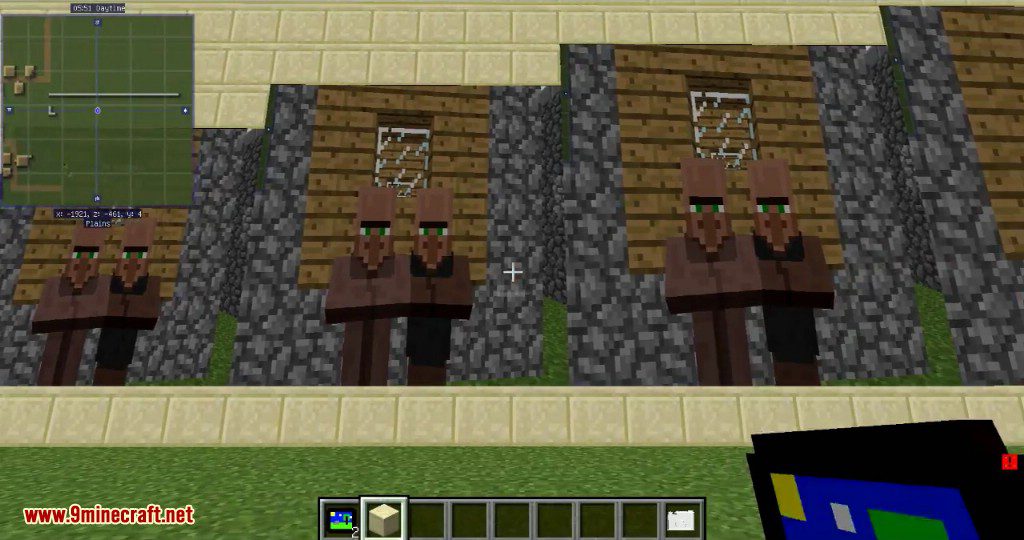
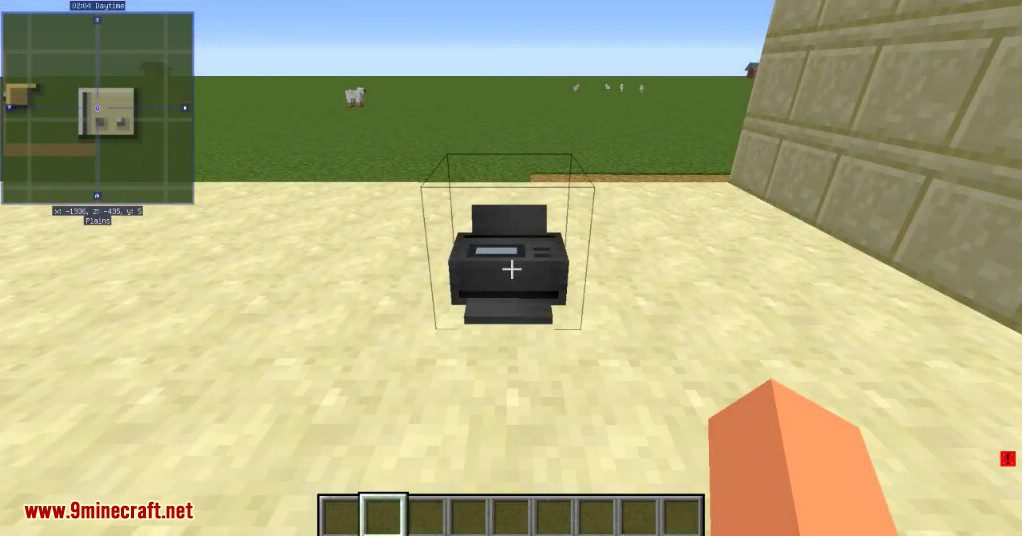
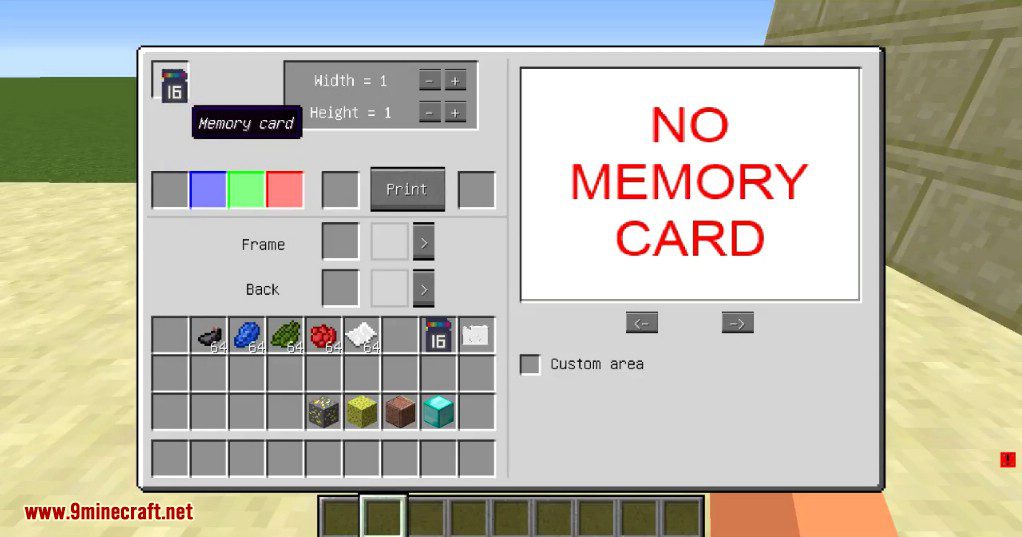
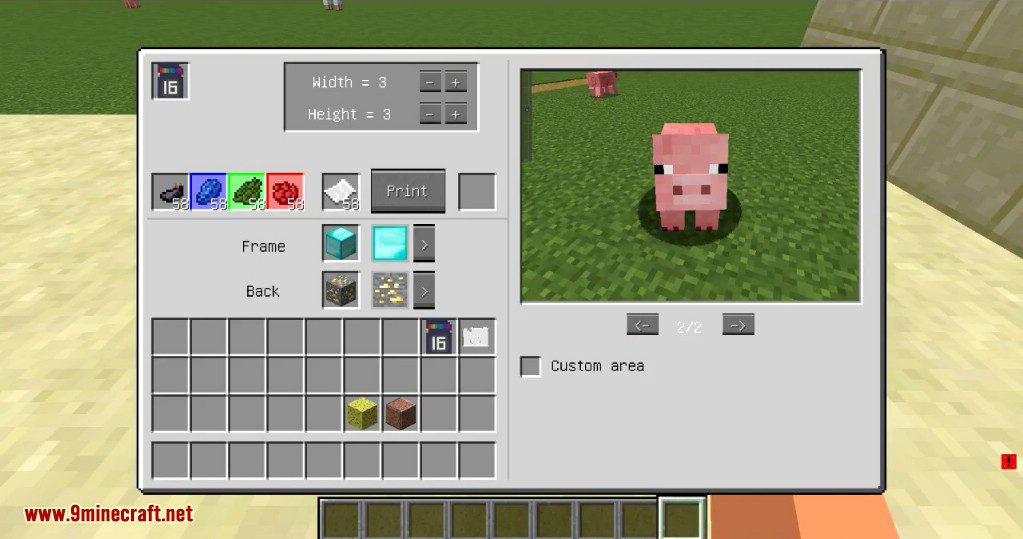
Crafting Recipes:
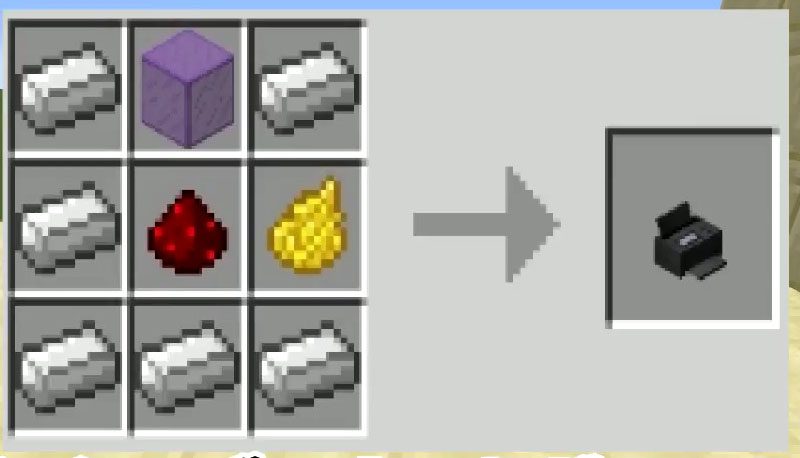
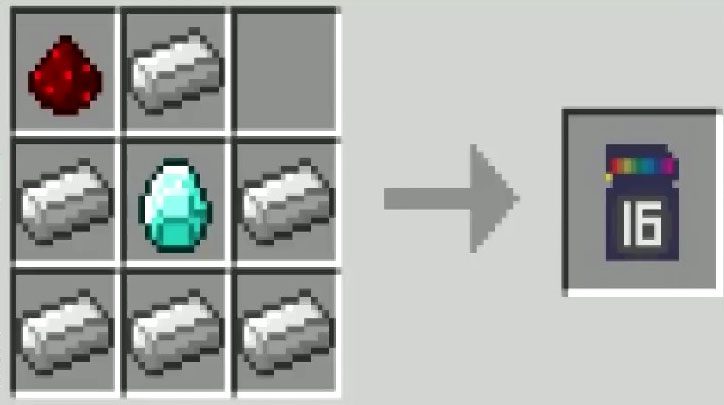
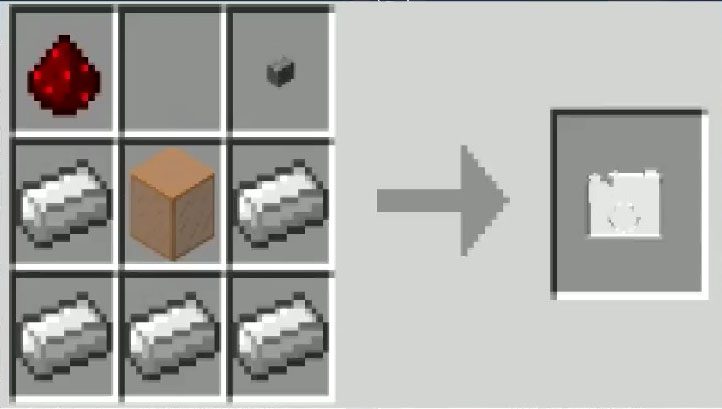
How to use:
- To get started you need to craft a camera and insert into it a memory card (shift + right click with camera in hands). Now you can make your first photo (right click). To view photos just open a camera inventory.
- If you want to print a photo you need to extract a memory card from the camera and place it into the printer. Add some materials (dyes and paper) and get the photo item, which you can place in the world.
- You can add to photos some filters. For this open camera inventory, press filters button, and select from the list.
- To delete photos open camera gui and press delete button – with Ctrl button to remove only from memory card in this camera; with Ctrl + Alt buttons to remove from everywhere.
Information:
- Photos location: (Minecraft Folder)/photos/assets/photos
- In multiplayer photos are loaded from the server only when a player needs it (e.g. when he looks at pictures). After restarting the client loaded photos are removed.
- You can load your own pictures in the game (png format).
Requires:
Minecraft Forge
ShootIt Mod 1.12.2, 1.10.2 Download Links
For Minecraft 1.10.2
For Minecraft 1.12.2
Quick facts
- Edition: Minecraft Java
- File type: .jar
- How to install: Install the matching mod loader (Forge, Fabric or NeoForge) for your Minecraft version. → Download the .jar. → Put it in the .minecraft/mods folder and launch that loader profile.
- Where to get it: In MC Java Mods, or directly above on this page.
Install steps are the general flow for this file type — How to install Minecraft Java mods & modpacks walks through it step by step.
File checked by MCModsHub
- Downloads as 210258.mcaddon
- Download size: 215 KB
- Download link checked 22 Jul 2026 — working
- Mirrored on our own servers — the download does not depend on the original host
These come from our own check of the pack file, not from the source page.