Non Update Mod 1.13.2, 1.12.2 (work for all versions) will disable update checking for all mods to decrease Minecraft launching time. (If you want to allow certain update checking, add their URL host to nu-whitelist.txt (one per line) under Minecraft folder.)
Features:
Allow certain update from whitelist (Location in /.minecraft/nu-whitelist.txt)
Default whitelist:
- minecraft.net
- mojang.com
- skin.prinzeugen.net
- fleey.org
- skinme.cc
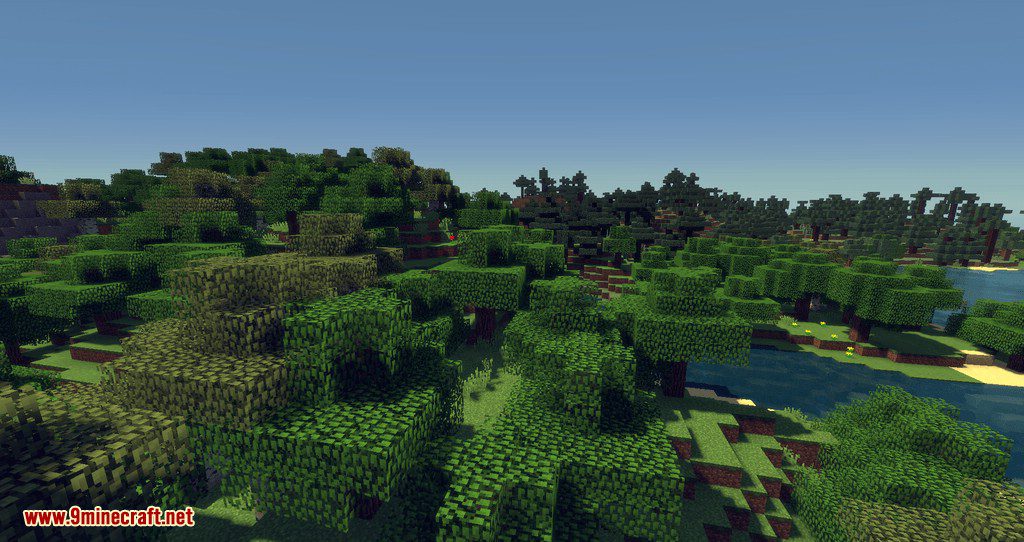
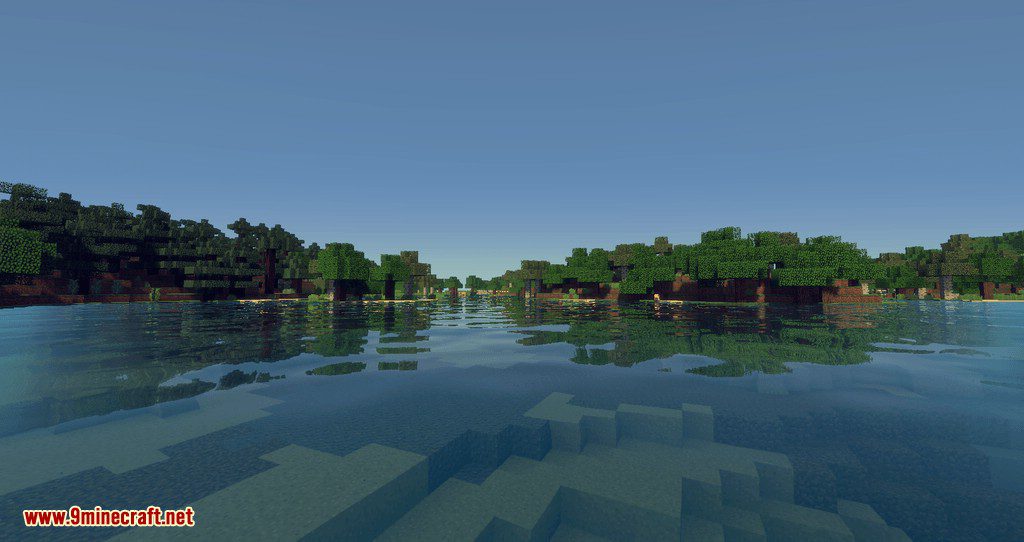
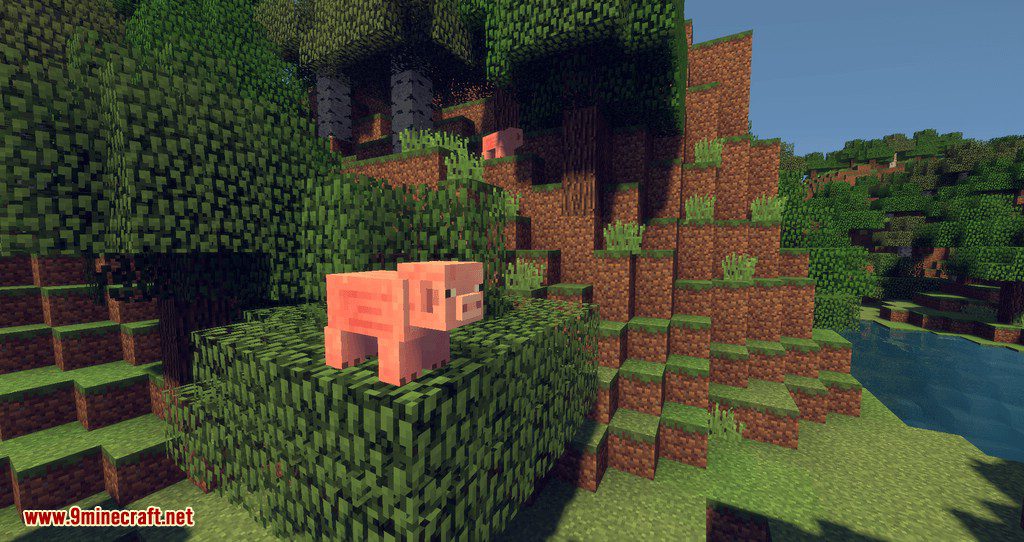
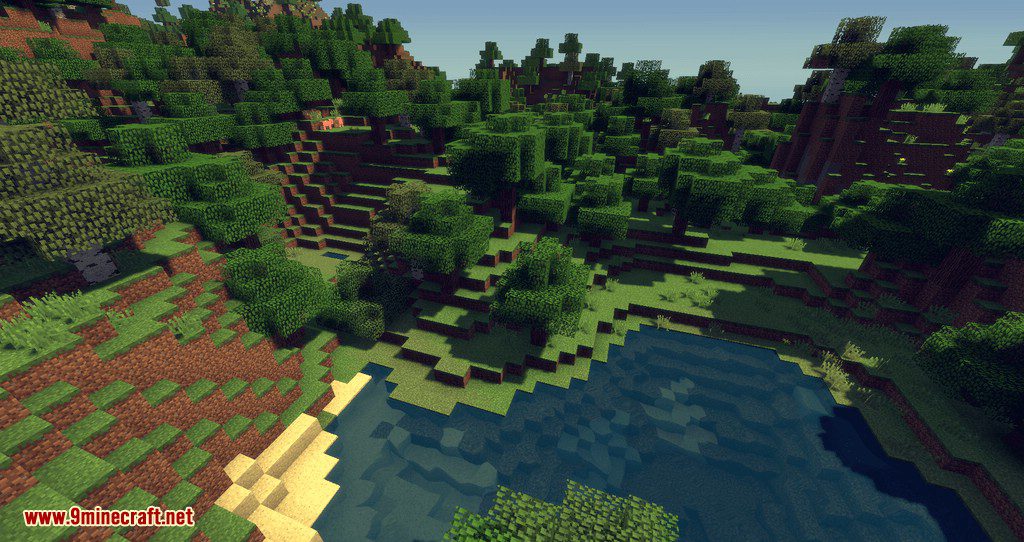
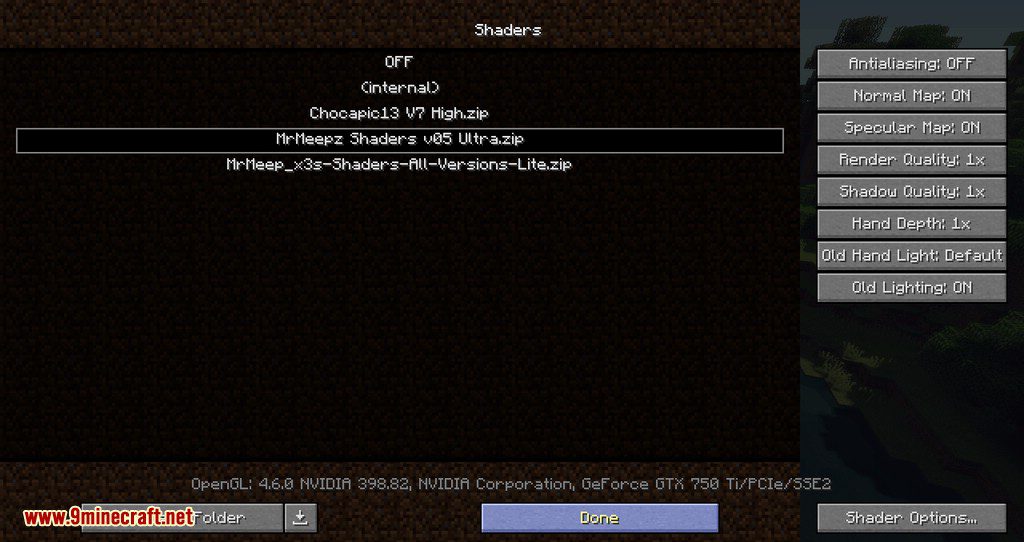
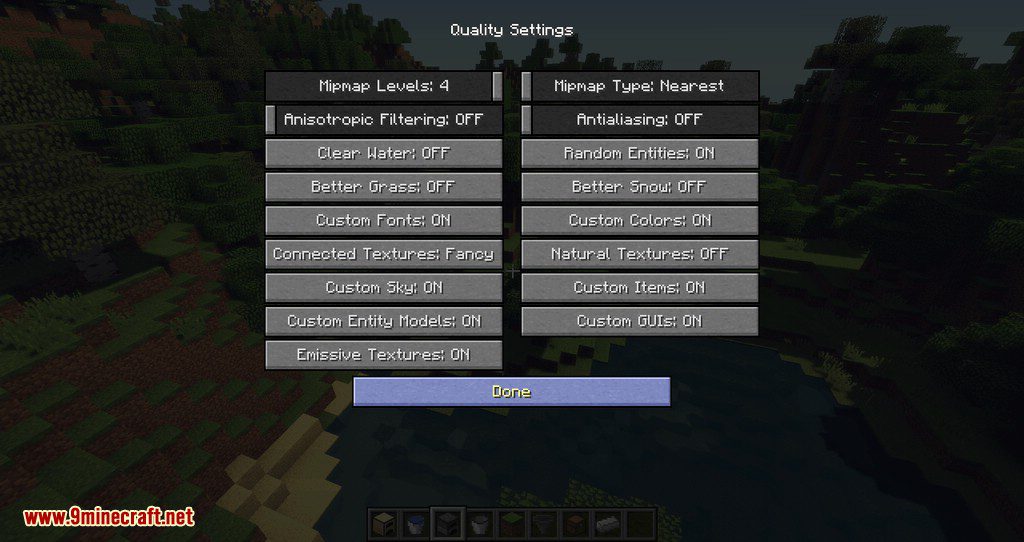
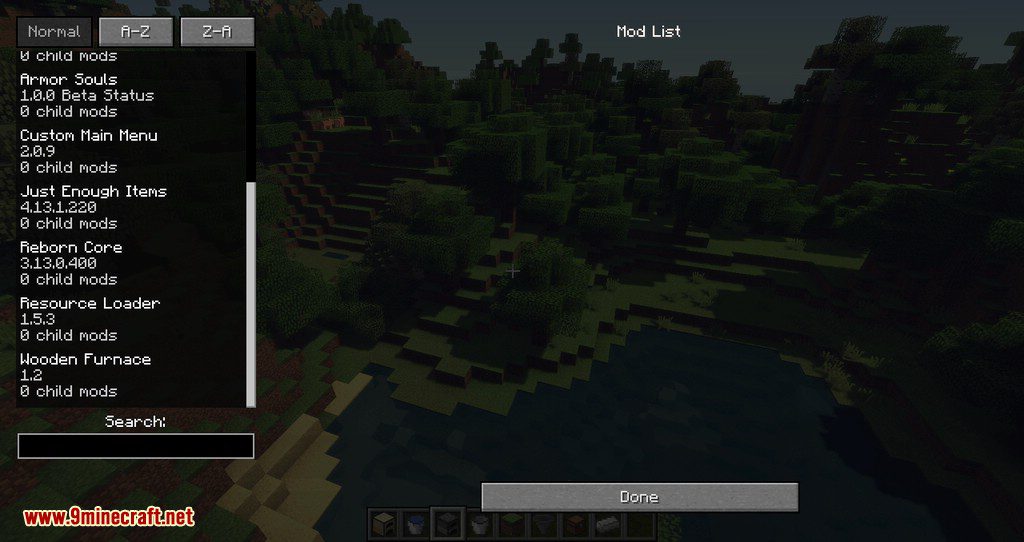
Screenshots:
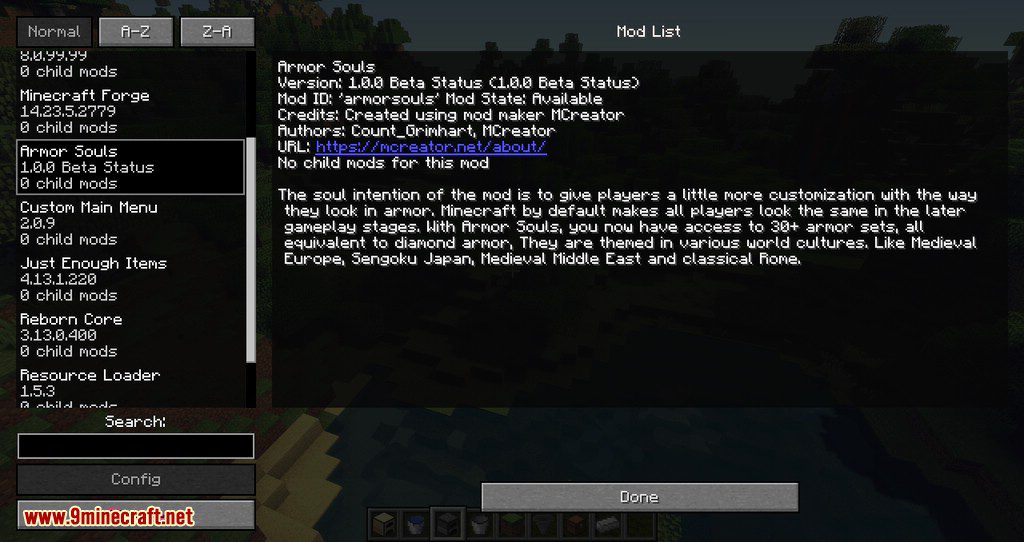
Non Update Mod Download Links
For All Versions from Minecraft 1.7.10 to Minecraft 1.13.2
Quick facts
- Edition: Minecraft Java
- File type: .jar
- How to install: Install the matching mod loader (Forge, Fabric or NeoForge) for your Minecraft version. → Download the .jar. → Put it in the .minecraft/mods folder and launch that loader profile.
- Where to get it: In MC Java Mods, or directly above on this page.
Install steps are the general flow for this file type — How to install Minecraft Java mods & modpacks walks through it step by step.
Verified by MCModsHub
- Downloads as 210302.mcaddon
- Download size: 19 KB
- Download link checked 30 Jul 2026 — working
- Mirrored on our own servers — the download does not depend on the original host
These come from our own check of the pack file, not from the source page.