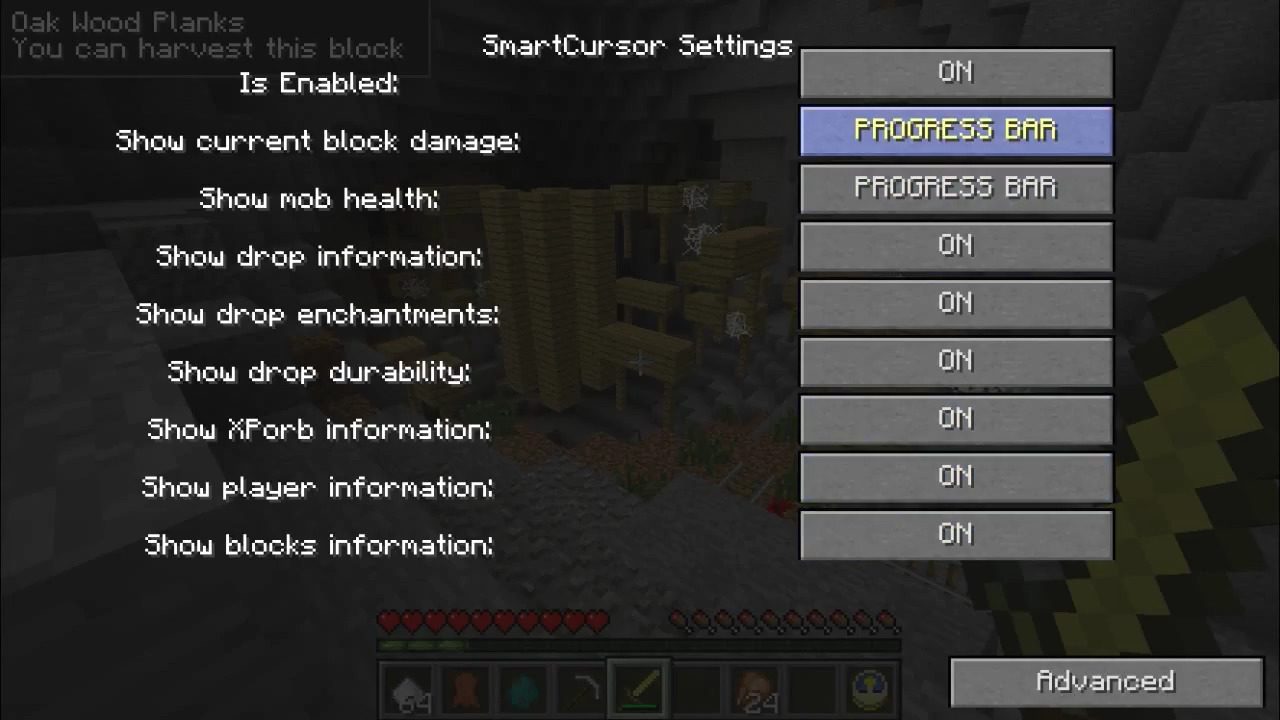
SmartCursor Mod 1.12.2, 1.7.10 provides a lot of indicators and tooltips for ingame screen and for cursor. With this mod you can see information about objects looking at: mobs, blocks, players, drops etc. You can configure mod as you want – it’s has special configuration menu that you can activate by F key.
Features:
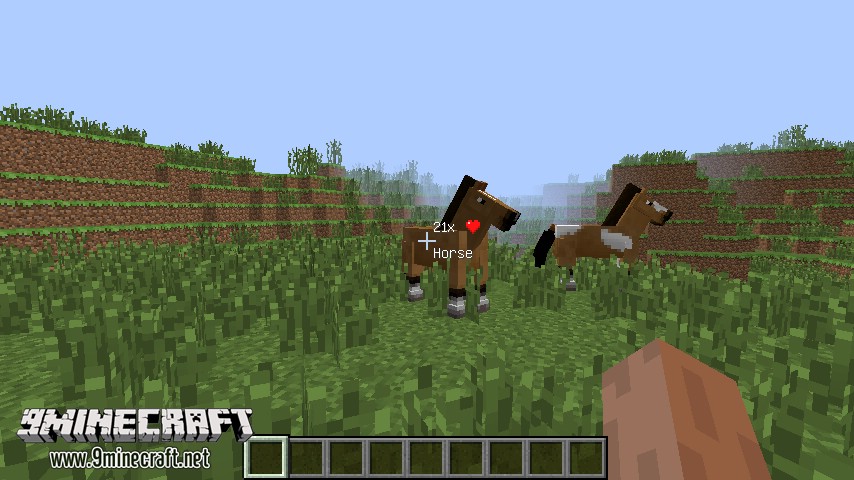
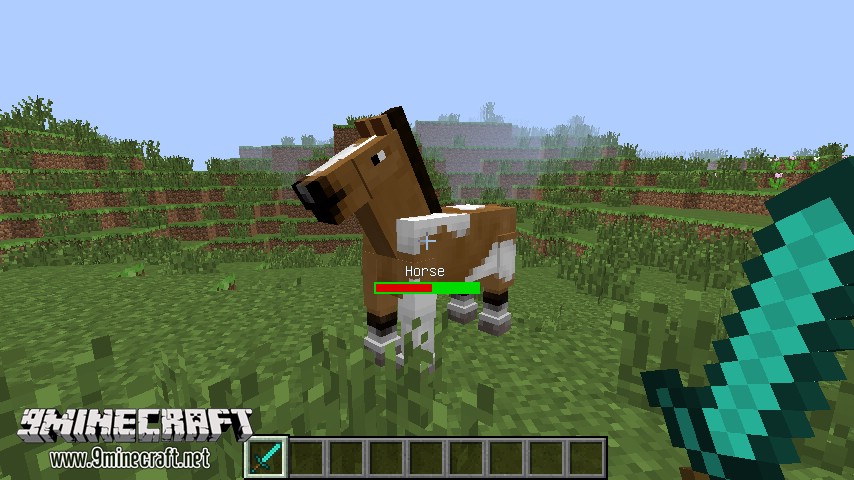
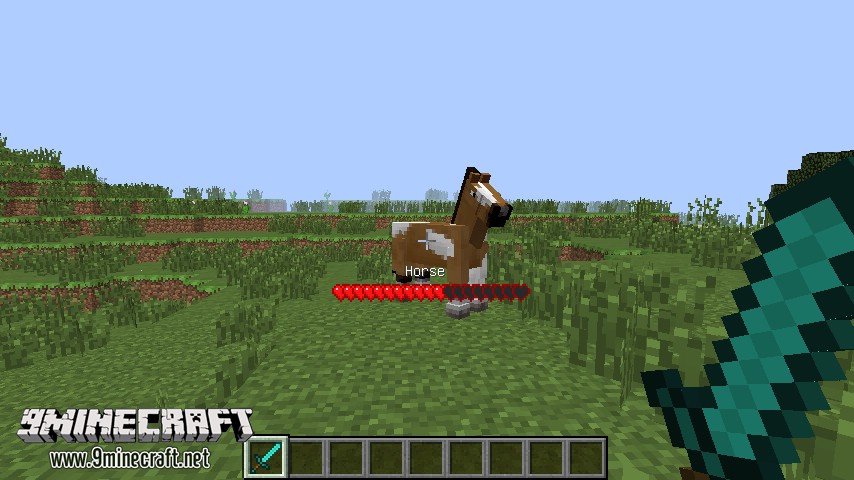
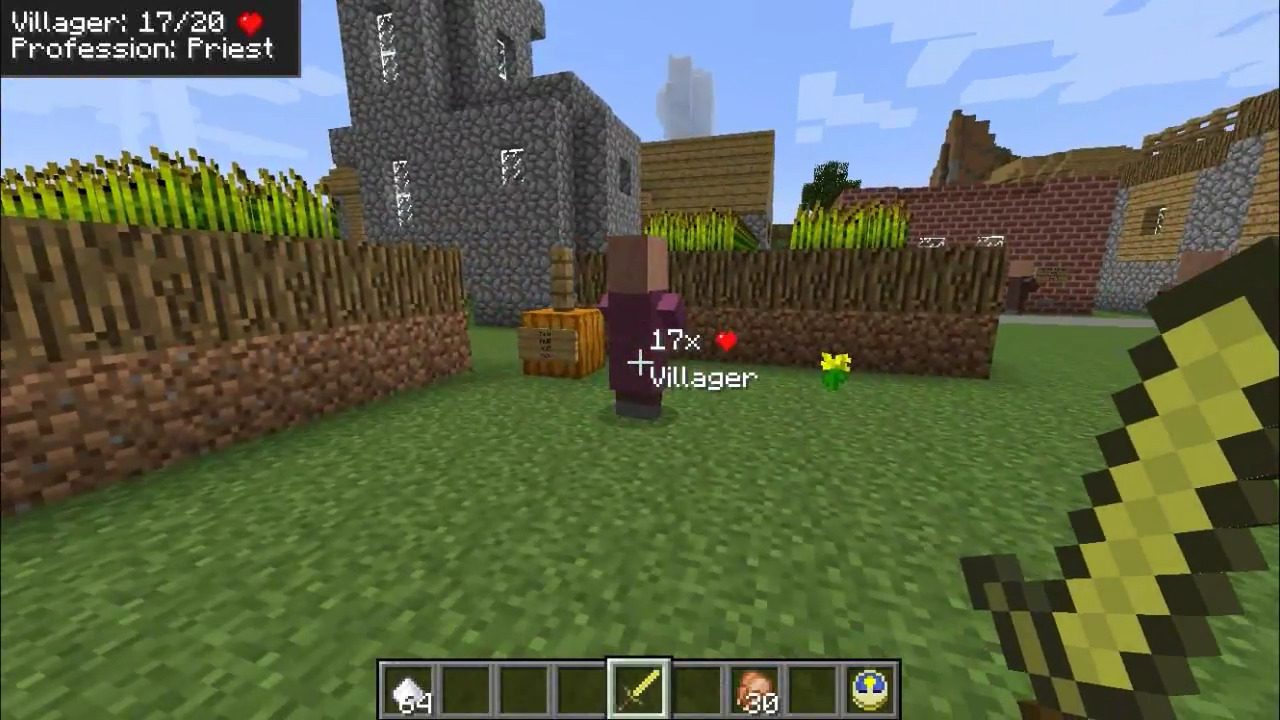
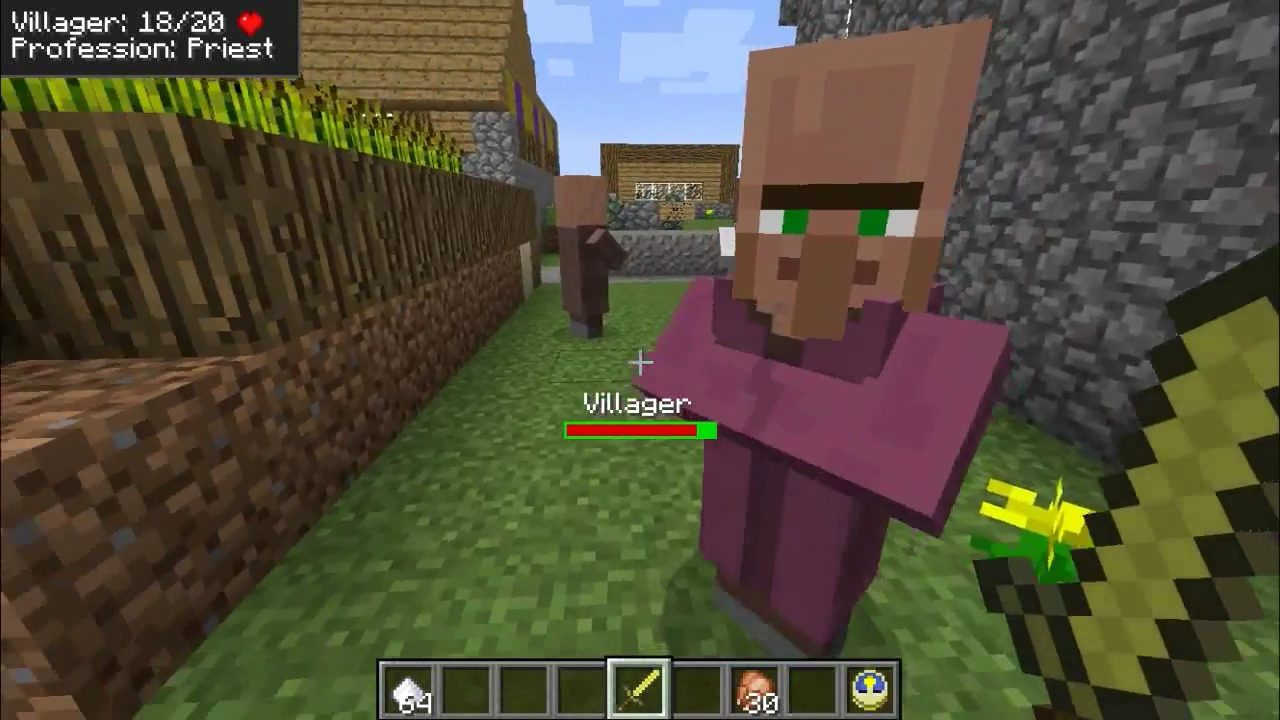
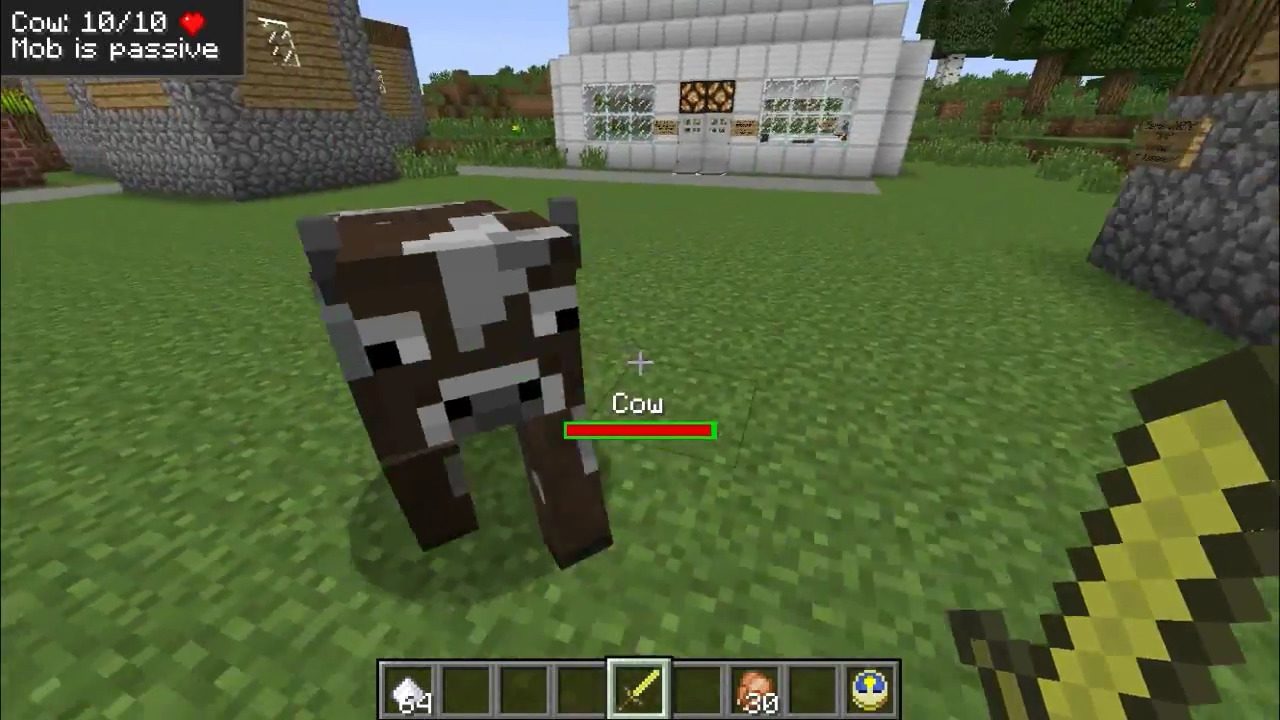
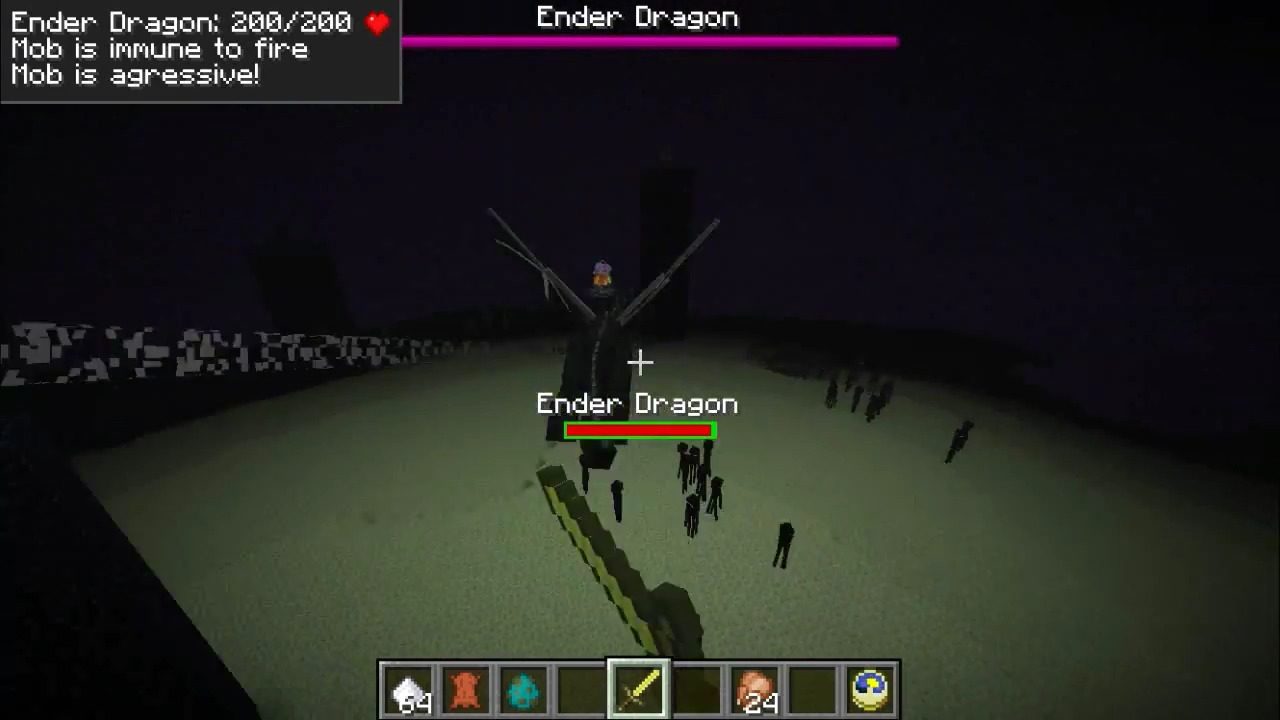
We can see information about players and mobs:
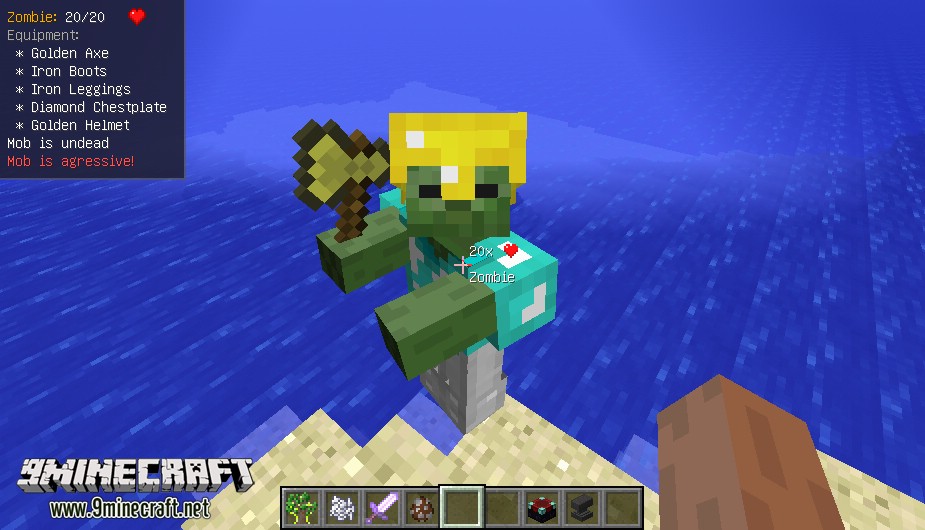
Feature has different styles
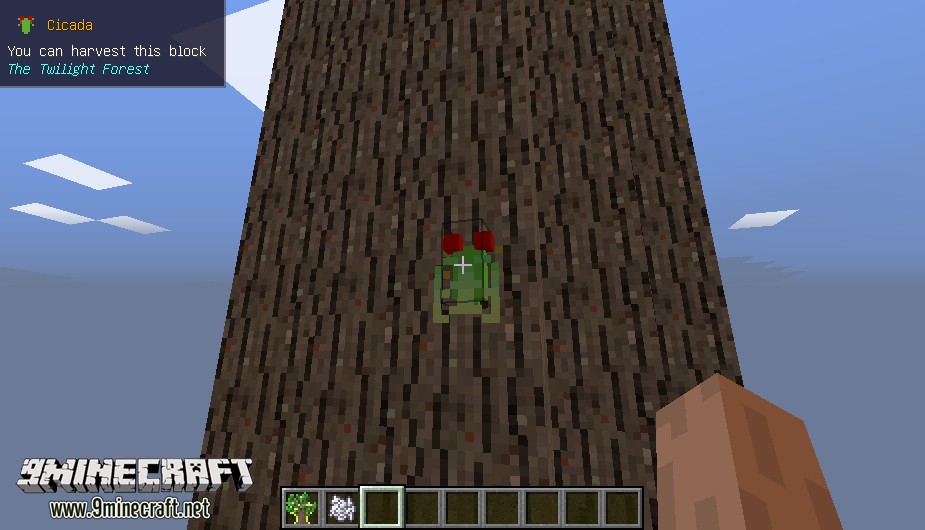
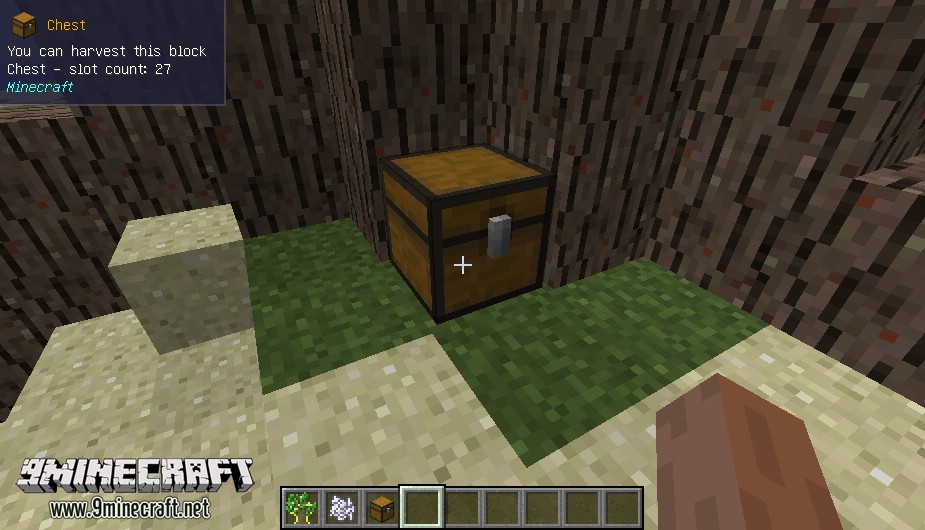
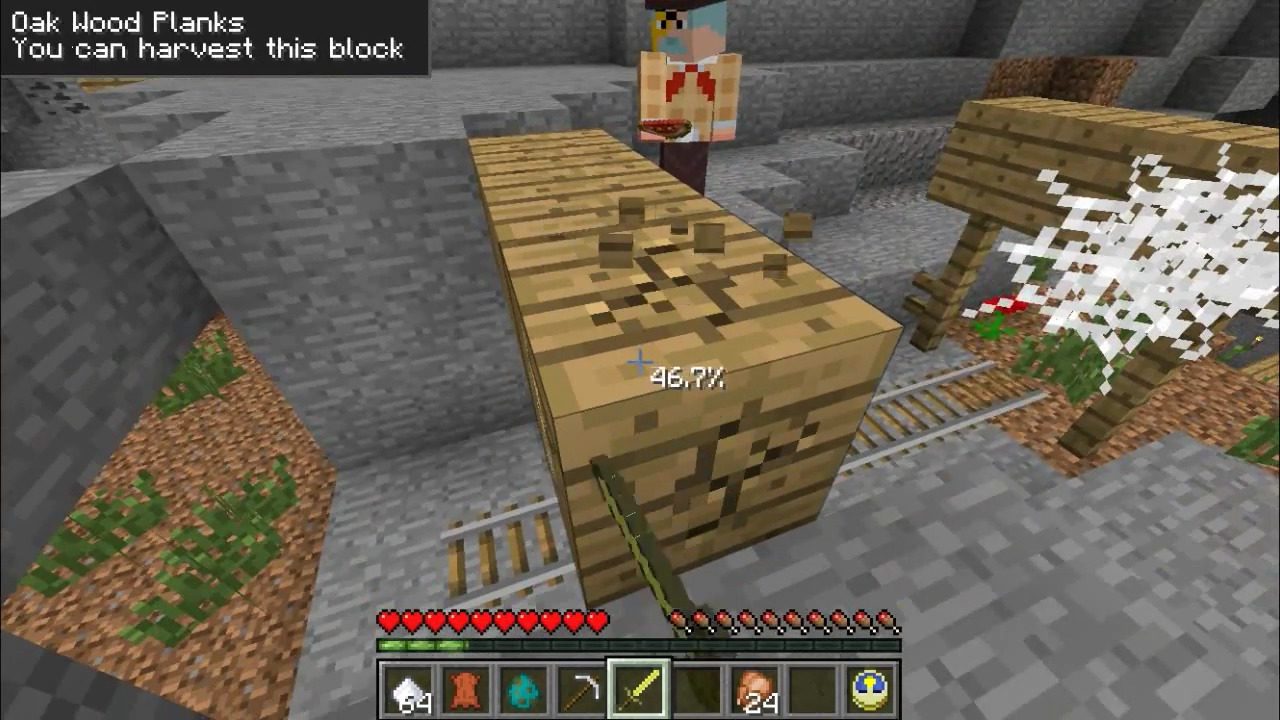
We can see information about blocks:
We can see information about dropped items:
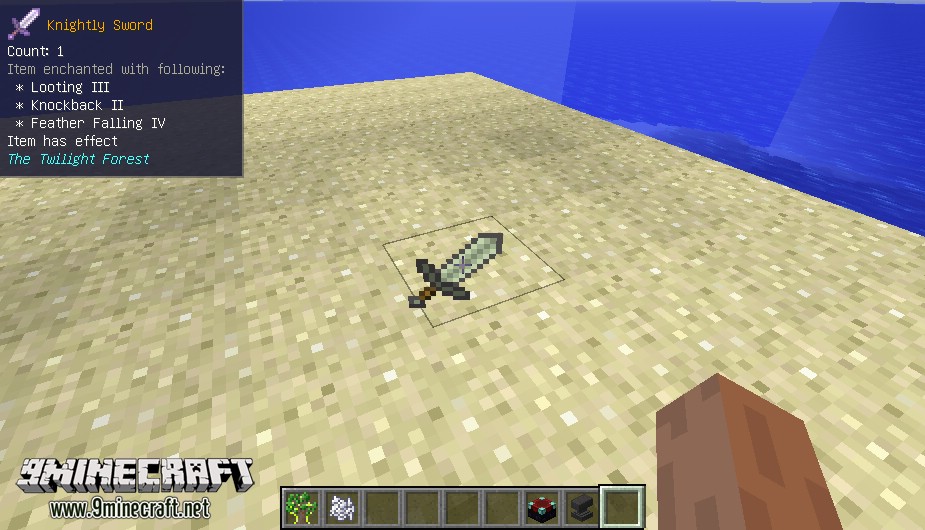
Feature has different styles
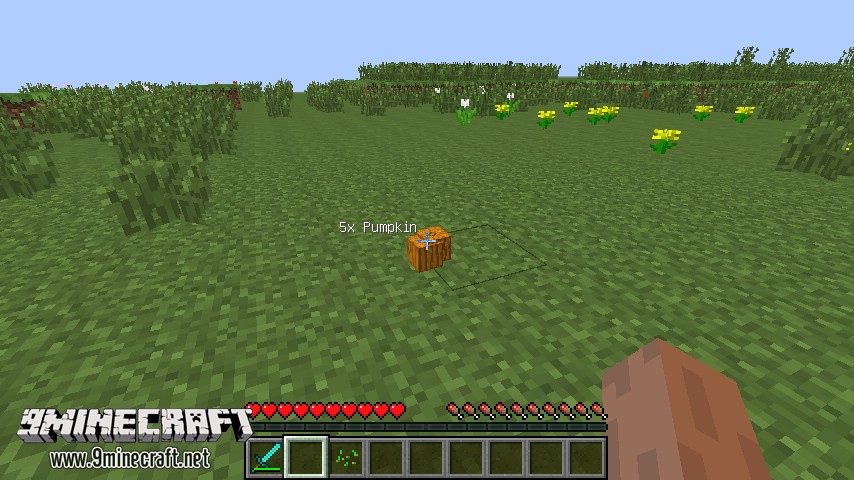
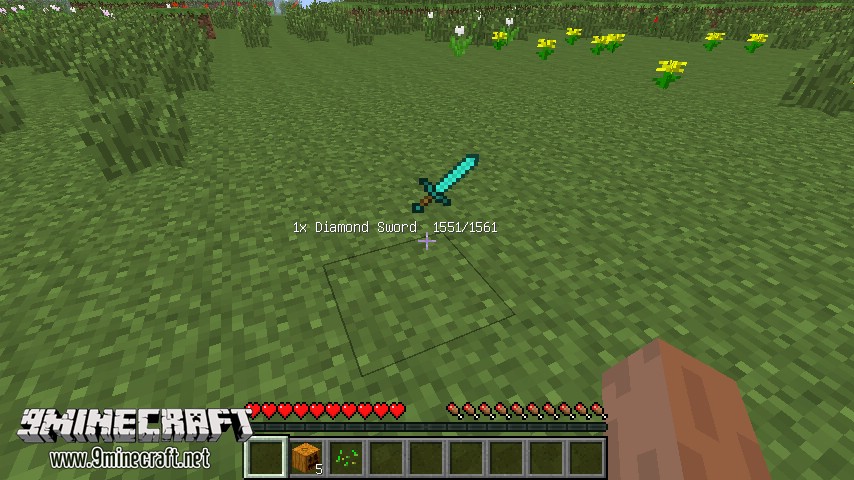
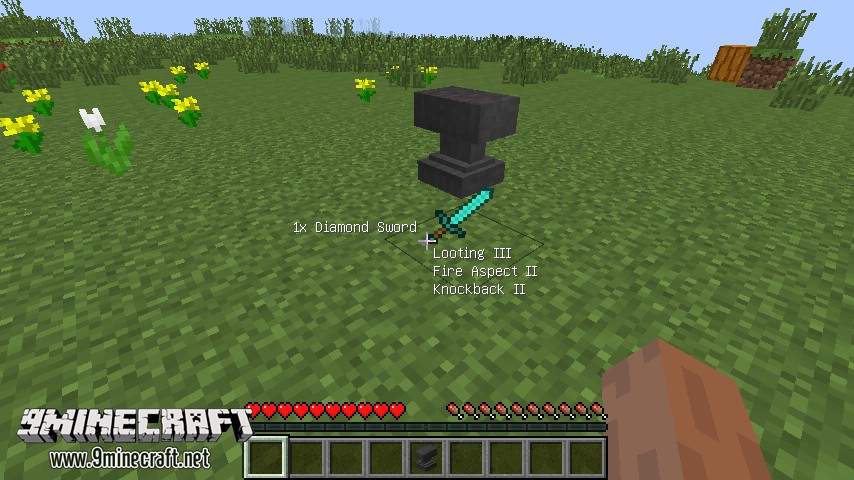
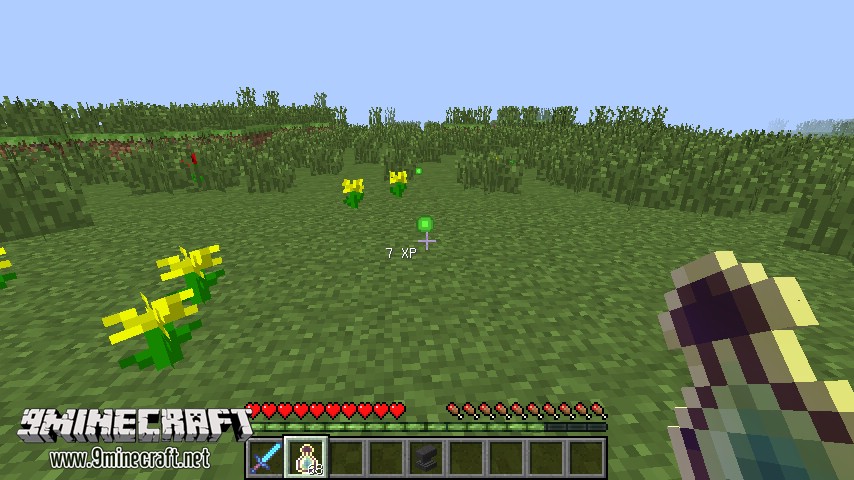
It works also for experience:
As small piece of cake – mod can display percentage damage for blocks (also has different styles):
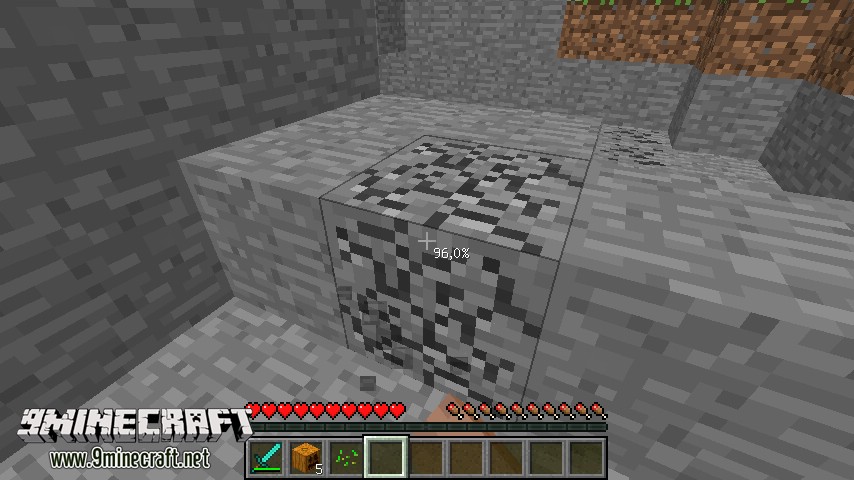
SmartCursor can be used on multiplayer:
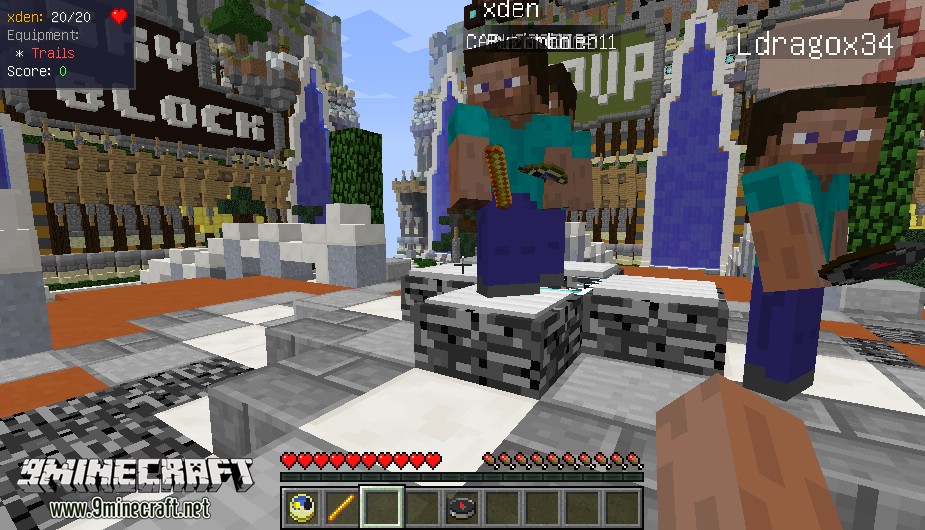
Screenshots:
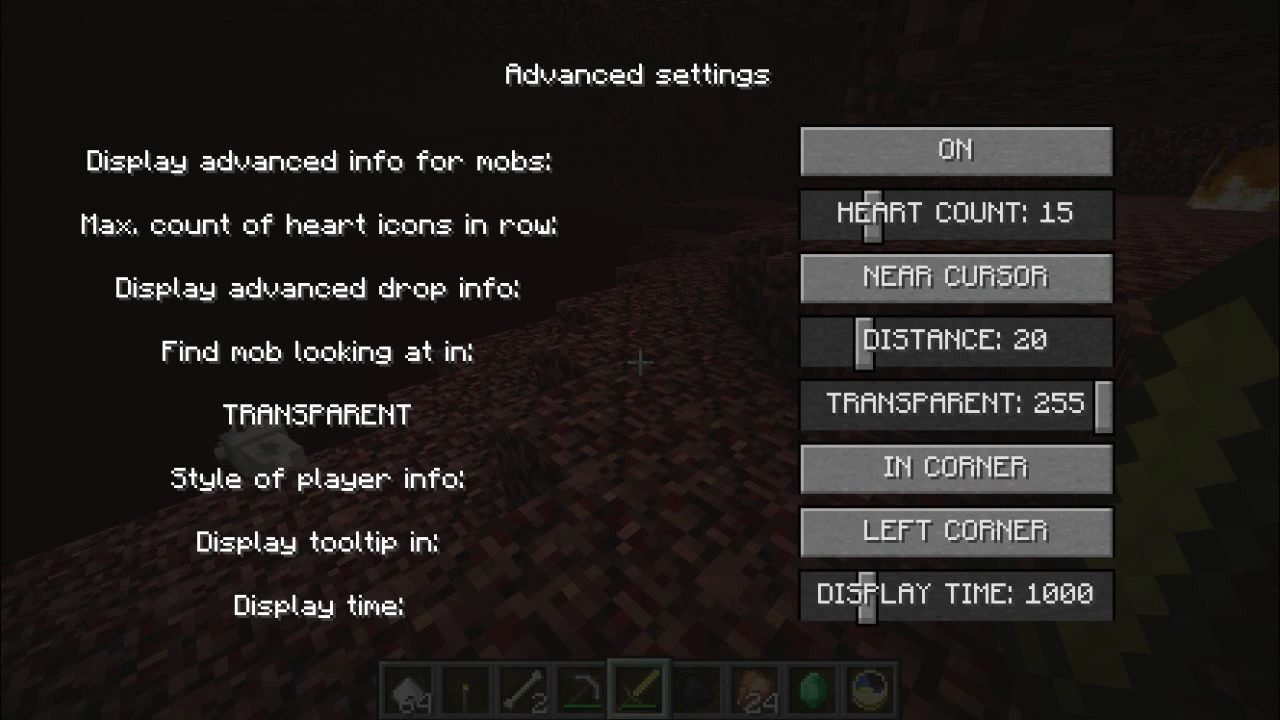
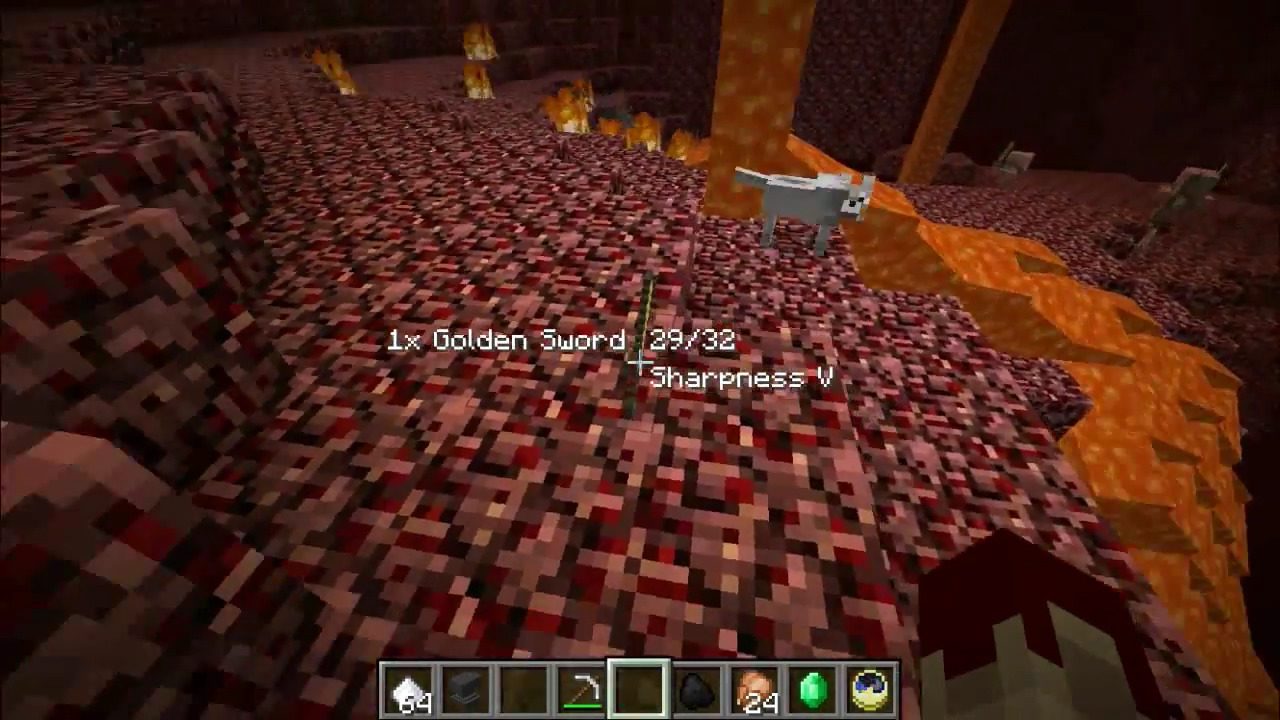
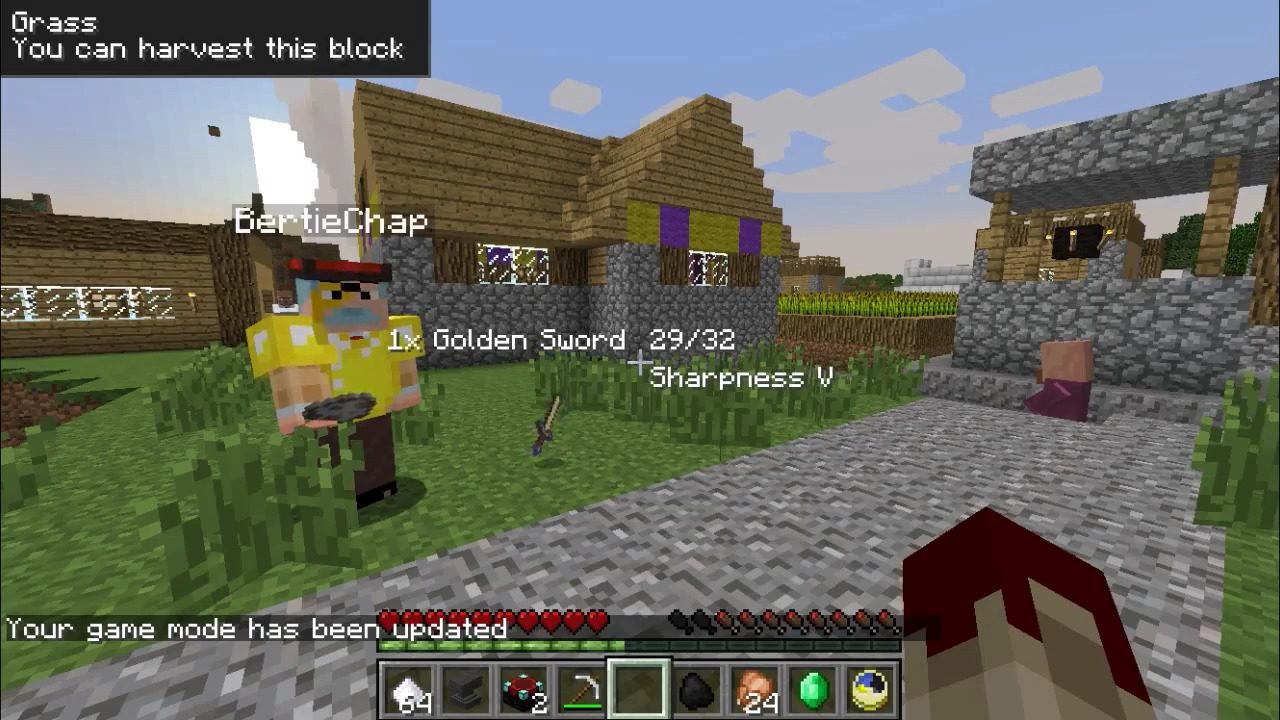
SmartCursor Mod 1.12.2, 1.7.10 Download Links
For Minecraft 1.7.2
For Minecraft 1.7.10
For Minecraft 1.8.0
For Minecraft 1.12.2
- Edition: Minecraft Java
- File type: .jar
- How to install: Install the matching mod loader (Forge, Fabric or NeoForge) for your Minecraft version. → Download the .jar. → Put it in the .minecraft/mods folder and launch that loader profile.
- Where to get it: In MC Java Mods, or directly above on this page.
Install steps are the general flow for this file type — How to install Minecraft Java mods & modpacks walks through it step by step.
- Downloads as 210444.mcaddon
- Download size: 162 KB
- Download link checked 24 Jul 2026 — working
- Mirrored on our own servers — the download does not depend on the original host
These come from our own check of the pack file, not from the source page.