ModsJava
Borderless Mod 1.12.2, 1.11.2 (Fullscreen Windowed)
Minecraft Java mod. Downloads from the MC Java Mods app on Android.
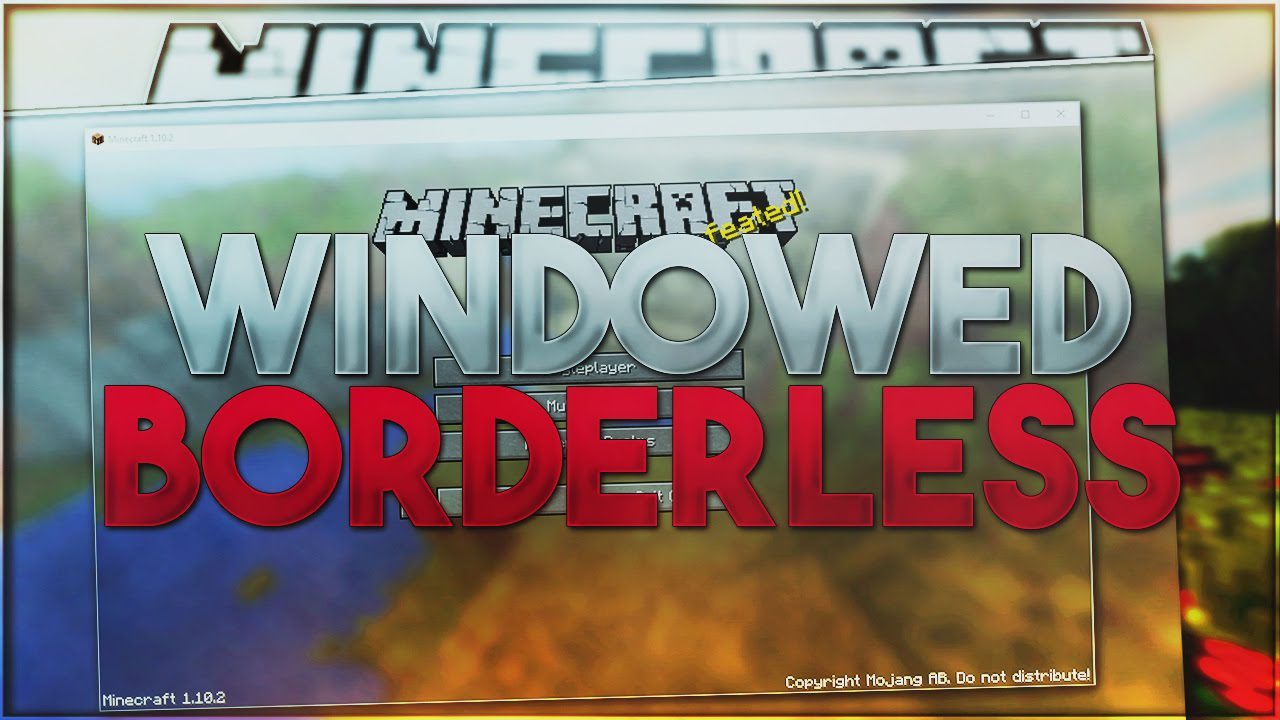
⬇ DownloadBorderless Mod 1.12.2, 1.11.2 is a very simple addition to the game that will allow you to make your game run in borderless windowed instead of the default fullscreen available in Minecraft.
Advantages of borderless windowed versus default fullscreen:
- You can just hit Escape and use your other monitors without minimizing the game
- You can alt+tab out of the game more smoothly
- You can have other windows on top of the Minecraft client when it’s not active
How to use:
- Move the Minecraft window to the monitor you want to use for fullscreen.
- Then simply hit F11 (or the key you have keybound for fullscreen).
- That’s it! You’ll get a borderless windowed client!
Borderless Mod 1.12.2, 1.11.2 Download Links
For Minecraft 1.7.10
For All versions from Minecraft 1.8.0 to Minecraft 1.11.2
For Minecraft 1.12.2, 1.12.1, 1.12
Quick facts
- Edition: Minecraft Java
- File type: .jar
- How to install: Install the matching mod loader (Forge, Fabric or NeoForge) for your Minecraft version. → Download the .jar. → Put it in the .minecraft/mods folder and launch that loader profile.
- Where to get it: In MC Java Mods, or directly above on this page.
Install steps are the general flow for this file type — How to install Minecraft Java mods & modpacks walks through it step by step.
File checked by MCModsHub
- Downloads as 210479.mcaddon
- Download size: 18 KB
- Download link checked 24 Jul 2026 — working
- Mirrored on our own servers — the download does not depend on the original host
These come from our own check of the pack file, not from the source page.