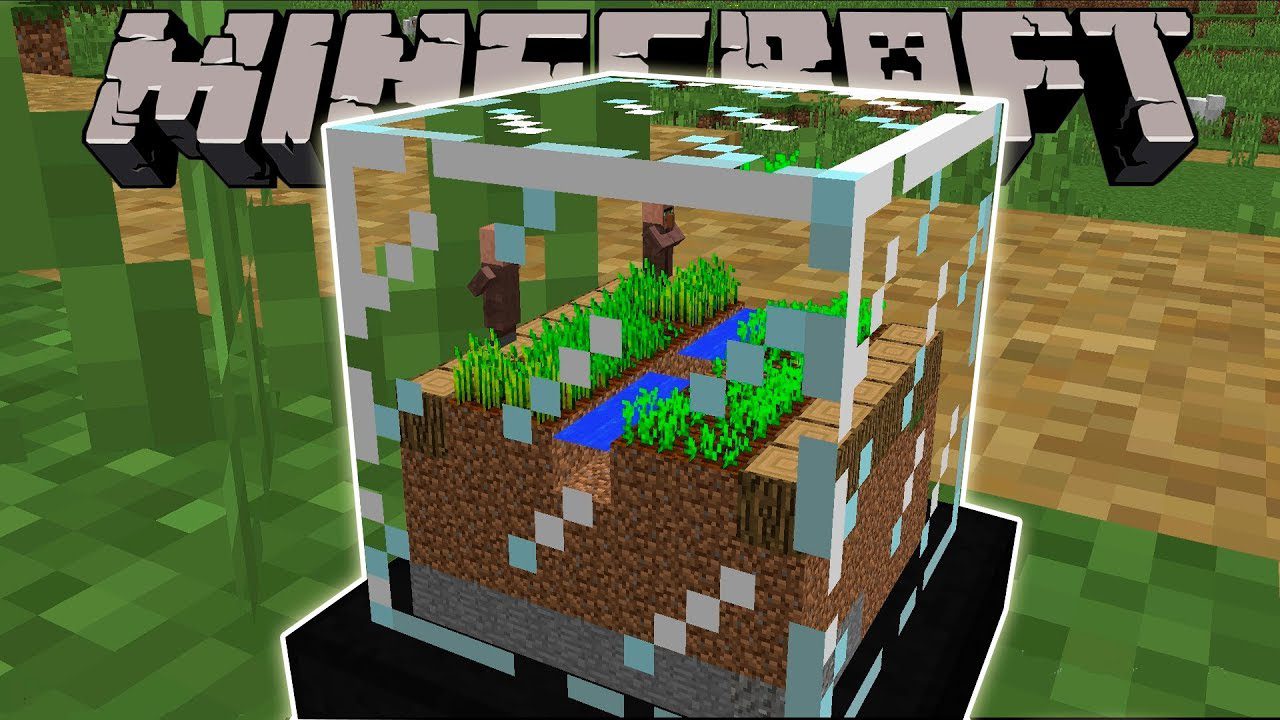
Globe Mod 1.12.2 adds 2 blocks (Globe Creator, Globe Stand) and 1 item (Globe) to Minecraft. Ever wanted to have those fancy snow globes you’ve always seen in gift shops? Now, you can make your own! Using the globe creator, all you need to do is put a globe in it and activate it. This mod will do it.
Screenshots:
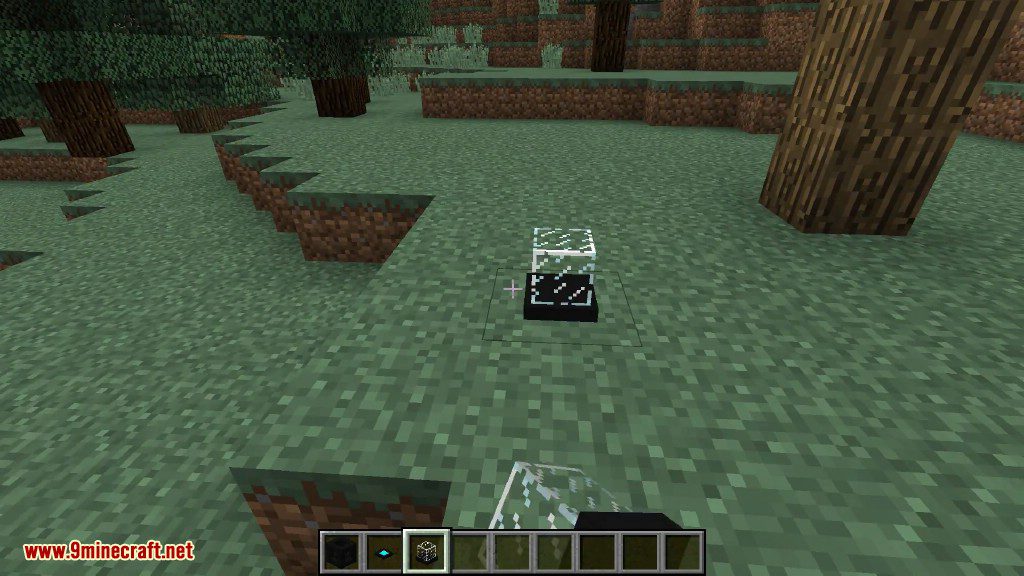
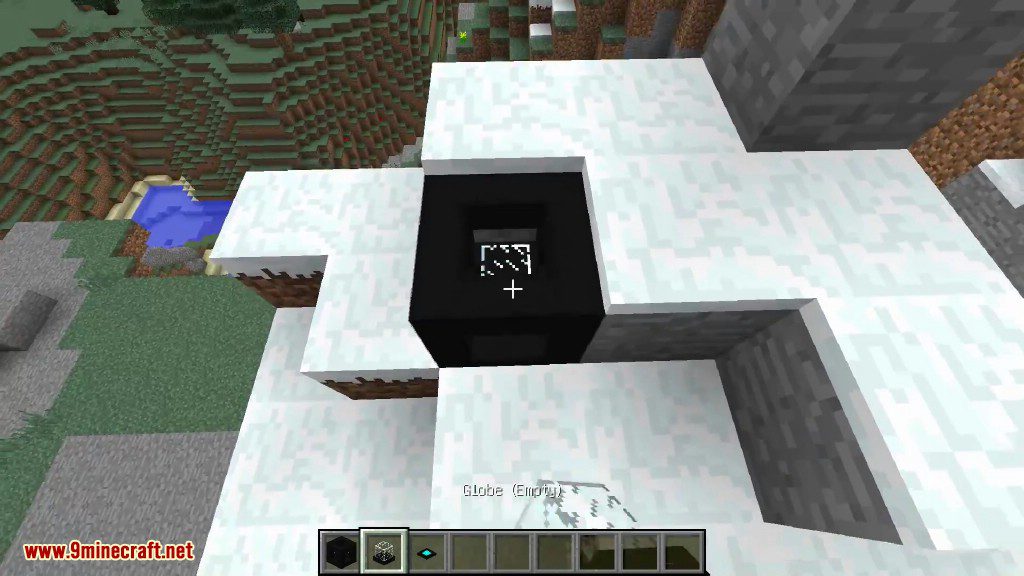
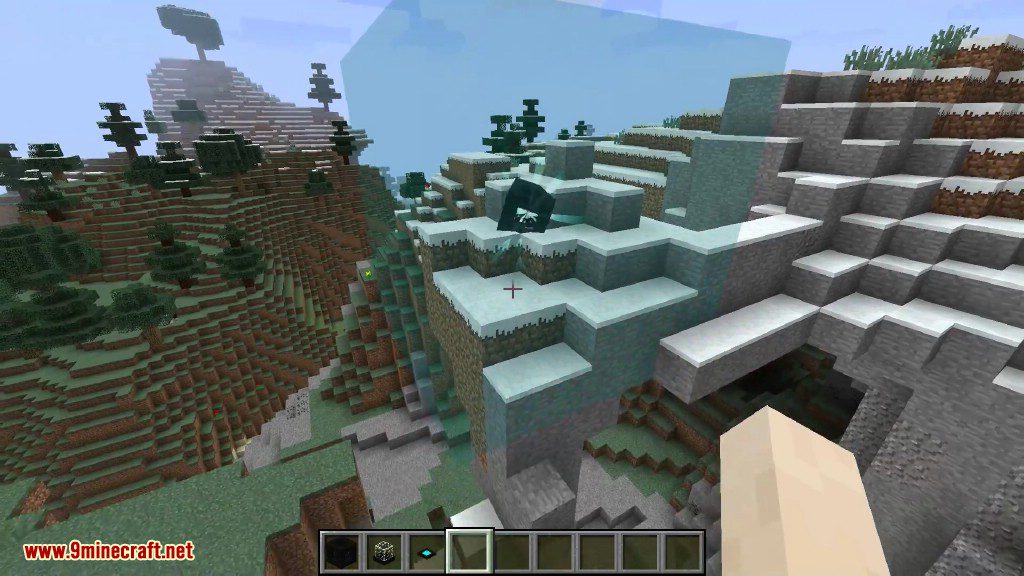
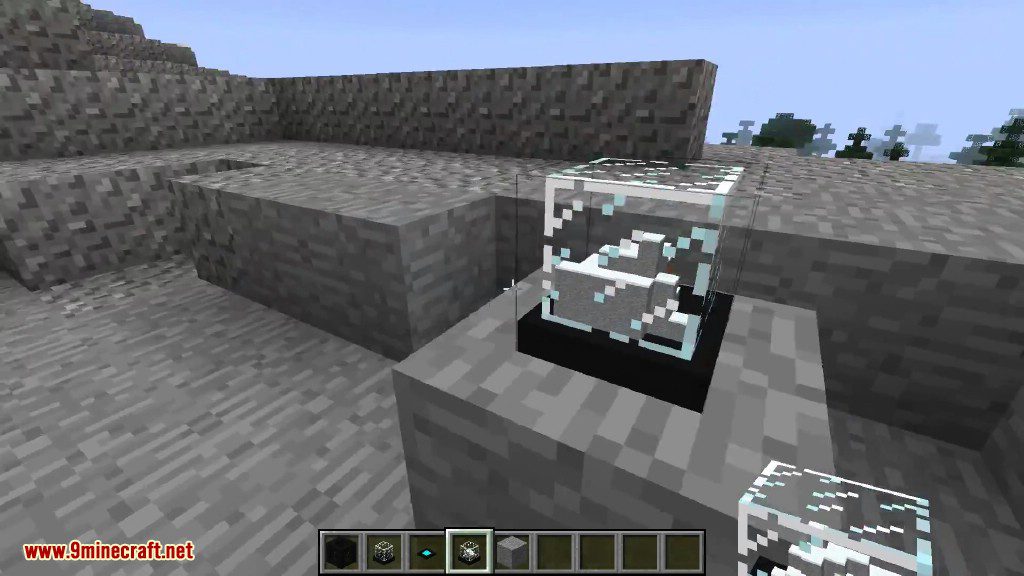
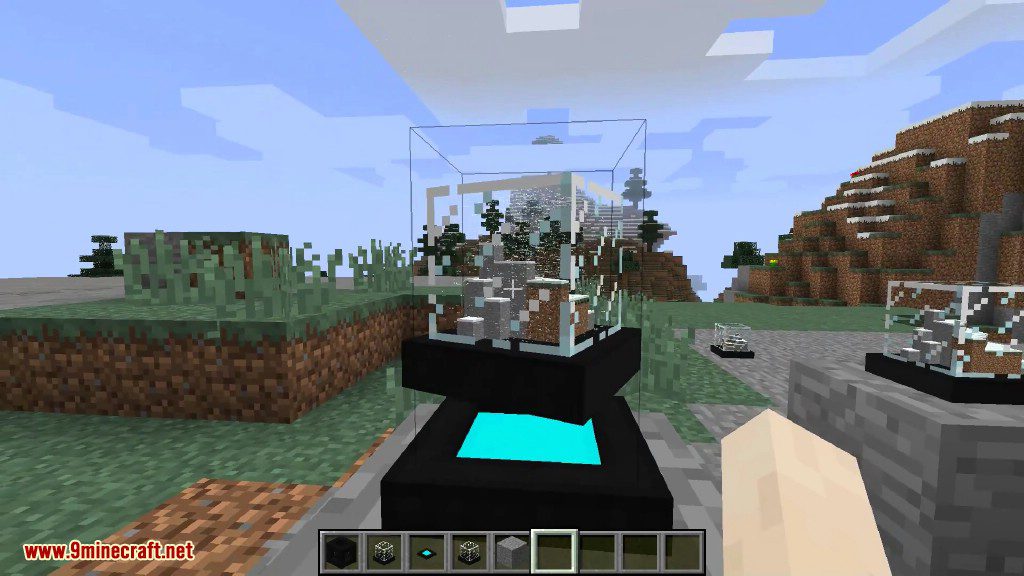
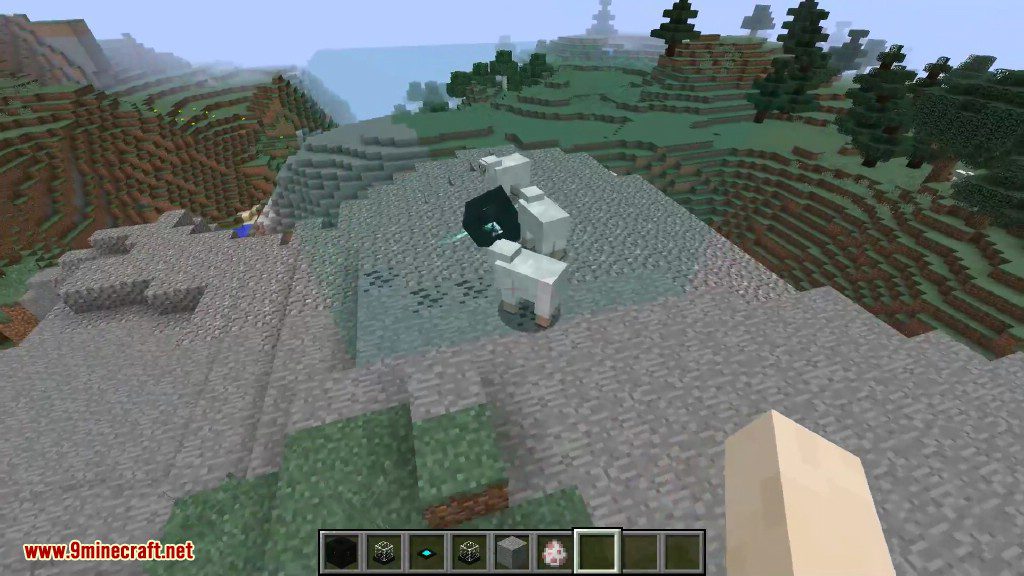
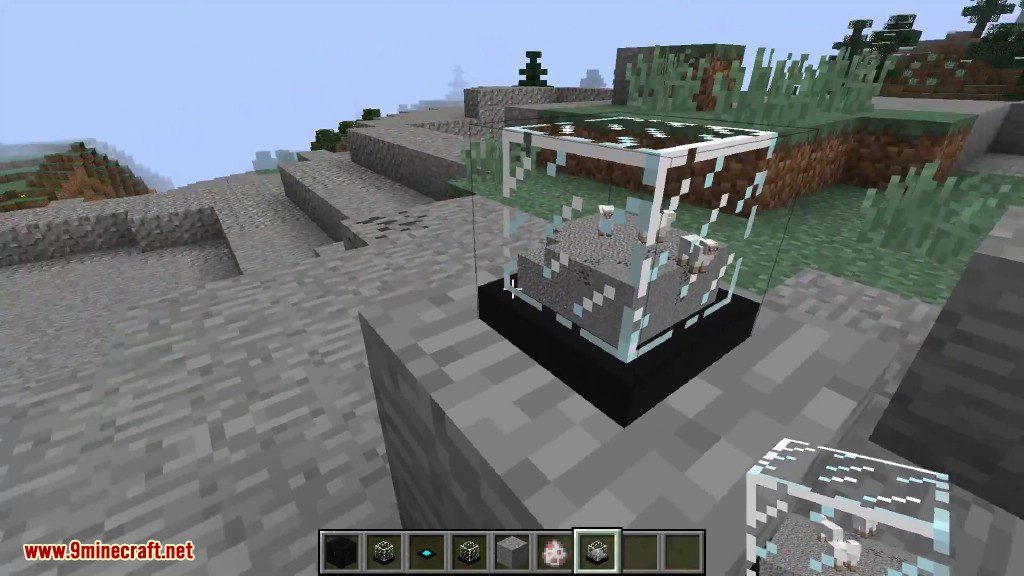
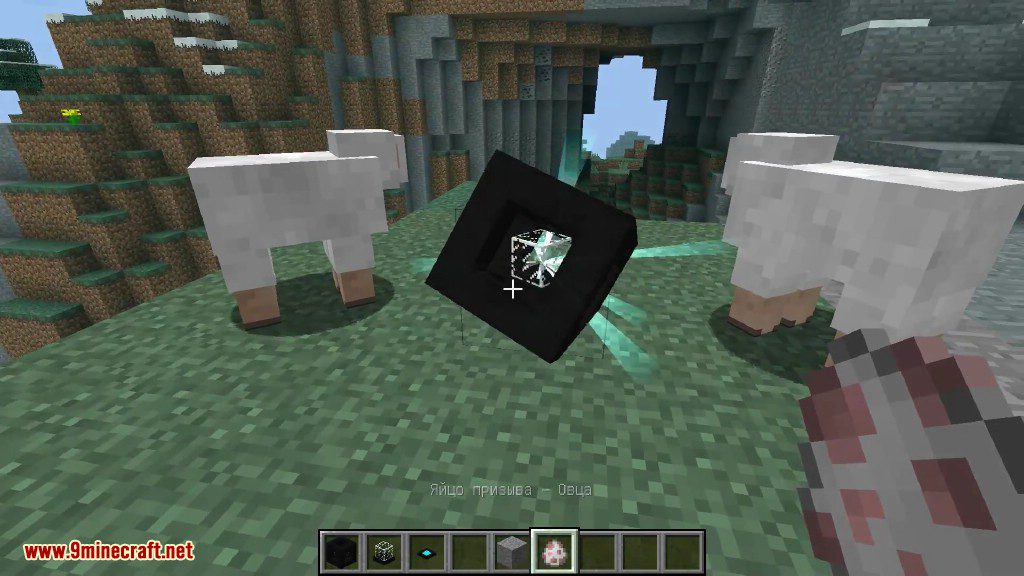
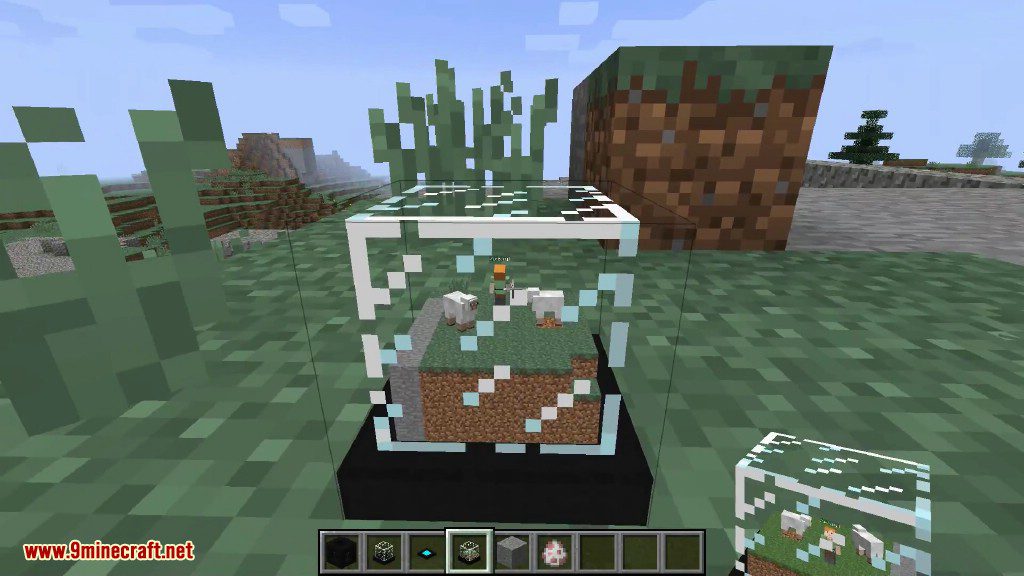
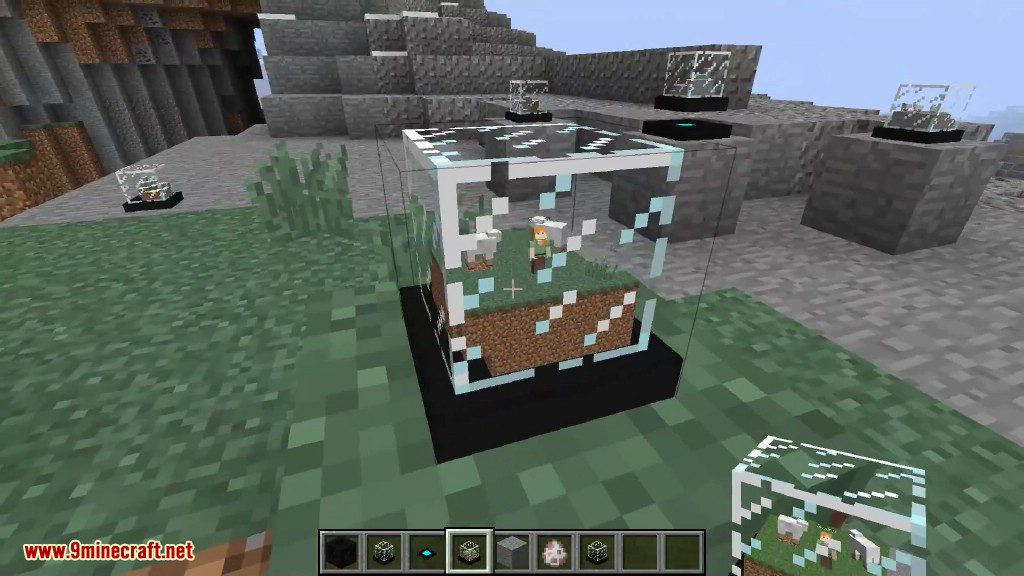
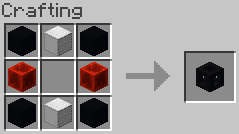
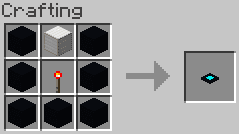
Crafting Recipes:
You can change the globe’s glass colour once it’s been put through the creator using coloured glass.
Globe
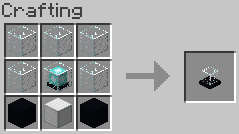
Globe Creator
Globe Stand
How to use:
After the globe creator is done, pick up it’s result and there you have it, a fancy globe! Put it down on a solid surface and admire it, maybe even punch it to make it snow in the globe.
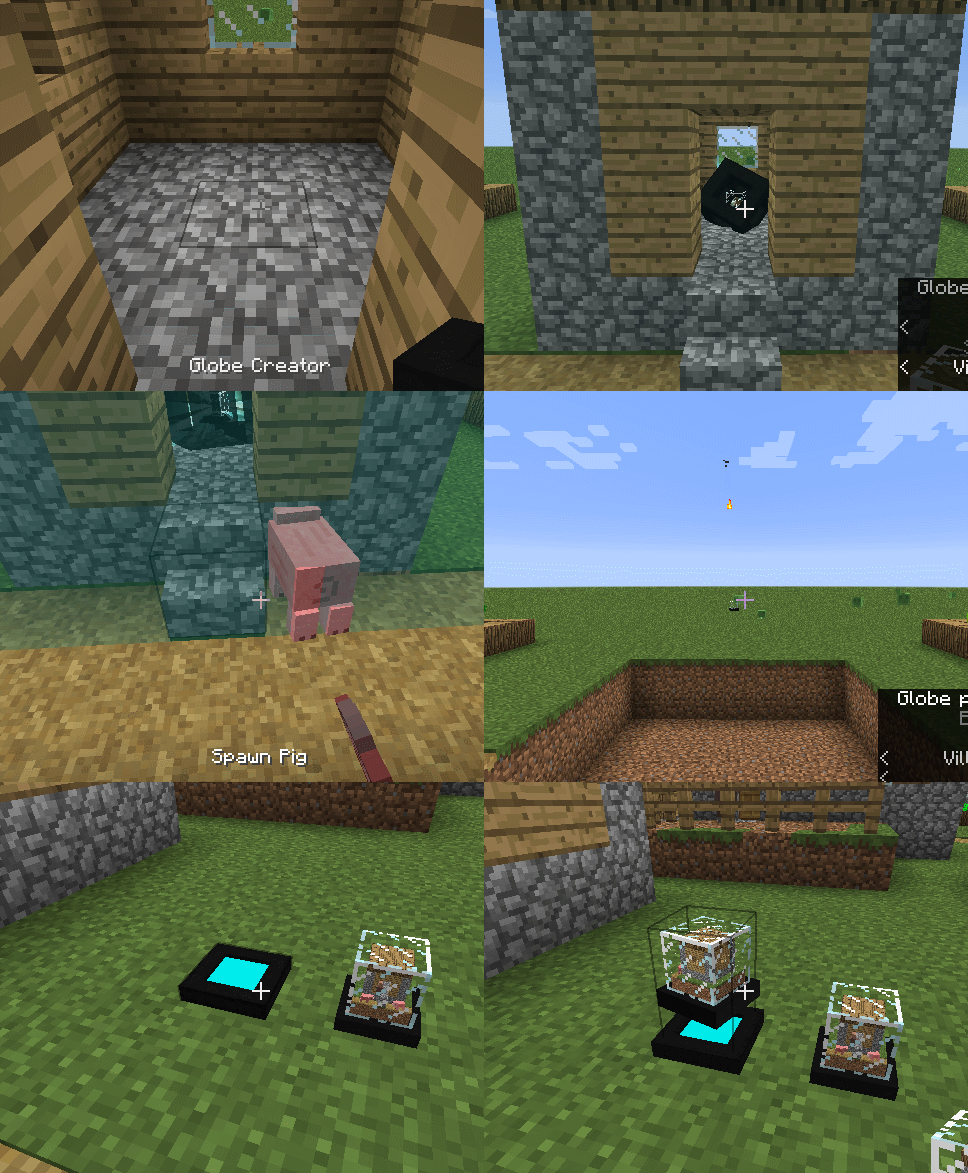
Want to spice it up even more? Put your globe on our “magnetic” globe stands. These stands use “magnets” that make your globe float and keeps it in place, no matter how much you punch it.
Globe Mod 1.12.2 Download Links
For Minecraft 1.12.2
- Edition: Minecraft Java
- File type: .jar
- How to install: Install the matching mod loader (Forge, Fabric or NeoForge) for your Minecraft version. → Download the .jar. → Put it in the .minecraft/mods folder and launch that loader profile.
- Where to get it: In MC Java Mods, or directly above on this page.
Install steps are the general flow for this file type — How to install Minecraft Java mods & modpacks walks through it step by step.
- Downloads as 210577.mcaddon
- Download size: 386 KB
- Download link checked 30 Jul 2026 — working
- Mirrored on our own servers — the download does not depend on the original host
These come from our own check of the pack file, not from the source page.