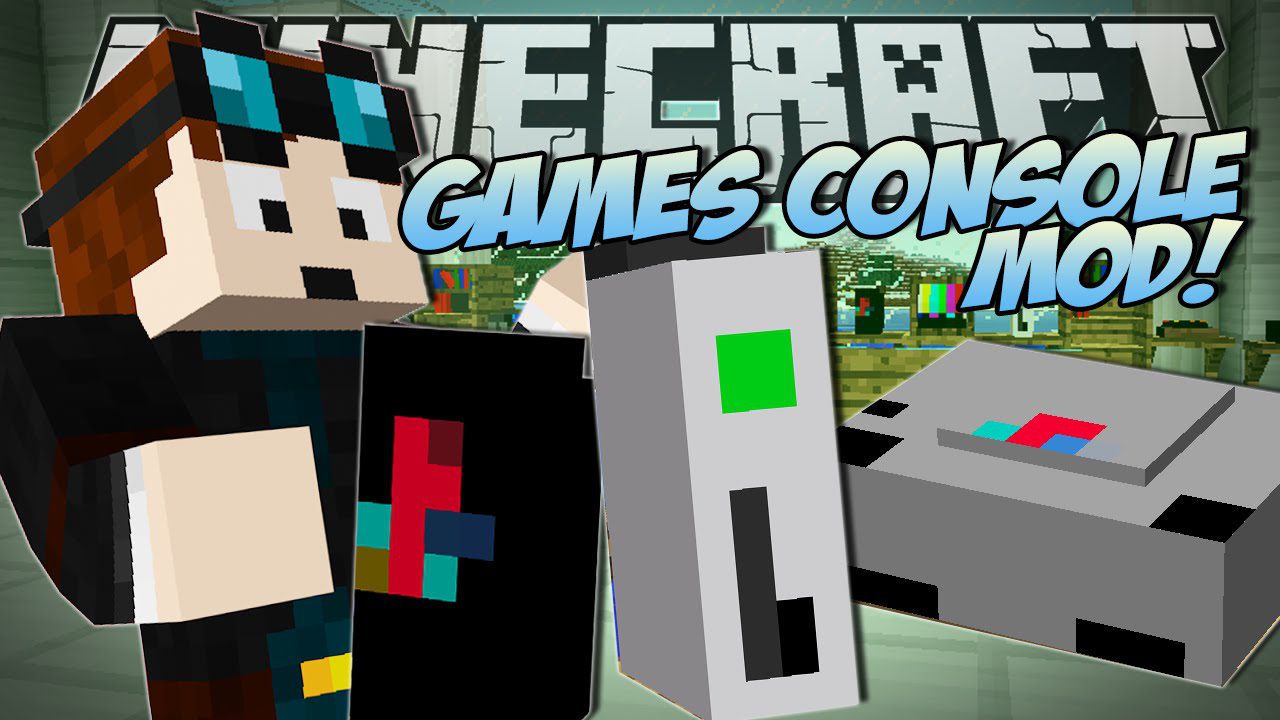
Decorative Videogame Systems Mod 1.7.10 (Game Consoles)
Decorative Videogame Systems Mod 1.7.10 adds in brand new game consoles and pc's in Minecraft but you can't play them. This mod adds xbox, playstation…
⬇ DownloadOpen in MCModsHubGet it on Google Play →Decorative Videogame Systems Mod 1.7.10 adds in brand new game consoles and pc’s in Minecraft but you can’t play them. This mod adds xbox, playstation, wii, nintendo, and much more video game consoles in Minecraft.
Features:
- Systems
- iPod
- iPad
- iMac
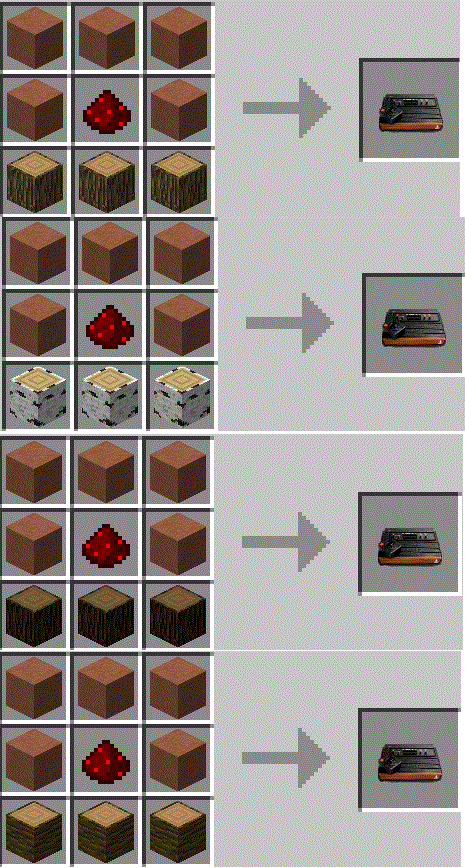
- Atari 2600
- Atari 5200
- Atari7800
- Atari Jaguar
- Atari Lynx
- Xbox
- Xbox 360
- Xbox One
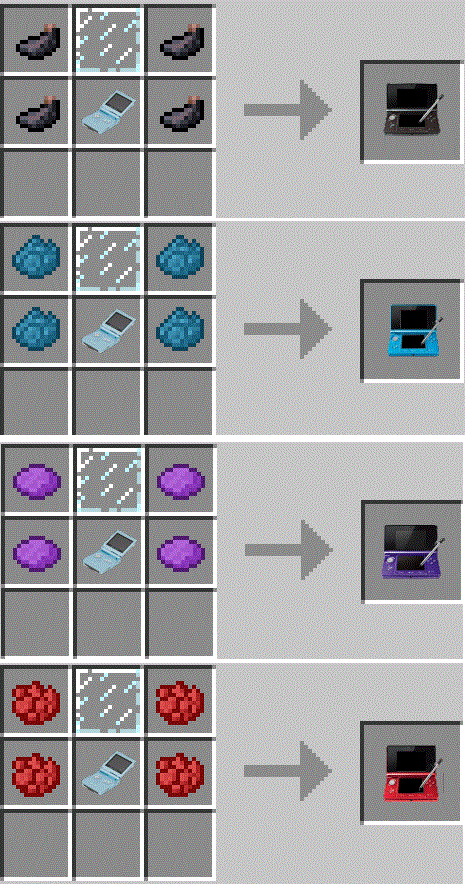
- 3DS Red Aqua Black Purple
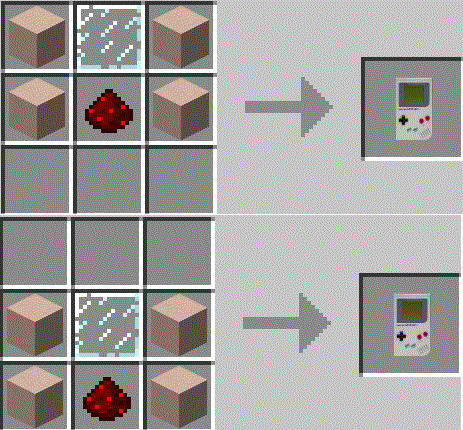
- GameBoy
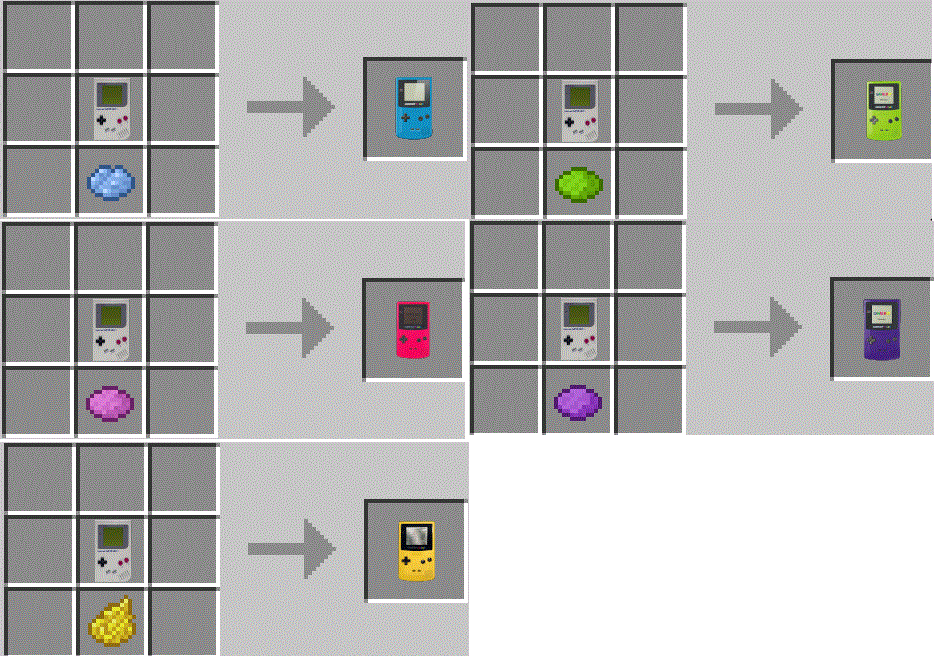
- GameBoy Color Teal – Grape – Dandelion – Kiwi – Berry
- GameBoy Advance
- GameBoy Advance SP
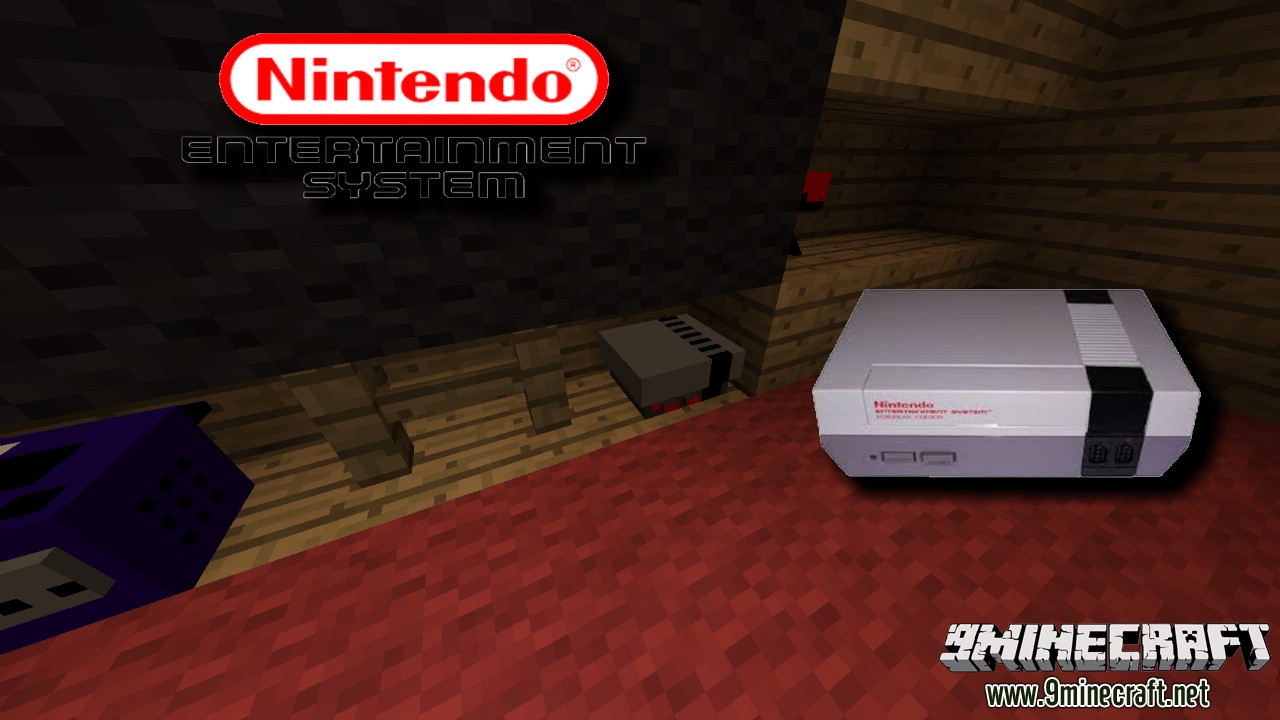
- NES
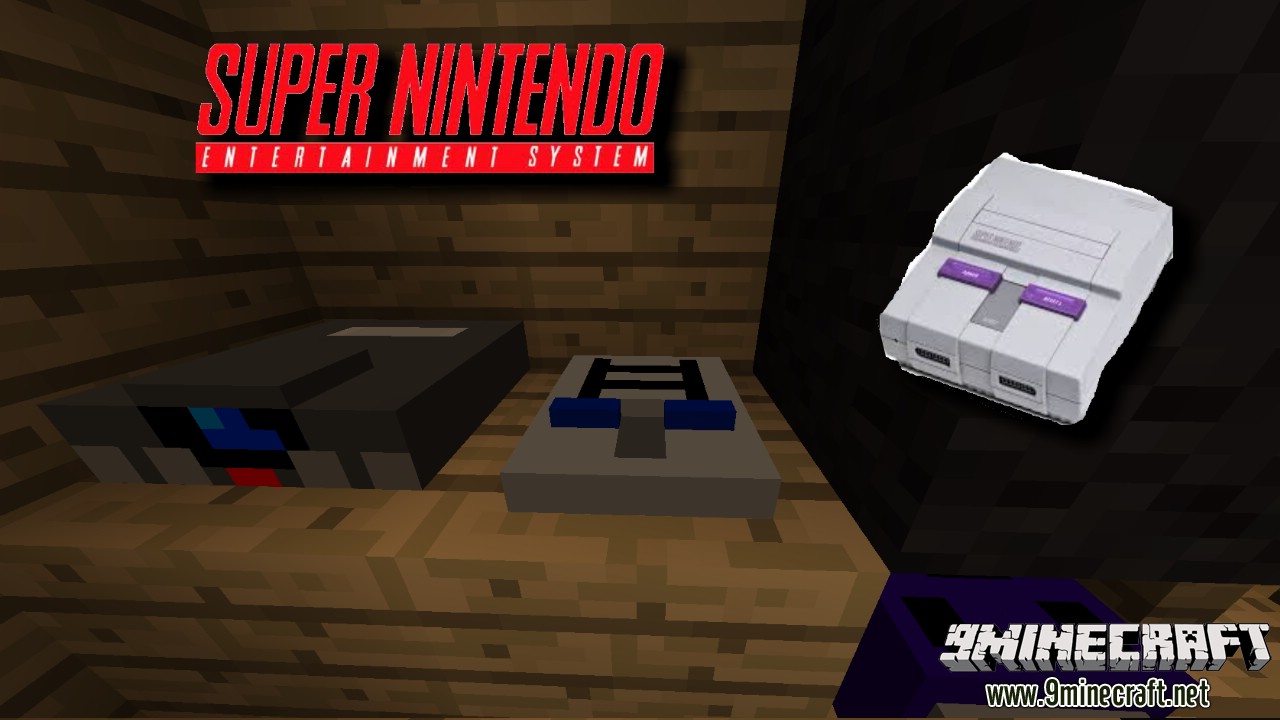
- SNES
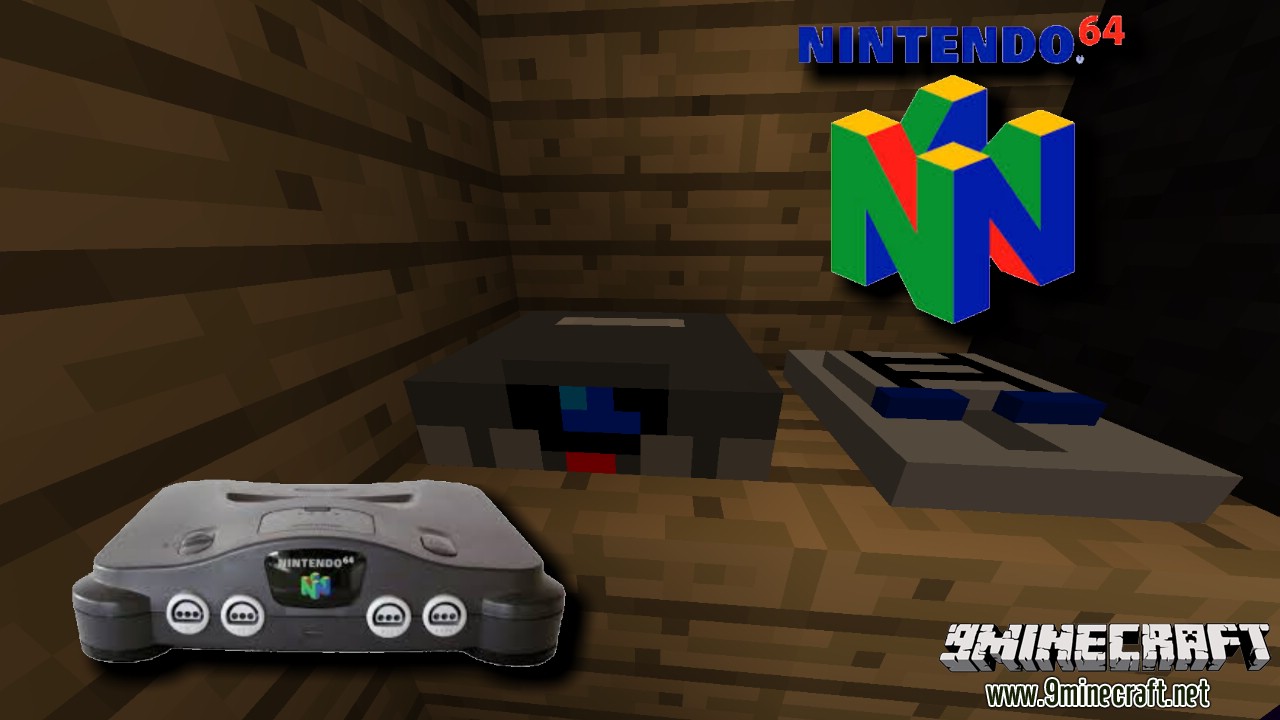
- N64
- GameCube
- Wii
- Wii U
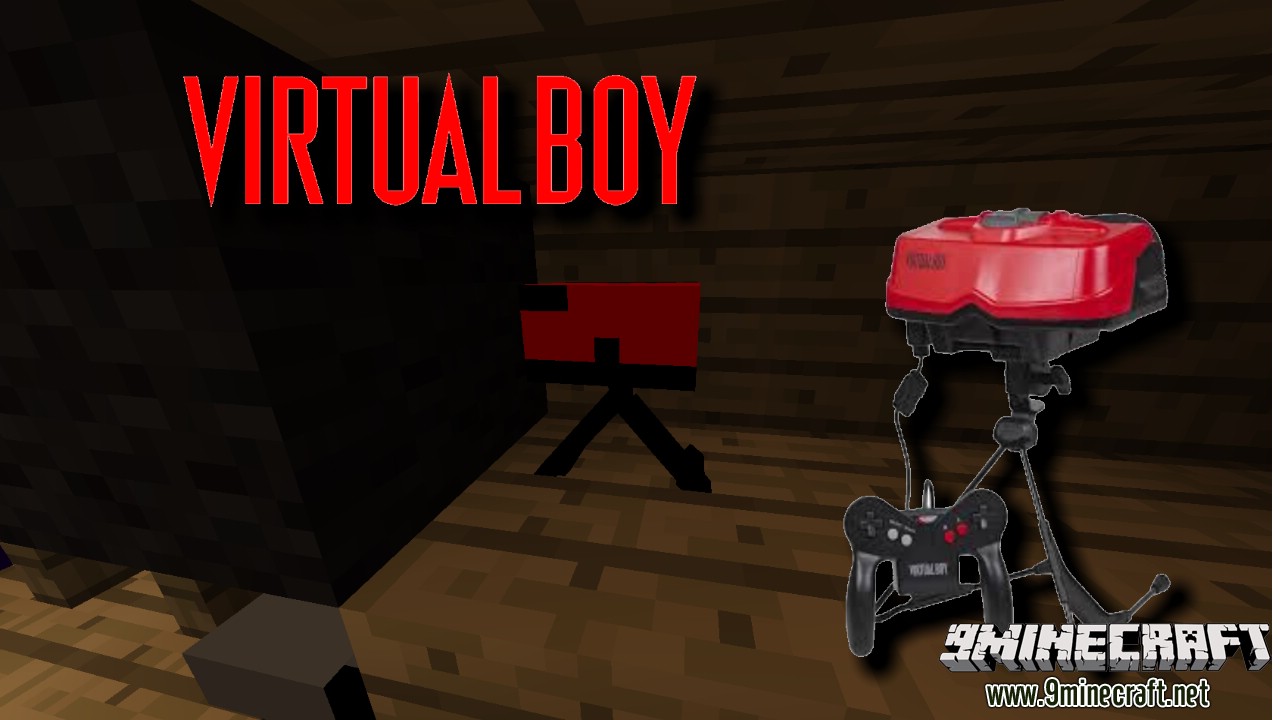
- Virtual Boy
- Genesis
- Saturn
- Dreamcast
- Nomad
- GameGear
- PlayStation
- PS2
- PS3
- PS4
- Playstation Portable
- Playstation Vita
Screenshots:
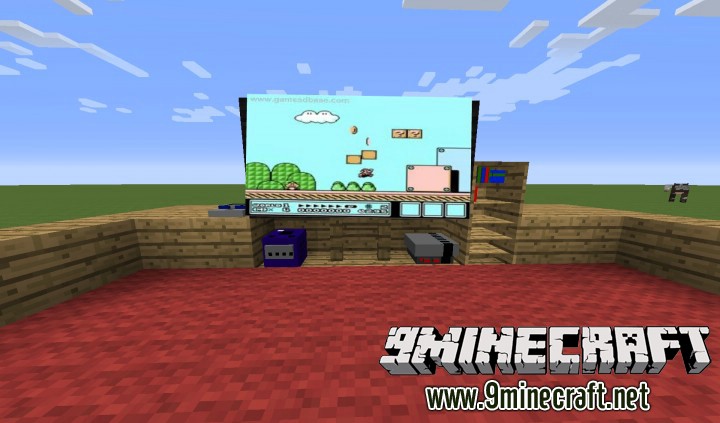
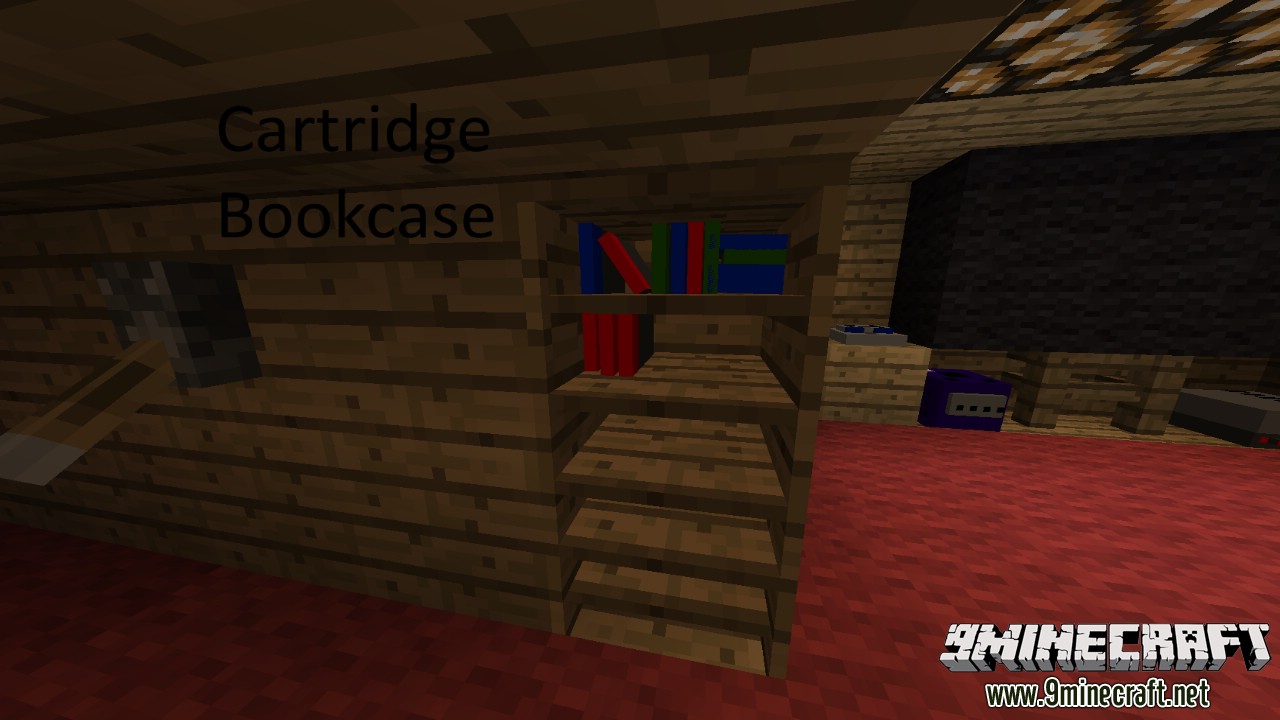
Cartridge Bookcase
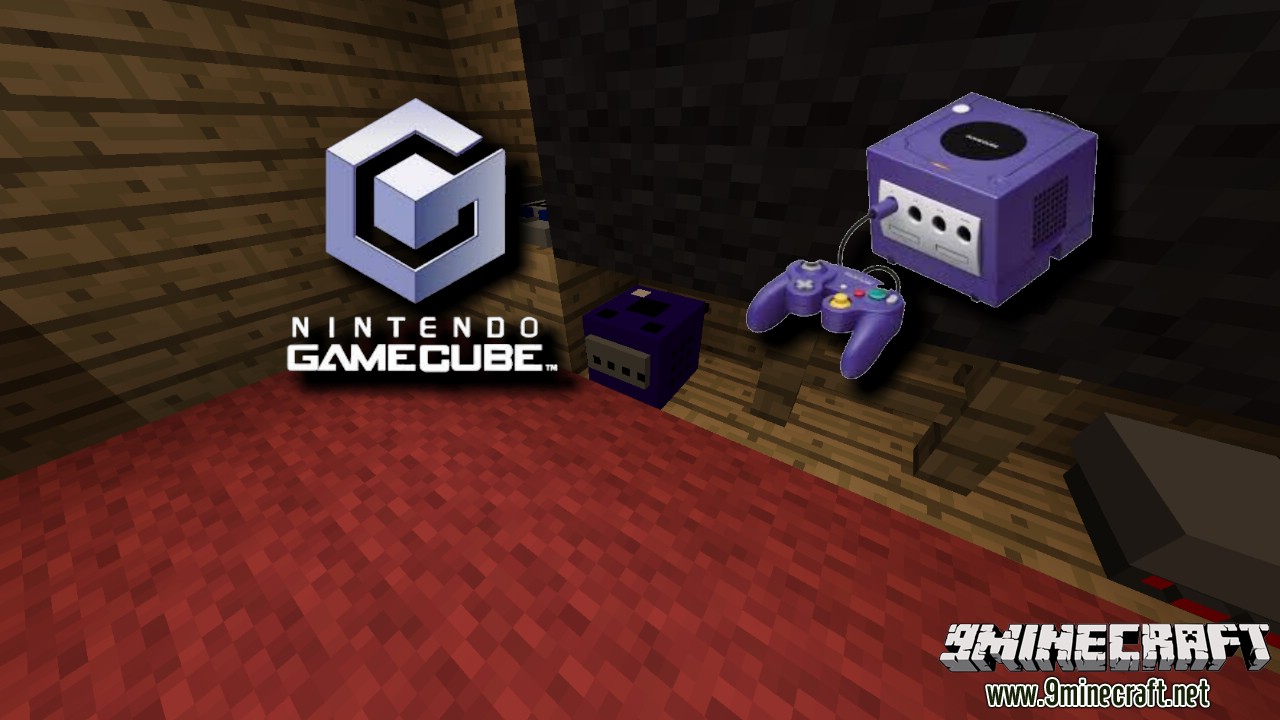
Gamecube
N64
NES
SNES
Virtual Boy
Crafting Recipes:
Recommend that you should install Just Enough Items to view the full recipes included in this mod
3DS
Atari 2600
GameBoy
GameBoy Color
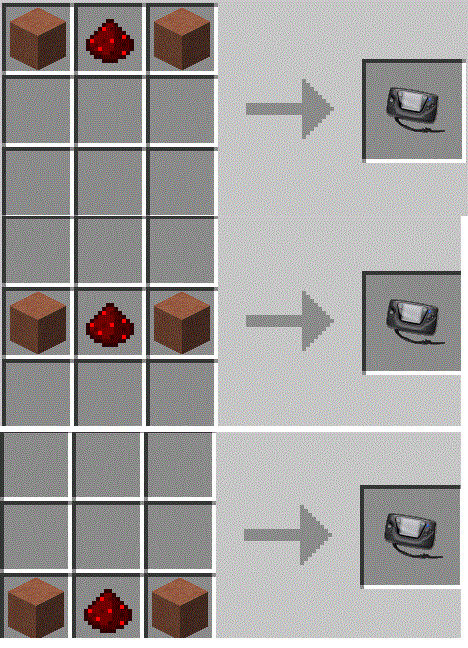
GameGear
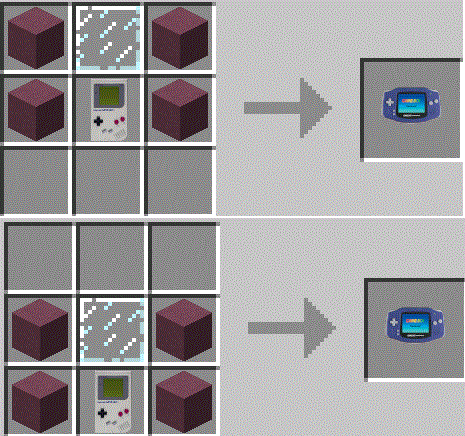
GameBoy Advance
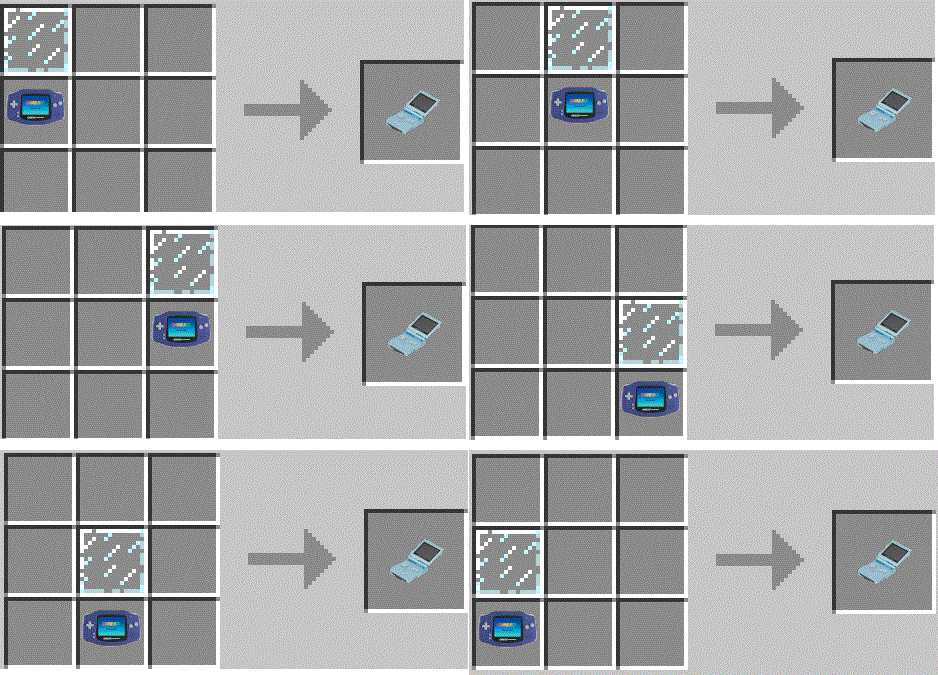
GBA SP
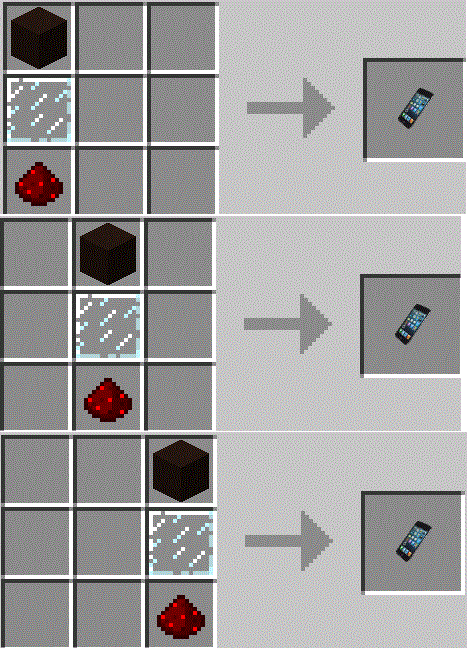
iPod
Lynx
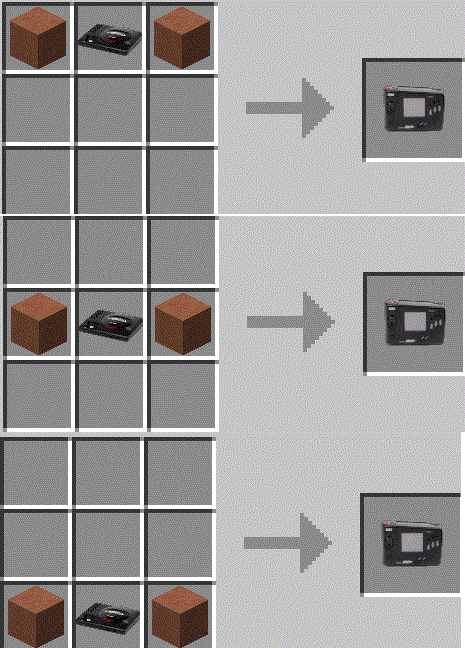
Nomad
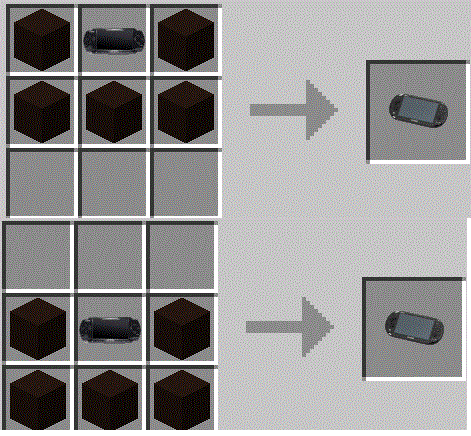
PS Vita
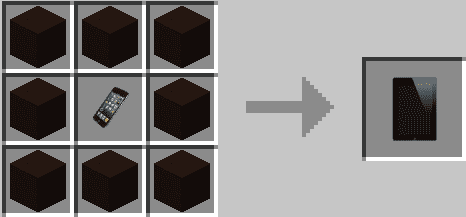
iPad
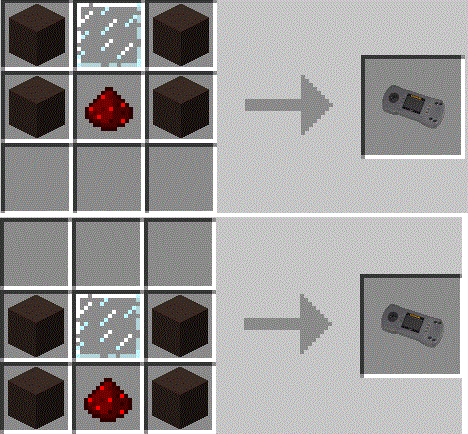
Jaguar
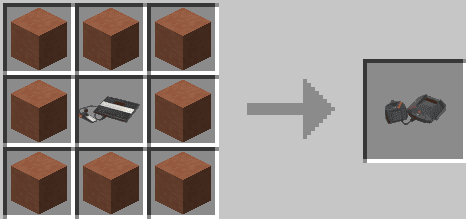
N64
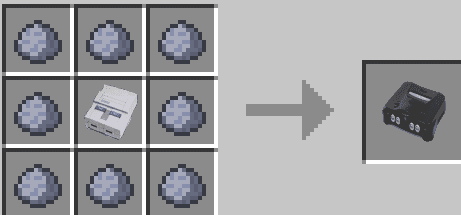
NES
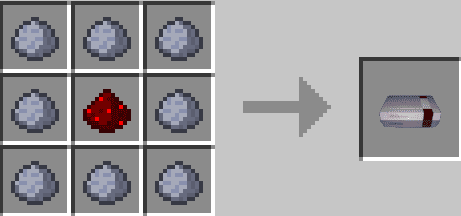
PS1
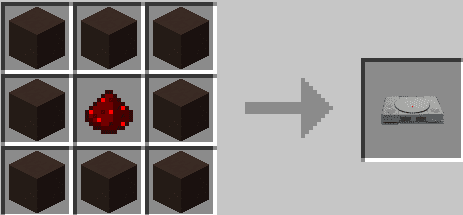
PS2
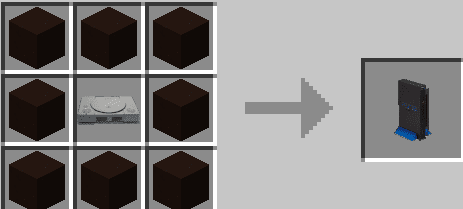
PS3
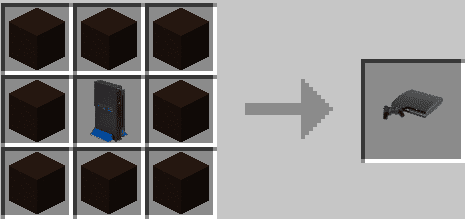
PS4
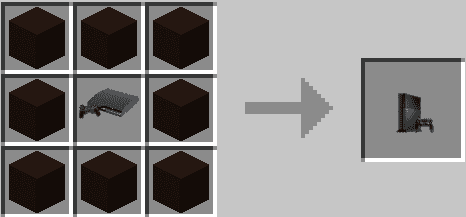
PSP: If you move the recipe a block down, it will turn into a GameBoy
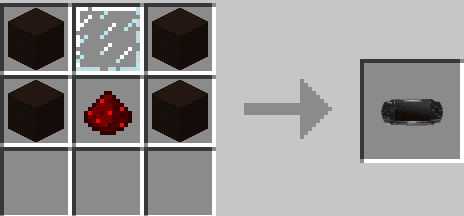
Saturn
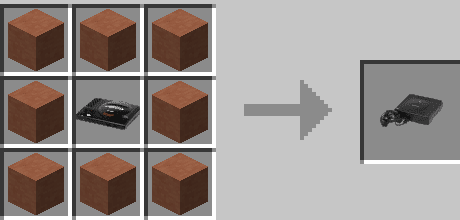
SNES
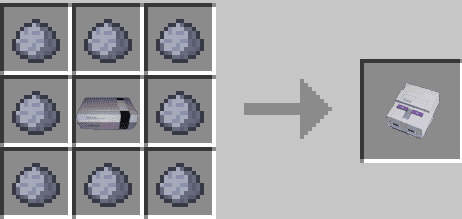
Virtual Boy
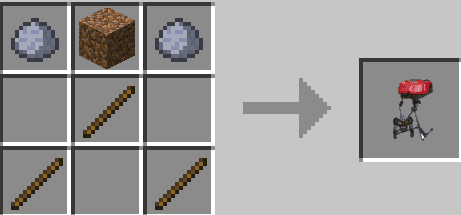
Wii U
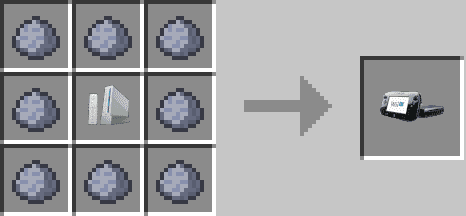
Wii
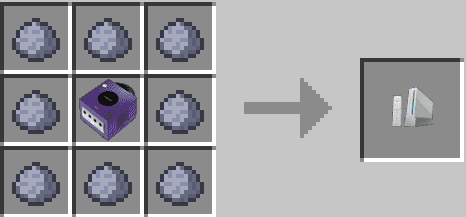
Xbox
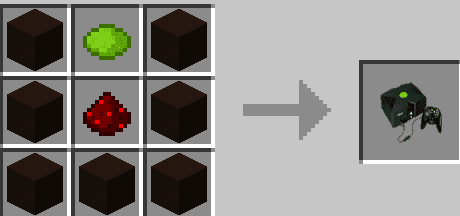
Xbox 360
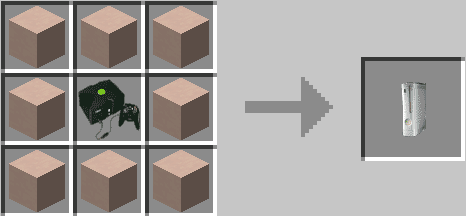
Xbox One
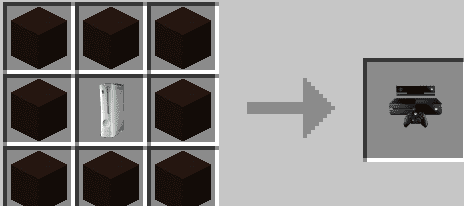
Atari 5200
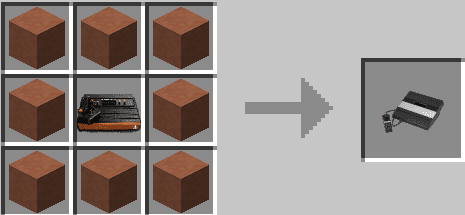
Atari 7800
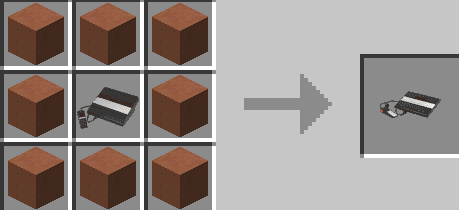
Dreamcast
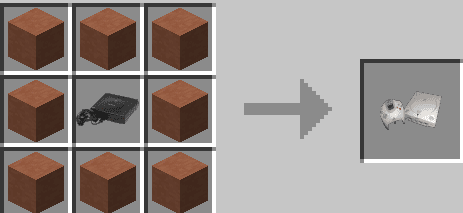
GCN
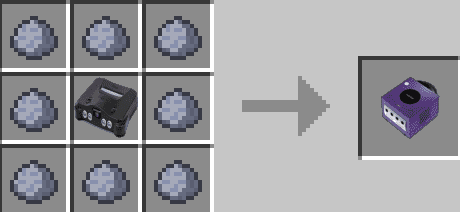
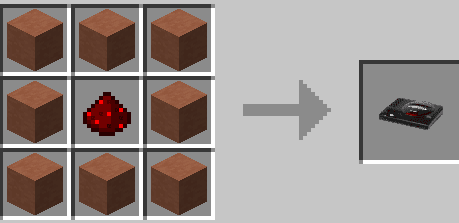
Genesis
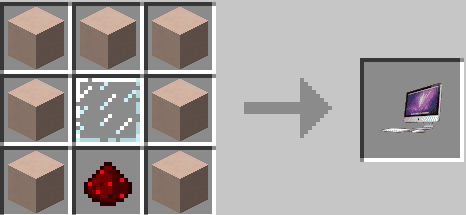
iMac
Mod Showcases:
Decorative Videogame Systems Mod 1.7.10 Download Links
For Minecraft 1.7.10
- Download size: 7.6 MB
- Download link checked 24 Jul 2026 — working
- Mirrored on our own servers — the download does not depend on the original host
These come from our own check of the pack file, not from the source page.