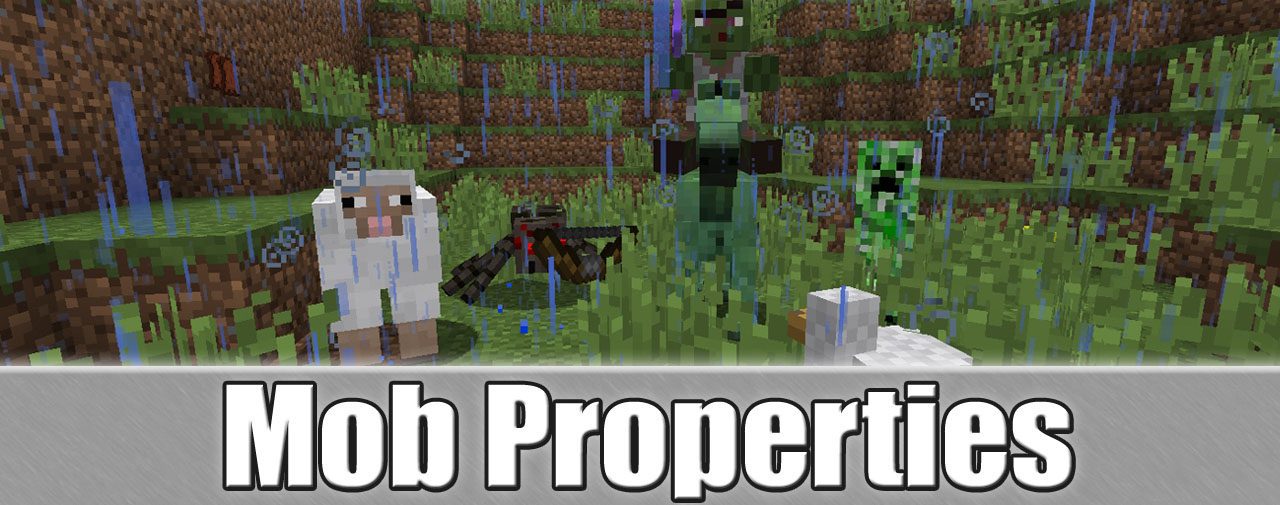
Mob Properties Mod lets you customize every mob in the game, from vanilla creatures to those added by other mods. You can change their drops, attributes, equipment, potion effects, and more. If you think zombies are too slow or skeletons are too strong, this mod gives you the power to change them exactly how you want. The mod works by creating configuration files that you can edit yourself.
Features:
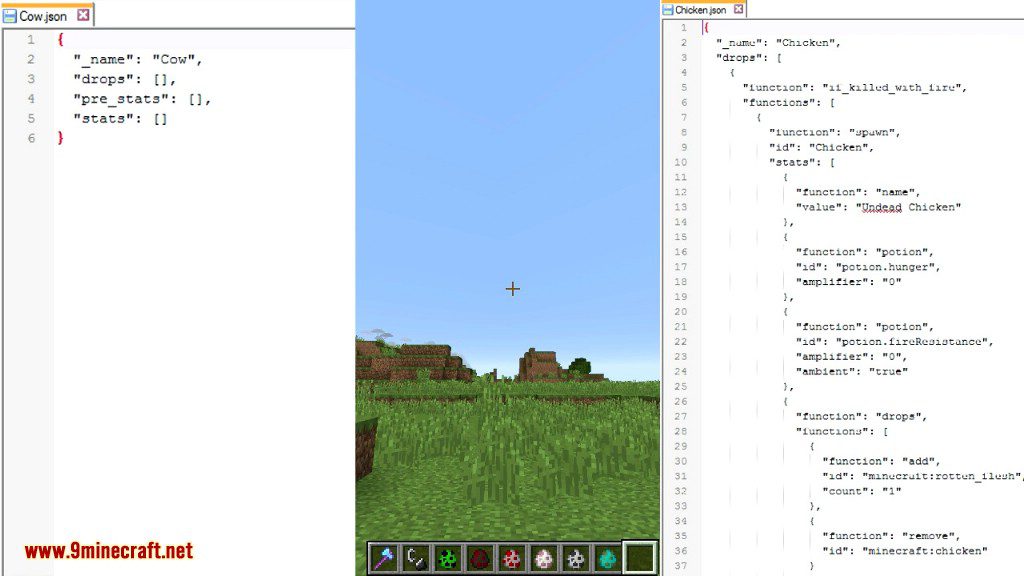
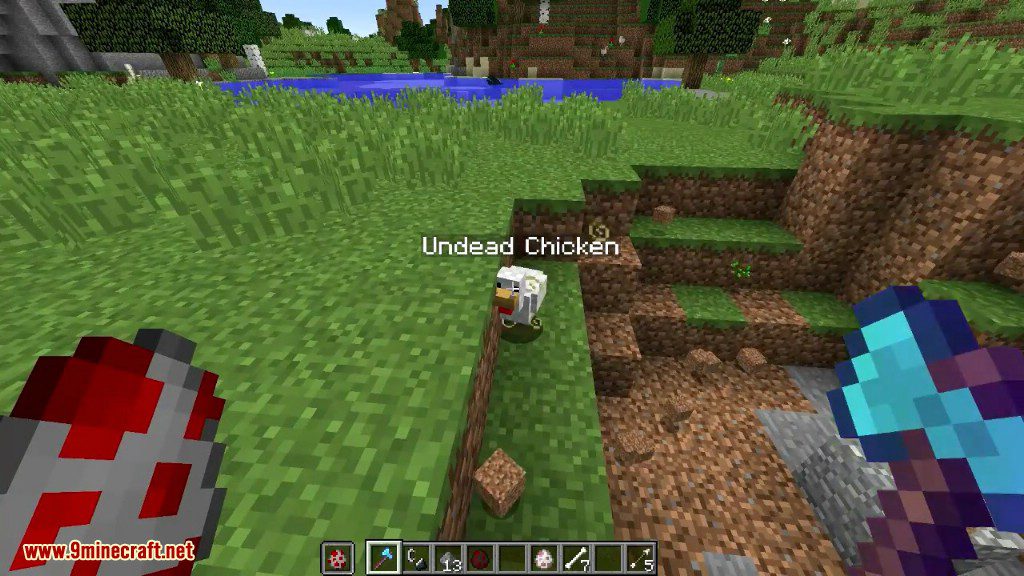
- Customize the items that any mob drops when defeated.
- Change mob attributes like health, speed, and attack power.
- Equip mobs with specific armor and weapons.
- Apply potion effects to mobs to give them special abilities.
- Works with both vanilla mobs and mobs from other mods.
- Use number ranges for values to make each mob’s stats slightly random.
- All changes are made through easy-to-edit configuration files.
How to Use:
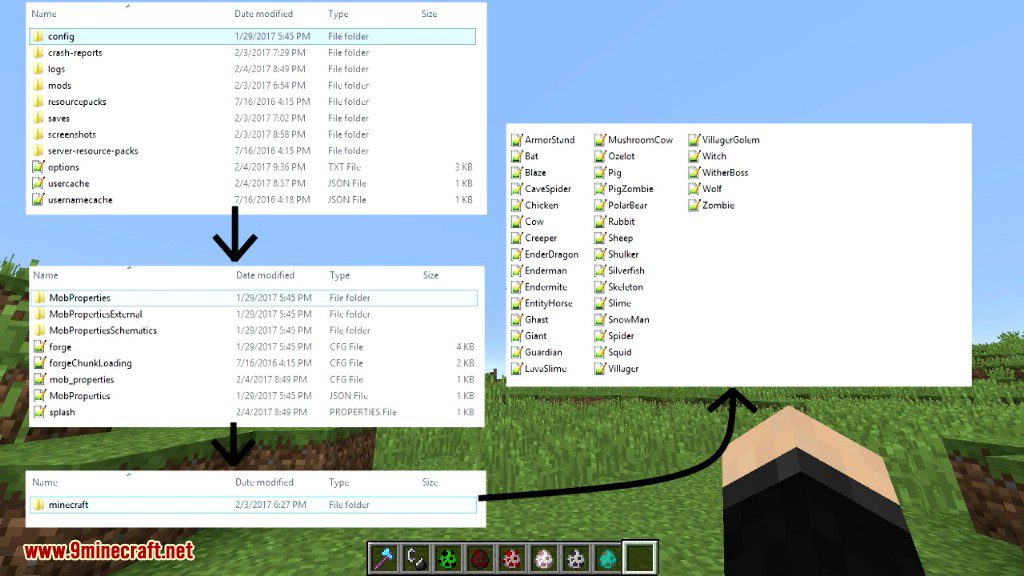
- After installing the mod, run Minecraft once to generate the properties files.
- Go to your .minecraft/config directory to find the new files.
- Open the files for the mobs you want to change and edit their properties.
- Save your changes and restart Minecraft to see them take effect.
Screenshots:


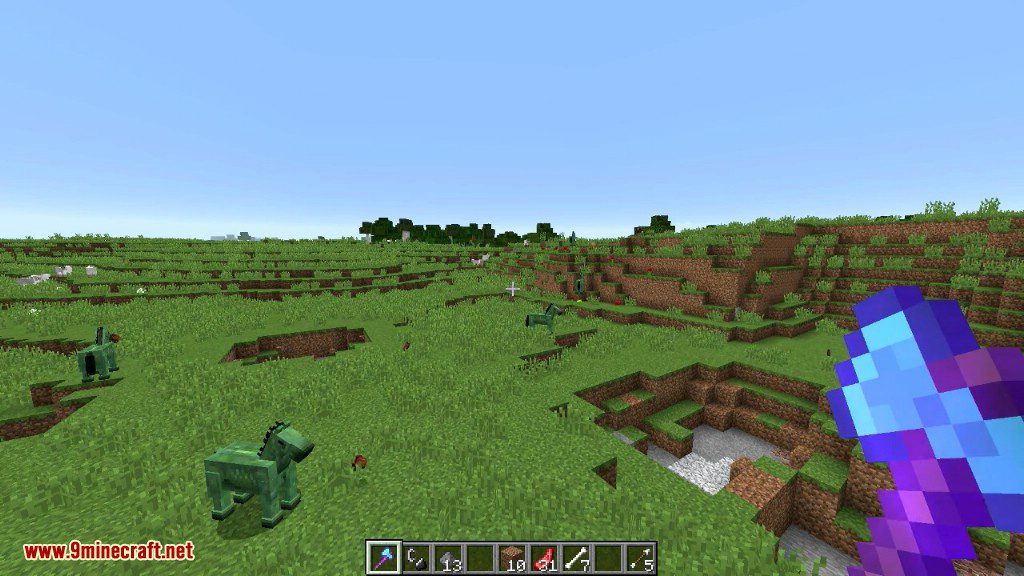
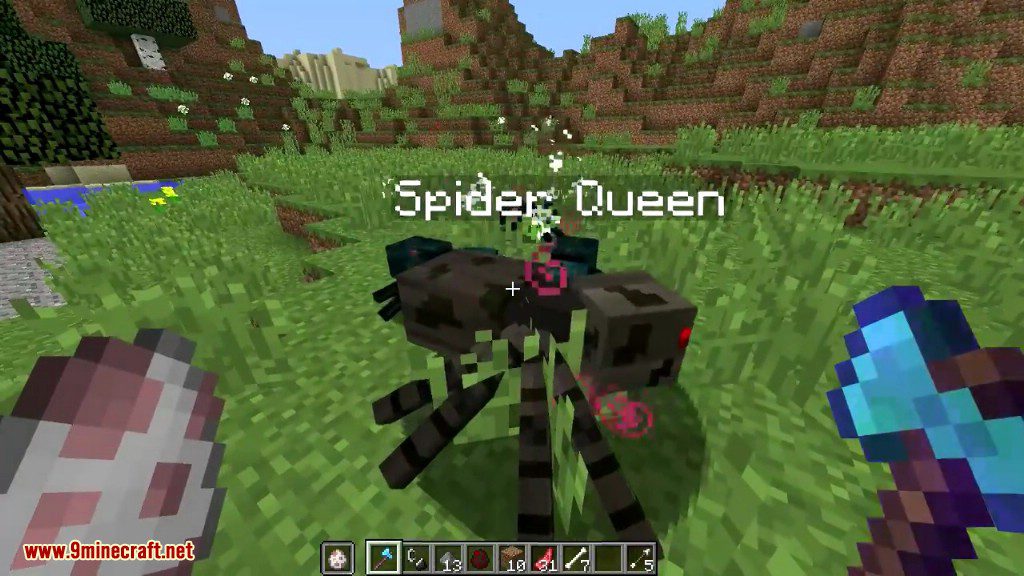
Mob Properties Mod Download Links
For Minecraft 1.6.4/1.6.2
For Minecraft 1.7.10
For Minecraft 1.10.2
Quick facts
- Edition: Minecraft Java
- File type: .jar
- How to install: Install the matching mod loader (Forge, Fabric or NeoForge) for your Minecraft version. → Download the .jar. → Put it in the .minecraft/mods folder and launch that loader profile.
- Where to get it: In MC Java Mods, or directly above on this page.
Install steps are the general flow for this file type — How to install Minecraft Java mods & modpacks walks through it step by step.
Verified by MCModsHub
- Downloads as 210673.mcaddon
- Download size: 93 KB
- Download link checked 24 Jul 2026 — working
- Mirrored on our own servers — the download does not depend on the original host
These come from our own check of the pack file, not from the source page.