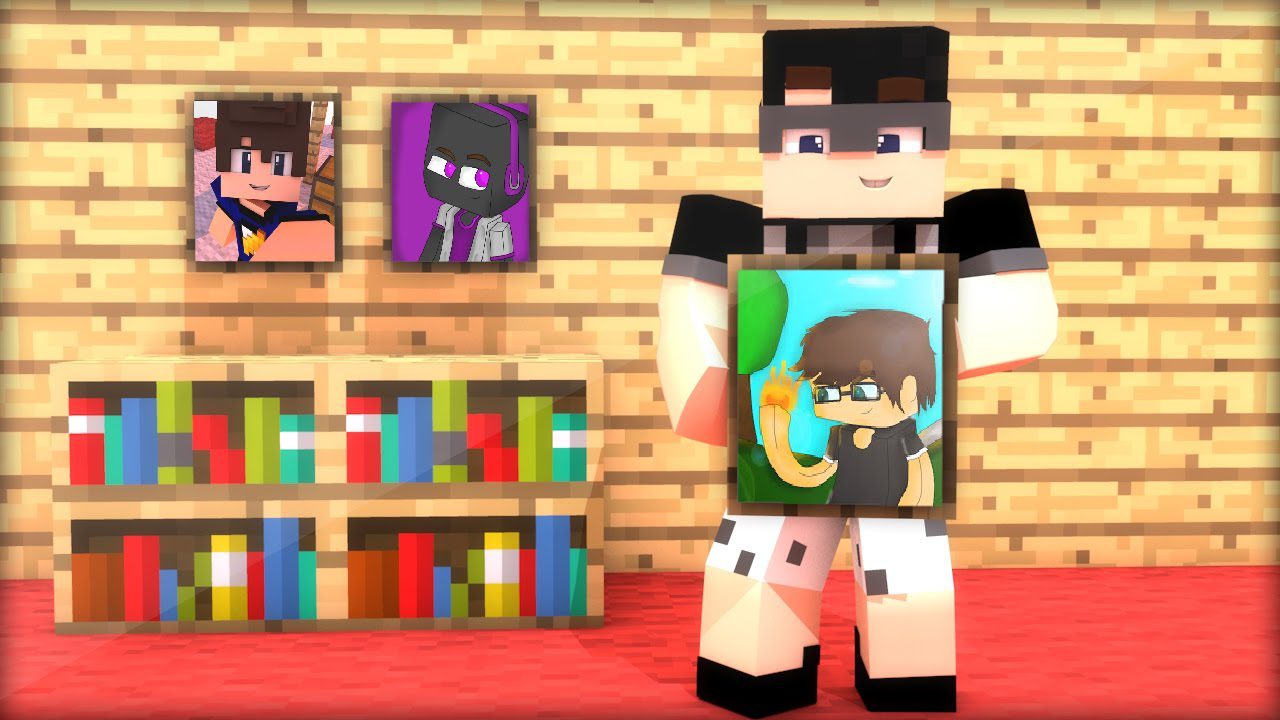
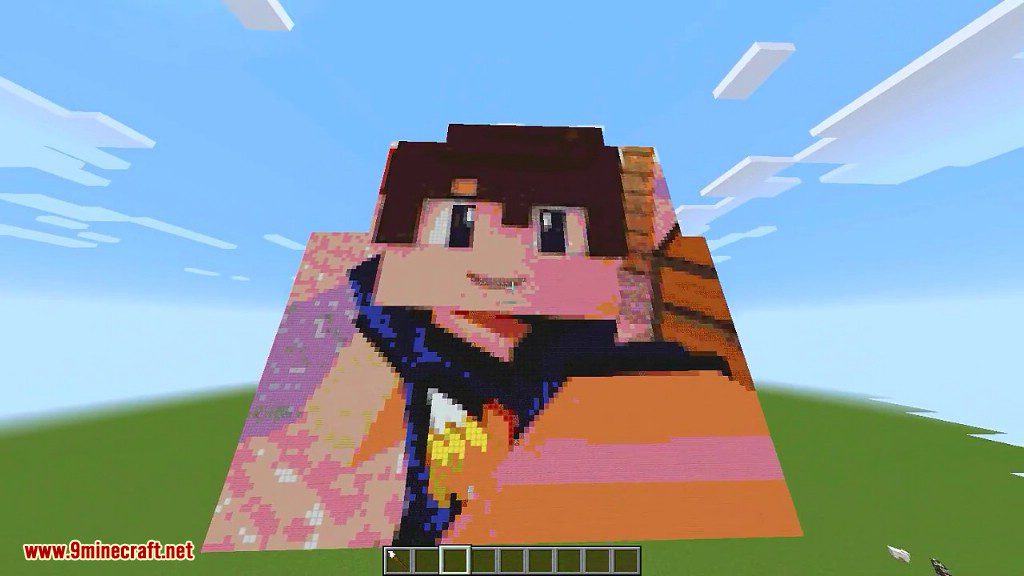
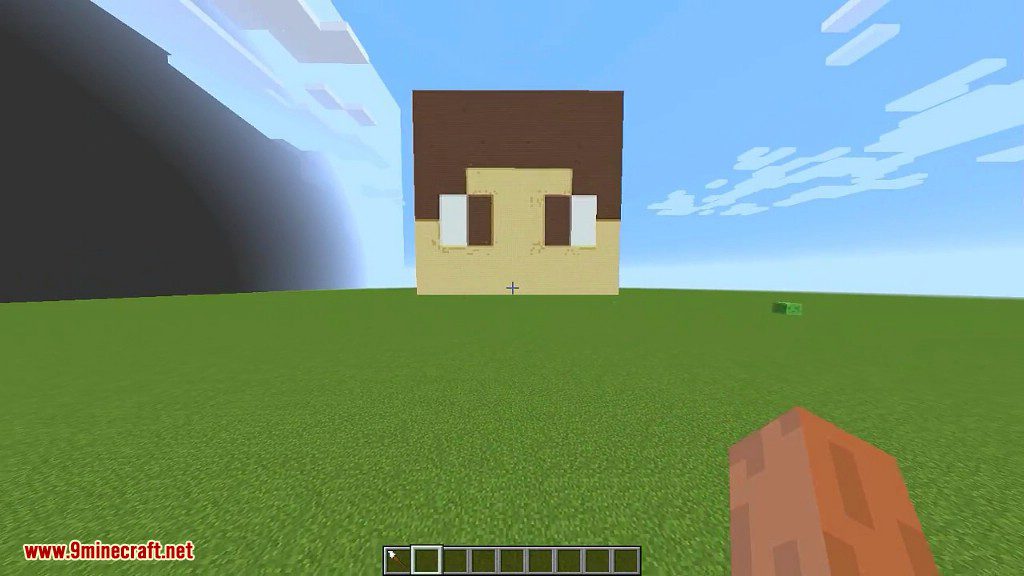
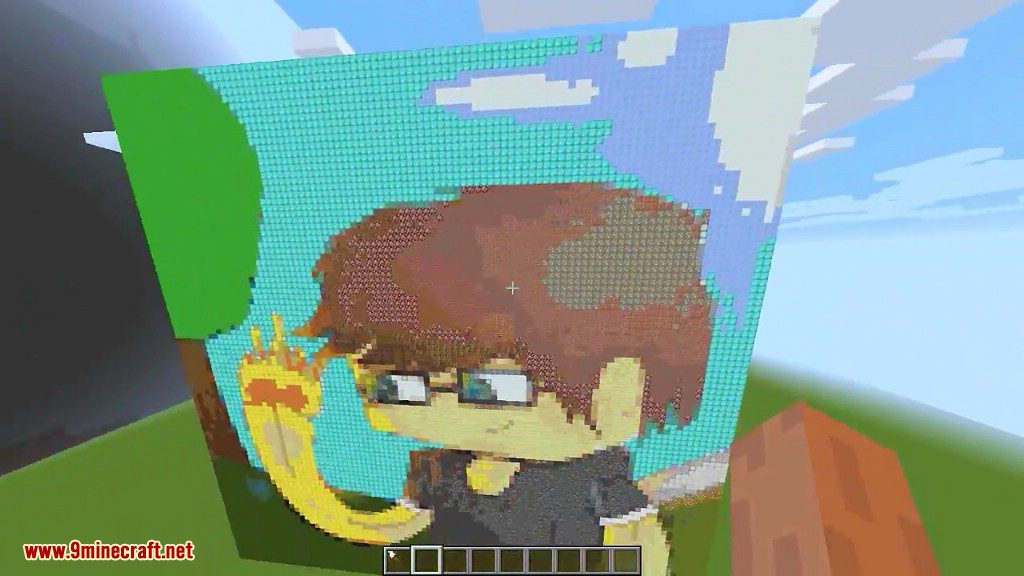
Spindle Mod 1.10.2 allows you to create pixel art from a URL, be it an external (http://) or internal (file://) one. The mod is also fully functional when installed on the server alongside the client, allowing certain players to use this mod outside singleplayer mode.
Do you remember that one time when you and your friends compete on the best pixel art? Or the time when you were a server admin looking for ways to entertain your players? Now you can do just that.
Screenshots:
How to use:
There is only one item added with this mod, a paintbrush. It is located in the Tools tab of the creative menu.

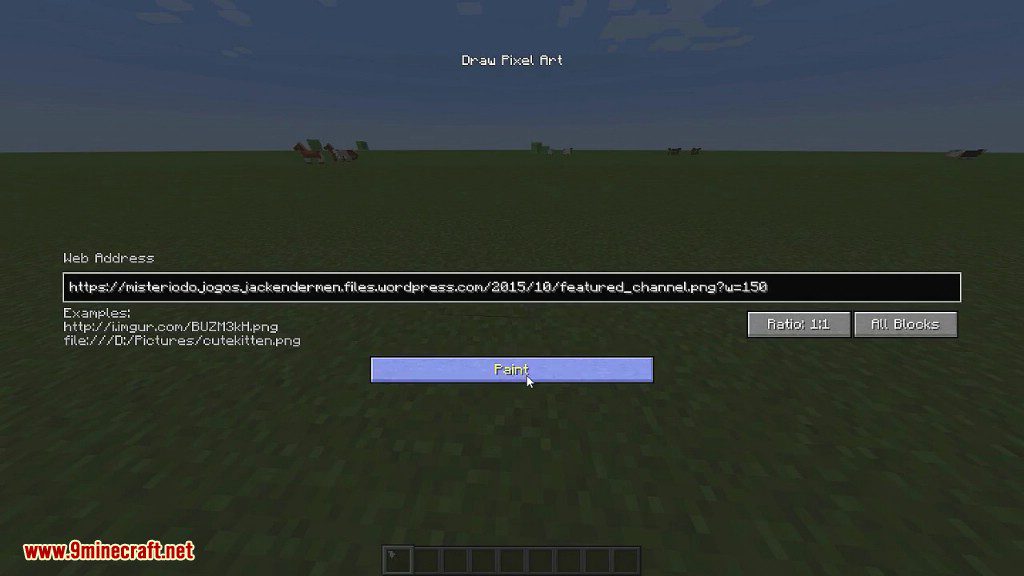
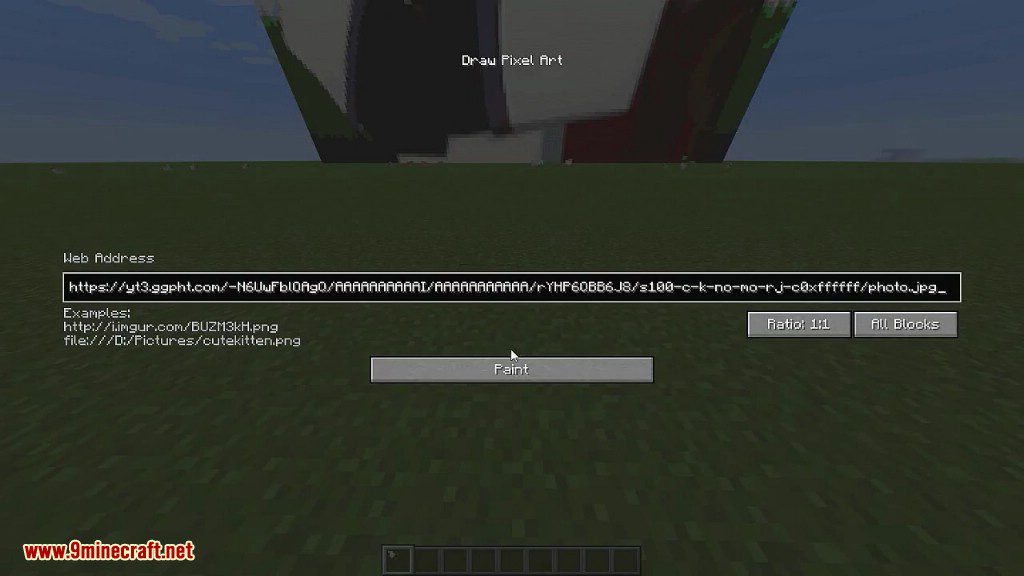
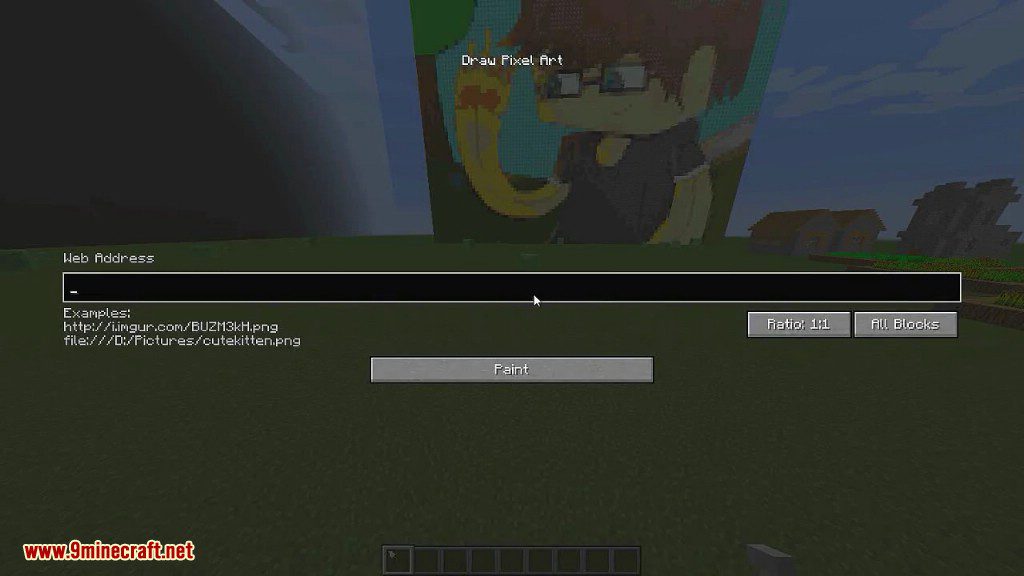
To use the paintbrush, simply right click while pointing on a block. The block does not need to be in range, you can right click any block up to 256 blocks away. A gui will appear, where you can enter any URL. Enter an URL, and then click Paint, or slam your enter key.
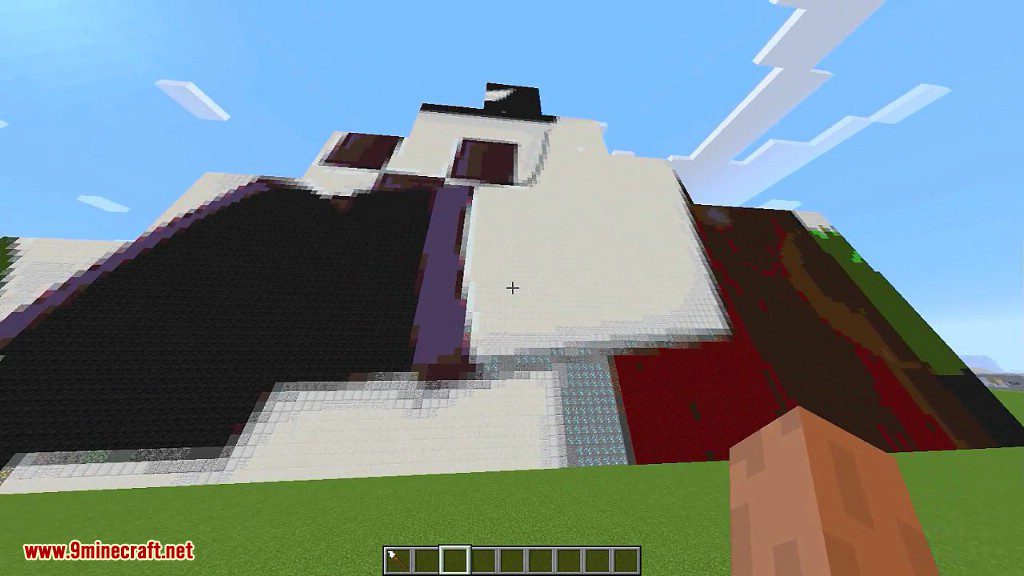
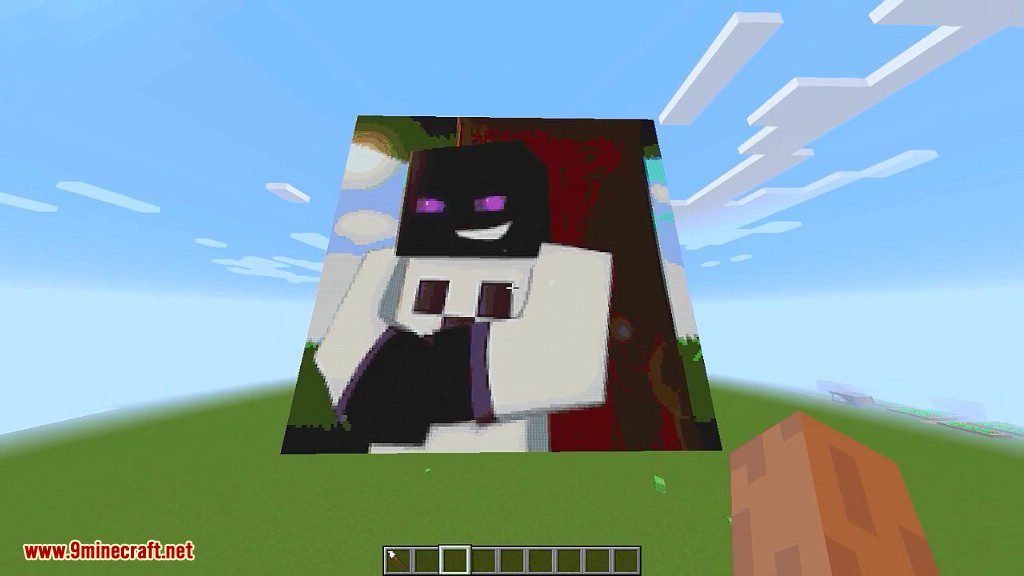
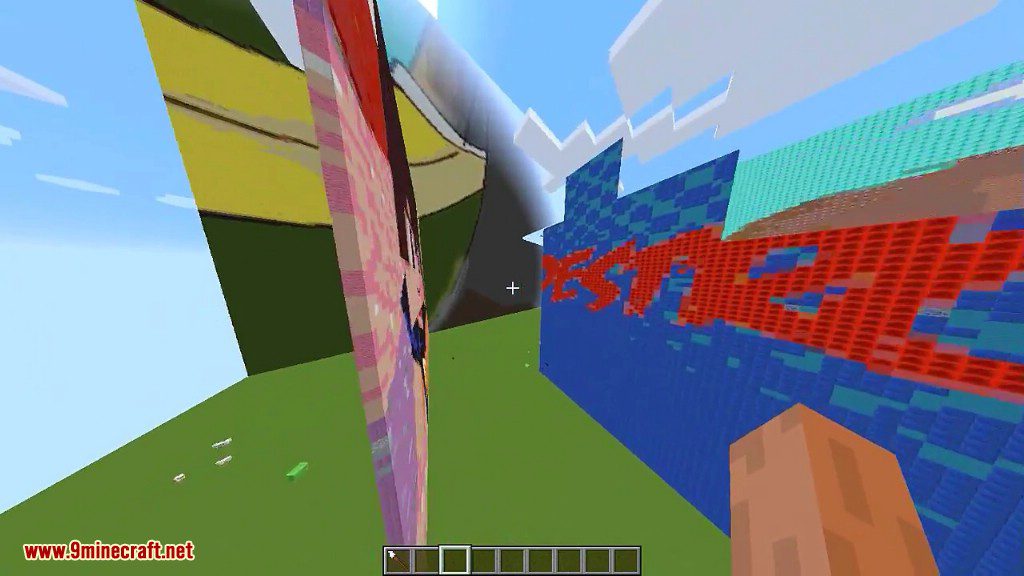
Your pixel art has spawned, centered horizontally from where you’re pointing at, and going upwards. Simple as that.
Spindle Mod 1.10.2 Download Links
For Minecraft 1.10.2
- Edition: Minecraft Java
- File type: .jar
- How to install: Install the matching mod loader (Forge, Fabric or NeoForge) for your Minecraft version. → Download the .jar. → Put it in the .minecraft/mods folder and launch that loader profile.
- Where to get it: In MC Java Mods, or directly above on this page.
Install steps are the general flow for this file type — How to install Minecraft Java mods & modpacks walks through it step by step.
- Downloads as 210851.mcaddon
- Download size: 24 KB
- Download link checked 30 Jul 2026 — working
- Mirrored on our own servers — the download does not depend on the original host
These come from our own check of the pack file, not from the source page.