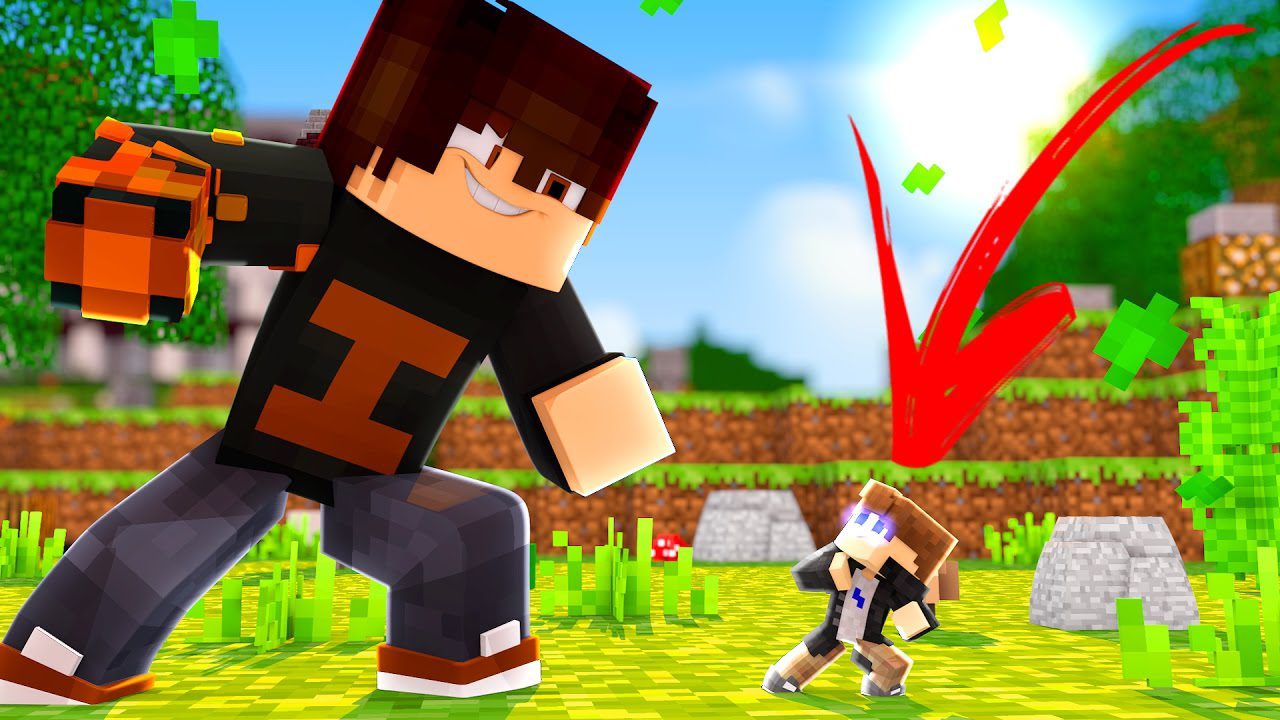
Gulliver Mod 1.6.4 (Grow to Giant Size or Shrink to Tiny)
Gulliver Mod 1.6.4 adds in a couple of potions, commands, ext that let the player change their or other things size in Minecraft. This mod lets you shrink…
⬇ DownloadOpen in MCModsHubGet it on Google Play →Gulliver Mod 1.6.4 adds in a couple of potions, commands, ext that let the player change their or other things size in Minecraft. This mod lets you shrink to the size of a mouse or grow to be a giant. It’s named for the book Gulliver’s Travels, though much of the inspiration comes from The Borrowers, Alice in Wonderland, and other size-related stories.
Have you ever read the famous works of Gulliver’s Travels, where he both shrinks to the size of an insect, down to just a mere several inches and grows into this monolith of a man, a massive and towering sky scraping giant? This is a famous story and has been replicated many times including the cult favorite Army of Darkness and really uses some great ideas from the simple idea of growing and shrinking! If you think that idea, the transformation of a human is a cool idea, then you should probably really check out this mod for Minecraft right this minute! You can transform yourself and even mobs, creating a much different feel to fighting the deadly mobs, making them stronger when much larger! You can also use slime and paper to fly and climb walls, making even more awesome features to get around the new world perspective.
Features:
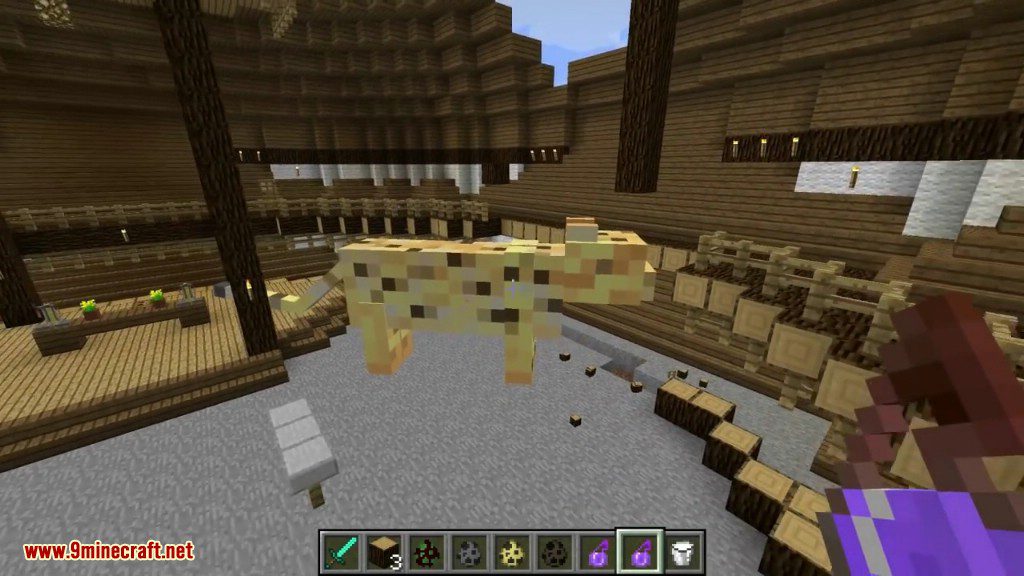
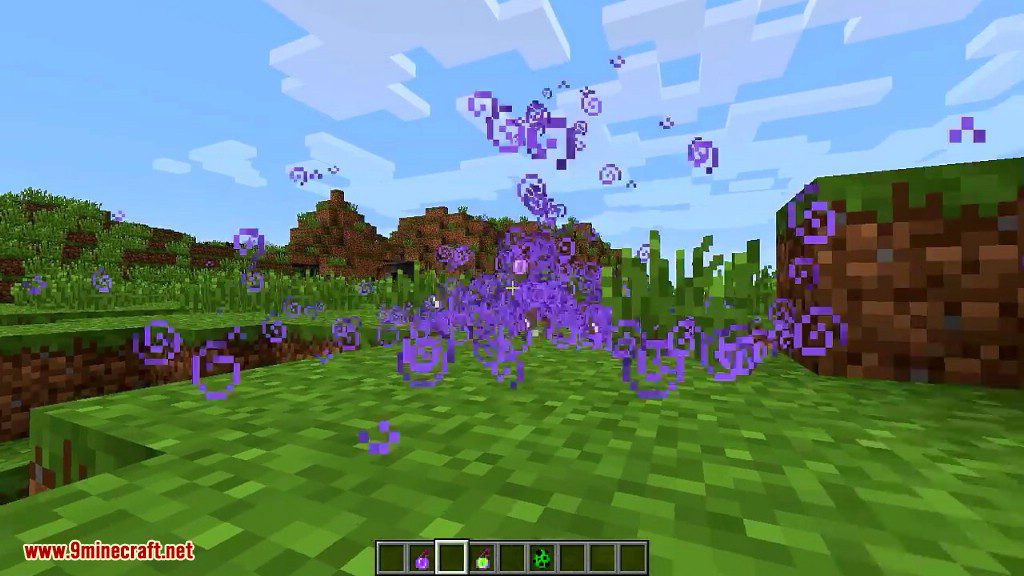
- From the outside, it looks just like plain vanilla Minecraft. There are no new blocks, items, entities or biomes – just two Potion effects.
- But with Gulliver installed, you now have the ability to change your own size or the sizes of mobs and NPCs.
- The world works differently when you and mobs change size. See what happens.
Screenshots:
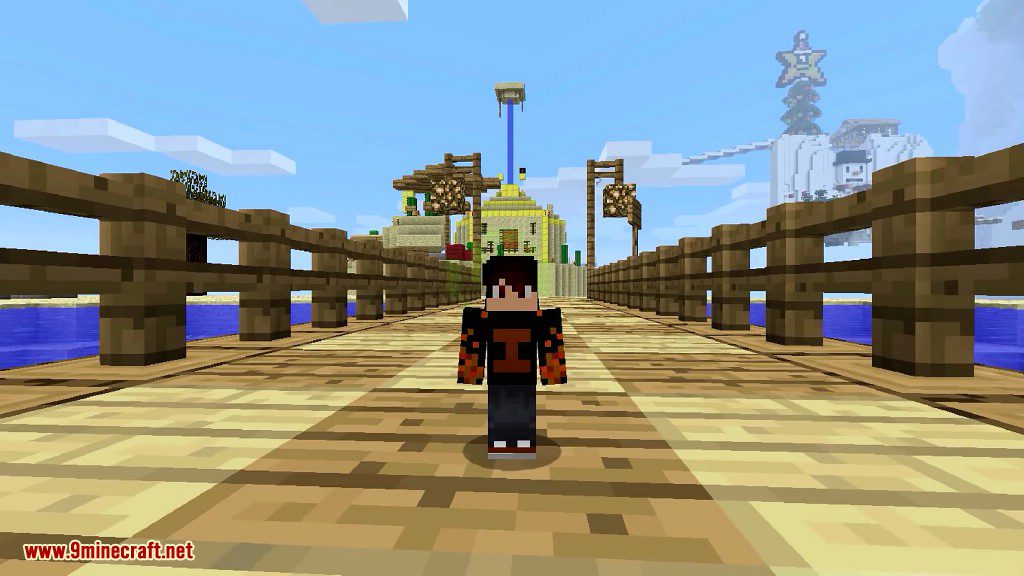
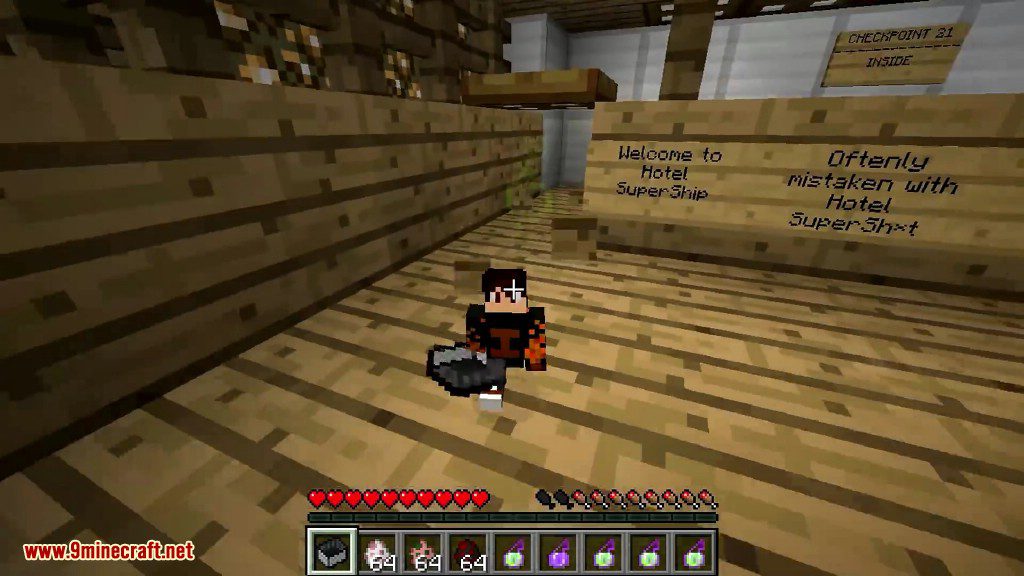
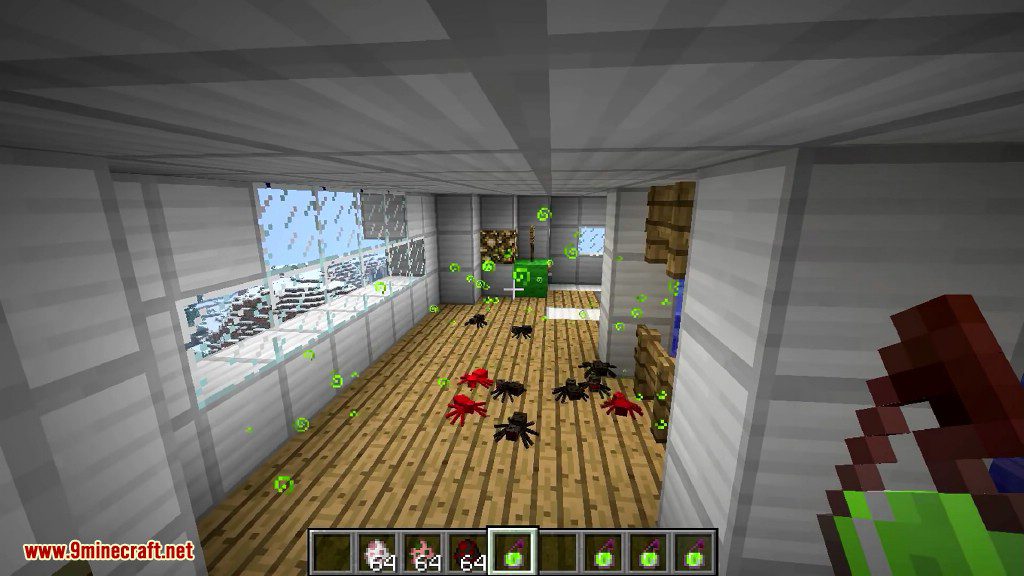
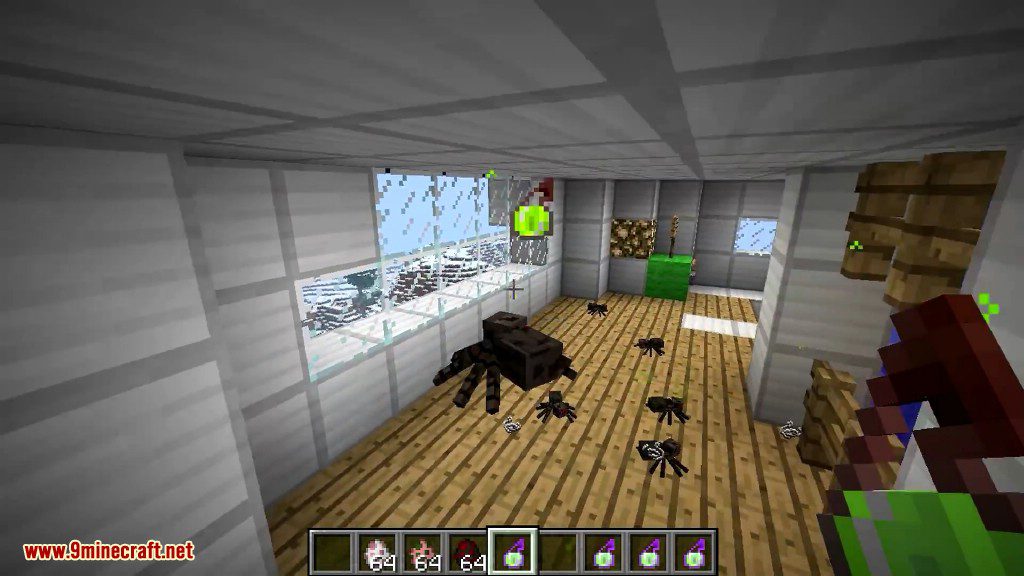
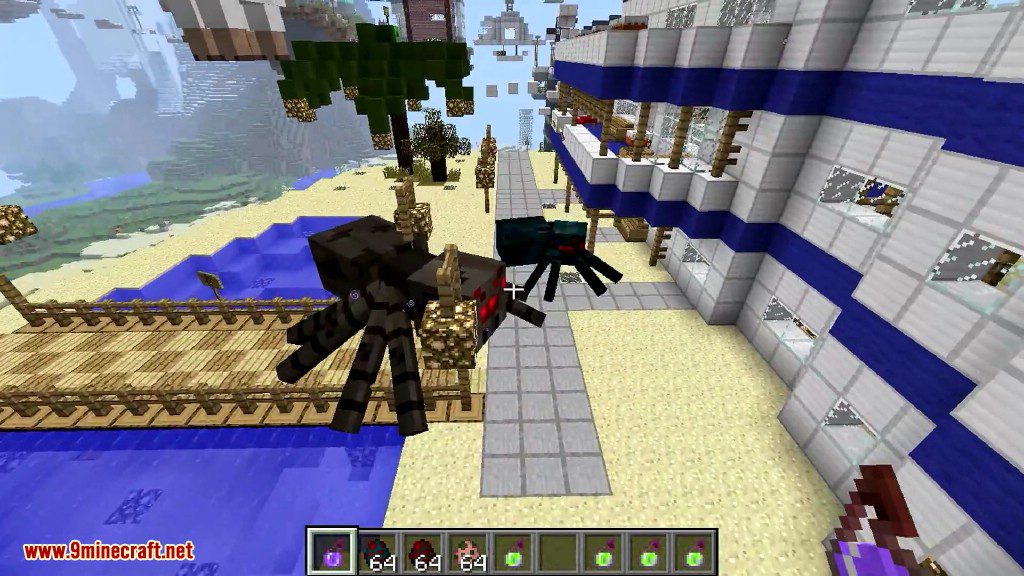
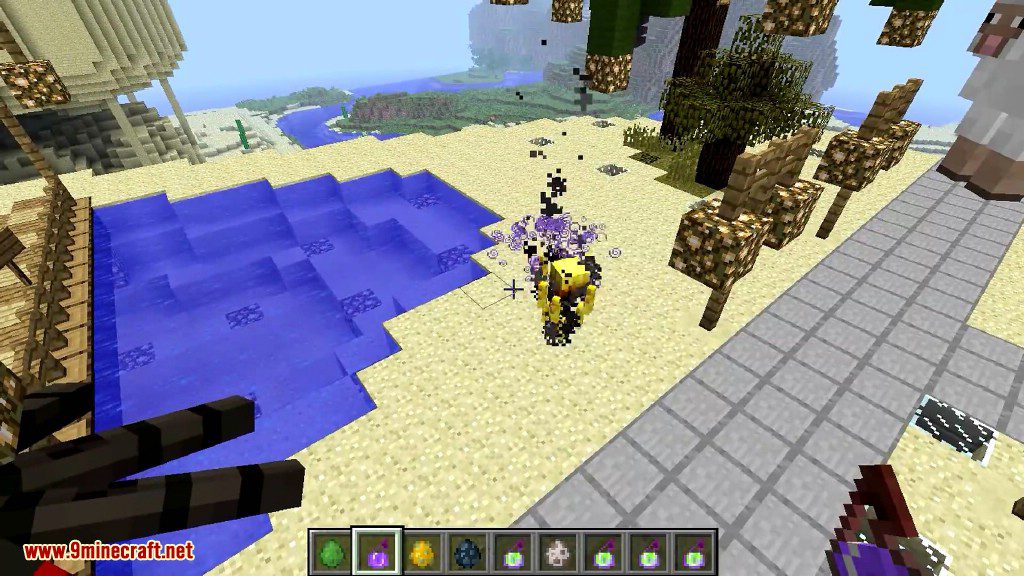
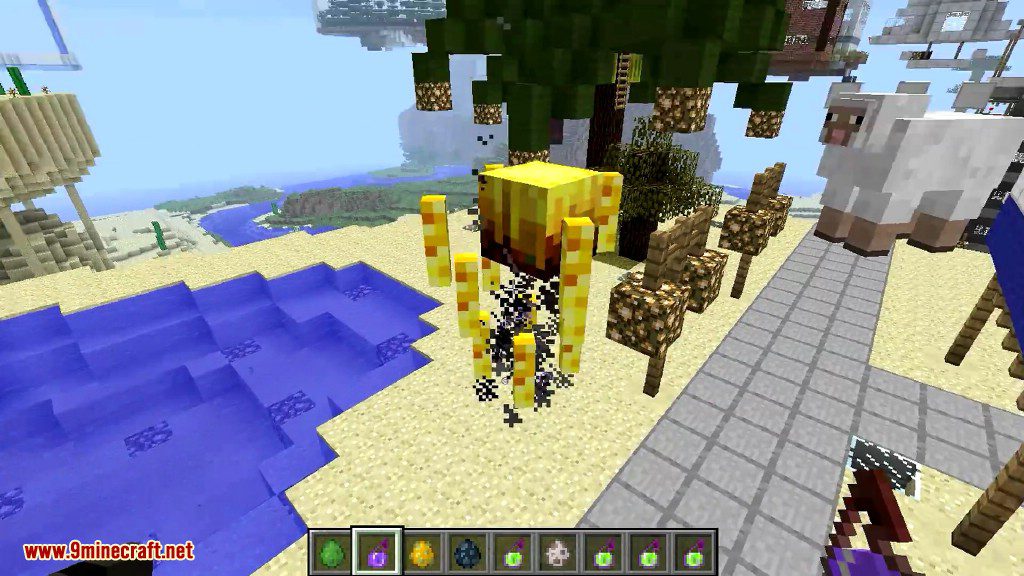
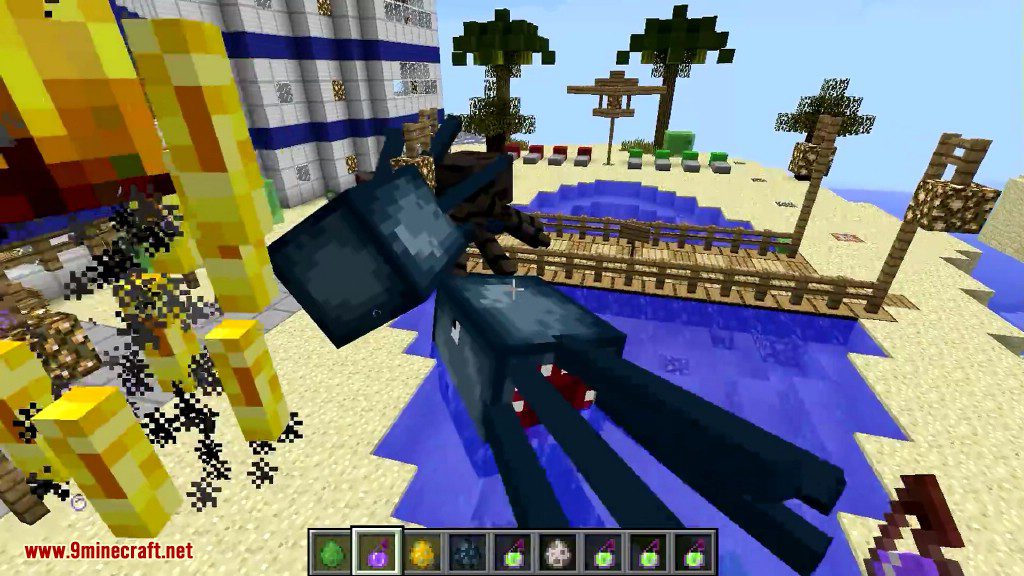
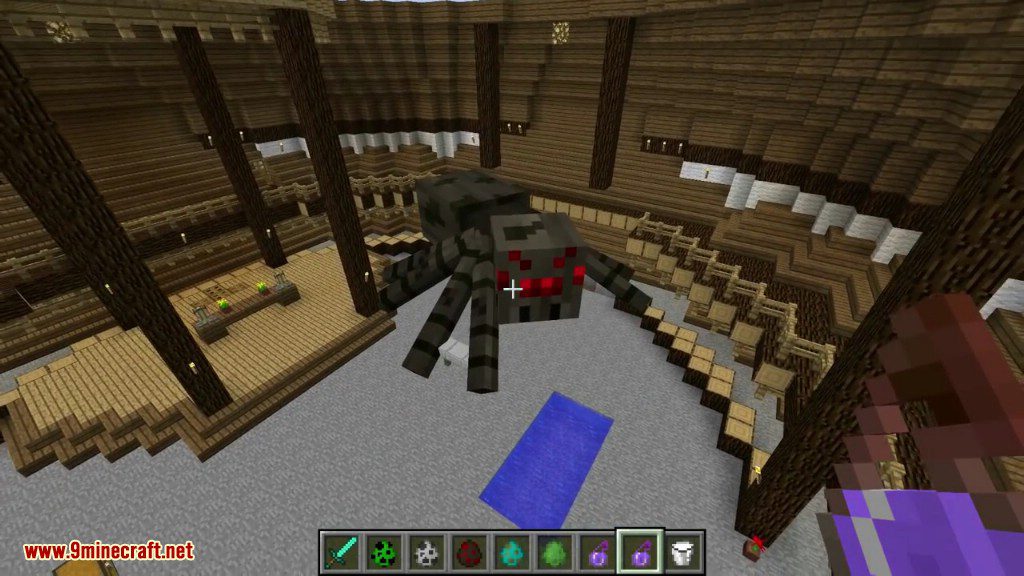
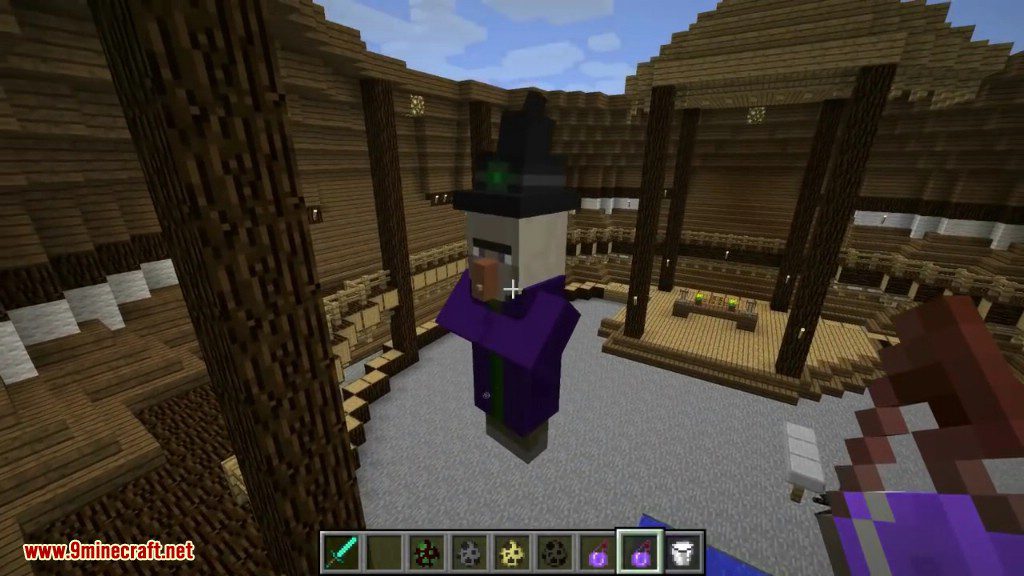
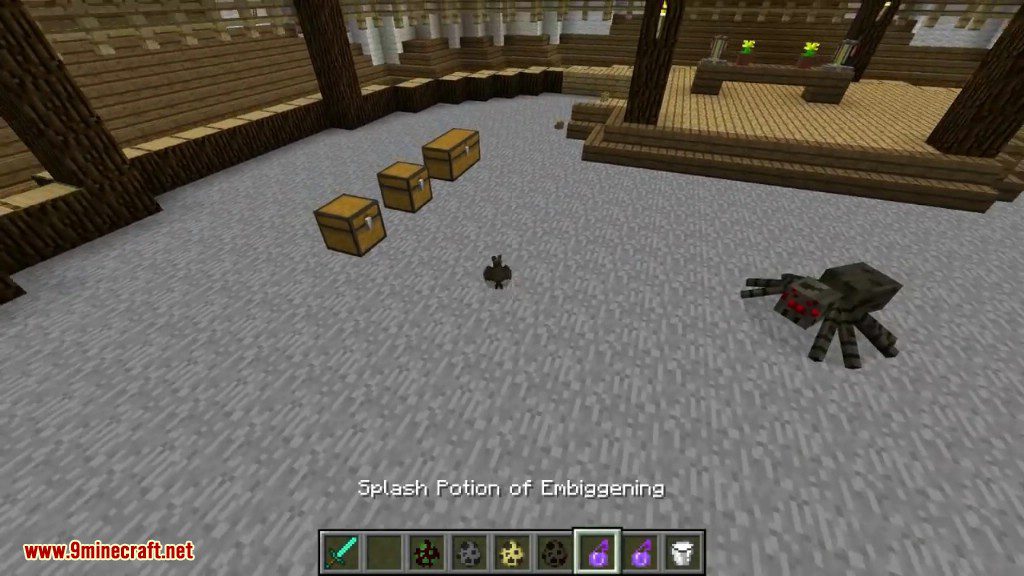
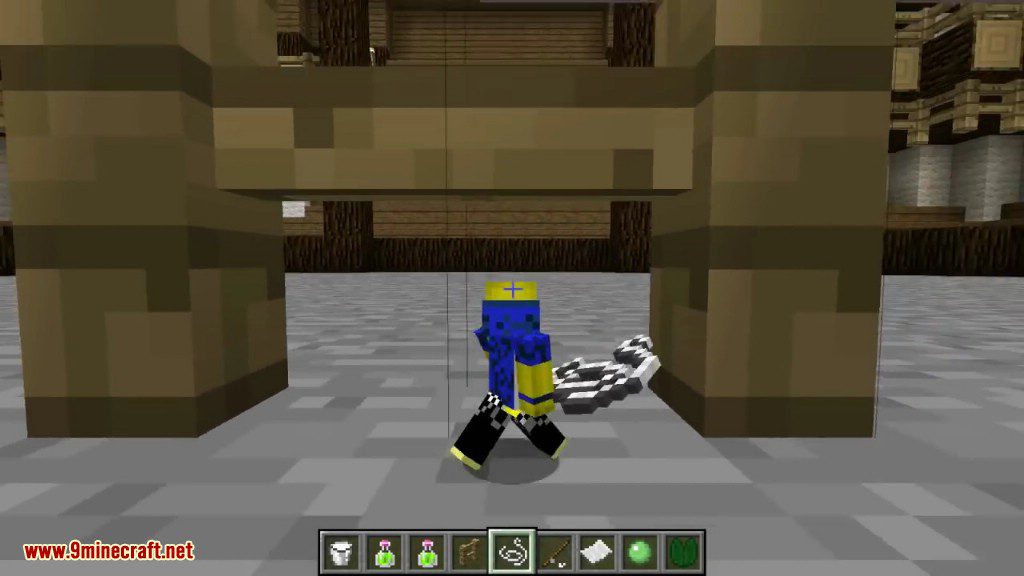
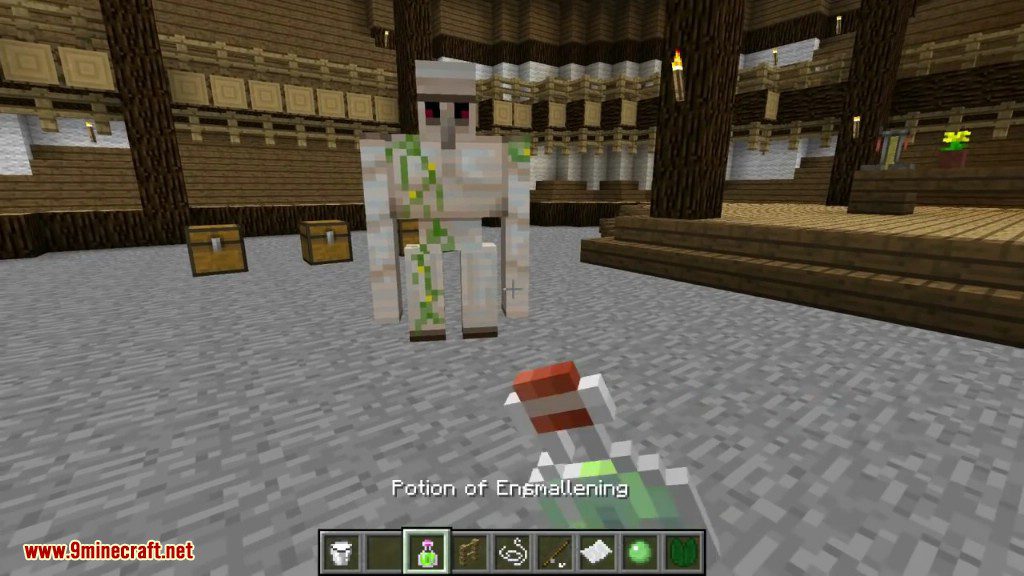
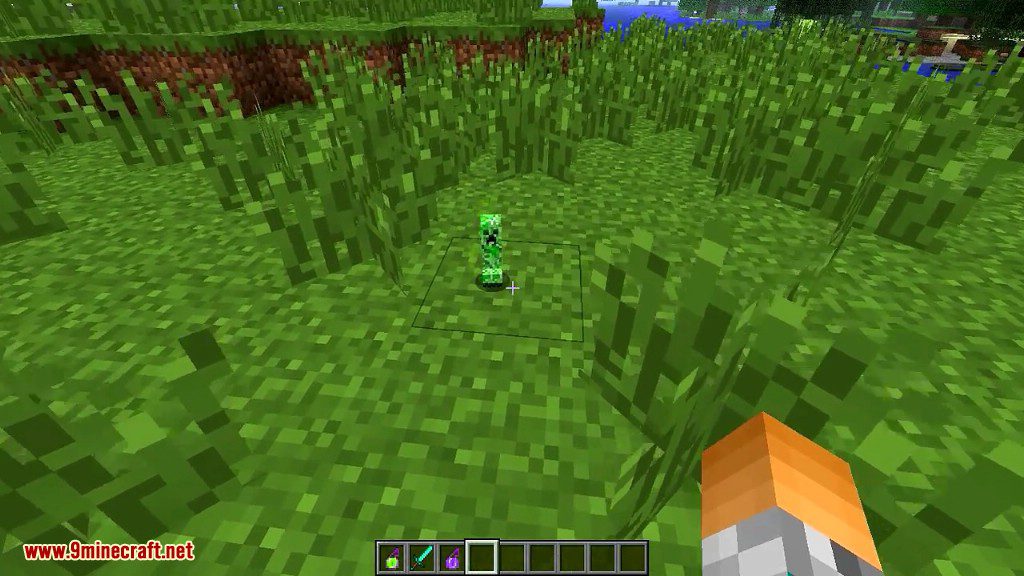
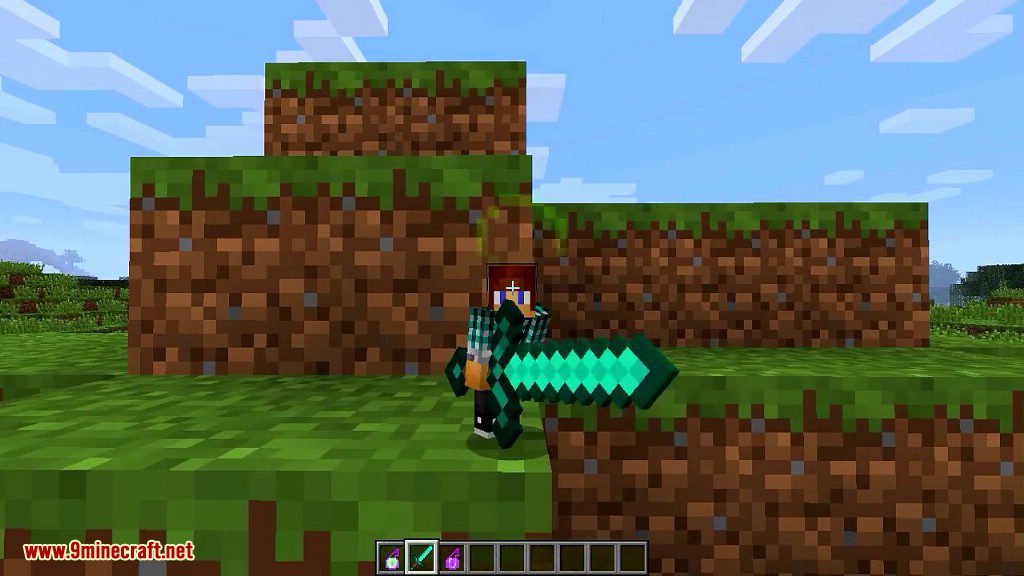
How to use:
Starter tips for tiny players:
- Watch your step.
- Hold Shift or sprint to jump 1 Block high.
- Some Blocks are climbable.
- Hold Paper to glide, Slime Ball to climb, or Lily Pad to raft.
- Hold an Item for greater reach, attack power and digging speed.
- Hold something pointy (like a Stick or Sword) to pry open Chests or Doors.
- Try the Fishing Rod grappling hook.
- Beware of Cats and Spiders.
Starter tips for huge players:
- Watch your step – falling hurts.
- Hold Shift to jump higher.
- Try punching Blocks or Mobs empty-handed.
- Step or jump on Mobs to hurt them (or else hold Shift to sneak over them).
- Right-click drops empty-handed (or holding a Bucket) to pick them up.
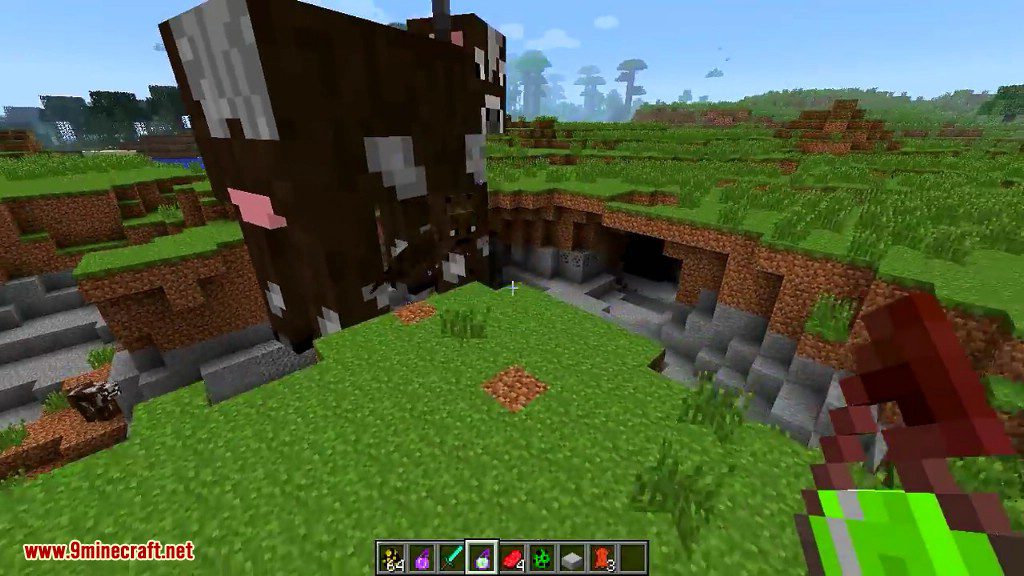
- Right-click Mobs empty-handed to pick them up.
- Then use left-click to throw them, ‘Q’ to toss them, right-click to place them, or ‘V’ to set ’em on your shoulder.
How to Change Size:
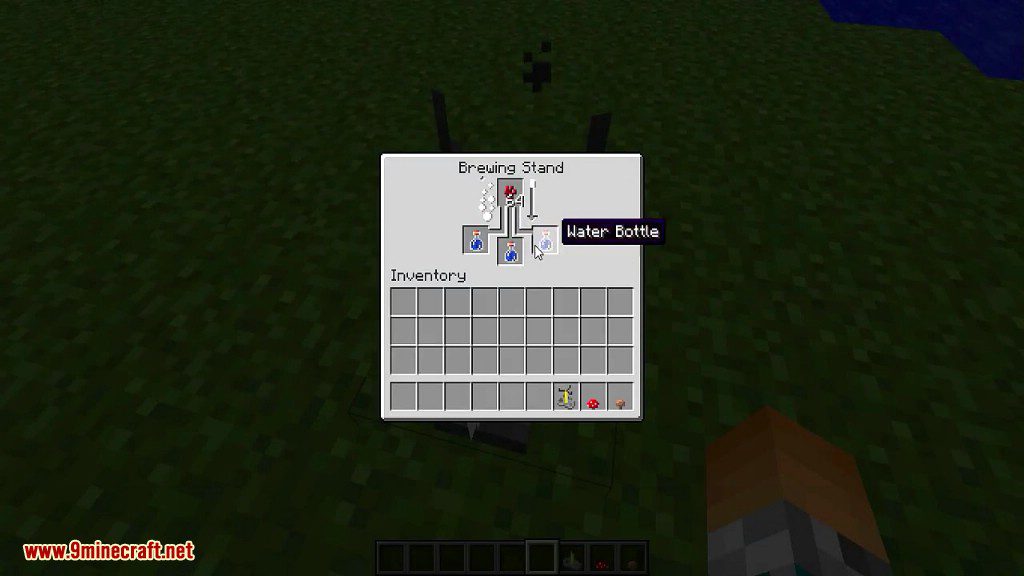
Resizing Potions
Add Redstone Dust to extend the effect duration or add Glowstone Dust to make them Tier II. Turn them into Splash Potions with Gunpowder to throw them at mobs.
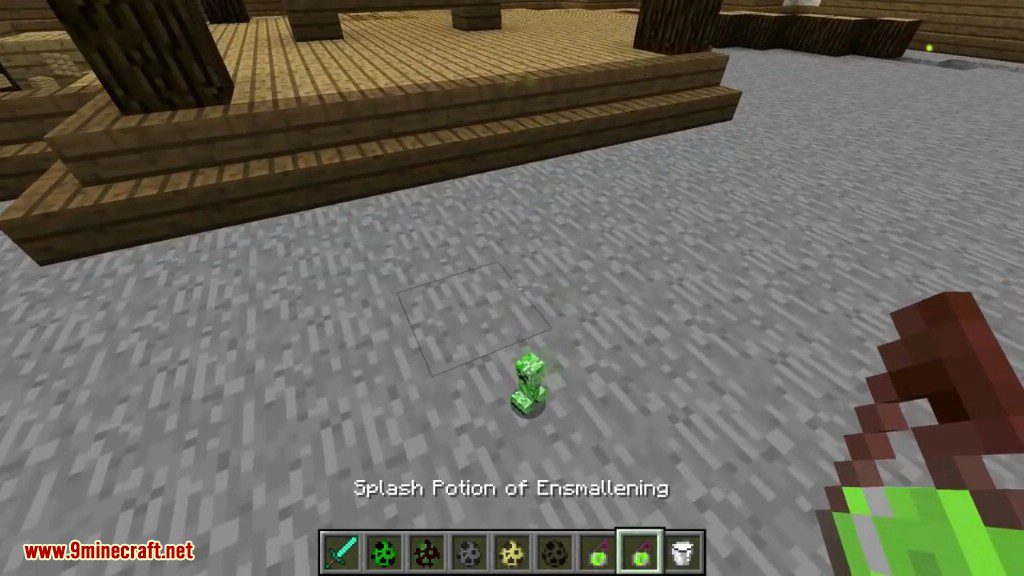
Potion of Embiggening makes you 4 times your height, Potion of Embiggening II makes you 8 times your height. Potion of Ensmallening makes you 1/4 your height, Potion of Ensmallening II makes you 1/8 your height. You can drink Milk or a Potion with the opposite resizing effect to remove the effect.
Resizing Dyes
Having a stack of Cyan Dye in your inventory will make you half your size, and a stack of Purple Dye (was Magenta Dye in versions 0.13.8 and older) will make you twice your size. You can have multiple stacks of dye to apply the resizing multiple times, so 3 stacks of Cyan Dye will make you 1/8 size, and 3 stacks of Purple Dye will make you 8 size. Applying dyes to Sheep and tame Wolves’ collars will resize them too.
If you don’t want to allow it in singleplayer, edit the “enable-dye-resizing” option in the Gulliver config file (either Gulliver.cfg or GulliverForged.cfg) in the config folder of your Minecraft game directory:
B:enable-dye-resizing=false
If you want to disallow it on a server, edit the same property as above in the Gulliver config file in the config folder where your Minecraft server resides.
Resizing Keys
Note: This requires both “Cheat Mode” (or Op permission on a server) and Creative Mode to work.
You can adjust your size by pressing the ‘R’ key to double your current size and the ‘F’ key to halve your current size. (Size limits are 1/8 for smallest and 8 for largest.)
If you hold a Stick and point it at a mob, then the ‘R’ and ‘F’ size changes will apply to the mob you are pointing at.
The player or mob will stay that size unless affected by a resizing Potion or Dye.
Resizing Commands (Advanced)
Note: This requires “Cheat Mode” (or Op permission on a server.)
Use the /basesize command to directly set your base size. This is normal size:
/basesize 1.0
This is 1/4 normal size:
/basesize 0.25
This is 3x normal size:
/basesize 3.0
Base size limits are 0.125 for smallest and 8 for largest.
You can even give an “actual” size, like so:
/basesize 200cm
/basesize 5ft4in
You’ll keep that size unless affected by a resizing Potion or Dye.
How things work when resized:
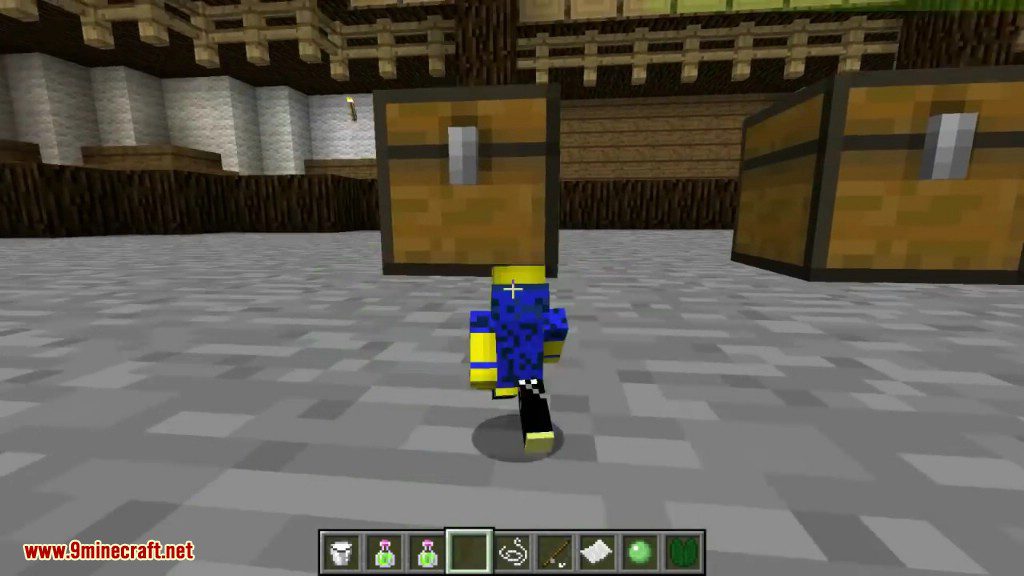
Ensmallened Players:
- Have shorter reach for using/hitting blocks
- Take longer to travel the same distance as a regular-size player, and also need to jump more
- Don’t jump as high (but can hold Shift or sprint to jump up a block)
- Have to hit blocks longer to break them – even flowers and torches
- Do less damage when attacking
- Get hurt more when attacked
- Can get stepped on by larger players or mobs
- Don’t activate Stone Pressure Plates (but do activate Wood or Gold ones)
- Have trouble fighting moving water currents (but they can claw along the side/bottom of a stream)
- Take longer to eat or drink
- Are more vulnerable to Poison effects
- Get hurt by Roses but not Cactus
- Will slowly drown in rain if extra-tiny (1/8-scale)
- May need to hold something pointy (e.g. Stick, Sword, Hoe) to open Doors, Trapdoors, Gates and Chests, and to activate Buttons and Levers
- …
But, Ensmallened players also:
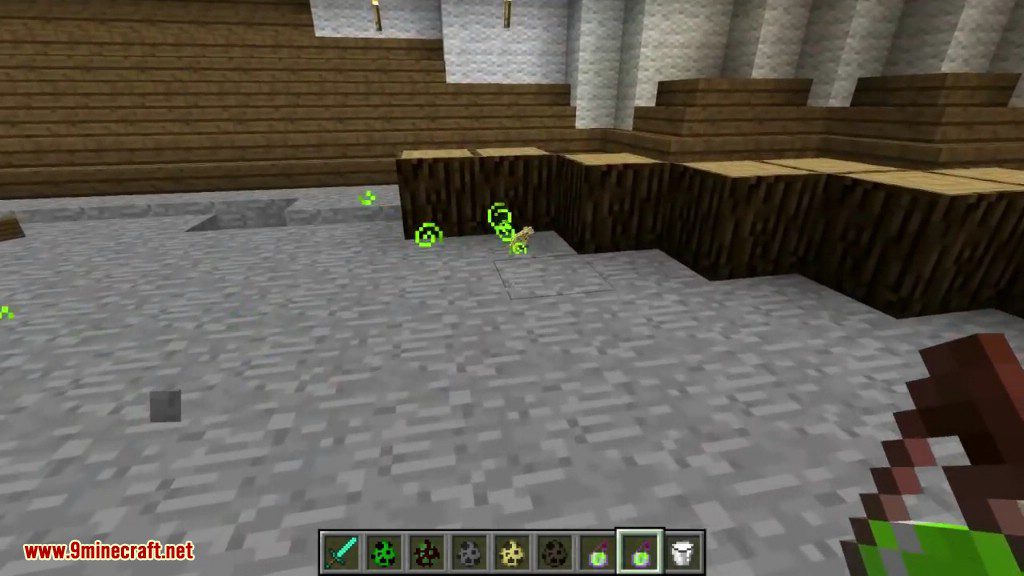
- Can do cool new stuff with some Items – hold Paper to glide through the air, Lily Pad to raft across water, Slime Ball to climb walls, right-click mobs with String to ride them, and use the Fishing Rod as a grappling hook
- Can climb some kinds of blocks, like Leaves, Grass, Gravel, Cloth, Cactus, Cake, and more
- Can climb free-hanging Vines – hold down Shift and keep jumping
- Can walk under upside-down half-slabs and through other small spaces
- Don’t activate Tripwire – but they can climb and walk on it
- Get ignored by normal-size mobs (unless you attack them) except for NPCs, Golems, Ocelots, Spiders, and Silverfish
- Wear out tools less quickly
- Get more benefit from eating food
- Get more XP from killing larger creatures
- Suffer less damage from falls
- Get more benefit from Regen effects
- Can double-up on Beds in multiplayer
- …
Meanwhile, Embiggened players:
- Have longer reach
- Can travel great distances with less exhaustion, and step up 2-block high inclines without jumping
- Jump higher than usual (and can hold Shift to jump even higher)
- Break blocks with fewer hits
- Can punch and break multiple blocks at once (in Survival)
- Do more damage when attacking
- Can walk, jump or fall on smaller mobs or players to “squish” them (or else sneak to not hurt them)
- Get hurt less when attacked
- Take less time to eat or drink
- Are less vulnerable to Poison effects
- Can “press” Wood or Stone Pressure Plates like they’re Buttons
- Can pick up and place, toss, or throw smaller entities (right-click to pick up or set down, ‘Q’ to toss, left-click to throw)
- Don’t get hurt by Cactus
- Can walk through Leaves
- Can pick up dropped items by right-clicking them empty-handed or while holding a Bucket
- …
But, they also:
- Need wider gaps to walk through (forests and caves are a pain)
- Can’t punch entities or break/use blocks through narrow (1-block-wide) gaps
- Wear out tools more quickly
- Get less benefit from food
- Get less XP from killing smaller creatures
- Suffer more fall damage, and may break blocks when they land (in Survival)
- Can’t sleep in Beds
- Can’t ride Boats or Minecarts (or smaller Saddled Pigs)
- Get less benefit from Regen effects
- Don’t auto-pickup nearby dropped Items – need to right-click on them
Gulliver Mod 1.6.4 Download Links
For Minecraft 1.6.4
Forge version (Universal): Download from Server 1
Client/Singleplayer: Download from Server 1
Server: Download from Server 1
- Download size: 1.1 MB
- Download link checked 22 Jul 2026 — working
- Mirrored on our own servers — the download does not depend on the original host
These come from our own check of the pack file, not from the source page.