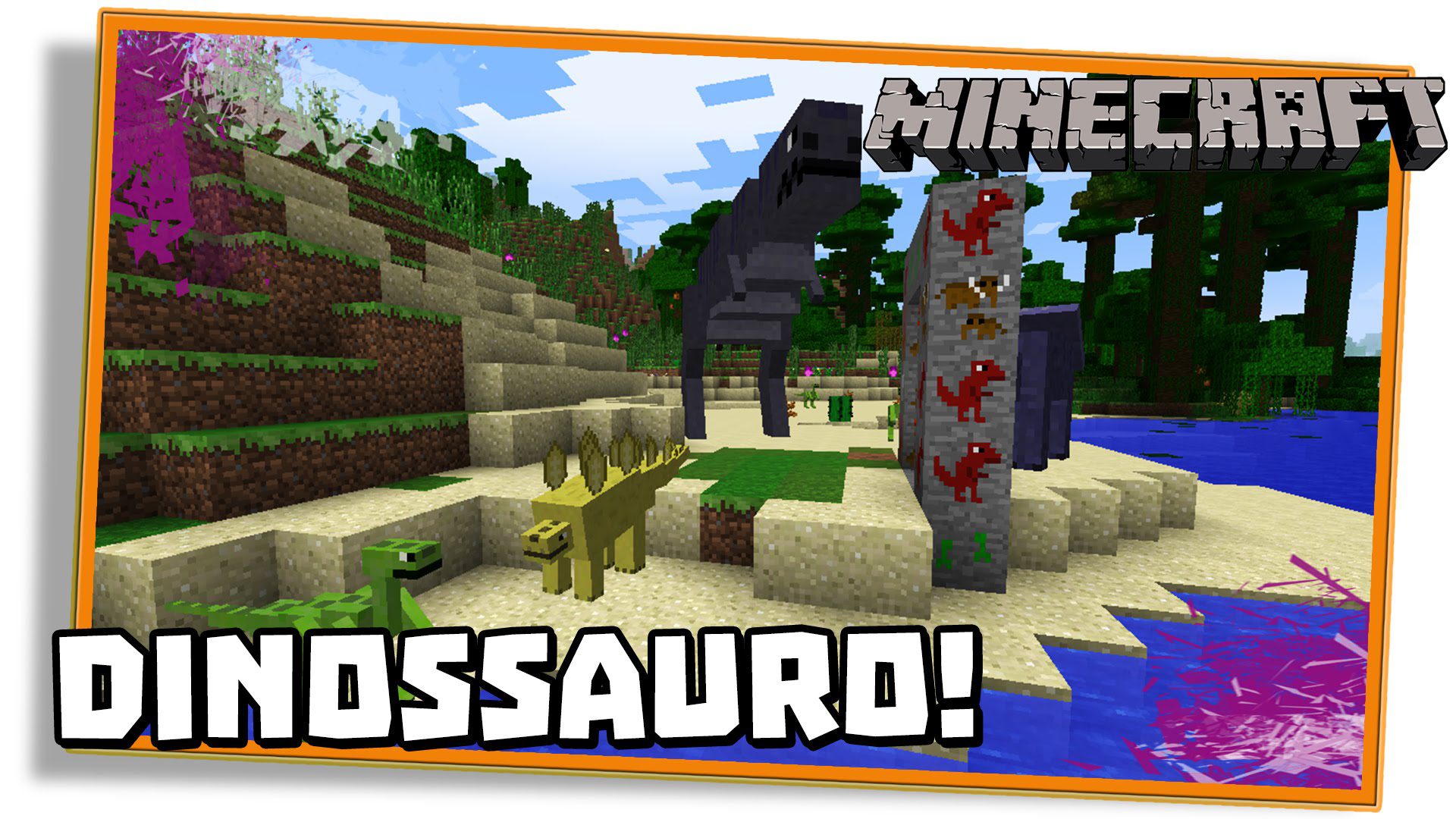
Dinosaur Dimension Mod 1.7.10 (Enter the Jurassic Dimension)
Minecraft Java mod. File opened and checked on 18 Oct 2026; downloads from the MC Java Mods app on Android.
⬇ DownloadDinosaur Dimension Mod 1.7.10 adds 8 dinosaurs to your Minecraft world. Dinosaur Dimension Mod allows you to travel to the prehistoric overworld.
The Dinosaur Dimension is not a safe place to be at night, though no vanilla monsters will spawn there. Mostly you need to watch out for the velociraptors and pteranodons. The dimetrodons are not more than a nuisance. Along with prehistoric animals, this mod adds a few decorative plants — this adds to the exotic, tropical feel of the Dinosaur Dimension. Last but not least, watch out for tar pits in the deserts. Use shovels when getting rid of tar for maximum efficiency.
Features:
List of dinosaurs:
Hostile:
- Dimetrodon (Two sizes of teeth): large lizard-like creature with a sail on its back
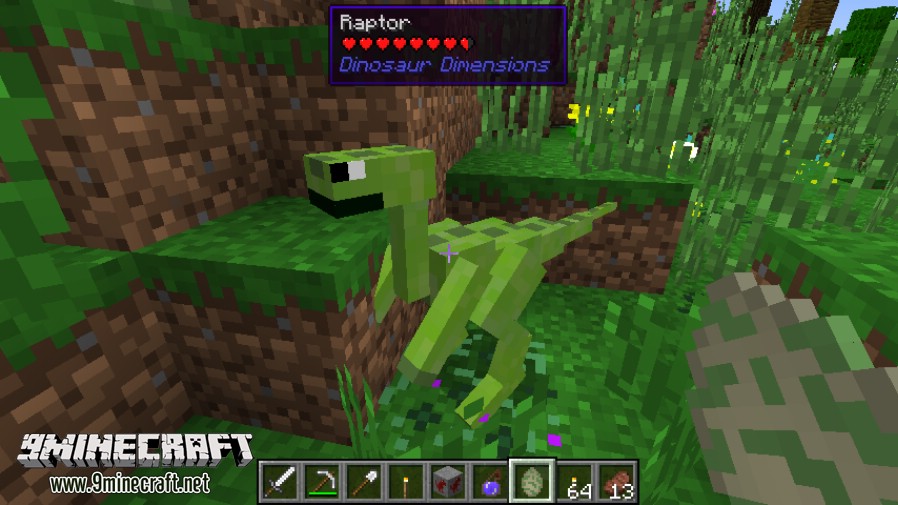
- Velociraptor (Speedy robber): quick, cunning, and fierce during the night, they attack in groups
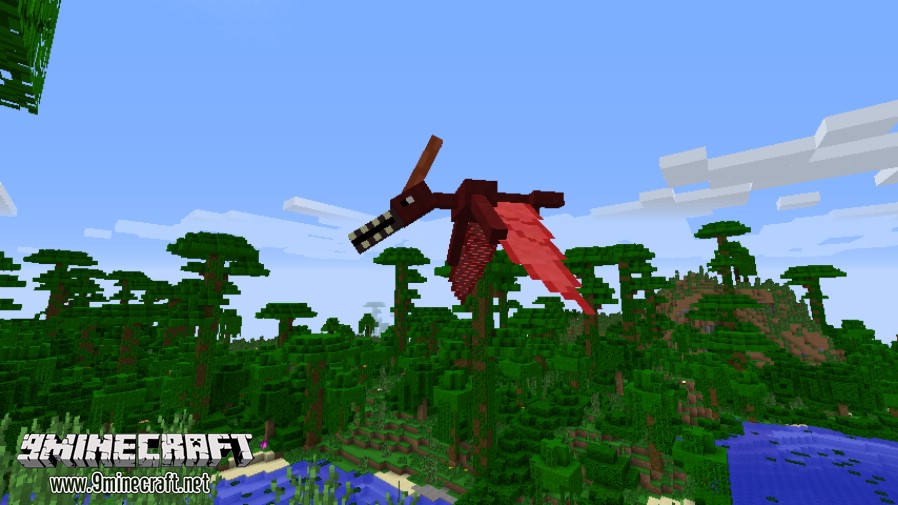
- Pteranodon (Winged without teeth): evil flying little beasts that attack you at first sight
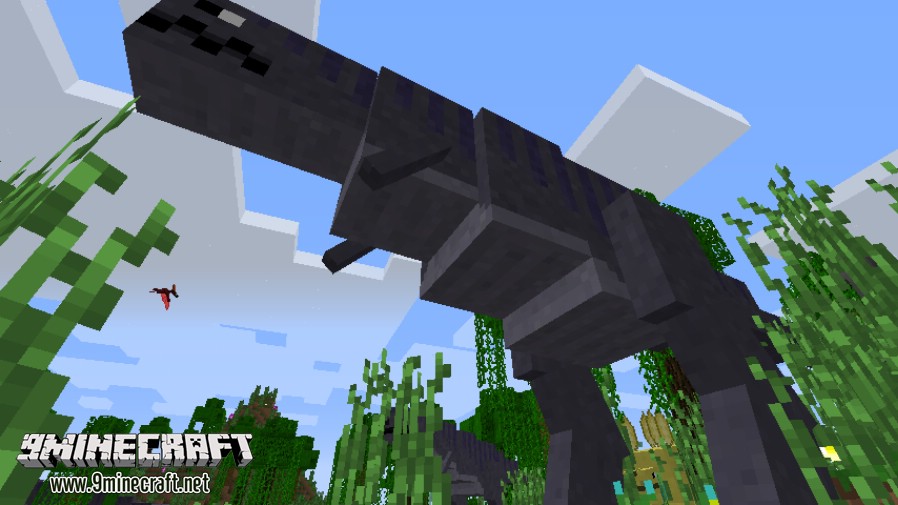
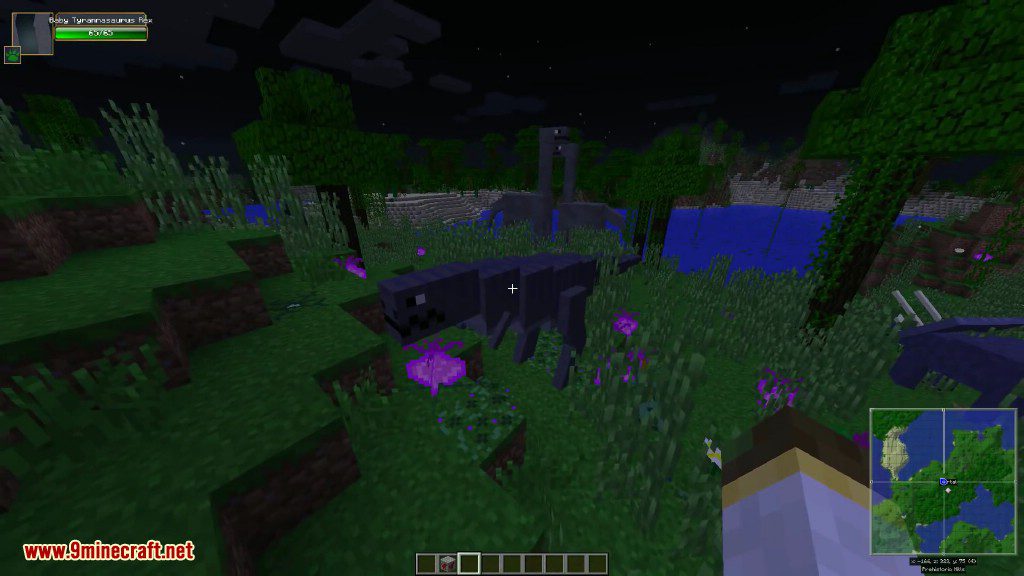
- Tyrannosaurus Rex (Lizard tyrant king): hulking monster that can easily outrun puny humans
Neutral:
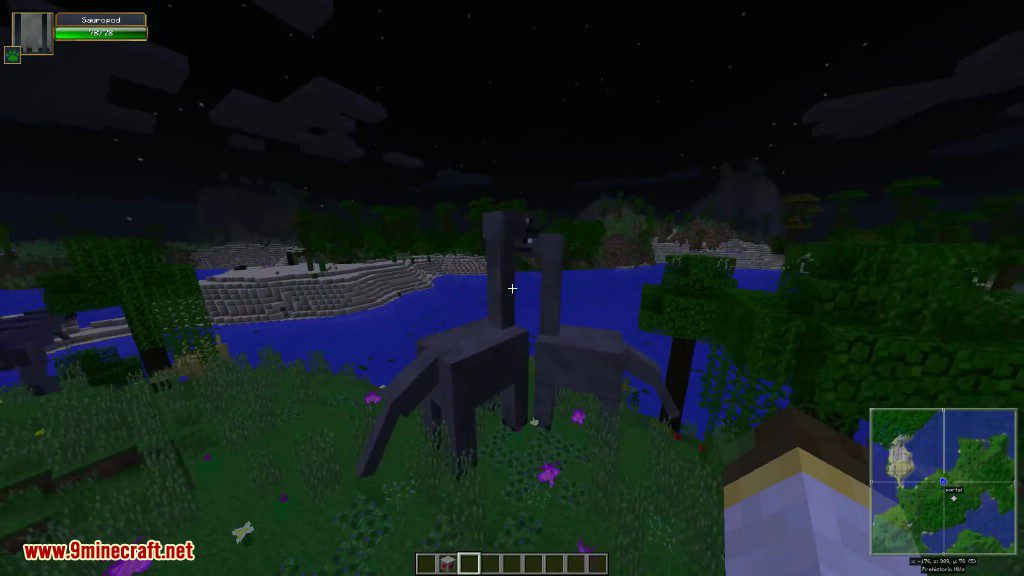
- Sauropod (Foot lizard): peaceful giants of the Jurassic age
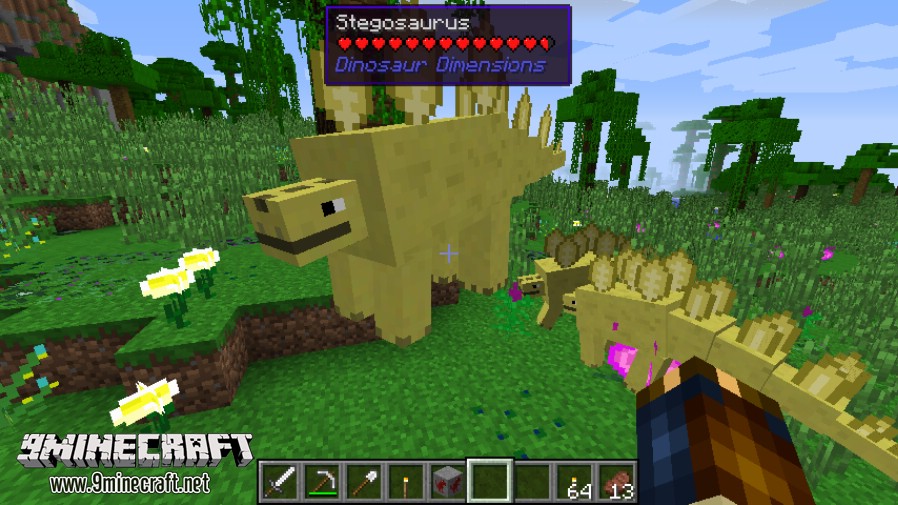
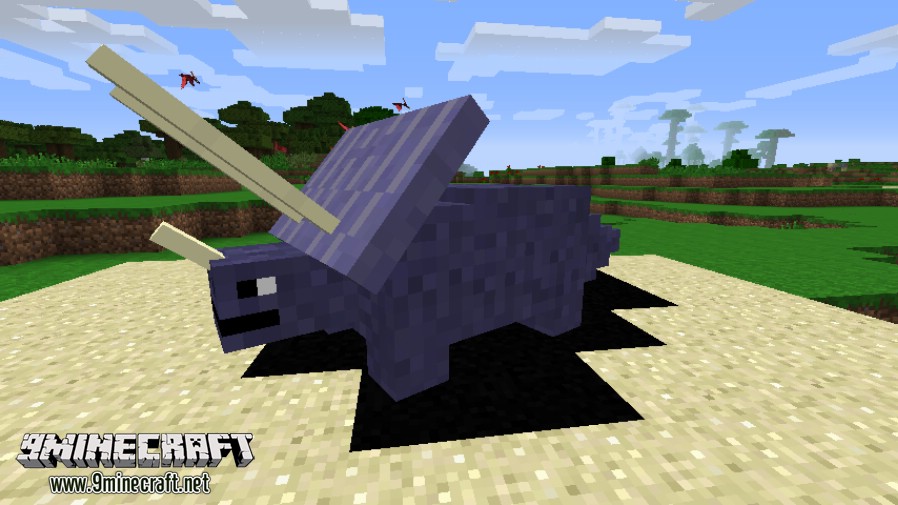
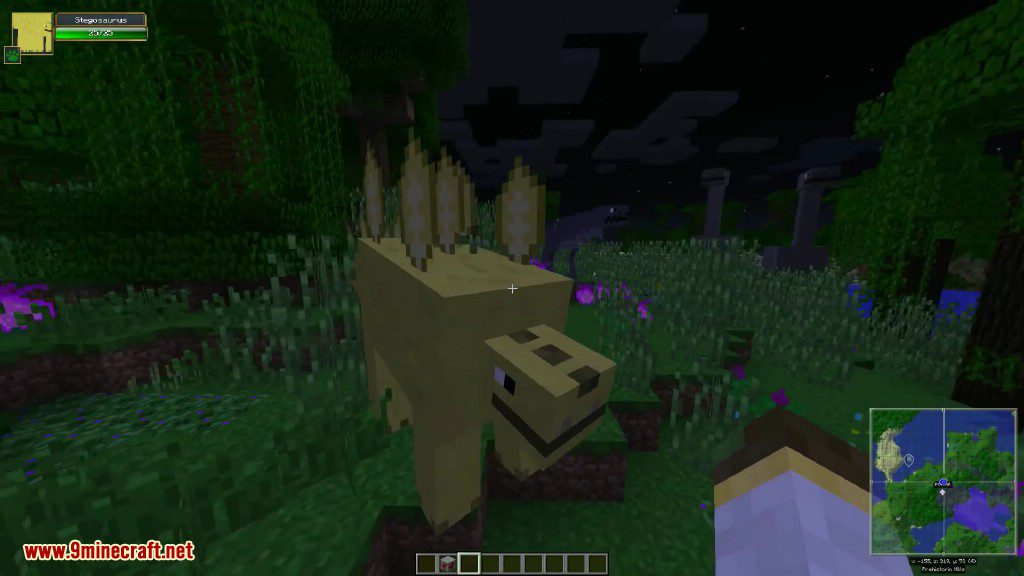
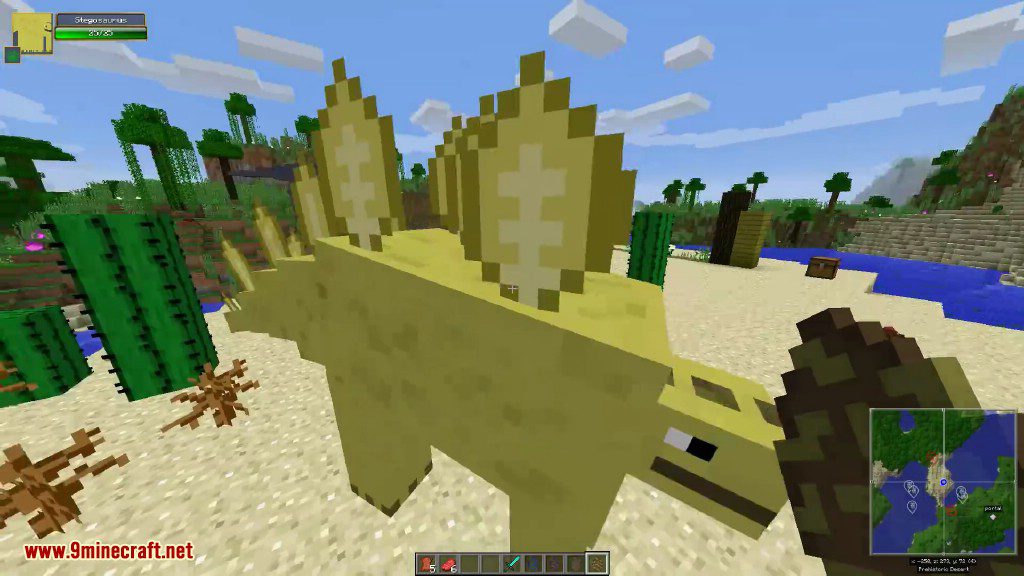
- Stegosaurus (Roofed lizard): armored and ready to defend in a fight
- Triceratops (Three horned face): like the stegosaurs, only attacks if you start a fight
- Trilobite (Three lobes): ancient bug-like crustaceans that fill the rivers
Screenshots:
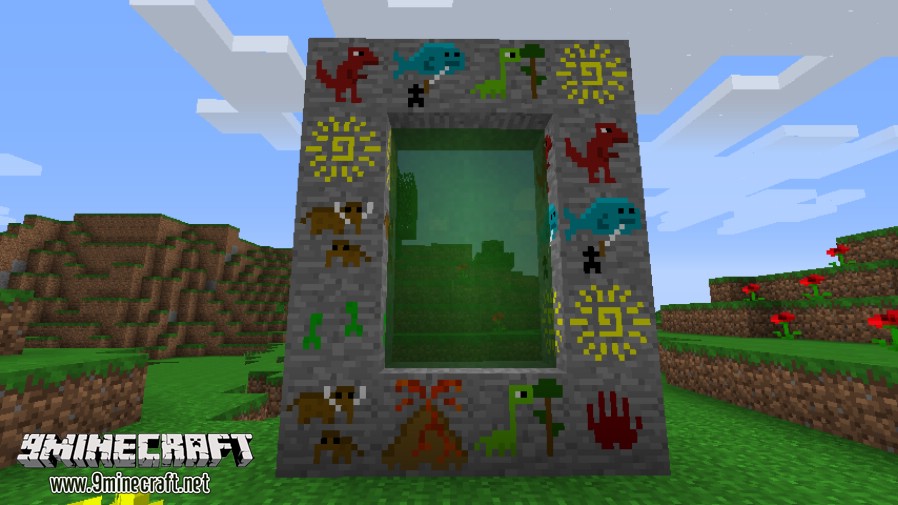
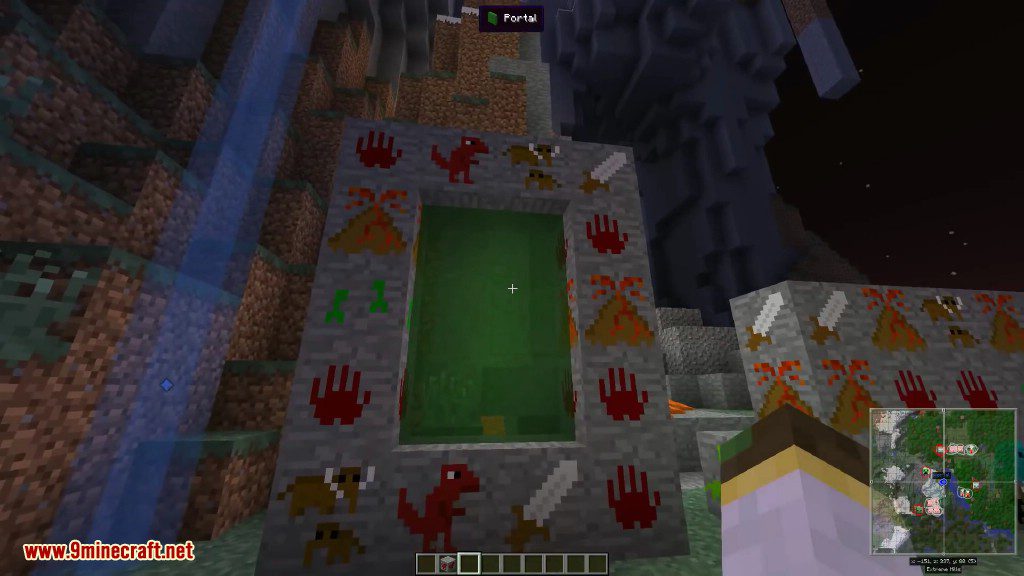
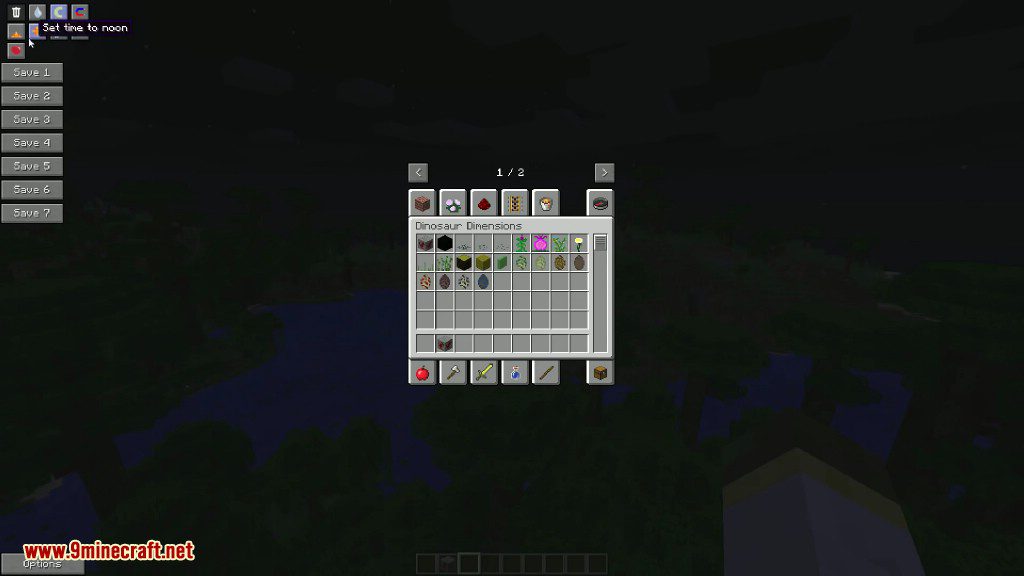
Portal
Stegosaurs
T-Rex
Velociraptor
Tar pit
Pteranodon
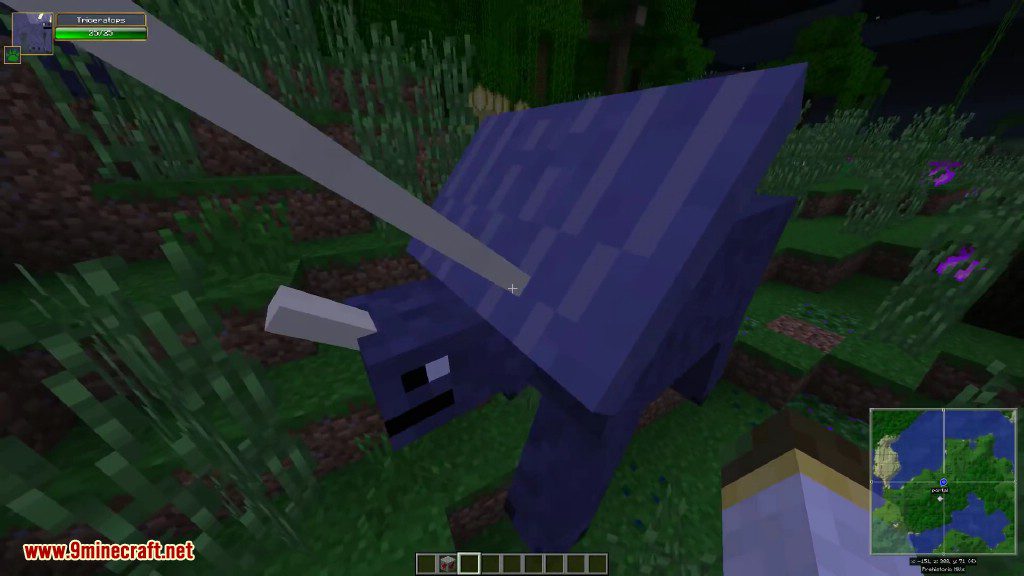
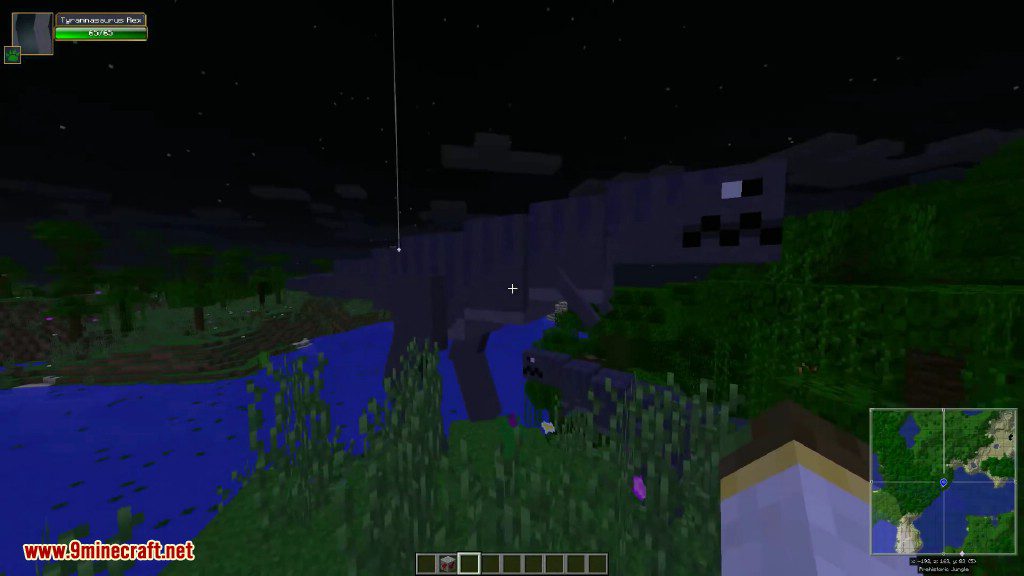
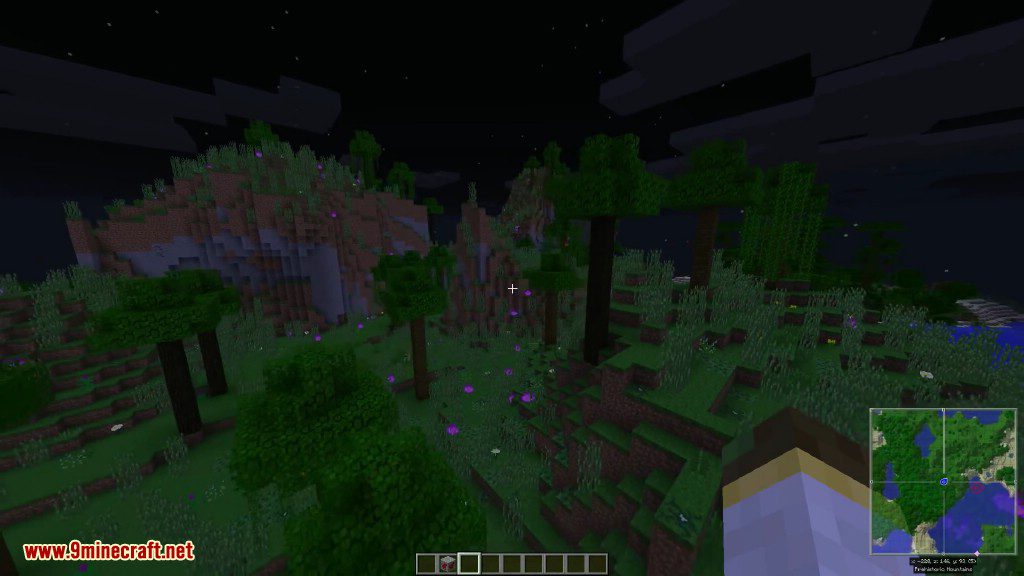
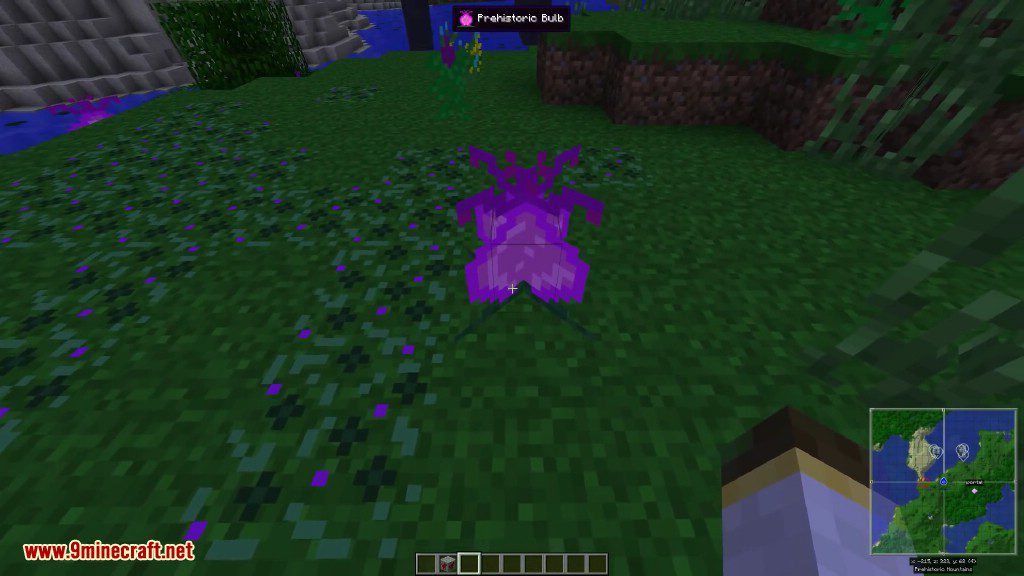
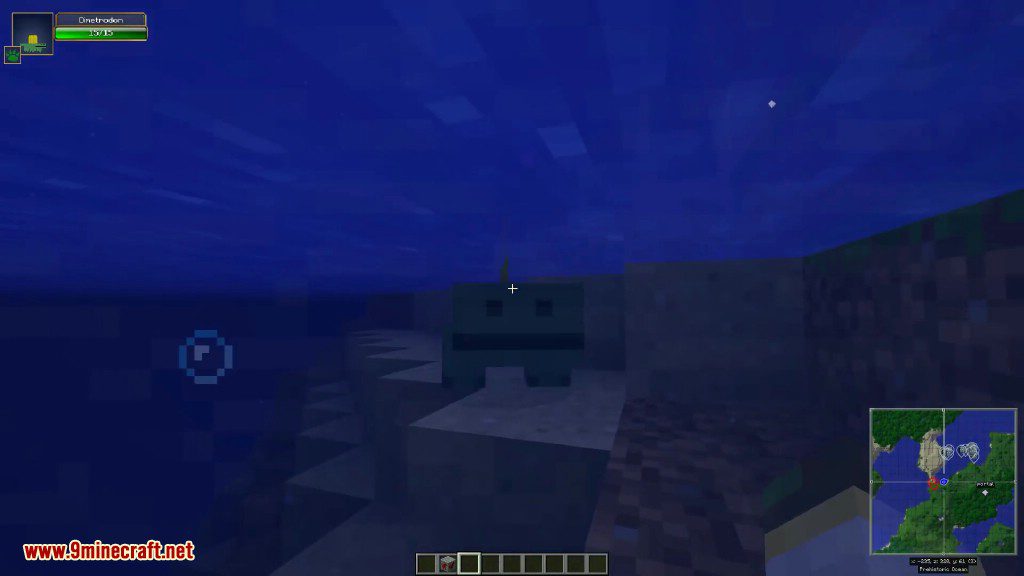
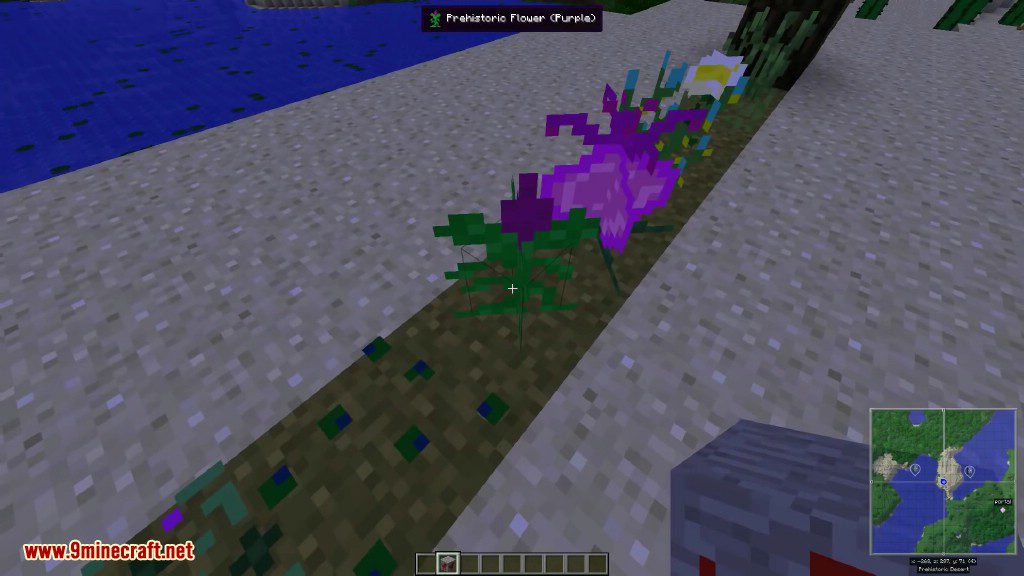
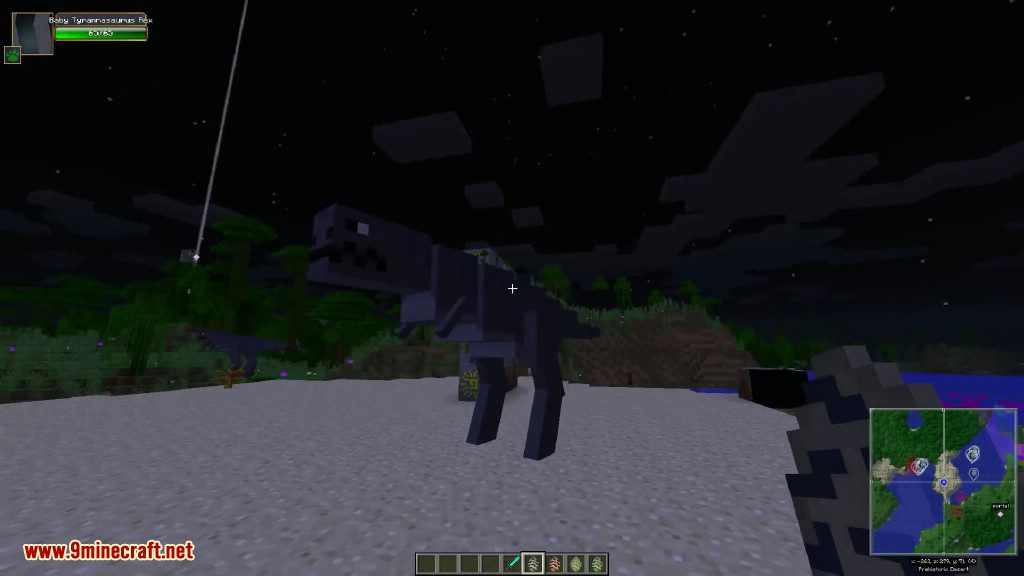
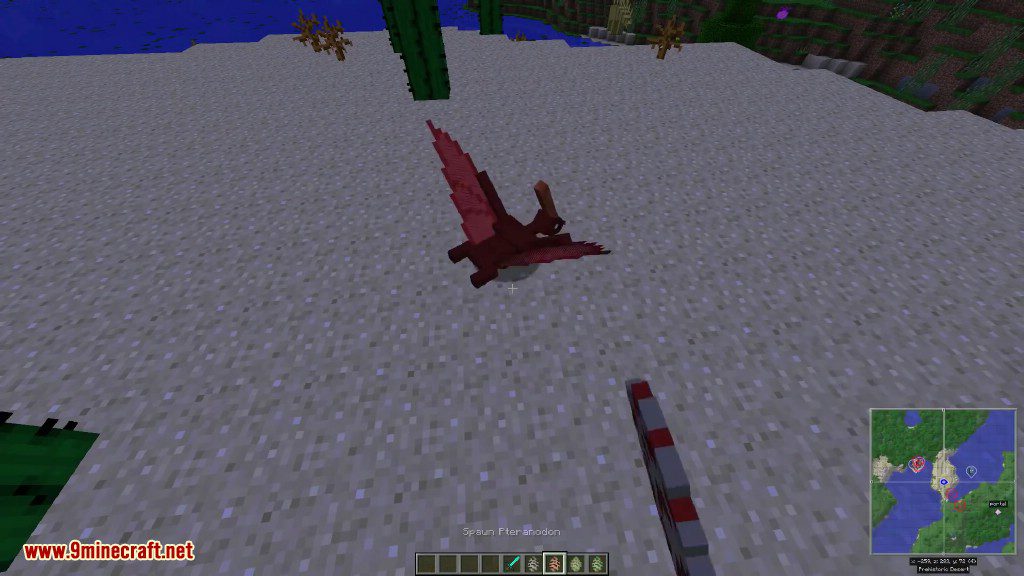
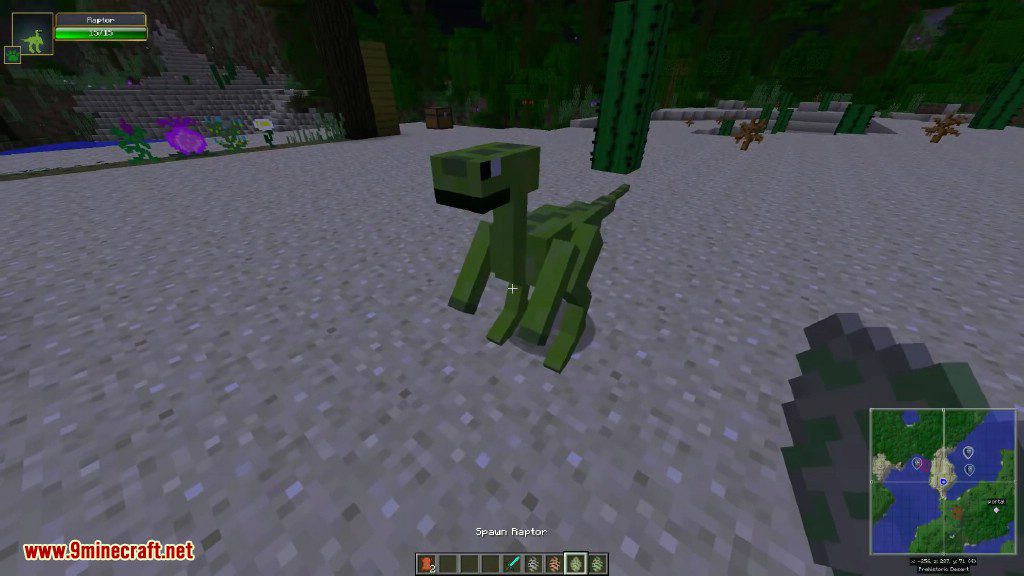
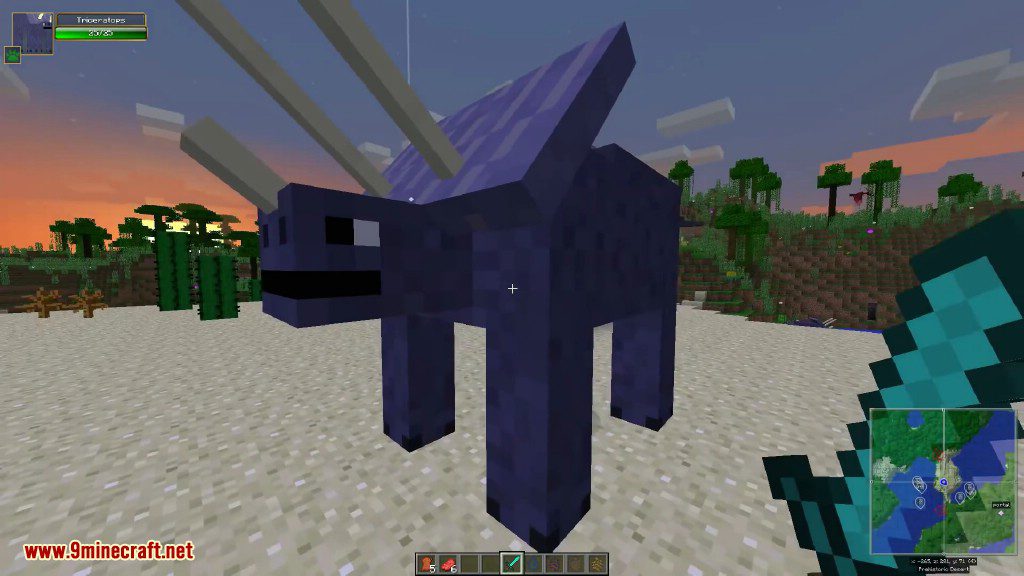
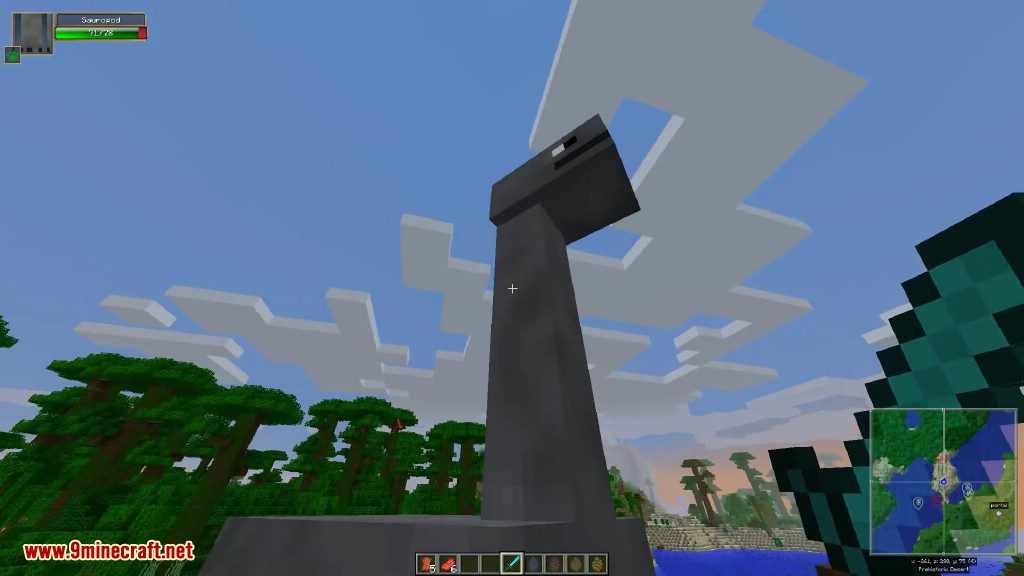
Getting Started:
- To access the dimension, build a typical portal shape (surround a 3×2 space of air) out of Cave Painting blocks.
- Activating is easy: Just right click a Cave Painting when the frame is complete. Green portals should appear, beginning your excursions into the unknown.
- Find some Cave Paintings. Unlike regular ores, these only appear on the walls of actual caves. Any type will work. Despite not originating in the dinosaur age, these paintings have an ancient mystical aura that allows the portal to work.
Dinosaur Dimension Mod 1.7.10 Download Links
For Minecraft 1.7.10
- Edition: Minecraft Java
- File type: .jar
- How to install: Install the matching mod loader (Forge, Fabric or NeoForge) for your Minecraft version. → Download the .jar. → Put it in the .minecraft/mods folder and launch that loader profile.
- Where to get it: In MC Java Mods, or directly above on this page.
Install steps are the general flow for this file type — How to install Minecraft Java mods & modpacks walks through it step by step.
- Downloads as 210915.mcaddon
- Download size: 338 KB
- Download link checked 27 Jul 2026 — working
- Mirrored on our own servers — the download does not depend on the original host
These come from our own check of the pack file, not from the source page.