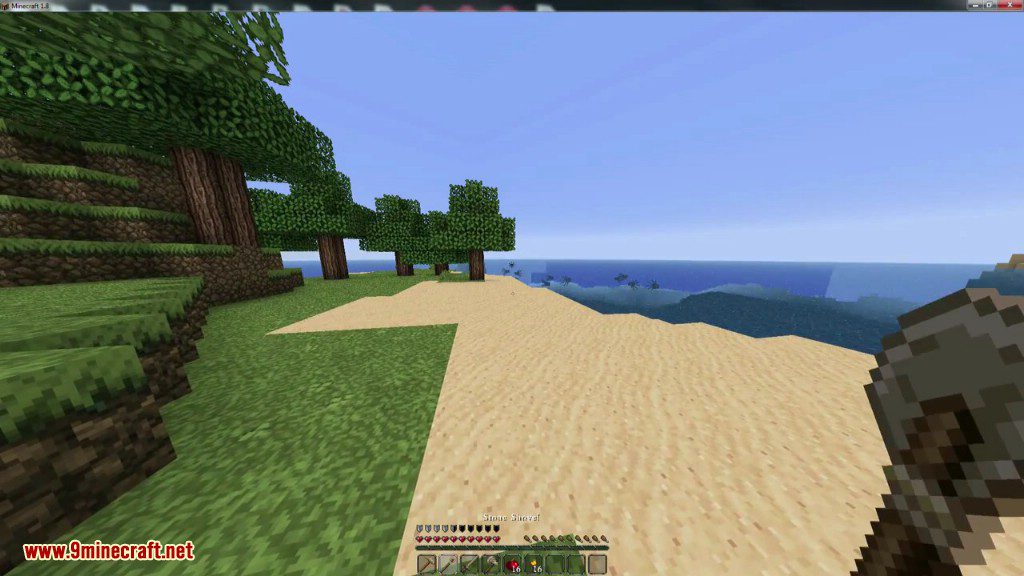
Starting Inventory Mod gives you a custom set of items every time you begin a new world. You can easily choose which items and blocks you want to start with by using simple commands or by editing a text file. This makes it easy to create a starting kit to help you survive or begin building right away.
Features:
- Automatically receive a predefined set of items when you start a new world.
- Set up your starting items the easy way using in-game commands.
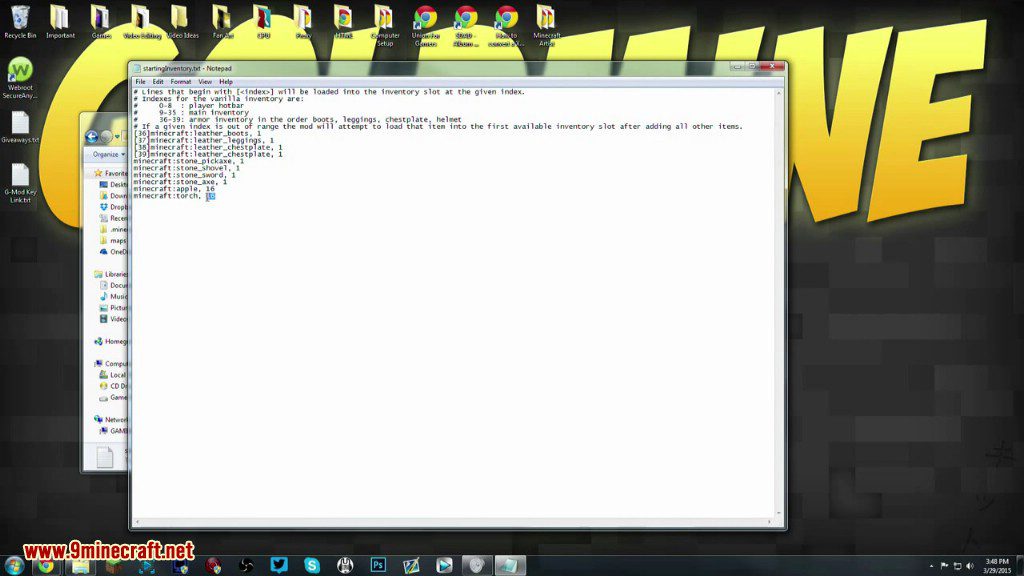
- Offers an advanced method to configure items by editing a text file.
- Supports items and blocks from vanilla Minecraft and other mods.
Commands:
/startinginv save: Saves the items currently in your main inventory as the new starting kit./startinginv load: Clears your inventory and gives you the saved kit. This is useful for testing your setup.
How to Use:
Setting Up Your Inventory with Commands
- Start a world in Creative mode.
- Place the items you want to start with into your main 36 inventory slots. Armor slots will be ignored.
- Once your inventory is ready, type the command
/startinginv save. - A message will confirm that your items have been saved to the configuration file.
Note: Using the /startinginv load command will clear your current inventory before adding the configured items.
Screenshots:
Starting Inventory Mod Download Links
For Minecraft 1.5.2
For Minecraft 1.6.2
For Minecraft 1.6.4
For Minecraft 1.7.10
For Minecraft 1.8.0
Quick facts
- Edition: Minecraft Java
- File type: .jar
- How to install: Install the matching mod loader (Forge, Fabric or NeoForge) for your Minecraft version. → Download the .jar. → Put it in the .minecraft/mods folder and launch that loader profile.
- Where to get it: In MC Java Mods, or directly above on this page.
Install steps are the general flow for this file type — How to install Minecraft Java mods & modpacks walks through it step by step.
Verified by MCModsHub
- Downloads as 210944.mcaddon
- Download size: 7 KB
- Download link checked 27 Jul 2026 — working
- Mirrored on our own servers — the download does not depend on the original host
These come from our own check of the pack file, not from the source page.