
Carbon Config
Java mod listed for Minecraft 1.16–1.21. File opened and checked on 23 Oct 2026; downloads from the MC Java Mods app on Android.
I don't know my version or loader
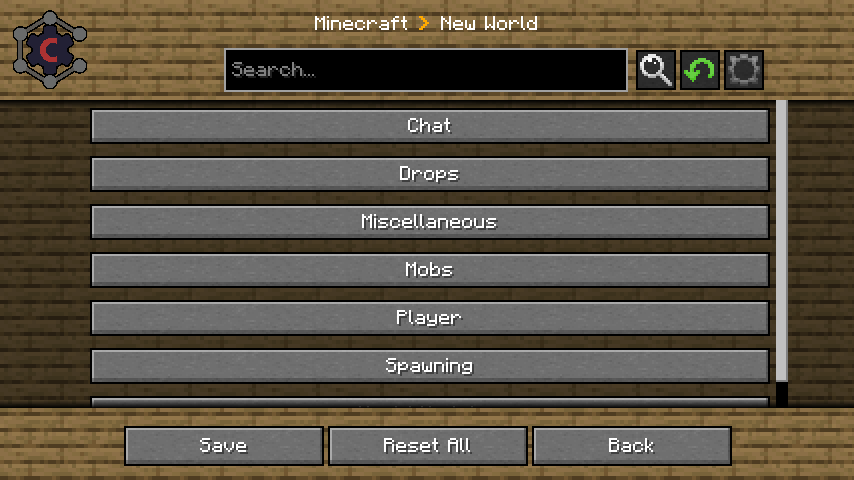
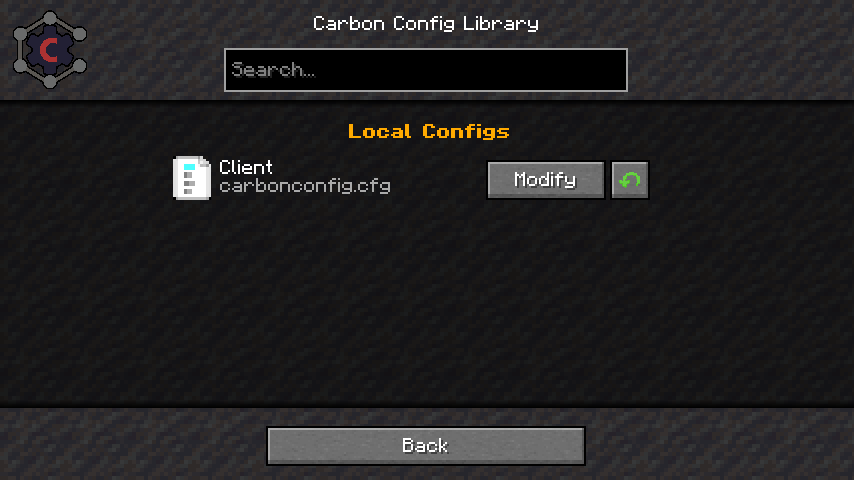
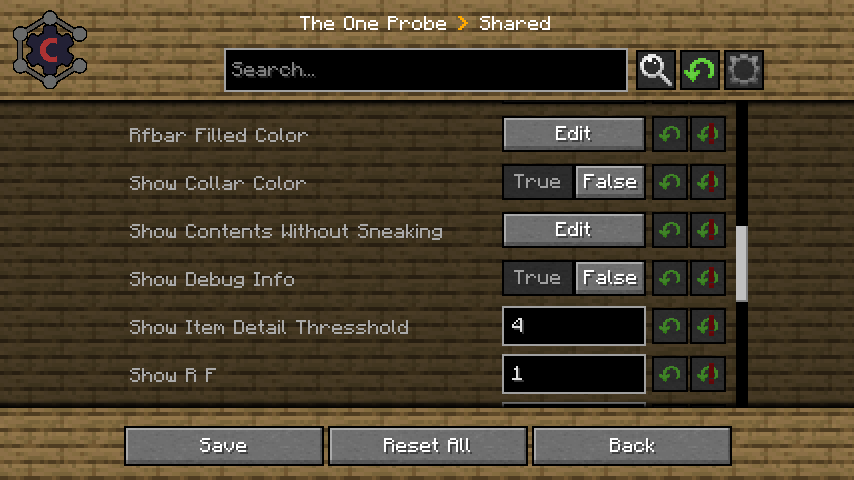
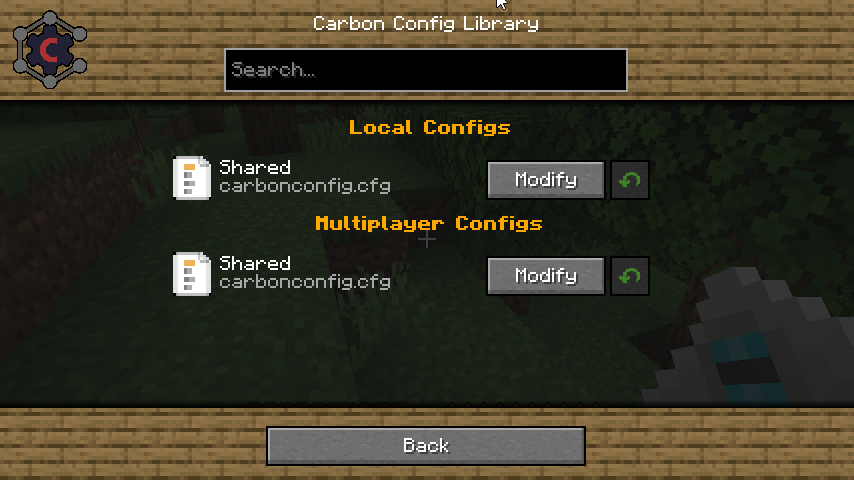
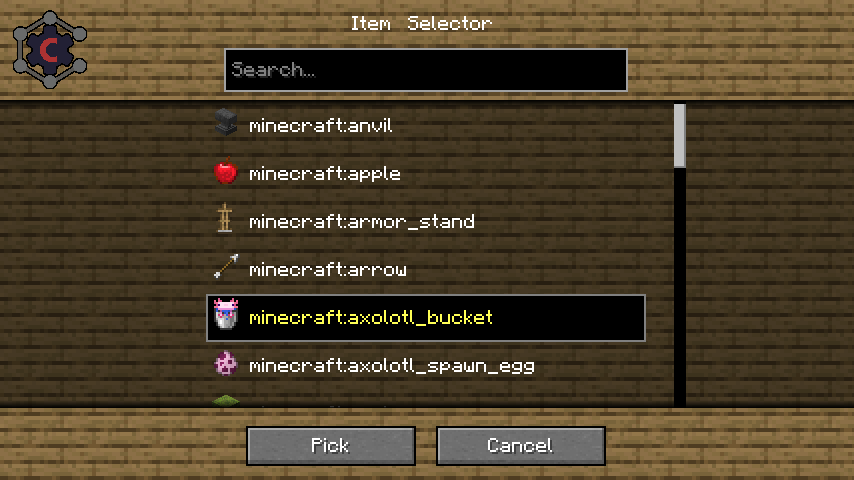
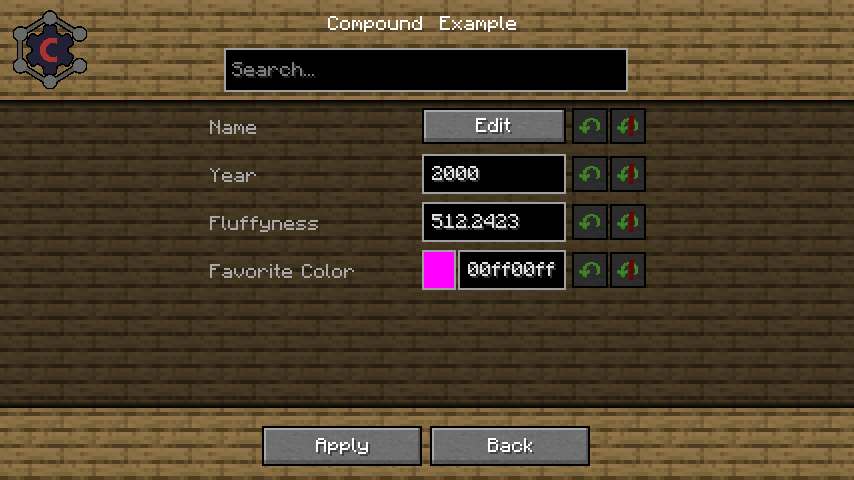
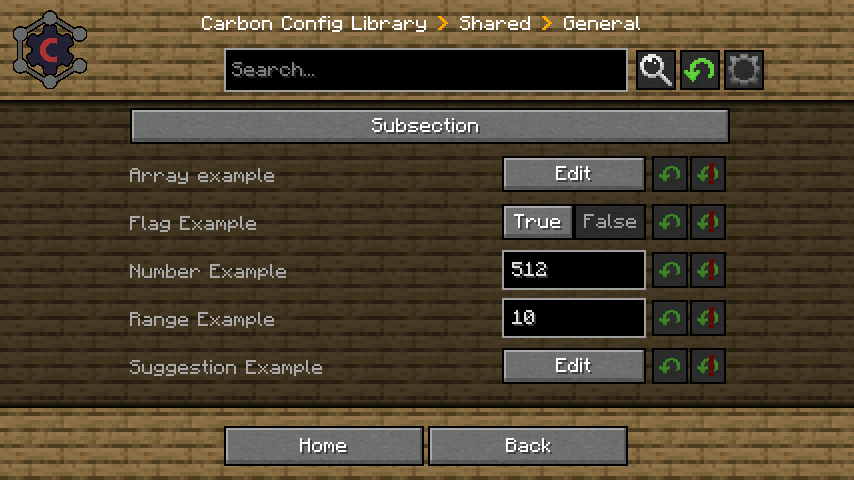
Carbon Config is a Config Library first Developed for IC2Classic and now made a Open Source implementation.
The idea behind Carbon Config is to have more customizable, simpler, more stable, cleaner and feature rich implementation of a config.
Carbon Config is built out of 2 Modules.
- The Config module, which is a standalone Java Library
- The GUI module, which is a Minecraft mod
The GUI supports both CarbonConfigs and Forge Configs right out of the gate.
A detailed Feature list can be found here
To list a few of its features:
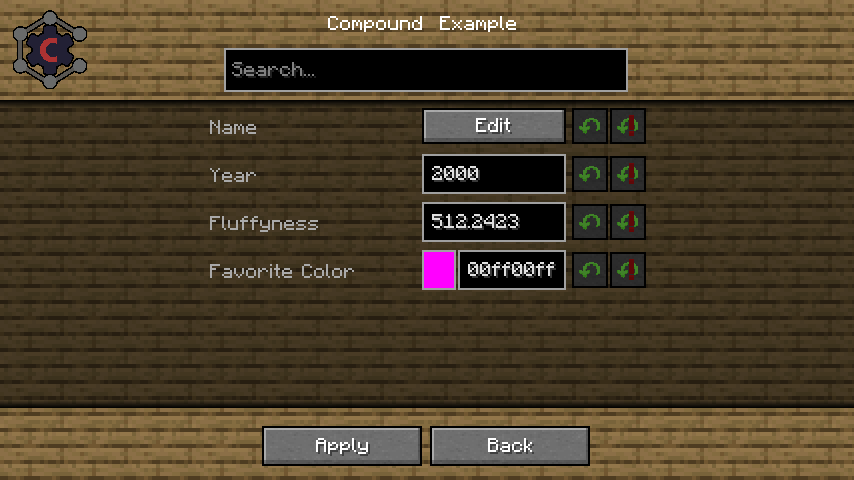
- Compounds:
Data can be visualized via Compounds instead of raw Strings.
- Suggestions:
Suggestions can be provided to the user in form of "default values" to make the user experience much more smooth.
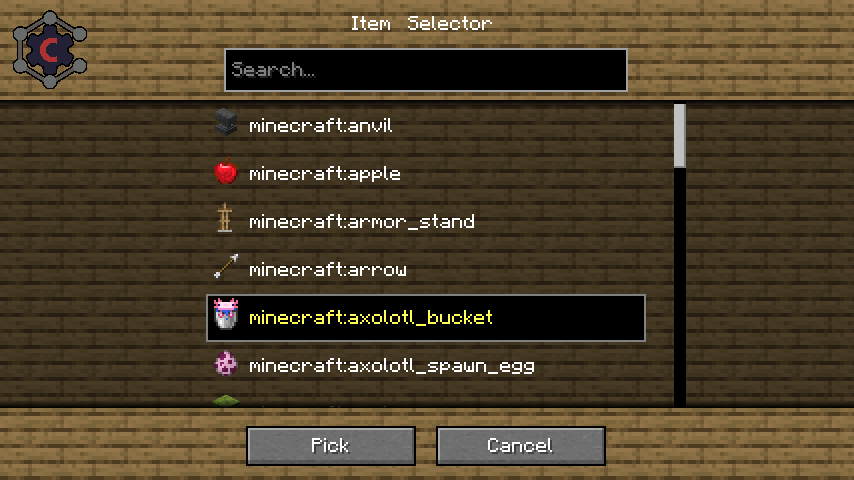
- Multiplayer Support:
You can edit "Any" Server sided config too, not just "server only configs"
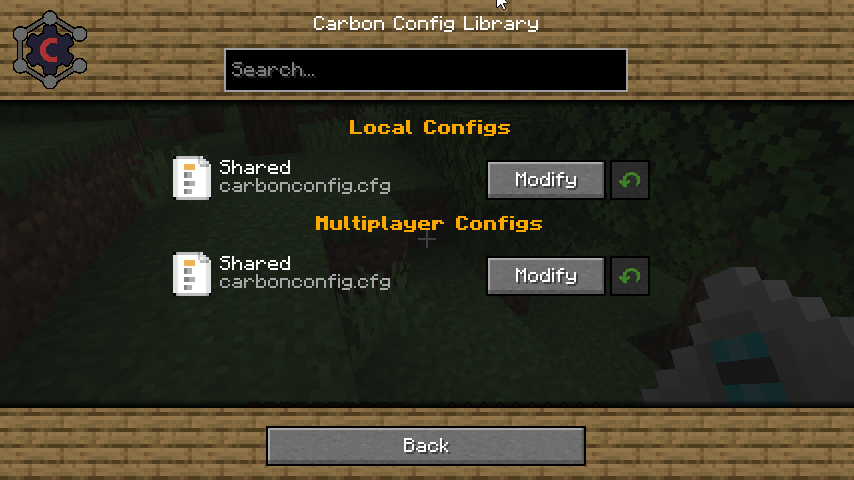
- Client to Server Configs:
Players can have their own settings in a Multiplayer instance and they can be easily distinguished. - Late Loading Configs:
If the config loads early but entries are "registered" late, that isn't a problem since the configs get parsed as they are registered. - Registry Visualization:
If it is Items/Block/Fluids/Potions/Enchantments/Colors get all visualized specially in the GUI. - Background Skin System:
If you don't like the current background? Simply change it to one of the curated choices provided. There should be something for everyone!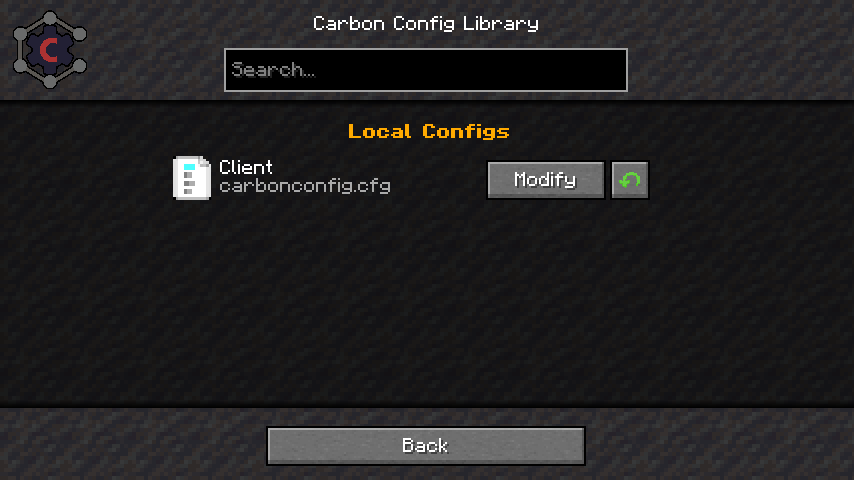
- Minecraft gamerule support:
You can edit game rules of your current world/server or existing Worlds without having to open them. Which finally gives a use to the fabric version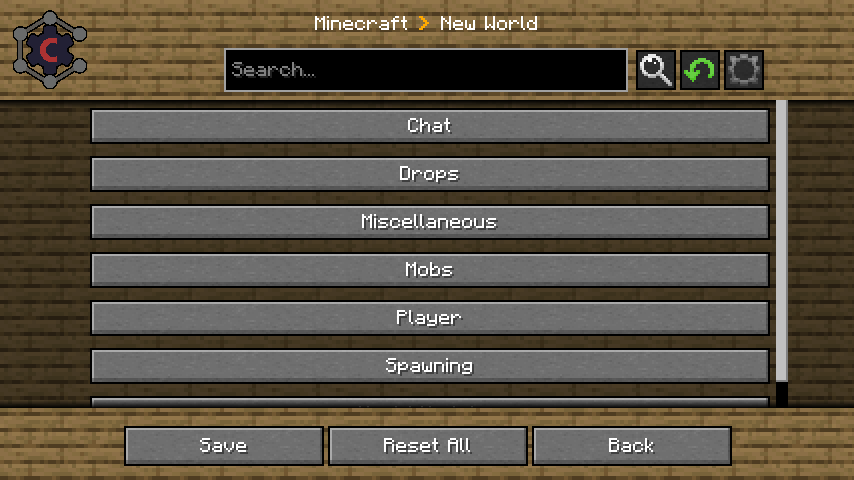
- Edition: Minecraft Java
- File type: .jar
- Minecraft versions listed: 1.20.1, 1.20, 1.21.1
- How to install: Install the matching mod loader (Forge, Fabric or NeoForge) for your Minecraft version. → Download the .jar. → Put it in the .minecraft/mods folder and launch that loader profile.
- Where to get it: Opens on CurseForge — not every file is mirrored on our own servers.
Install steps are the general flow for this file type — How to install Minecraft Java mods & modpacks walks through it step by step.
- Ships as CarbonConfig-Neoforge-1.20.4-1.2.3.jar — drop this file into the mods folder
- Download size: 1006 KB
- Download link checked 7 Oct 2026 — working
These come from our own check of the pack file, not from the source page.
Related Java mods

UNU Parts Pack Mod (1.20.1) – Library for MTS Content Packs

Papercraft

Aerosol

KartunFault Resource Pack (1.8.9) – Texture Pack

Vanilla Gold Resource Pack (1.21.1, 1.20.1) – Texture Pack