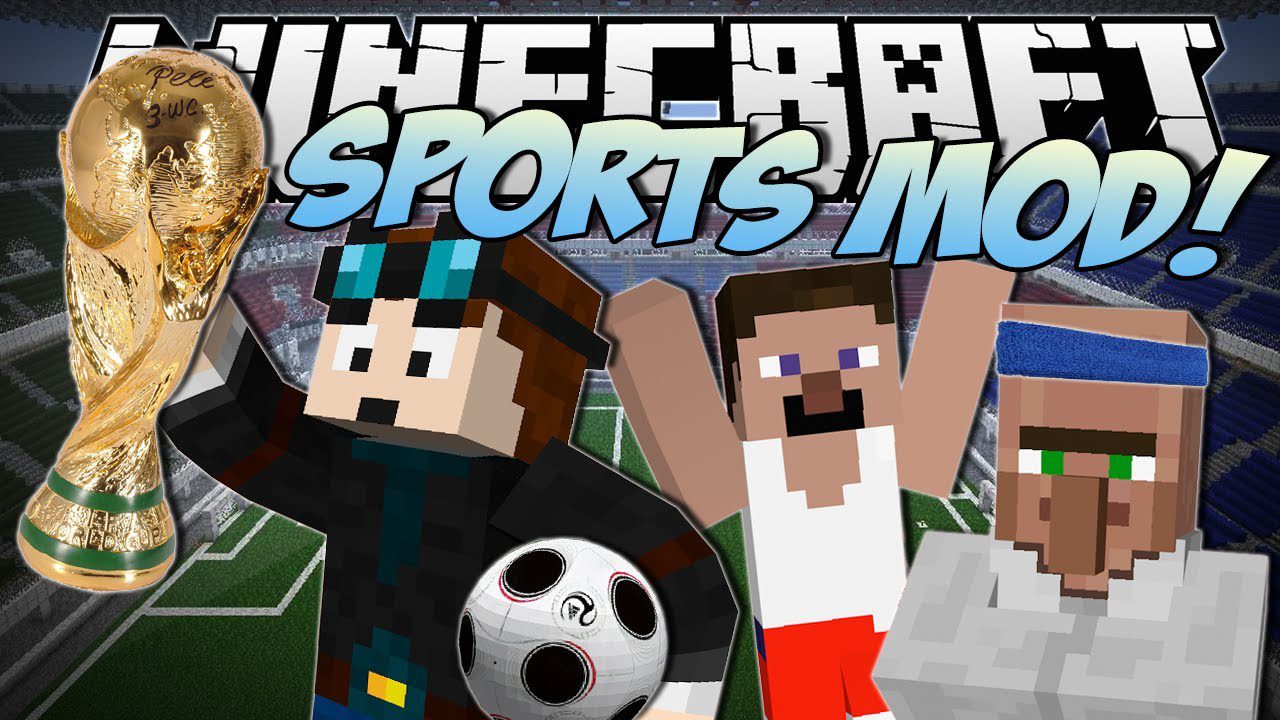
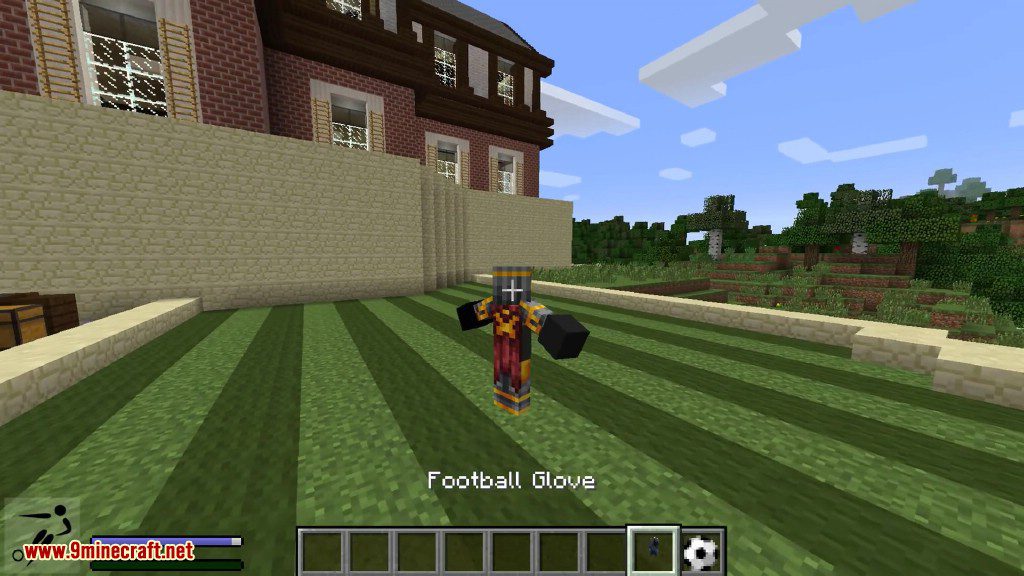
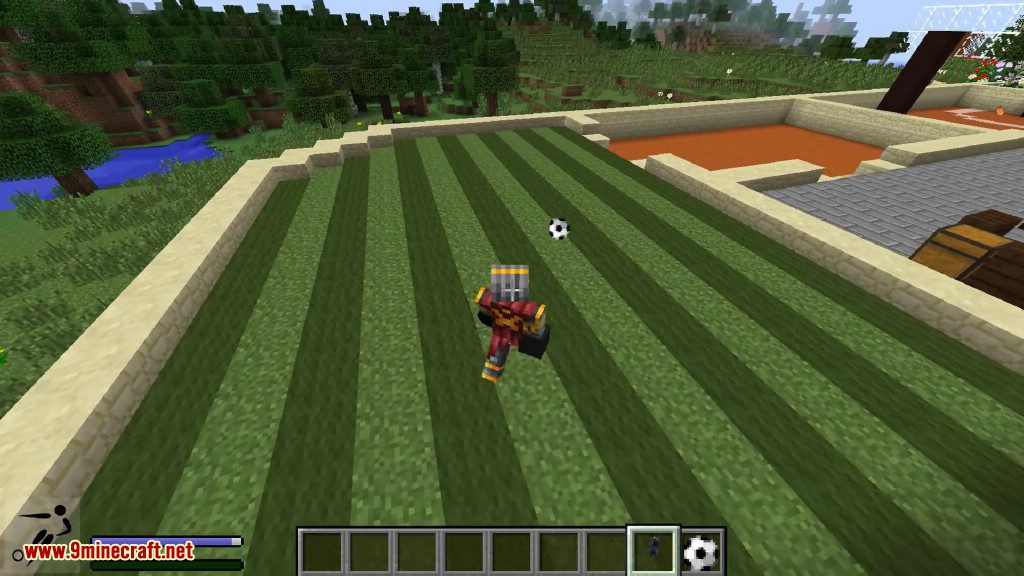
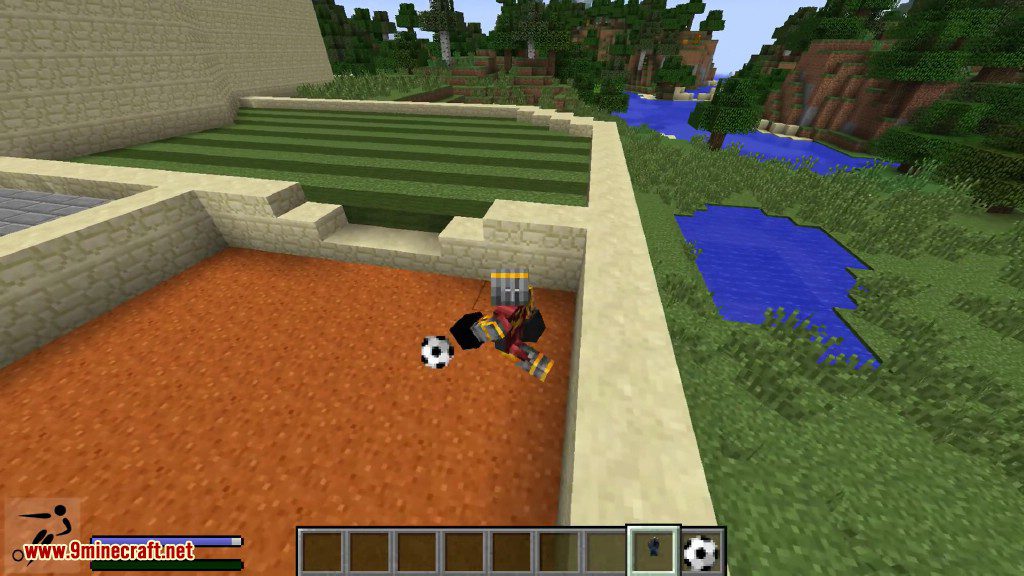
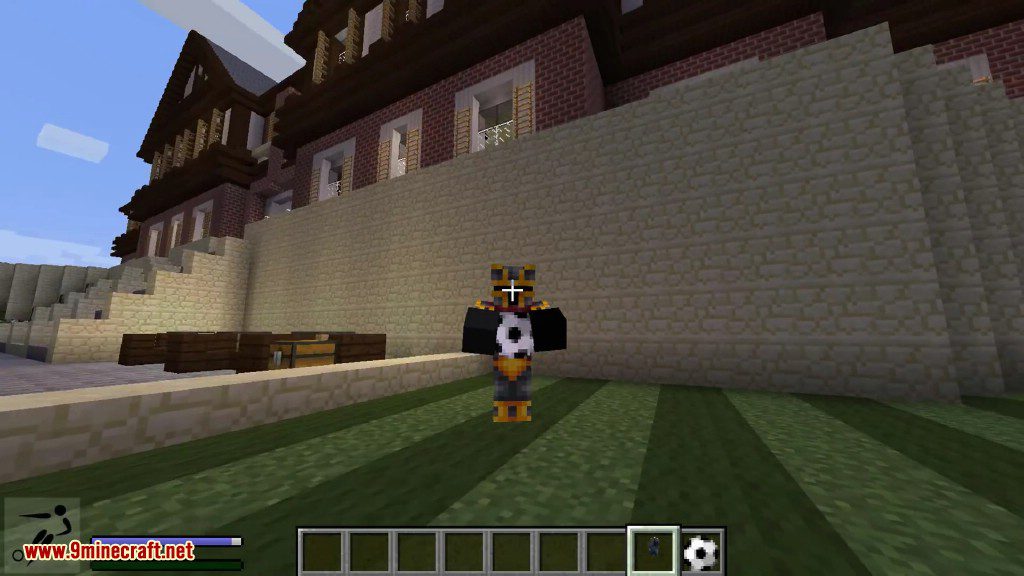
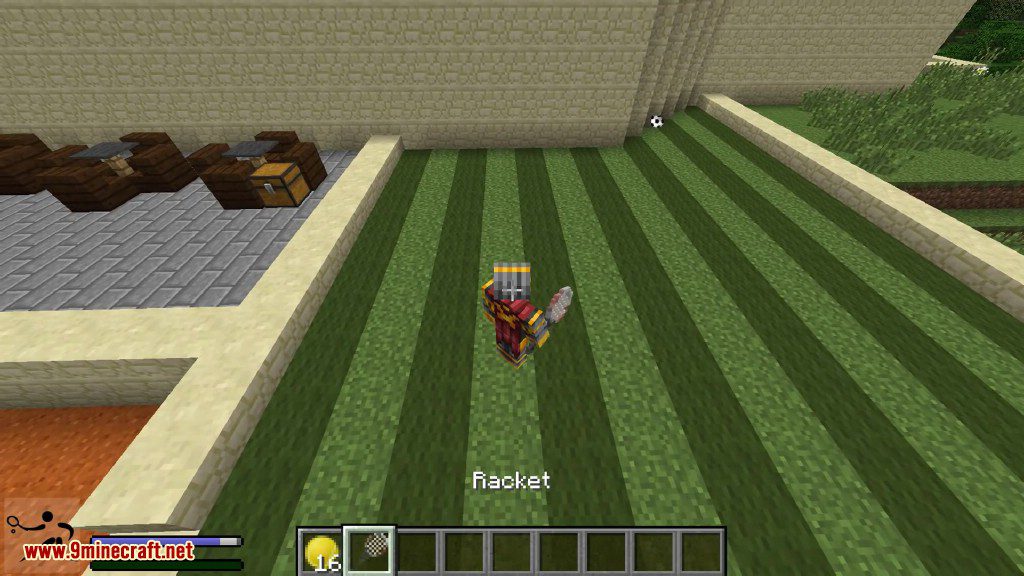
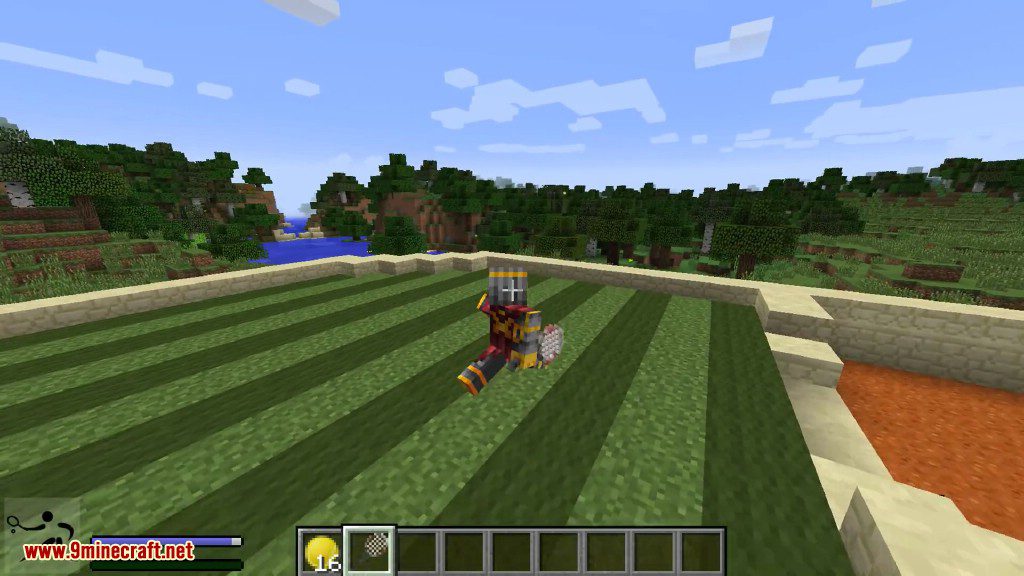
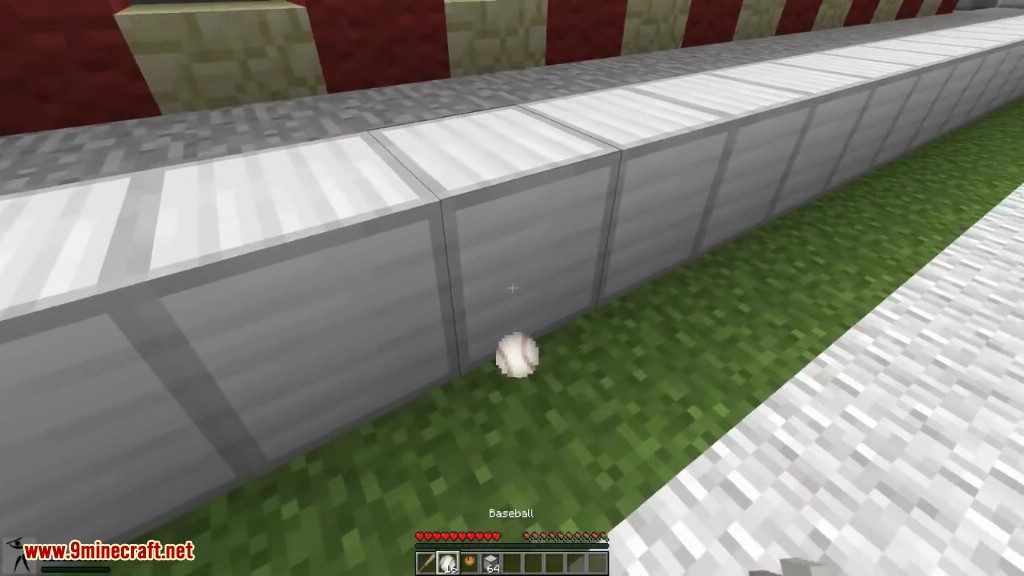
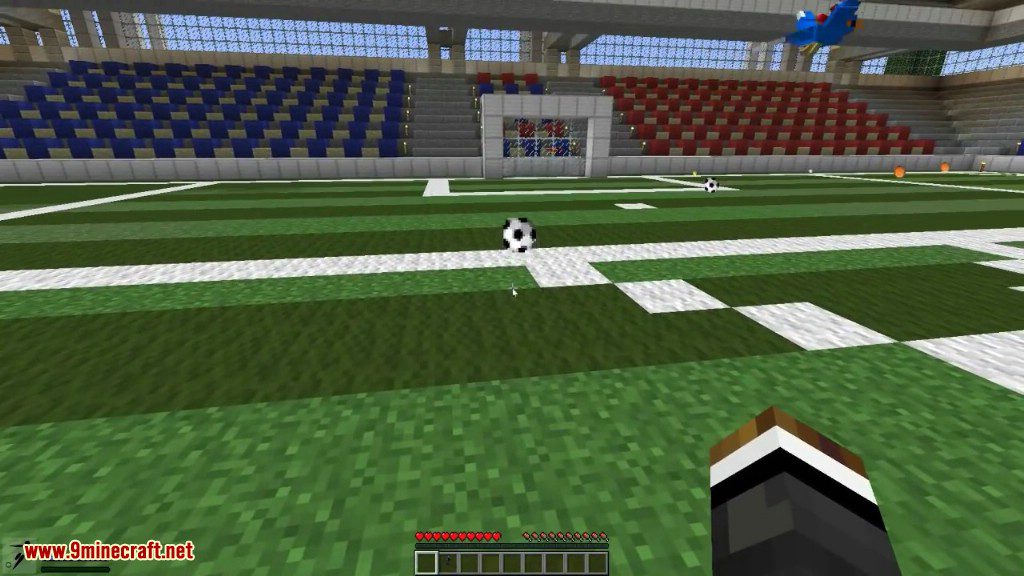
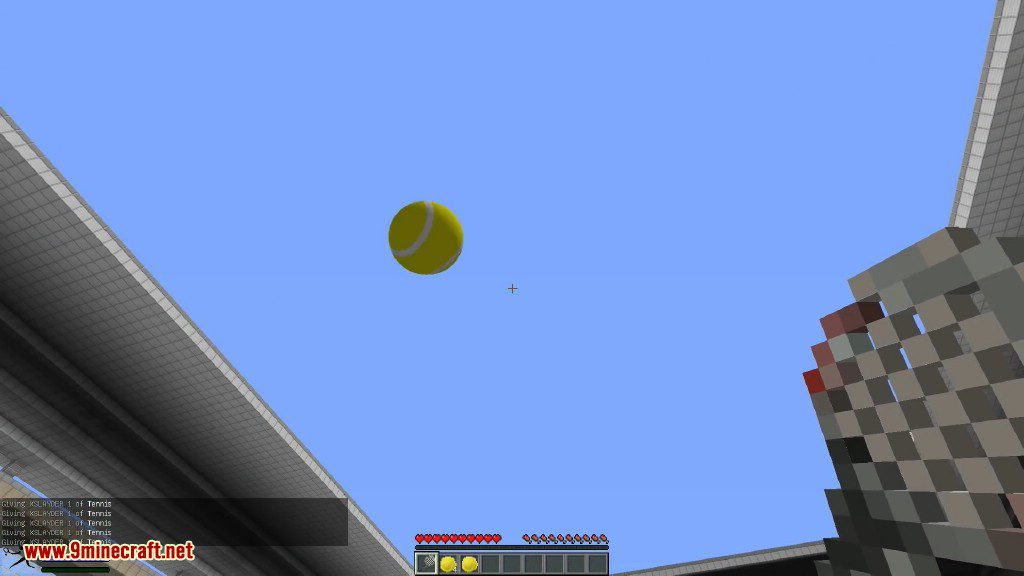
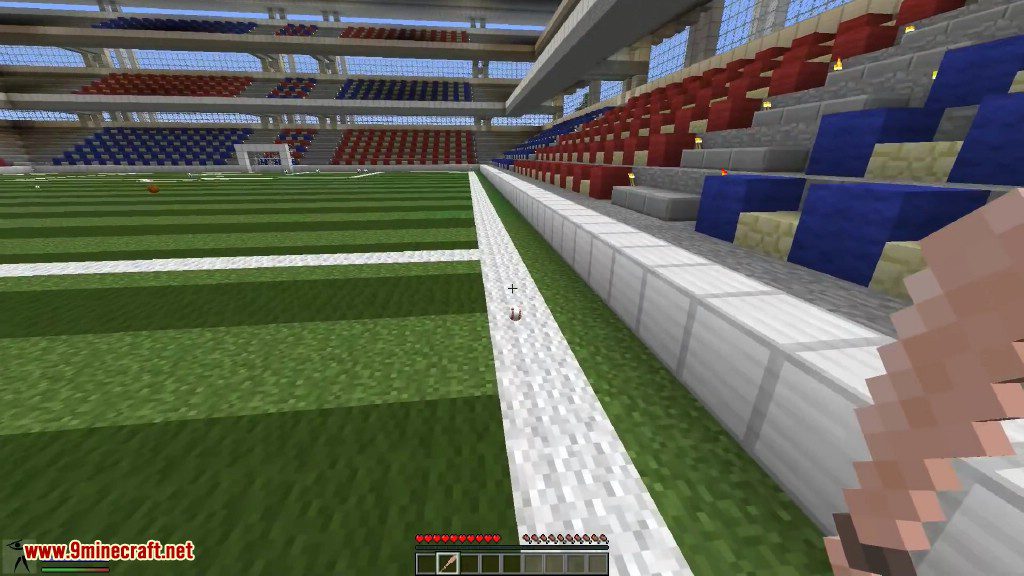
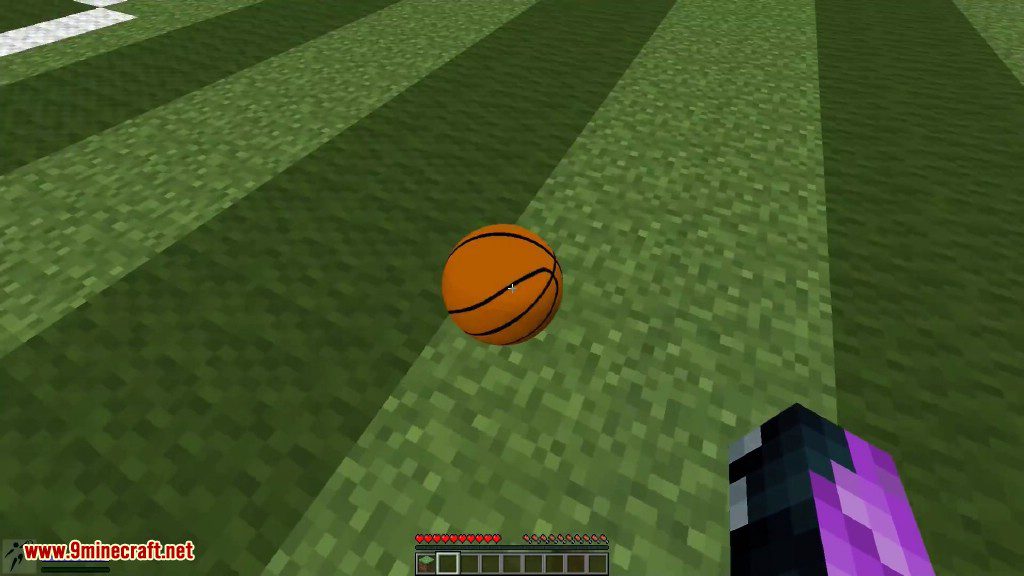
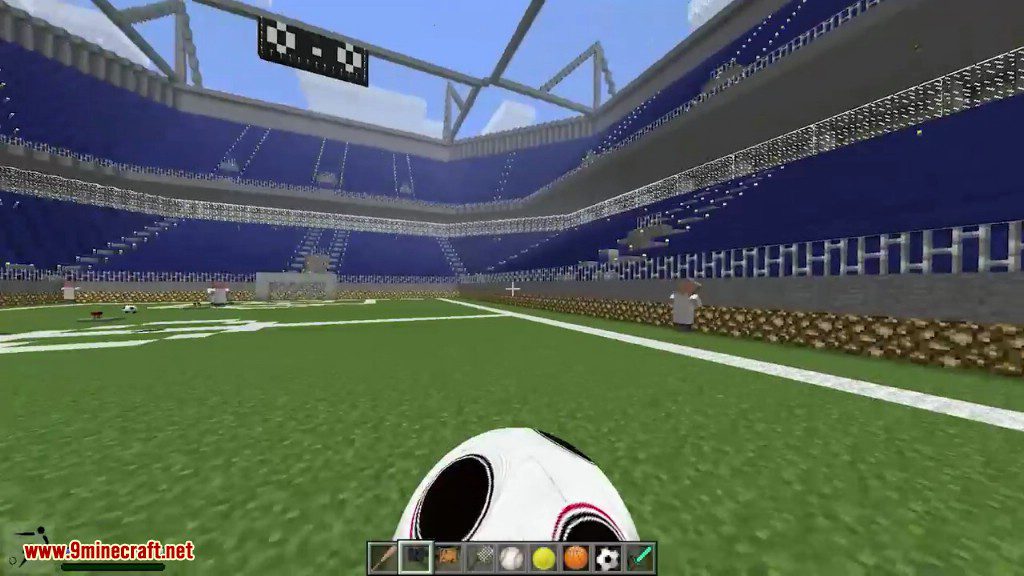
Sports Mod 1.7.10 add balls to play Basketball, Football, Tennis and Baseball. These are all very hard sports to play even in Minecraft but with a little practise you can do it.
Screenshots:
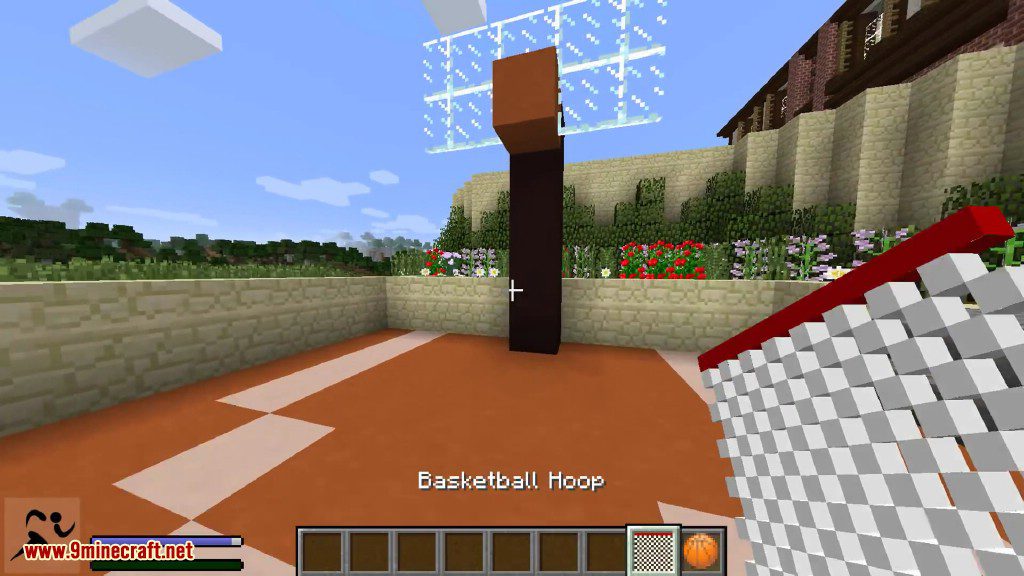
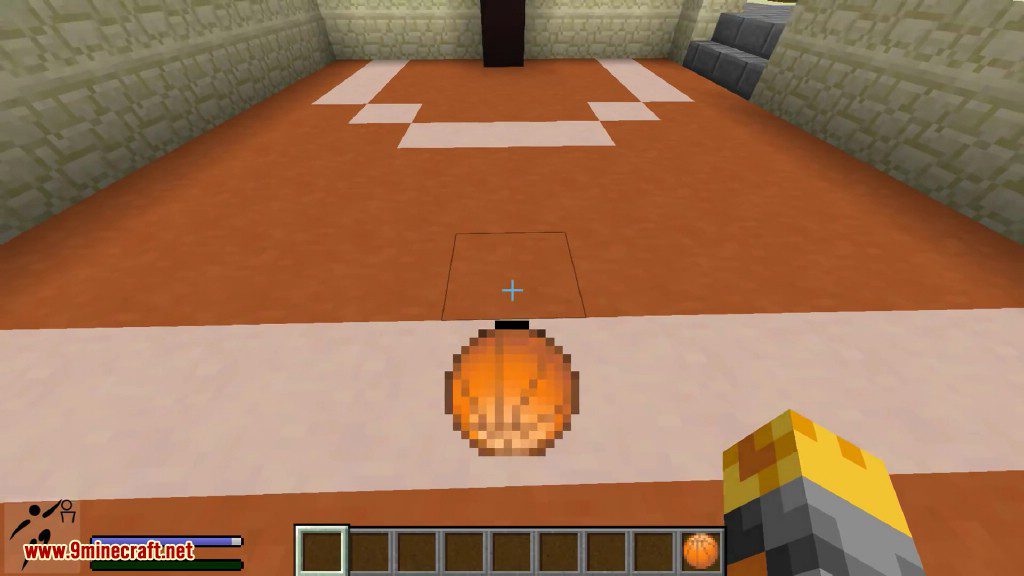
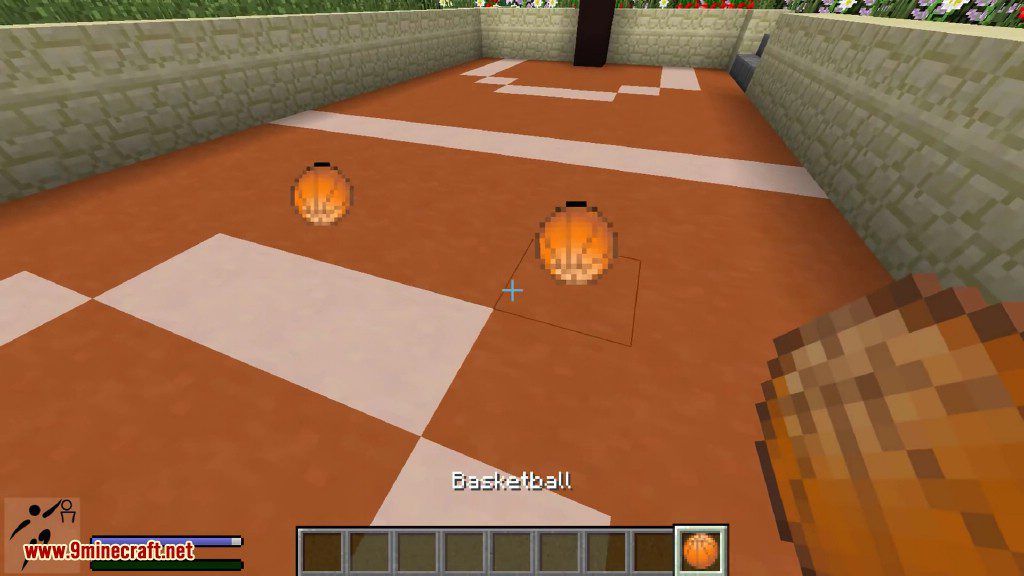
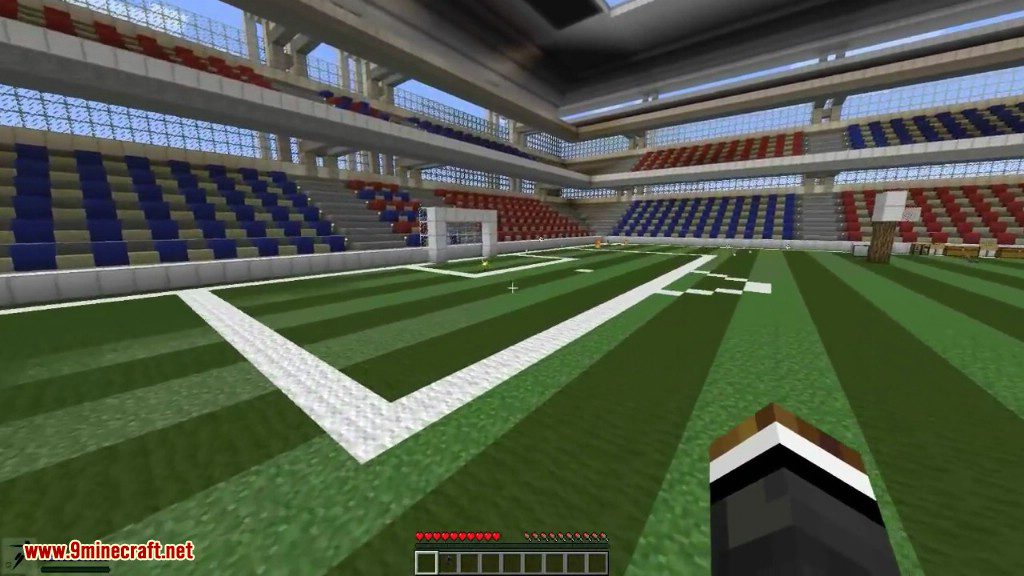
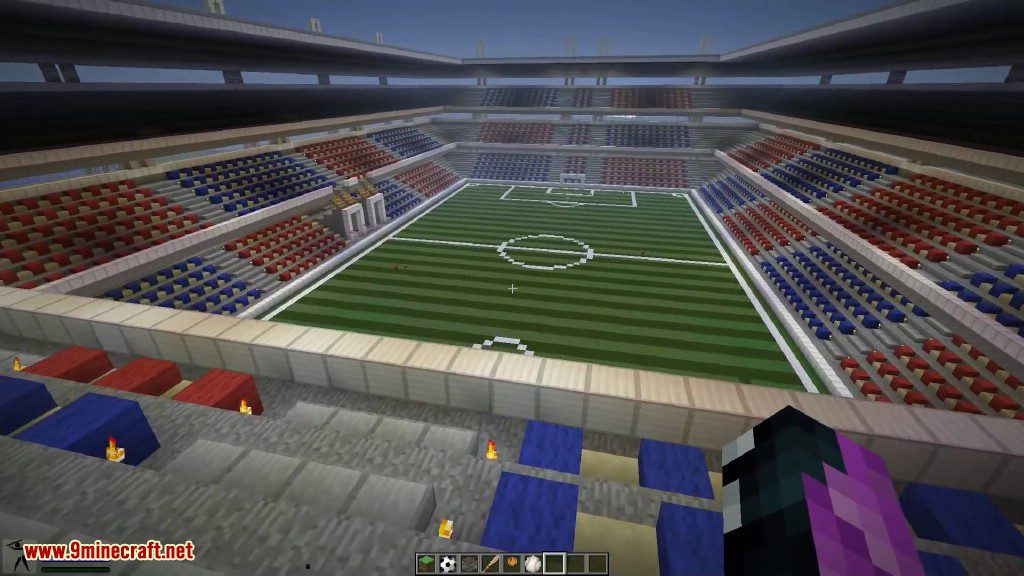
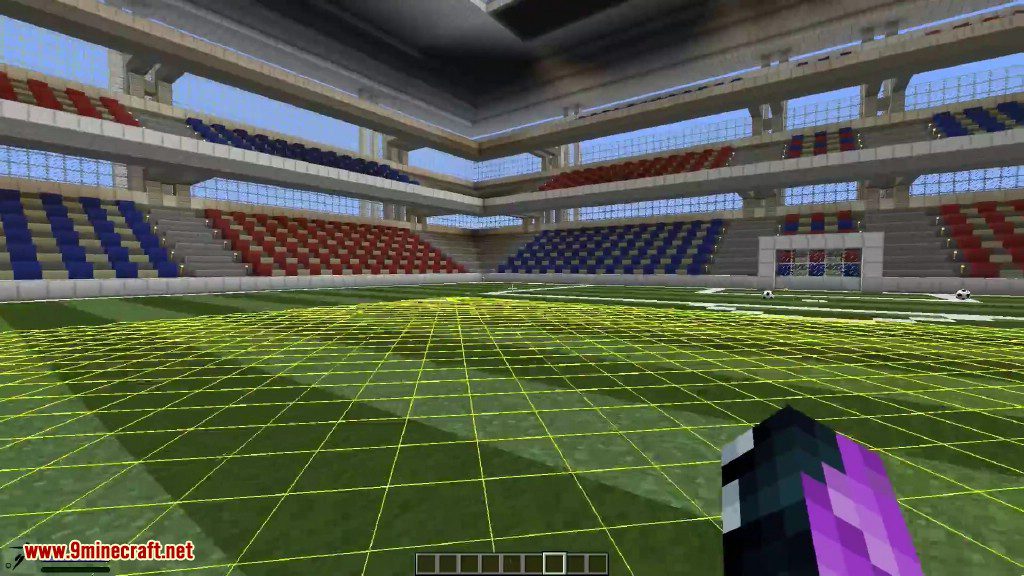
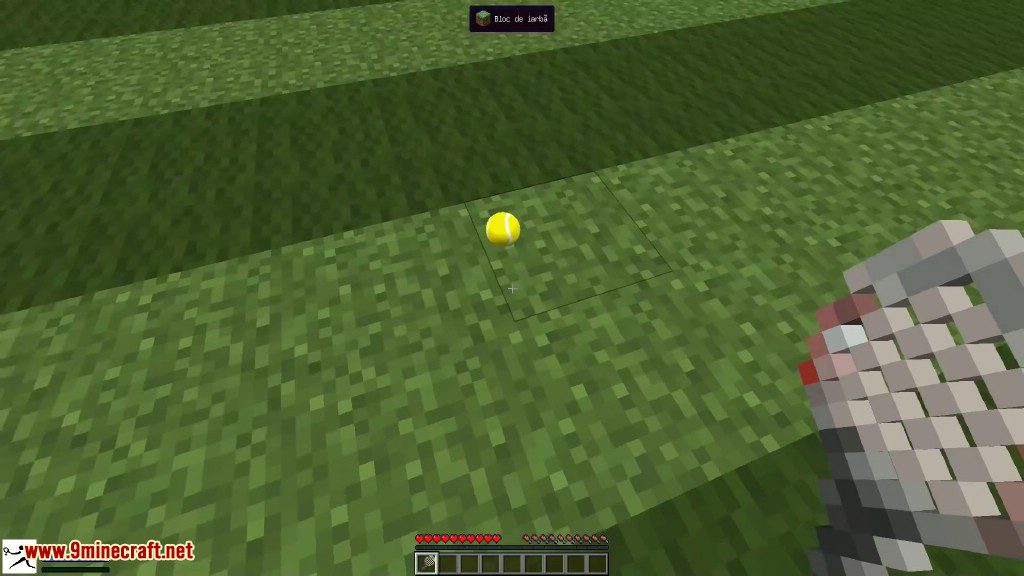
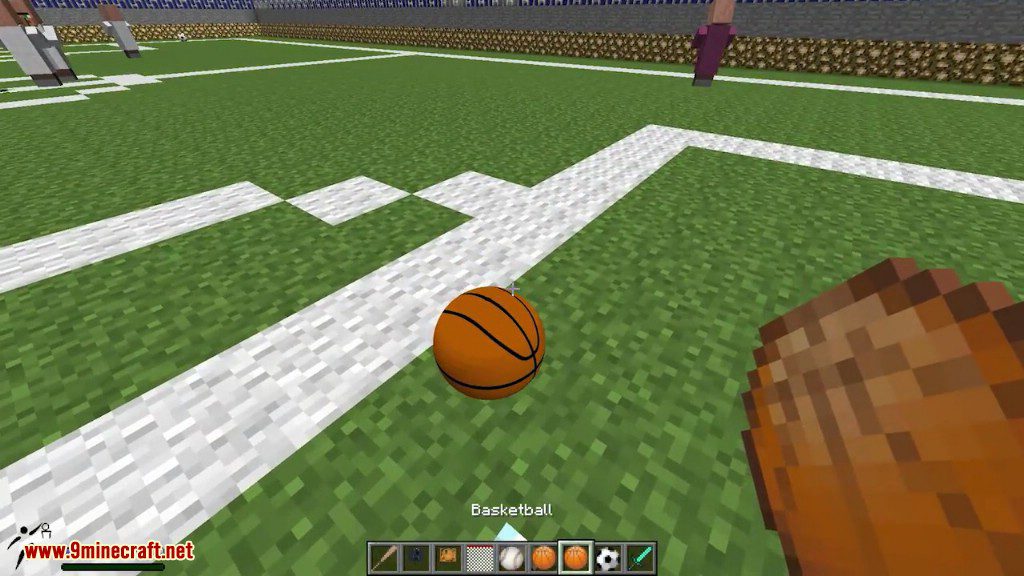
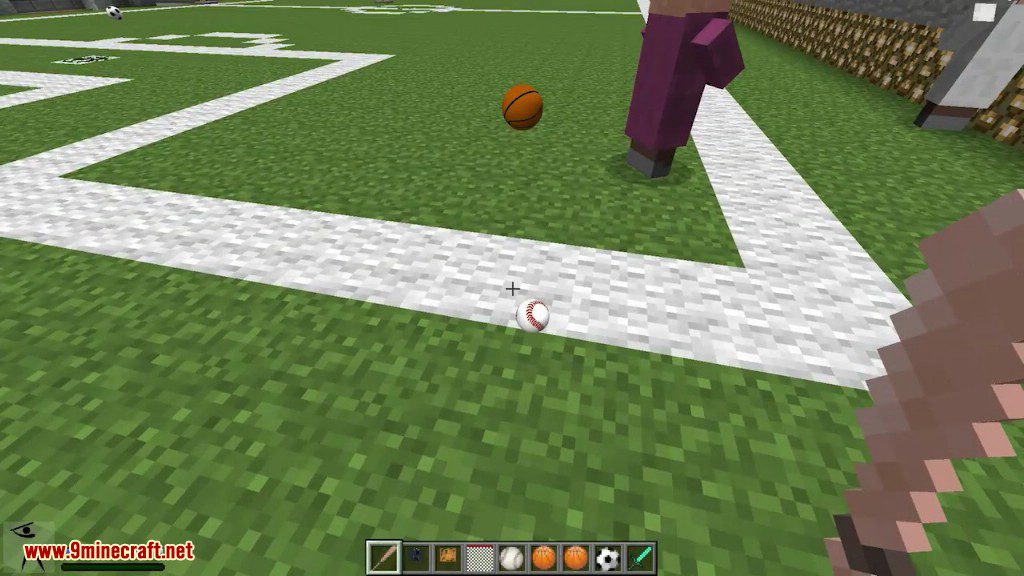
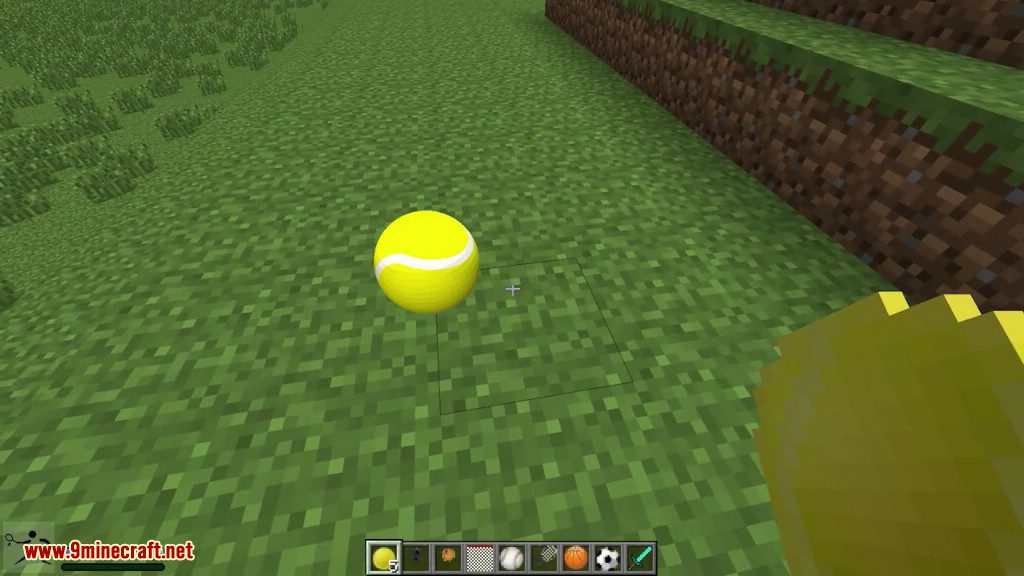
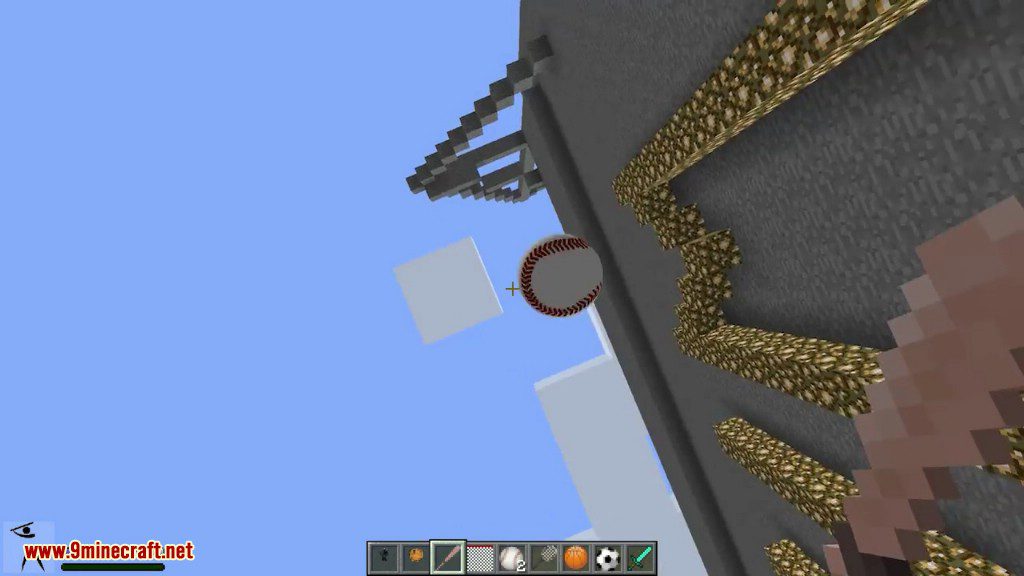
Crafting Recipes:
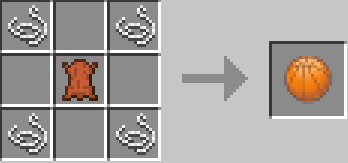
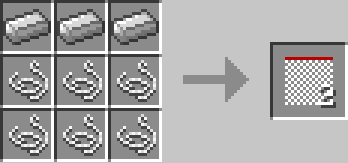
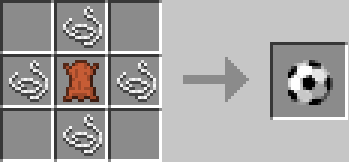
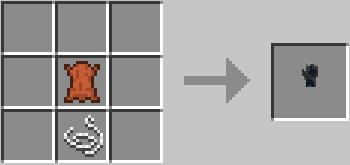
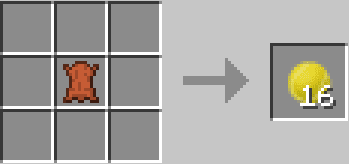
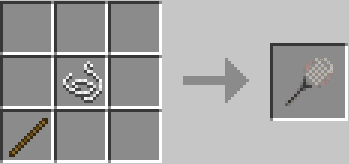
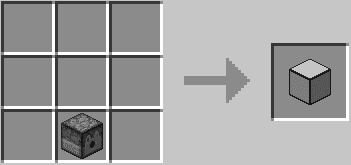
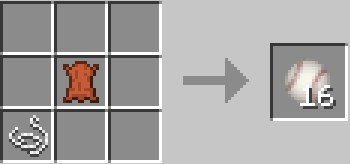
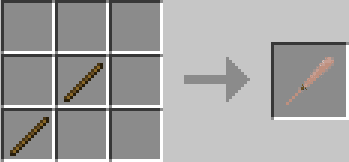
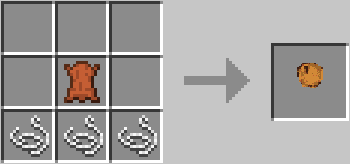
How to use:
Basketball Gameplay:
- Key Cross for hold the ball.
- Key Circle for a shot.
- The basketball hoop provide power when you score Putting a basket ball hoop 6 blocks under an other basket ball hoop, will receive the power.
- Sneak + Cross to spinning.
Football Gameplay:
- Push the ball with your avatar to move it.
- Key Cross for a pass.
- Key Circle for a shot.
- Right click with the glove item to hold the ball.
Tennis Gameplay:
- Key Cross for hold the ball.
- Key Circle to throw the ball in air.
- Right click with the racket item for a shot.
- The ball launcher difficulty depend of the game difficulty (Peacefull, easy, normal and hard).
- Balls are launched to a random direction.
Baseball Gameplay:
- Right click with the glove to catch the ball.
- Key Circle to throw the ball.
- Sneak + right click with the bat to kick the ball.
Settings:
- Options->Sports mod Options-> to set ball render, IDs, keys sensitivity, HUD.
- Options->controls… to set custom keys(Cross, Circle, Triangle, Square).
Global Gameplay:
- Key Square + collide with the ball to pick it up.
- Key triangle to sprint.
- The power of shot and passes can be measured by pressing more or less time the keys.
- More you look up and more the balls will go up.
- The balls reacts differently depending of the soil.
- Sand: low bound, slow moves.
- Grass: medium bound, medium moves.
- Cobblestone: bound to a random direction.
- Remaining solid blocks: hight bound, fast moves.
- Water: applies an upward force.
Sports Mod 1.7.10 Download Links
For Minecraft 1.5.2
Client: Download from Server 1 – Download from Server 2
Server: Download from Server 1 – Download from Server 2
For Minecraft 1.6.2
Client: Download from Server 1
Server: Download from Server 1
For Minecraft 1.7.10
Client: Download from Server 1
Server: Download from Server 1
Quick facts
- Edition: Minecraft Java
- File type: .jar
- How to install: Install the matching mod loader (Forge, Fabric or NeoForge) for your Minecraft version. → Download the .jar. → Put it in the .minecraft/mods folder and launch that loader profile.
- Where to get it: In MC Java Mods, or directly above on this page.
Install steps are the general flow for this file type — How to install Minecraft Java mods & modpacks walks through it step by step.
Verified by MCModsHub
- Downloads as 210983.mcaddon
- Download size: 563 KB
- Download link checked 27 Jul 2026 — working
- Mirrored on our own servers — the download does not depend on the original host
These come from our own check of the pack file, not from the source page.