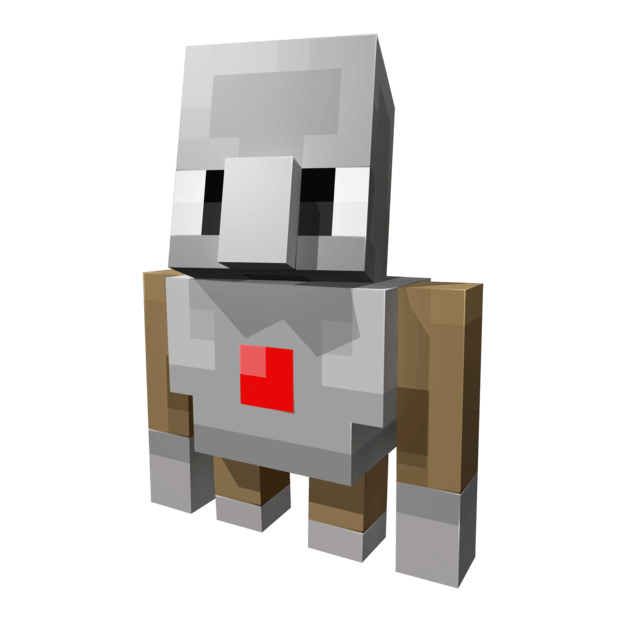
Player2 AI NPC
Java mod listed for Minecraft 1.20–1.21. File opened and checked on 7 Oct 2026; downloads from the MC Java Mods app on Android.
This is not just another companion mod; it is a live showcase of the PlayerEngine framework, built to fundamentally change our perception of AI NPCs in…
I don't know my version or loader
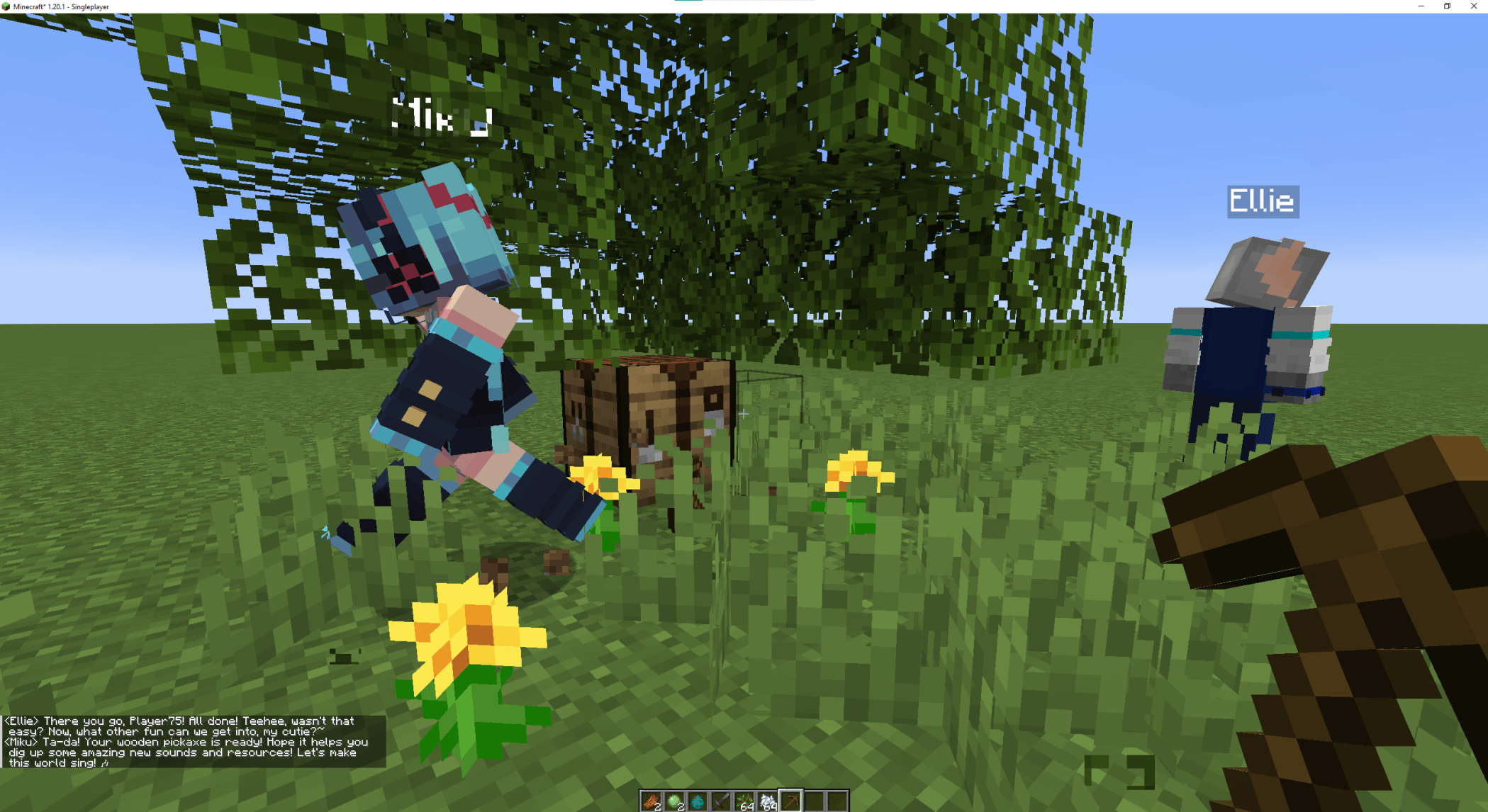
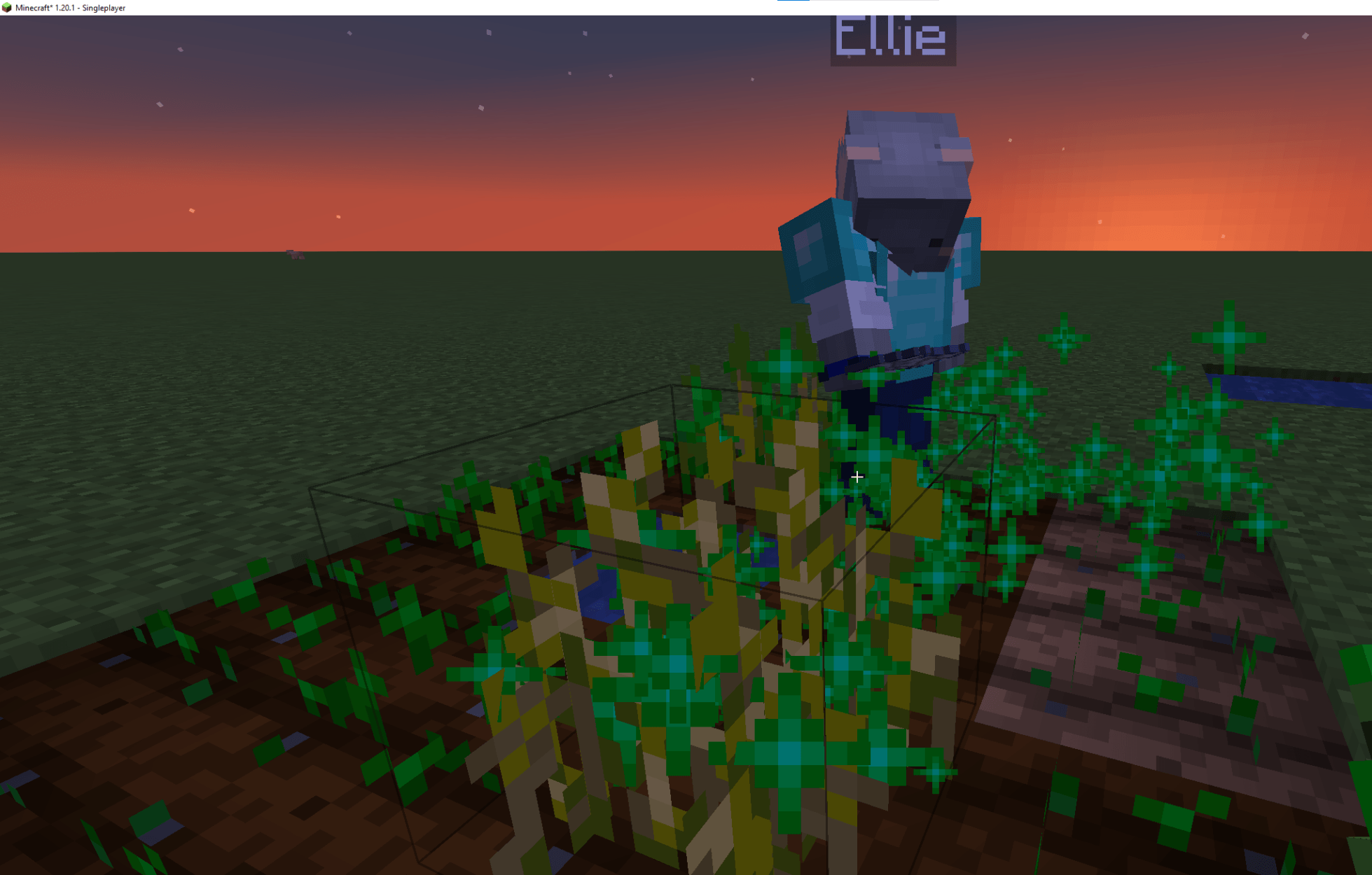
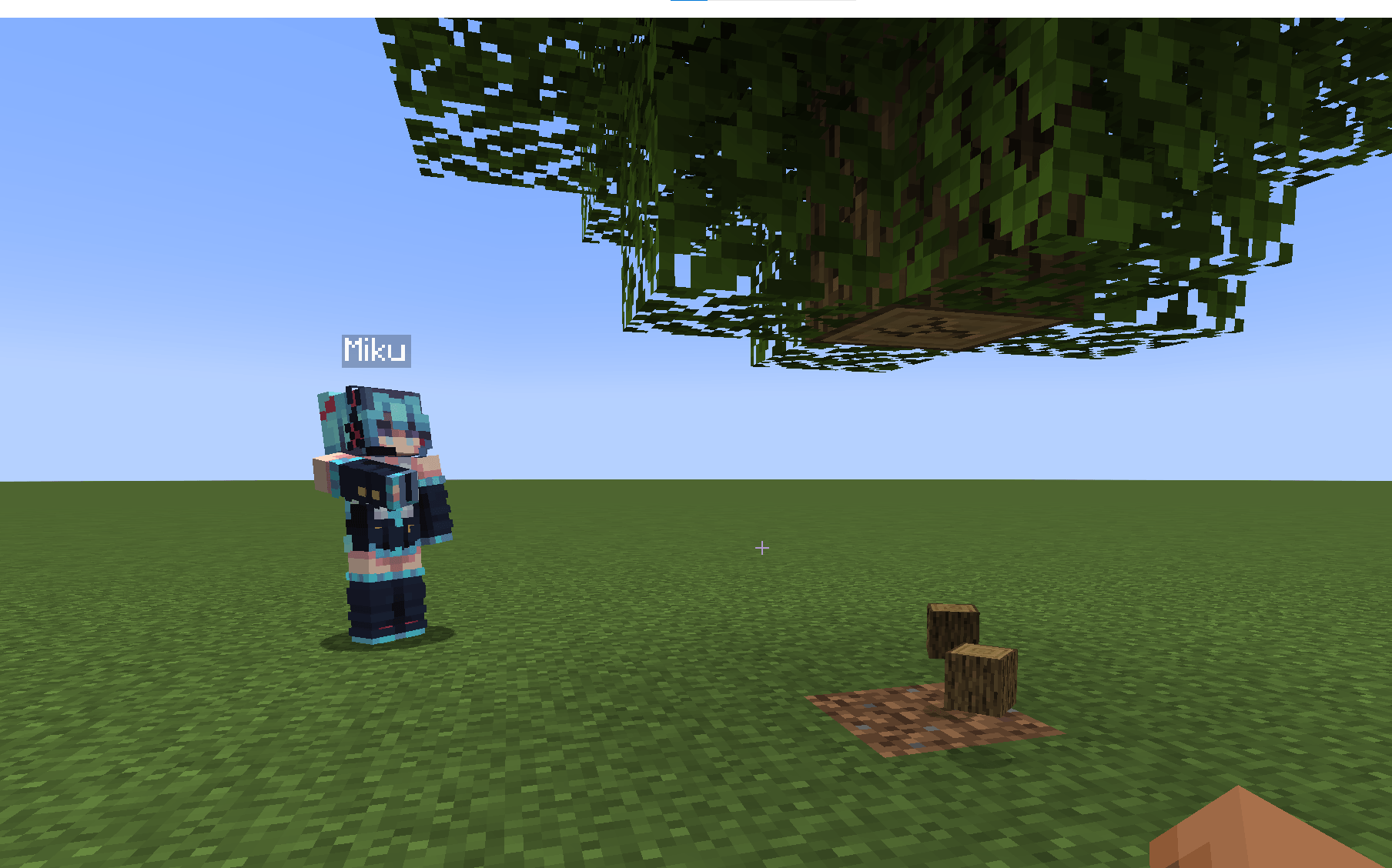
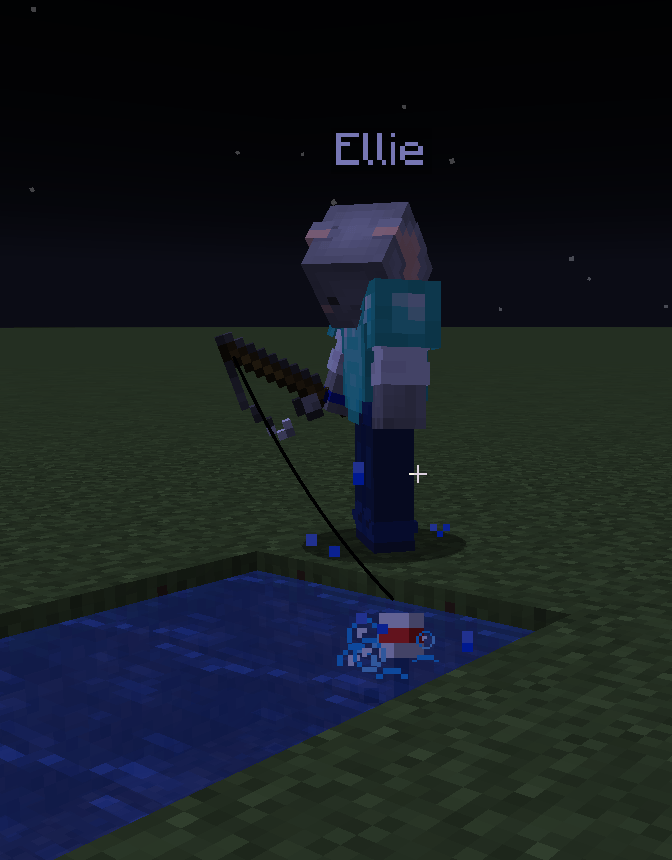
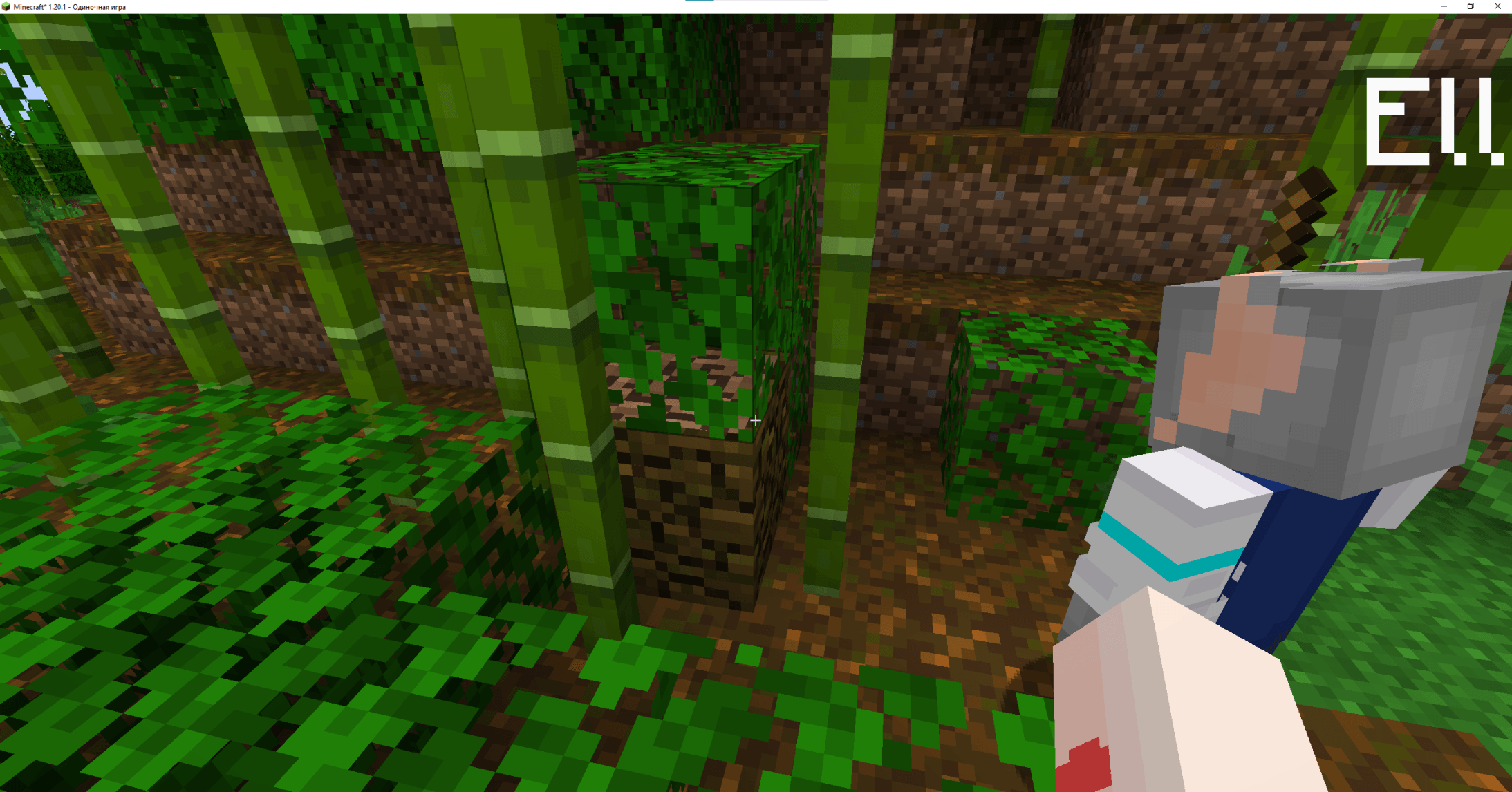
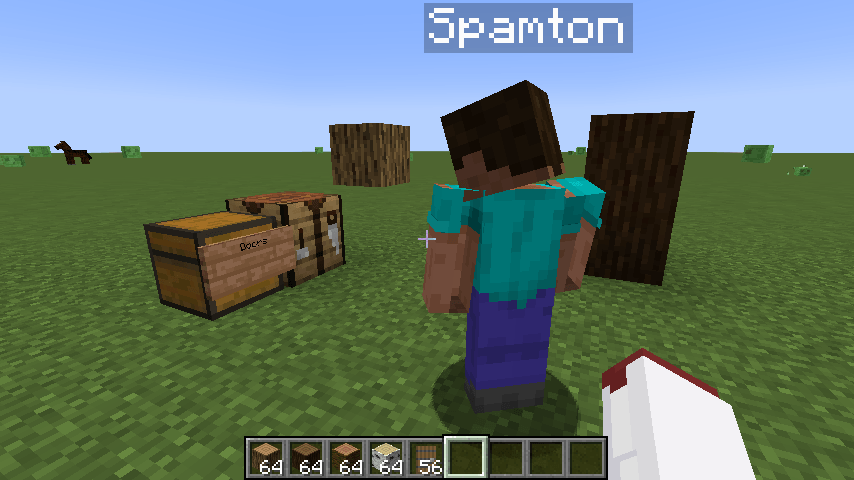
Player2NPC - Your AI Companion in Minecraft!

Ever wished you had a friend in Minecraft who could actually help you? Not just a pet that follows you around, but a true companion who can chop wood, mine ores, and even defend you from monsters?
Welcome to Player2NPC! This mod brings AI to life in your Minecraft world like never before. Powered by the groundbreaking Player2 AI and the PlayerEngine framework, these aren't your average villagers. These are fully embodied AI companions that listen to you, talk back, and interact with the world just like a real player.
This mod is an entry for the Player2 AI Game Jam, created by Goodbird.
Features
- 🗣️ Natural Language Commands: Simply talk to your companion in chat. No clunky commands! Say "I need some wood for a chest" or "can you deal with that zombie?" and watch them spring into action.
- 🎤 Opt-in STT: Talk to your AI companion with your mic. Simply plug in a mic before launching the Player2 App and press V in-game. Then agree to the opt-in STT feature in game. Once agreed just press and hold V to speak. This feature uses Player2's STT service. No audio data is being stored locally or otherwise.
- 🤖 Embodied AI Agents: Your companions aren't just chatbots. They have bodies, inventories, and the ability to break and place blocks, use tools, and fight. They truly exist and act within your world.
- ⚡ Plug-and-Play: It just works! Once installed, you're ready to join the world and meet with your first AI friend. No complicated in-game setup required.
- 🎭 Select Your Companions: Browse a cast of unique AI characters in, each with their own personality, appearance, and voice, provided by the Player2 platform. Press the 'H' key (configurable) to open the Character Selection screen and summon/dismiss your favourite characters.
- 🤝 A True Companion: Need help crafting a shield? Ask them. Low on food? Send them hunting. Exploring a dark cave? They'll watch your back. Your companion is a dynamic part of your adventure.
Quick Start & Installation
Getting your AI companion into your world is easy! Just watch this video, or scroll down for a text walkthrough.
Step 1: Install the Player2 App
The AI that powers your companions runs through the Player2 desktop application. It acts as a secure gateway to the AI models and is required for the mod to work.
- Download the Player2 App HERE
- Install and launch the app. It will run in the background.
- That's it! The app handles everything else automatically.
The Player2 app provides the AI "brain" for your NPC. The mod provides the "body" in-game.
Step 2: Install the Mod
This works like any other Fabric mod.
- Install Fabric API if you are on Fabric.
- Install Architectury API and PlayerEngine.
- Download the latest version of the Player2NPC mod from the Files tab.
- Drop the JAR file into your
modsfolder. - Launch Minecraft!
How to Play
- Launch Minecraft with the mod installed and the Player2 app running.
- Join a single-player world.
- Select your favourite character in the Player2 app (Optional)
- Your new AI companion will appear nearby!
- Open the chat and start talking to them. Try saying hello, or ask them to do something for you!
Support & Acknowledgements
This mod was made possible by the incredible work of the following:
- Player2 API: For providing the powerful and accessible AI that gives our companions life.
- PlayerEngine Framework: The underlying technology that allows mobs to act like players.
- Automatone/Baritone: For the best-in-class navigation that lets our NPCs move so intelligently.
- Itsuka: For invaluable help with the Player2 API and testing.
This mod was originally created by Goodbird. Now maintained and updated by Zardov (Discord: Miliardo)
Disclaimer: This mod uses AI in the generation of UI Assets, and the in-game Logo.
- Edition: Minecraft Java
- File type: .jar
- Minecraft versions listed: 1.21.1, 1.20.1
- How to install: Install the matching mod loader (Forge, Fabric or NeoForge) for your Minecraft version. → Download the .jar. → Put it in the .minecraft/mods folder and launch that loader profile.
- Where to get it: Opens on CurseForge — not every file is mirrored on our own servers.
Install steps are the general flow for this file type — How to install Minecraft Java mods & modpacks walks through it step by step.
- Ships as player2npc-forge-1.20.1-1.4.0.jar — drop this file into the mods folder
- Download size: 1.1 MB
- Download link checked 8 Oct 2026 — working
These come from our own check of the pack file, not from the source page.