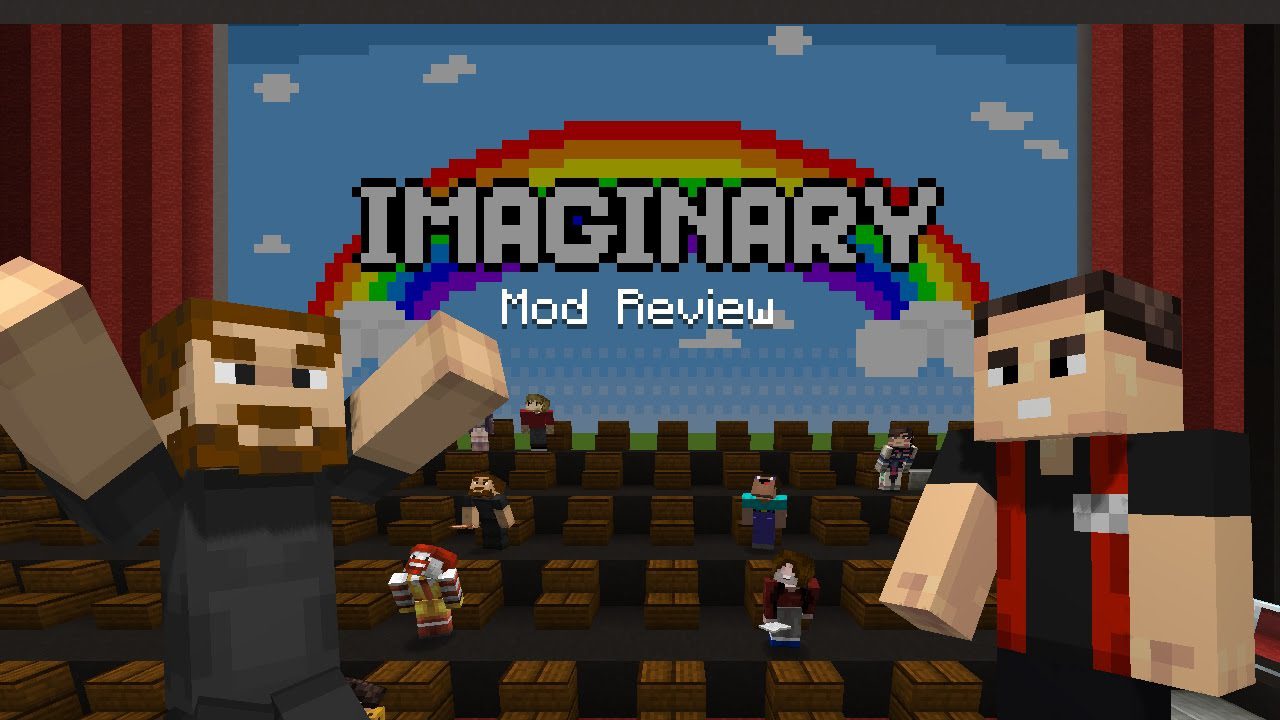
Imaginary Mod 1.12, 1.11.2 gives an abilitiy to add images into Minecraft. This mod supports any formats that Minecraft supports for textures (PNG, JPEG and GIF without animations). No compatibility with multiplayer.
Screenshots:

Picture Picking GUI

Example of usage
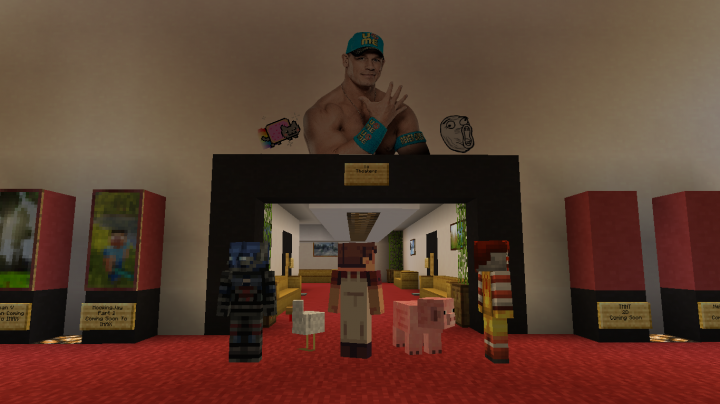
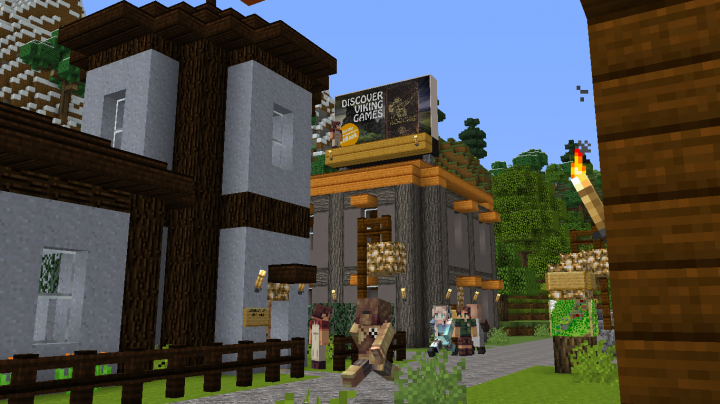
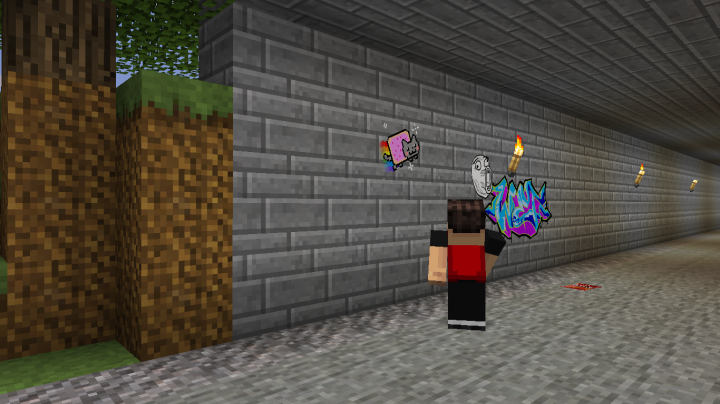
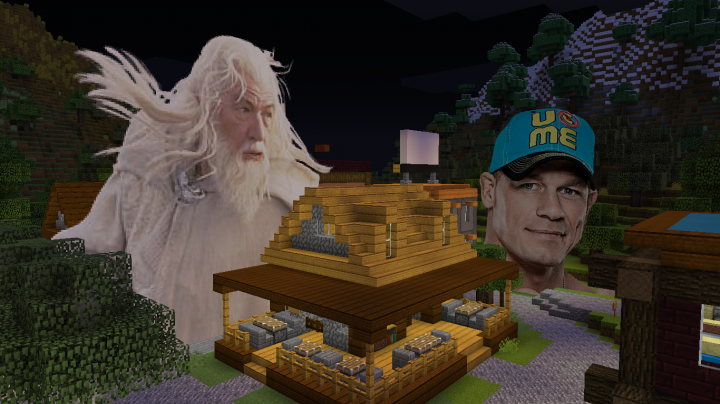
How to use:
Imaginary mod adds picture item which allows you to add pictures into your world. Simply drag it from Miscellaneous creative tab, or craft it using following recipe:
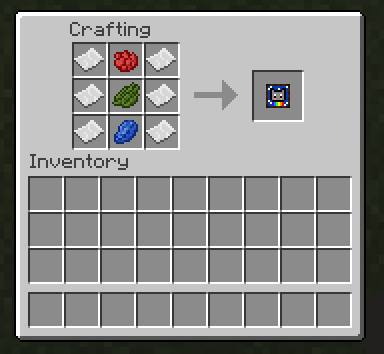
After you acquired a picture item, you should be able to place a custom picture on any surface. When picture is placed, you can right click it and change some properties of your picture. To pick a picture, you’ll have to populate Imaginary’s mod picture folder (which is located in .minecraft/config/imaginary/pictures) with your PNG, JPEG or GIF pictures. After you dropped your pictures into the pictures folder, you should be able to pick these pictures in picture’s GUI.
Imaginary Mod 1.12, 1.11.2 Download Links
For Minecraft 1.10.2
For Minecraft 1.11.2
For Minecraft 1.12
- Edition: Minecraft Java
- File type: .jar
- How to install: Install the matching mod loader (Forge, Fabric or NeoForge) for your Minecraft version. → Download the .jar. → Put it in the .minecraft/mods folder and launch that loader profile.
- Where to get it: In MC Java Mods, or directly above on this page.
Install steps are the general flow for this file type — How to install Minecraft Java mods & modpacks walks through it step by step.
- Downloads as 211049.mcaddon
- Download size: 46 KB
- Download link checked 30 Jul 2026 — working
- Mirrored on our own servers — the download does not depend on the original host
These come from our own check of the pack file, not from the source page.