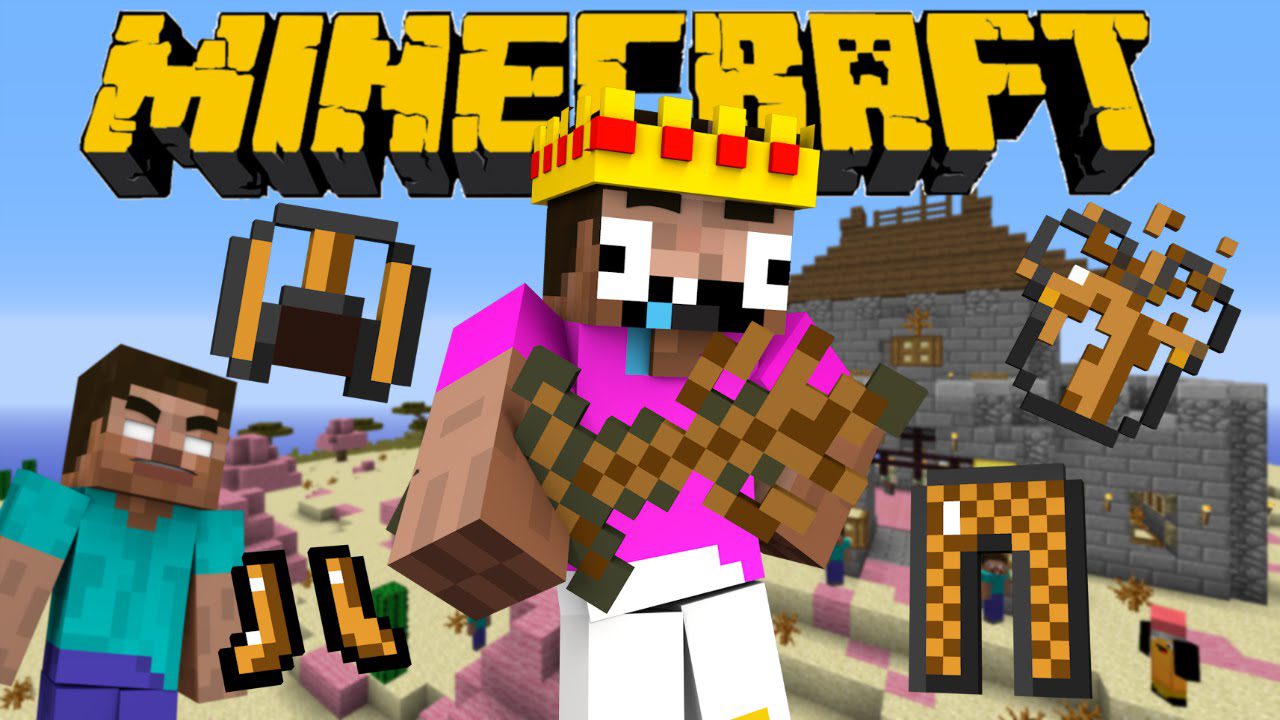
Deadbush Tools Mod 1.8.0 adds powerful tools to your game.
Features:
Items:
- Deadbush Sword
- Deadbush Shovel
- Deadbush Hoe
- Deadbush Axe
- Deadbush Pickaxe
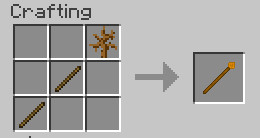
- Deadbush Spear
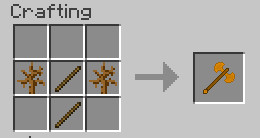
- Deadbush Battle Axe
- Deadbush Katana
- Deadbush Knife
- Deadbush Nunchaku
- Dead Metal Ingot
Armors:
- Deadbush Helmet
- Deadbush Chestplate
- Deadbush Leggings
- Deadbush Boots
- Dead Metal Helmet
- Dead Metal Chestplate
- Dead Metal Leggings
- Dead Metal Boots
Food:
- Deadbush Apple
Mobs:
- Deadbush Mob
- Dead Slime
- Dead Saurus
Throwables:
- Deadbush Bomb
- Deadbush Rain
Blocks:
- Dead Metal Ore
Screenshots:
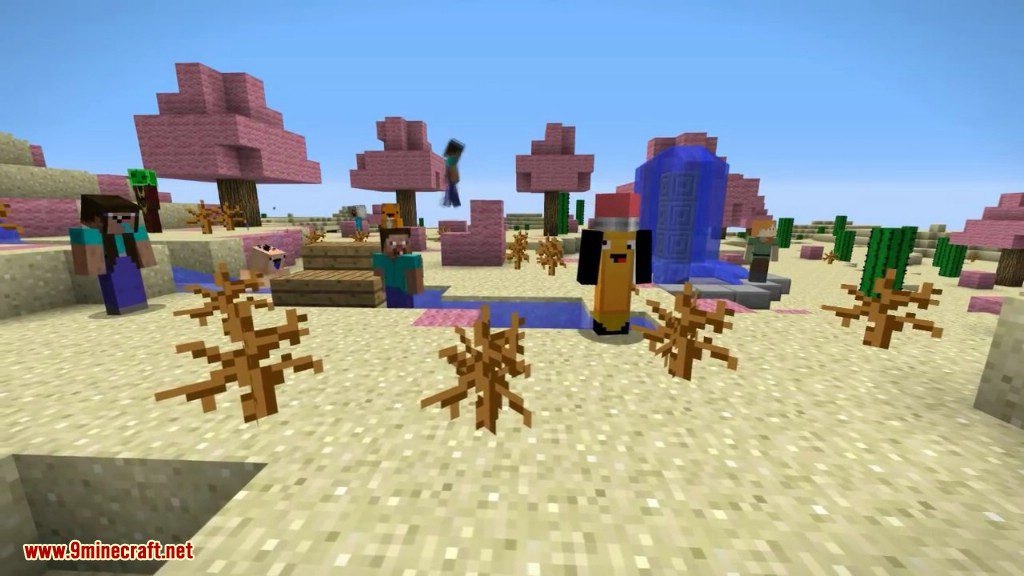
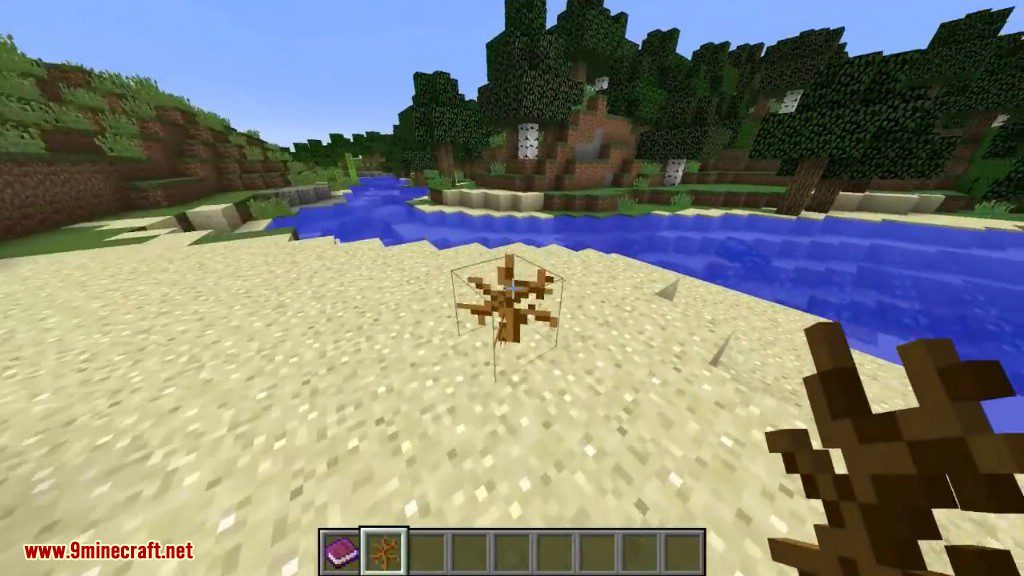
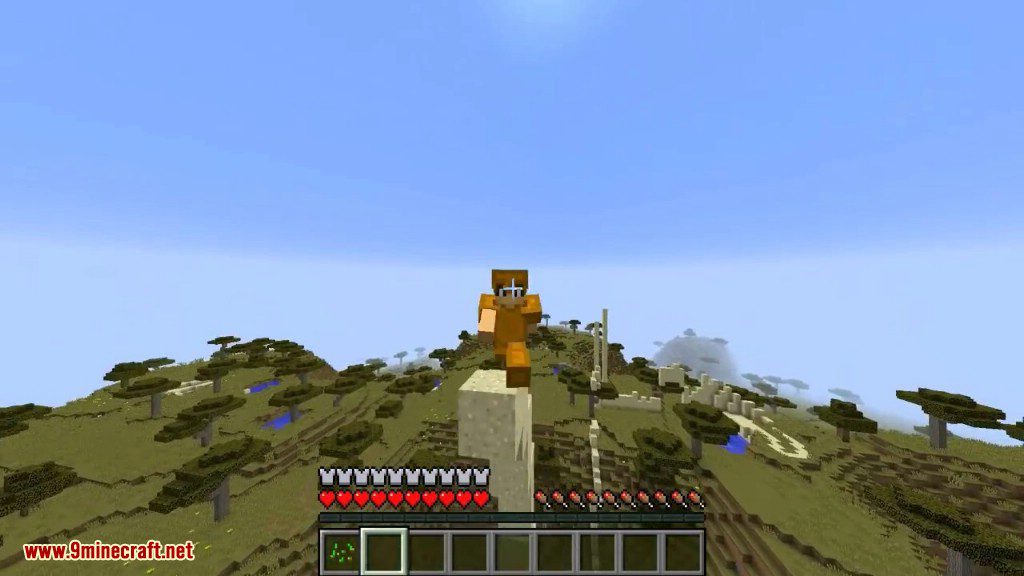
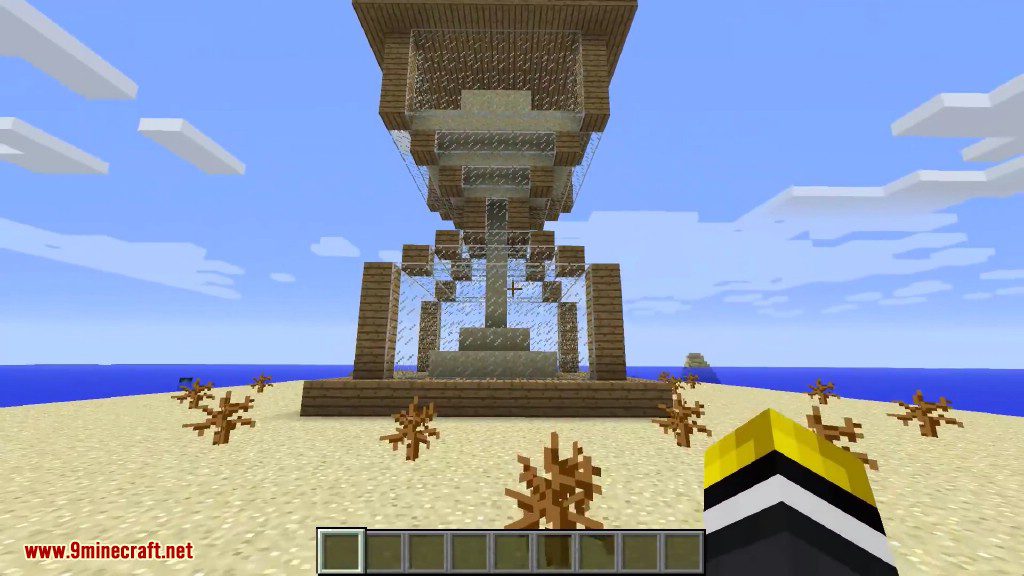
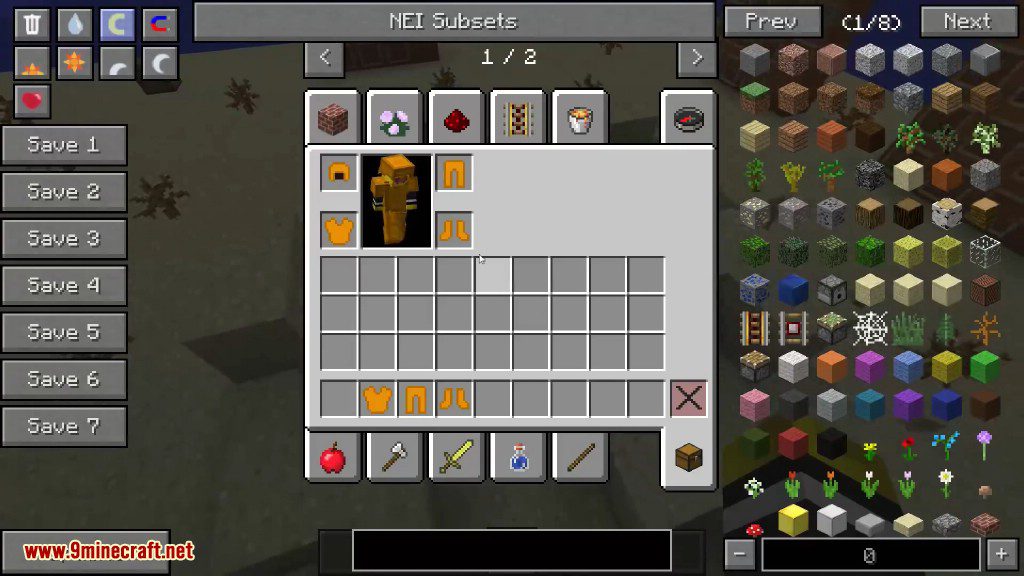
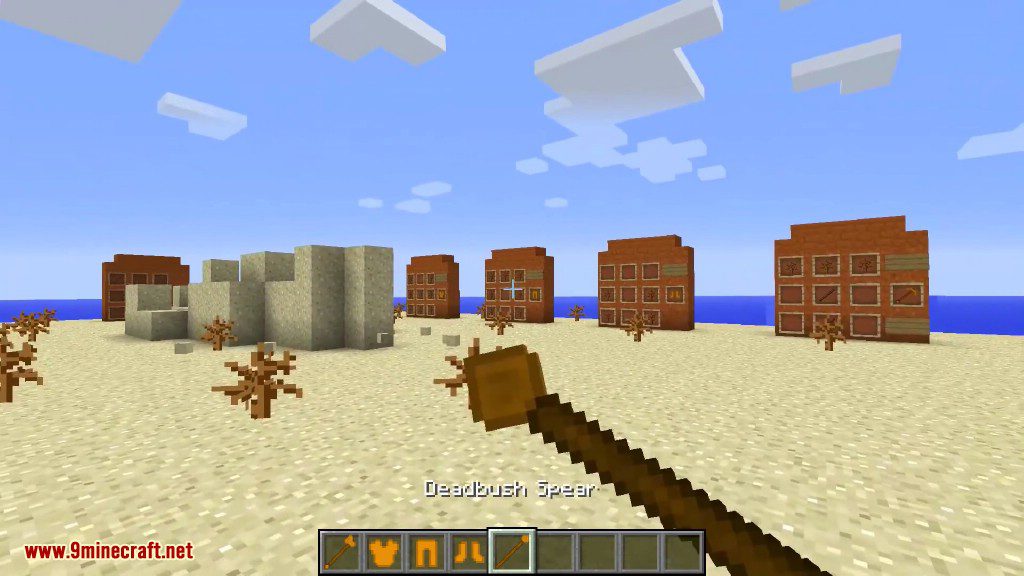
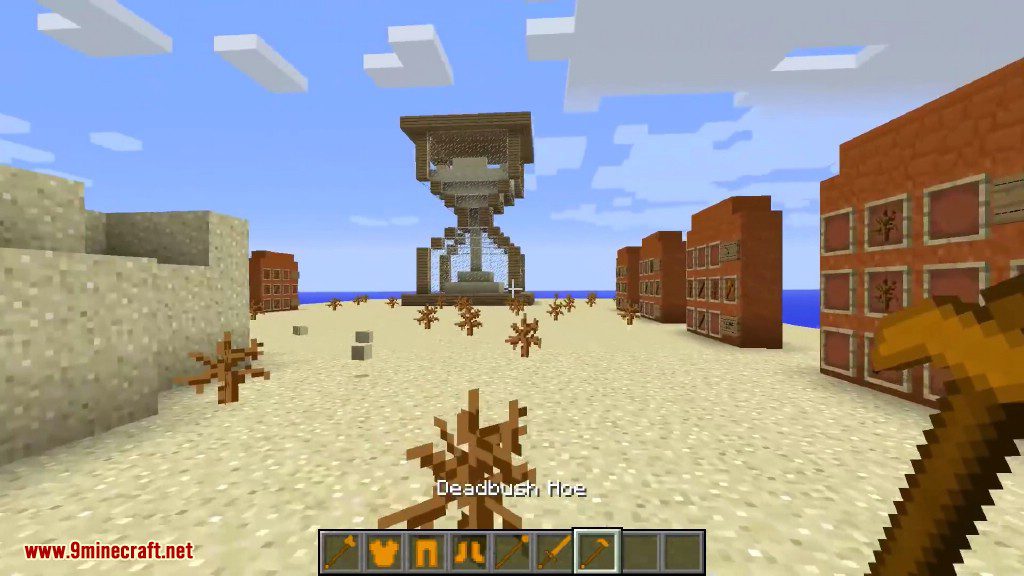
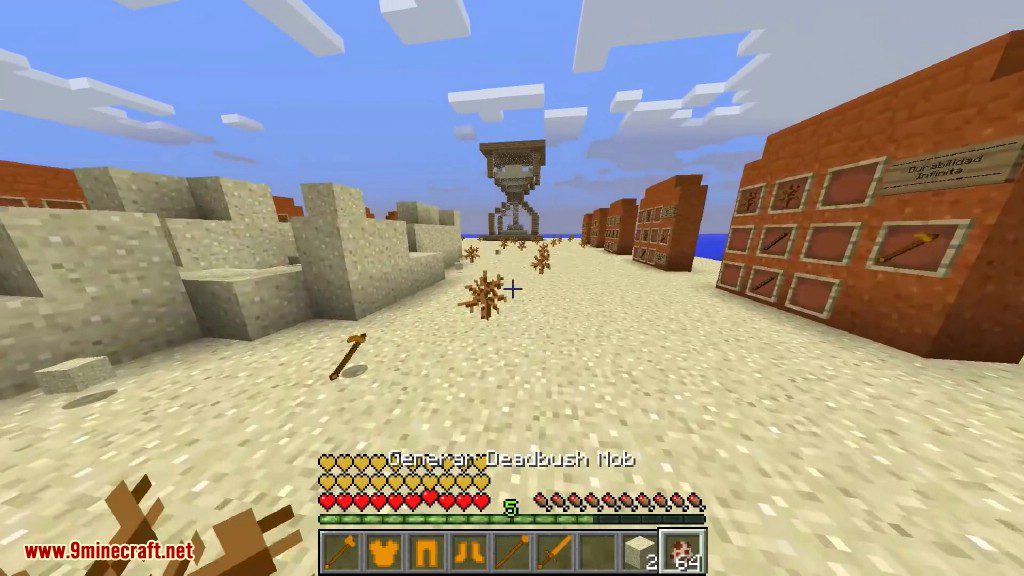
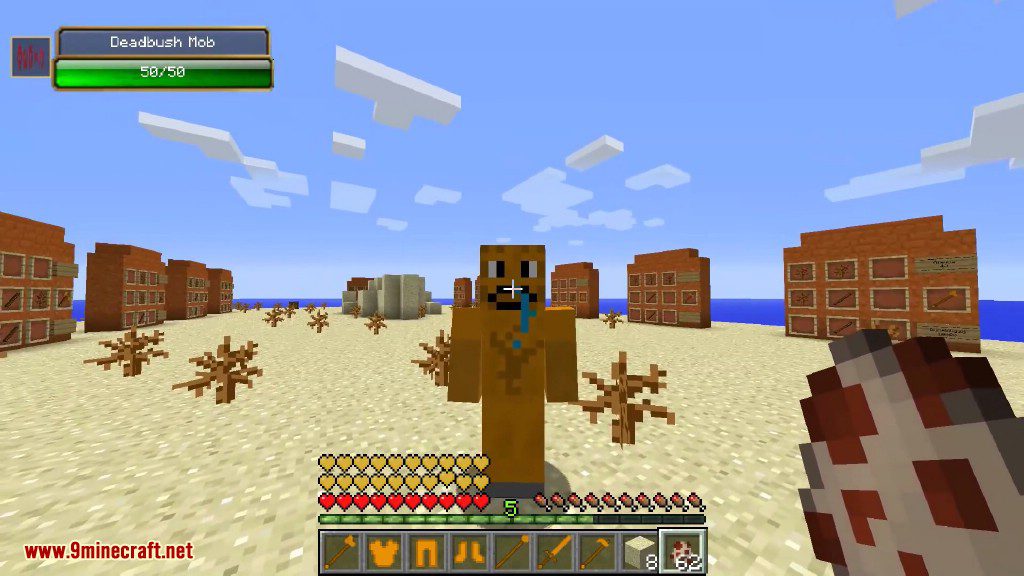
Crafting Recipes:
You can make the basic tools and armors as the minecraft tools and armors, but you must use deadbush as the material.
Deadbush Spear
Deadbush Battle Axe
Deadbush Apple
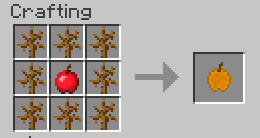
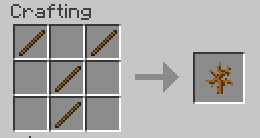
Deadbush
Deadbush Katana
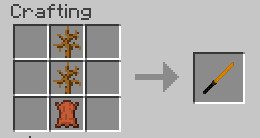
Deadbush Knife
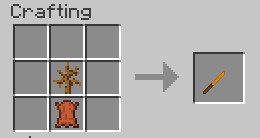
Deadbush Nunchaku
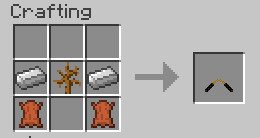
Deadbush Bomb
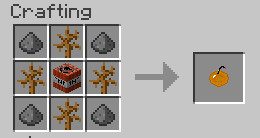
Deadbush Rain
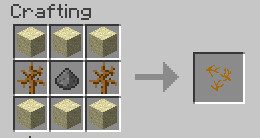
Deadbush Tools Mod 1.8.0 Download Links
For Minecraft 1.8.0
Quick facts
- Edition: Minecraft Java
- File type: .jar
- How to install: Install the matching mod loader (Forge, Fabric or NeoForge) for your Minecraft version. → Download the .jar. → Put it in the .minecraft/mods folder and launch that loader profile.
- Where to get it: In MC Java Mods, or directly above on this page.
Install steps are the general flow for this file type — How to install Minecraft Java mods & modpacks walks through it step by step.
Verified by MCModsHub
- Downloads as 211223.mcaddon
- Download size: 80 KB
- Download link checked 30 Jul 2026 — working
- Mirrored on our own servers — the download does not depend on the original host
These come from our own check of the pack file, not from the source page.