
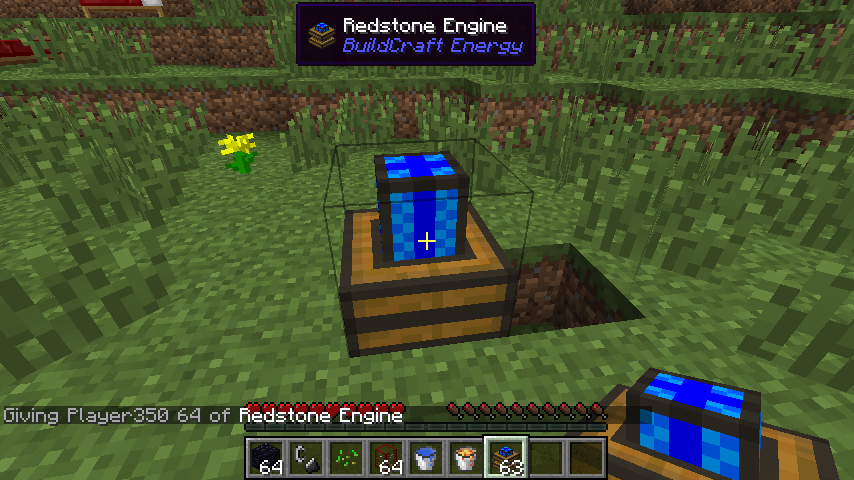
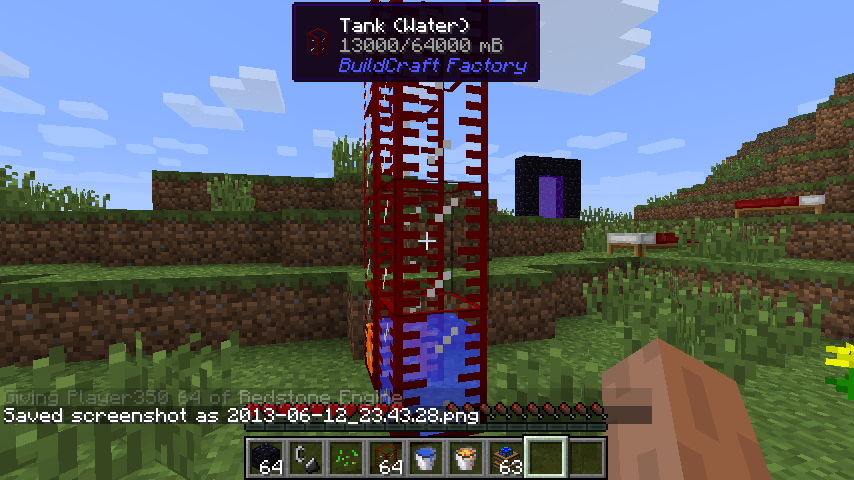
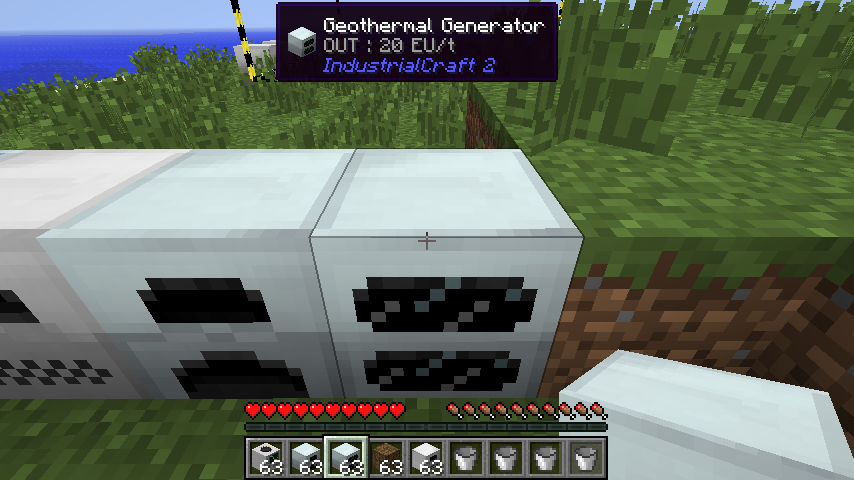
Waila Mod 1.11.2, 1.10.2 (What Am I Looking At) is a UI improvement mod aimed at providing block information directly ingame, without the need of opening an UI. It provides a small unobtrusive tooltip on top of the screen with informations about the block the player is looking at. A powerful API is provided so other modders can add their own information relative to their blocks to it.
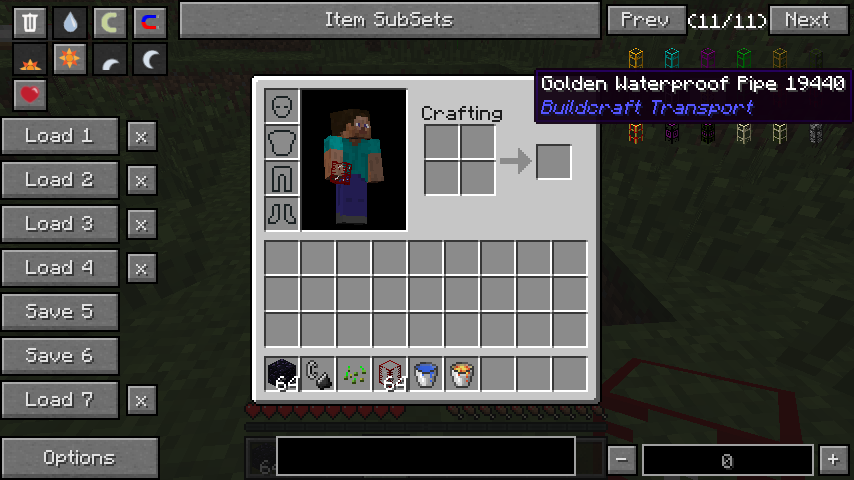
Waila is an extension for NEI. It will show in the tooltip what mod an item is from. Since the tooltip contains the mod name, you can also easly parse items per mods.
Screenshots:
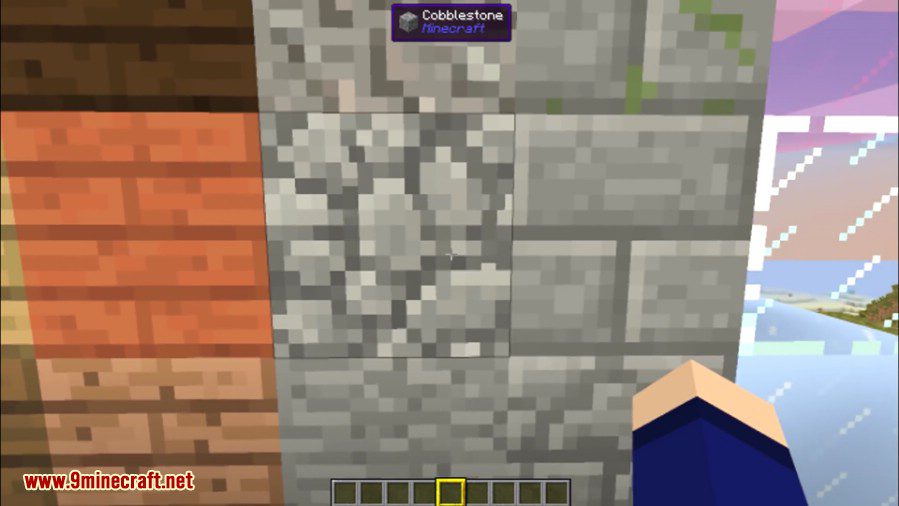
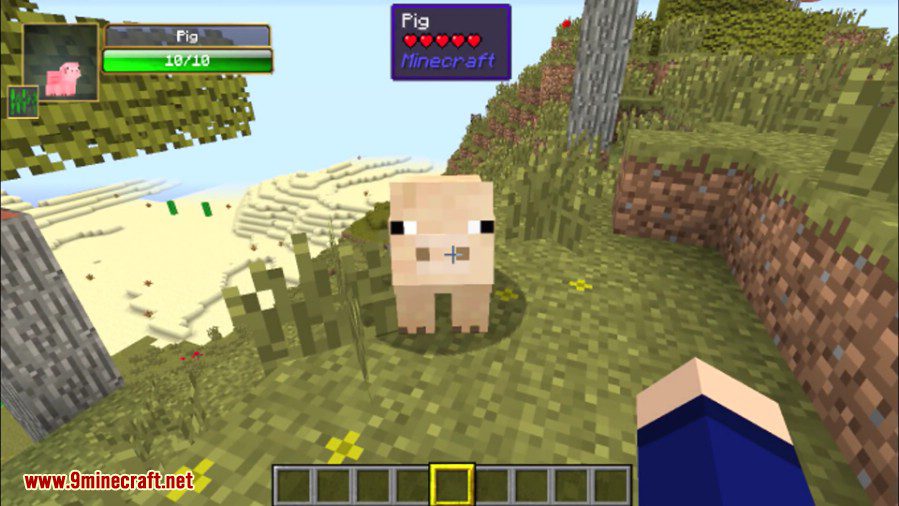
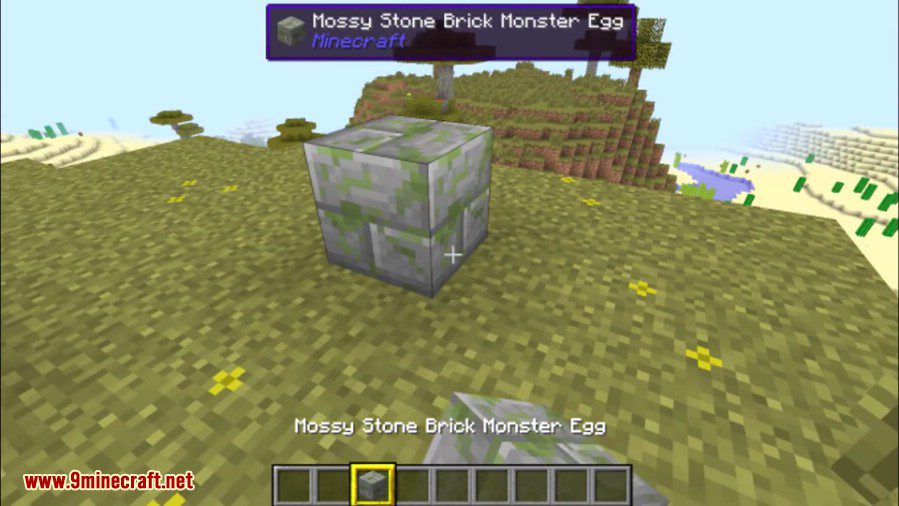
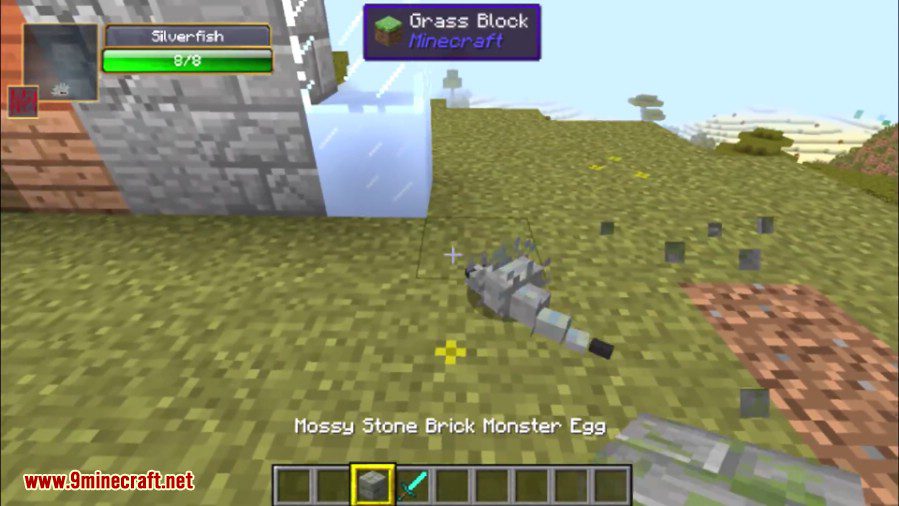
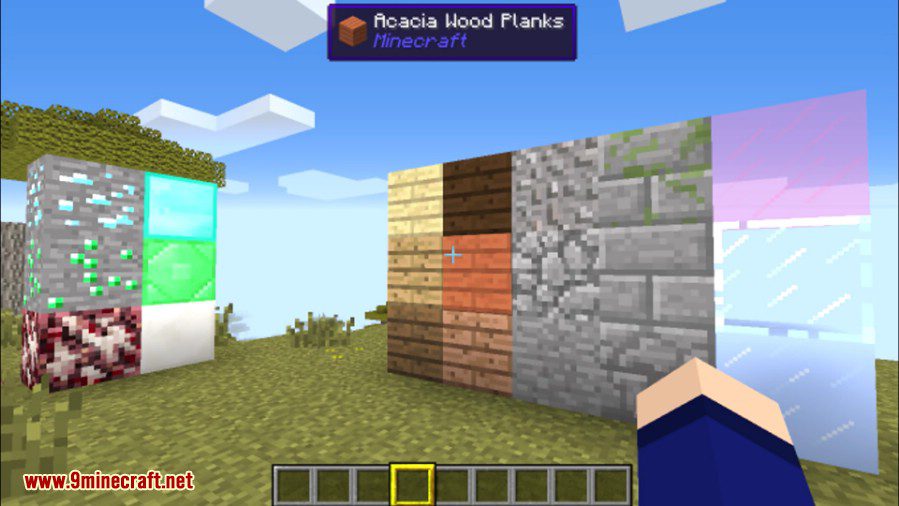
How to use:
- Tooltips should work out of the box in the NEI interface.
- There are 2 keybindings you want to check. [Waila] Config menu will allow you to setup which key pop up the menu (default to numpad0) while [Waila] Show/Hide will control (default numpad1) show/hide of the tooltip (will also be used for the maintened mode).
- Check around the config menu, lot of things can be turned on/off.
- Run around, enjoy.
Waila Mod 1.11.2, 1.10.2 Download Links
For Minecraft 1.5.2
For Minecraft 1.6.4/1.6.2
For Minecraft 1.7.2
For Minecraft 1.7.10
For Minecraft 1.8.0
For Minecraft 1.8.9
For Minecraft 1.9.0
For Minecraft 1.10.2, 1.9.4
For Minecraft 1.11.2
- Edition: Minecraft Java
- File type: .jar
- How to install: Install the matching mod loader (Forge, Fabric or NeoForge) for your Minecraft version. → Download the .jar. → Put it in the .minecraft/mods folder and launch that loader profile.
- Where to get it: In MC Java Mods, or directly above on this page.
Install steps are the general flow for this file type — How to install Minecraft Java mods & modpacks walks through it step by step.
- Downloads as 211238.mcaddon
- Download size: 301 KB
- Download link checked 30 Jul 2026 — working
- Mirrored on our own servers — the download does not depend on the original host
These come from our own check of the pack file, not from the source page.