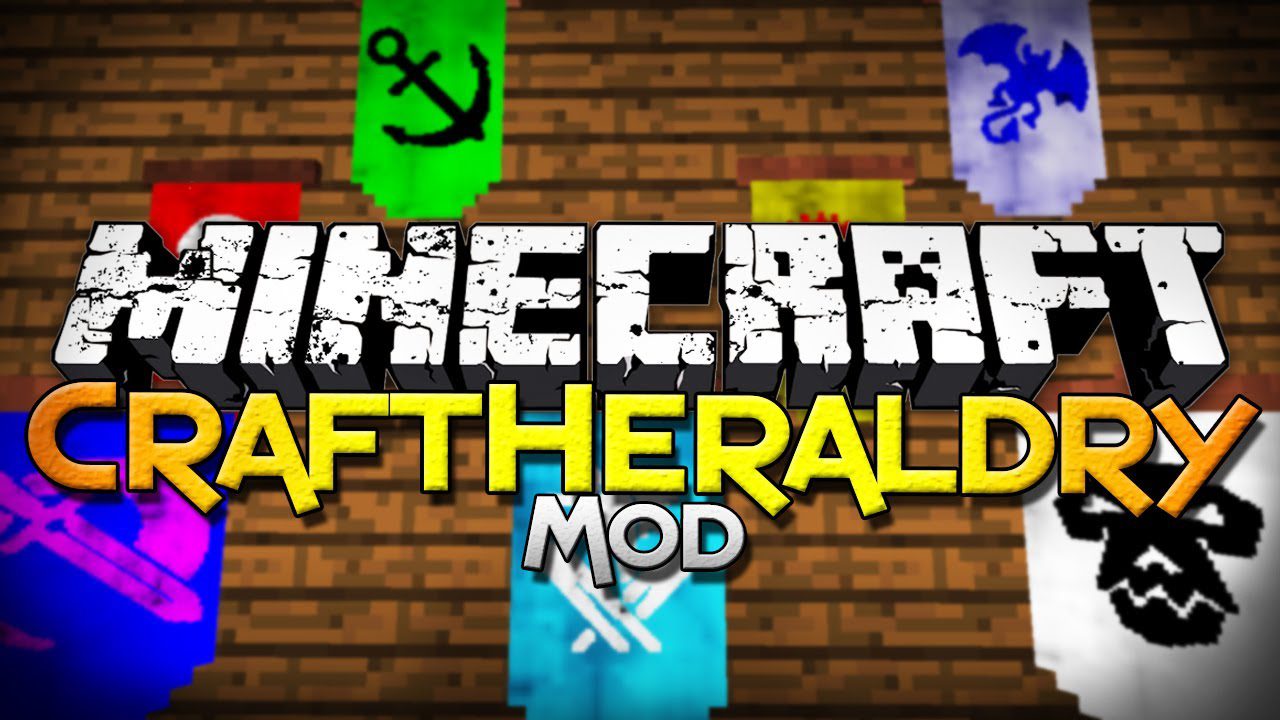
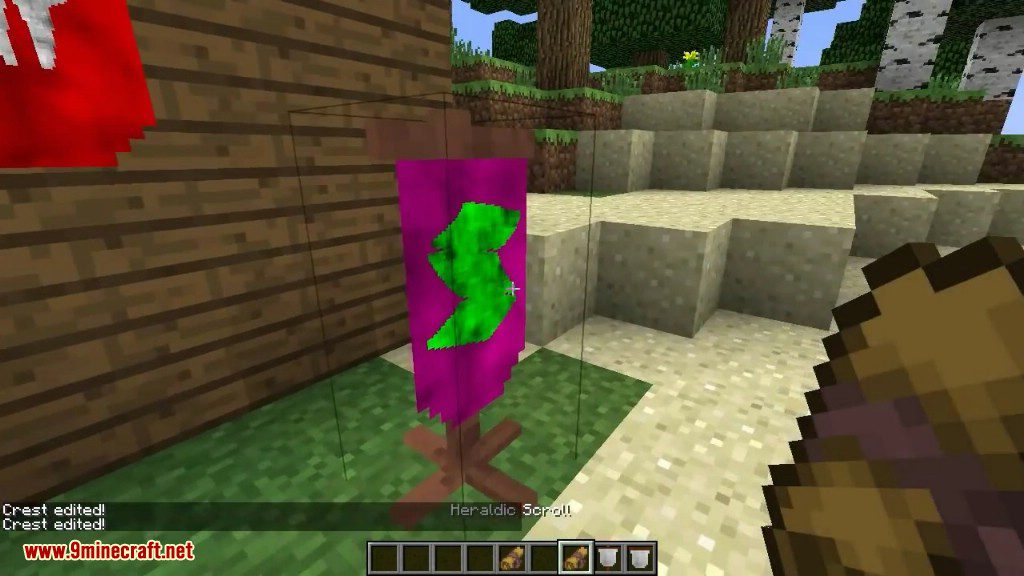
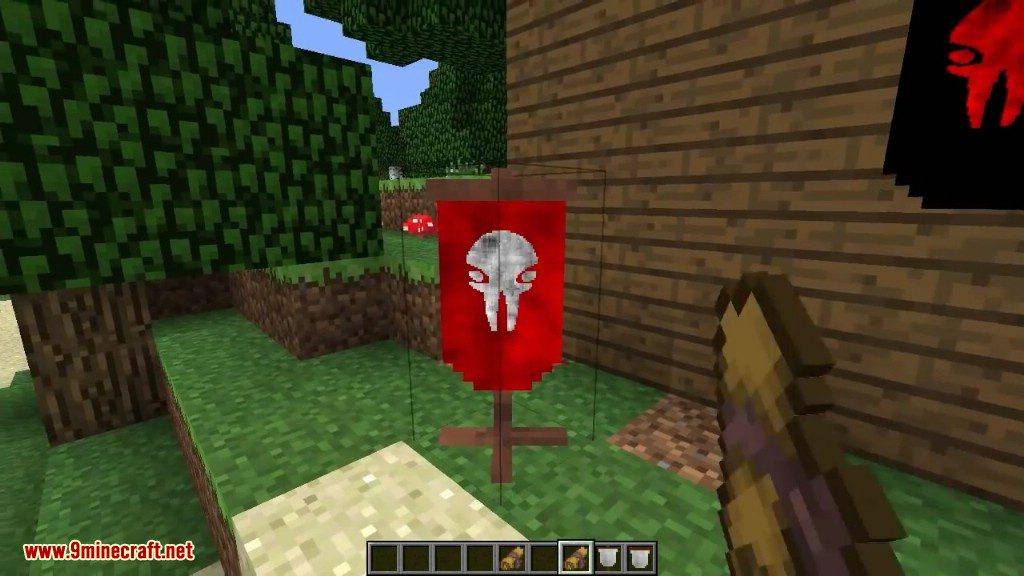
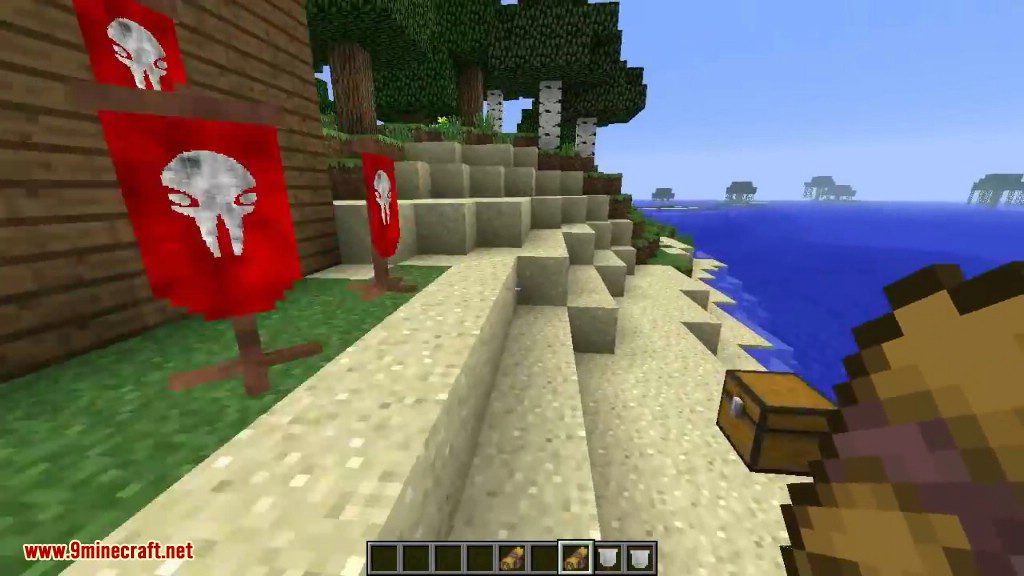
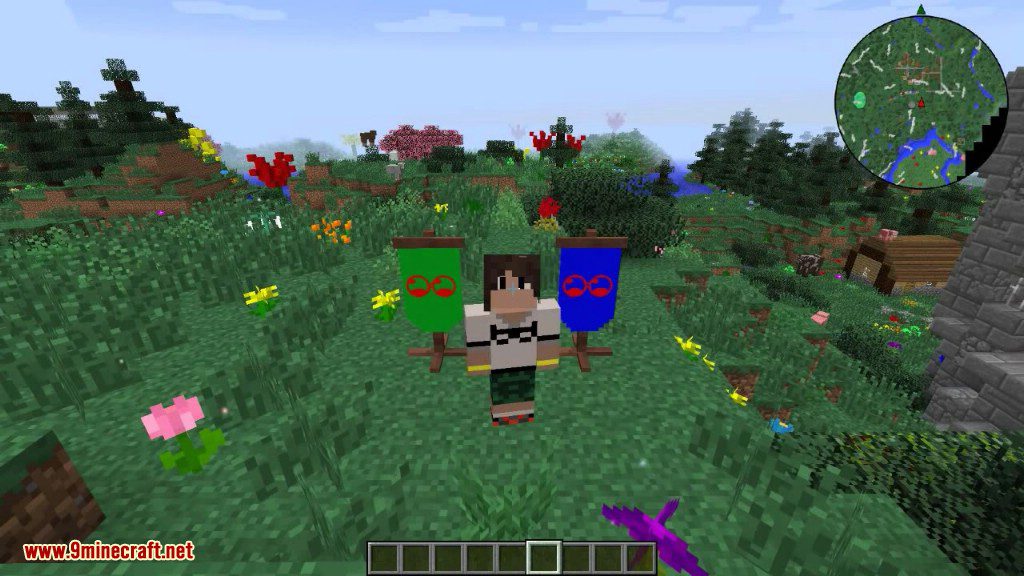
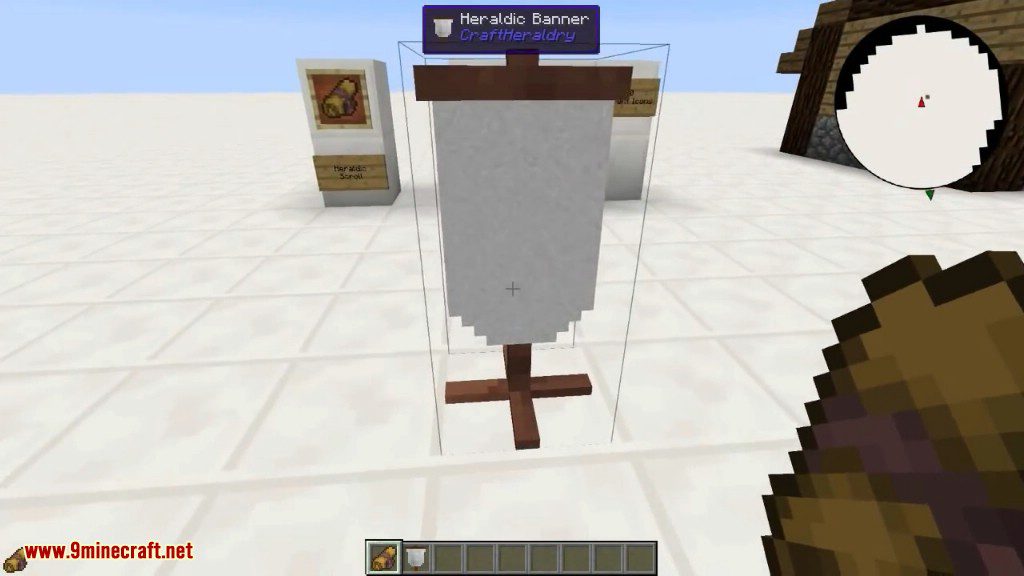
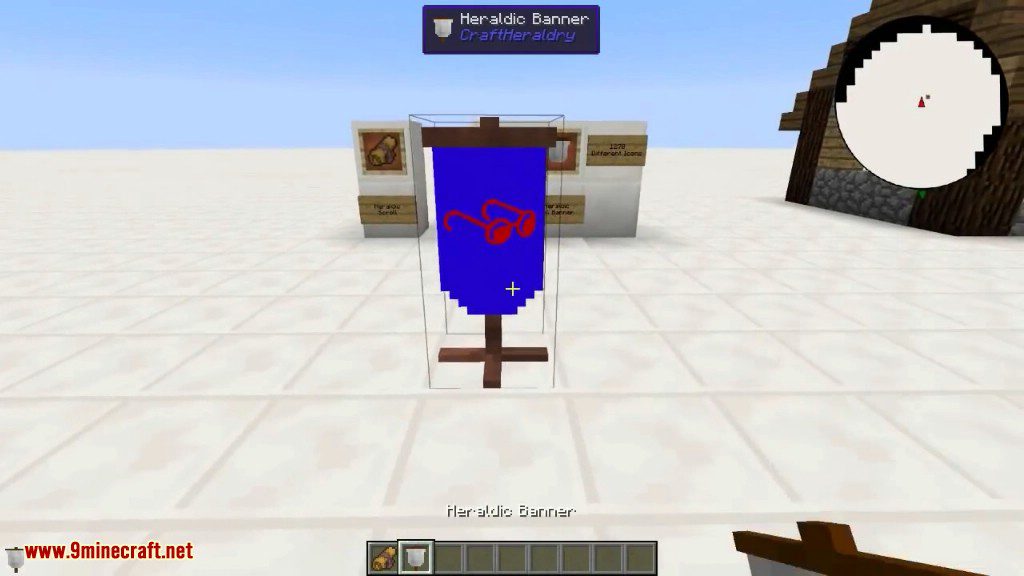
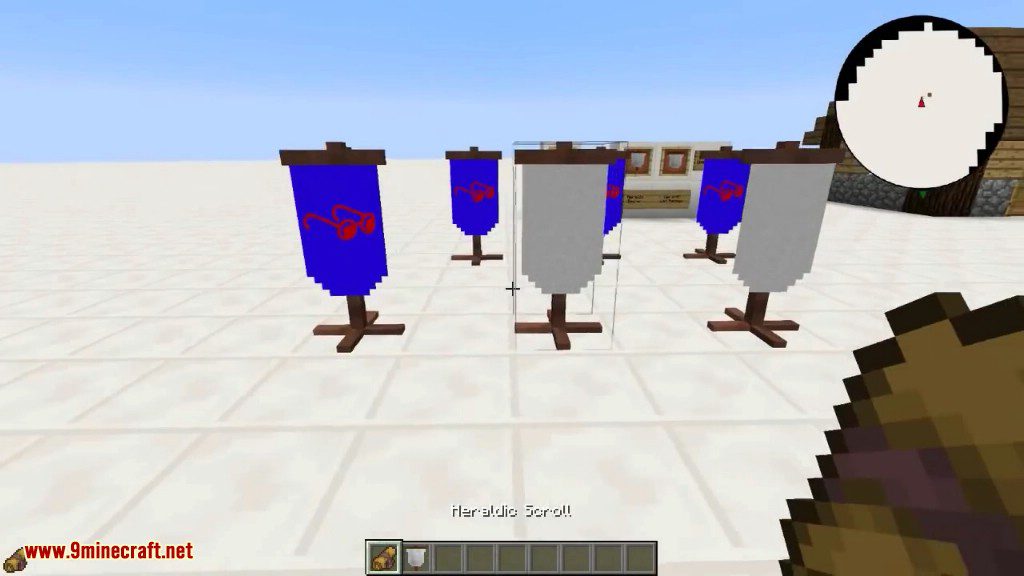
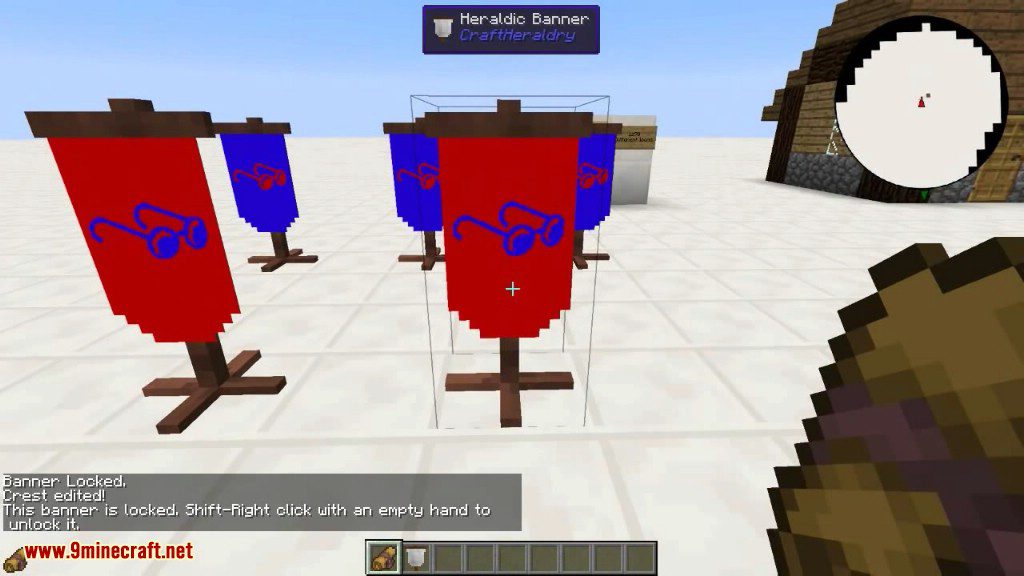
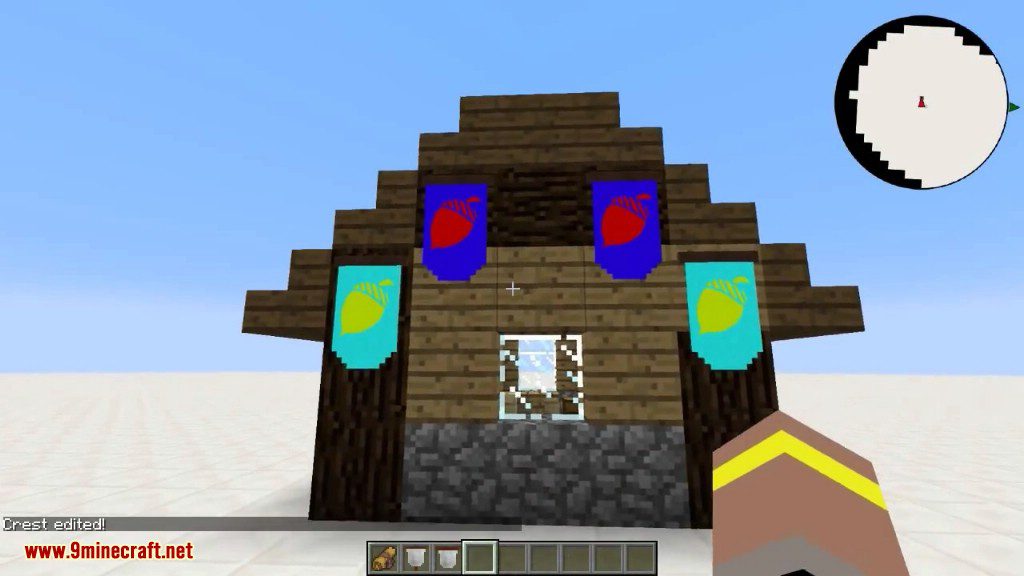
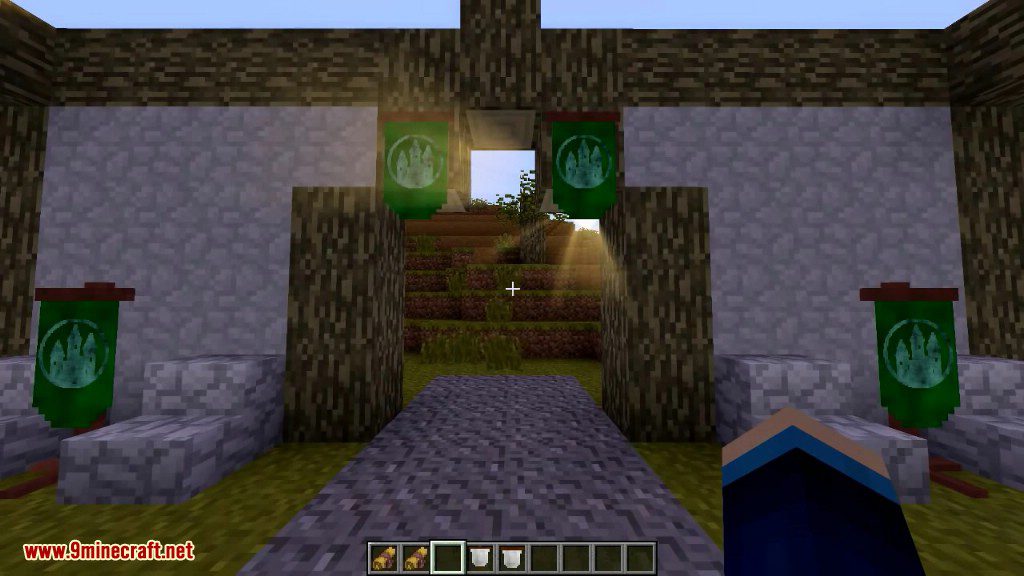
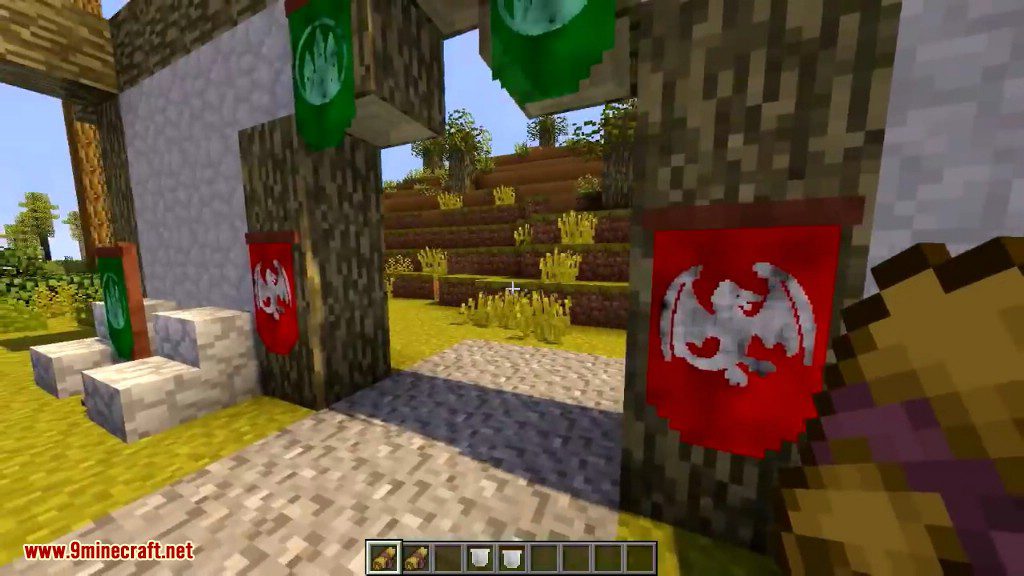
CraftHeraldry Mod 1.7.10 adds heraldic banners to the game. Using in-game editor, a player can choose the heraldic symbol, its colour and background colour. Banners can be placed on the floor (8 possible directions, like ones of a sign block) and on the walls. There are 1270 different icons you can pick for your heraldry. All of them gotten from the amazing Lorc, at game-icons.net.
Craftheraldry is an excellent mod for creating custom banners. It has a wonderfully simple interface for creating a banner from a multitude of different options.
Screenshots:
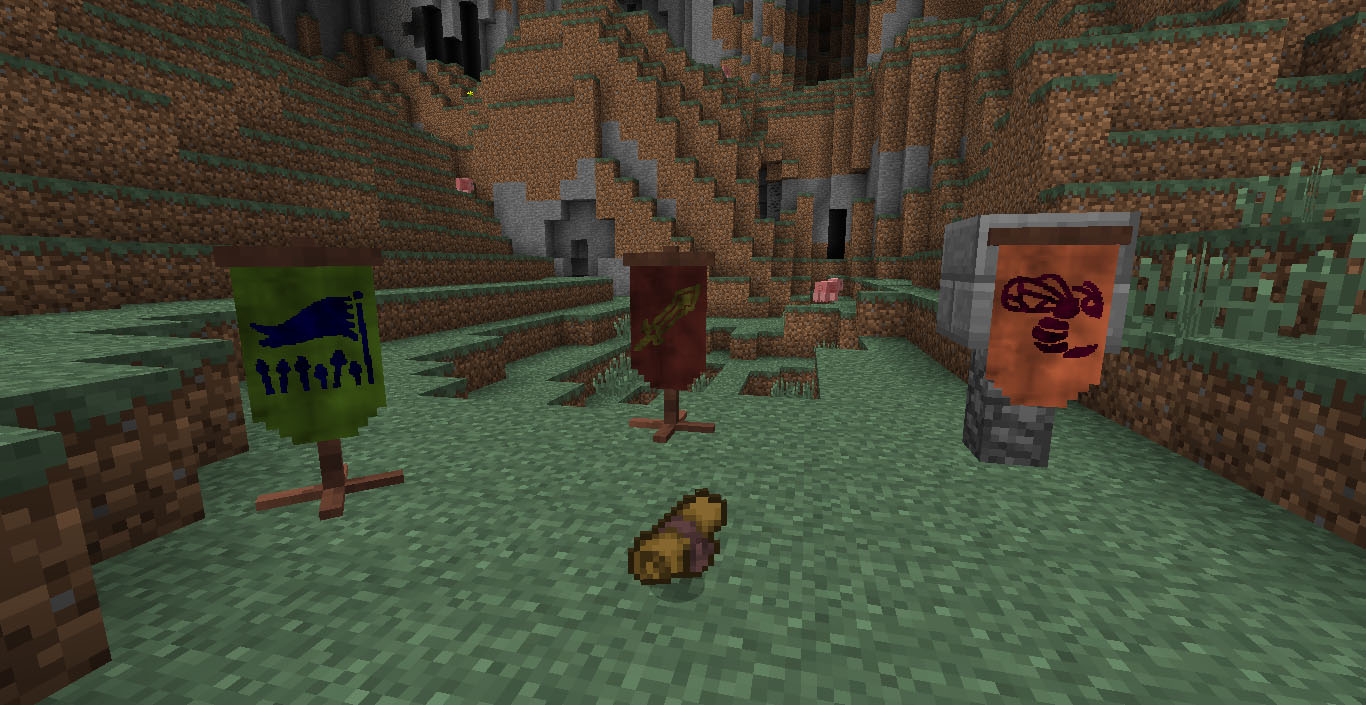
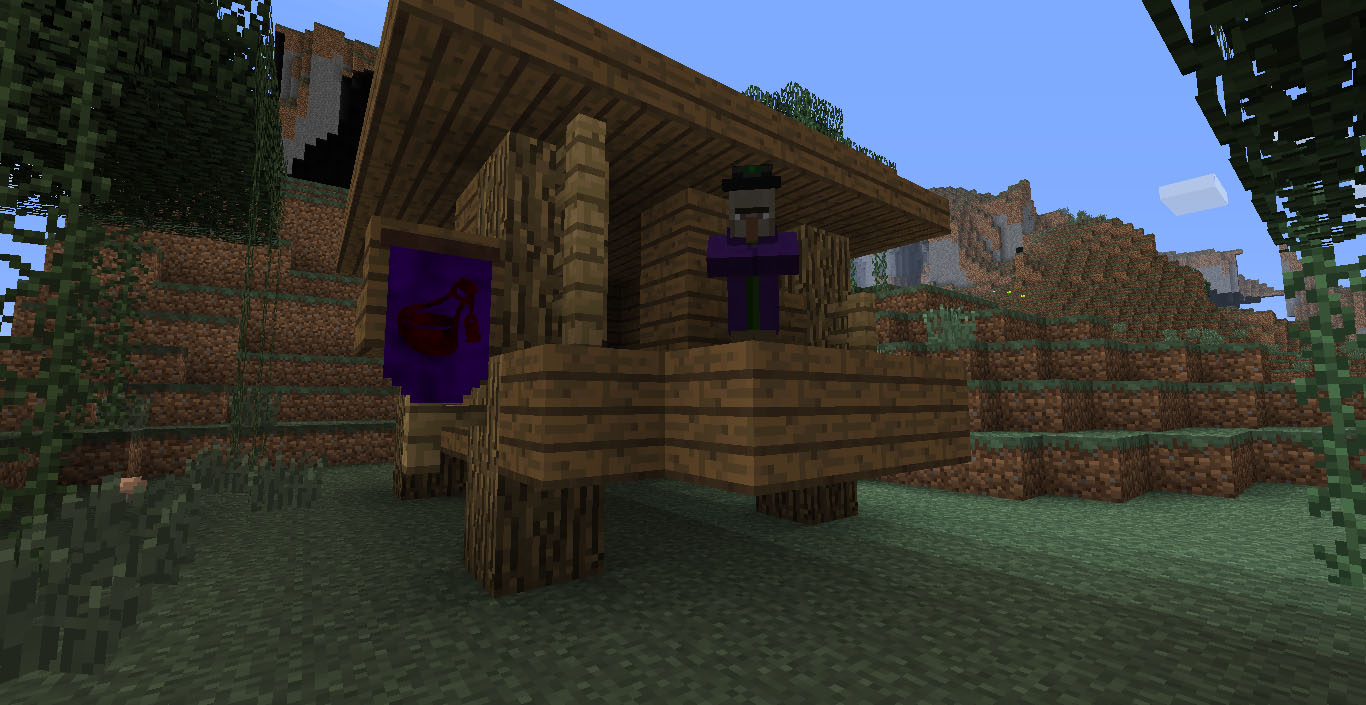
Crafting Recipes:
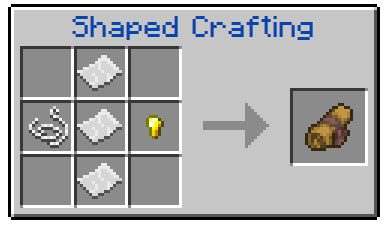
Heraldic Scroll
The Heraldic Scroll is a tool added by CraftHeraldry. Right-clicking with the scroll in hand opens the Heraldic Editor interface, in whichthe scroll’s design, icon and colour settings can be edited.
Usage:
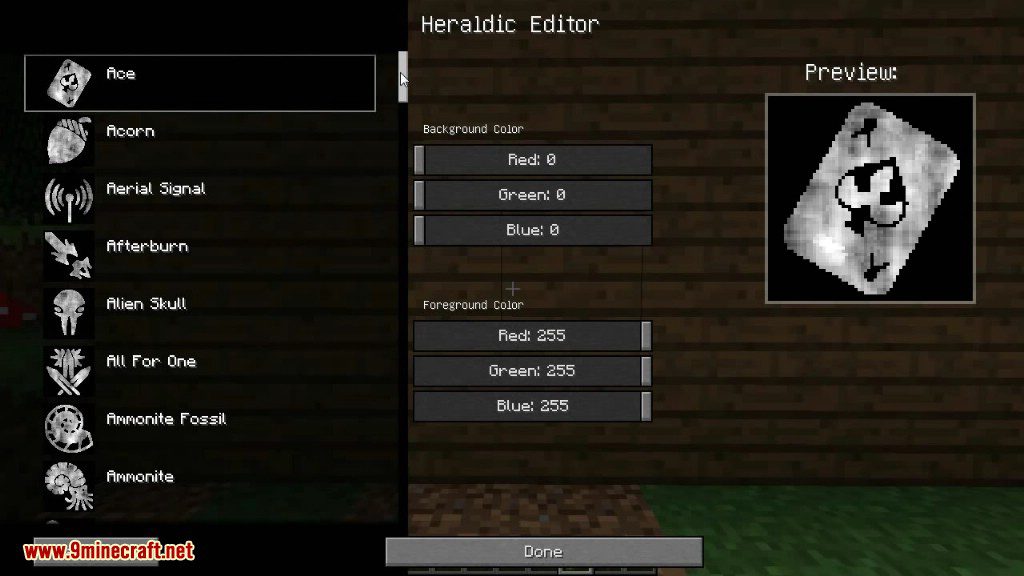
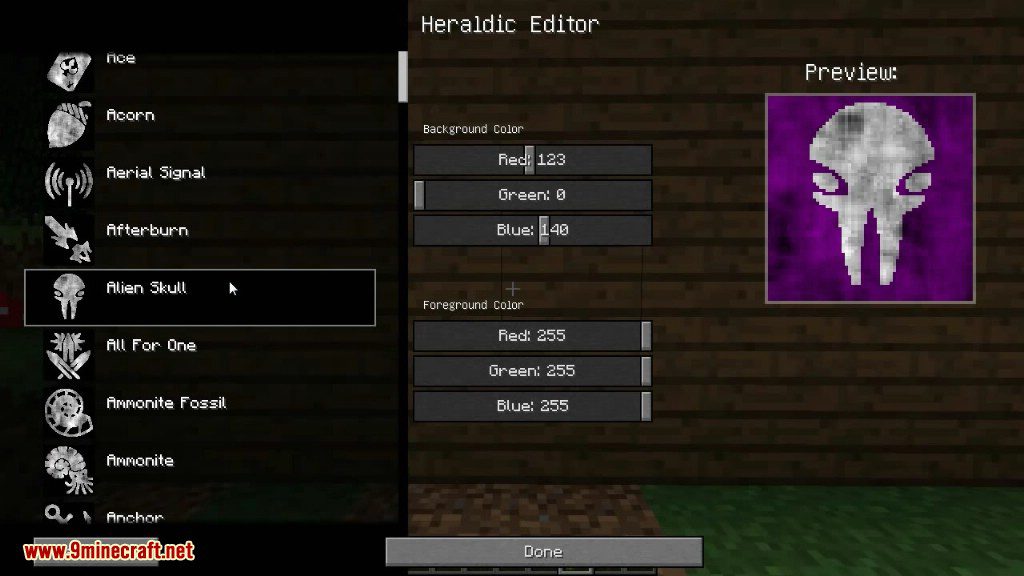
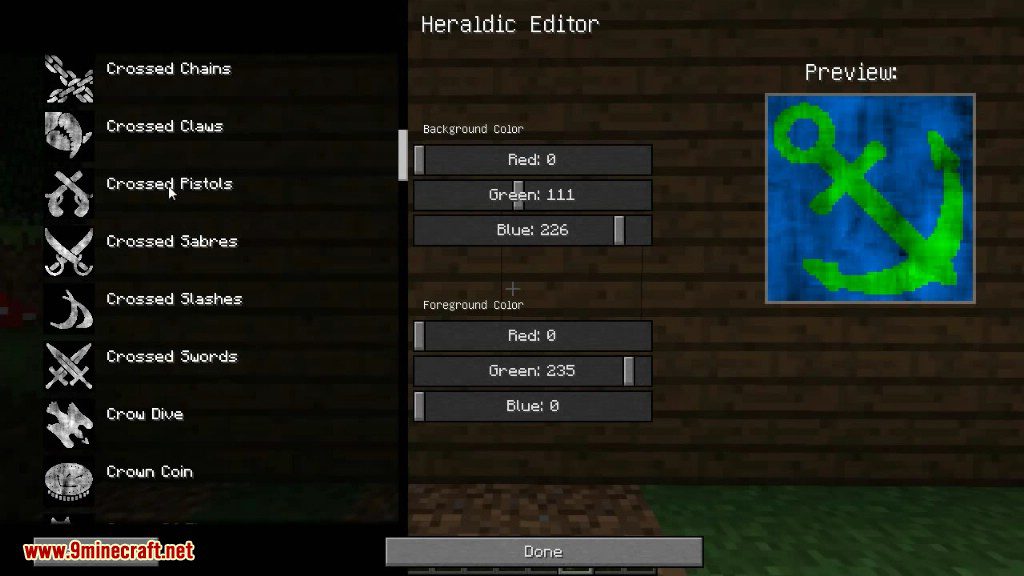
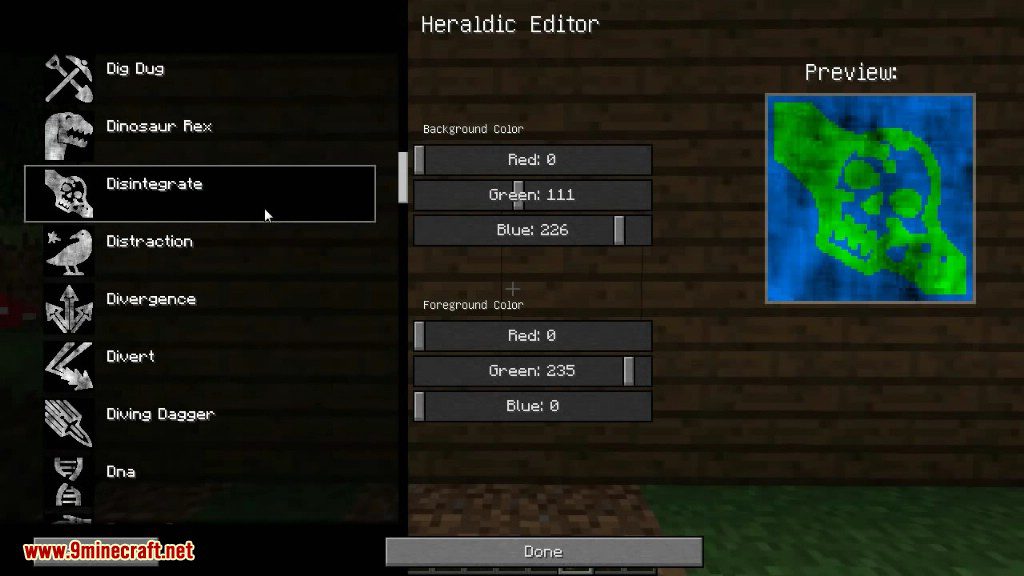
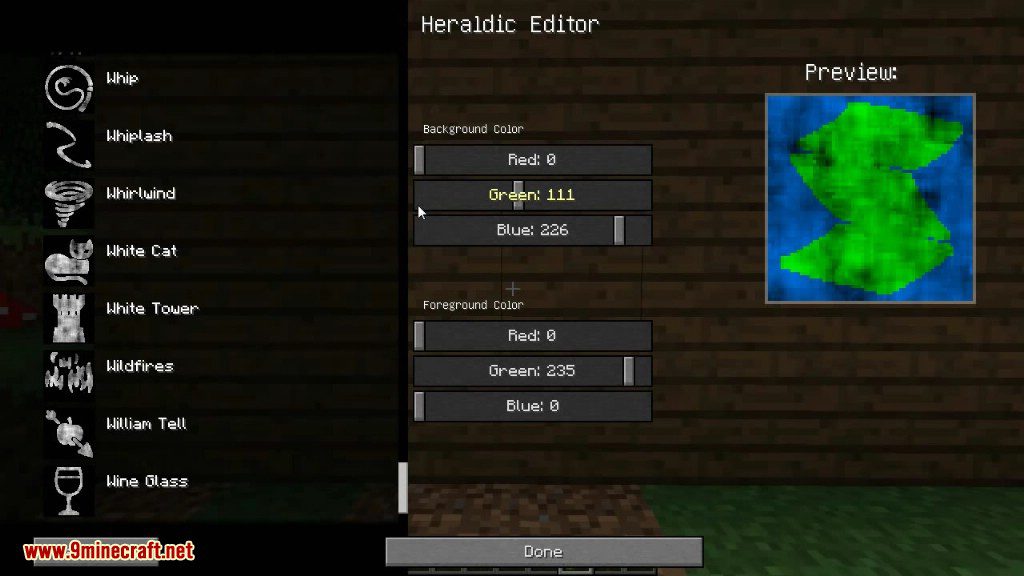
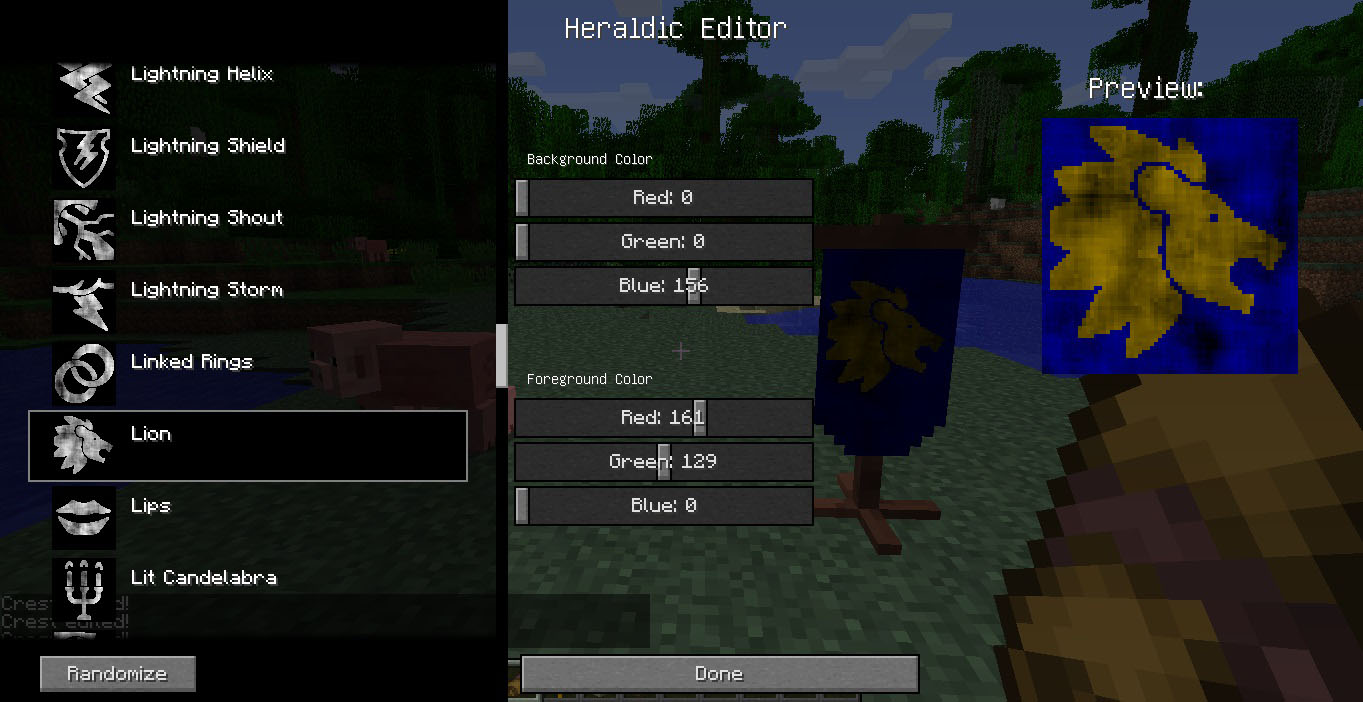
Upon right-clicking the scroll, a GUI will open. On the left is a list of all available icons. Clicking any of them will render it on the preview image, to show what it would look like on a banner. In the middle is a list of RGB sliders, used to change the Red, Green and Blue values of the Background and Foreground (Icon) Color. On the right is a preview image, that dynamically changes with any changed icon/colour values.
- The icon and colours can be randomized by clicking “Randomize”
- After editing the settings, clicking “Done” will save them.
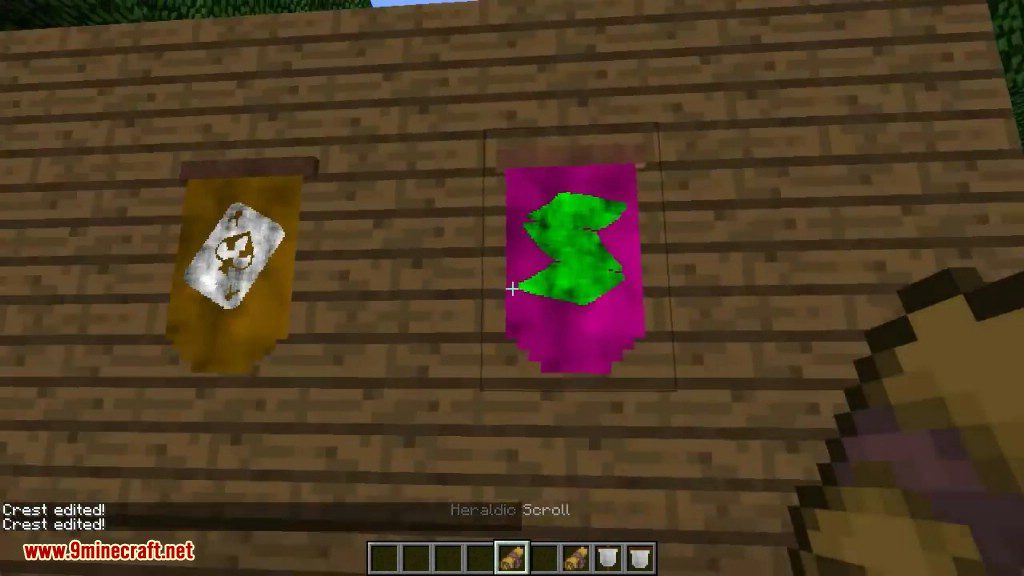
Right-clicking on any Heraldic Banner or Heraldic Wall Banner will apply the scroll’s settings to the banner.
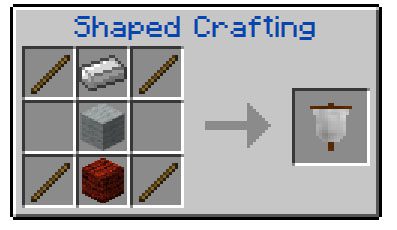
Heraldic Banner
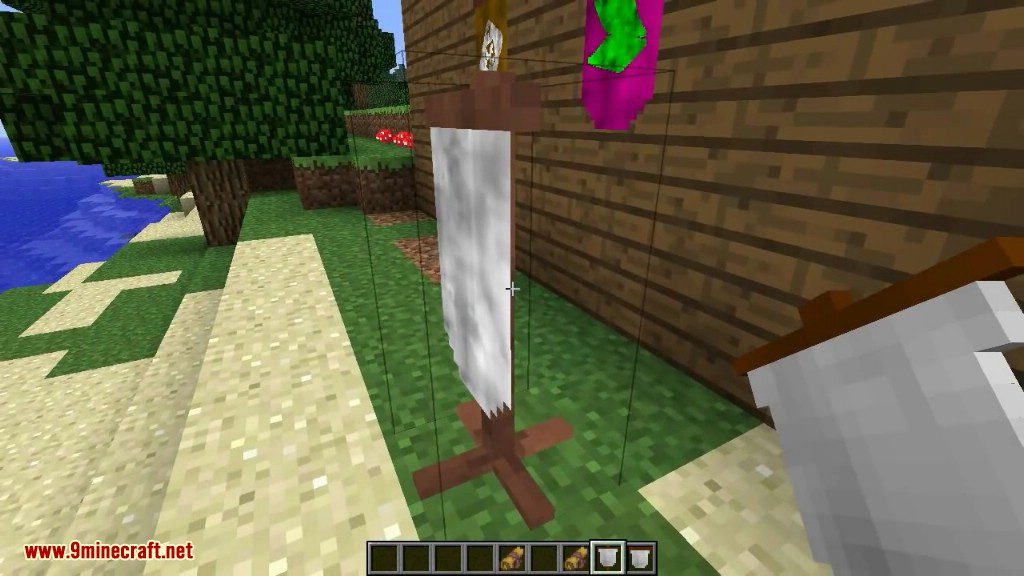
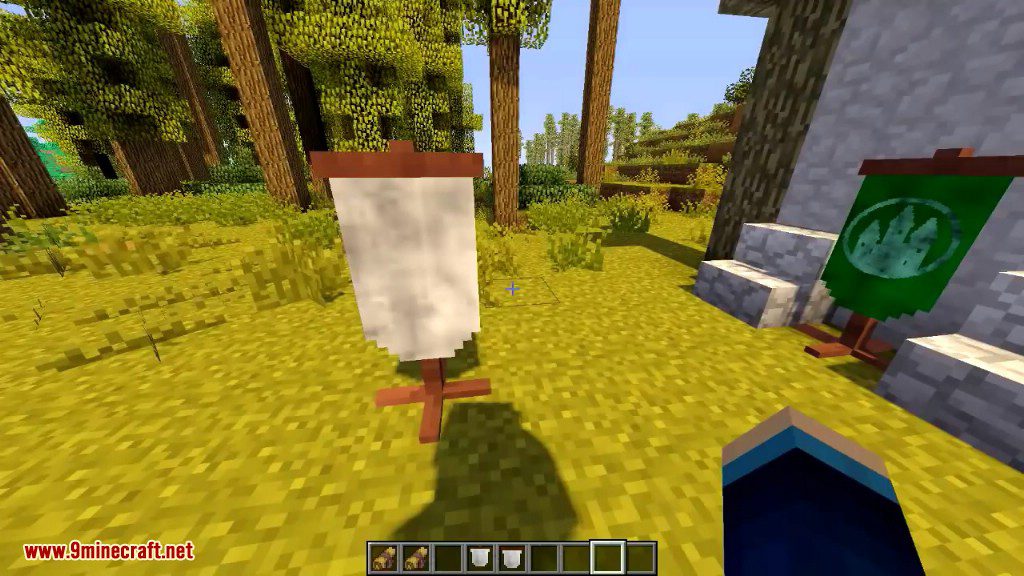
The Heraldic Banner is a decoration item added by CraftHeraldry. It can be placed in the world, and right-clicked with a customized Heraldic Scroll to apply the scroll’s icon and colour settings to it. The banner can only be placed on the ground.
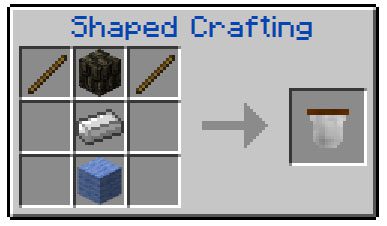
Heraldic Wall Banner
The Heraldic Wall Banner is a decoration item added by CraftHeraldry. It can be placed in the world, and right-clicked with a customized Heraldic Scroll to apply the scroll’s icon and color settings to it. The wall banner can only be placed on walls.
CraftHeraldry Mod 1.7.10 Download Links
For Minecraft 1.6.4/1.6.2
For Minecraft 1.7.10
- Edition: Minecraft Java
- File type: .jar
- How to install: Install the matching mod loader (Forge, Fabric or NeoForge) for your Minecraft version. → Download the .jar. → Put it in the .minecraft/mods folder and launch that loader profile.
- Where to get it: In MC Java Mods, or directly above on this page.
Install steps are the general flow for this file type — How to install Minecraft Java mods & modpacks walks through it step by step.
- Downloads as 211247.mcaddon
- Download size: 6.9 MB
- Download link checked 27 Jul 2026 — working
- Mirrored on our own servers — the download does not depend on the original host
These come from our own check of the pack file, not from the source page.