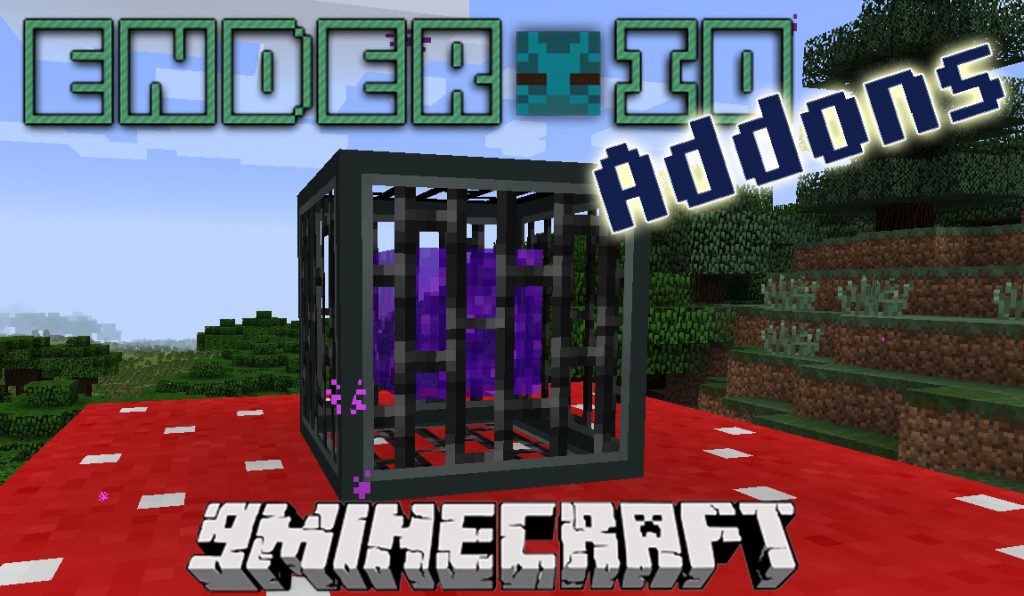
Ender IO Addons expands the popular Ender IO mod with a collection of new machines. This addon introduces useful blocks for automation, fluid management, item transport, and even decoration, giving you more tools for your tech-based worlds.
Features:
- Cobblestone Framework: A machine that generates cobblestone using its own internal lava and water. It has three upgrade slots to process the cobblestone it creates.
- The Drain: This block works like a pump, collecting any fluid that flows into it. For it to work, you need to place it in a low spot within the liquid.
- Impulse Hopper: An advanced hopper that moves a specific, configured set of items all at once. It only operates when it has every item in the set.
- The Niard: The opposite of the Drain, this machine places liquids into the world, allowing you to fill up holes or create pools.
- Portal Tank: Create a special tank by lighting a Nether Portal inside it, allowing you to transfer water into the Nether.
- Graphical Power Monitor: Lets you see a history of the power stored in your capacitor banks.
- Loot Recycler: Breaks down unwanted vanilla and Ender IO tools, weapons, and armor. It also removes the enchantments from these items.
- Magnetic Flag & Charger: Place Magnetic Flags to create a path back home. Each flag points to the previous one placed from the same stack. They must be charged in the Magnetic Charger before use.
- AgriCraft Farming Station: Automates the process of farming plants from the Agricraft mod.
- Food Drain: An upgraded version of the Drain that is able to handle and process milk.
- Adds 16 new decoration blocks, including some with machine textures and an invisible block.
How to Use:
- To use a Magnetic Flag, you must first charge it in a Magnetic Charger.
- When you place a flag, it will automatically point to the last flag you placed from the same stack, creating a trail.
- You can right-click a flag to change where the stack points, or put the stack in a crafting grid to reset it.
- Place The Drain in a low area to collect any fluids that flow towards it.
- To use The Niard, place it over a hole and supply it with RF power and a liquid to fill the space below.
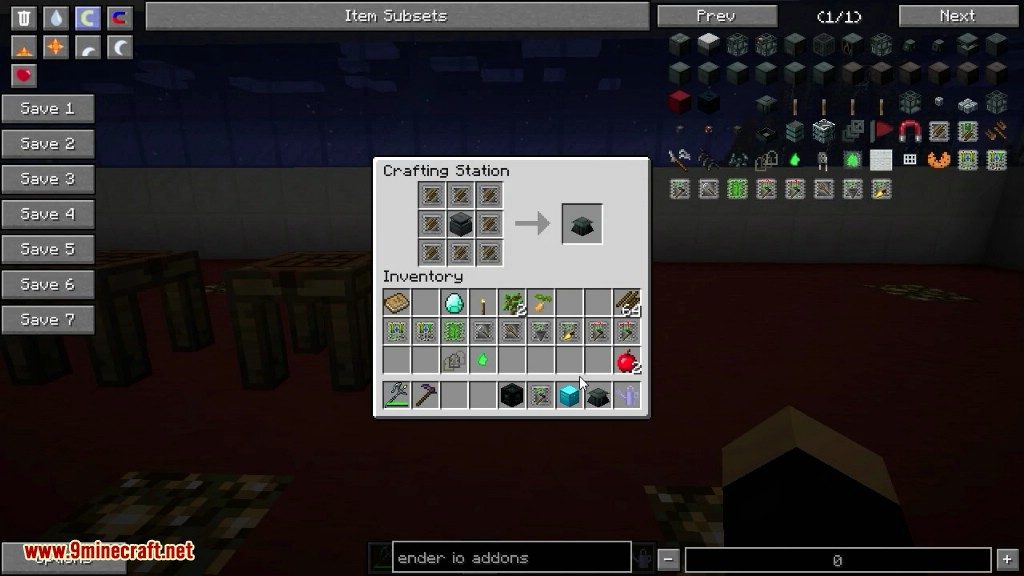
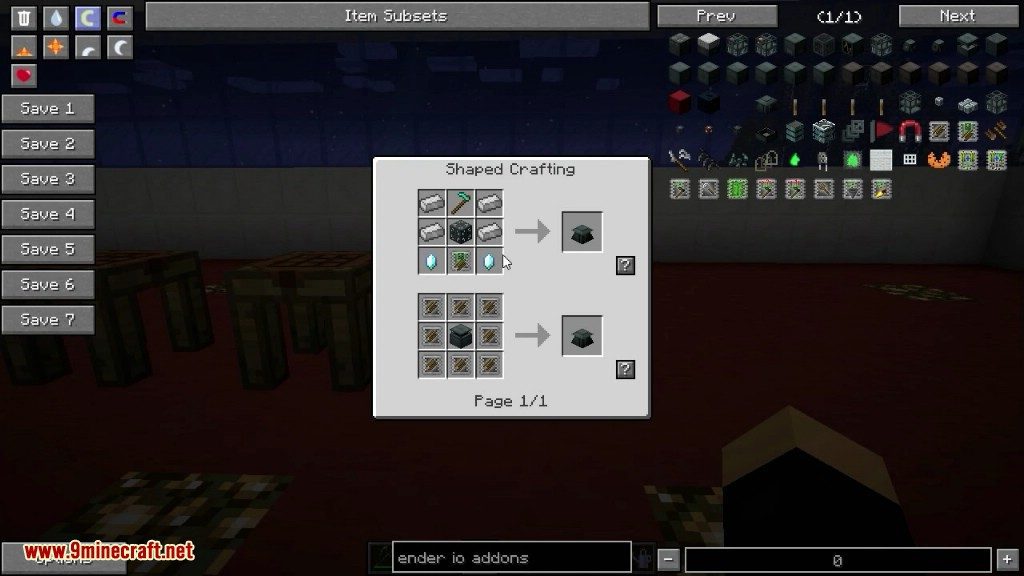
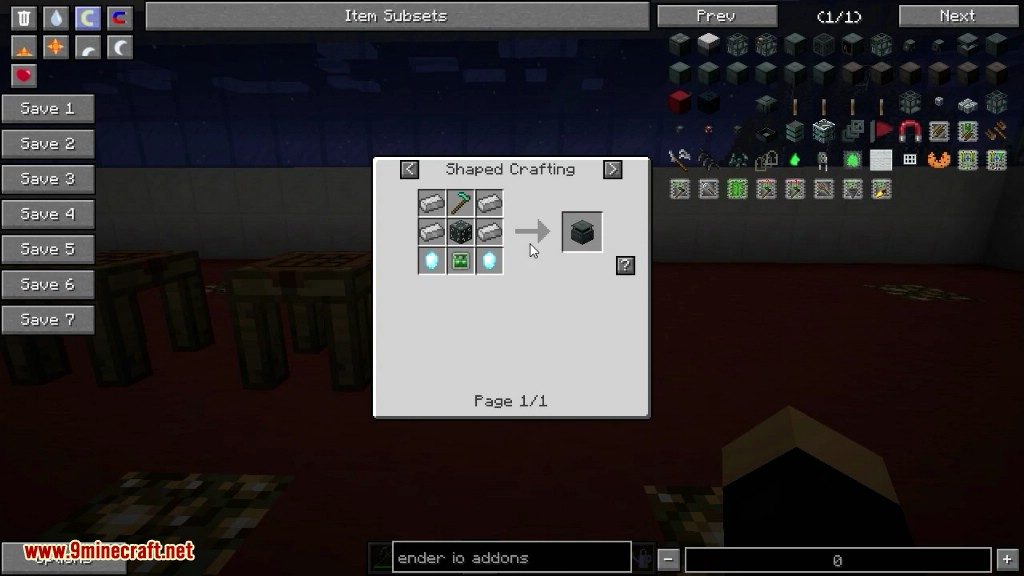
Crafting Recipes:
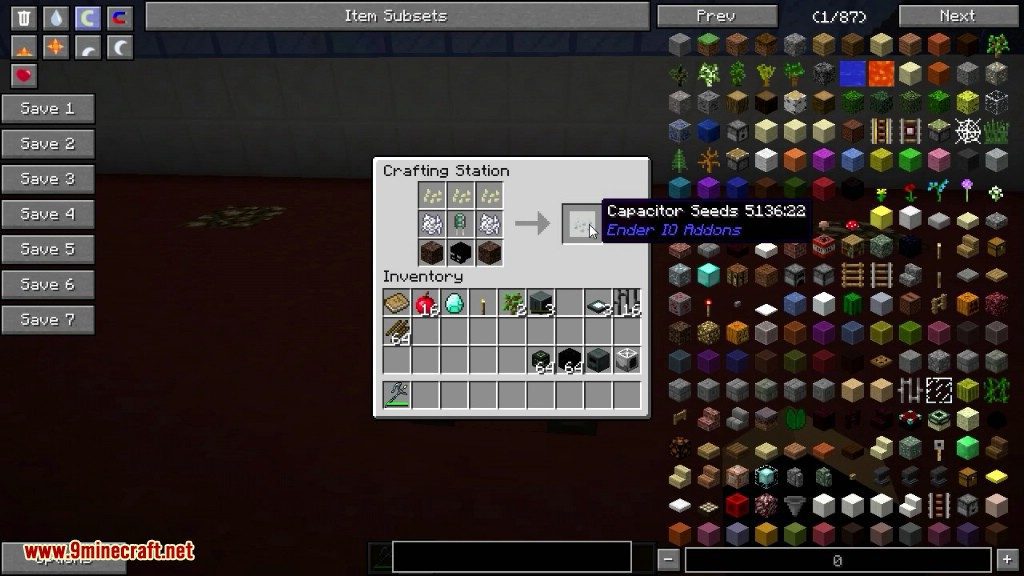
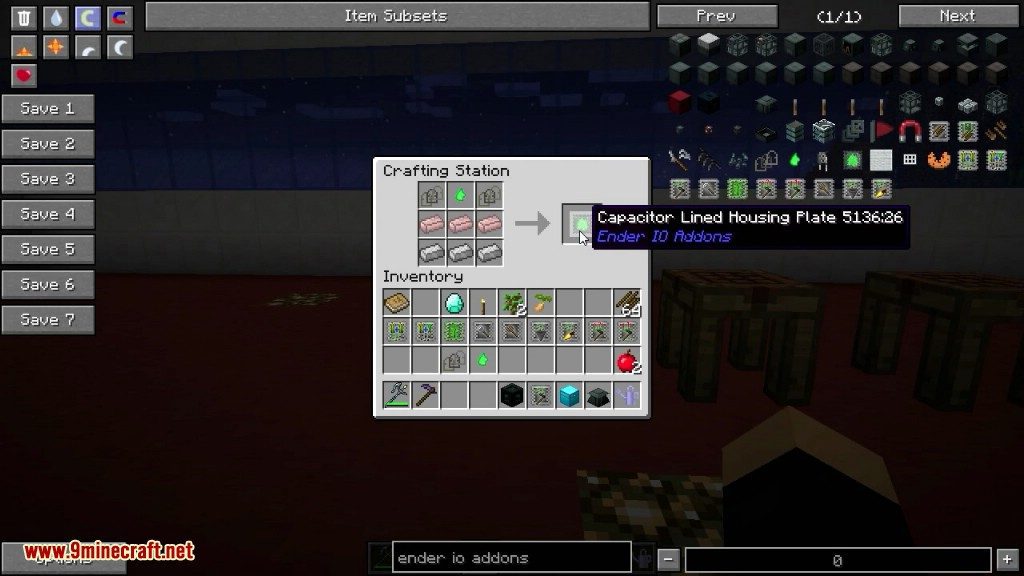
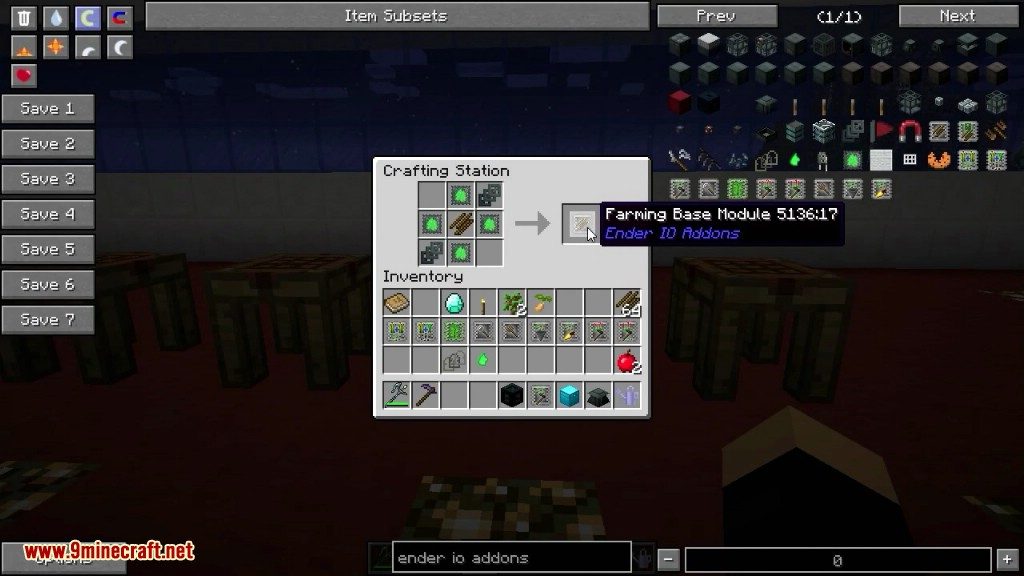
Ender IO Addons Mod Download Links
For Minecraft
Quick facts
- Edition: Minecraft Java
- File type: .jar
- How to install: Install the matching mod loader (Forge, Fabric or NeoForge) for your Minecraft version. → Download the .jar. → Put it in the .minecraft/mods folder and launch that loader profile.
- Where to get it: In MC Java Mods, or directly above on this page.
Install steps are the general flow for this file type — How to install Minecraft Java mods & modpacks walks through it step by step.
Verified by MCModsHub
- Downloads as 211317.mcaddon
- Download size: 2.4 MB
- Download link checked 27 Jul 2026 — working
- Mirrored on our own servers — the download does not depend on the original host
These come from our own check of the pack file, not from the source page.