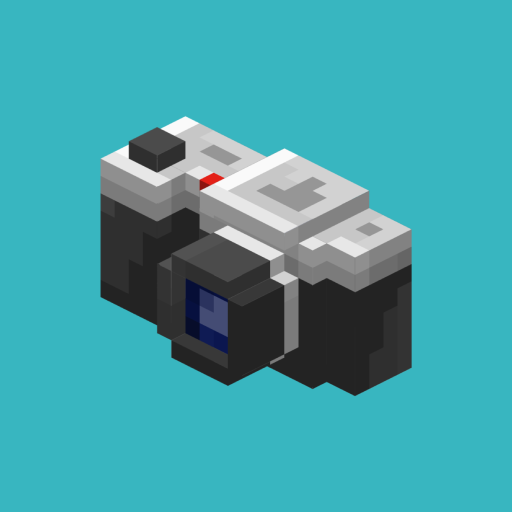
Camerapture
Java mod listed for Minecraft 1.20–1.21. File opened and checked on 5 Oct 2026; downloads from the MC Java Mods app on Android.
Take pictures using a working camera, show them to other players and hang them on your wall in picture frames!
I don't know my version or loader
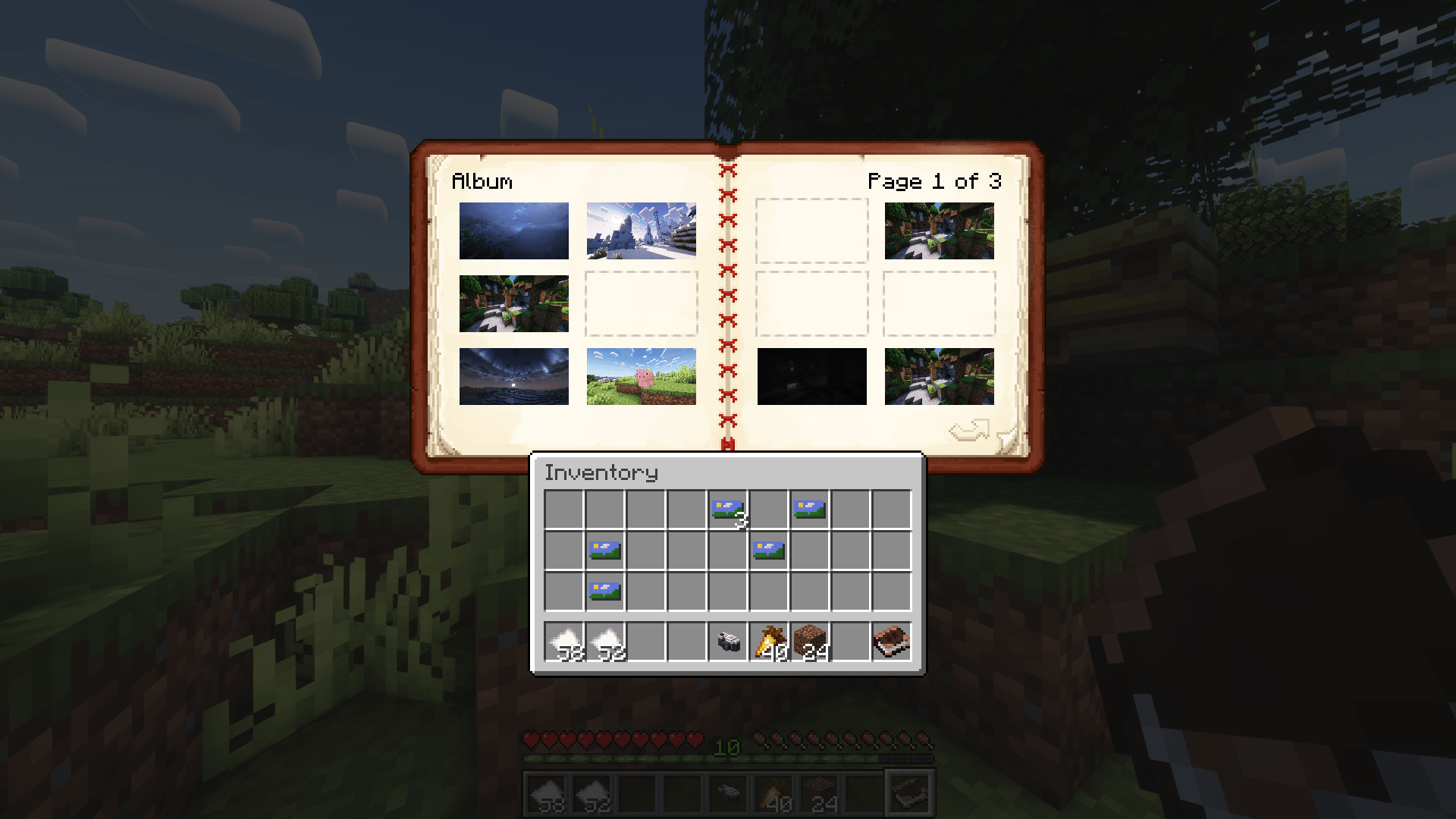
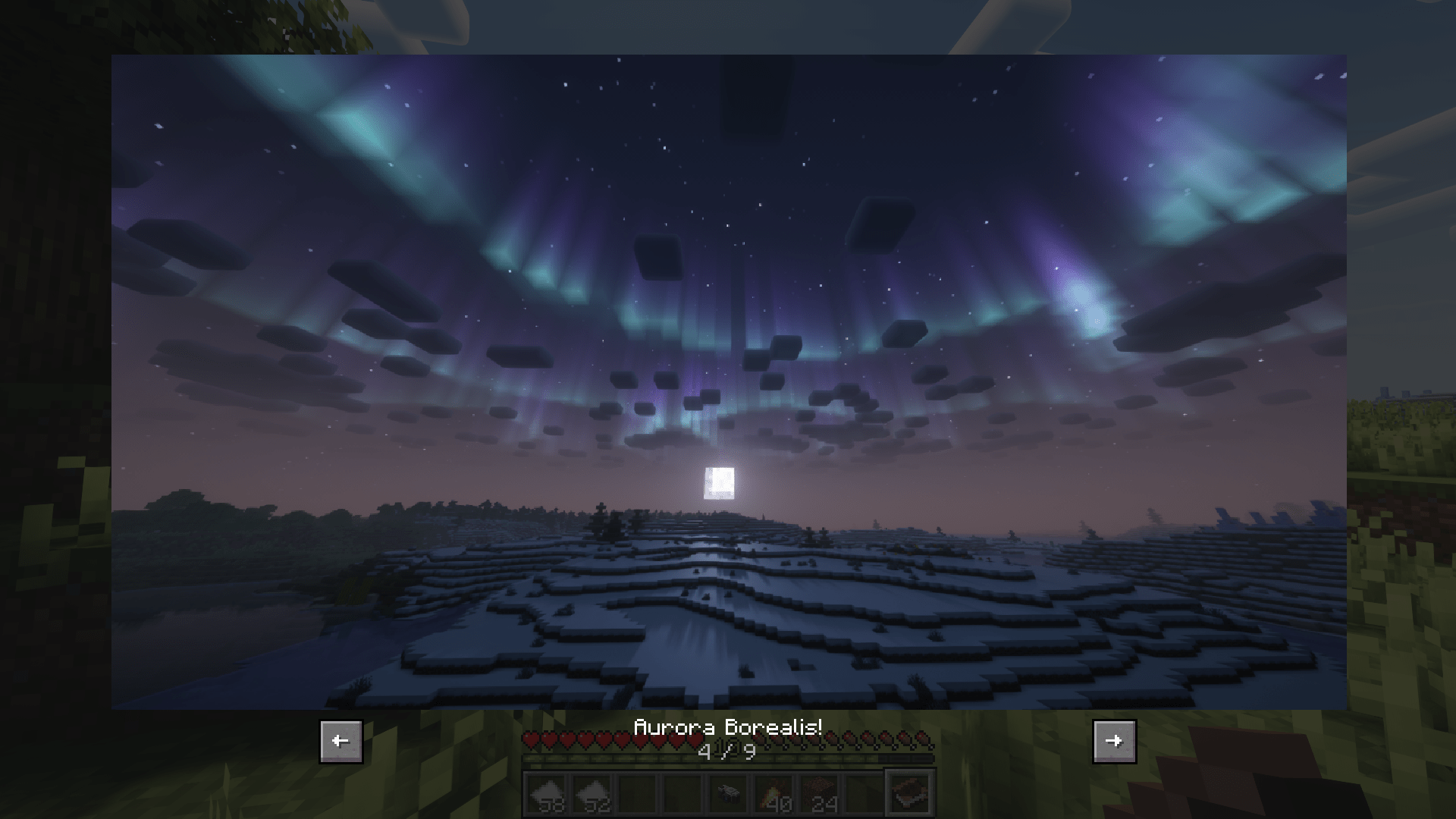
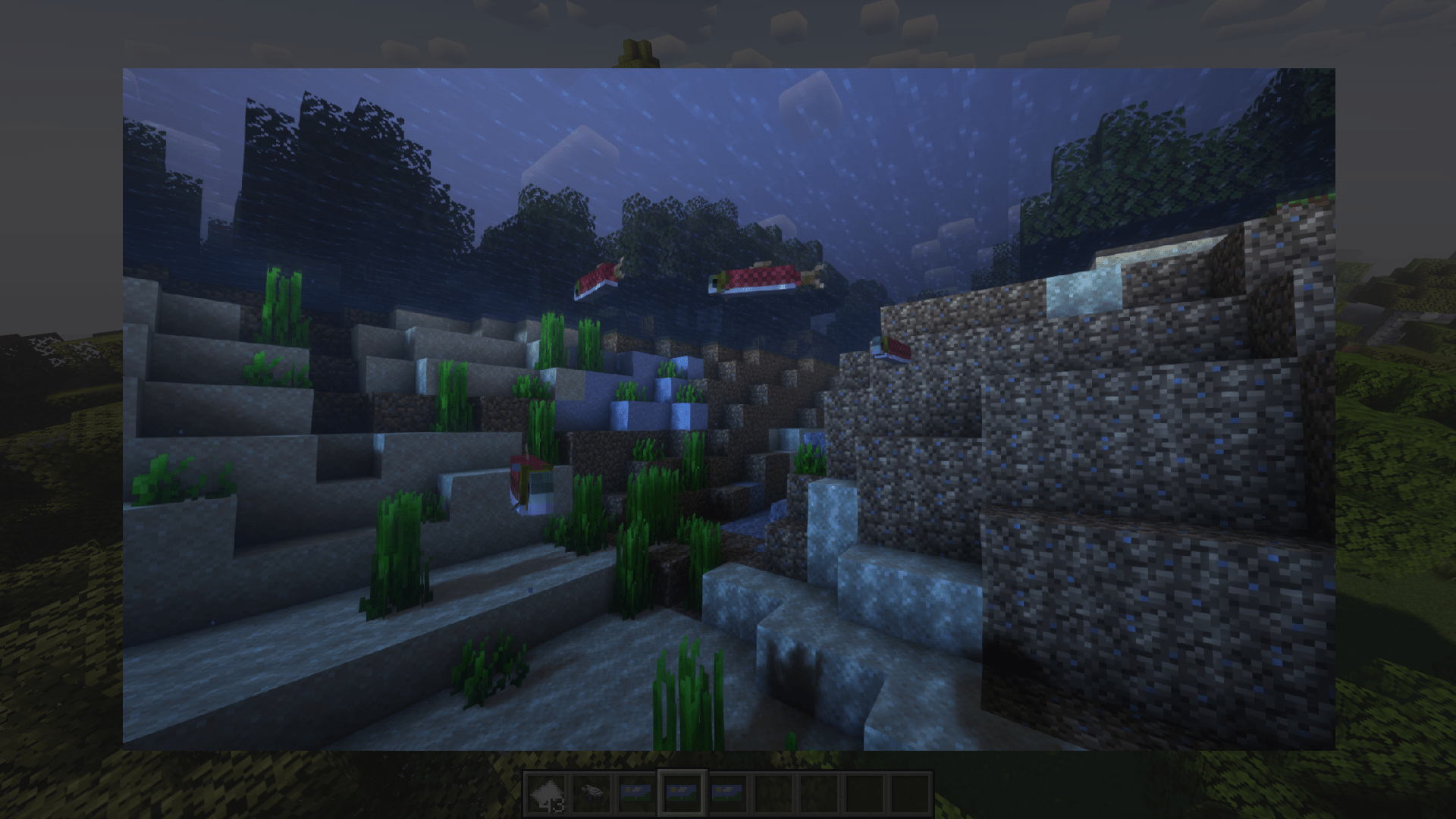
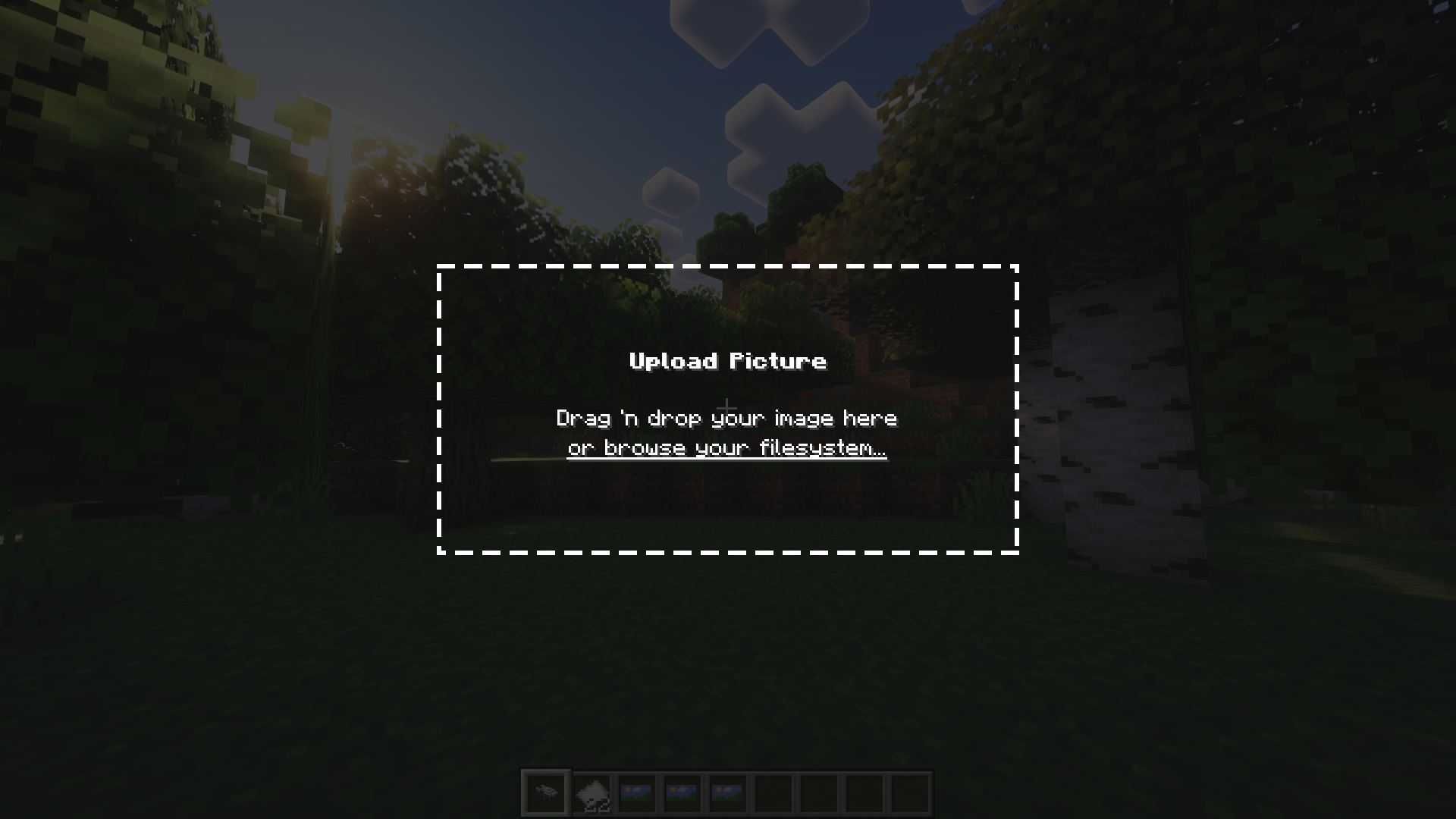
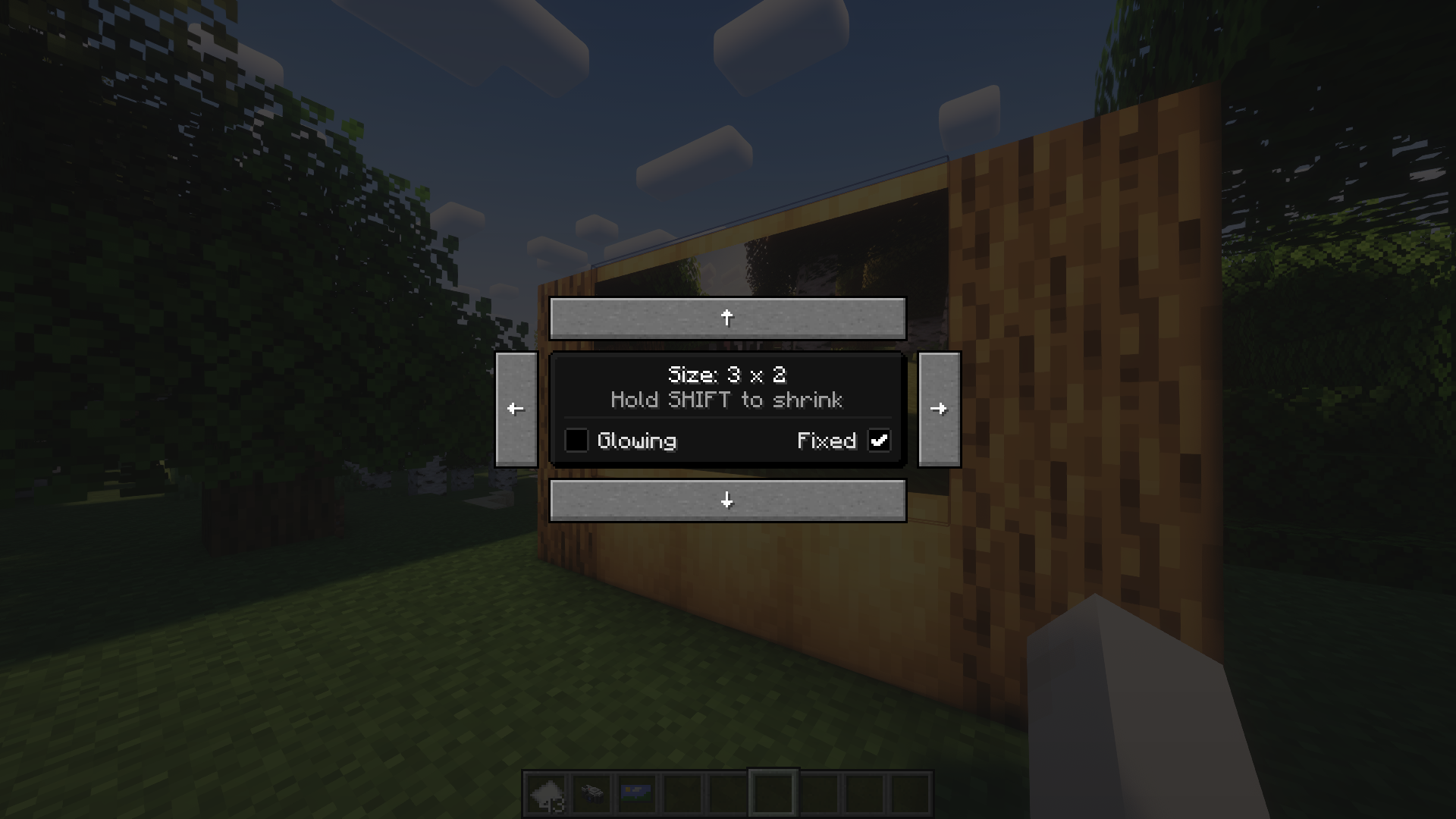
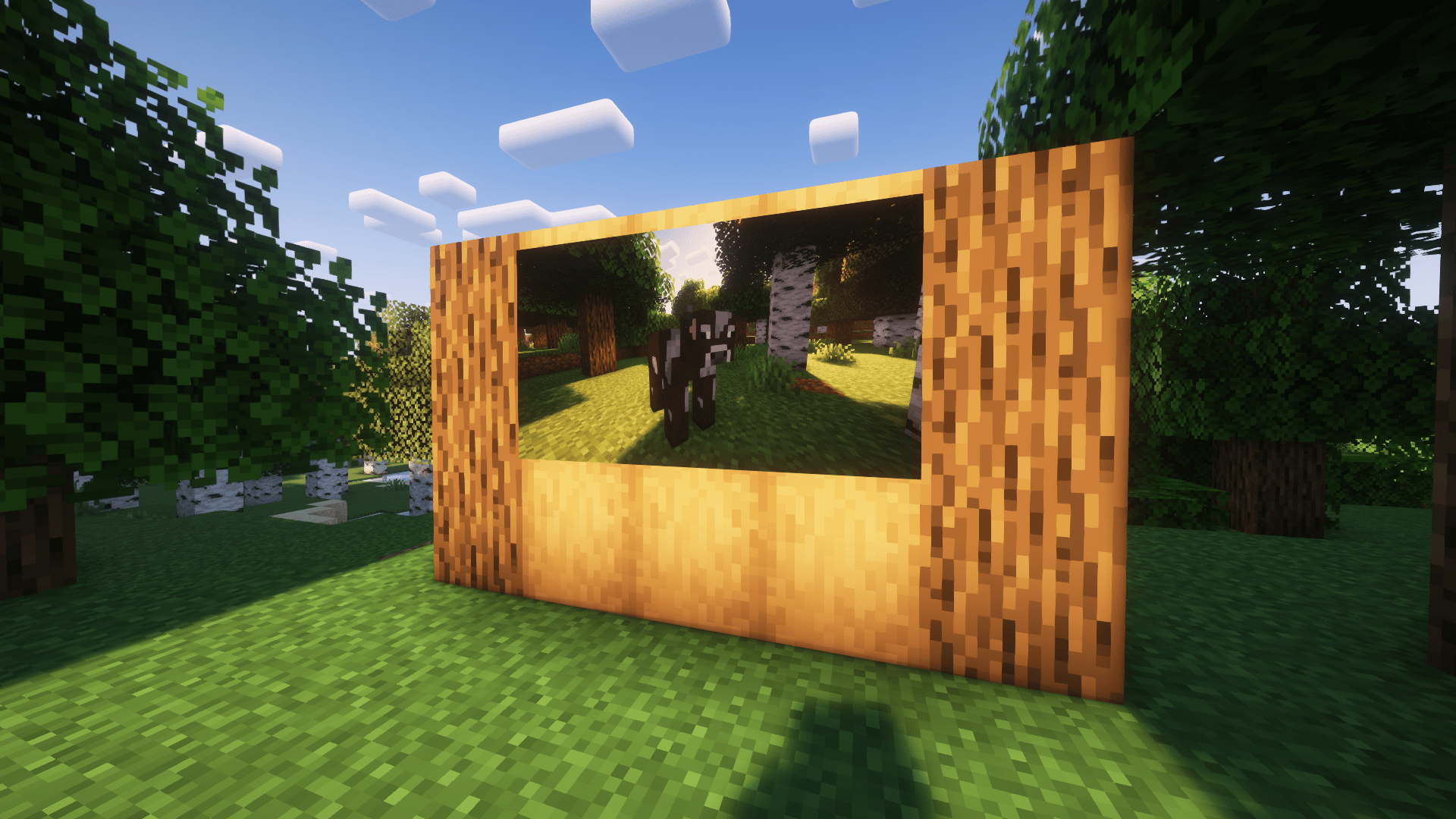
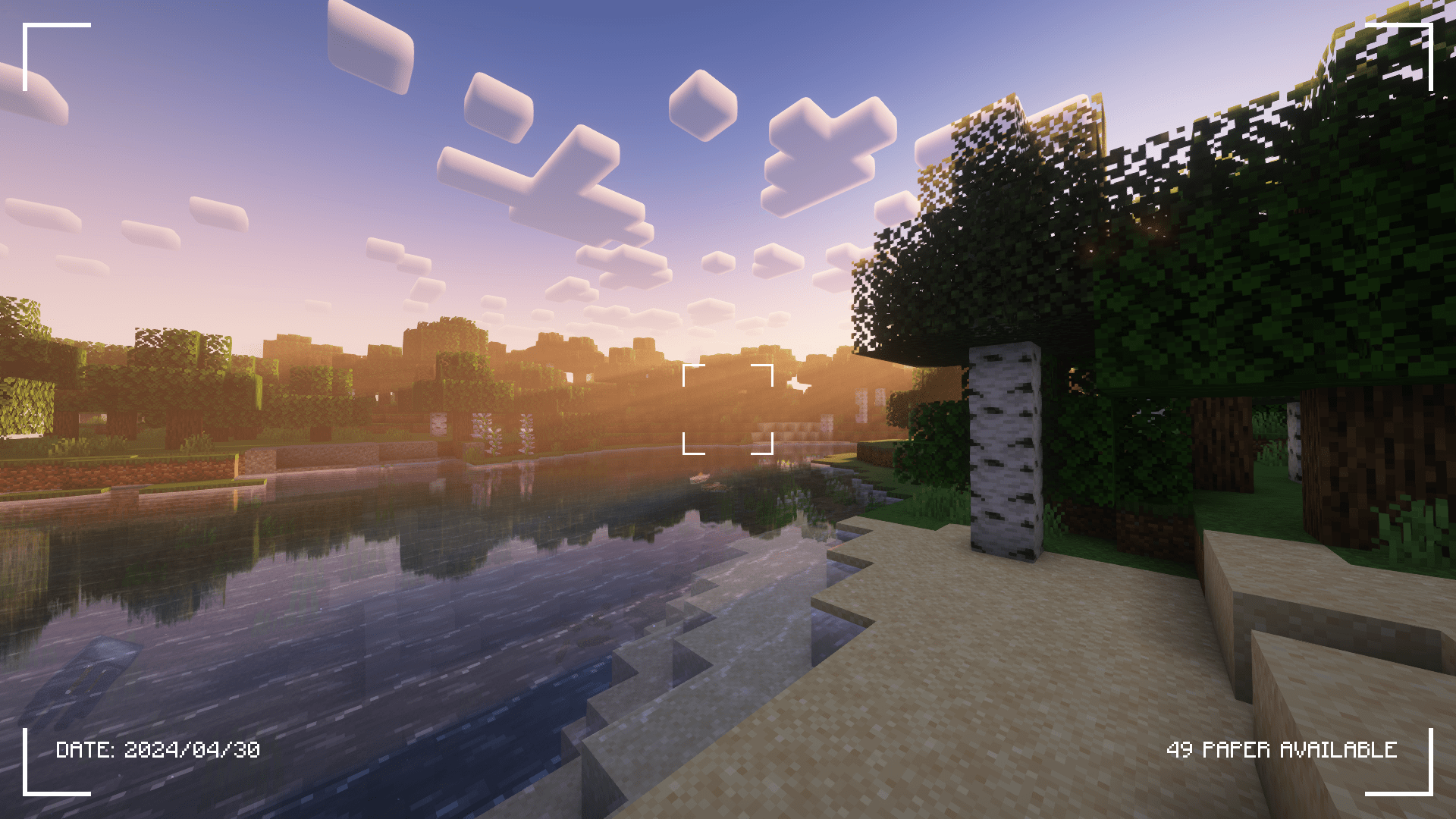
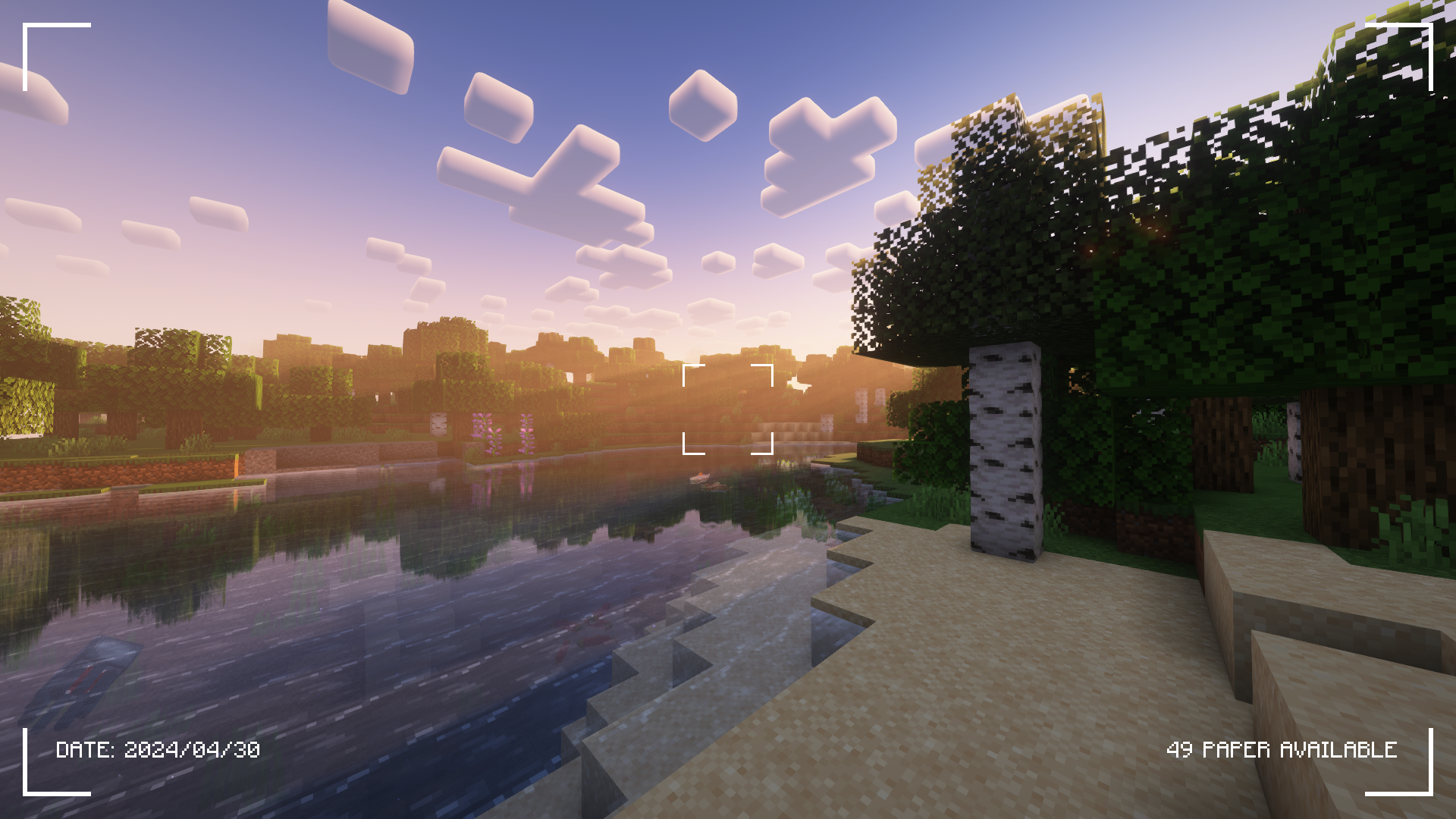
Check the Gallery tab for more screenshots!
Camerapture is a camera / picture mod for Fabric! It adds working cameras that can take actual pictures of what you see in-game. You can also upload custom pictures using the camera! These pictures can be shared with other players and hung up on the wall to be viewed by everyone.
How does it work?
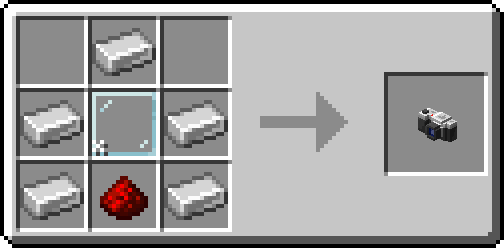
After crafting your camera, put some paper in your inventory and get to photographing!
You can hang a picture on the wall by sneak + right-clicking. To resize the picture frame, just sneak + right-click again on the picture!
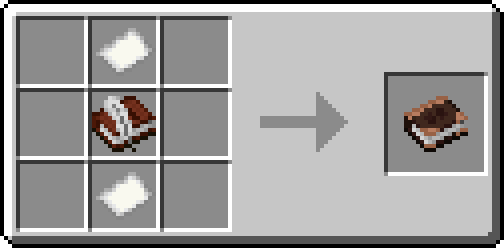
Alternatively, craft an album and collect your pictures into a single book!
Credits
- henkelmax for making the Camera Mod for Forge that's used on the QSMP, for being the main inspiration of this mod.
- All the great people on our origins server for being amazing and patient with me <3
- Edition: Minecraft Java
- File type: .jar
- Minecraft versions listed: 1.20.1, 1.20, 1.21.11
- How to install: Install the matching mod loader (Forge, Fabric or NeoForge) for your Minecraft version. → Download the .jar. → Put it in the .minecraft/mods folder and launch that loader profile.
- Where to get it: Opens on CurseForge — not every file is mirrored on our own servers.
Install steps are the general flow for this file type — How to install Minecraft Java mods & modpacks walks through it step by step.
- Ships as Camerapture-1.7.0-alpha+mc1.21.1-neoforge.jar — drop this file into the mods folder
- Download size: 3.3 MB
- Download link checked 7 Oct 2026 — working
These come from our own check of the pack file, not from the source page.