MineTunes Mod 1.10.2, 1.9.4 allows you to play .mp3 files and loads playlists from folders and .m3u files.
Screenshots:
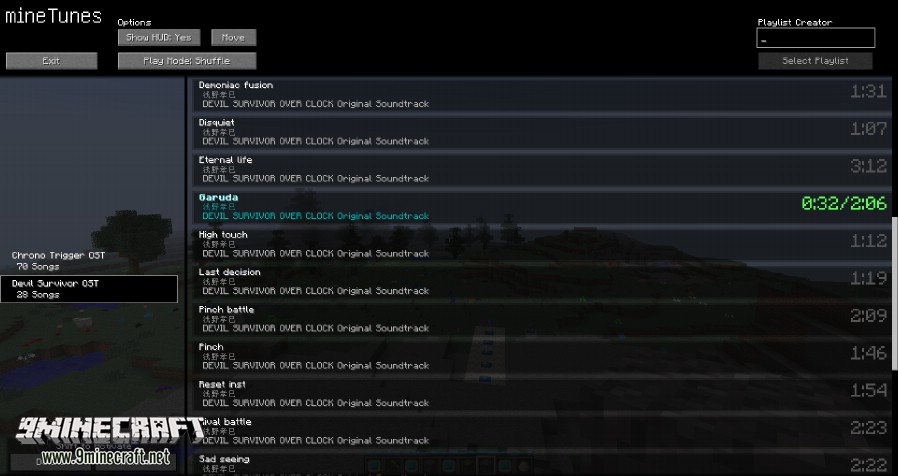
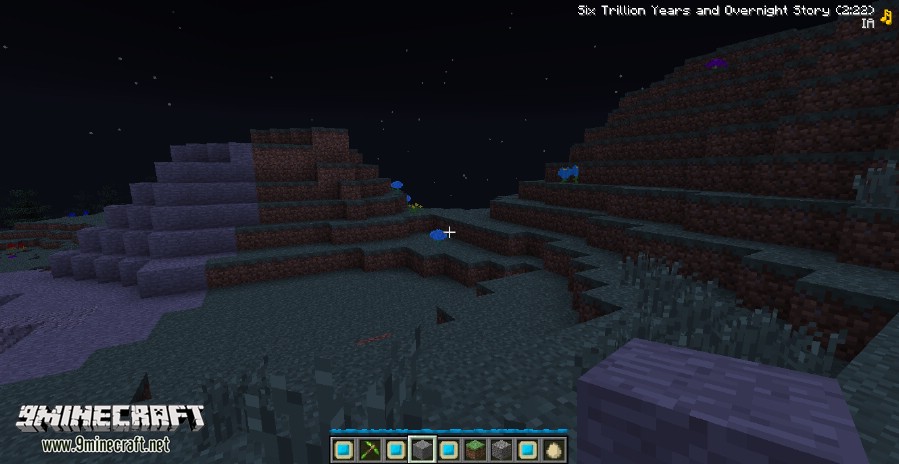
Controls (All Rebindable):
- Home: Open menu
- End: Play/Pause
- Page Up: Music Volume Up (Ctrl-click acts as Next Song)
- Page Down: Music Volume Down (Ctrl-click acts as Previous Song)
Usage:
- You can create a playlist by selecting a name and pressing the button in the corner. Selecting a .m3u file crawls it and picks up all .mp3 files it can find. Selecting a folder has it look through it and sub folders for all .mp3 files. Streaming and extended m3u is not suported yet.
- You can then select a playlist and double click a song to play it. You can move or disable the HUD and change the play mode (Track, Repeat [Track], Loop [Playlist] and Shuffle) in the options at the top.
- Holding Shift + Ctrl enables the developer settings if something breaks, try resetting the thread.
Note: The playlist selector appears in a separate window. If your game freezes when you click the “Select Playlist” button, try alt tabbing and seeing if the window is there.
Download Links for MineTunes Mod 1.10.2, 1.9.4
For Minecraft 1.7.10
For Minecraft 1.8.9
For Minecraft 1.9.4
For Minecraft 1.10.2
Quick facts
- Edition: Minecraft Java
- File type: .jar
- How to install: Install the matching mod loader (Forge, Fabric or NeoForge) for your Minecraft version. → Download the .jar. → Put it in the .minecraft/mods folder and launch that loader profile.
- Where to get it: In MC Java Mods, or directly above on this page.
Install steps are the general flow for this file type — How to install Minecraft Java mods & modpacks walks through it step by step.
Verified by MCModsHub
- Downloads as 211670.mcaddon
- Download size: 274 KB
- Download link checked 22 Jul 2026 — working
- Mirrored on our own servers — the download does not depend on the original host
These come from our own check of the pack file, not from the source page.