
World Tools Mod 1.7.10
Minecraft Java mod. Downloads from the MC Java Mods app on Android.
⬇ DownloadWorld Tools Mod 1.7.10 is a basic mod that adds a few new items to hopefully speed up the building process when you are trying to build in creative. These items are not available in survival. Sure, some commands were added to Minecraft that do this same thing, but they are not very practical and are a pain to use.
Tutorial:
First, right click with the cursor to select the two corners of the cube you want to edit.
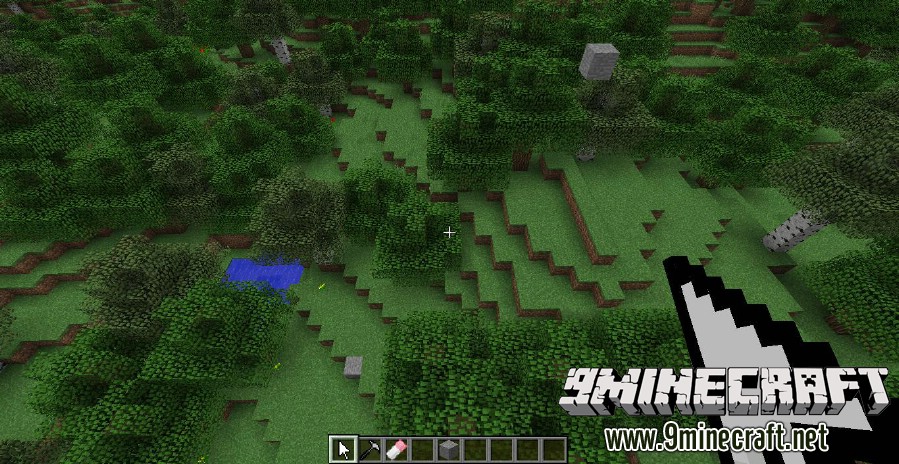
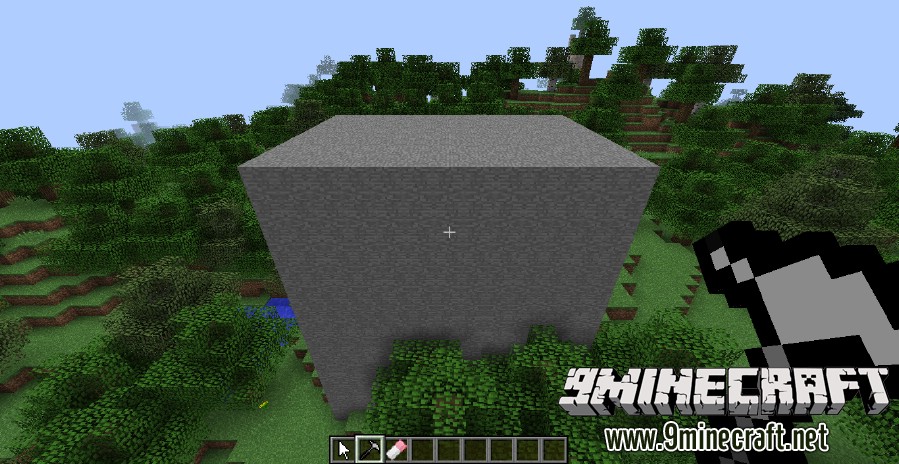
Next, you can either use the hammer to fill the area with blocks or the eraser to clear all of the blocks in the selected area.
To use the hammer, right click on the block that you want to fill the area with (WARNING: this will replace already existing blocks). In this case, I just right clicked on one of the stone blocks. The new blocks will have properties similar to the block you clicked on, i.e clicking on an upright log will spawn upright logs and clicking on a sideways log will spawn sideways logs.
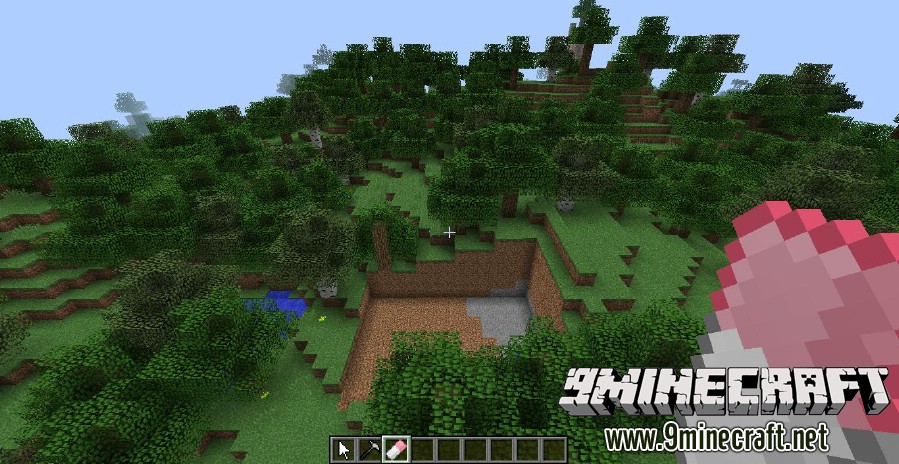
Or, if you want to get rid of the blocks, you can use the eraser.
Mod Showcases:
Download Links for World Tools Mod 1.7.10
For Minecraft 1.7.10
For Minecraft 1.8
- Edition: Minecraft Java
- File type: .jar
- How to install: Install the matching mod loader (Forge, Fabric or NeoForge) for your Minecraft version. → Download the .jar. → Put it in the .minecraft/mods folder and launch that loader profile.
- Where to get it: In MC Java Mods, or directly above on this page.
Install steps are the general flow for this file type — How to install Minecraft Java mods & modpacks walks through it step by step.
- Downloads as 212000.mcaddon
- Download size: 16 KB
- Download link checked 22 Jul 2026 — working
- Mirrored on our own servers — the download does not depend on the original host
These come from our own check of the pack file, not from the source page.