ModsJava
Displayed
Java mod listed for Minecraft 1.20–1.21. Downloads from the MC Java Mods app on Android.
⬇ Download on CurseForgeModule Introduction
- This is a decorative mod used for showcasing items.
Content Overview
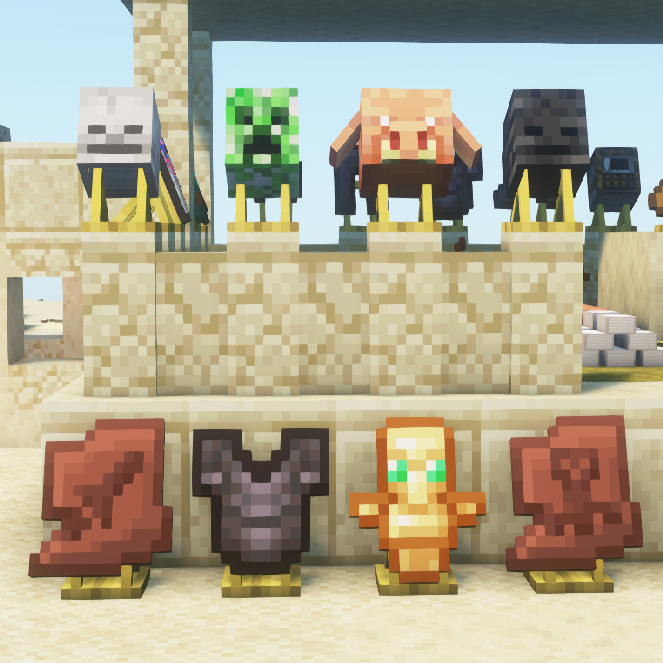
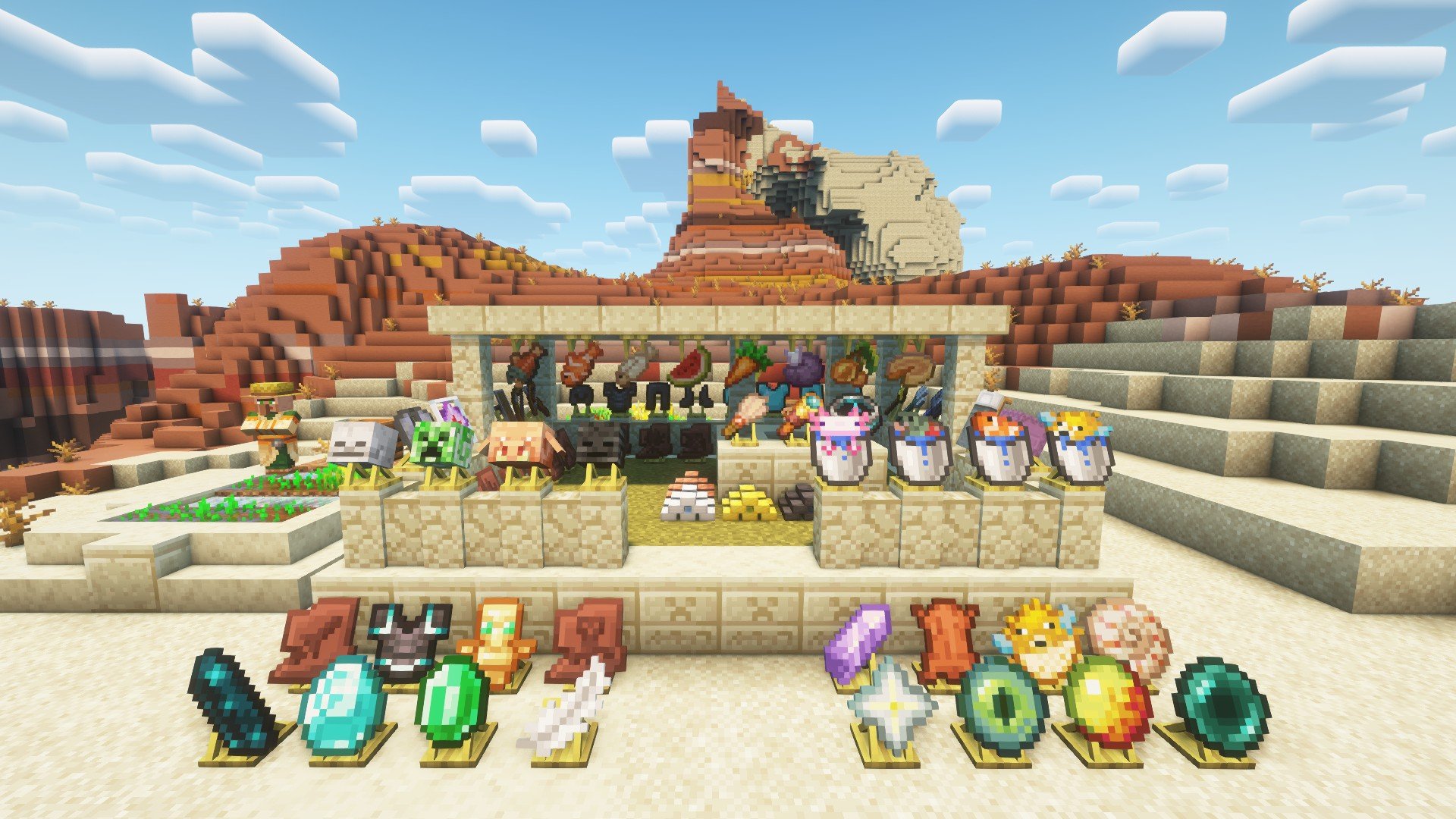
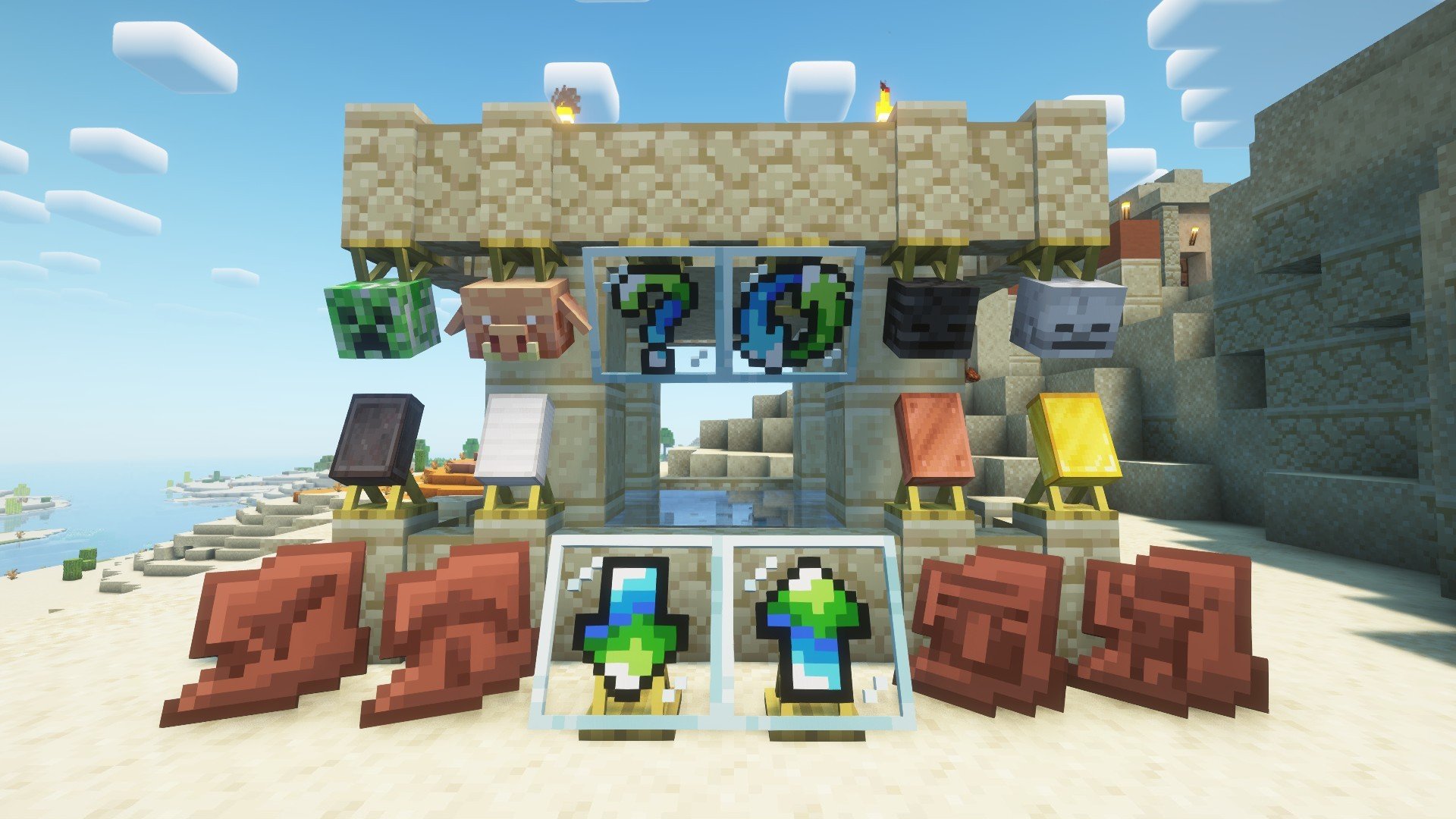
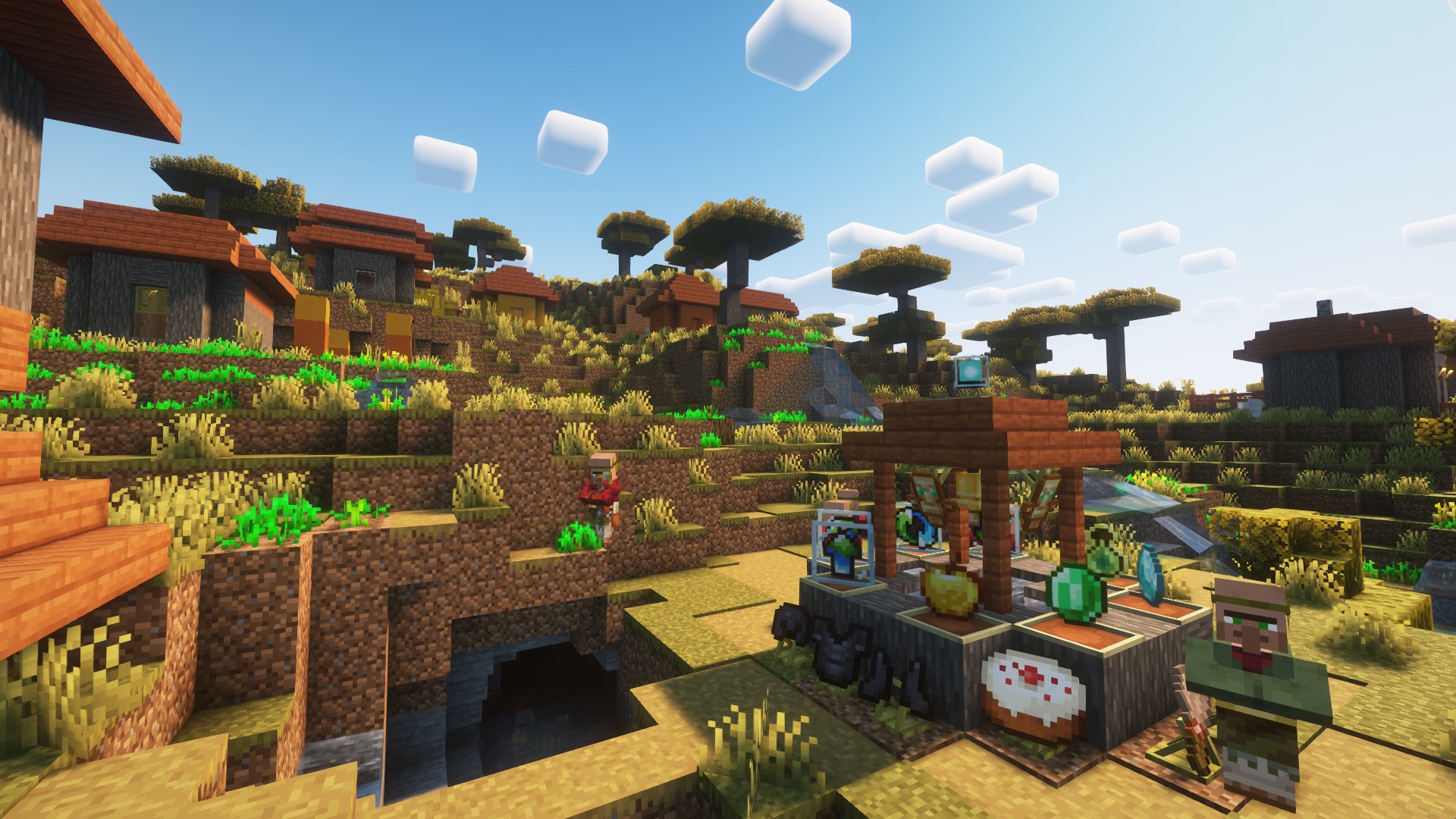
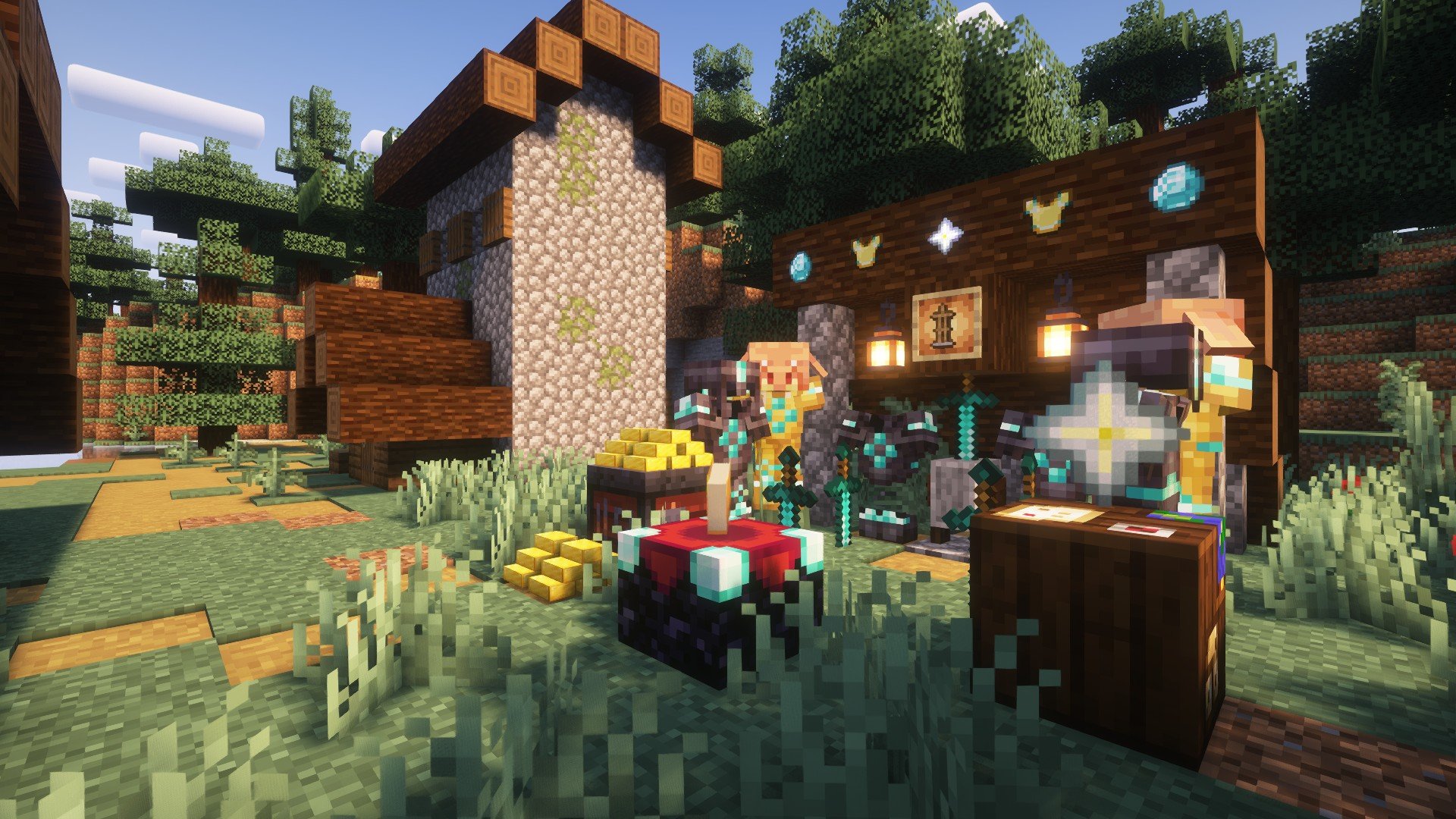
- The "As You See" mod provides a series of functional blocks for displaying items, allowing the display of any (mod) items.
- The displayed items can be a stick, an apple, a diamond, a piece of equipment, a shulker box (supporting NBT data), and so on.
- The blocks support simple debugging (the player needs to be empty-handed), and the material of the displayed items depends on the texture pack loaded by the playe
- Players can click on the side of the block to flip it (rotate), click on the top surface to invert it (invert), and hold down the Shift key to make the block invisible (invisible)
Mod content
- The display stands (bottom and top) rotate 22.5° according to the player's facing direction to display items, which supports rotating and hiding the items.
- The block frames (normal and rotating) display items at a 90° angle according to the player's facing direction, and support flipping, rotating and hiding the items.
Minecraft content
- The display frame (Shift + right-click) can be hidden (and it supports the display frames of other mods).
- For the armor stand, left-clicking can make it levitate, and Shift + left-clicking can hide it. Players can customize the display of armor by using blocks of different heights (such as snow blocks).
- For metal ingots, Shift + right-clicking can place them (whether it can be placed or not can be customized through the config). The storage upper limit is 64, and different metal ingot models will be displayed according to the quantity.
Message board
- If you have any other needs or suggestions, please try to contact the author or leave a message within the thread.
- Of course, some content can be found in Archaeological_Research. If you are interested in archaeology, you can check out the Archaeological_Research.
Game screenshot

Quick facts
- Edition: Minecraft Java
- File type: .jar
- Minecraft versions listed: 1.20.1, 1.20.2, 1.20.3
- How to install: Install the matching mod loader (Forge, Fabric or NeoForge) for your Minecraft version. → Download the .jar. → Put it in the .minecraft/mods folder and launch that loader profile.
- Where to get it: Opens on CurseForge — not every file is mirrored on our own servers.
Install steps are the general flow for this file type — How to install Minecraft Java mods & modpacks walks through it step by step.
Displayed is a free Minecraft Java mod. Compatible with Minecraft 1.20.1, 1.20.2, 1.20.3, 1.20.4 and newer. Downloaded 388,925 times (via CurseForge). Download it and open it directly in the game.