
Sprinkles for Vanilla Mod 1.8.9, 1.7.10 aims to add a config for vanilla. This mod must be on the server to run and server owners can use it to disable different features such as explosions or mobs if they wish. If this mod is installed on the client and the server then the client will use the server’s config values. This allows for less client-server desync. However clientside only configs will still use the client’s values rather than the server’s. This mod also doubles as a clientside mod.
Current Config Options:
Features that will work even if the mod is not on the server (will even work if server doesnt have forge):
- Disable any sound (including from other mods)
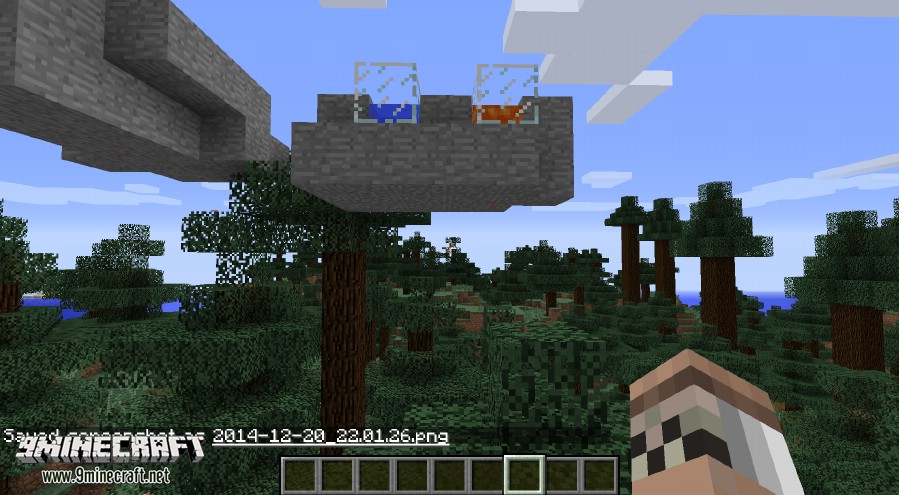
- Disable/Enable any particle (only from vanilla)
- Choose to hide your own potion effect particles, everyone’s particles, or see everyone’s
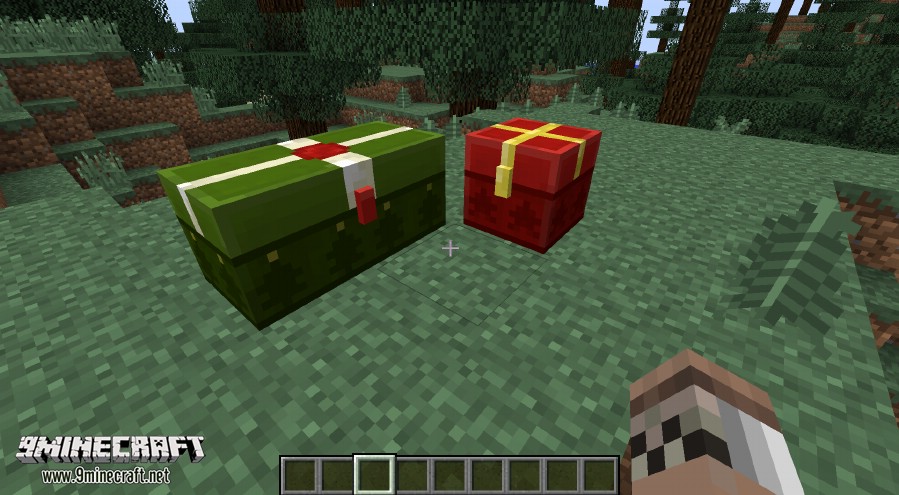
- Choose when to have christmas chest texture
Must be on server for these to work:
- Disable/Enable Ender Pearl teleportation
- Keep hunger on respawn (with minimum value)
- Keep health on respawn (with minimum value)
- Keep XP on respawn
- Disable/Enable water placement in nether
- Dimension blacklist for water and lava to make obsidian or cobblestone
- Disable/Enable Spawn fuzz
- Disable/Enable ability to spawn in nether or end
- Set default spawn in overworld, nether, or end
- Whitelist of blocks which can be used as beacon base
- Disable/Enable different types of damage sources (e.g. cactus, fire, suffocation)
- Disable/Enable the different types of mob griefing
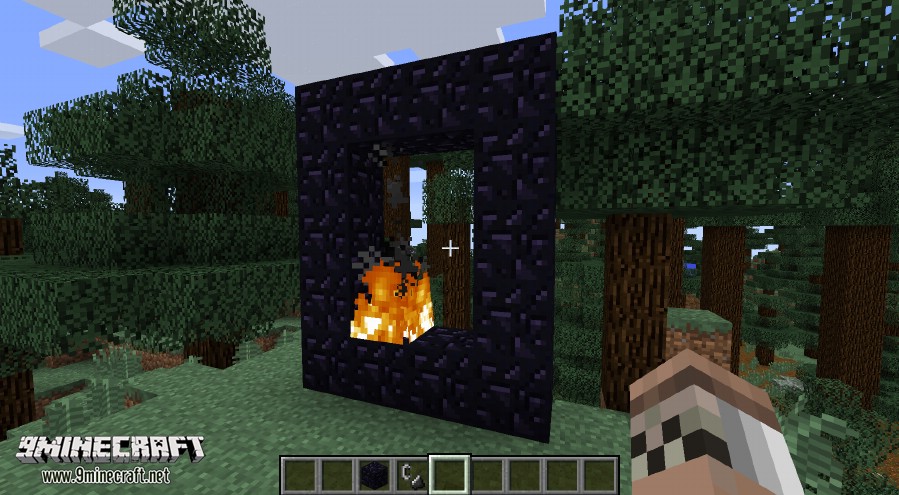
- Disable/Enable nether teleportation
- Disable/Enable creation of portal blocks
- Set multiplier for frequency of zombie pigmen spawning from nether portal
- Disable/Enable Sleep
- Disable/Enable beds setting spawn
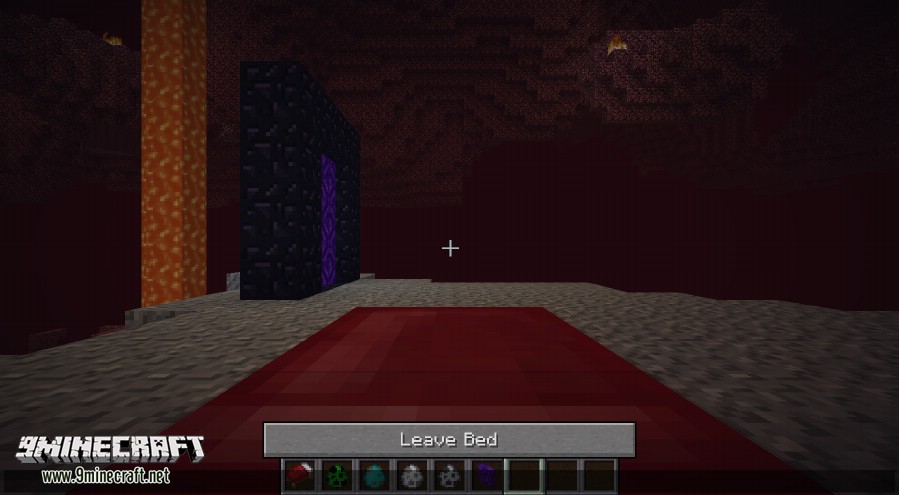
- Disable/Enable sleep in other dimensions
- Disable/Enable nearby mobs cancelling sleep or set the area to check for nearby mobs
- Disable/Enable having to be a certain distance from the bed or set area you have to be in
- Set time in ticks to sleep (currently max is 100 ticks which is default)
- Disable/Enable different types of mobs spawning
- Configure mob spawn rules for different biomes (add, modify or remove)
- Disable/Enable all explosions
- Configure values for different types of explosions (including from other mods)
- Set minimum and maximum spawn radius around a player
- Skip the respawn screen and respawn on non-hardcore worlds
- Disable/Enable end portals
- Set custom villager trades
- Set multiplier on punch damage against entities
- Disable/Enable zombies/skeletons burning in the sun
- Set the light value of any block from any mod
- Disable/Enable Sprinting
- Set hunger level required for sprinting
Screenshots:
Christmas Chests: Ever wanted to have christmas chests outside of christmas? or maybe you wanted to have regular chest textures on christmas. That is a config option
Disabling Nether Portals: In this you can choose to make it so that nether portals arent generated, similarly you can also have choose to have them generate but not teleport.
Sleeping in the Nether: You can choose to sleep in the nether if you wish in this mod. It might not be useful in vanilla but there are mods which give you buffs for sleeping where this may be useful
Disable Particles:
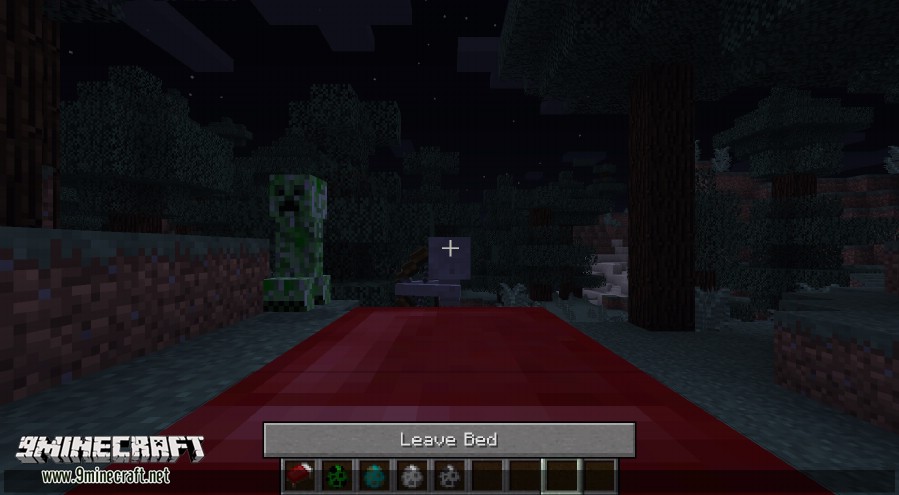
Sleep with nearby mobs: In this mod you can choose to sleep with nearby mobs, you can also set the distance it checks for nearby mobs if you want to make it larger or smaller
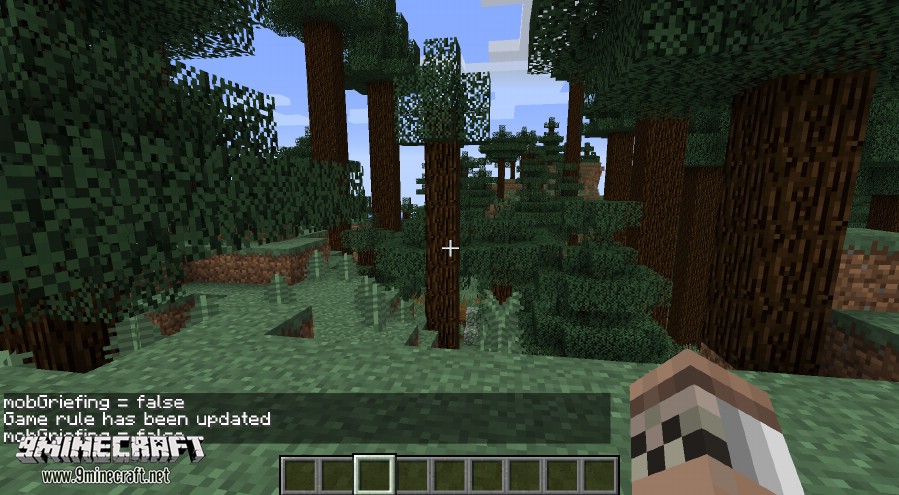
Force Mob Griefing: If you have ever made a modpack where you want to force mobs to be able to grief or not grief, well there is a config for that.
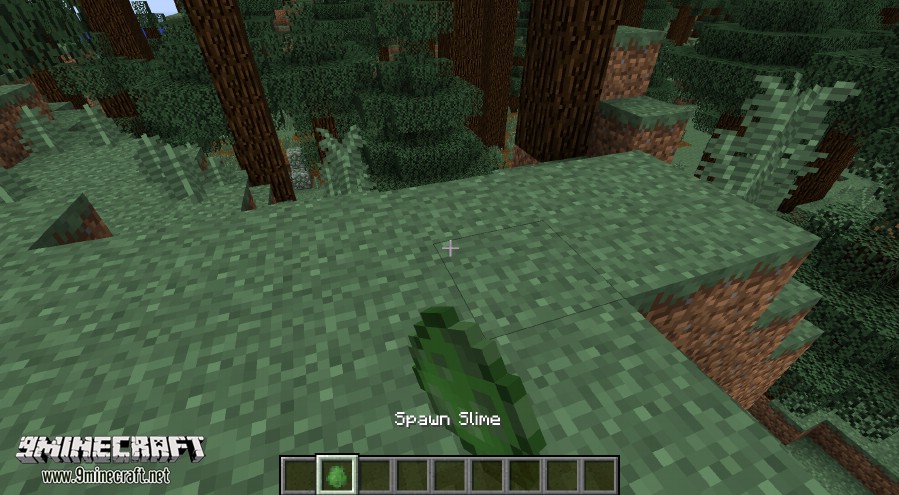
Disabling Mobs
Sprinkles for Vanilla Mod 1.8.9, 1.7.10 Download Links
For Minecraft 1.7.10
For Minecraft 1.8.9
- Edition: Minecraft Java
- File type: .jar
- How to install: Install the matching mod loader (Forge, Fabric or NeoForge) for your Minecraft version. → Download the .jar. → Put it in the .minecraft/mods folder and launch that loader profile.
- Where to get it: In MC Java Mods, or directly above on this page.
Install steps are the general flow for this file type — How to install Minecraft Java mods & modpacks walks through it step by step.
- Downloads as 212355.mcaddon
- Download size: 103 KB
- Download link checked 30 Jul 2026 — working
- Mirrored on our own servers — the download does not depend on the original host
These come from our own check of the pack file, not from the source page.