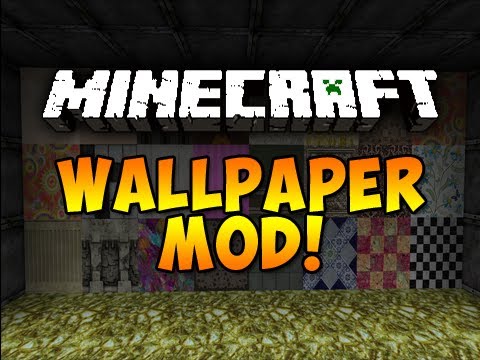
Wallpaper Mod 1.8, 1.7.10 will allow you to craft a new item: the wallpaper, and place it on your walls as a decorative texture. This way, you can have two different faces of a block decorated with two different texture and customize the bedrooms of your house without having to add new blocks. It is recommended to combine this mod with Timber Framing for door and windows frames.
Screenshots:
You can now place your wallpaper on a wall:
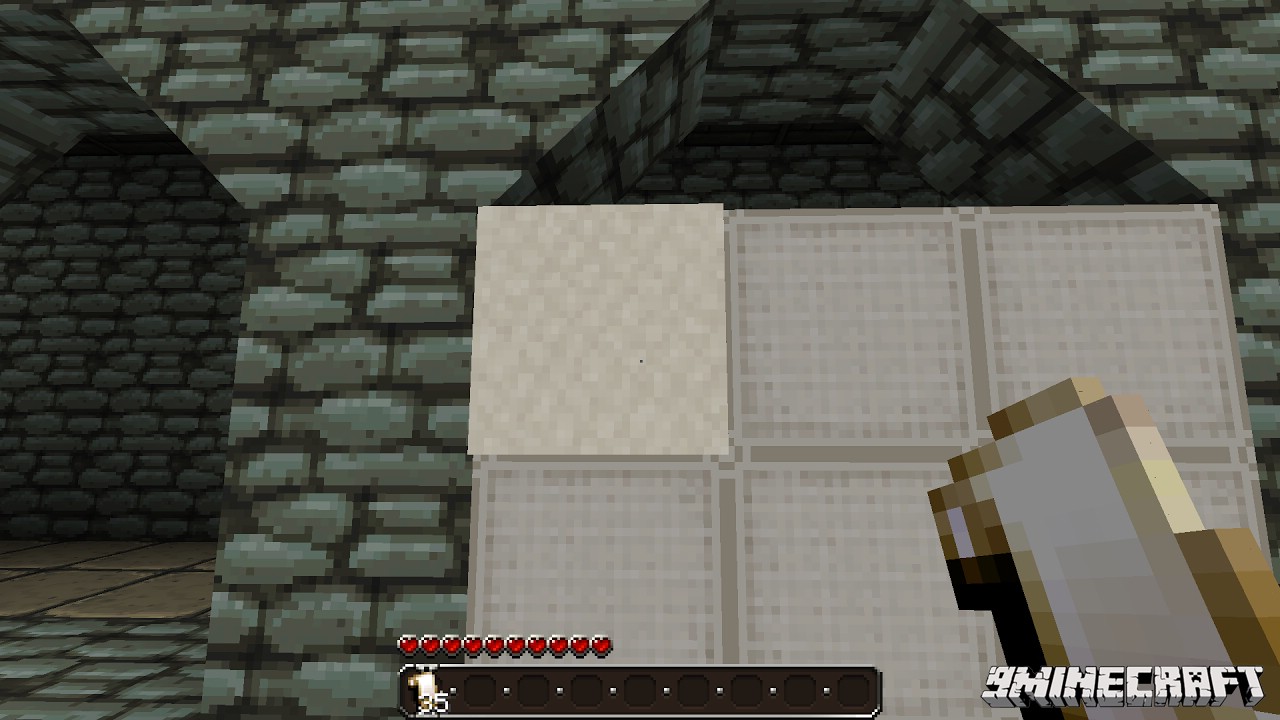
It is possible to change the texture by right-clicking on the wallpaper while having another wallpaper in your hand.
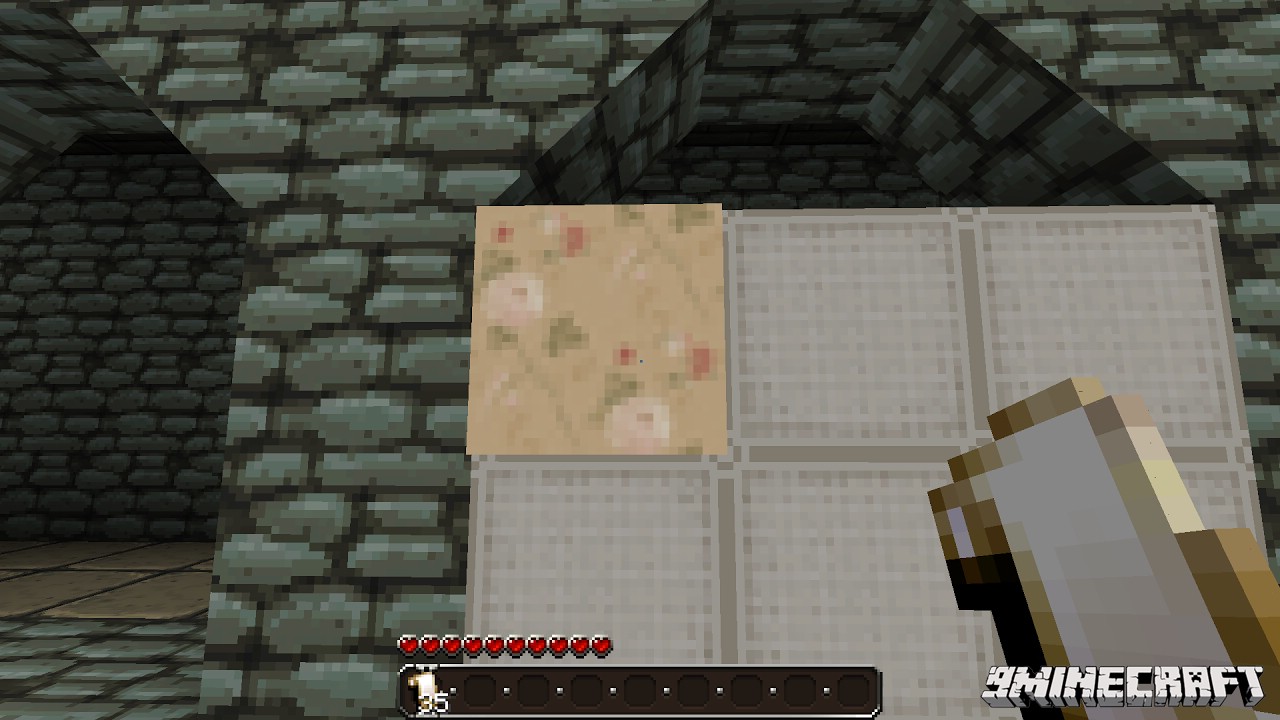
When you will place another wallpaper close to an existing one, it will automatically take the same texture.
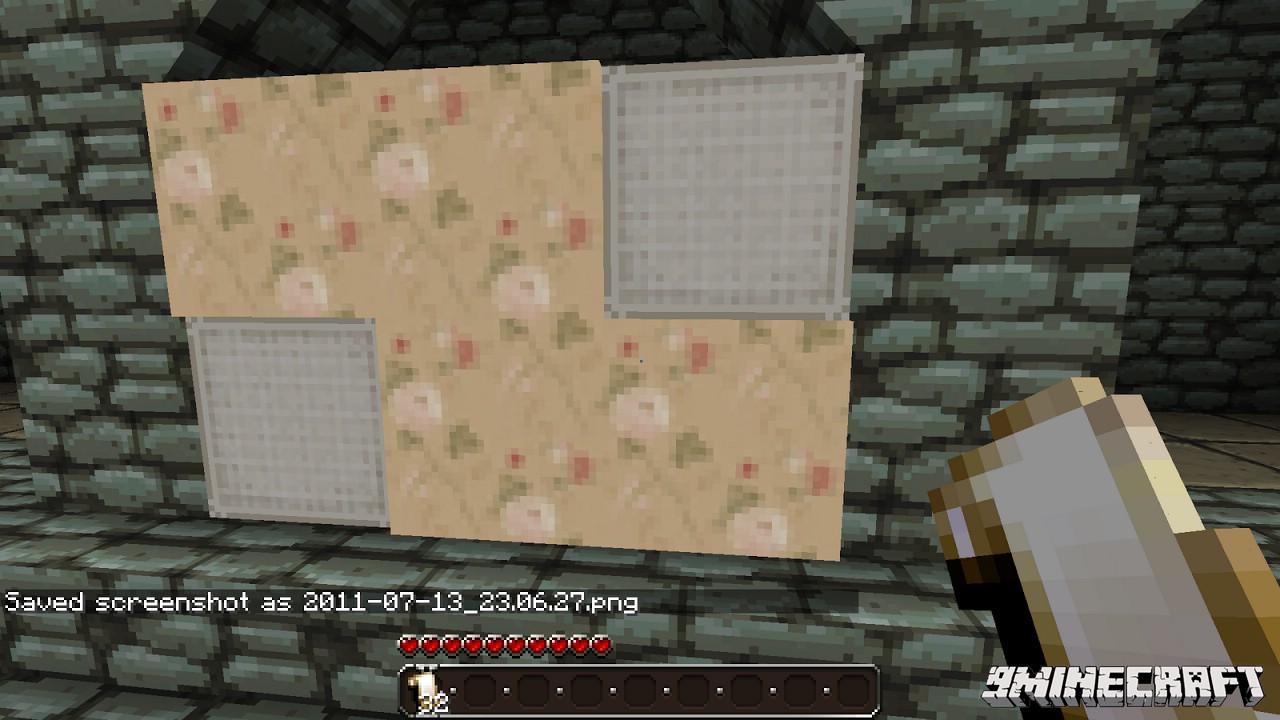
You can still change a texture by right-clicking it anytime you want.
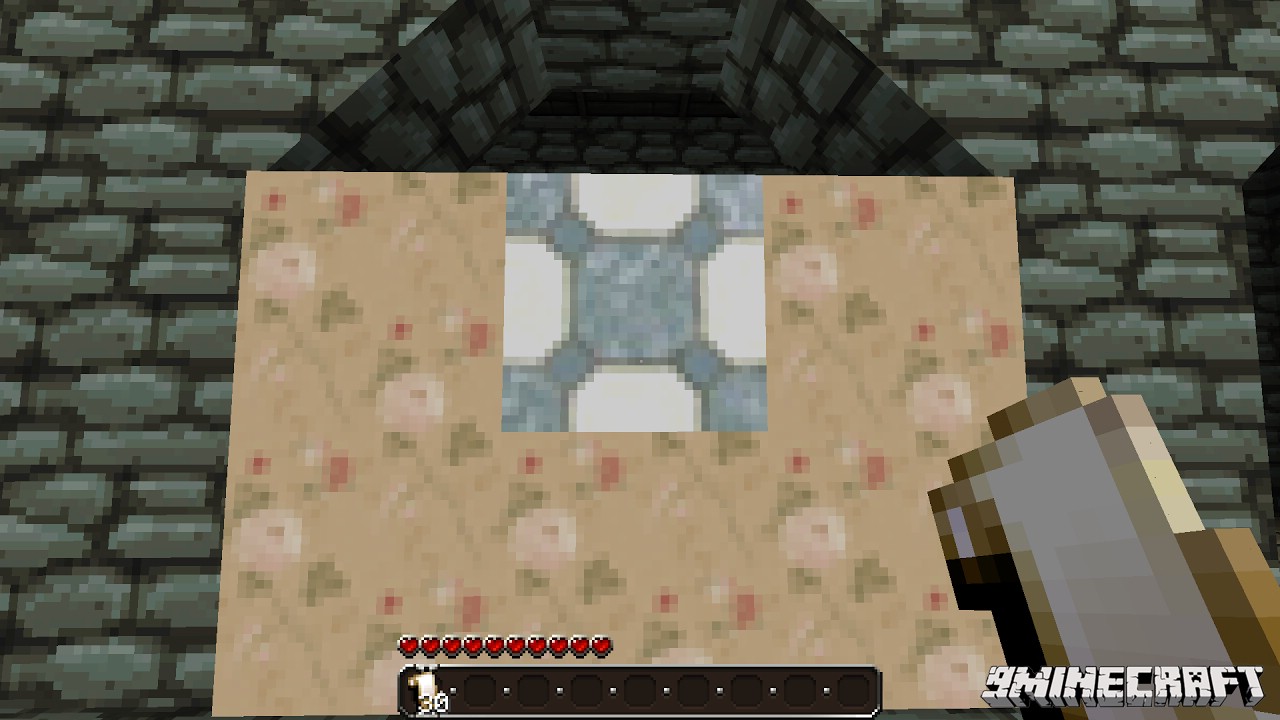
If you have some dye, you can then color a texture by right-clicking it with dye equipped.
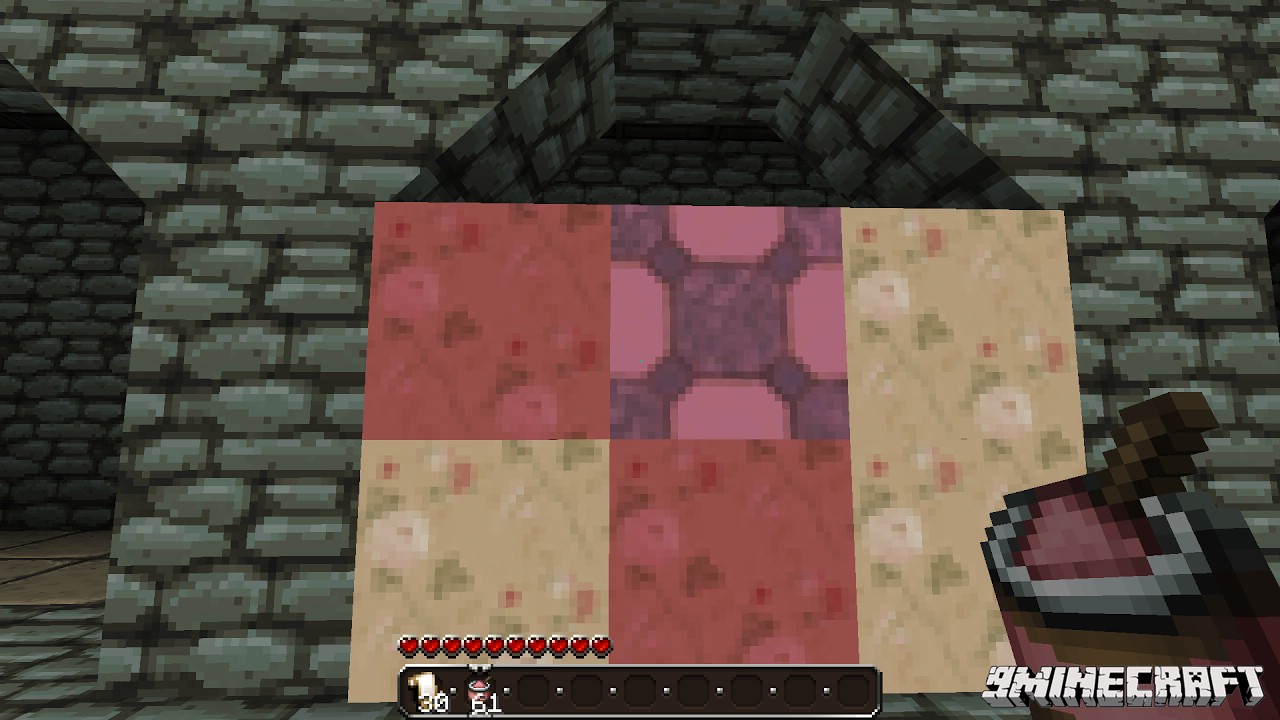
If you want to remove a wallpaper, you need to have the item in your hand or an axe. It is possible to combine the wallpaper with any item on the wall: Torch, Painting…
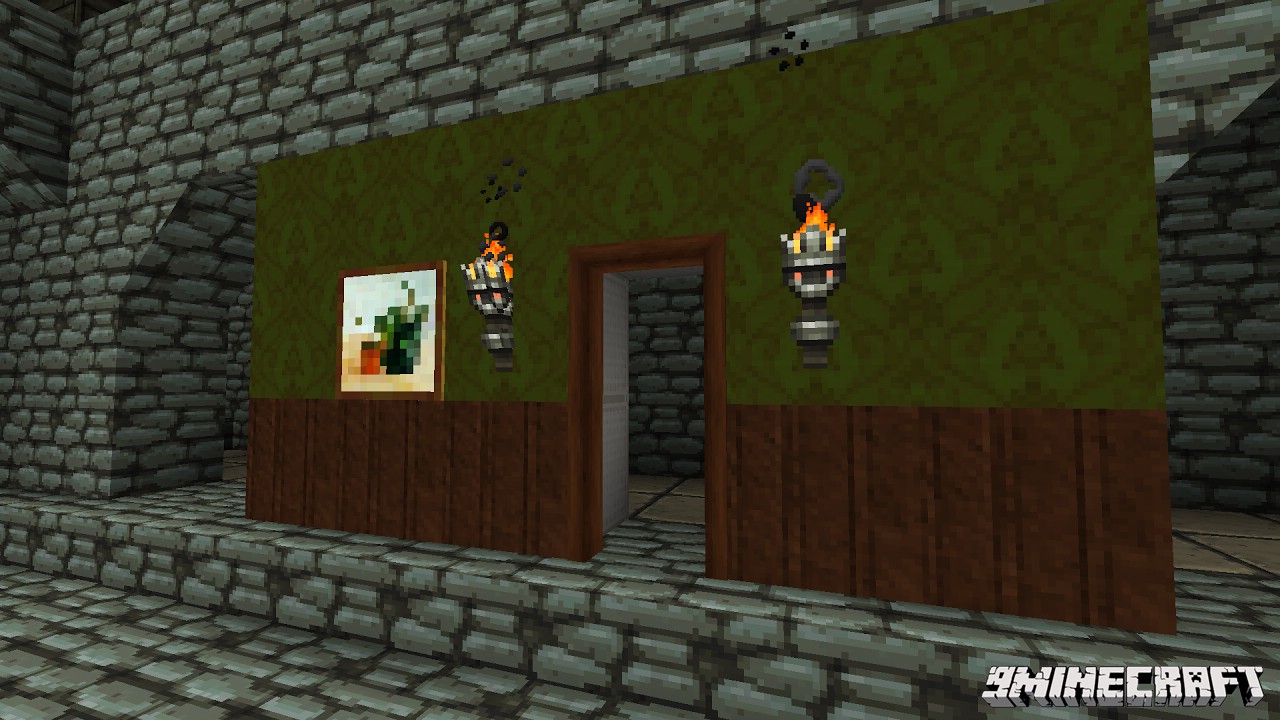
Mod Showcases:
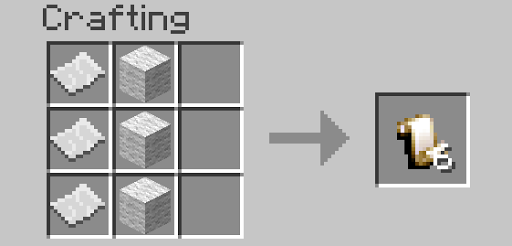
Crafting Recipes:
Download Links for Wallpaper Mod 1.8, 1.7.10
For Minecraft 1.7.2
For Minecraft 1.7.10
For Minecraft 1.8
- Edition: Minecraft Java
- File type: .jar
- How to install: Install the matching mod loader (Forge, Fabric or NeoForge) for your Minecraft version. → Download the .jar. → Put it in the .minecraft/mods folder and launch that loader profile.
- Where to get it: In MC Java Mods, or directly above on this page.
Install steps are the general flow for this file type — How to install Minecraft Java mods & modpacks walks through it step by step.
- Downloads as 212436.mcaddon
- Download size: 164 KB
- Download link checked 30 Jul 2026 — working
- Mirrored on our own servers — the download does not depend on the original host
These come from our own check of the pack file, not from the source page.