Enhanced Hordes
Java mod listed for Minecraft 1.18–1.21. Downloads from the MC Java Mods app on Android.
I don't know my version or loader
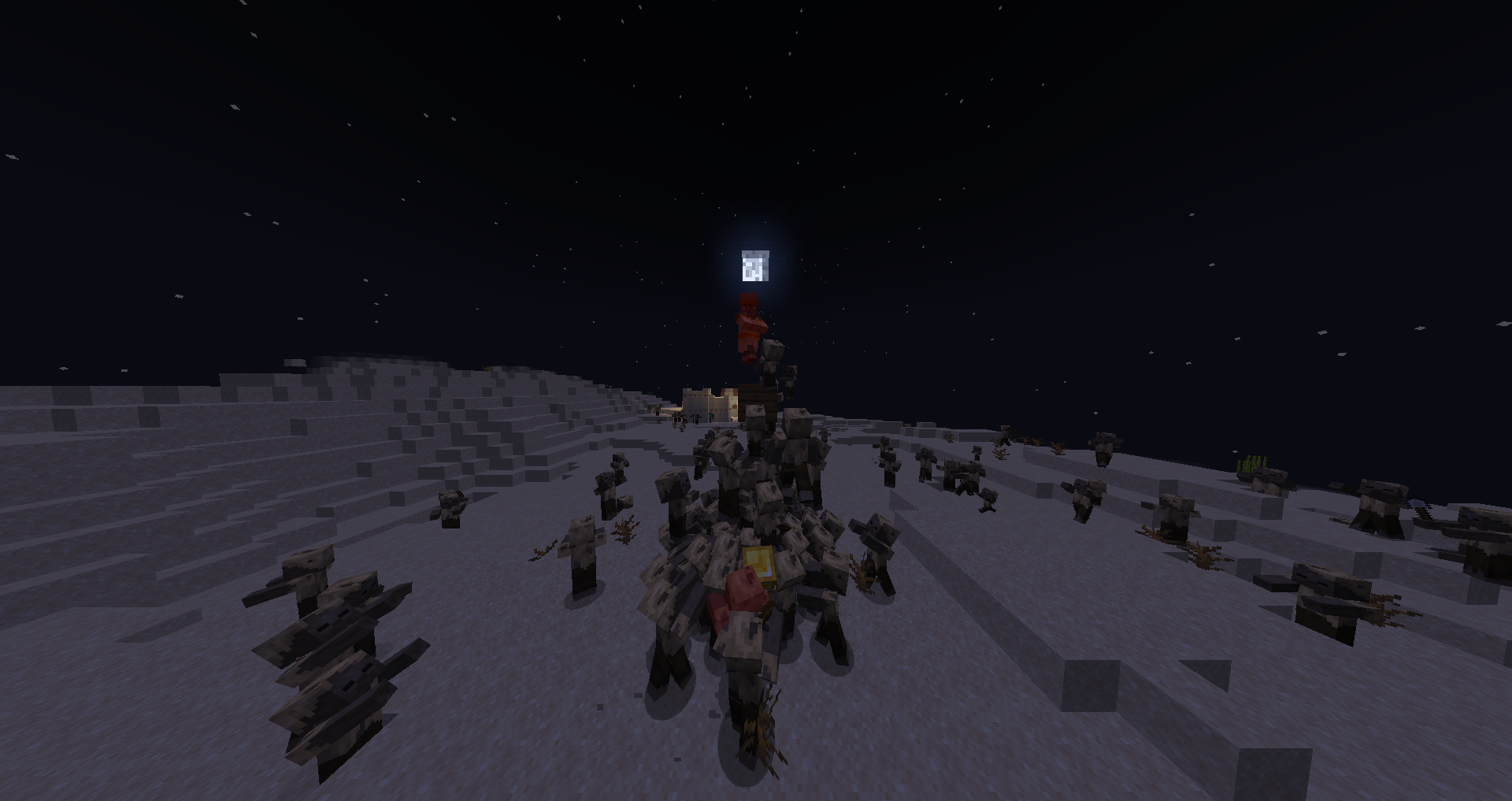
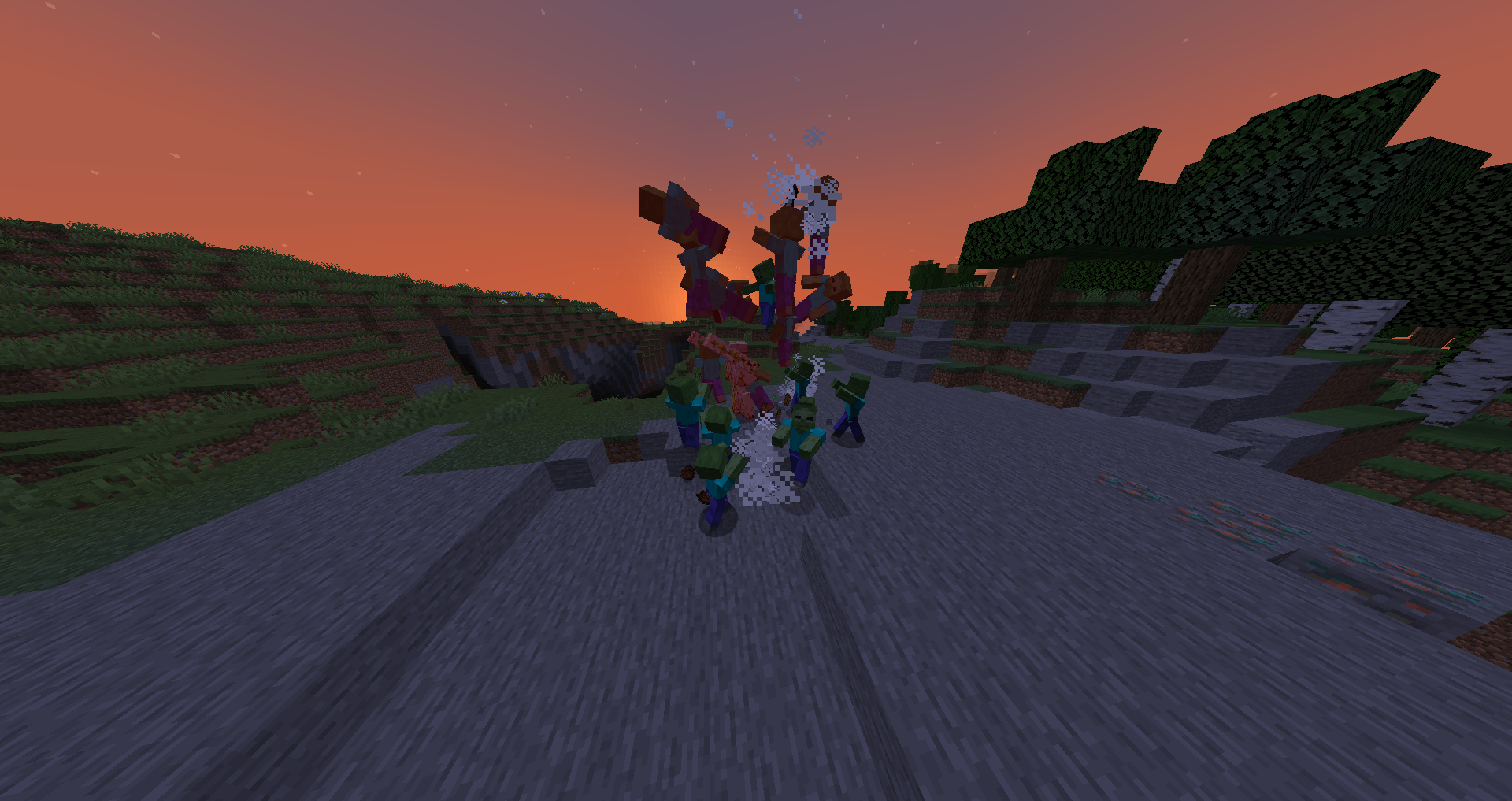
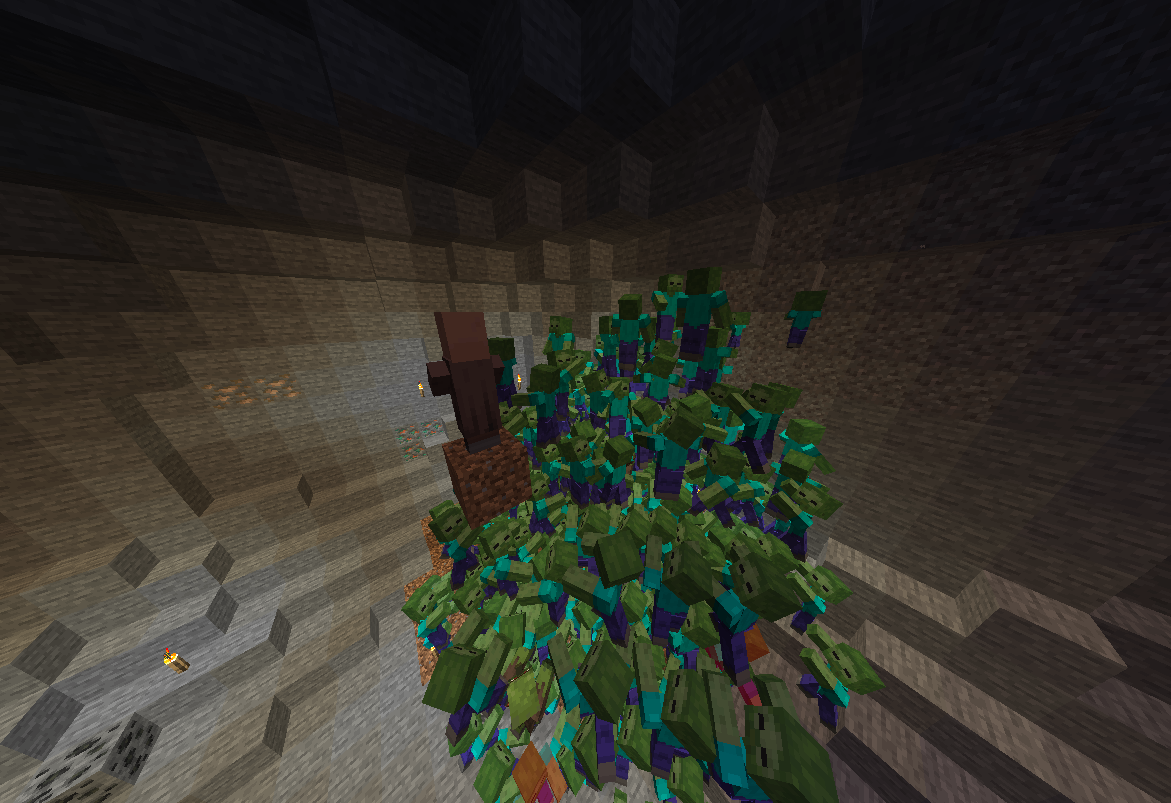
Enhanced Hordes
DISCORD - Ping @nojustgavin for help related to Enhanced Hordes
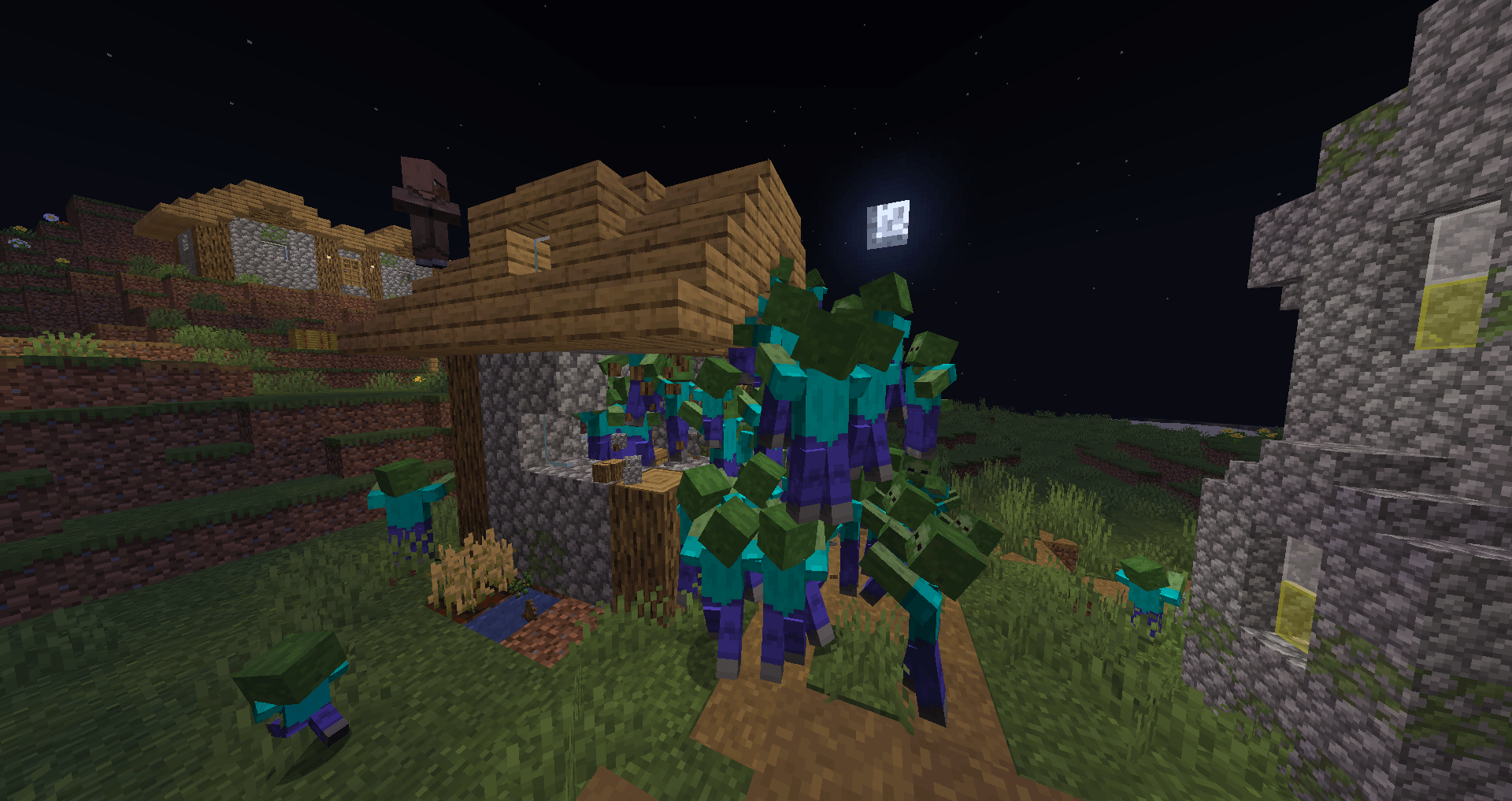
Enhanced Hordes allows Zombies to climb one another to reach you, Skeletons to avoid shooting each other, and Iron Golems to deal with the new hordes.
Check out the images tab!
Zombies
- Can climb each other. You aren't safe just because you're higher up.
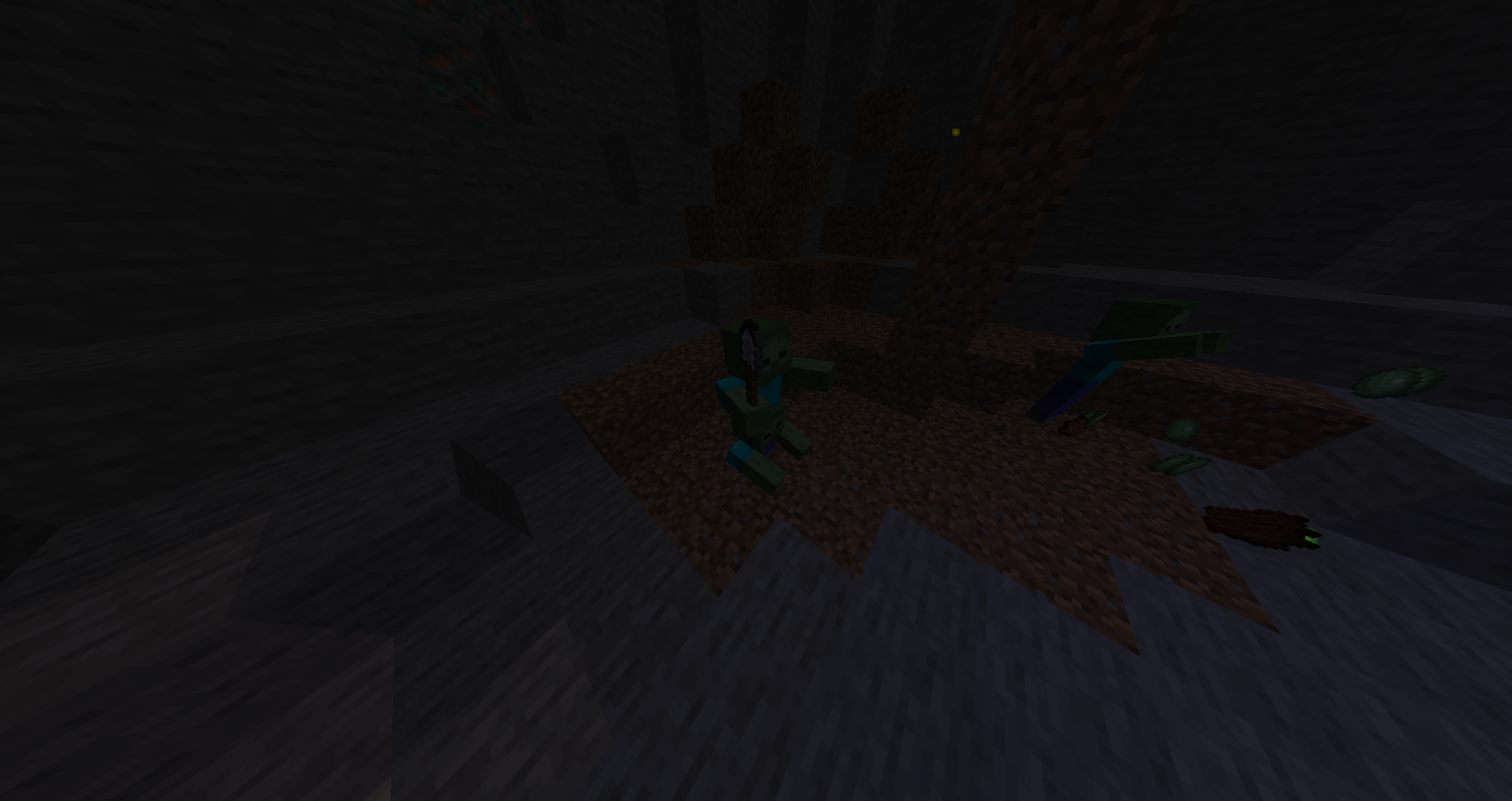
- Can dig for other zombies in the ground. Simply damage them once to prevent them from multiplying.
- Spread fire to each other when they touch if one is already burning. A single spark can ignite an entire horde. They also move faster when ignited.
- When large hordes group up, they can break down walls. A warning will appear when your walls start rumbling before they break in.
Intelligent Mobs
- Skeletons put away their bows when other skeletons are nearby.
- Skeletons also put away their bows* when you come too close.
- Skeletons dash away after they punch you and equip their bows again.
- Piglins equip their sword when an enemy is close and equip their crossbow when an enemy is far.
- Zombie Piglins retain a small piece of their intelligence and attempt to use their crossbow when you are far but aren't very accurate.
- Skeletons can no longer attack other skeletons and Piglins can no longer attack other Piglins.
*Unless it's enchanted or special in any way.
Other Mobs
- Slimes can stack and spread fire to one another just like Zombies.
- Iron Golems can hit multiple enemies at once with one swing.
- Iron Golems are immune to fire when they are not standing directly in a flame or lava.
- Iron Golems are 100% immune to Wither, Poison, and Levitation.
- Iron Golems are resistant to arrows, most bounce off.
- Iron Golems hurry when a Villager is being targeted.
- Iron Golems naturally heal when there is no danger.
- Wither Skeletons that spawn with a bow will use it like a skeleton does.
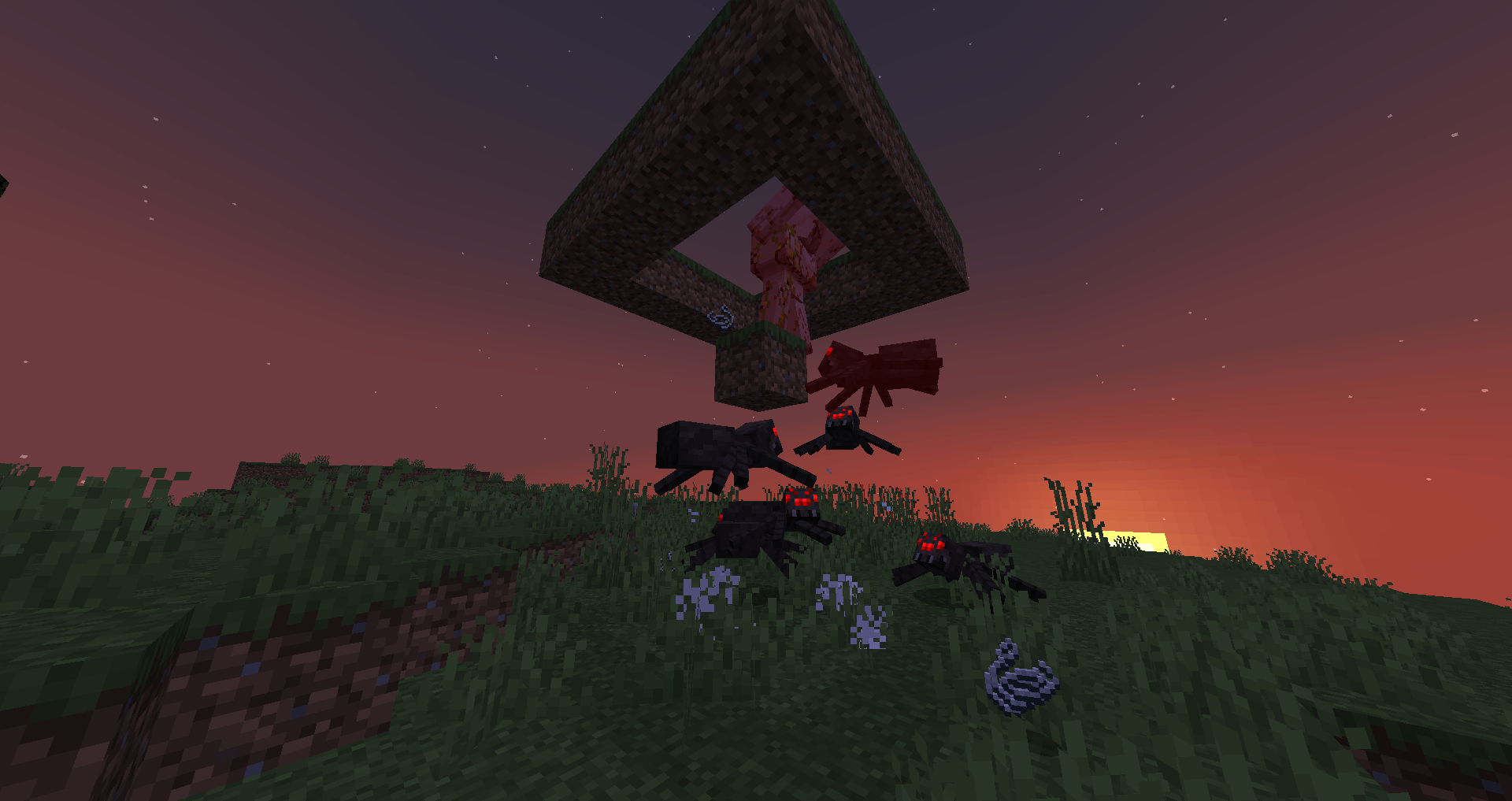
- Spiders and Cave Spiders can leap towards targets if they are too high to reach.
Configurability (Datapacks)
To make any zombie from any mod be able to join a horde, simply add the mob to the "forge:hordes" entity tag.
To make any skeleton or piglin from any mod be able to swap weapons and dash, add the mob to the "forge:intelligent_teams" entity tag or the "forge:intelligent_piglins" tag for Piglins specifically.
Note: all mobs tagged in the intelligent teams tag will not be able to hurt eachother. Same goes for the Piglins tag.
"forge:horde_destroyable" block tag controls what blocks a horde can break easily break through.
"forge:horde_unbreakable" block tag controls what blocks a horde cannot break. Any block which is specified in niether tag will be of normal difficulty to break, as controlled by the HordeSmashingPower gamerule.
"forge:hidden_zombie_blocks" block tag controls what blocks zombies can dig more zombies out of. An entity must be a zombie mob in order to dig up more mobs.
"forge:horde_grave_robbers" entity tag controls what mobs are allowed to dig themselves up.
"forge:leaping_mobs" entity tag controls what mobs are allowed to leap at their targets.
The gamerules HordeStacking, HordeMultiplying, HordeSmashingPower and ironGolemRegenPower also exist, for your convenience.
FAQ
Q: How do I configure the mod?
A: With datapacks or gamerules. There is no config file, but it is entirely configurable.
Q: How do I add a mob to an entity tag?
A: First, look up online how to create a datapack so you know the basics.
Then add the file "hordes.json" to the folder data\forge\tags\entity_types\(hordes.json)
Default hordes.json file:
"replace": false,
"values": [
"drowned",
"zombie",
"husk",
"zombified_piglin",
"zombie_villager",
"slime"
]
}
Q: Is this mod compatible with mod X?
A: Probably. The only known mod to causes issues is Solid Mobs, which removes the function of zombies being able to intersect with one another, which this mod entirely relies on.
Q: Can I use this in my modpack?
A: Yes!
Q: Older version? Other Modloader?
A: Sorry, no. Please don't ask.
Q: Newer version?
A: Eventually.
-------
Check out my other mods, Zombies Actually Siege and Sensible Sleep
- Edition: Minecraft Java
- File type: .jar
- Minecraft versions listed: 1.21.1, 1.20.1, 1.18.2
- How to install: Install the matching mod loader (Forge, Fabric or NeoForge) for your Minecraft version. → Download the .jar. → Put it in the .minecraft/mods folder and launch that loader profile.
- Where to get it: Opens on CurseForge — not every file is mirrored on our own servers.
Install steps are the general flow for this file type — How to install Minecraft Java mods & modpacks walks through it step by step.
- Ships as eh2.0-forge1.20.1.jar — drop this file into the mods folder
- Download size: 50 KB
- Download link checked 7 Oct 2026 — working
These come from our own check of the pack file, not from the source page.