Village Box Mod 1.10.2, 1.9.4 helps build your own village.
Village Box Mod Features:
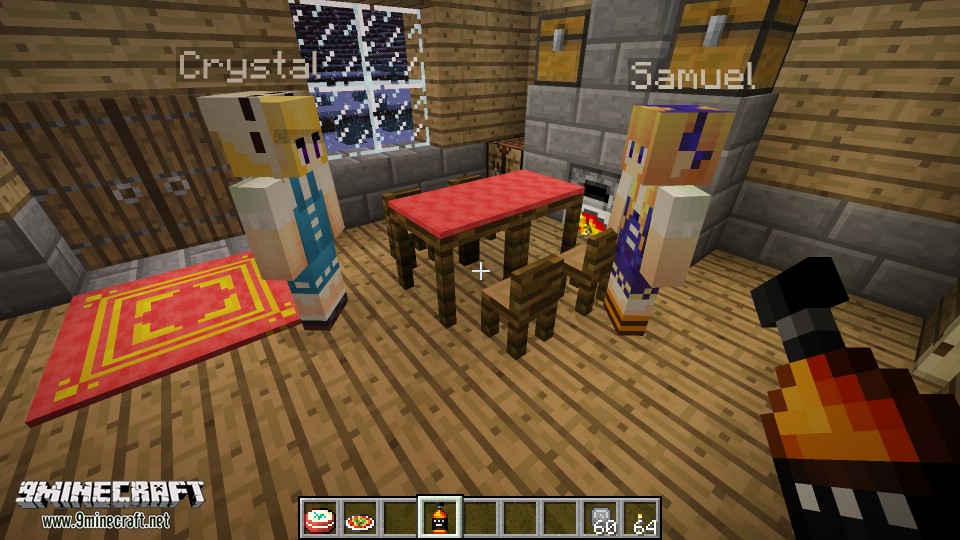
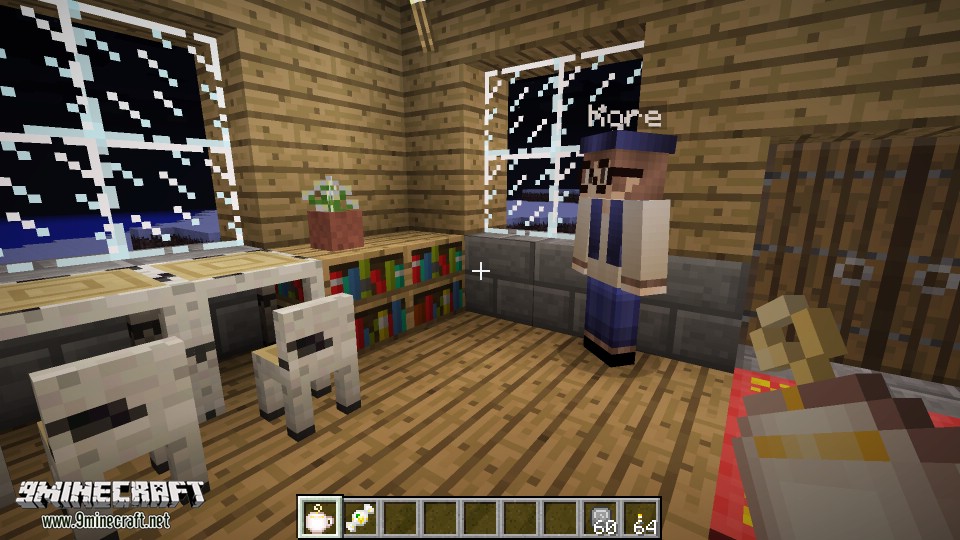
- 30+ new professions of villagers with unique trading lists and skins.
- Profession upgrading system.
- Upgrading villagers to have 170+ new items:
- New weapons and armors
- Cool magic items
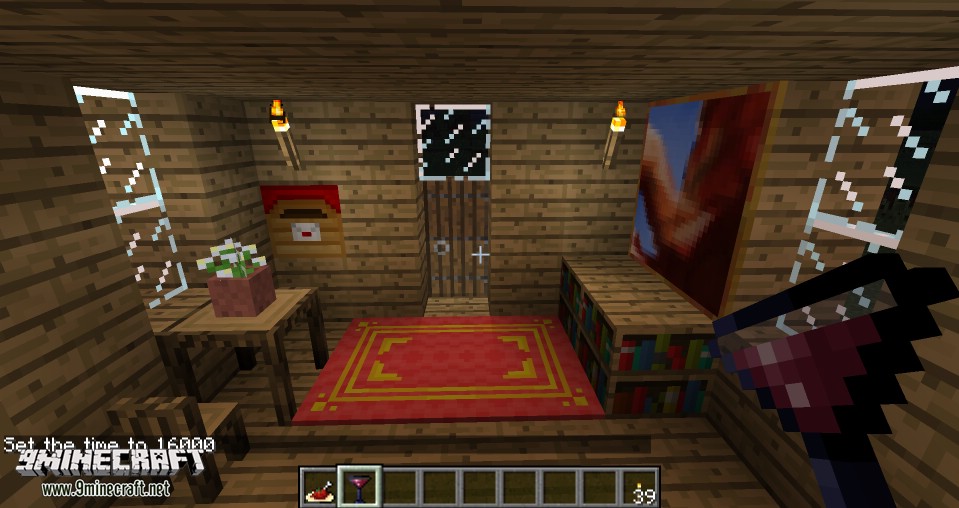
- Tables and chairs
- New fruits, food and drinks
- New paintings
- …
- Works on multiplayer servers.
Screenshots:
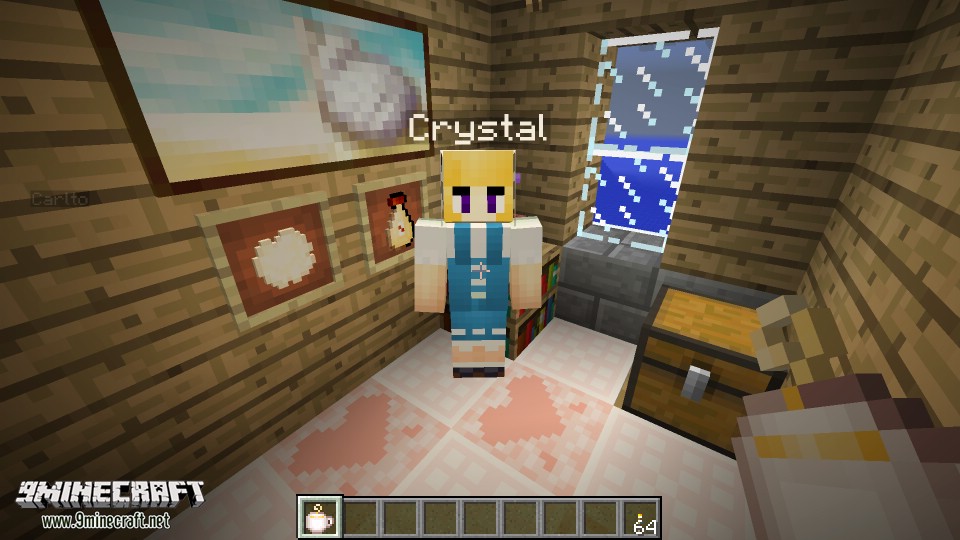
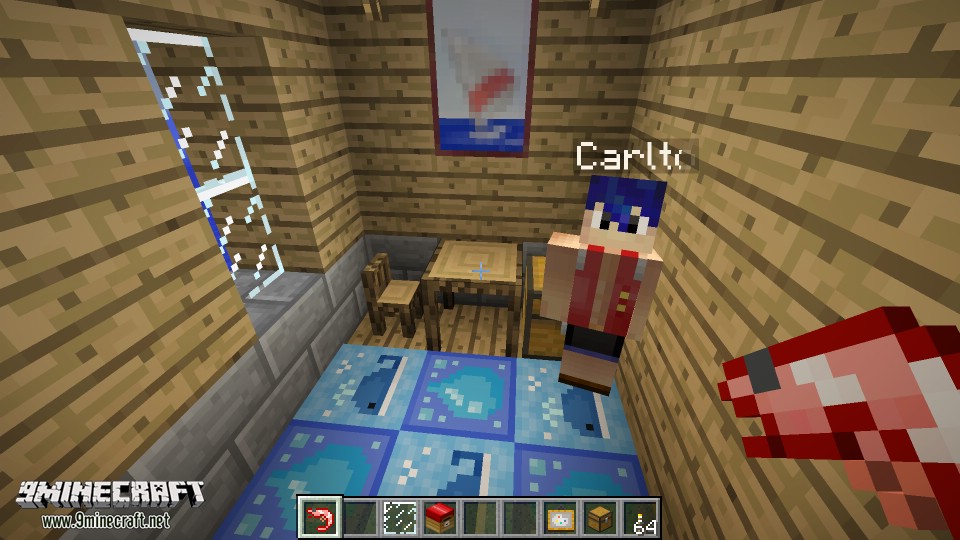
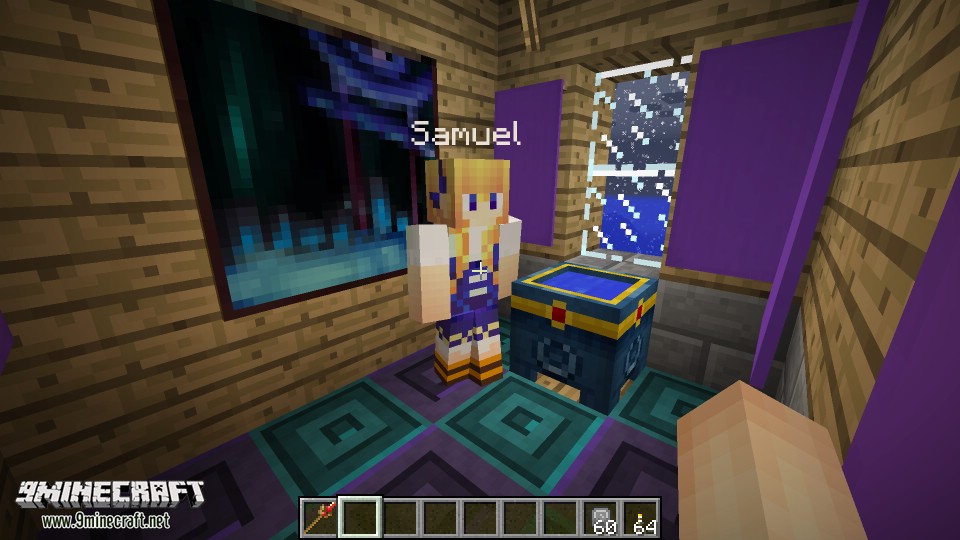
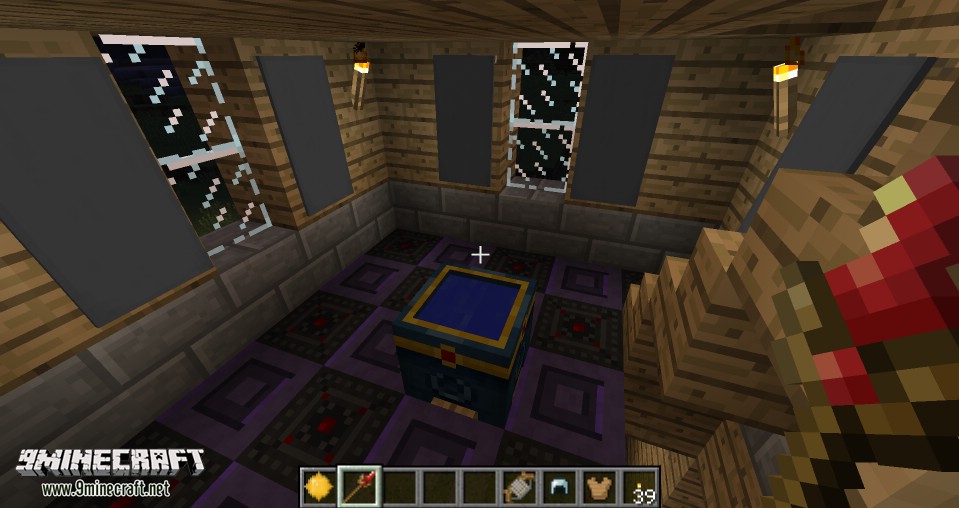
How to:
Show MoreHow do I get my first villager?
You should find a villger with following steps:
- 1. Craft a mailbox by using recipe: 1 any plank + 1 paper —> mailbox
- 2. Craft an invitation by using recipe: 1 paper + 1 ink + 1 feather —> invitation
- 3. Put the mailbox in somewhere of the world, then hold a invitation and right click on the mailbox.
- 4. Wait for a while, you will receive a letter, right click the letter and you can find a approve button on it.
- 5. Click the approve button, a villager will appear in front of you
I can’t upgrade and trade with a villager!
You need to make a home and move the villager in before trading and upgrading with him/her;
How to build a valid house for villagers?
Minimum requiments of a valid house:
- 1. The roof should be fully covered
- 2. The villager should be surrounded by blocks (at least 1 tile height) on xz-plane (y is the height)
How to get coins?
There a several ways to get coins in the game
- * Destroy blocks (grass, stone, dirt, tree…)
- * Kill mobs (zombie, skeleton…)
- * Alchemy Pot
I can only find bronze coins, how to get silver coins and gold coins?
You need to upgrade a villager to a banker. A banker can help you to exchange coins.
What is Treasure Hunt Level?
A higher treasure hunt level will help you get more coins
What if one of my villagers was killed by mobs/myself/my stupid buddy?
Don’t worry, dead villagers will revive after a short time.
Mod Trailer:
Village Box Mod Showcase:
Download Links for Village Box Mod 1.10.2, 1.9.4
For Minecraft 1.8.9
For Minecraft 1.9.4
For Minecraft 1.10.2
- Edition: Minecraft Java
- File type: .jar
- How to install: Install the matching mod loader (Forge, Fabric or NeoForge) for your Minecraft version. → Download the .jar. → Put it in the .minecraft/mods folder and launch that loader profile.
- Where to get it: In MC Java Mods, or directly above on this page.
Install steps are the general flow for this file type — see the MC Java Mods guides for the full walkthrough.
- Downloads as 212701.mcaddon
- Download size: 896 KB
- Download link checked 30 Jul 2026 — working
- Mirrored on our own servers — the download does not depend on the original host
These come from our own check of the pack file, not from the source page.