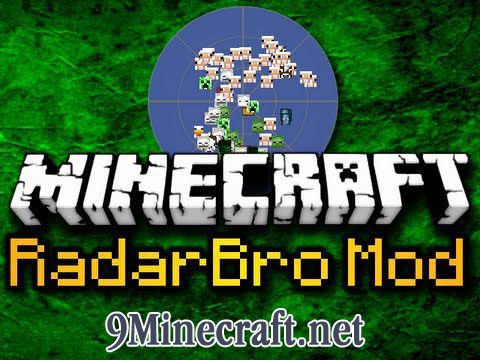
RadarBro Mod 1.9, 1.7.10 gives you comfort by letting you know where nearby enemies and mobs are.
- The radar shows mobs, players, allies, enemies, and entities. You can toggle each icon on and off to focus on only what you are looking for.
- You can add players as an Ally or an Enemy, and they will show up on your radar as either green or red respectively.
- As you type a player’s name to add as an Ally or Enemy, names that match what you are typing based on the players currently in the game will appear to make player entry faster.
- You can toggle on and off Auto Rotation and Player Names.
- The settings for the radar as well as the Ally/Enemy lists are saved in your Minecraft directory at: .minecraft/mods/RadarBro/
Future/Possible Features:
- Ability to zoom in and out of radar
- Customizable settings for size, colors, etc.
- Height filter – show only entities above or below what you set
- Notifications – for ally/enemy entering view or nearby creepers
Screenshots:
RadarBro Mod 1.9, 1.7.10 Download Links
For Minecraft 1.5.2
For Minecraft 1.6.2
For Minecraft 1.7.2
For Minecraft 1.7.10
For Minecraft 1.9.0
Quick facts
- Edition: Minecraft Java
- File type: .jar
- How to install: Install the matching mod loader (Forge, Fabric or NeoForge) for your Minecraft version. → Download the .jar. → Put it in the .minecraft/mods folder and launch that loader profile.
- Where to get it: In MC Java Mods, or directly above on this page.
Install steps are the general flow for this file type — How to install Minecraft Java mods & modpacks walks through it step by step.
Verified by MCModsHub
- Downloads as 212746.mcaddon
- Download size: 56 KB
- Download link checked 27 Jul 2026 — working
- Mirrored on our own servers — the download does not depend on the original host
These come from our own check of the pack file, not from the source page.