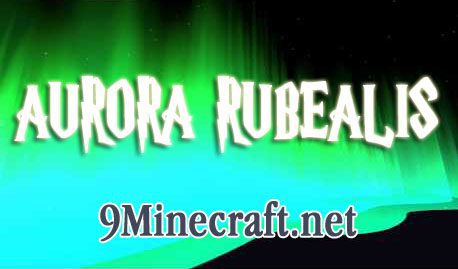
Aurora Rubealis Mod adds curvy undulating auroras to Minecraft. They slowly become brighter as the sunsets (starting at 13000 Minecraft Time), and fade out as the sun begins to rise (22500). Like the Aurora Borealis of the real world, they will only spawn in the “northern” cold climates.
Client/Server Load:
The mod does not require the client to have the mod. In other words, any player can play on a server with the mod installed and vise versa. Load on the server is very minimal, with the vast majority of the burden on the client. However, during play testing, the Auroras had minimal effect on performance (your experience may be different though).
Configuration:
In order to better suit the needs of the player, a config file has been provided. This file is located in the .minecraft/config folder. The options are as follows:
- “Aurora Y Translation” – Set true so that you cannot touch the aurora.
- “Debug information” – This allows console spam
- “Multiple Bands” – Setting this to false will make it so that only one band renders.
- “Version Checking” – This mod comes with automatic version checking. Set false to disable. Slow start ups may be caused by this feature.
- “biome list”- This list of all the biomes which auroras can spawn in. By default, it covers all of the vanilla biomes.
Download Links for Aurora Rubealis Mod:
- Edition: Minecraft Java
- File type: .jar
- How to install: Install the matching mod loader (Forge, Fabric or NeoForge) for your Minecraft version. → Download the .jar. → Put it in the .minecraft/mods folder and launch that loader profile.
- Where to get it: In MC Java Mods, or directly above on this page.
Install steps are the general flow for this file type — How to install Minecraft Java mods & modpacks walks through it step by step.
- Downloads as 212751.mcaddon
- Download size: 28 KB
- Download link checked 30 Jul 2026 — working
- Mirrored on our own servers — the download does not depend on the original host
These come from our own check of the pack file, not from the source page.