Better Mods Button
Java mod listed for Minecraft 1.16–1.21. File opened and checked on 20 Oct 2026; downloads from the MC Java Mods app on Android.
⬇ Download on CurseForge



📖 About:
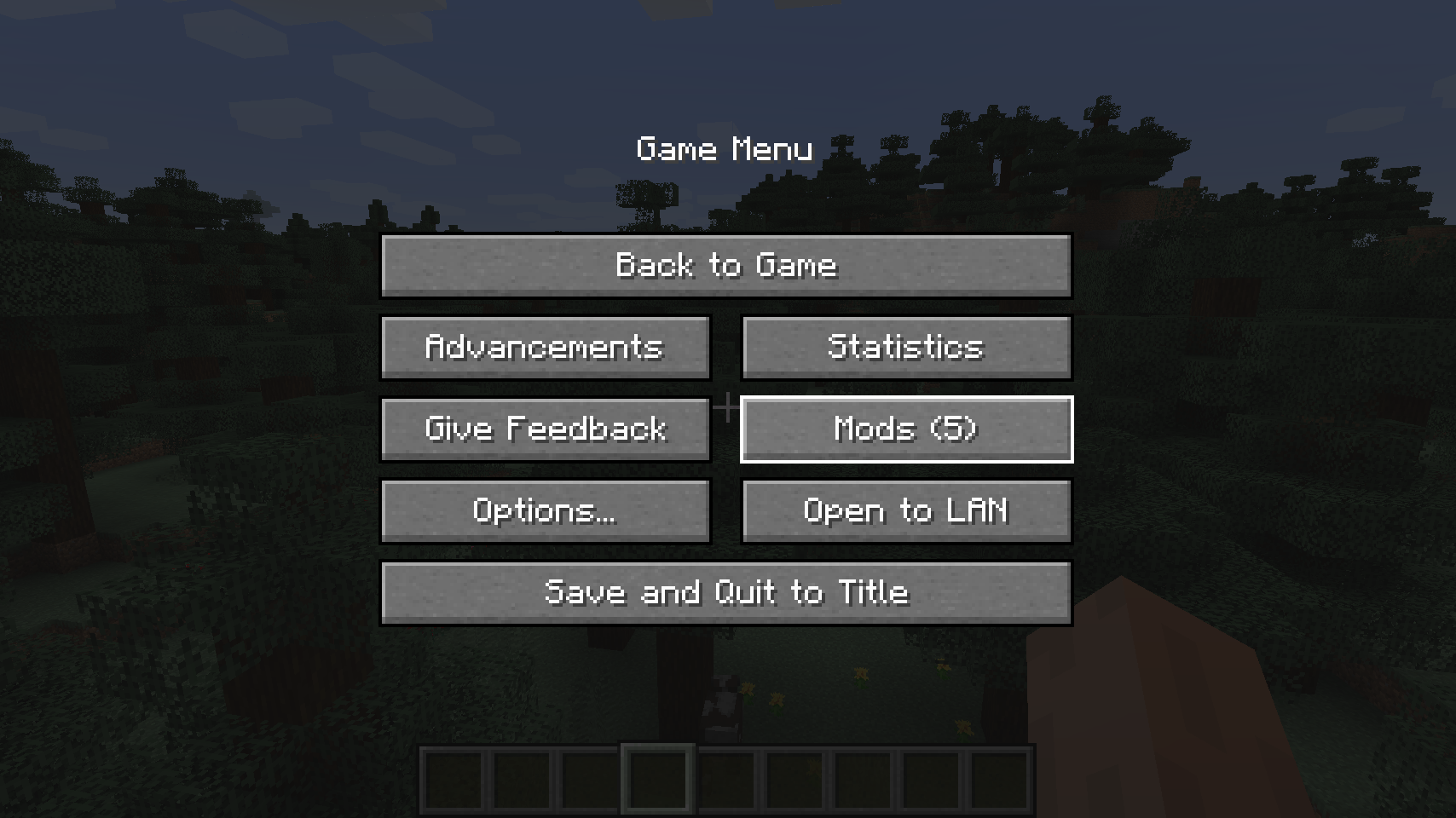
Better Mods Button adds the mods button back to the pause screen as in Forge versions prior to Minecraft 1.13, so it can be used to easily access in-game mod configuration (when available).
As a bonus, there are plenty of options for where and how exactly you want your mods button to be shown on screen (heavily inspired by Mod Menu). Showing a total mod count, as well as toggling the update notification glyph are both supported.
📷 Media:
 |
 |
|
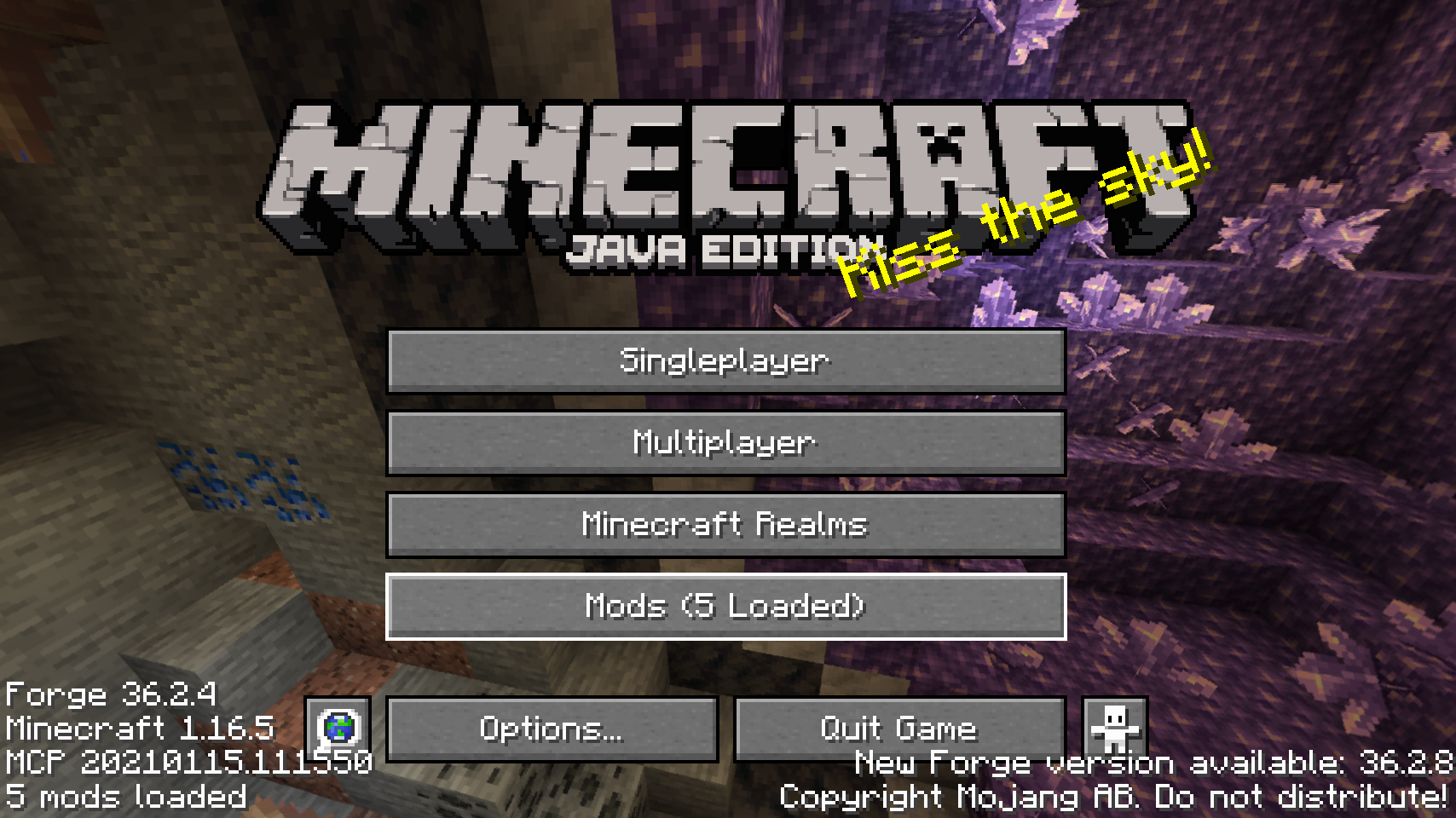
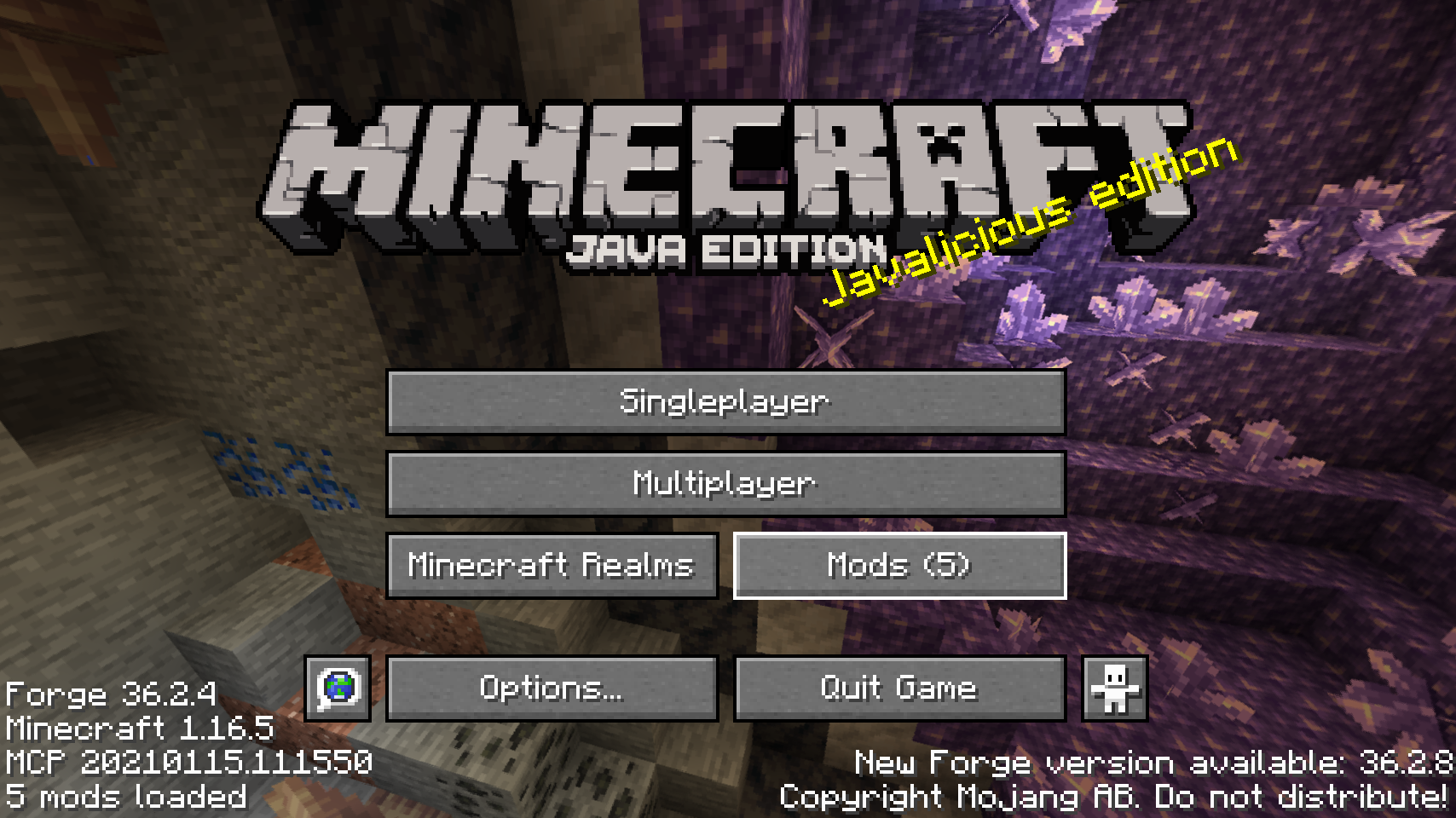
| Default mods button on title screen | One of the alternative mods button placements | |
 |
 |
|
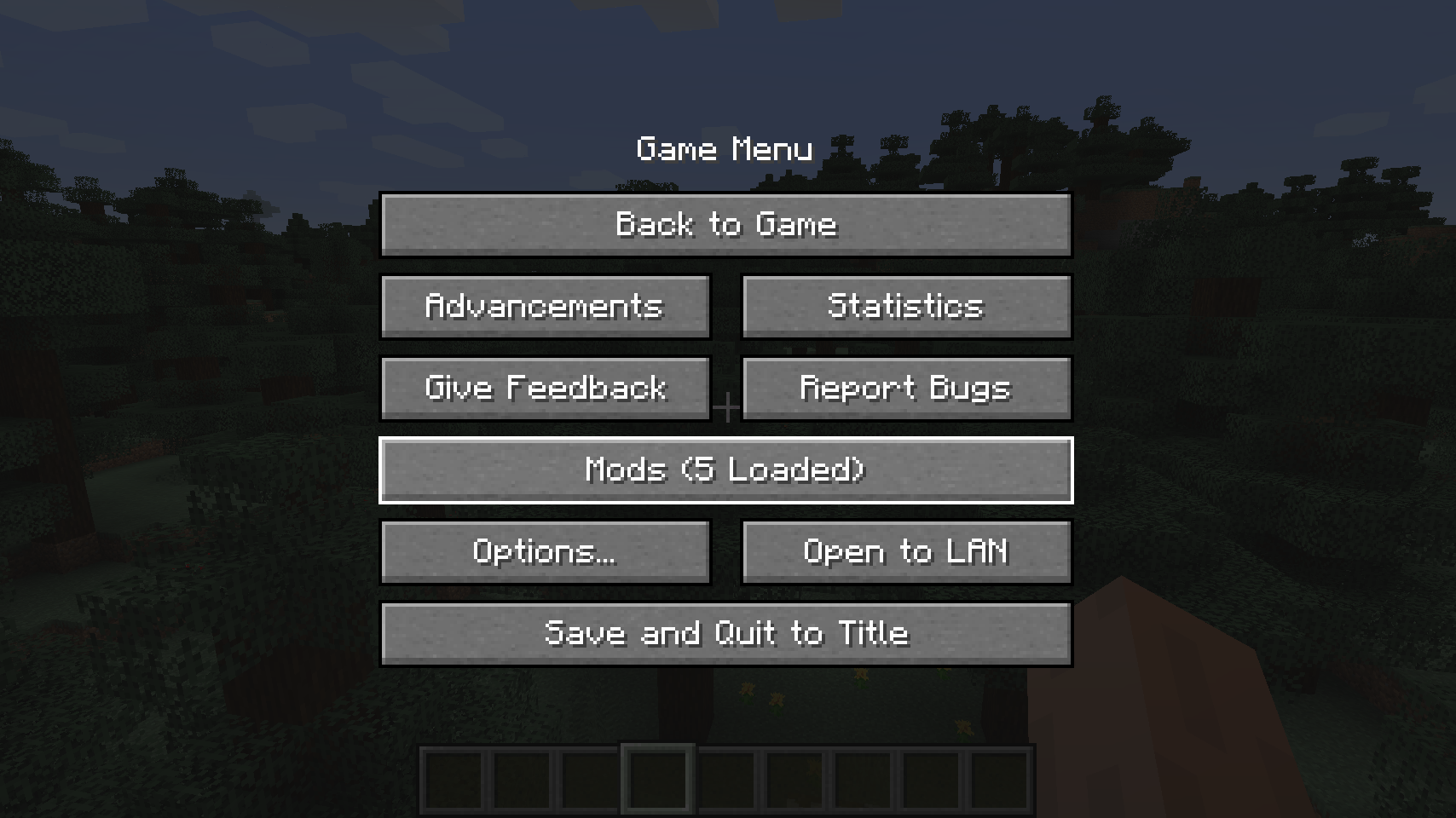
| Default mods button on pause menu | An alternative placement for the pause screen | |
 |
||
| Another alternative pause screen button placement | ||
💡 FAQ:
Q: How do I configure this mod?
A: Install my Config Menus for Forge mod and do it directly in-game!
Q: What about a Fabric port?
A: Use Mod Menu by ProspectorDev instead.
🏆 Credits:
Developing Better Mods Button was helped and inspired by:
- ProspectorDev for inspiring most of the configuration options for this mod from their Mod Menu mod







 |
 |
|
 |
 |
|
 |
 |
|
 |
 |
|
 |
 |
|
- Edition: Minecraft Java
- File type: .jar
- Minecraft versions listed: 1.21.11, 1.21.10, 1.21.9
- How to install: Install the matching mod loader (Forge, Fabric or NeoForge) for your Minecraft version. → Download the .jar. → Put it in the .minecraft/mods folder and launch that loader profile.
- Where to get it: Opens on CurseForge — not every file is mirrored on our own servers.
Install steps are the general flow for this file type — How to install Minecraft Java mods & modpacks walks through it step by step.
Better Mods Button is a free Minecraft Java mod. Compatible with Minecraft 1.21.11, 1.21.10, 1.21.9, 1.21.8 and newer. Downloaded 30,500,609 times (via CurseForge). Download it and open it directly in the game.


