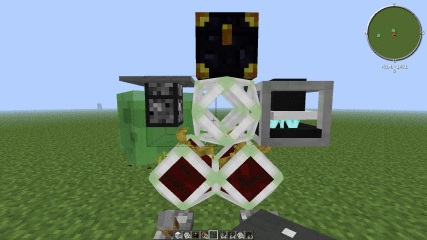
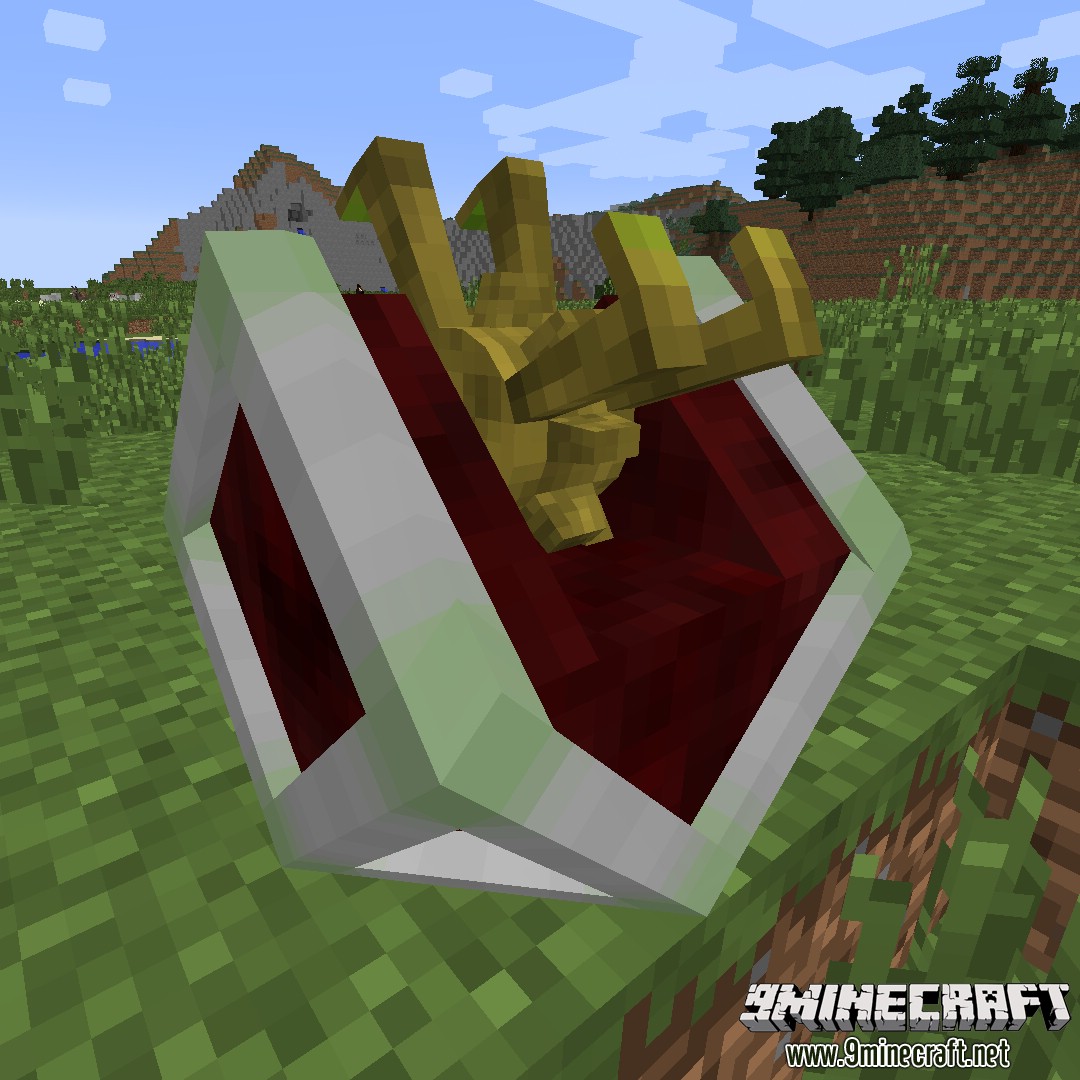
Truss Mod 1.7.10 adds motors that can move blocks and frames that can form big moving constructions.It was inspired by Red Power 2 by Eloraam.
Features:
- Motors and frames move, and all blocks render and tick while moving
- TileEntities can be moved too
- IC2, BC and TE power support.
- Tested with most mods from FTB 1.5 beta pack
- There is a per-block and per-mod moving handler configuration
- Both Immibis’s Microblocks and Chickenbones Mod are supported
- Can move multiblock structures (if configured)
How to rotate motors:
- Shift-right-click with the empty hand to change the position of the red (action) side
- Right-click with the empty hand to change the direction that the red side is facing to
Microblocks:
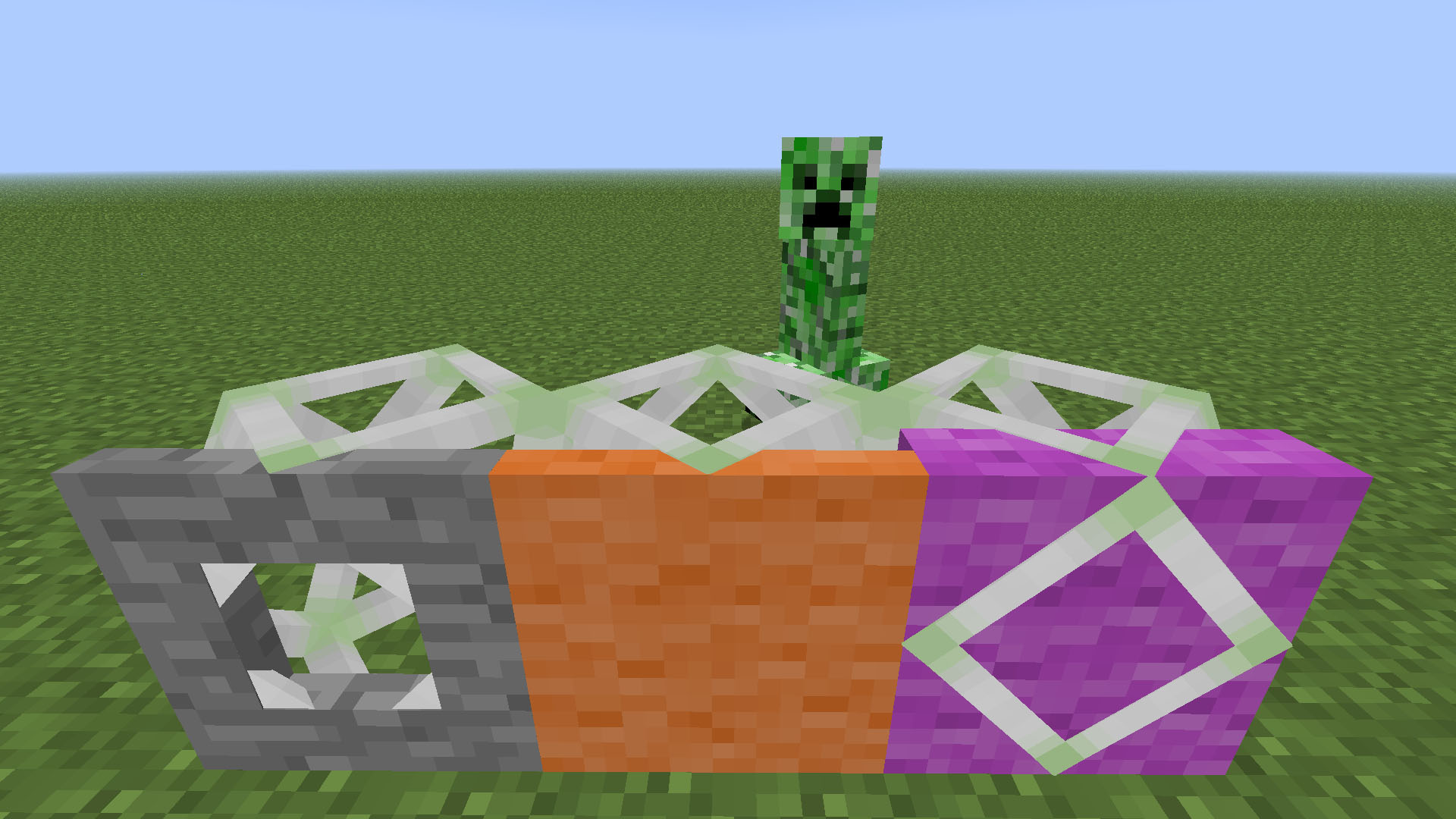
- Anything cover-thick will prevent frames from sticking, and will actually mask the frame.
- If you have microblocks, frame sides will only be solid if there are covers/panels on that side.
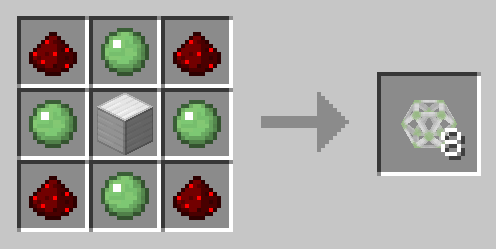
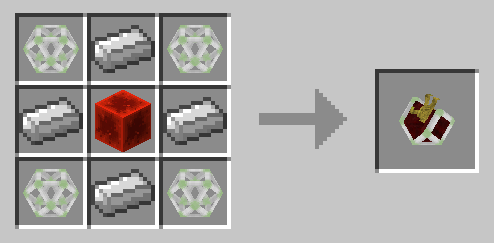
Crafting Recipes:
If you have mods with multiblock structures:
- Add corresponding block set to TrussMod.cfg
- Example: S:alveary=1382 or S:railcraft_tank=”452:0,452:1,452:2″
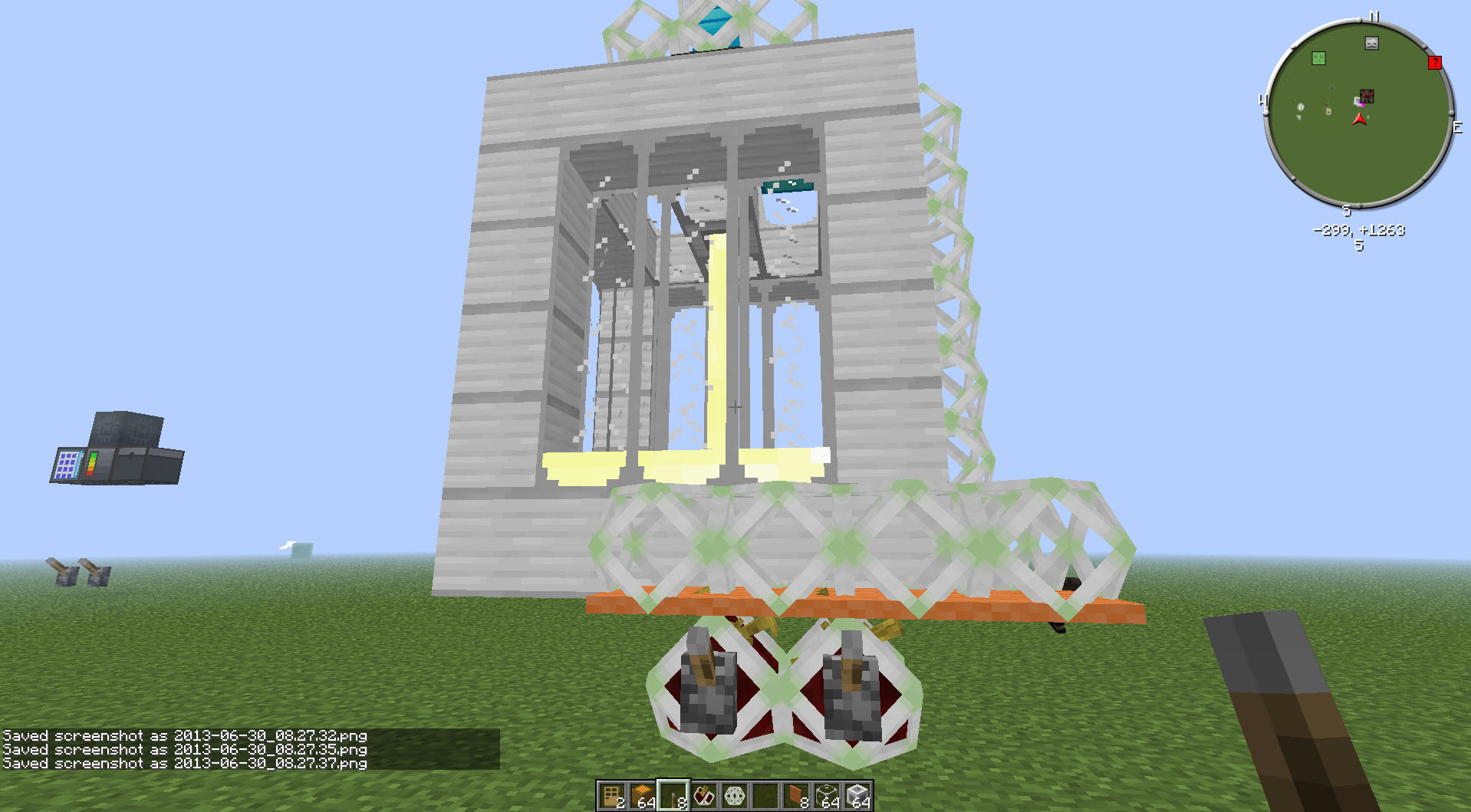
Mod Showcases:
Truss Mod 1.7.10 Download Links
For Minecraft 1.5.2
For Minecraft 1.6.2
https://dl4.cdn9mc.com/index.php?act=dl&id=1377858182
For Minecraft 1.6.4
For Minecraft 1.7.2
For Minecraft 1.7.10
Quick facts
- Edition: Minecraft Java
- File type: .jar
- How to install: Install the matching mod loader (Forge, Fabric or NeoForge) for your Minecraft version. → Download the .jar. → Put it in the .minecraft/mods folder and launch that loader profile.
- Where to get it: In MC Java Mods, or directly above on this page.
Install steps are the general flow for this file type — How to install Minecraft Java mods & modpacks walks through it step by step.
Verified by MCModsHub
- Downloads as 212813.mcaddon
- Download size: 590 KB
- Download link checked 27 Jul 2026 — working
- Mirrored on our own servers — the download does not depend on the original host
These come from our own check of the pack file, not from the source page.