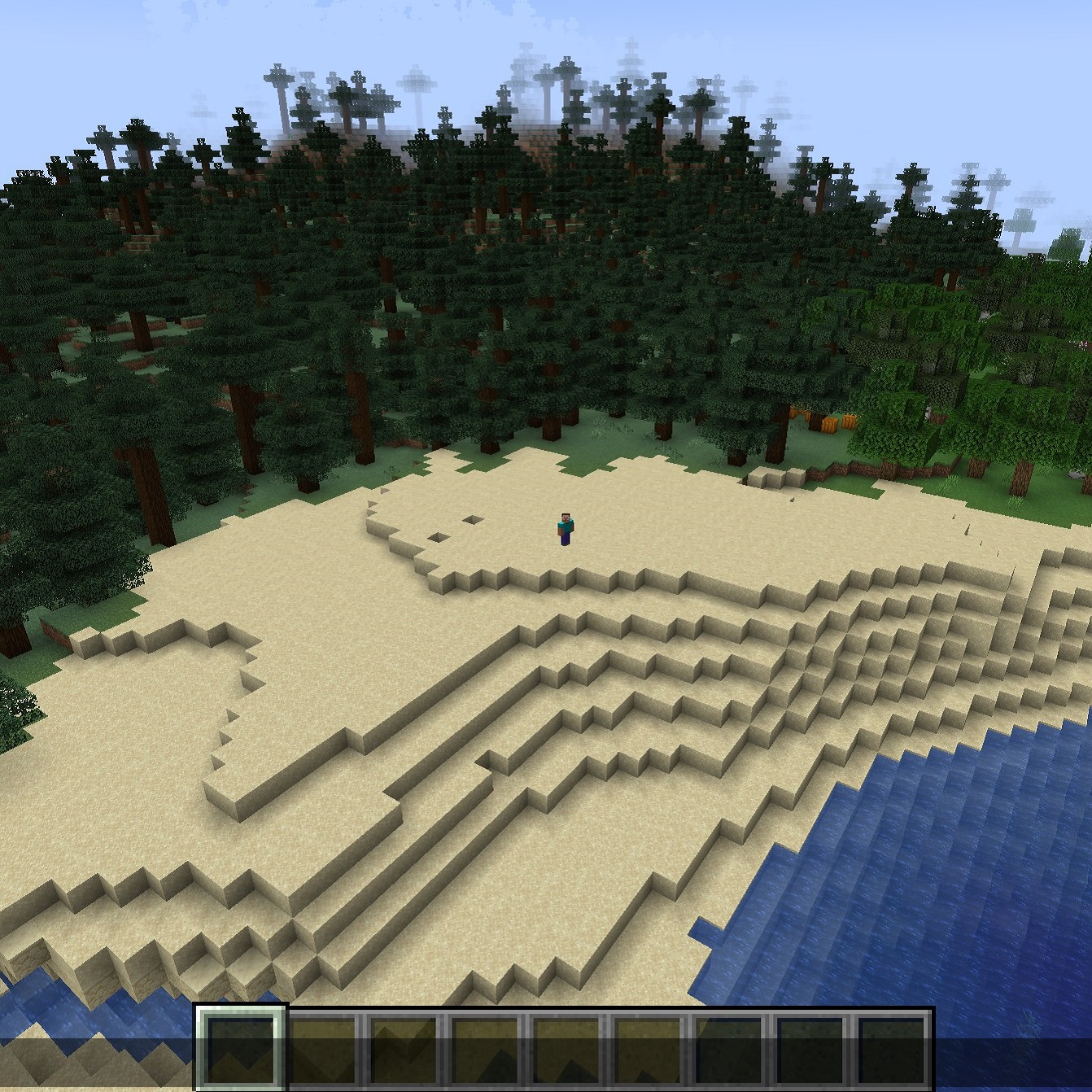
YDM'S Custom Camera View
You can change the position and rotation of the camera when you play in third person.
Or you can just make it stop following you.
Default key binds are:
UP = KEY UP
DOWN = KEY DOWN
LEFT = KEY LEFT
RIGHT = KEY RIGHT
FORWARD = KEY G
BACKWARD = KEY H
STOP CAMERA = KEY B
RESET CAMERA = KEY V
ROTATE JAW PLUS = KEY I
ROTATE JAW MINUS = KEY U
ROTATE PITCH PLUS = KEY K
ROTATE PITCH MINUS = KEY J
You can change these in your key binds option.
You are free to use it in any modpacks, you don't have to ask for permission,
just put it in the related projects.
Thanks for downloading this mod!

- Edition: Minecraft Java
- File type: .jar
- Minecraft versions listed: 1.21.8, 1.21.7, 1.21.6
- How to install: Install the matching mod loader (Forge, Fabric or NeoForge) for your Minecraft version. → Download the .jar. → Put it in the .minecraft/mods folder and launch that loader profile.
- Where to get it: Opens on CurseForge — not every file is mirrored on our own servers.
Install steps are the general flow for this file type — How to install Minecraft Java mods & modpacks walks through it step by step.
YDM's Custom Camera View is a free Minecraft Java mod. Compatible with Minecraft 1.21.8, 1.21.7, 1.21.6, 1.21 and newer. Downloaded 301,931 times (via CurseForge). Download it and open it directly in the game.