
Create Custom Commands
Java mod listed for Minecraft 1.16–1.21. Download on the author's site.
⬇ Download on CurseForgeTired because your typing skill is so slow? because commands too long? or because your keyboard crashed? This is what you need.
Features:
- This mod allows you to create your custom commands in game, with simple text and speed up your time
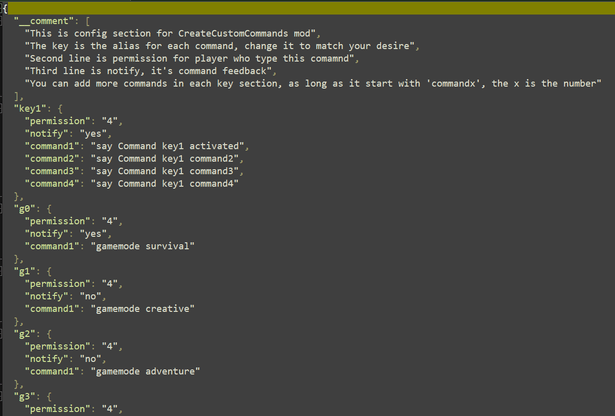
- You can config op-permission require to use for each command. (The op permission normally is 4)
- You can toggle feedback's notification of each command (normally yes)
- You can bind many commands to one key word
- Unlimited commands, you can add as many as you want
- Config is super easy to use
Update v1.2:
- Make server compatible, you just have to install on server only, can be usefor vanilla client
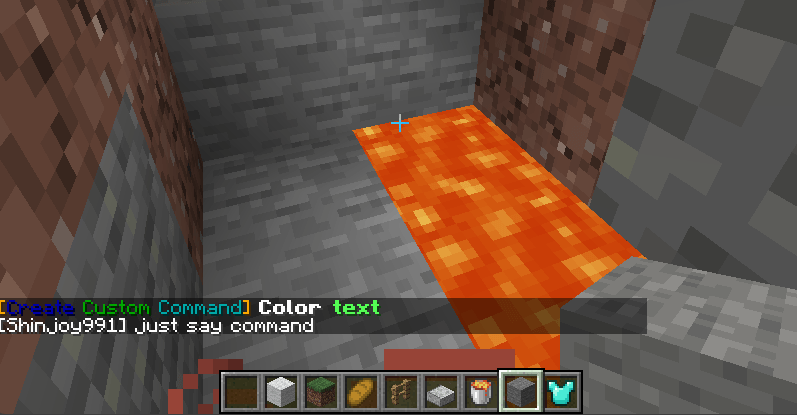
- Customize your commands's feedback, player will receive message base on your custom instead of vanilla one
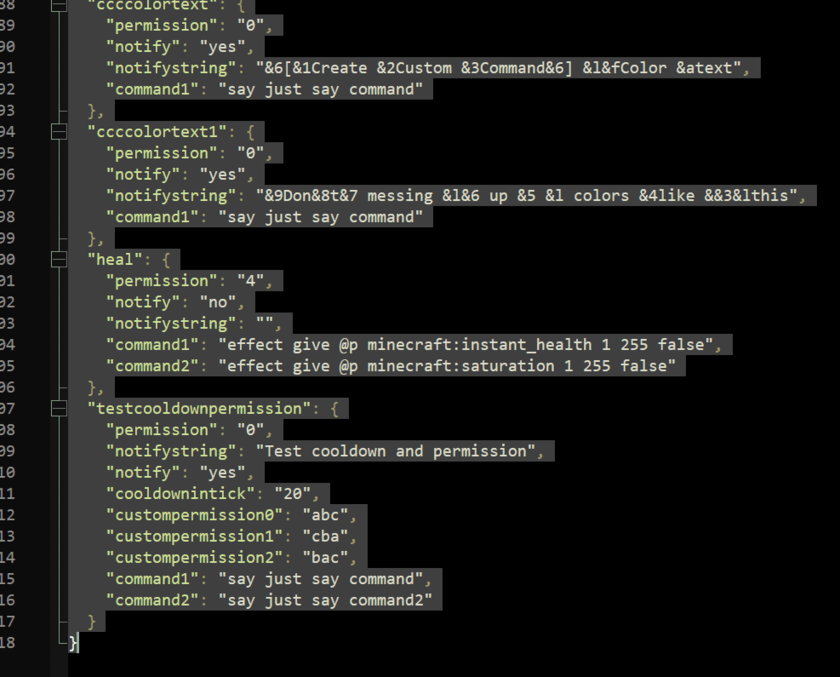
- Custom command's feedback can be colored, use minecraft color codes "&"
- Player don't have permission will not see or type command
Update v2.0:
- add http, just use http in notify string
- add cooldown for command
- add custom permission using LuckPerms, can be use multiple permissions
(If permission string is "abc" it's match /lp user <name> permission set abc true")
Some pre-definition:
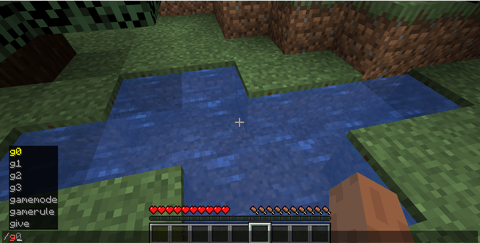
- /g0 : gamemode survival
- /g1 : gamemode creative
- /g2 /g3
- /d0 : difficulty peacefull
- /d1 : difficulty easy
- /d2 : difficulty normal
- /d3 : difficulty hard
- /d : time set day
- /n : time set night
- /k : kill all entity EXCEPT players
- /ki : kill all items
- /km : kill all mobs
- /wea : clear sky
- /heal: full heath and sarturation
Notes:
- Reload game or server to take new effect
- Check careful in your config, delete it may solve problem
Pictures: (Make sure you know how to open and edit config file, just take 5-10 mins)
Config:
In game:
- Edition: Minecraft Java
- File type: .jar
- Minecraft versions listed: 1.16.5, 1.18.1, 1.18.2
- How to install: Install the matching mod loader (Forge, Fabric or NeoForge) for your Minecraft version. → Download the .jar. → Put it in the .minecraft/mods folder and launch that loader profile.
- Where to get it: Opens on CurseForge — not every file is mirrored on our own servers.
Install steps are the general flow for this file type — How to install Minecraft Java mods & modpacks walks through it step by step.
Create Custom Commands is a free Minecraft Java mod. Compatible with Minecraft 1.16.5, 1.18.1, 1.18.2, 1.18 and newer. Downloaded 149,536 times (via CurseForge). Download it and open it directly in the game.